




How to use this journal for your store
If you are comparing interactive kiosks, product display stands or a mix of both, start here. Each article is written for real retail conditions in South Africa, from busy centres in Johannesburg and Pretoria to mall sites in Cape Town, Durban and Bloemfontein.
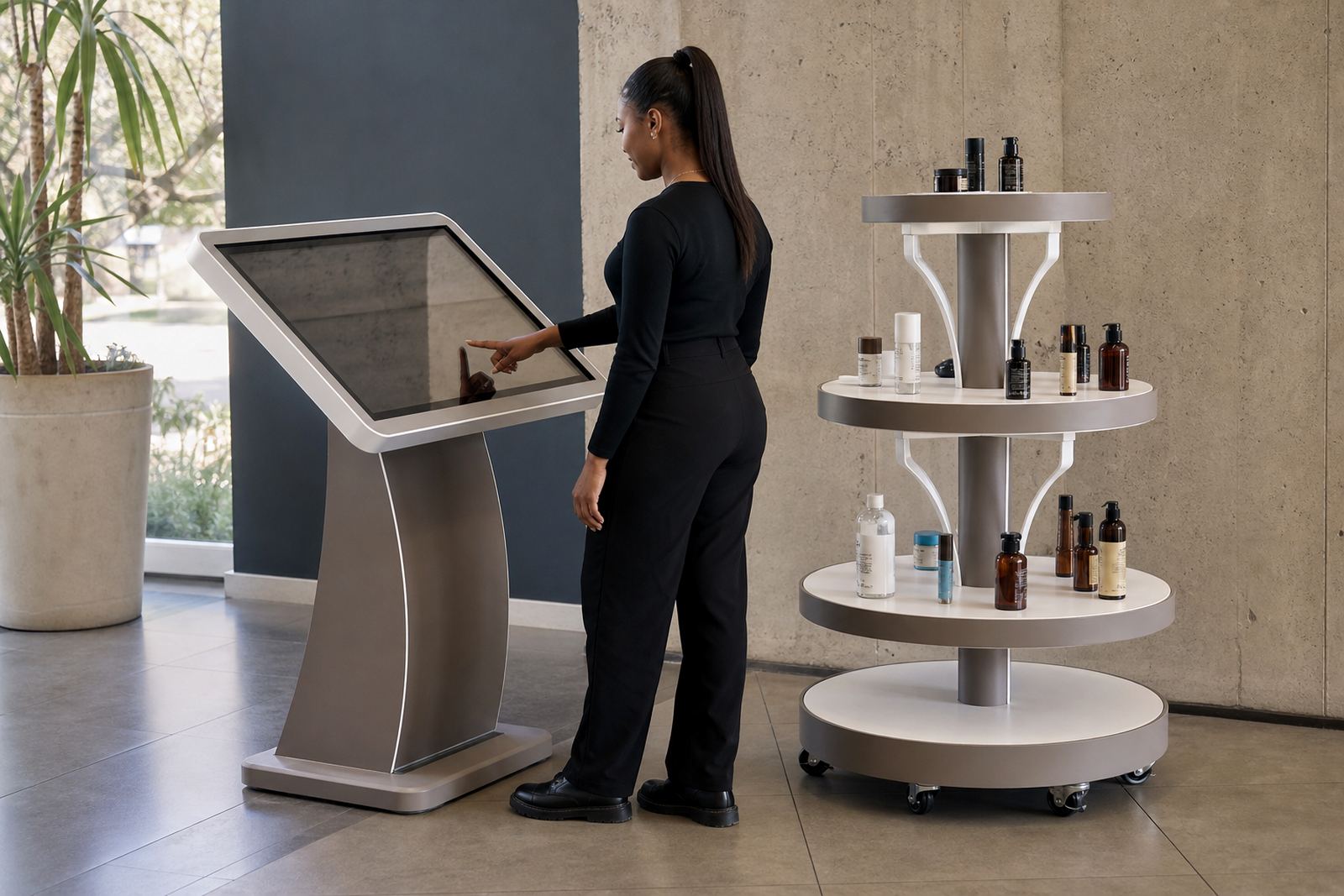
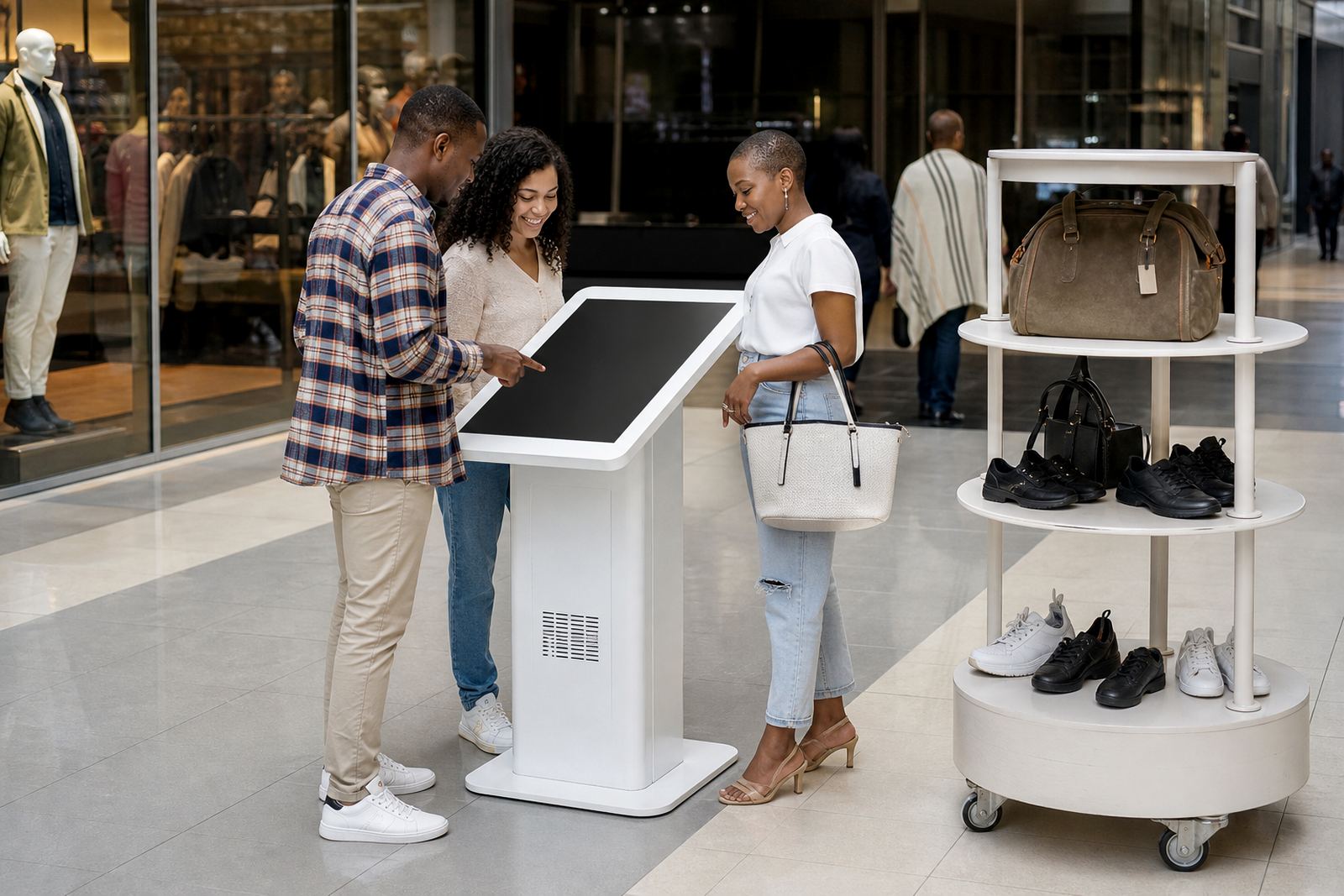
Use the journal to narrow down what you need before you ask for a site assessment. A small convenience store may need a compact touchscreen point near till queues, while a larger showroom might need a 360-degree stand that lets shoppers inspect packaging, finishes or accessories without handling stock.
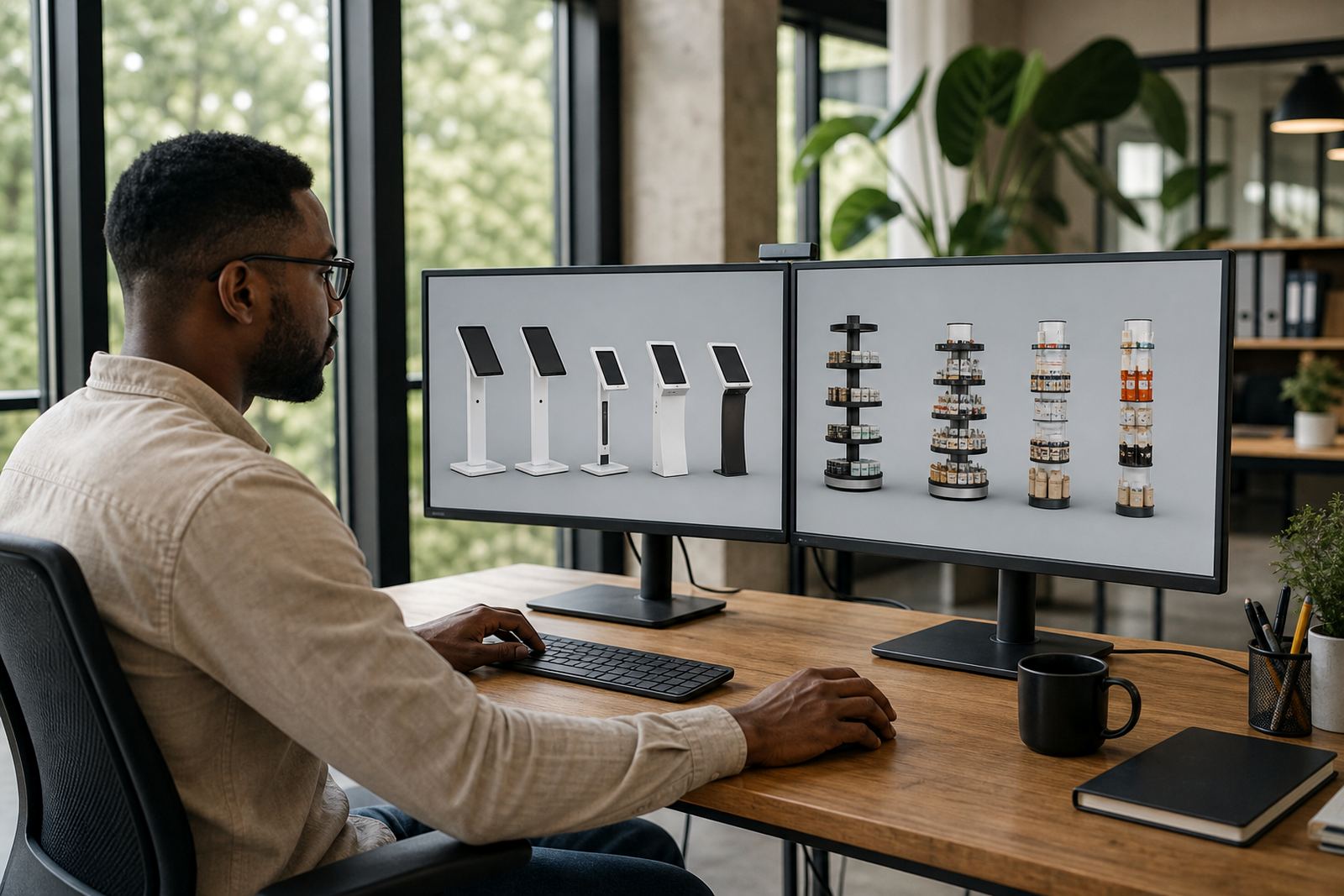
Choosing between a kiosk and a display stand
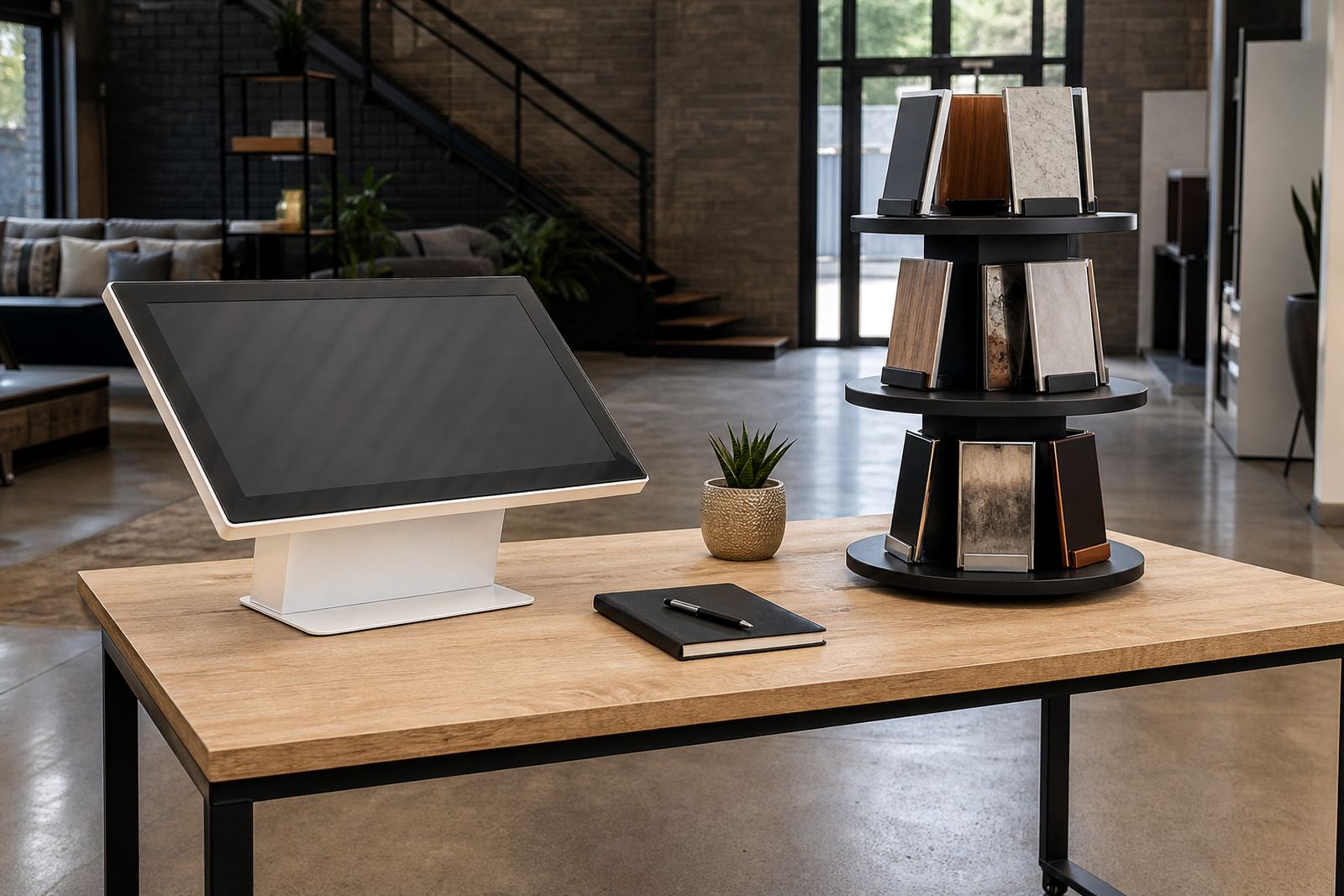
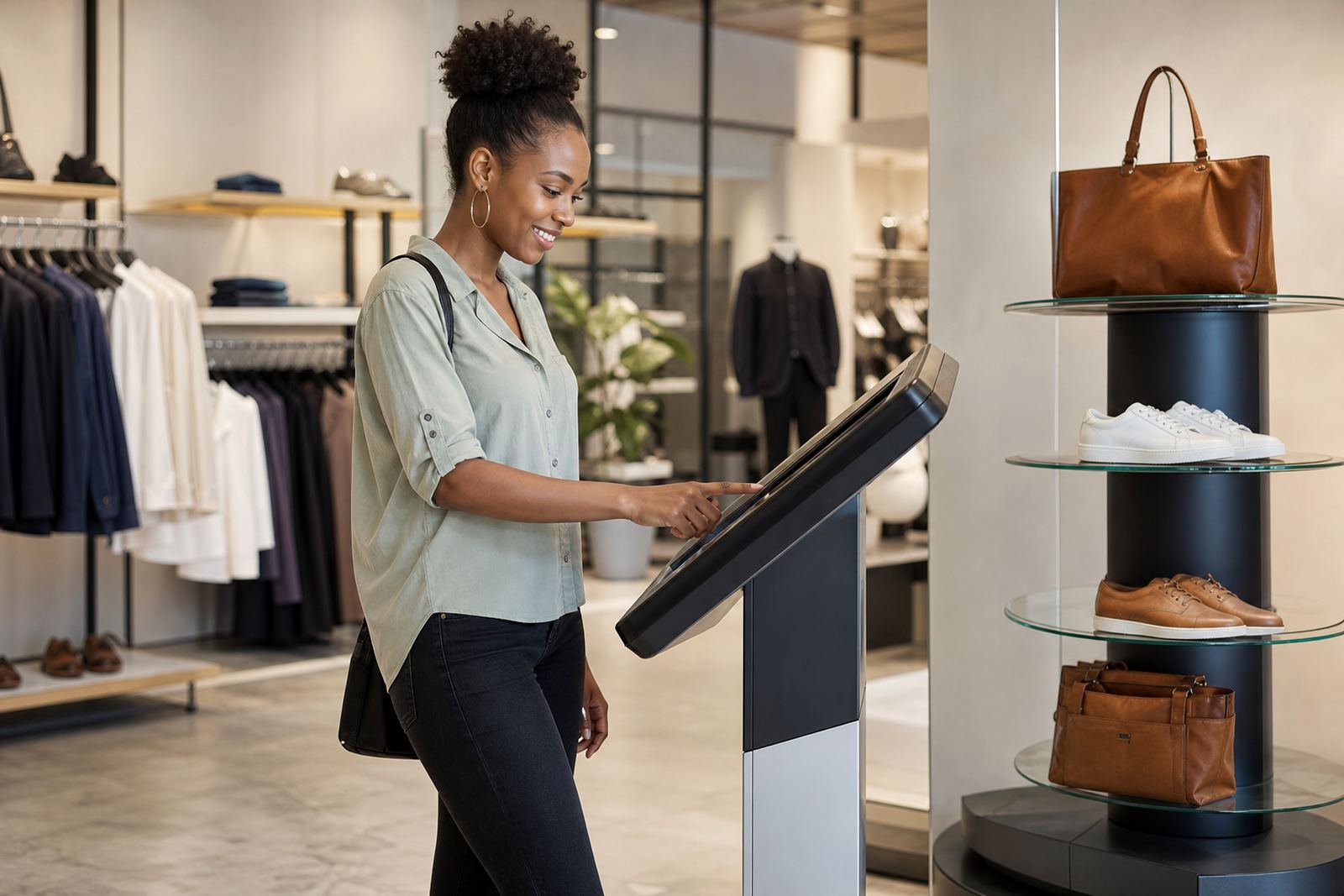
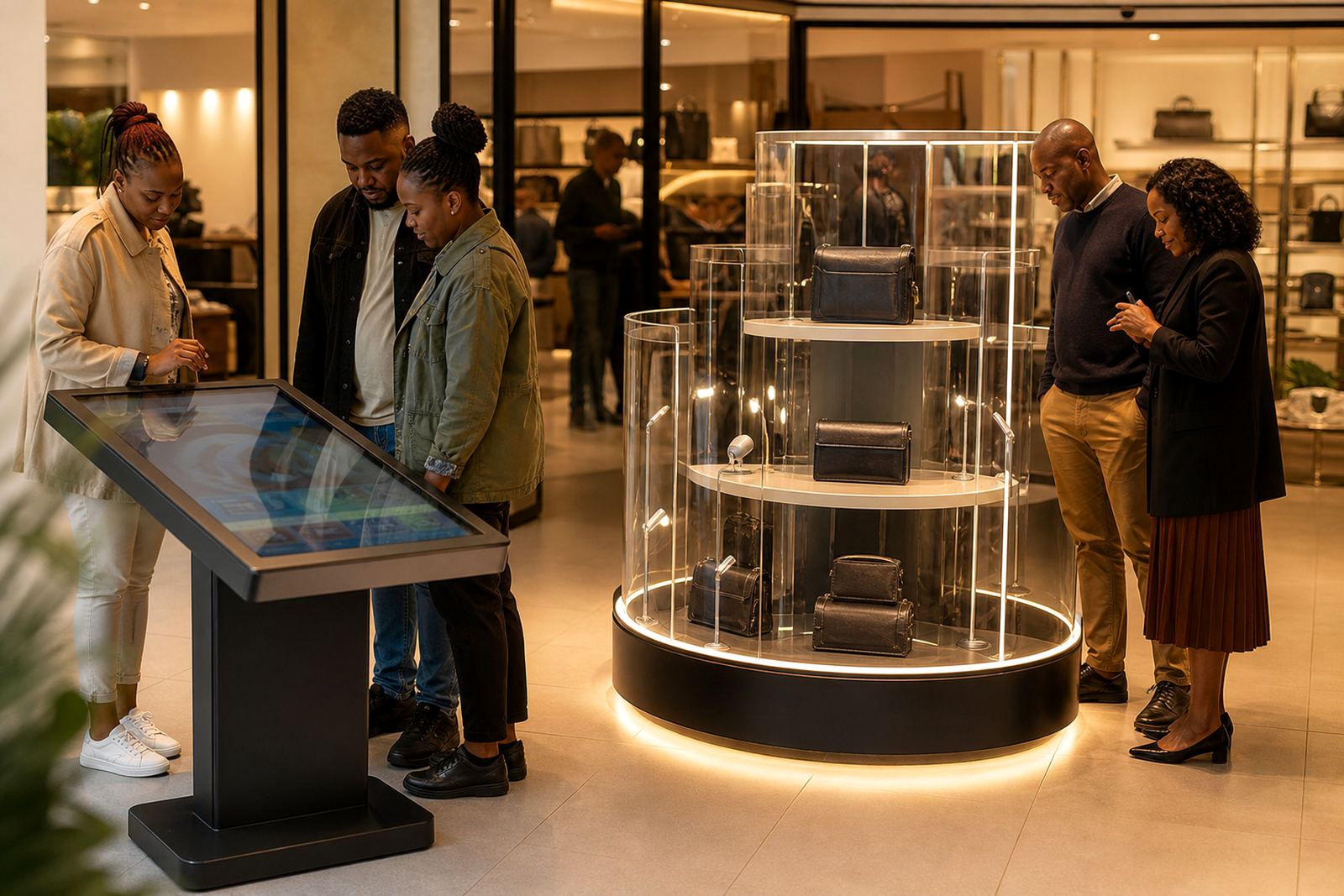
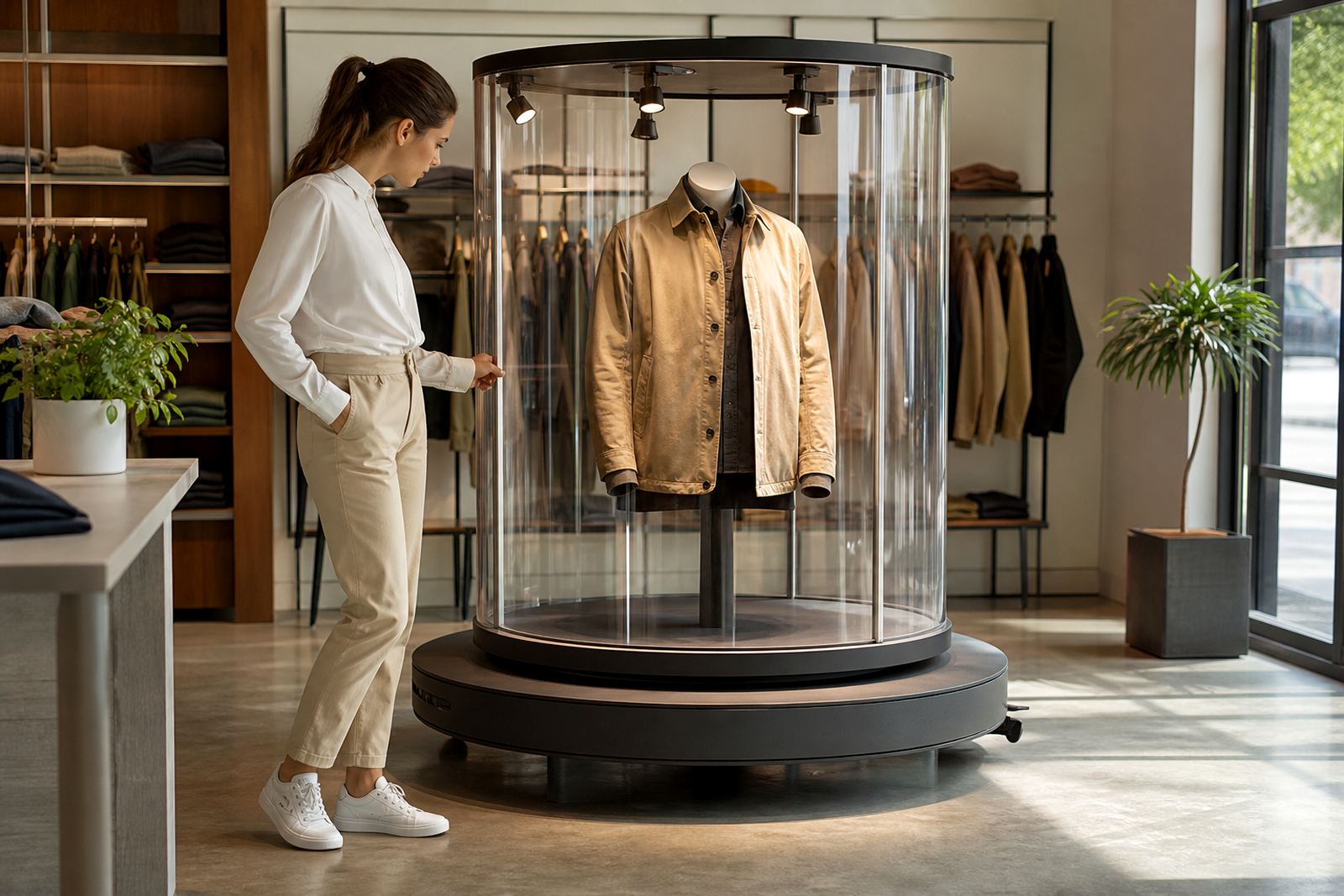
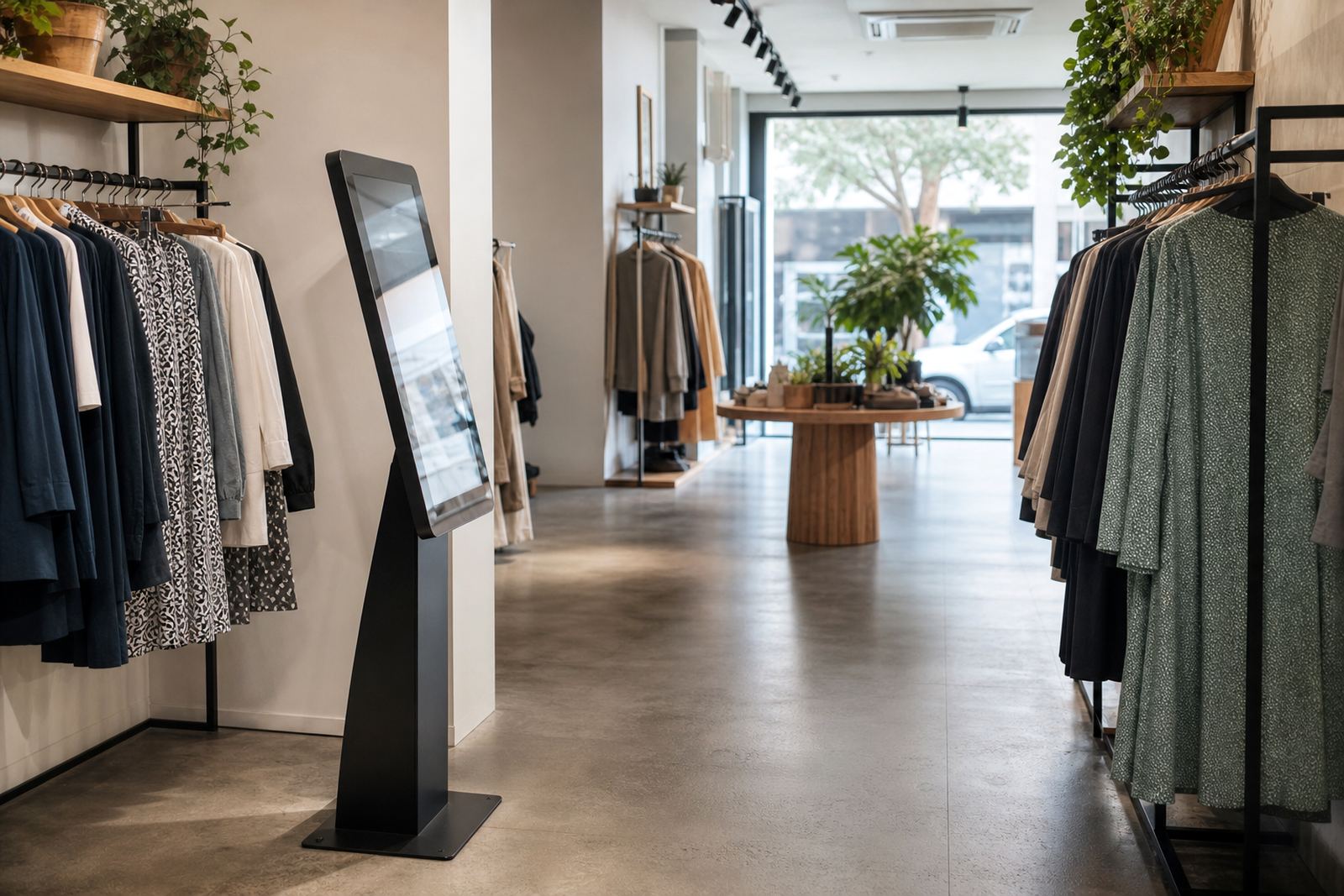
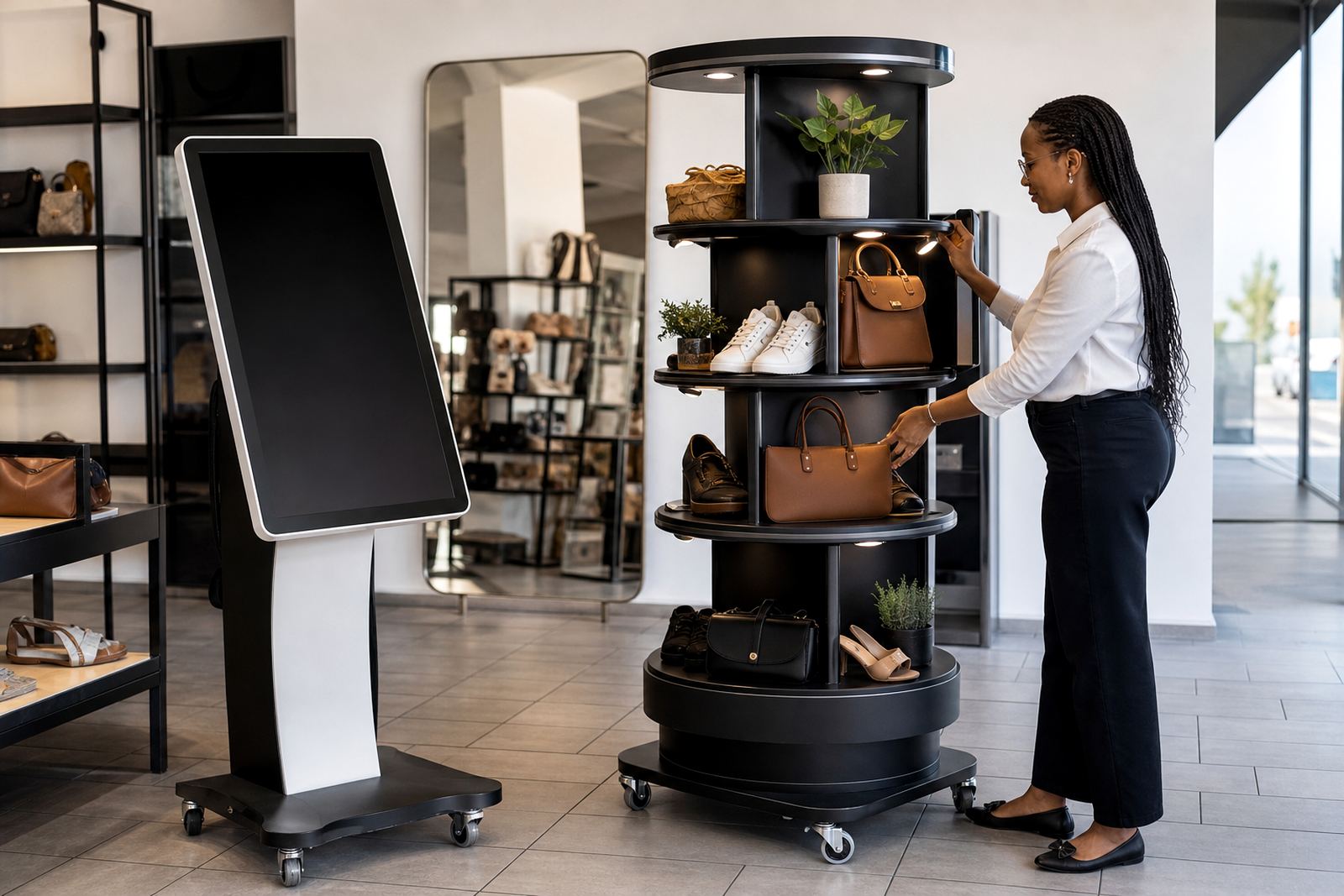
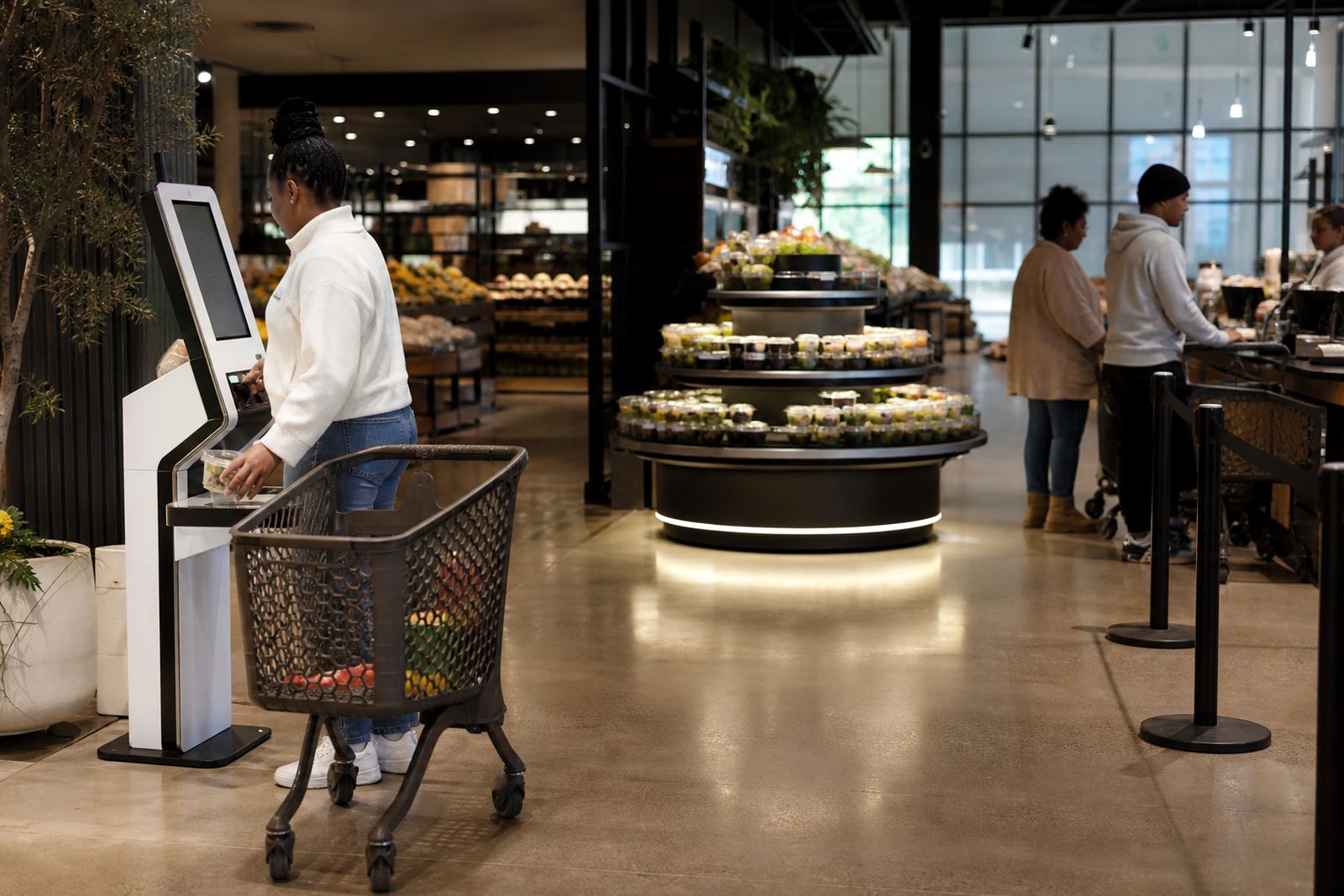
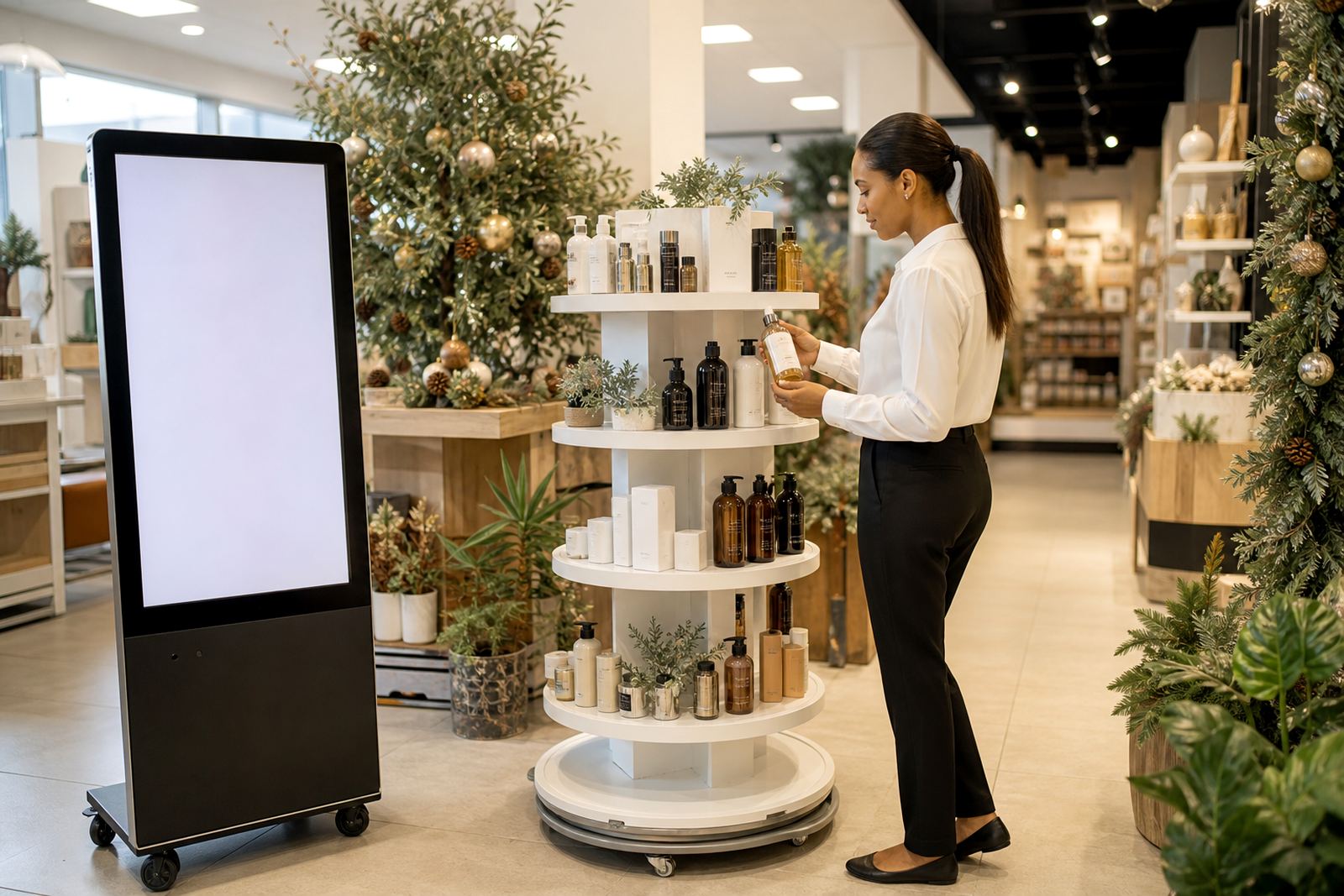
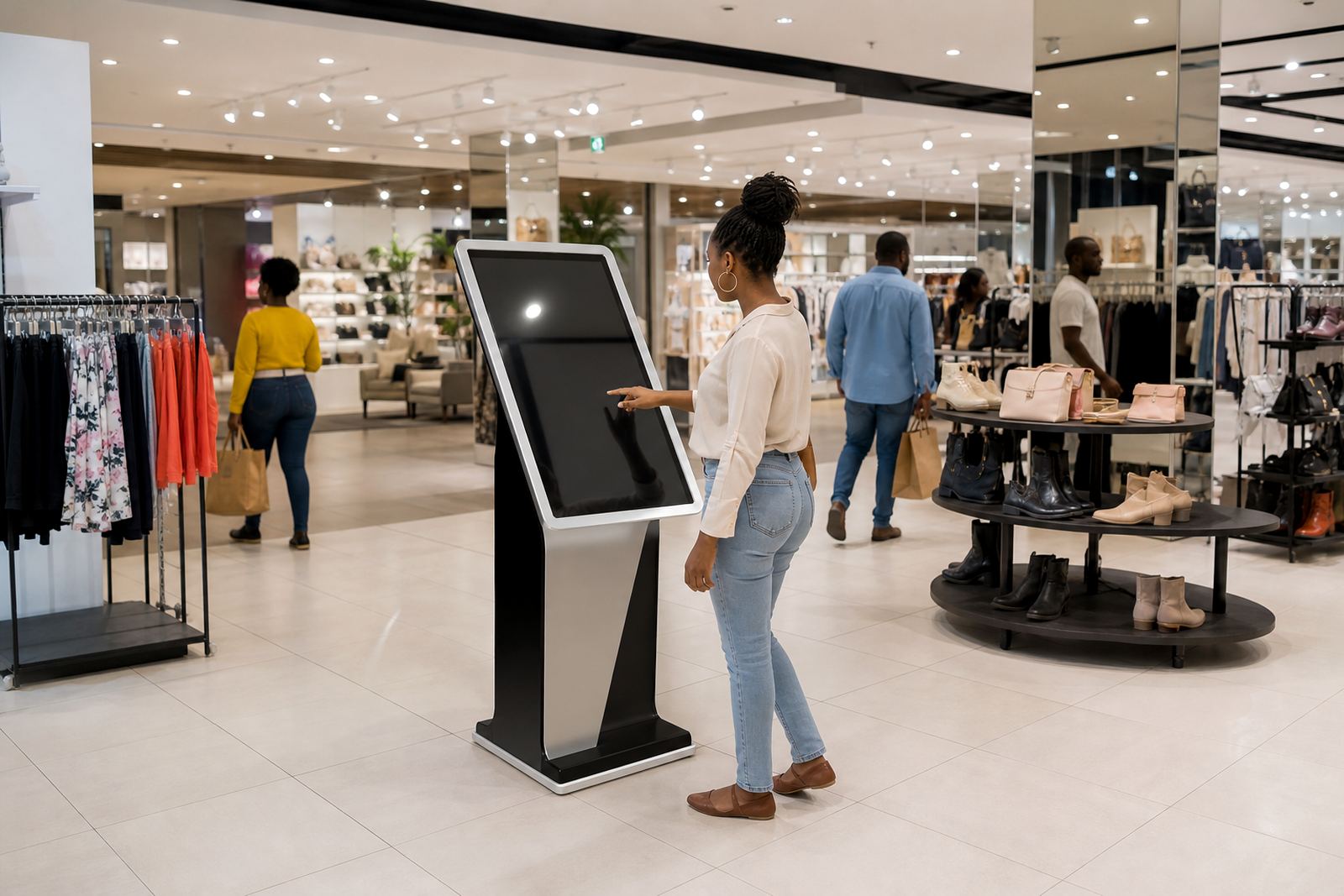
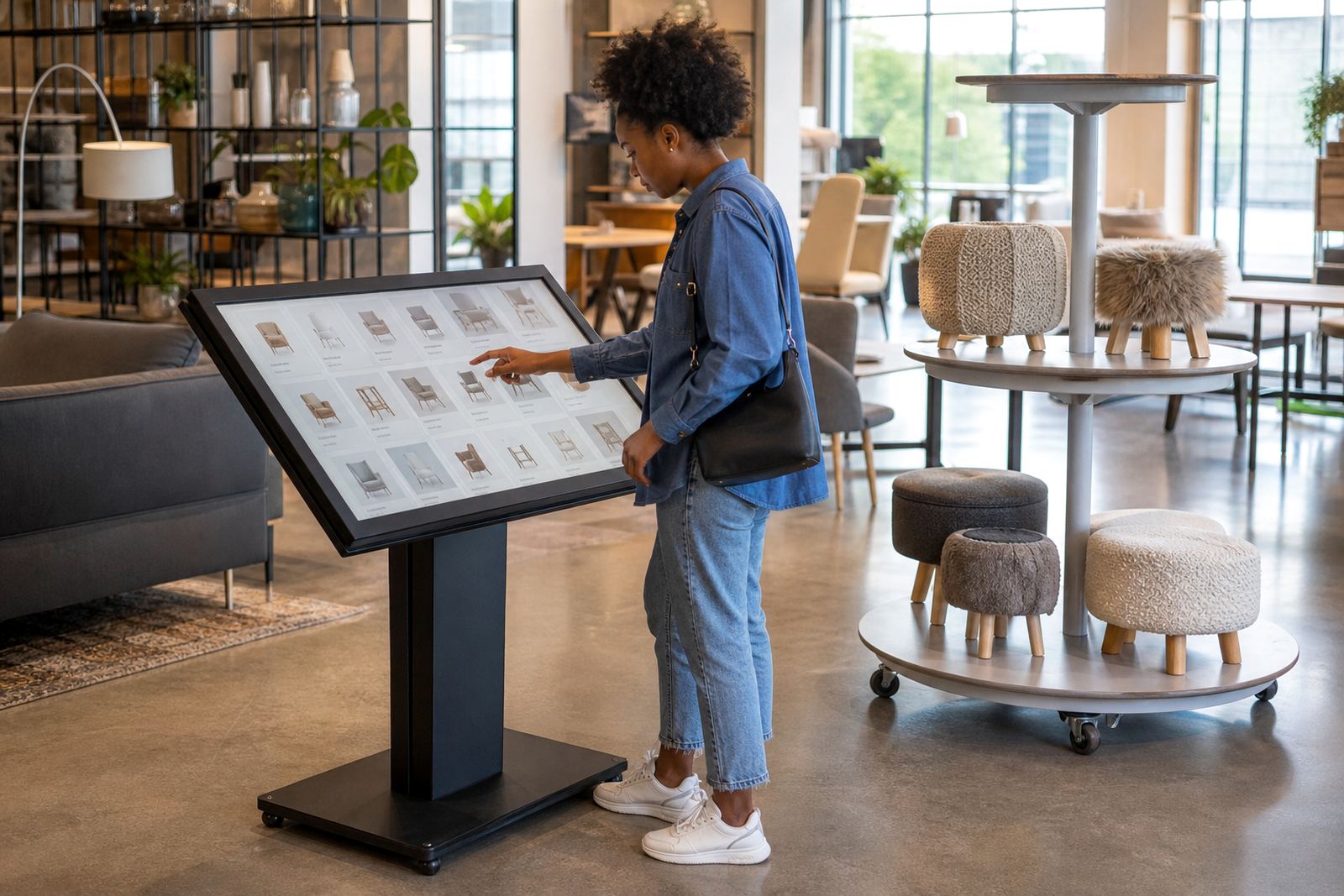
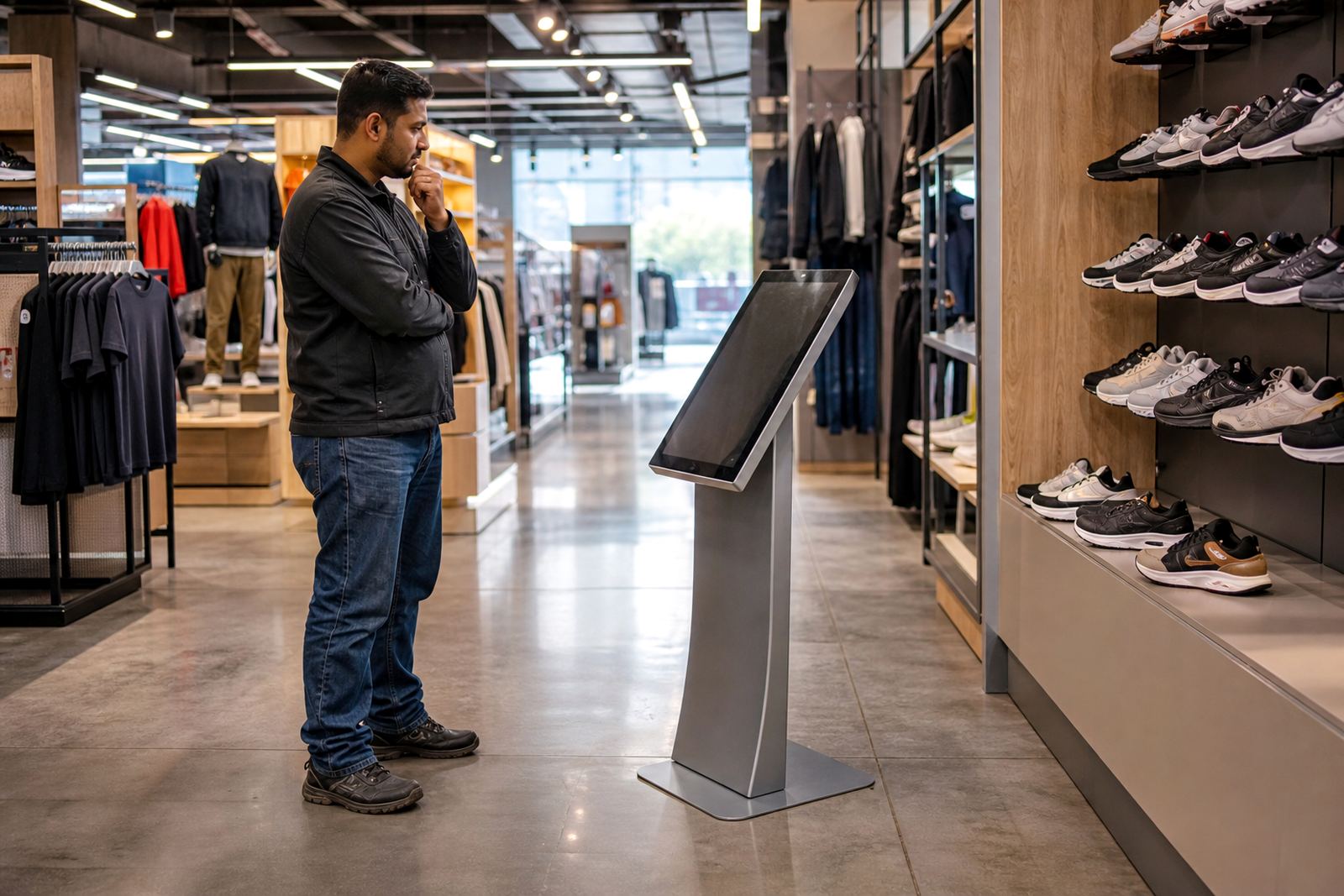
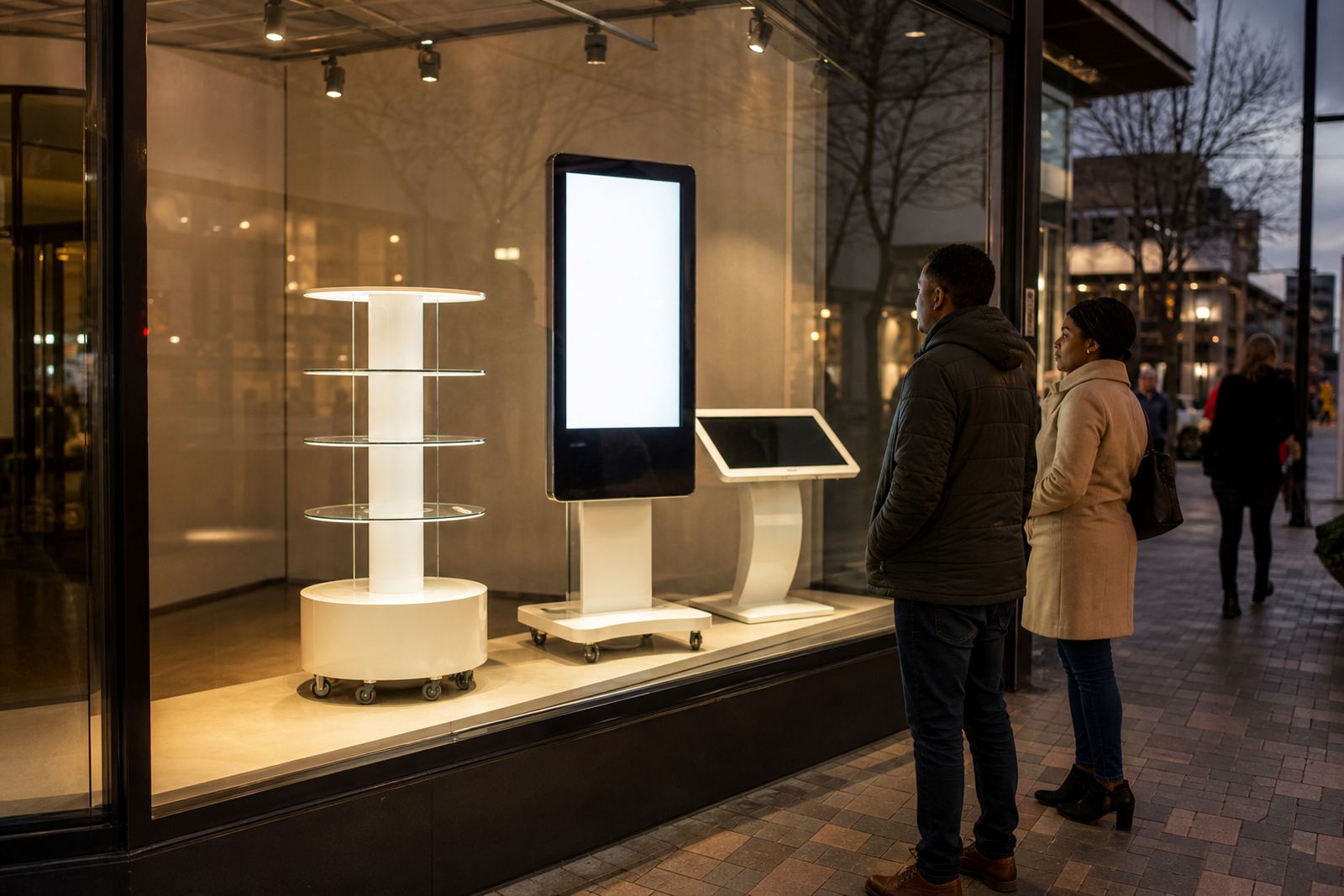
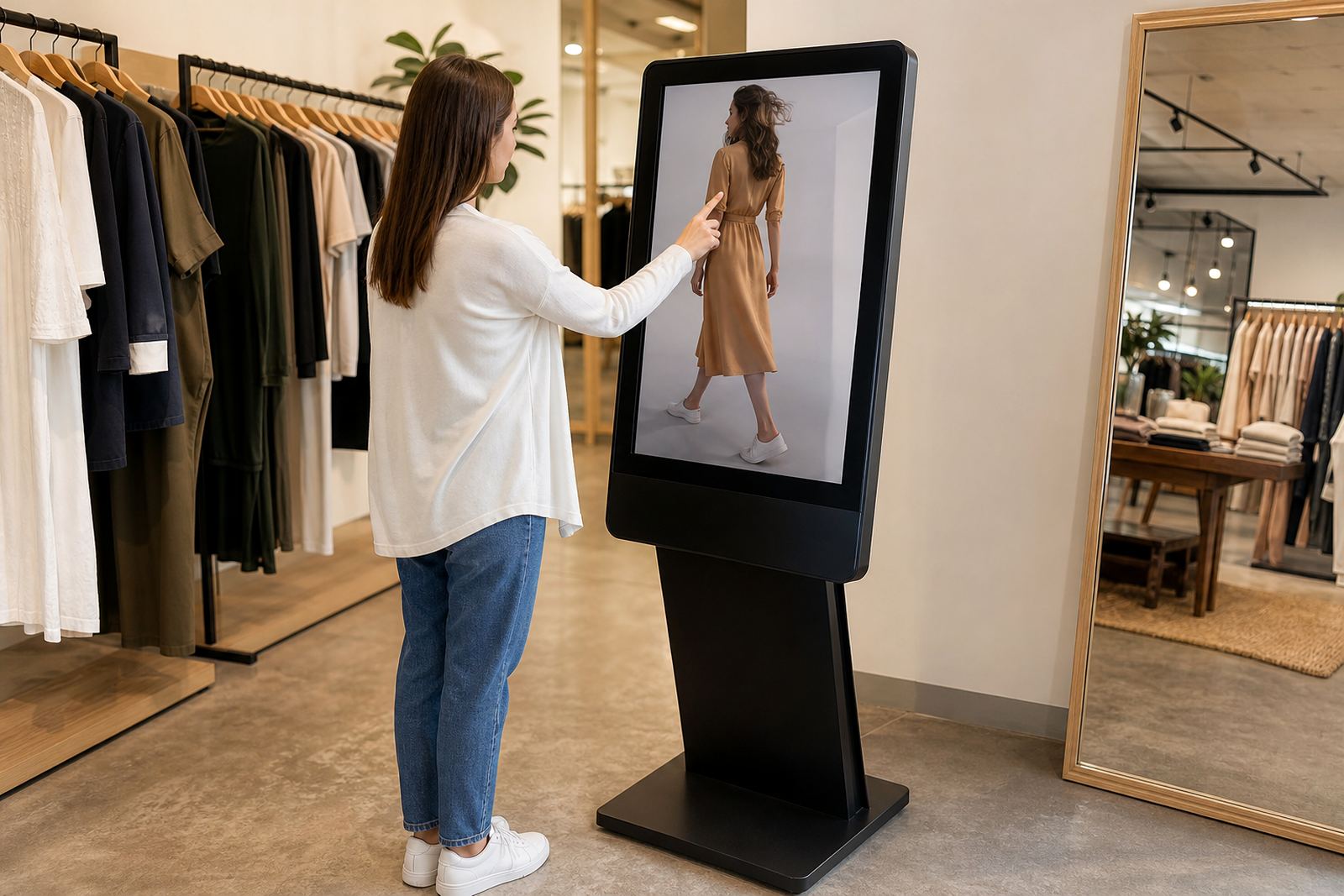
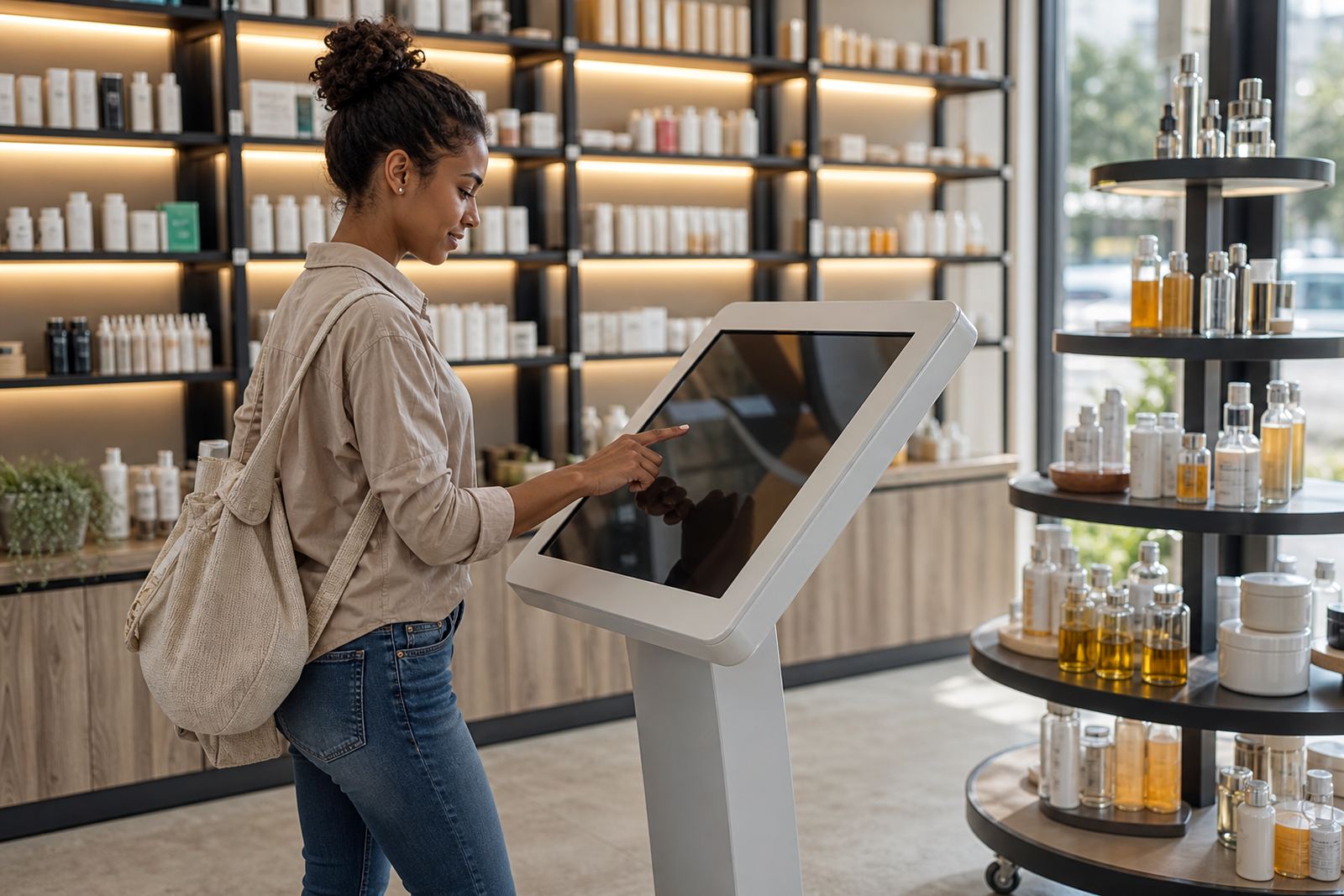
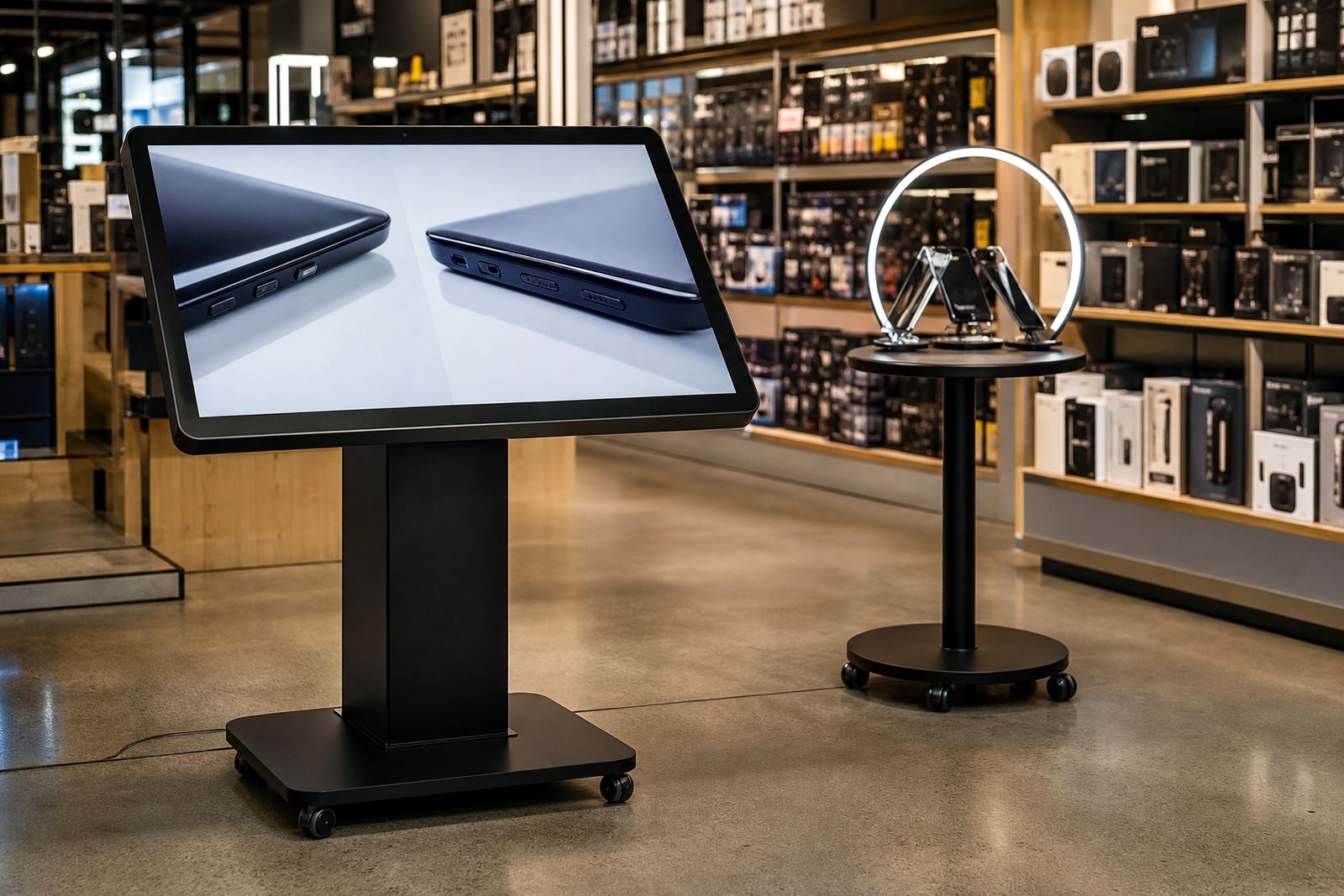
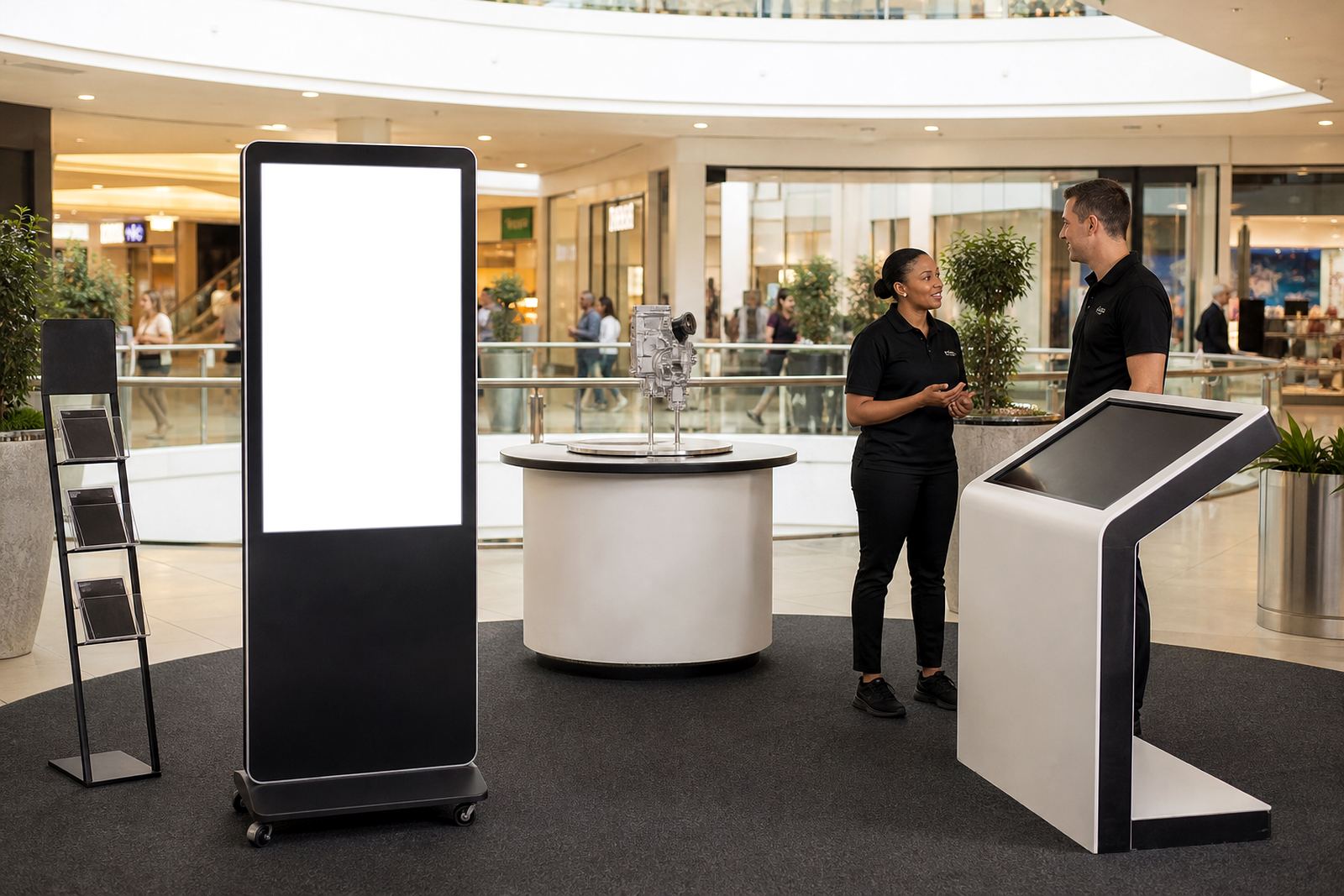
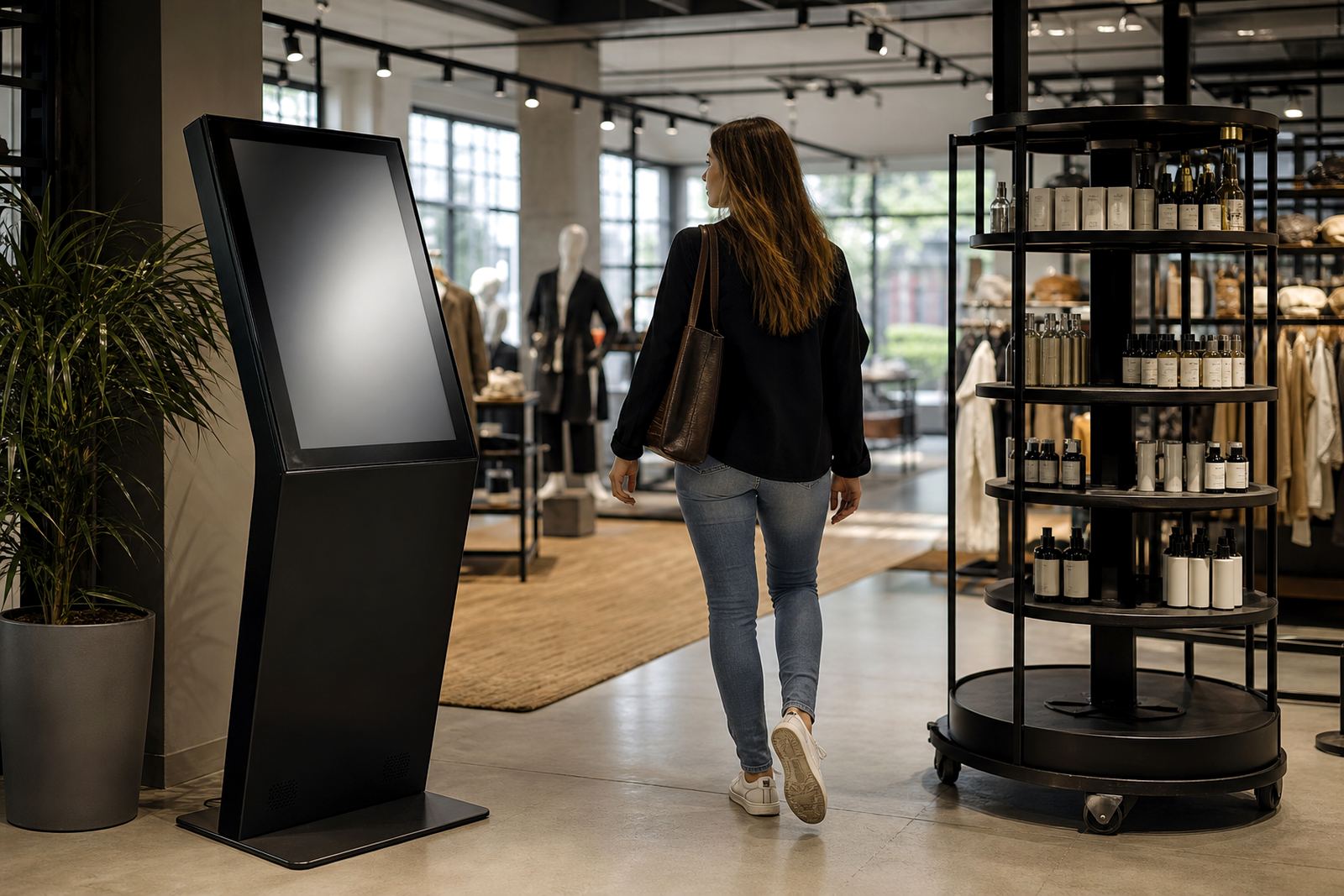
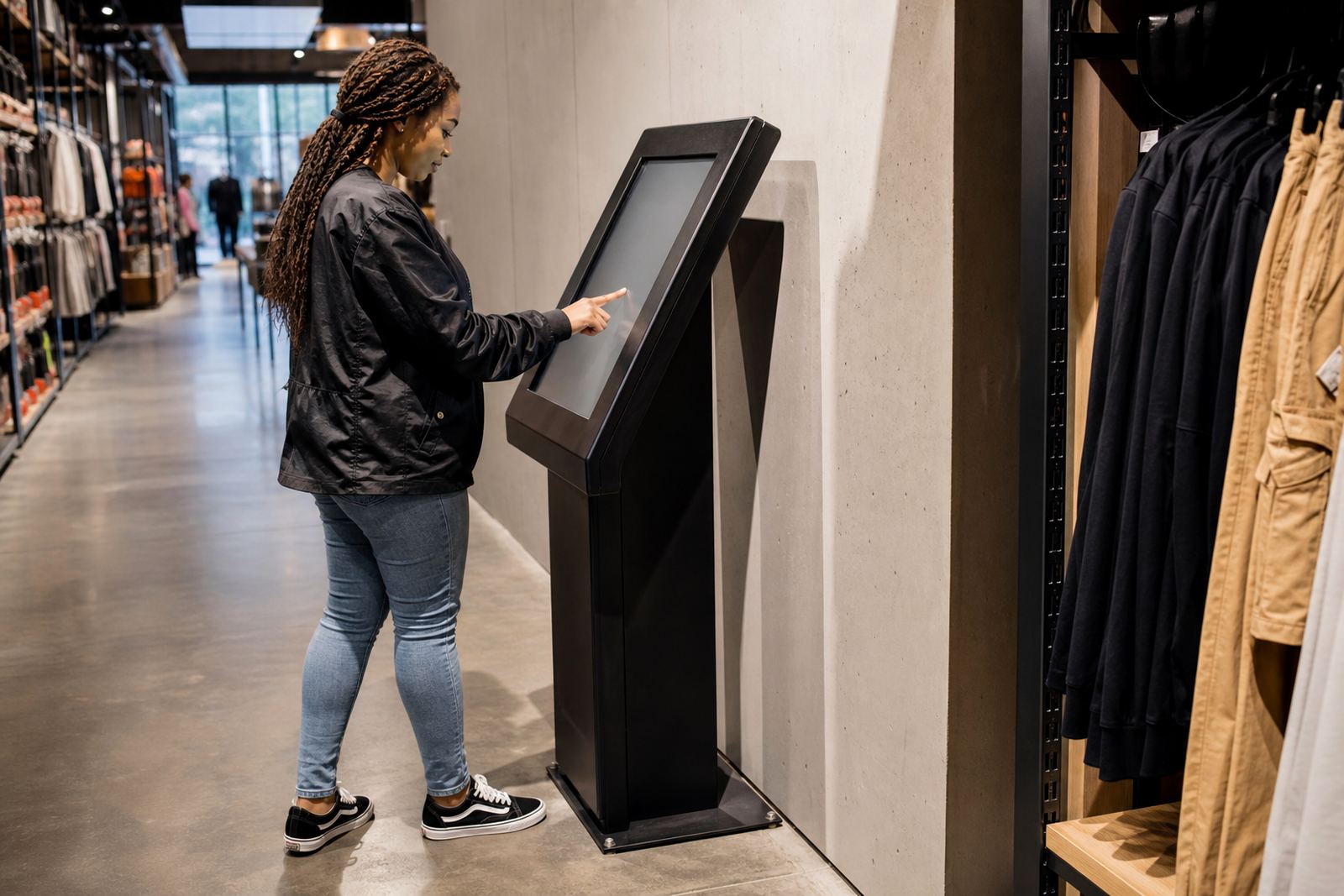
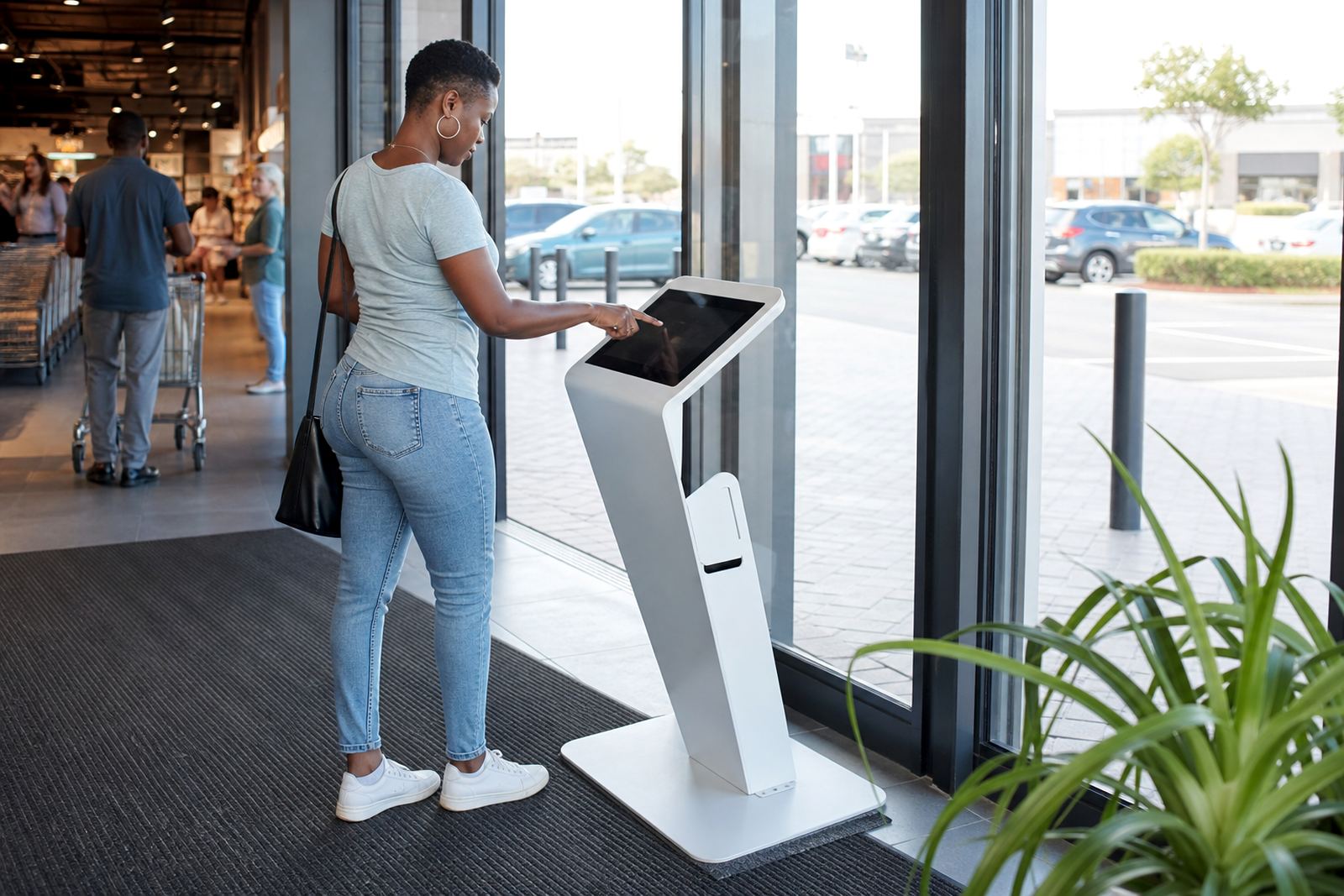
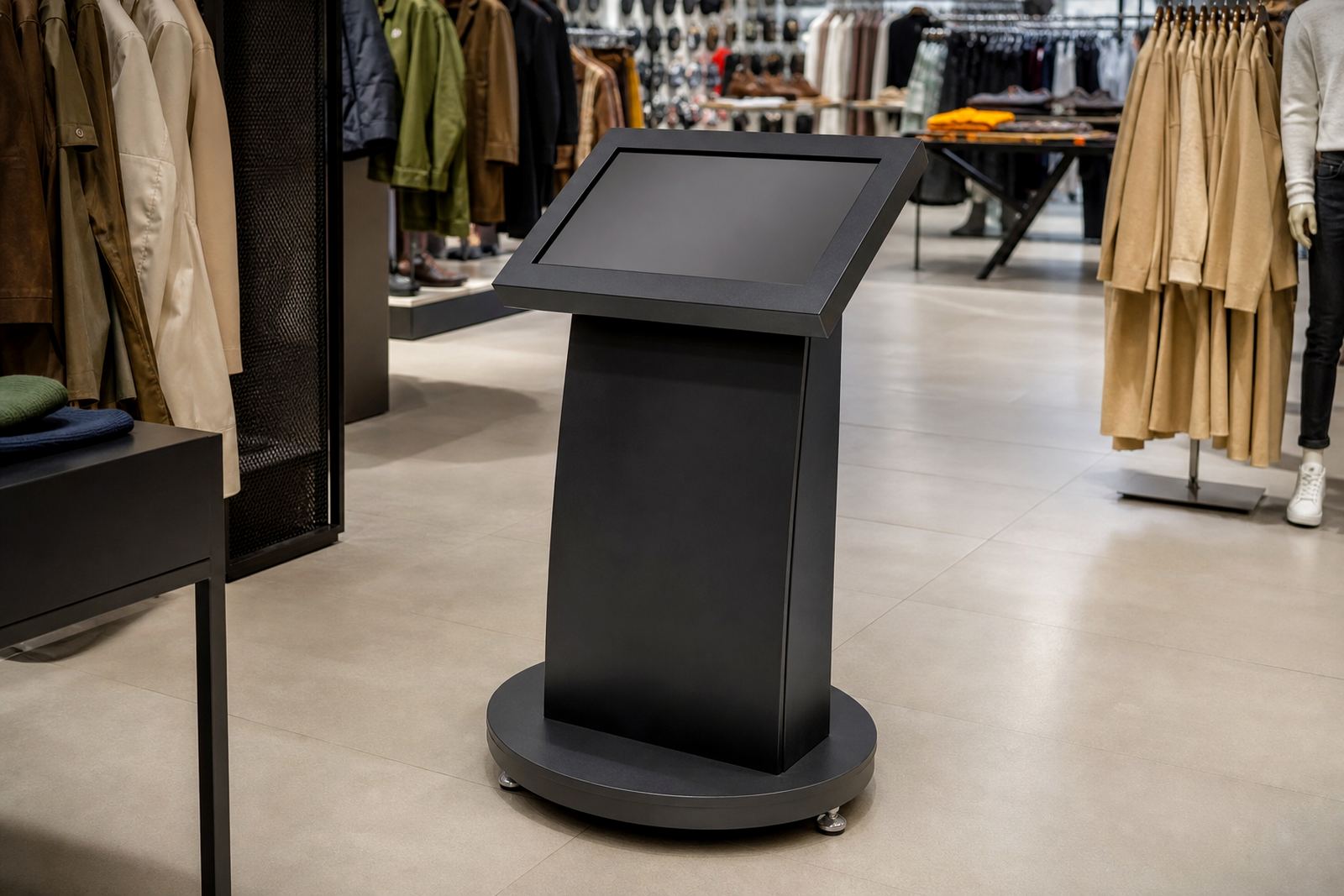
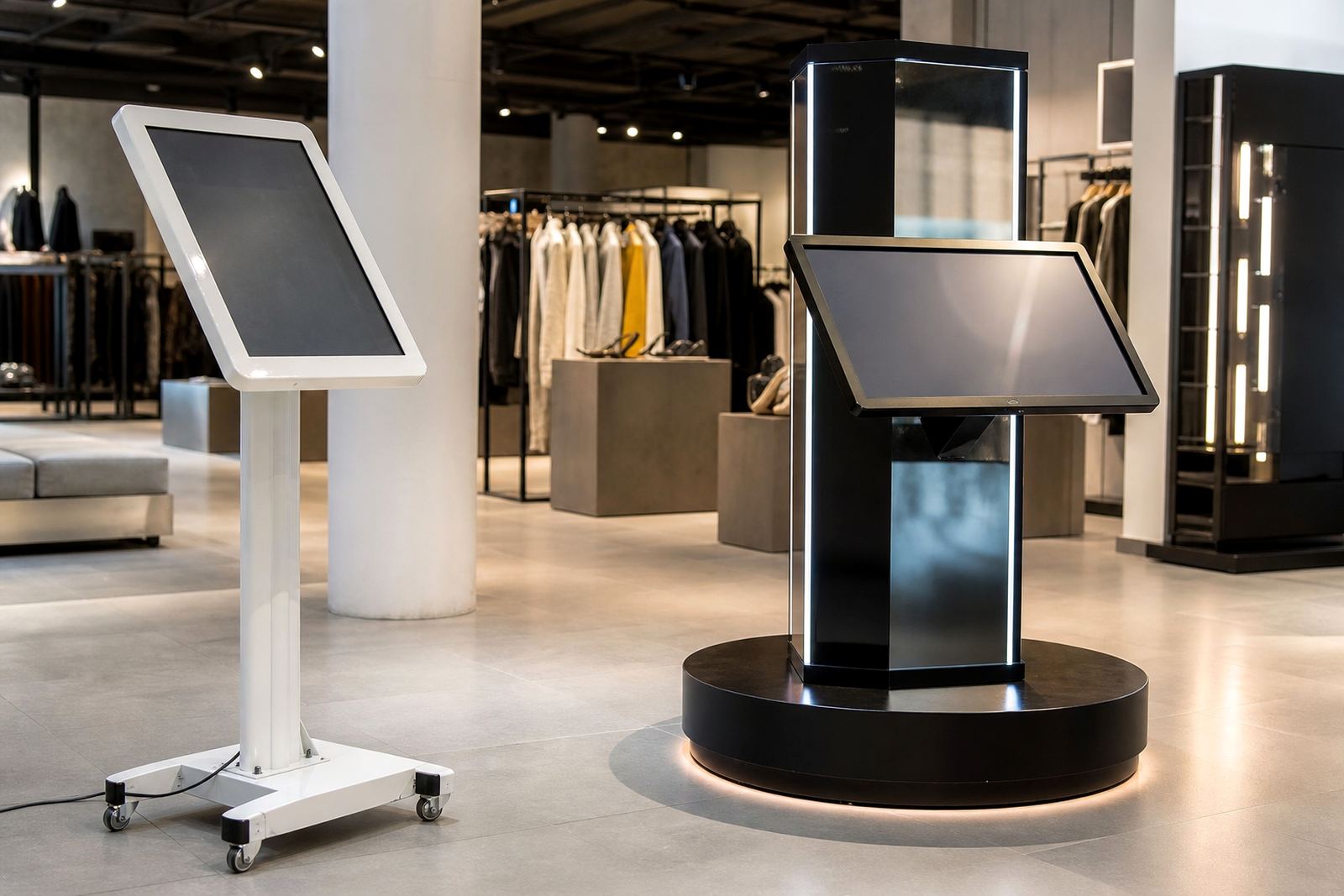
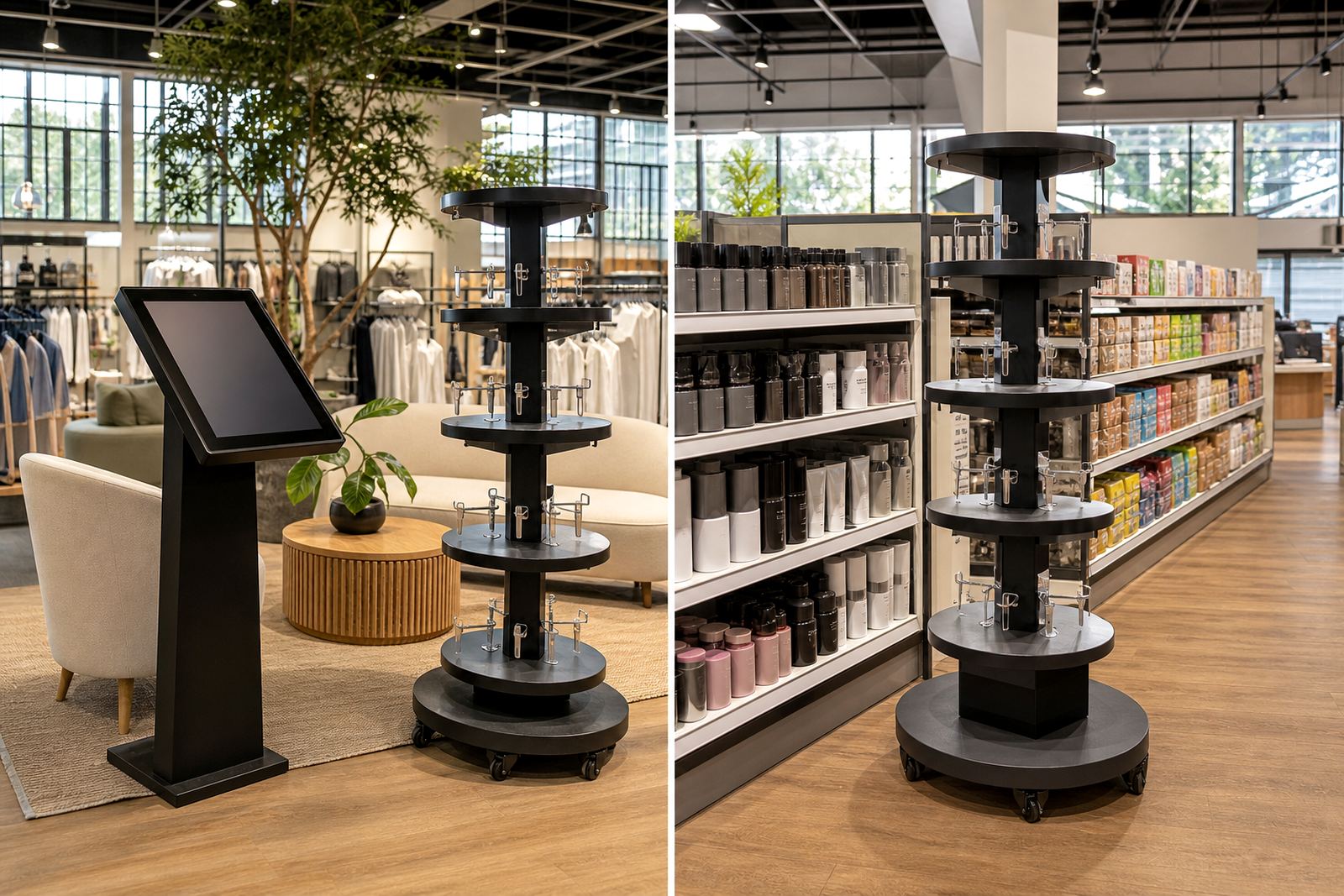
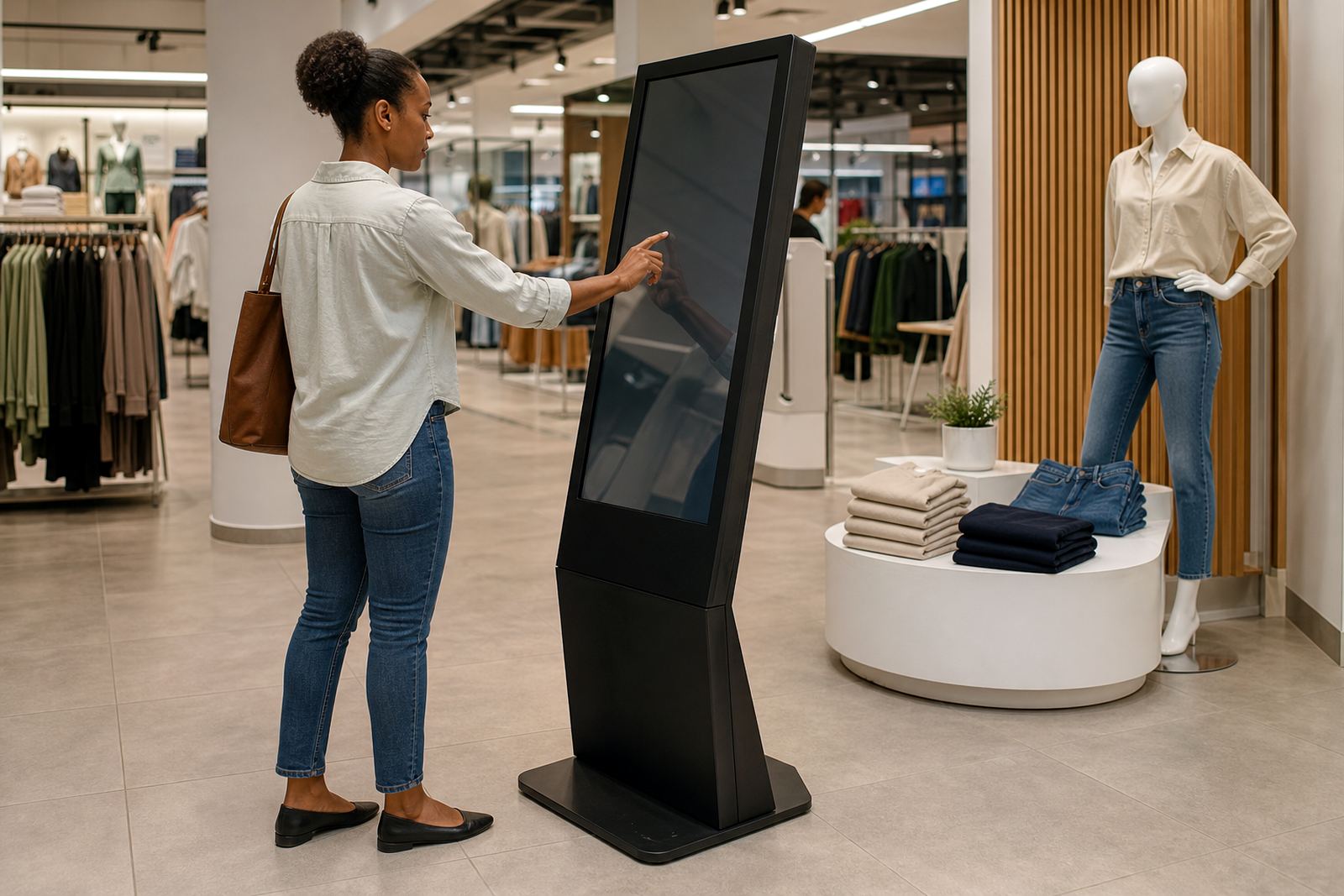
Not every floor layout needs the same solution. A kiosk works well when shoppers need to search, compare or view product information quickly. A 360-degree display stand suits products that benefit from slow browsing, close-up viewing and better visual presentation.
Think about traffic flow, available power points, cleaning routines and how much staff support you can offer. In centres with heavy footfall, the best choice is often the one that keeps people moving while still giving them enough time to engage.
- Use a kiosk for product lookups, promotions, or assisted ordering.
- Use a display stand for high-value items, launches and visual merchandising.
- Choose materials and finishes that handle daily cleaning and coastal humidity.
- Plan for load-shedding and stable network access where live content is needed.
Store layout, power and network planning
Good in-store technology starts with practical planning. Before installation, check where customers naturally stop, where staff can monitor use, and where cable runs can be kept neat and safe. In older buildings or refurbished sites, electrical capacity and signal strength need attention early on, not after the stand has arrived.
We also look at delivery access, floor loading and where the unit will sit relative to tills, entrances and window displays. A neat layout helps reduce clutter and makes the equipment easier to maintain over time.
- Confirm power availability and backup options for outages.
- Test Wi-Fi or network coverage at the exact installation point.
- Allow enough space for wheelchair access and safe movement.
- Keep the unit visible without blocking sight lines for security staff.
Branding, content and shopper attention
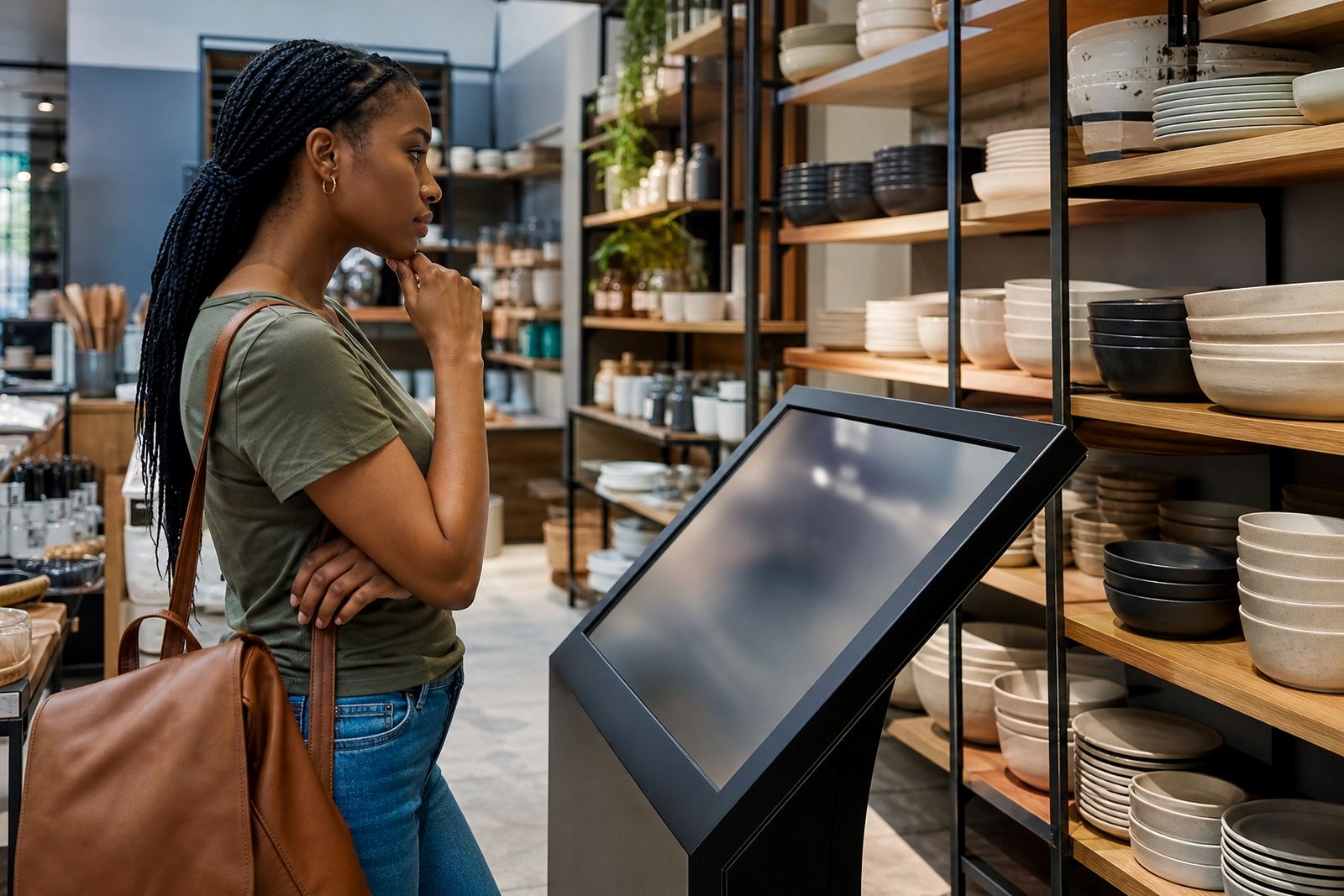
Strong retail messaging works best when the hardware and the content speak the same language. Clear branding, simple navigation and short product messages make it easier for shoppers to act. If the screen is too busy or the display feels cluttered, people move on fast.
Our journal often covers practical content decisions such as image size, call-to-action wording and how to load promotional material for seasonal campaigns. It also helps teams decide when to keep the message local and when to use a national campaign across multiple branches.
What maintenance really looks like
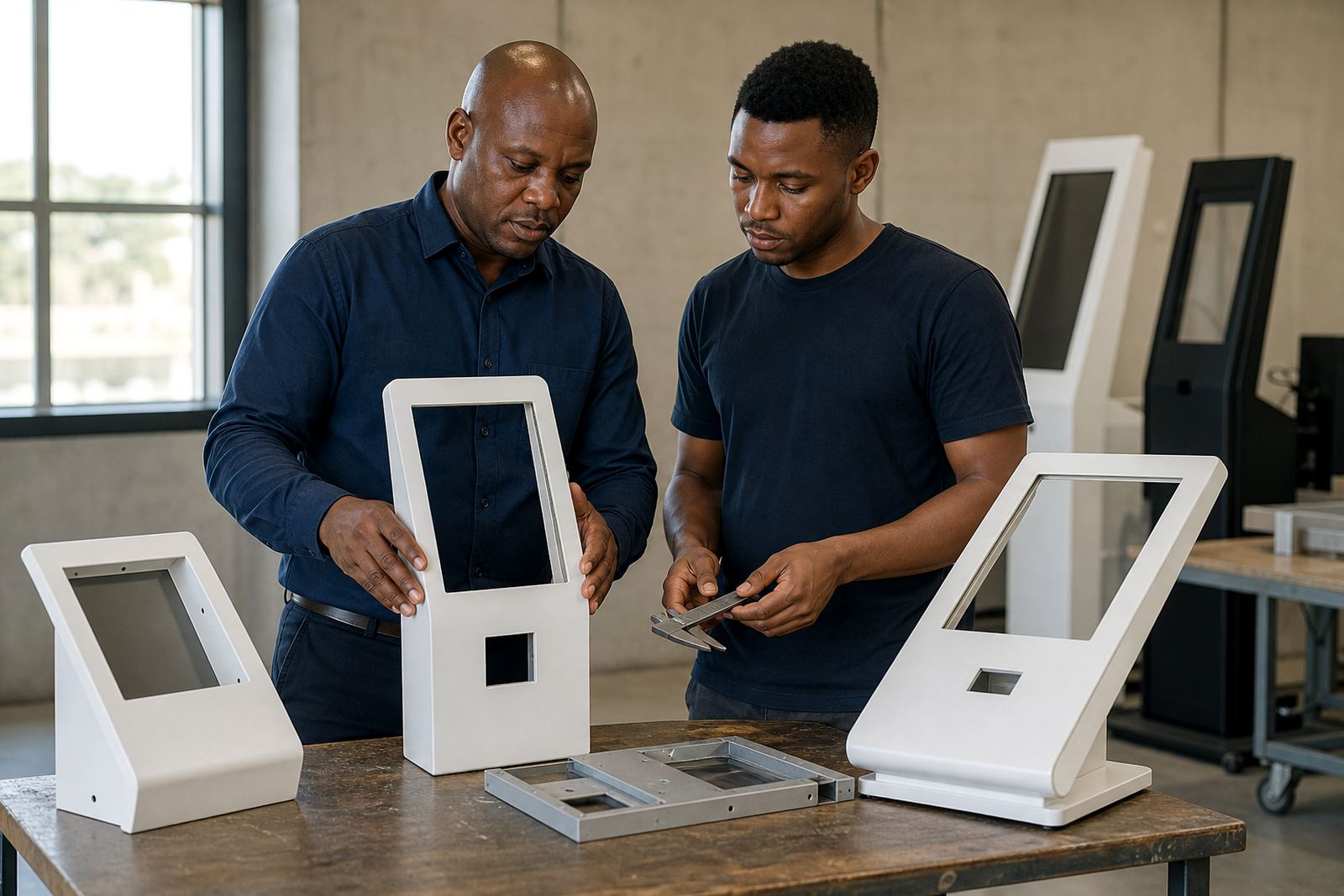
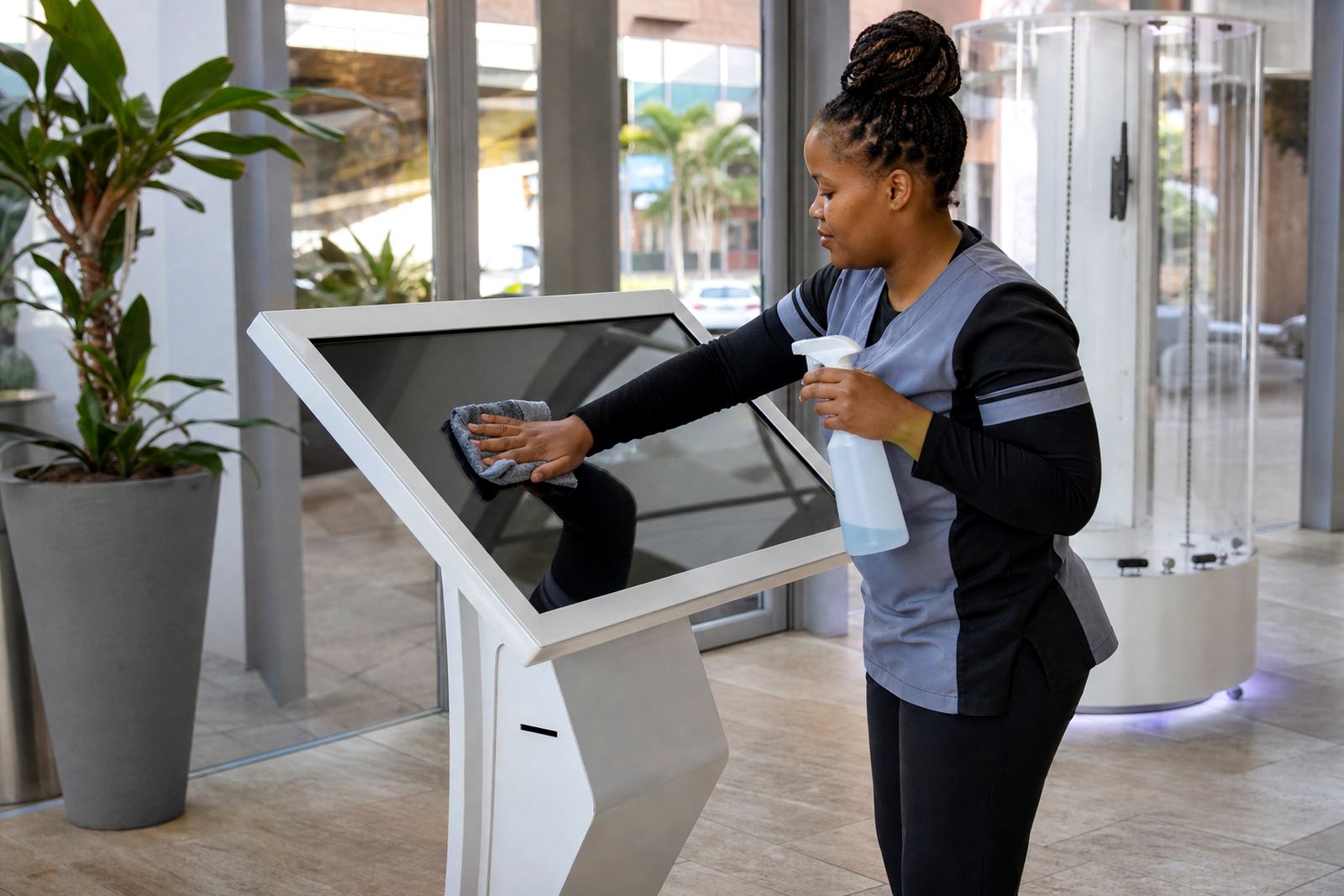
Retail equipment needs routine care if it is going to stay presentable and reliable. Dust, fingerprints, spilled drinks and constant handling can all affect appearance and performance. In coastal areas, humidity can add extra wear, so regular checks matter more than people expect.
Our posts cover servicing intervals, spare parts planning and fault reporting so store teams can keep downtime low. If a unit is used every day, it makes sense to have a clear support process instead of waiting for a bigger problem.
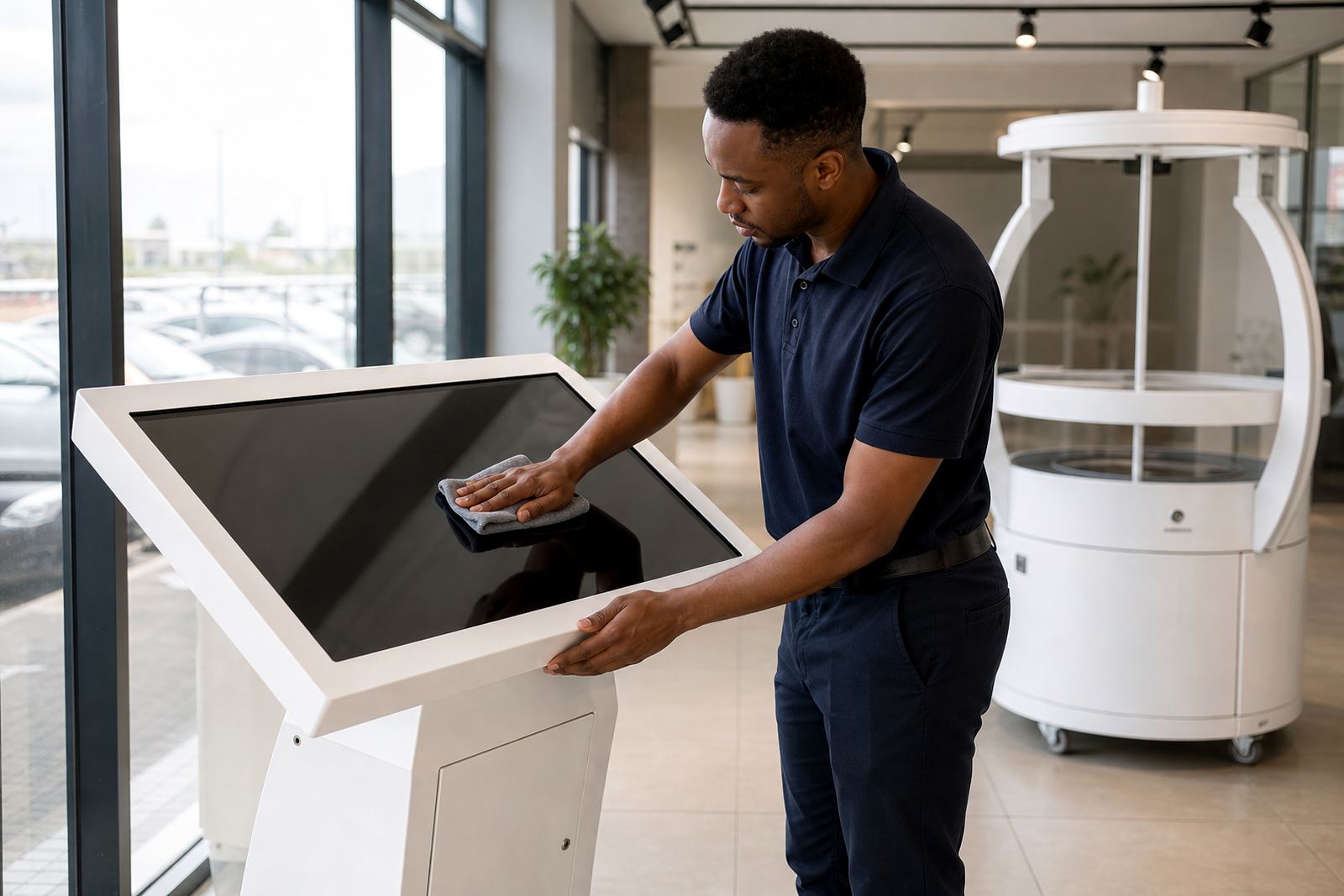
- Clean touch surfaces with the right cloths and non-abrasive products.
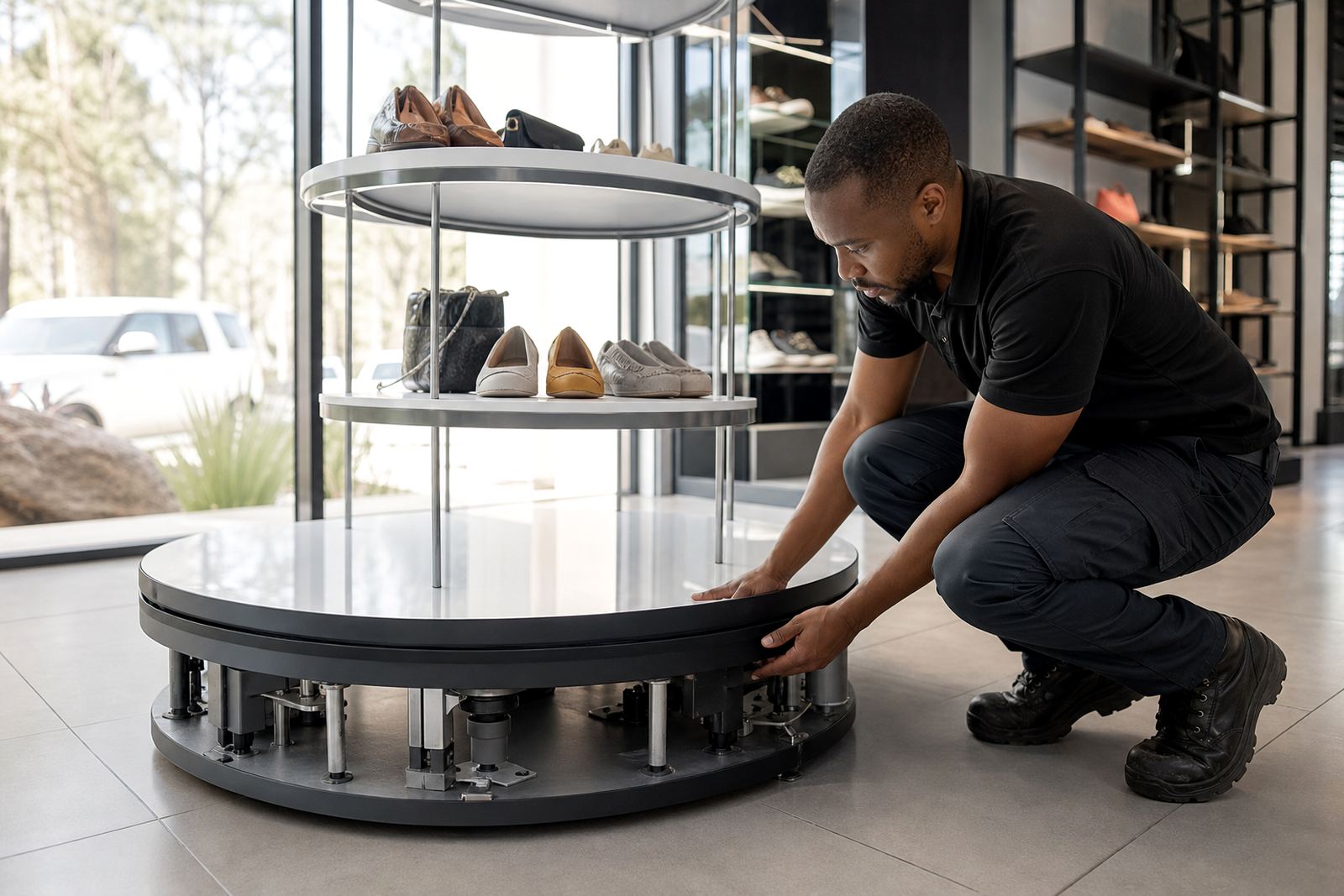
- Check cables, brackets and fasteners during routine store inspections.
- Replace worn parts before they affect customer use.
- Train floor staff on basic care and who to contact if something fails.
How this journal supports different store teams
Retail managers want practical outcomes, marketers want attention and sales teams want tools that help convert interest into action. This journal is written for all three. It brings together installation know-how, display planning and customer engagement ideas in a format that is easy to use during planning meetings.
Whether you manage one store or several branches, the articles help you compare options and ask better questions. That includes what to install, where to place it, how to keep it working, and what sort of support arrangement makes sense for your site.
Where to go next
Browse the articles that match your current challenge, whether that is improving product visibility, adding self-service touchpoints, or planning a new display for a campaign launch. The listing cards below link to each topic, so you can move from broad advice to the detail that matters most.
If you need help turning an idea into a store-ready plan, start with a site assessment and work from there. That usually gives a better result than trying to fit a unit into a space after the fit-out is already done.