Why complex products need more than a sales pitch
In retail, the harder a product is to understand the more likely a shopper is to walk away with questions. That is common with appliances, electronics, premium home goods, technical accessories and even higher-value lifestyle items. Staff can explain the basics, but one person on the floor can only repeat the same points so many times in a busy hour.
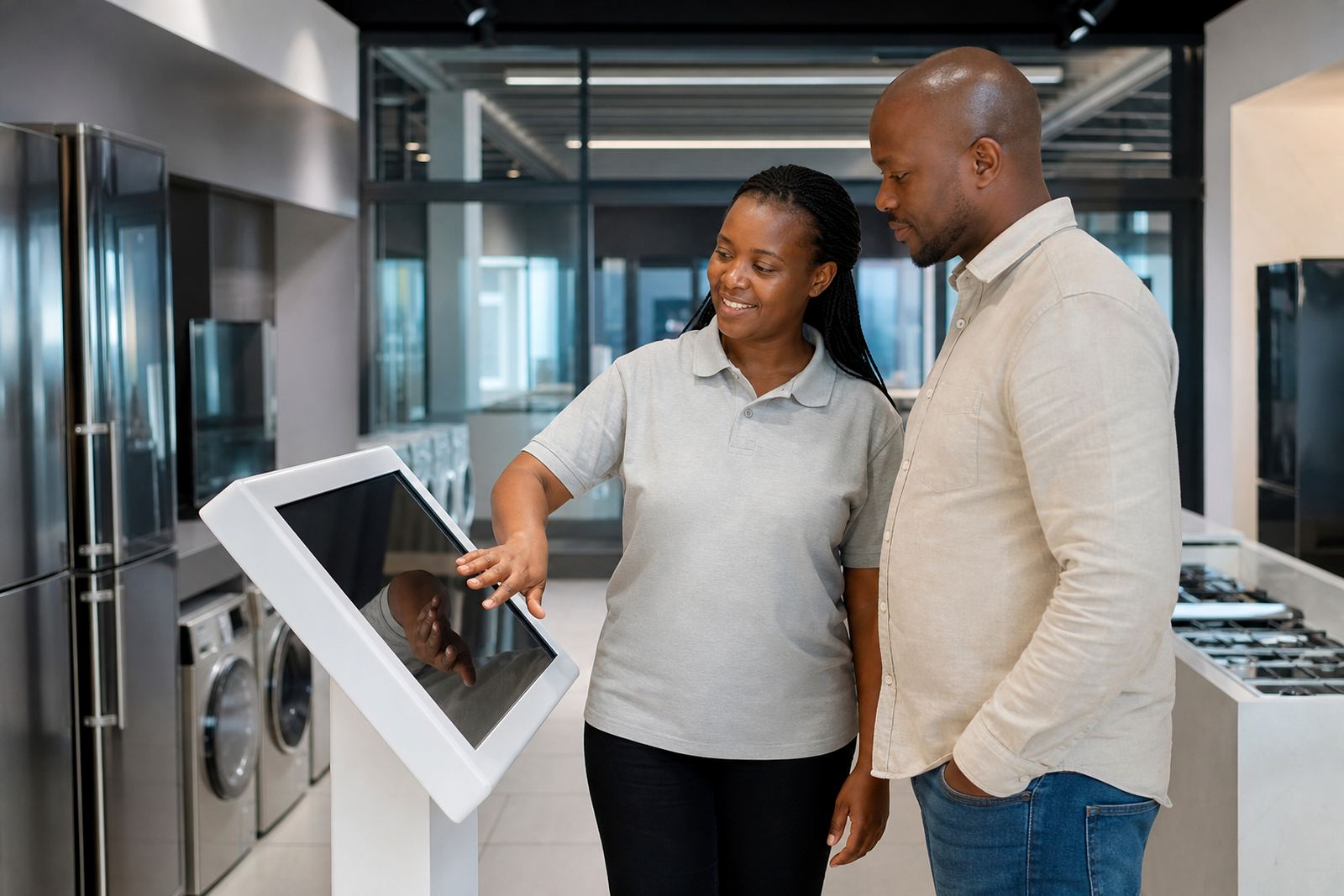
Digital product content helps because it gives shoppers a repeatable way to compare features, watch demonstrations and check the details at their own pace. A salesperson then steps in to guide the decision instead of having to start from zero every time. In stores across Gauteng and the coast, that saves time and reduces confusion at the till.
For retailers in Midrand, Johannesburg or Cape Town, this matters even more when the floor is short-staffed or trading is busy after work. When a customer can browse specs, colour options, measurements and use cases on a screen, the product becomes easier to understand before the conversation gets too long.
How touchscreen kiosks support the sales floor
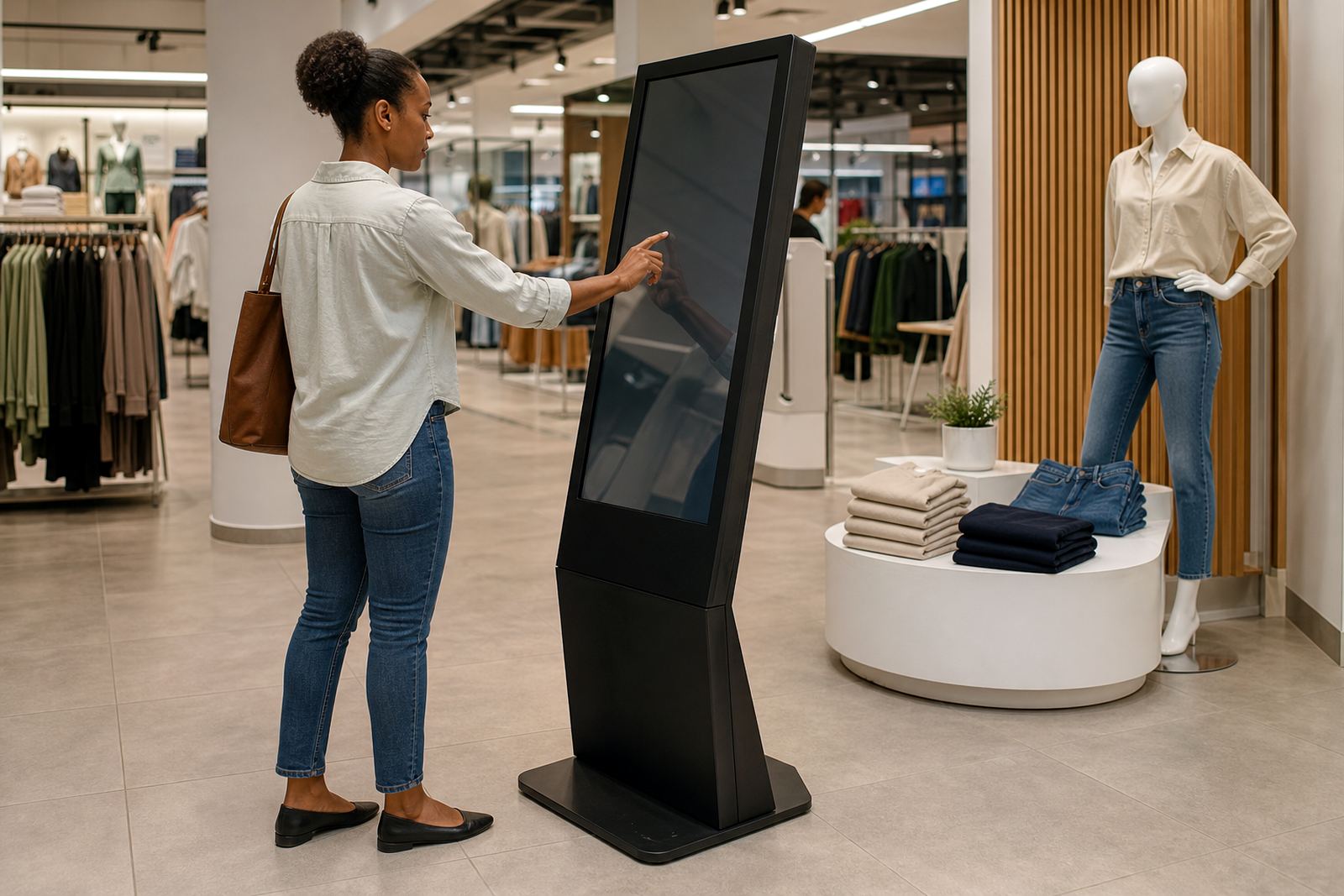
A well-placed touchscreen kiosk works like a product guide that never gets tired. It can show technical details, compare models, display short videos and answer common questions in a standard format. That keeps information consistent whether the shopper is dealing with the morning team or a weekend shift, and it helps staff focus on closing the sale.
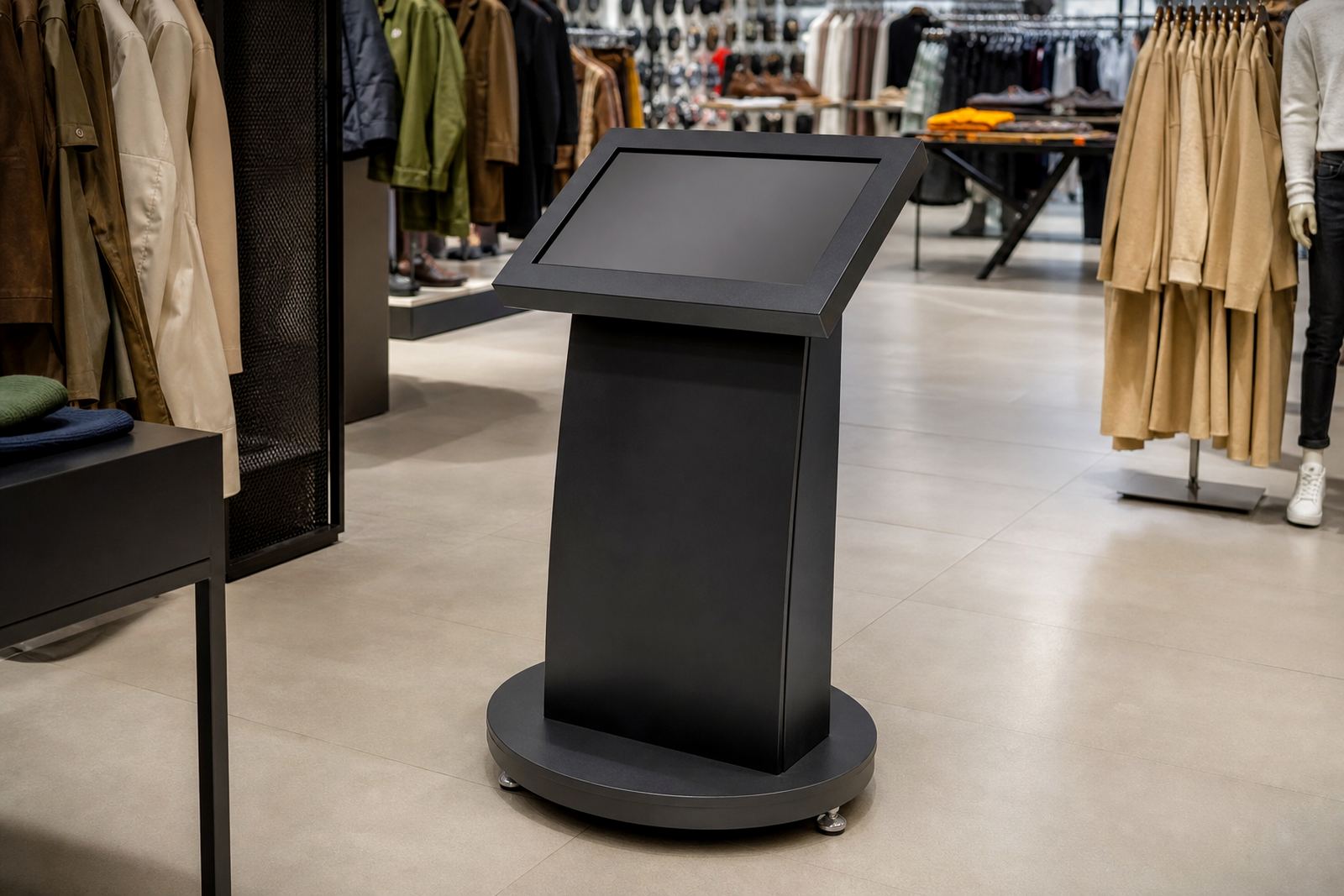
At iTouch 360, the aim is to make the screen support the product, not distract from it. Kiosks can be set up for standing use near the aisle, or placed beside a display table where shoppers naturally pause. In stores with limited floor space, that can make a real difference because one screen can carry the load of several printed leaflets and a lot of repeated explanations.
- Product comparisons by size, finish or model
- Short instructional clips for setup or use
- Promotions, pricing and bundle options
- Frequently asked questions in plain language
- Branded visuals that match the store layout
Why 360-degree displays help shoppers understand the product
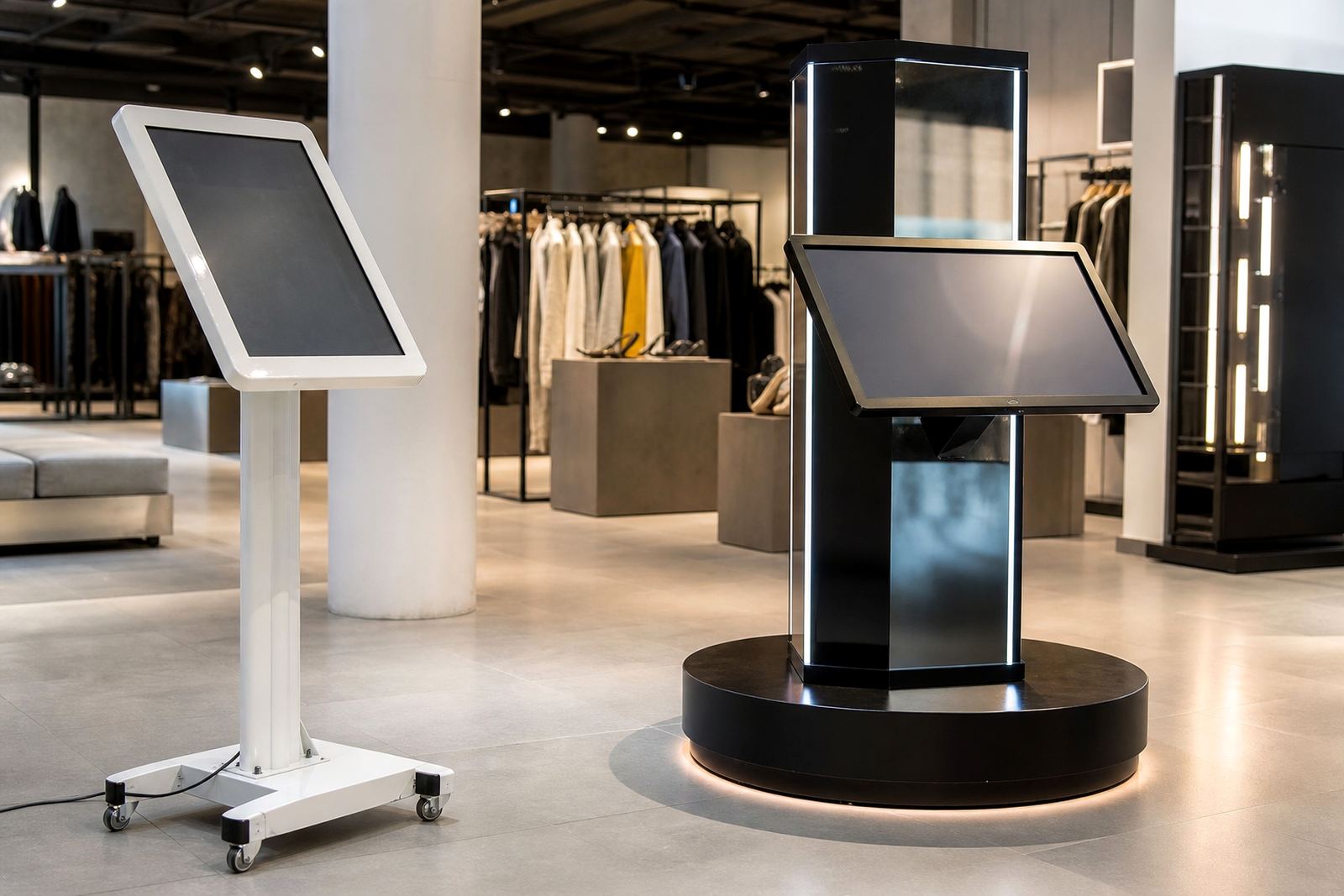
Some products need to be seen from every angle before a buyer feels confident. A 360-degree product display stand lets the item turn smoothly so customers can inspect the shape, finish and detail without handling it too much. That is useful for premium items, fragile stock and products with design features that do not show well in a flat photo.
Retailers use these stands to give shoppers a better view while protecting stock from unnecessary wear. It also creates a tidy presentation on the floor, which matters in high-footfall stores where displays need to stay neat all day. In humid coastal areas like Durban or Cape Town, enclosed or controlled presentation can also help keep sensitive stock looking good for longer.
For products that depend on finish and presentation, a moving display can sell the item before a sales assistant even starts speaking. That kind of first impression is often what turns browsing into intent.
Getting the content right for South African shoppers
Good hardware is only part of the answer. The screen content needs to be clear, local and practical. South African shoppers respond best to plain explanations, real dimensions, local pricing where relevant and examples that fit how people actually use the product. If the content is too technical or too generic, it does not help the sale.
The best retail content is built around what customers ask in store. How much space will it take, does it work during load-shedding, what is included, and how does it compare with the next model up. Those questions should be answered on the screen before the customer needs to ask twice.
- Show exact sizes in millimetres or metres
- Use simple language instead of internal product codes
- Include care notes for dusty, hot or coastal conditions
- Explain power use and backup needs where relevant
- Keep pricing and product details current
What stores gain when staff and screens work together
The best results come when the kiosk or display stand supports the team rather than replacing it. Staff still need to greet, guide and close, but the screen handles the repeat questions and visual proof. That means fewer interruptions and a better chance of keeping the conversation focused on the right product.
In practice, this can improve conversion in several ways. Shoppers spend longer at the product, staff can handle more customers during busy periods and promotions are explained more consistently. It also helps with training because new team members can learn the product range by using the same content that shoppers see. A floor team that knows where to find answers, performs better on the day.
For branches with different trading conditions, the setup can be tailored to each site. A Midrand showroom may need a different flow to a Cape Town supply point or a Durban retail environment where humidity and foot traffic are daily factors. The principle stays the same, but the execution can change by store.
A practical example from a Gauteng retail floor
Picture a retailer in Johannesburg selling a product with multiple models, accessories and setup options. Customers keep asking the same things: what is the difference between the versions, what comes in the box, and how do I know which one suits my space. A salesperson can answer all of that, but not in the same detail for every shopper during peak trade.
With a touchscreen kiosk beside the display, the customer can compare features, watch a short demo and check dimensions before asking for help. The sales team then steps in to confirm the best fit and handle the sale. That process is quicker, cleaner and less reliant on memory alone. It also works well in stores serving Pretoria, Sandton and Centurion, where shoppers often want the facts before they commit.
Once the customer sees the product in context, the conversation becomes easier. That is the point where digital content stops being a nice extra and starts becoming part of the sales process.
Why retailers choose a supplier that can handle the full rollout
Retail technology has to work in the real world. That means site assessments, content loading, software configuration, network integration, installation and support all need to line up. If one part is missed, the result is a screen that looks good but does not help the floor team sell.
iTouch 360 supports retailers across South Africa from Midrand, with supply and support into Johannesburg, Pretoria, Cape Town, Durban and Bloemfontein. The team includes people who handle operations, technical work, retail solutions, project coordination, installation and client support so the rollout can be planned properly from the start.
For product-heavy stores, that kind of support matters. A good display is not just about showing the item, it is about making the sale easier for the customer and the staff at the same time.