Why shop floor durability matters from day one
A retail kiosk or product display stand is not sitting quietly in a corner. It gets touched, leaned on, bumped by trolleys, wiped down by staff, and used by customers of all ages. In busy stores, durability is not a nice extra, it is part of the operating cost. If a unit starts wobbling, scratches too easily or has a screen surround that loosens, the store loses both function and presentation.
For retailers in Johannesburg, Pretoria, Cape Town, Durban and Bloemfontein, the right build has to suit the local trading environment too. A store in a coastal area has to think about salt air and humidity. A branch in Gauteng may deal with dust, dry air and heavy daily use. The same kiosk can perform very differently depending on where it is installed and how it is used.
Materials that hold up under daily contact
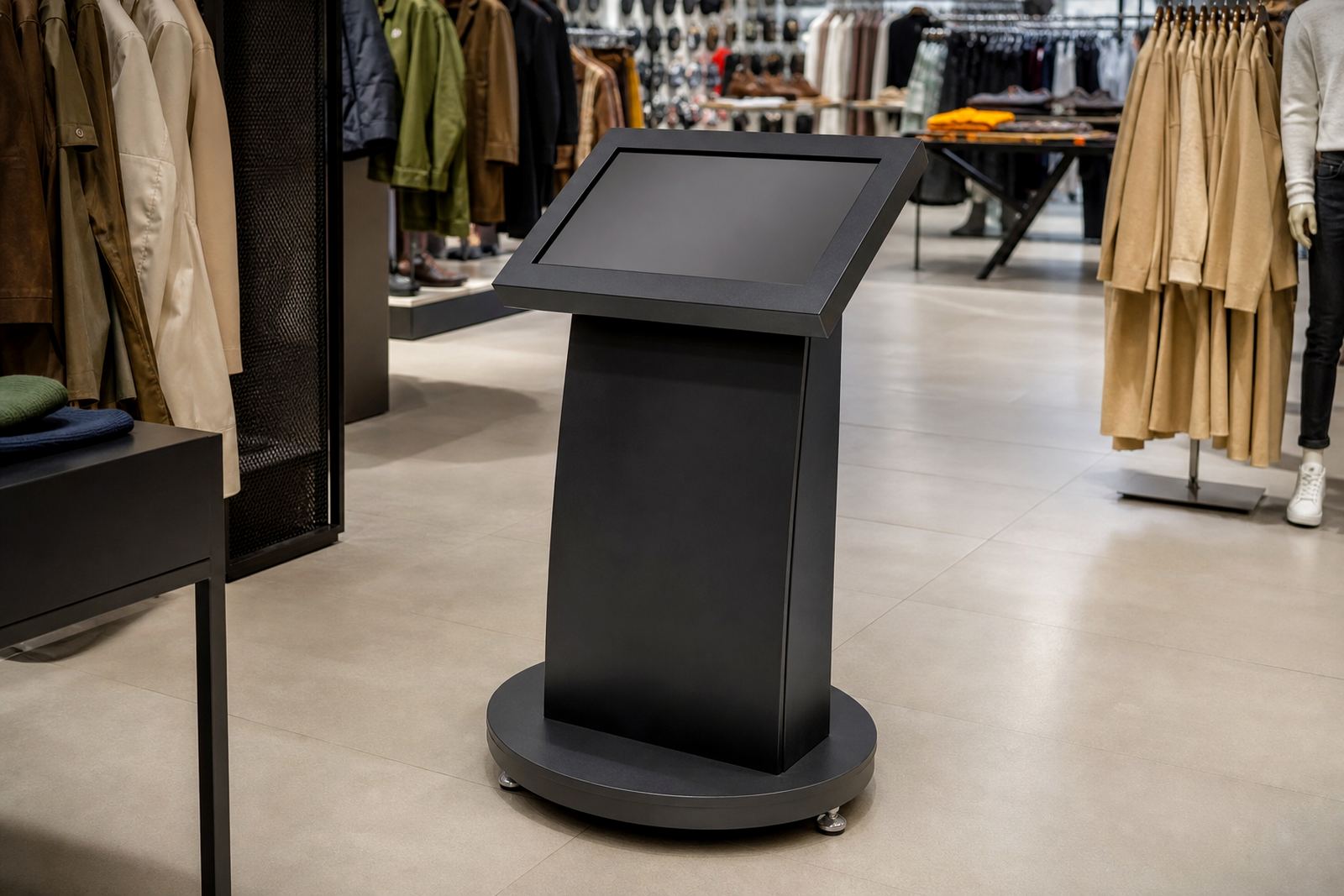
The frame and outer finish do most of the hard work. Steel, aluminium and quality laminated panels are common choices because they resist knocks better than light decorative materials. Edges should be sealed properly so moisture cannot get in during cleaning. If the unit will be moved between locations, the base should be strong enough to handle repeated movement without loosening joints.
Finishes also matter. A smooth wipe clean surface is practical for stores that use sanitising cloths several times a day. Matt finishes often hide fingerprints better than glossy ones, while powder coated or sealed surfaces can help against scuff marks. In some stores, especially where products are handled often, a small chip at the edge becomes a bigger issue fast. That is why the weak point is usually not the main body, it is the corners, hinges and mounting points.
- Use sealed edges to limit moisture damage
- Choose finishes that can be cleaned without fading
- Check that joints and hinges are rated for repeated use
- Make sure the base matches the weight of the screen or display items
Cleaning routines should not wear the unit out
Many stores clean the floor display several times a day, especially where high customer traffic, food spills or dust are part of the day. A durable unit needs to tolerate routine cleaning with the right products, not just a quick wipe. Harsh chemical sprays can strip surface coatings, cloud acrylic panels or damage print finishes over time. Water pooling at the base is another common problem, particularly where mopping is done after hours.
It helps to choose equipment that is designed for retail staff who are busy. Smooth corners are easier to wipe around. Accessible panels make it simpler to clean inside the unit without forcing anyone to remove fittings. If the kiosk has a touchscreen, the face should be easy to sanitise without affecting the display. Good design saves time and it reduces the chance of accidental damage during the clean-up routine.
- Train staff on which cleaning products are safe to use
- Avoid soaking the base or lower panels with mop water
- Keep cables and ports protected during cleaning
- Schedule deeper servicing before dust and grime build up
Customer interaction changes the wear pattern
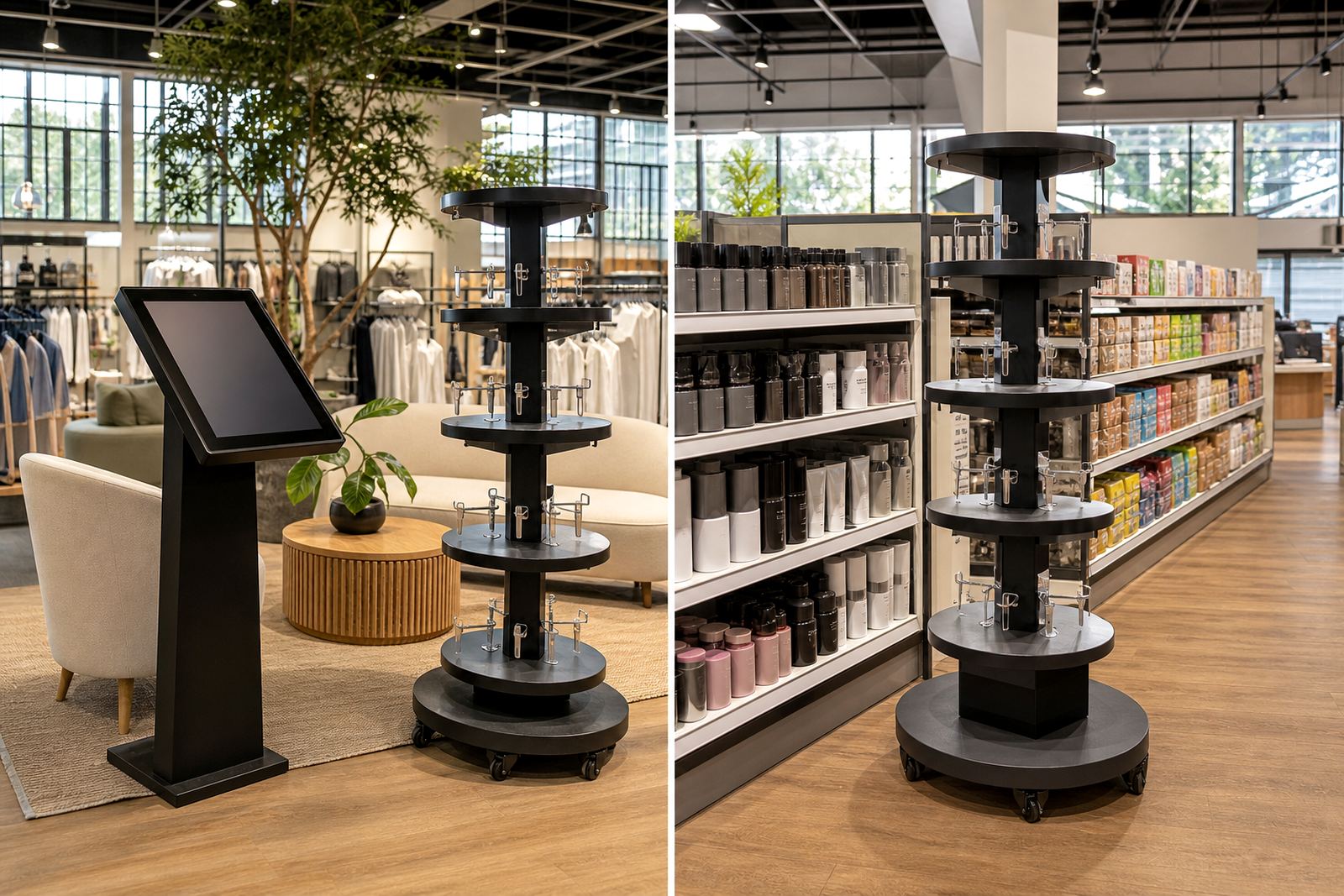
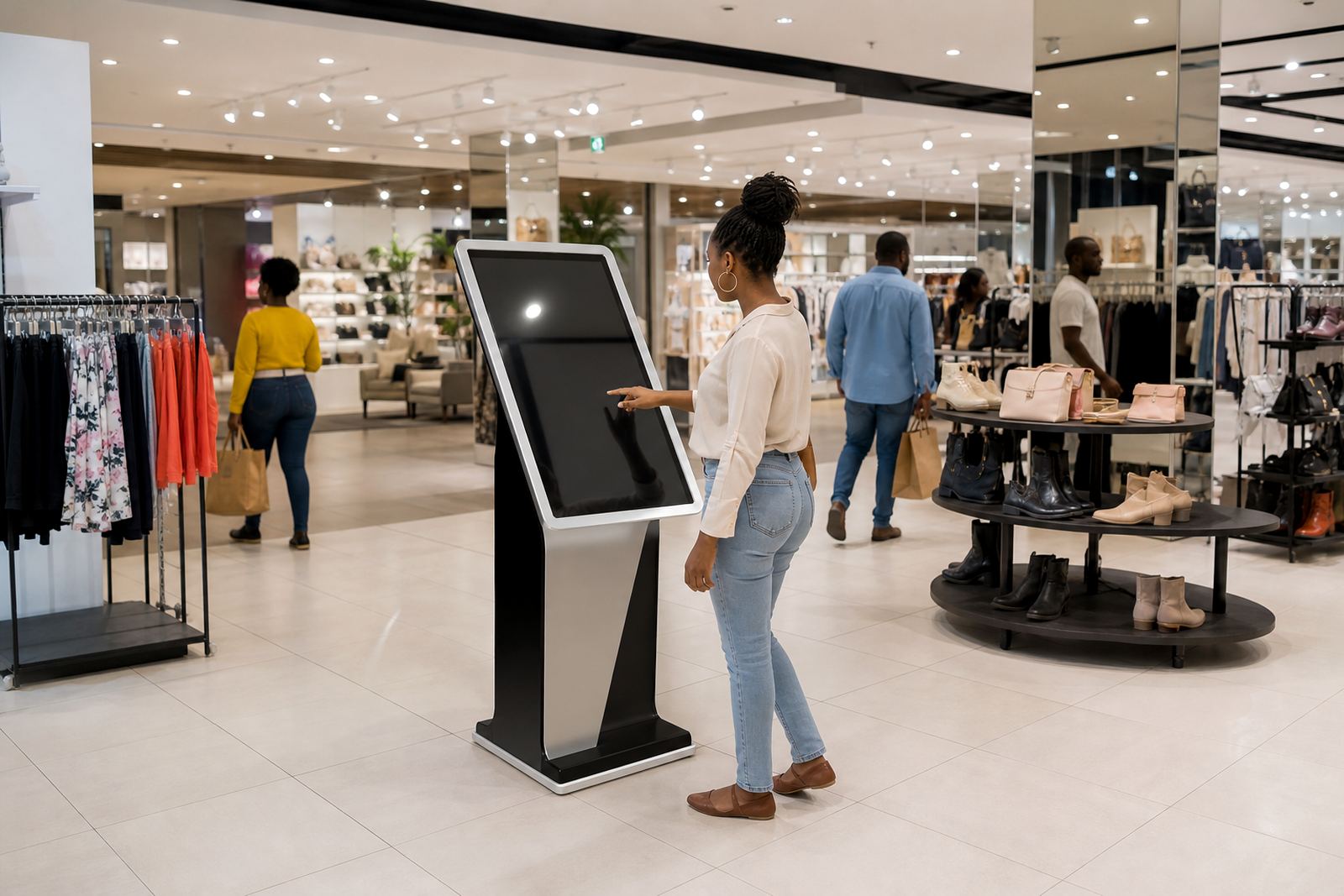
Durability is not only about strength, it is about where the wear happens. On a touchscreen kiosk, the most used area is usually the centre of the screen, the sides where customers rest a hand, and the lower section where bags or elbows knock against the unit. On a 360-degree product display stand, the turntable, bearings and product mounts carry the load. If those parts are too light for the task, the stand may still look fine but the movement starts to feel uneven.
Retailers should think about how shoppers behave in the space. In a busy promenade store, the kiosk may be used by dozens of people in a short period. In a smaller branch, the equipment might get less traffic but more deliberate handling as staff demo products. Either way, the unit needs enough physical strength to keep working without constant attention.
For this reason, features like protected touch surfaces, stable bases and concealed cable paths are worth including from the start. They are not just neat details, they reduce snagging, bending and accidental tugging that can shorten the life of the equipment.
Power cuts, dust and coastal humidity are real design factors
South African retail spaces have to deal with issues that are easy to ignore during planning. Load-shedding can interrupt operation and bring sudden power changes when systems come back on. Dust can enter unprotected openings and settle around fans, ports and moving parts. In coastal towns, humidity can affect metal finishes and internal components if ventilation and sealing are poor.
For that reason, shop floor durability should include more than the outer shell. Power protection, cable management and ventilation all play a part. If a kiosk is going to be used in a mall in Durban or a store near the Cape coast, it needs a different maintenance approach than a unit used inland. The goal is to avoid avoidable faults, not just repair them after they happen.
- Use protected cable routes to reduce accidental disconnection
- Allow for safe shutdown during power interruptions
- Keep ventilation clear so heat does not build up
- Plan preventative servicing for dusty or humid sites
A practical example from a busy Gauteng retail floor
Picture a Midrand store with a high footfall entrance and a promotion zone near the tills. Customers stop, browse, scan information and move on. Staff clean the area twice a day and the store runs long hours. In this setting, a lightweight display that looks fine in the showroom can start to shift, scratch or show loose fittings within months. A sturdier kiosk with a weighted base, sealed surface and secure screen mount handles the same space far better.
That is why retailers often benefit from site assessments before installation. A proper assessment looks at traffic flow, cleaning practice, power points and where customers are likely to stand. From there, solution design, content loading, network integration and installation can be planned around the real store layout. When the setup matches the environment, the equipment lasts longer and causes fewer interruptions.
For branches across South Africa, including Johannesburg, Pretoria, Cape Town, Durban and Bloemfontein, this practical approach saves money over time. It also means the equipment stays presentable, even after months of busy trading and staff turnover.
Maintenance keeps durable equipment performing like new
Even a well-built kiosk needs attention. Preventative servicing helps catch loose mounts, worn switches, damaged cables and software faults before they become a trading problem. If a screen is slow to respond or a display stand starts to feel stiff, those are warning signs. Ignoring them usually leads to a larger repair and more downtime.
A simple maintenance routine can extend the life of the equipment by years. It should include visual checks, cleaning, software configuration updates where needed and parts replacement when wear becomes visible. Staff training is also useful because people on the floor are often the first to notice changes. When they know what to look for, small issues get reported early and the store stays operational.
Durability is not only about surviving damage. It is about staying useful, safe and presentable through everyday retail pressure. That is what makes the difference between equipment that merely arrives and equipment that keeps serving the store.