Why shoppers slow down when the store layout is unclear
Retailers often focus on stock, promotions and till speed, but the route between those points matters just as much. If a shopper cannot find the braai section, baby aisle, paint counter or returns point quickly, they start asking staff, wandering in circles or leaving without buying. In larger stores this creates pressure on the floor team and can make a simple visit feel tiring.
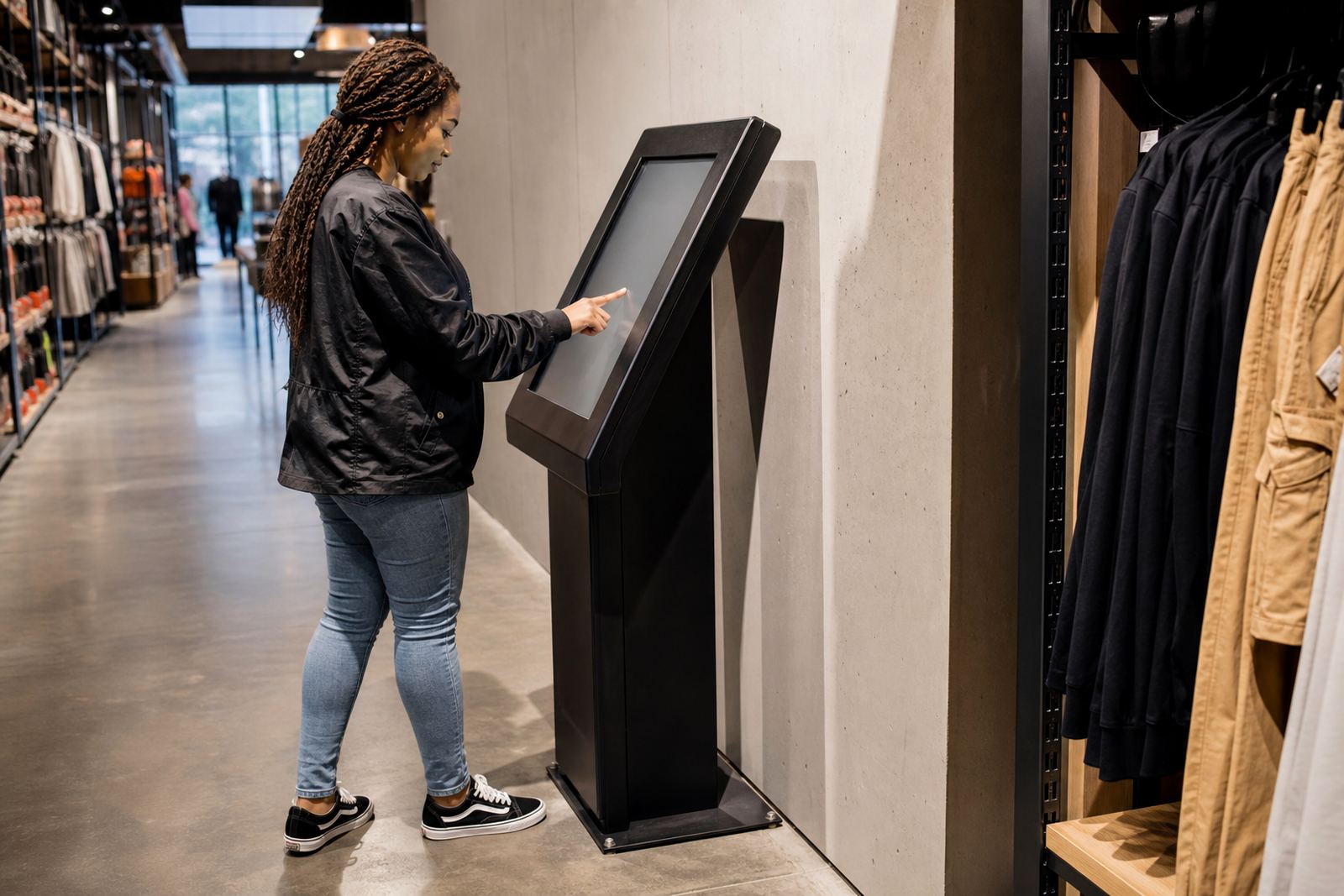
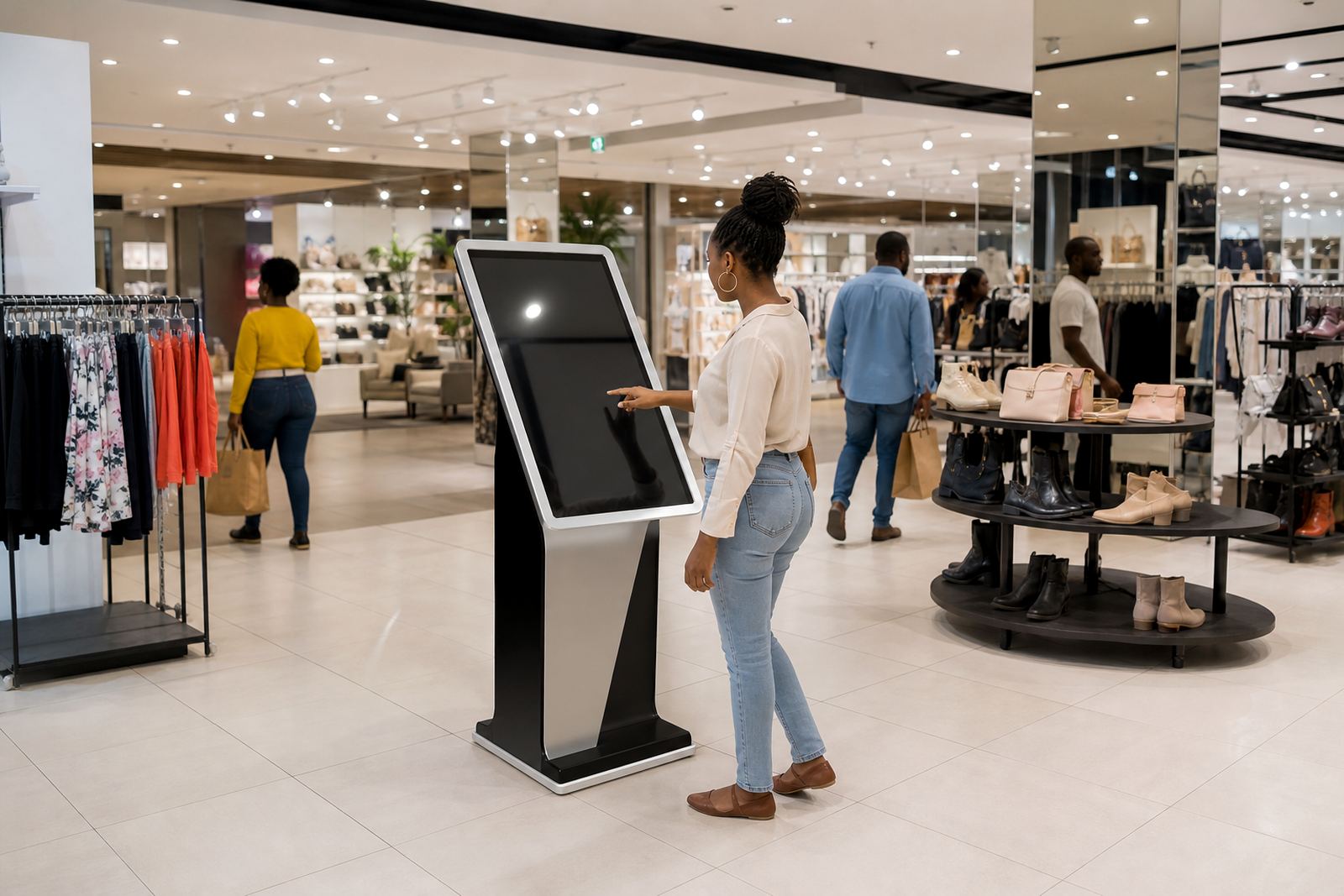
Wayfinding kiosks solve that by giving people a fixed point of reference. Instead of relying on memory or a paper sign that gets missed, customers can check where they are, what is nearby and how to get there. In a Midrand hardware or homeware store, that can mean less congestion at the front entrance and fewer interruptions for the staff on the floor.
The benefit is not only convenience. When movement is easier, shoppers are more likely to browse extra categories and spend more time in store. A clear route also supports parents with children, older customers and first-time visitors who are not familiar with the layout.
What a good wayfinding kiosk should help customers do
A store navigation unit should do more than show a static map. It should help a customer answer practical questions fast: where am I, what is near me, and how do I get there without walking the same section twice. The screen needs to be easy to read from standing height, with clear category labels and simple direction prompts.
For multi-zone retail environments, the best setups include store maps, department searches, product location prompts and service point guidance. In larger centres, shoppers also need lift, toilet and exit directions. If the kiosk is used in a high-traffic area, it should respond quickly and be simple enough for a customer to use in under a minute.
- Large buttons and readable text for quick searching
- Map views that match the actual store layout
- Department, service and promotion lookups
- Directions for exits, toilets and customer service points
- Durable touch screens for daily retail traffic
For stores in coastal cities such as Durban or Cape Town, the unit also needs to cope with humidity and regular cleaning. In Gauteng, it should be able to handle dust, long trading hours and load-shedding related restarts without constant attention.
Where to place kiosks so they actually reduce congestion
Placement is where many stores get it wrong. If a kiosk is tucked away in a corner, customers will not use it. It should sit where people naturally pause, such as the main entrance, near the escalators, beside the information point or at the start of a major aisle. The goal is to catch decision points before confusion sets in.
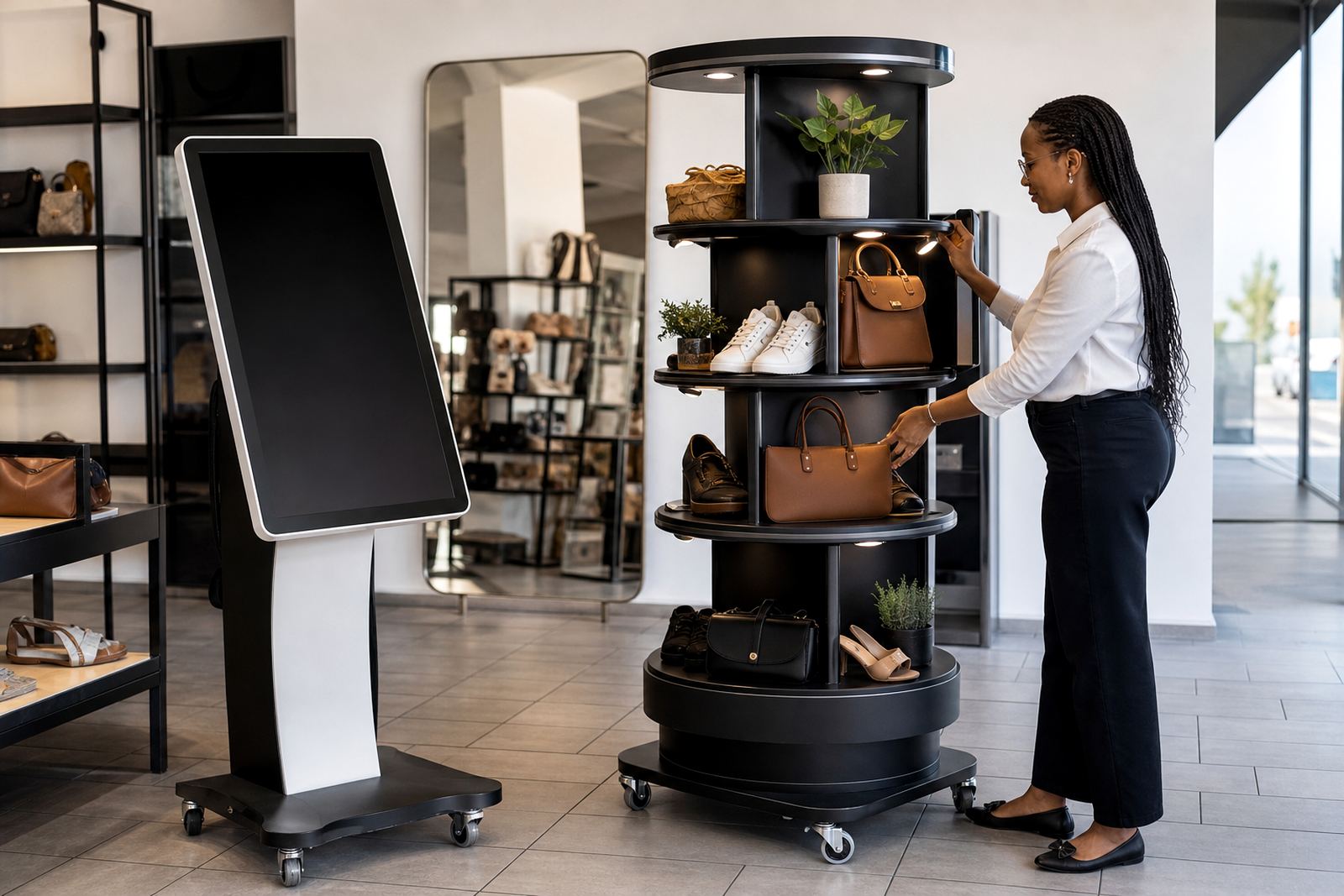
In a large Johannesburg retail floor, one kiosk near the front and another near the back of the store can work better than one central screen alone. In a store with separate categories, like appliances, outdoor goods and home décor, each zone may need its own navigation point. That way the shopper does not have to walk back to the entrance just to ask where the next department is.
Accessibility matters too. The screen should be reachable for a standing adult and usable by someone in a wheelchair. If the kiosk is part of a branded store fit-out, it should be visible but not block foot traffic or emergency routes. Store managers should also check municipal and building rules for floor space, fire lanes and public access points before installation.
How navigation kiosks support staff instead of replacing them
Some retailers worry that a kiosk will make the floor team less important. In practice, the opposite is usually true. When shoppers can find the basics on their own, staff spend less time giving directions and more time helping with product advice, stock checks and sales. That improves service where it really counts.
A well set-up kiosk also reduces repeated questions. If ten shoppers a day ask where the same department is, that adds up quickly over a month. Even a small reduction in interruptions helps supervisors manage peak trading periods more smoothly.
- Fewer repetitive direction requests at the tills and entrances
- More time for staff to handle product advice and upselling
- Better flow during weekend rushes and month-end trading
- Less pressure on new or temporary staff who are still learning the floor plan
For stores with rotating promotions, the screen can be updated to reflect current layouts and featured lines. That keeps the navigation useful even when aisles are shifted for seasonal stock, school campaigns or festive trading.
Local retail conditions change how the system should be specified
South African retail spaces vary a lot from city to city, and the kiosk specification should match the site. A large store in Pretoria may have wide open floor space and strong footfall from weekday shoppers. A Cape Town store may need to consider coastal air, while Durban sites often face humidity and frequent cleaning requirements. Bloemfontein stores may have different traffic patterns and colder winter mornings that affect opening rushes.
Power stability is another practical point. If the store has load-shedding backup, the kiosk needs to recover properly after a switch-over and hold its configuration without fuss. Network integration also matters because live maps, content changes and support tools depend on reliable connectivity. A unit that is easy to maintain saves money over time, especially when several branches use the same system.
At iTouch 360 in Midrand, the focus is on matching the kiosk to the store rather than forcing a standard setup into every site. That means site assessments, solution design, software configuration, network integration, installation and preventative servicing are part of the process, not afterthoughts.
A simple way to test whether your store needs one
If shoppers regularly ask where to find things, if your floor team spends too much time giving directions, or if your store has more than one zone, then navigation support is worth looking at. The same applies if you run a showroom, a high-volume retail floor or a branch with a lot of first-time visitors. A clear map can do a lot of work before a staff member steps in.
Before choosing a system, walk the store as a customer would. Start at the entrance, note where people hesitate and watch where bottlenecks happen. If the path from entry to category to checkout feels unclear, a wayfinding kiosk can help straighten that out. It is a practical fix, not a flashy one, and that is exactly why it works.
For retailers across Johannesburg, Pretoria, Centurion, Sandton, Cape Town, Durban and Bloemfontein, the objective is the same: make the store easier to move through and simpler to shop in. When navigation is clear, the whole visit feels quicker and less stressful, which is good for customers and for sales too.