


Fast Help For Busy Retail Stores
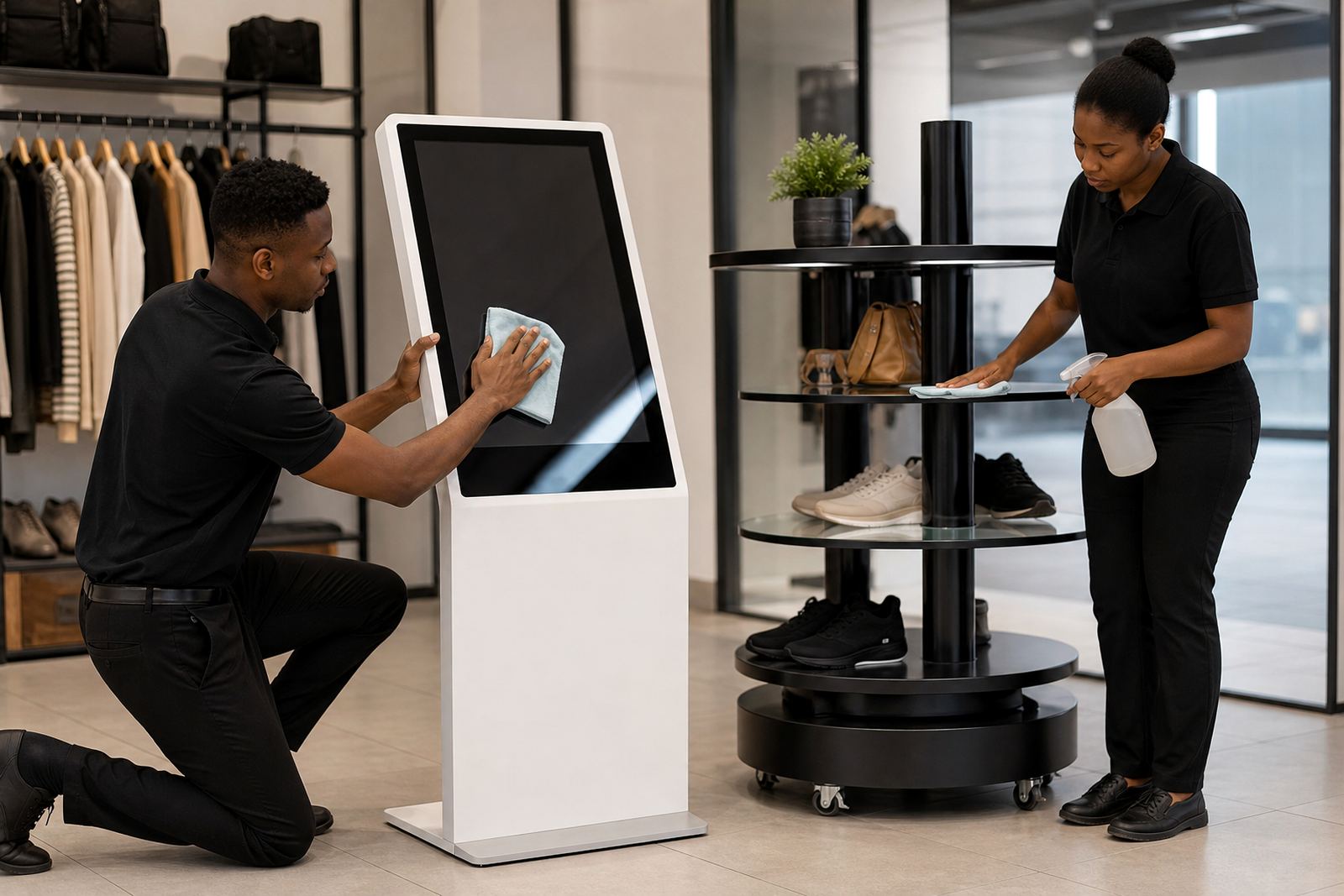
When a kiosk stops responding, a display stand jams, or content needs updating before trading starts, quick help matters. Our support team works with retailers in Johannesburg, Pretoria, Cape Town, Durban and Bloemfontein, as well as smaller branches and regional stores, to keep equipment working as it should.
We handle day to day issues, planned maintenance and store rollouts with a clear process. That means less downtime, fewer interruptions for staff and a better experience for shoppers at the till, on the floor or in the promo aisle.
What Our Support Covers
Support is not just repairs. It includes the practical work that keeps systems reliable through load-shedding, coastal humidity and heavy foot traffic. We can assist with one site or several branches at once, depending on your schedule.
- Site assessments and fault checks
- Software configuration and network integration
- Content loading and branding updates
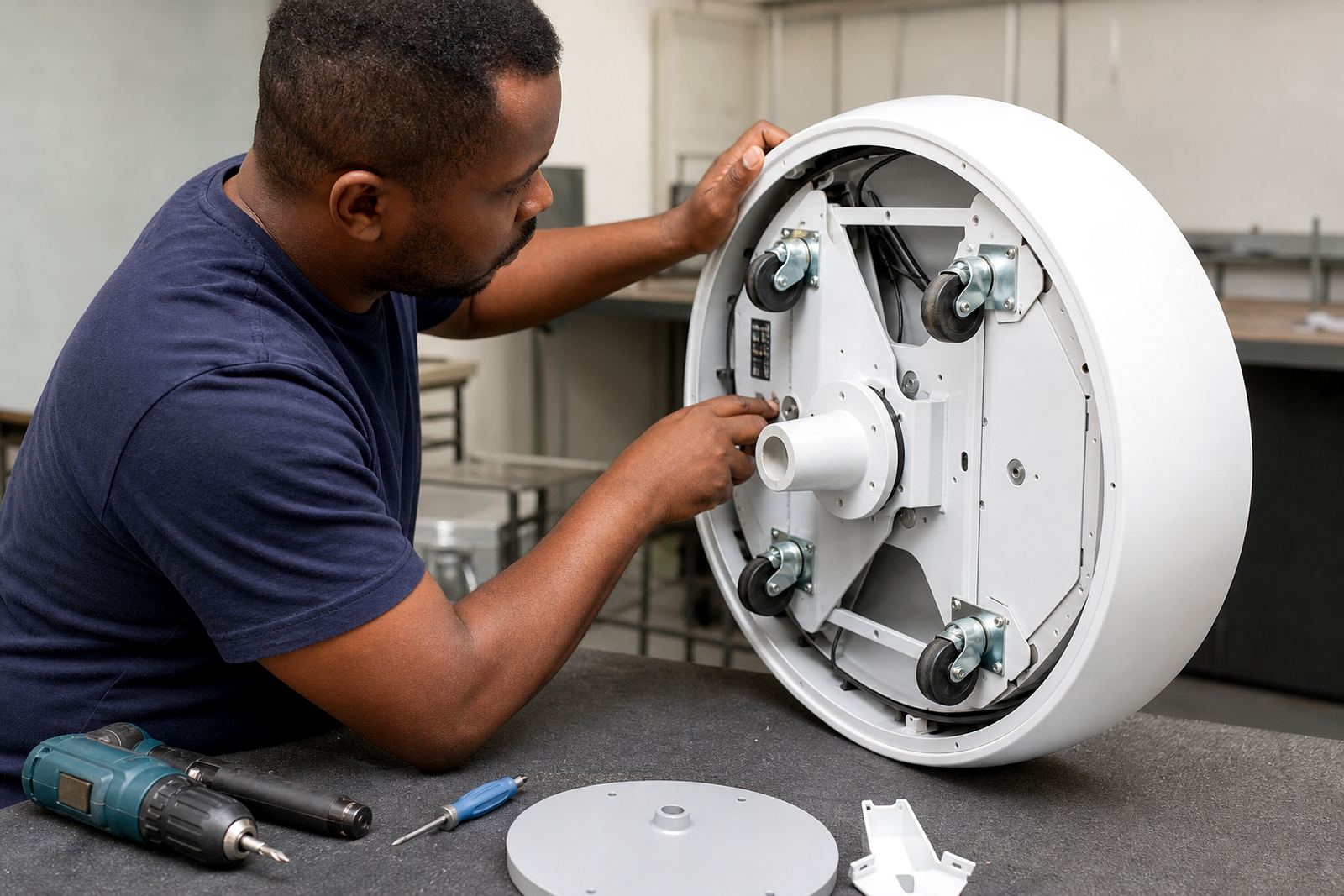
- Preventative servicing and parts replacement
- Staff training for store teams and managers
- Support retainers for ongoing help
Installation And Setup That Stays Retail-Ready
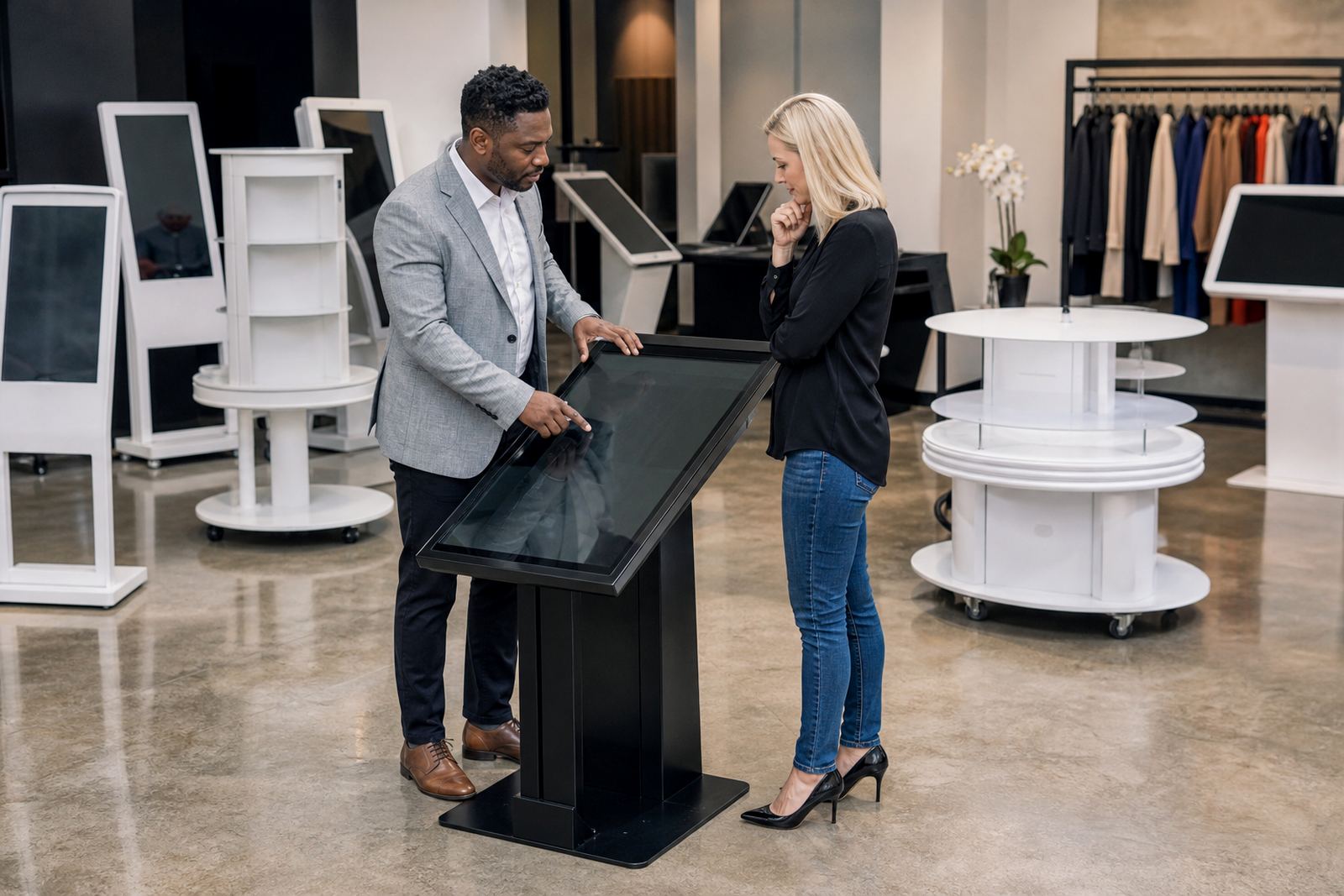
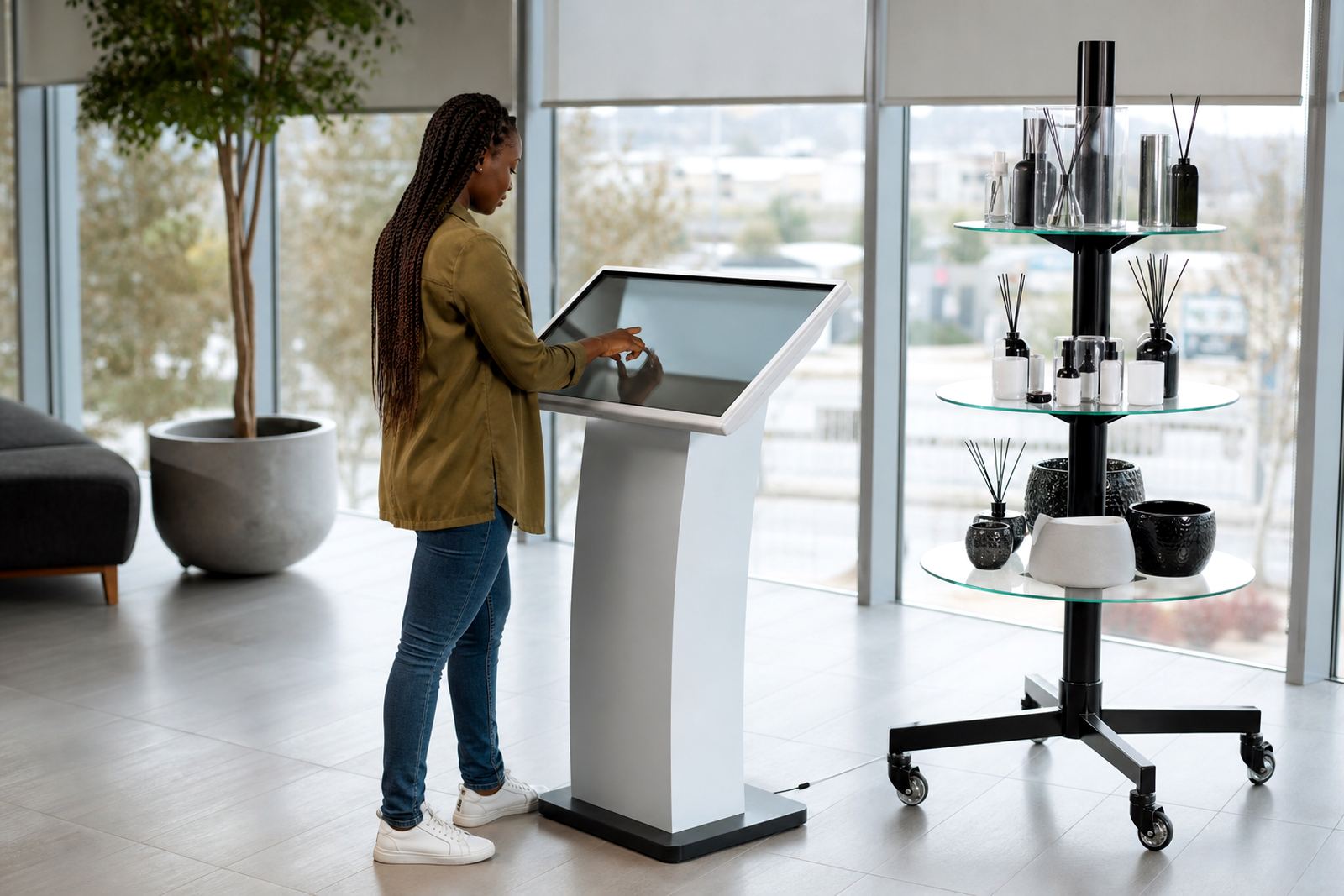
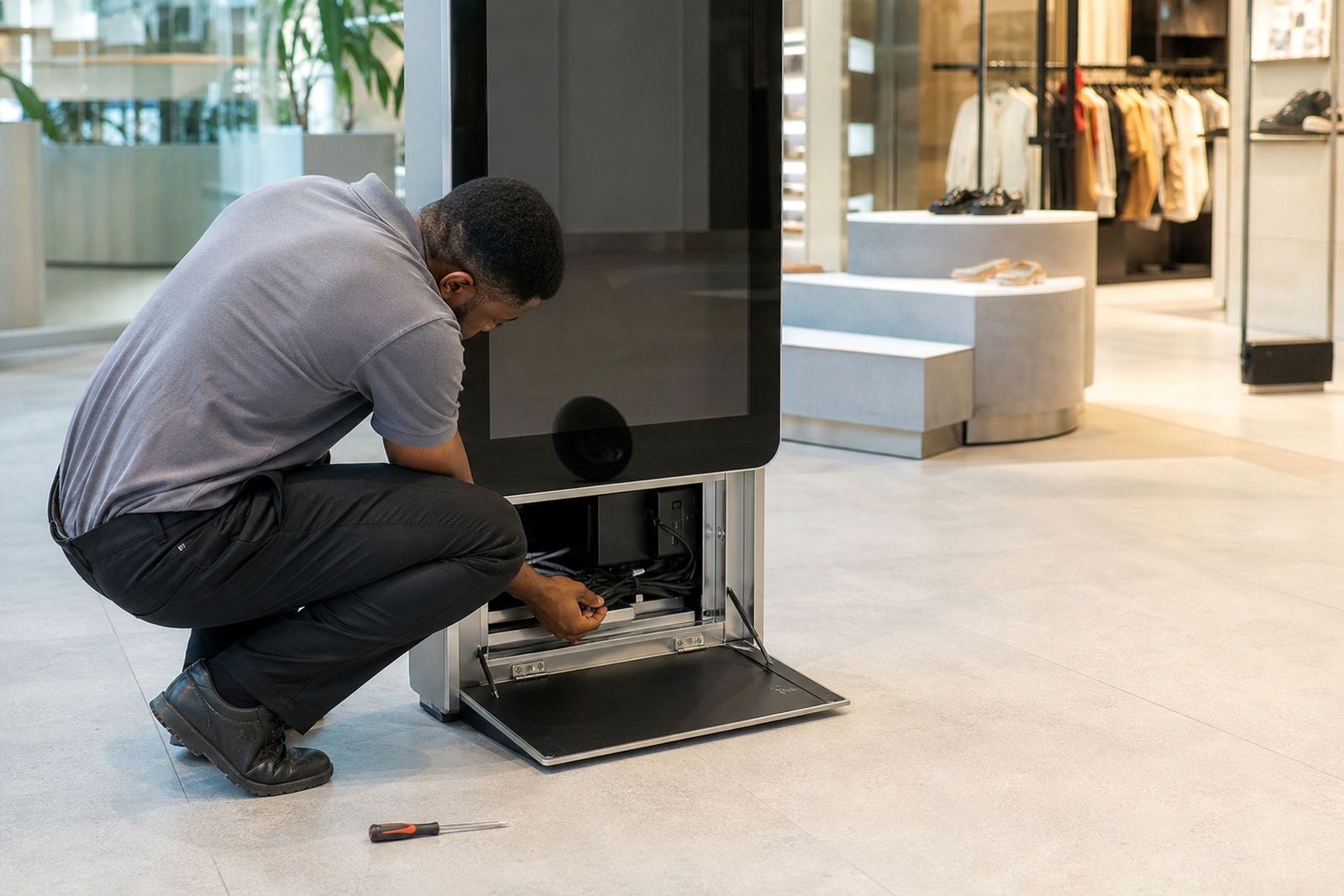
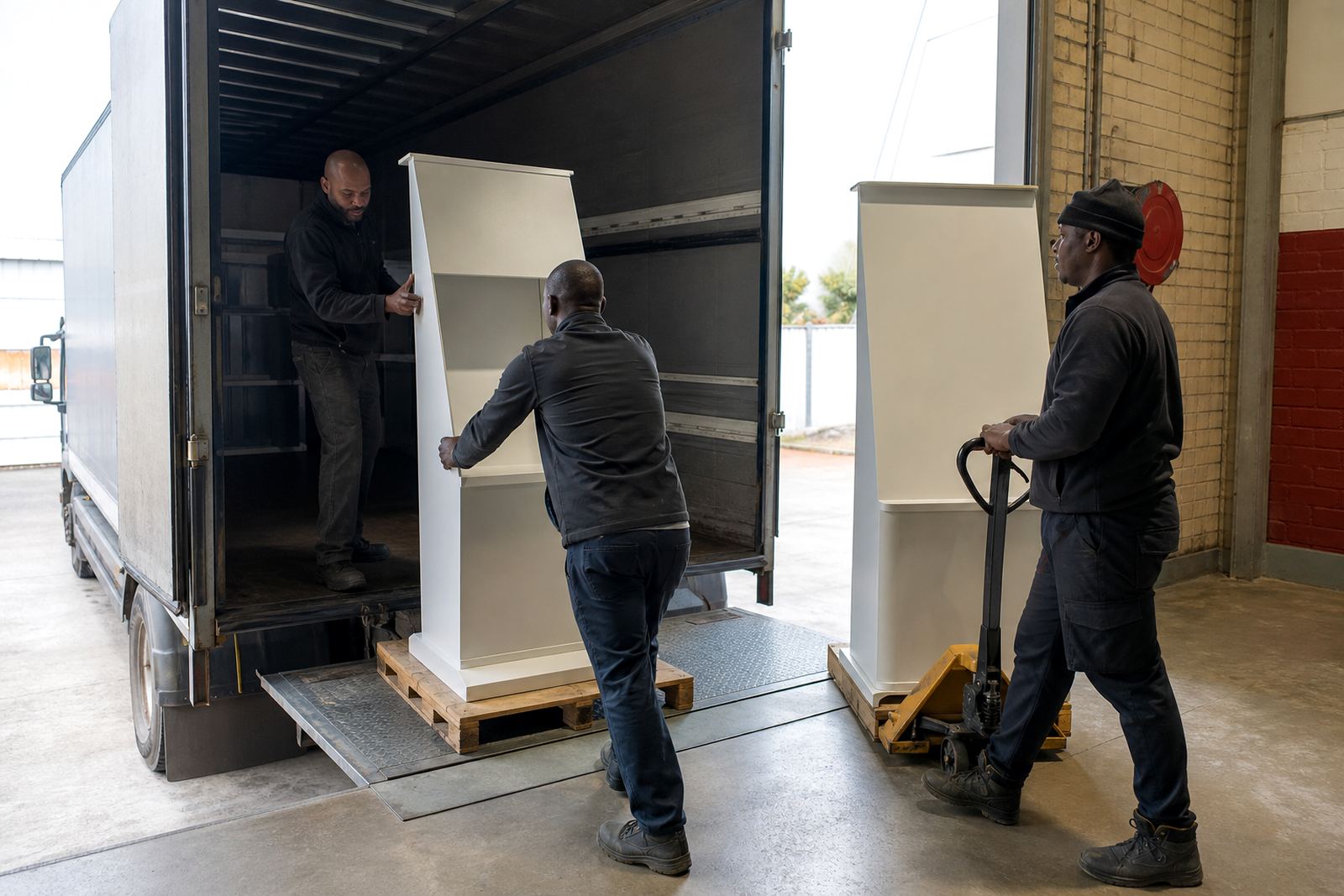
Many issues start with poor setup, loose cabling or a network connection that was not tested properly. Our installation support covers delivery installation, alignment, cable management and system checks so your unit is ready for customers from day one. We also make sure the display and touch response suit the store environment, whether the unit sits near an entrance, a cosmetics bay or a product launch table.
If the site has a strict landlord or mall rule, we plan around those requirements and work with store access windows. That helps avoid delays and keeps the process tidy and efficient.
Preventative Servicing For Less Downtime
Regular servicing can stop small issues from becoming costly repairs. We look at screens, touch response, mounts, internal components and software health. For stores near the coast, we also pay close attention to moisture and corrosion, which can affect electronics over time.
- Cleaning and inspection of moving parts
- Checking touch calibration and screen performance
- Testing network links and power stability
- Replacing worn parts before failure
- Reviewing usage patterns across the branch
A scheduled service plan is often easier than waiting for a failure on a Friday afternoon, when a store is busy and staff are under pressure.
Training Your Team To Use The System Properly
Good support includes showing your team how to use the equipment with confidence. We train staff on day to day operation, content changes, basic fault checks and safe handling. This reduces callouts for simple issues and helps stores keep control of their own content.
Training is practical and clear. We keep it focused on the real tasks your staff will do, not on technical jargon. That includes what to do after a power cut, how to reboot safely and when to log a fault for escalation.
Where We Support Retailers In South Africa
Our Midrand base supports retailers nationwide, with active service coverage in major metros and surrounding commercial areas. We work with the needs of head office teams, store managers and regional rollouts across the country.
- Midrand showroom and Gauteng support
- Johannesburg and Sandton supply support
- Pretoria and Centurion support
- Cape Town supply and Durban supply
- Bloemfontein supply and regional assistance
Whether you need one kiosk checked or several stores brought back into line, we can plan the job around your trading hours and site access.
How To Request Support
Clients reach us through the enquiry form on our contact page, and we use that to log the issue, confirm the site and assign the right person for the job. That keeps the response organised and helps us get the details right first time.
Send through the branch location, the unit type, the fault symptoms and any recent changes such as a power outage, content update or network swap. The more detail we have, the quicker we can help and the less back and forth there is. We know store time is money, so we keep the process practical.