How to Log a Support Request
If your unit is already installed and you need help, start by sending a support request through the enquiry form on our contact page. Tell us where the unit is located, what it is doing, and whether the issue is stopping customers from using it. The more detail you give us upfront, the faster we can plan the right fix.
For most requests, we will ask for the site name, branch suburb, unit type, and a short description of the fault. If the problem only happens at certain times, mention that too, especially where load-shedding, poor network coverage, or heavy trading periods seem to affect performance.
What Details Help Us Respond Faster
Our support team can work faster when we receive a few key details from the start. Please include clear photos if you can, plus any error messages or signs of damage. If the problem is intermittent, say when it started and what changed before it began.
- Location of the unit and branch contact person
- Asset or reference number if it was supplied during installation
- What the screen, software, or display stand is doing
- Whether the fault started after a power cut, move, or update
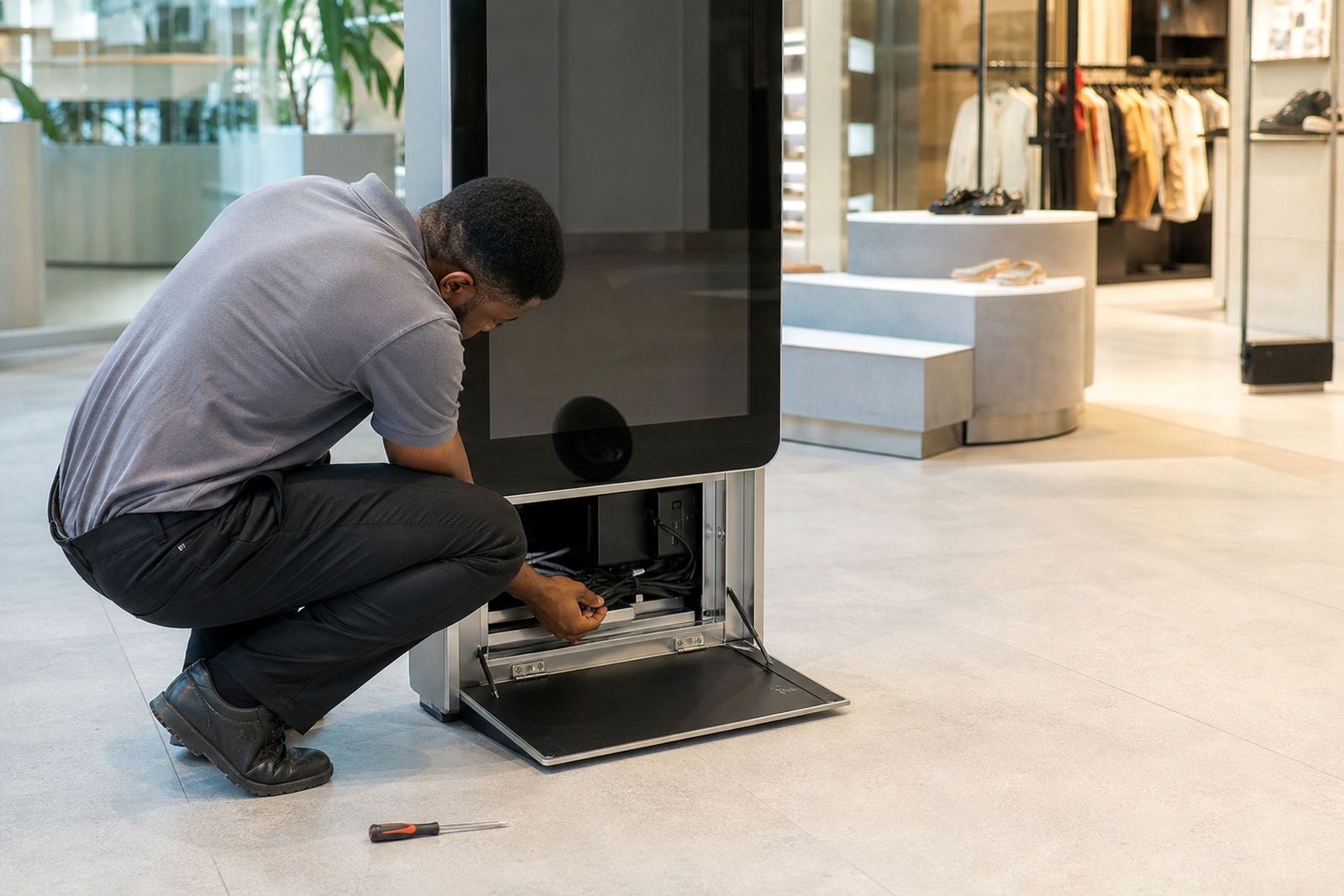
- Any visible damage, loose cables, or missing parts
For coastal stores, it also helps to mention any moisture, corrosion, or dust buildup. In high-traffic areas like shopping centres, a power issue or worn connector can show up quicker than expected, so that context matters.
Common Support Issues We Handle
We support day-to-day faults as well as scheduled servicing. Some issues need a quick remote check first, while others need a technician to visit site. If a part must be replaced, we will advise on the safest and quickest route to get the unit back in service.
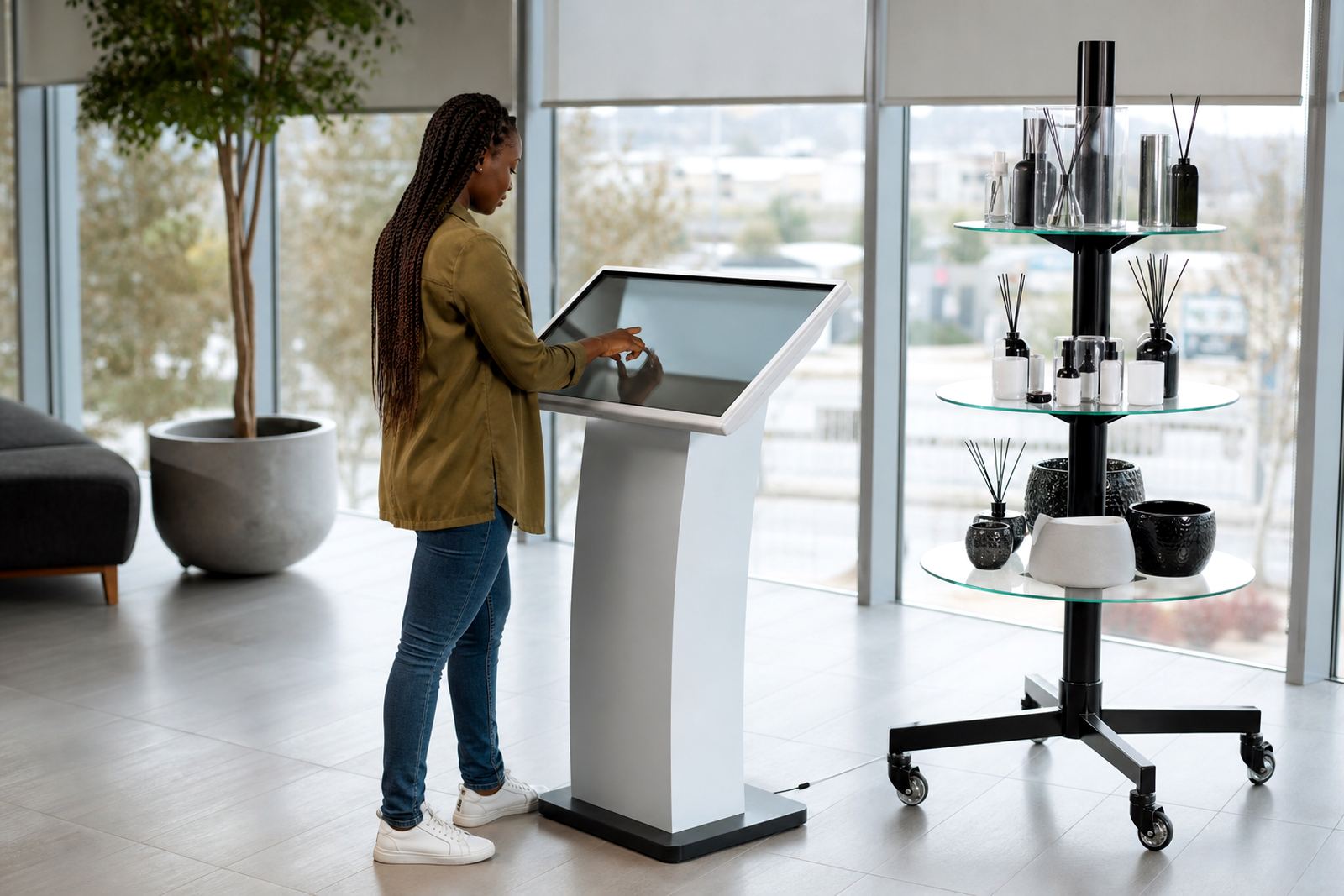
- Touch input not responding or only working in one area
- Screen flicker, blank display, or power failure
- Software not loading, freezing, or showing the wrong content
- Network connection problems on connected kiosks
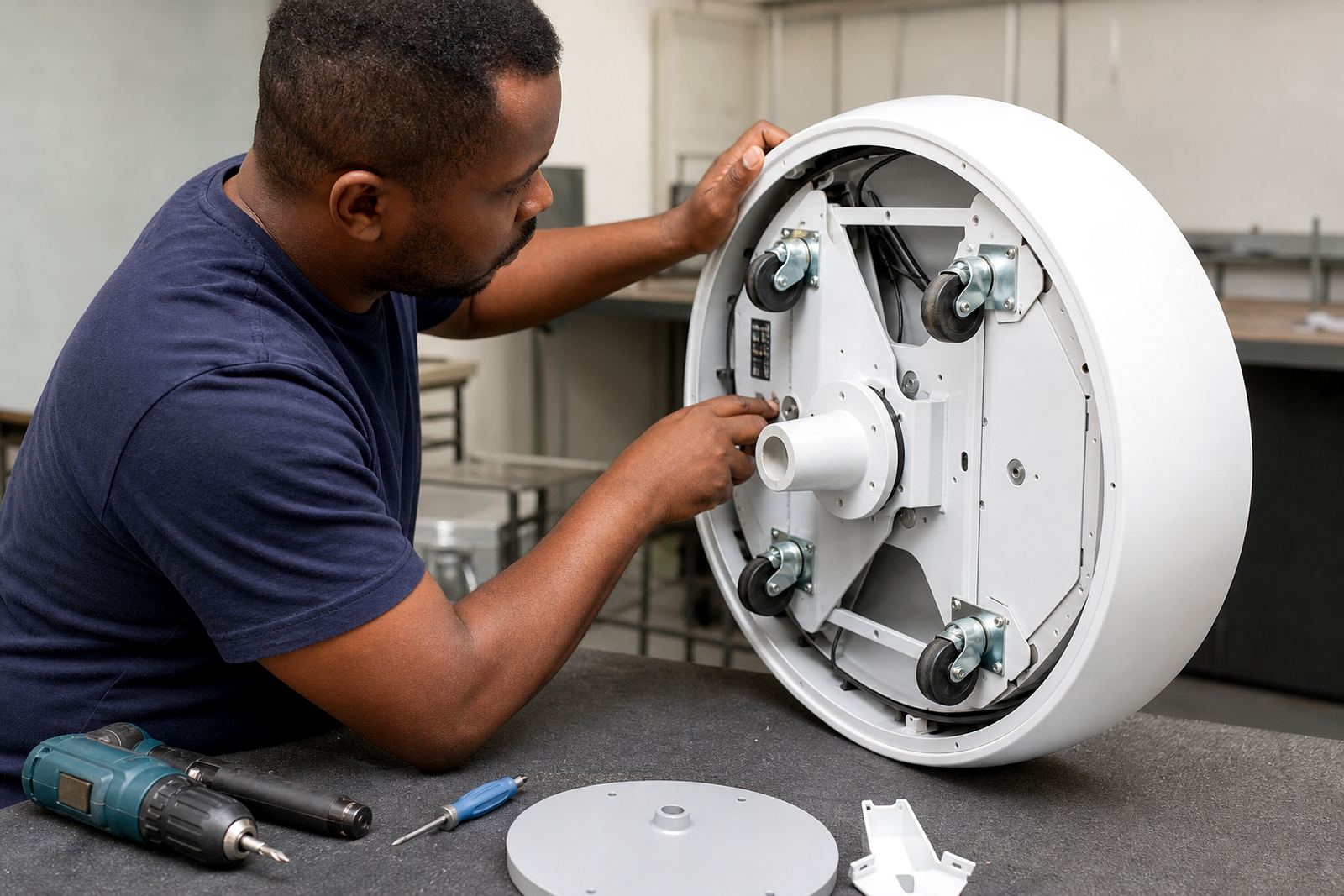
- Mechanical wear on 360-degree product display stands
- Loose fittings, damaged cables, or unstable mounting
We also assist with preventative servicing, content loading, and software configuration if your installation needs a reset or update. That often solves smaller issues before they turn into a bigger downtime problem.
Before You Reset or Switch Off the Unit
Before powering anything down, check whether the fault is local to one branch or affecting several units. If there has been a recent power interruption, wait for a full restart and see whether the system recovers on its own. In some cases the issue is caused by a temporary network drop or a disconnected accessory.
Please do not open the cabinet, force any moving parts, or keep restarting the unit repeatedly. That can make the fault harder to trace and may void a simple repair path. If the kiosk is in a public area, let staff know to keep customers from using it until the support request has been reviewed.
When We Recommend an On-Site Visit
Some faults can be resolved remotely, but others need hands-on inspection. If there is physical damage, repeated shutdowns, or a mount that feels loose, we will usually recommend an on-site assessment. This is also the best route where the unit has been exposed to dust, humidity, or cleaning chemicals.
Our installation and technical teams work across Gauteng and major metro areas, so we can plan visits for Midrand, Johannesburg, Pretoria, Centurion and Sandton, as well as Cape Town, Durban and Bloemfontein. For multi-branch retailers, we can also manage staggered callouts so your stores are not all offline at once, which saves time and a bit of stress.
What Happens After We Receive the Request
Once your request comes through, we review the fault details and decide whether remote support, a parts check, or an on-site visit is needed. If spare parts are required, we will confirm what is available and what needs to be ordered. Where possible, we match the quickest fix to the least disruption for your store team.
You will receive practical feedback on the next steps, including any preparation needed before a technician arrives. If access, trading hours, or security clearance are relevant, please include that in the initial request so the visit can be planned properly. A clear first message usually leads to a faster turnaround and fewer return visits.