What the warranty covers on supplied units
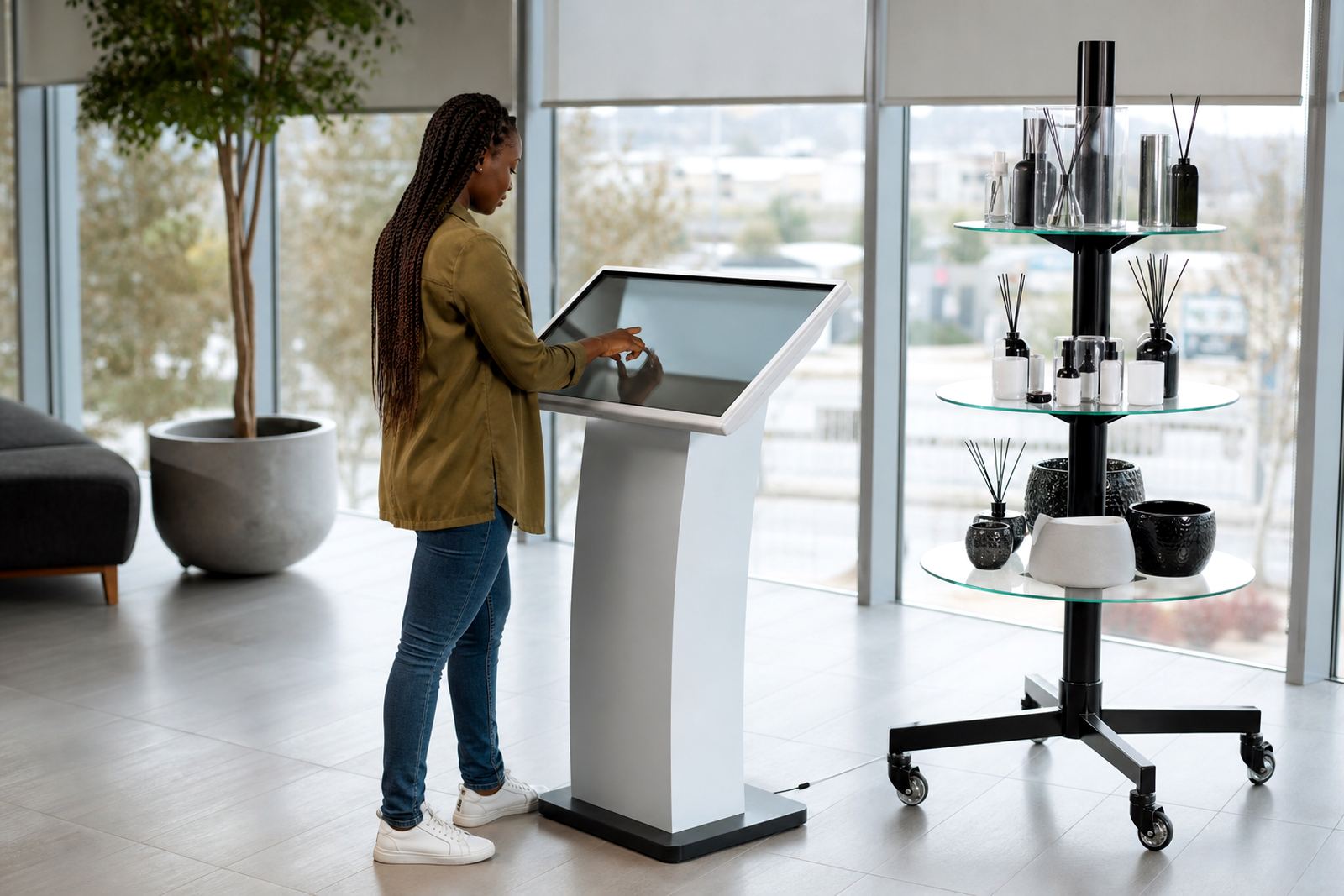
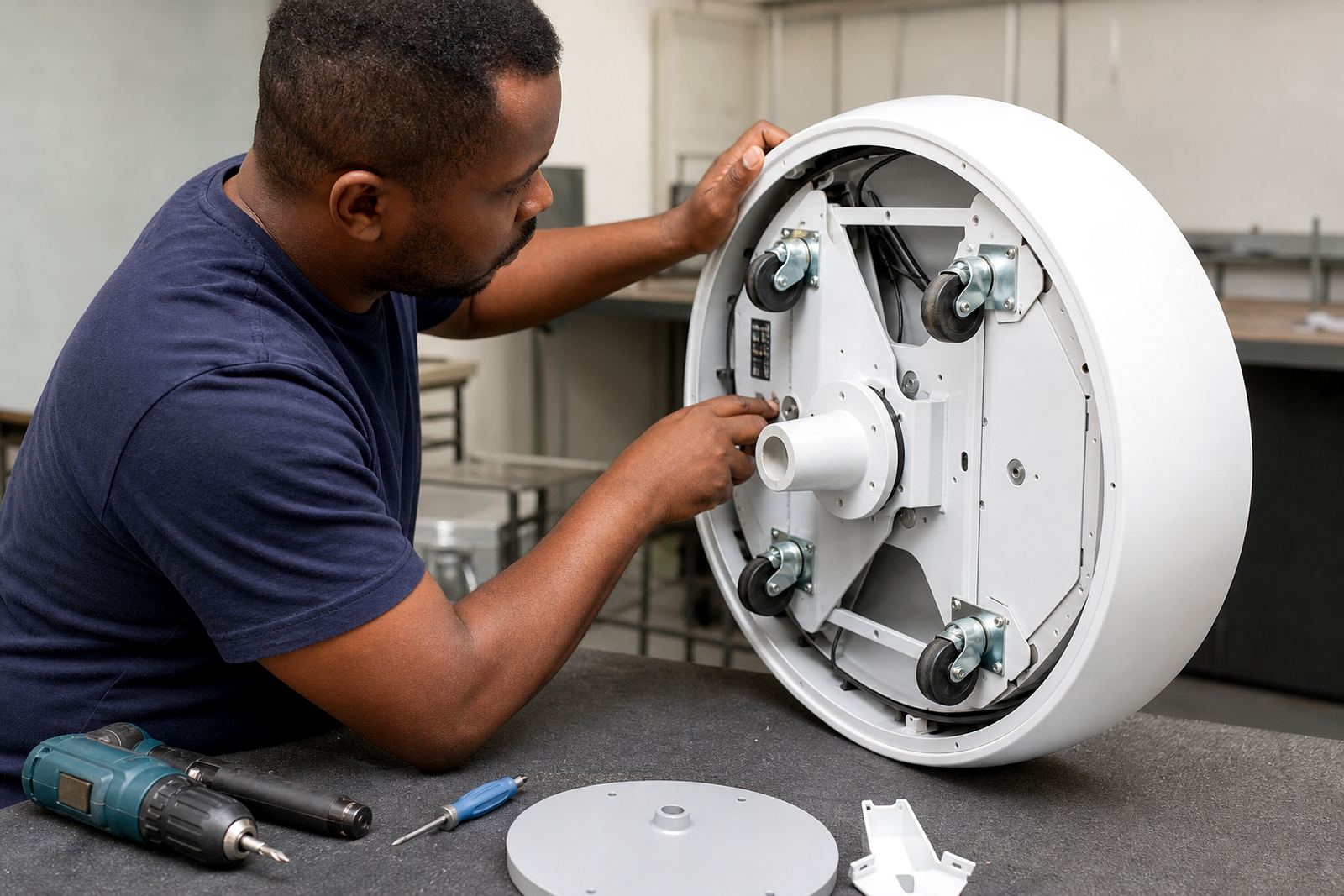
Our warranty applies to interactive touchscreen kiosks and 360-degree product display stands supplied for retail use in South Africa. It covers defects in workmanship and faults in approved components under normal operating conditions, provided the unit has been installed, used and maintained in line with the handover instructions.
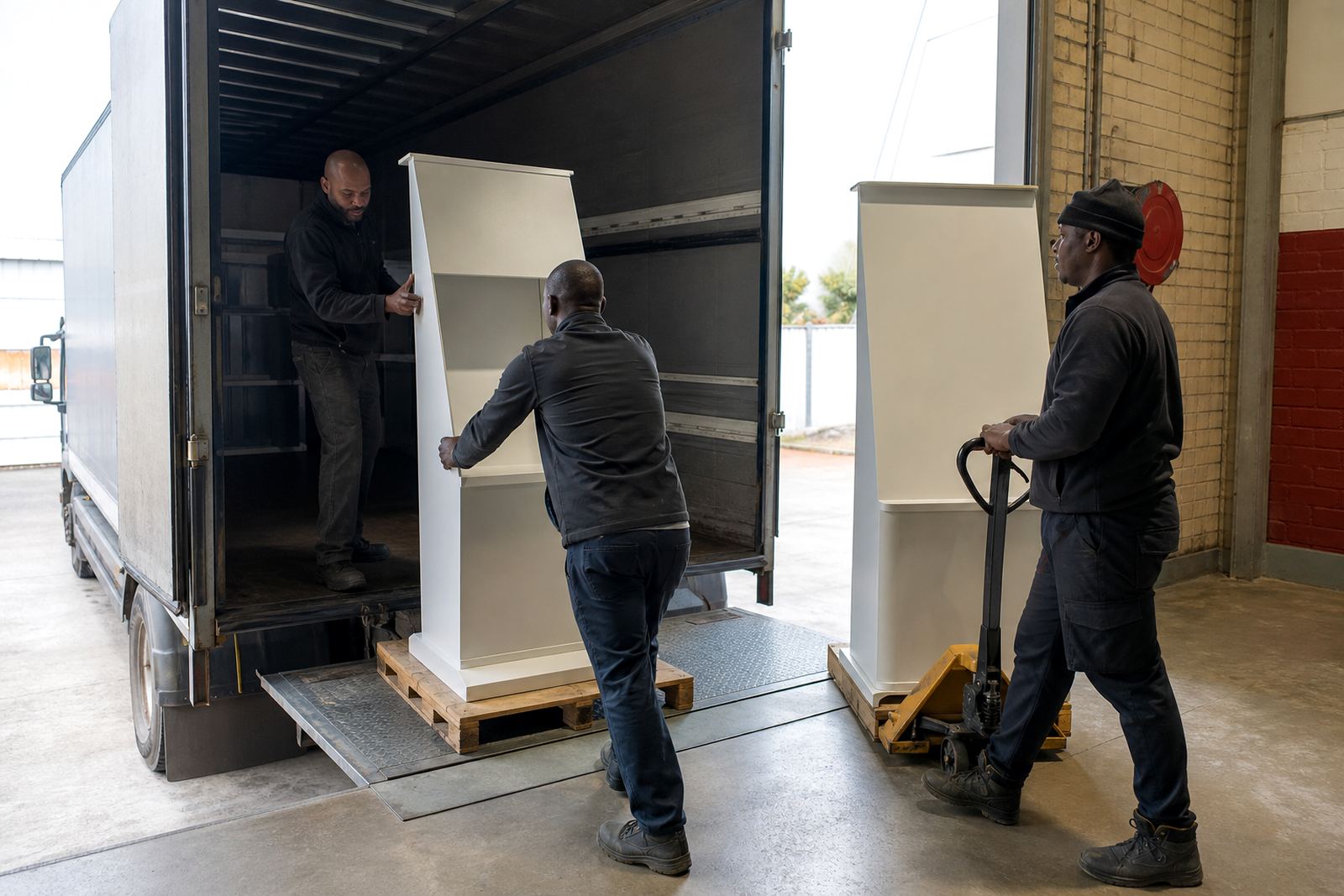
The warranty period starts from the date of delivery or installation, whichever is confirmed on the project paperwork. If a unit is delivered to Midrand, Johannesburg, Pretoria, Cape Town, Durban or Bloemfontein and placed into service later, the start date still follows the agreed handover record.
- Workmanship faults on the frame, mountings and internal assembly
- Electrical or electronic component failure under normal use
- Software or configuration issues supplied as part of the agreed setup
- Labour required to assess an approved warranty claim
What is not covered under warranty
Warranty cover does not apply where damage is caused by misuse, unauthorised modification, incorrect cleaning, impact, water ingress, power spikes, rodent damage or installation by an unapproved party. Units placed in exposed shopfronts, dusty stockrooms or coastal sites need the correct care and protection, especially where humidity or salty air can affect fittings and screens.
Normal wear and tear is also excluded, including cosmetic marks, faded graphics, worn buttons and surface scratches that come from everyday retail traffic. If a store experiences load-shedding or unstable municipal power, damage caused by inadequate surge protection or poor earthing is not treated as a warranty fault.
- Accidental damage and theft
- Consumables, adhesive items and routine cleaning materials
- Third-party software, content or network faults outside the supplied setup
- Repairs done by anyone other than our authorised team
How to log a warranty claim without delay
If a fault appears, contact us through the enquiry form on the contact page and include the unit location, serial number if available, a clear description of the issue and at least one photo or short video. This helps our team decide whether the fault can be resolved remotely or whether a site visit is needed.
For retail sites in Sandton, Centurion and Pretoria, we often start with a remote check of power, network and display settings before dispatching a technician. For stores in Cape Town, Durban or Bloemfontein, we may also ask for a quick check of the environment, because heat, moisture and unstable power are common causes of repeat issues.
- Record the fault as soon as it appears
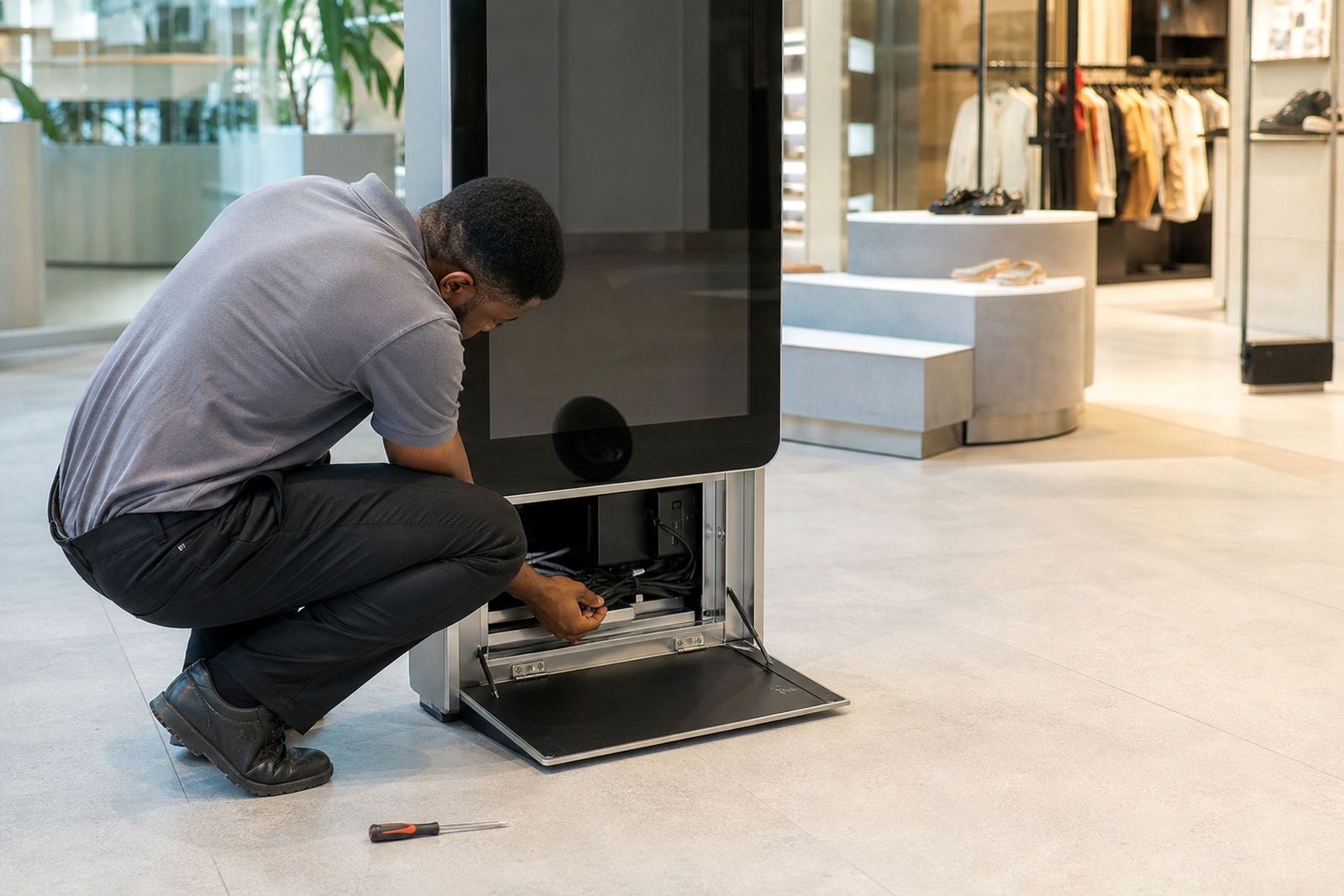
- Do not open panels or replace parts yourself
- Keep the unit powered off if there is smoke, burning smell or visible arcing
- Send the site name, contact person and preferred access times
Assessment, repair and replacement process
Once a claim is logged, we assess whether the problem falls inside the warranty terms. If it does, we arrange the next step, which may include remote support, software reconfiguration, part replacement, or an on-site repair. In some cases a unit may need to be collected for bench testing at our Midrand base.
Where a replacement part is needed, the part supplied will be compatible with the original unit specification. If the fault is linked to a component that has reached the end of its service life through normal use, we will advise on the repair route and the associated cost before proceeding. We aim to keep downtime low for stores that rely on these units for customer engagement and product information.
- Fault review and verification
- Remote troubleshooting where possible
- On-site attendance if required
- Parts replacement or unit swap depending on the fault
Care that protects your warranty in busy retail spaces
Good care keeps the warranty intact and reduces avoidable failures. Use the approved cleaning method for touchscreens and display surfaces, keep cables secure, and make sure the unit is mounted or positioned on a level surface with enough airflow. In malls and high-traffic stores, poor cable routing and constant movement around the unit often lead to avoidable wear.
We also recommend surge protection, clean power where possible and proper network setup before live trading begins. For stores that trade through load-shedding, a backup power plan helps protect screens, controllers and media players. If your site manager changes settings or updates content, keep a simple record of what was changed so faults can be traced quickly.
- Wipe screens with the correct non-abrasive cloth
- Keep liquids away from ports and vents
- Protect units from direct sun, rain and excessive dust
- Book preventative servicing for busy sites
Warranty support for branches across South Africa
Our support team assists retailers from Midrand, Johannesburg, Pretoria, Centurion, Sandton, Cape Town, Durban and Bloemfontein. The response time depends on the fault, site access and part availability, but every claim is handled with the same process and clear feedback from start to finish.
If your store has multiple kiosks or display stands, we can review the whole setup and flag recurring issues before they become costly. That is useful for chains that need consistent branding, content loading and reliable operation across branches. Sibusiso Mthembu and the team keep the focus on practical support, not paperwork for the sake of it.
Keep your original handover record, job card and any service notes together in one place. It makes future claims easier and helps us confirm what was supplied, when it was installed and how the unit has been used since day one.