



Choosing Between a Touchscreen Kiosk and a 360 Display Stand
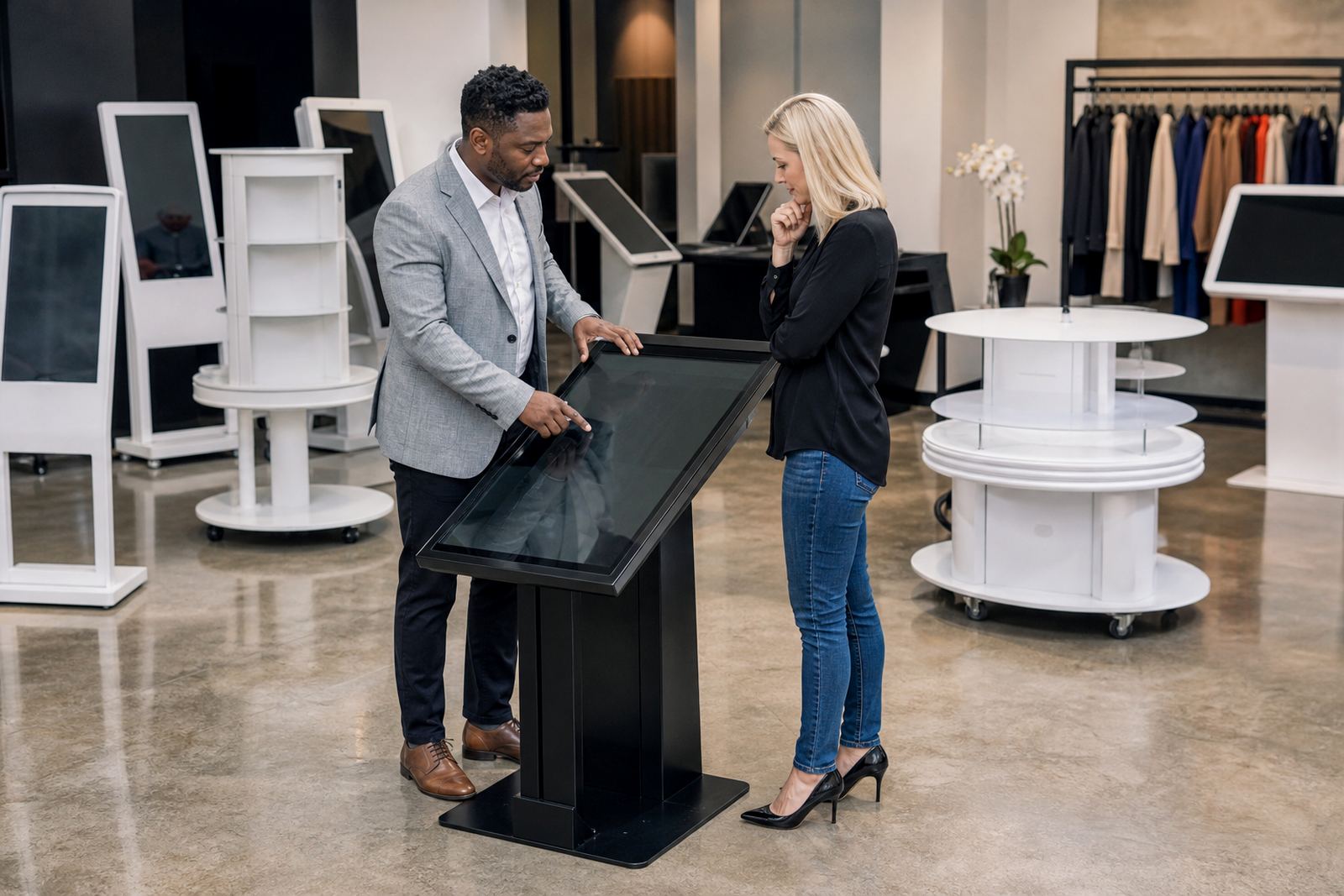
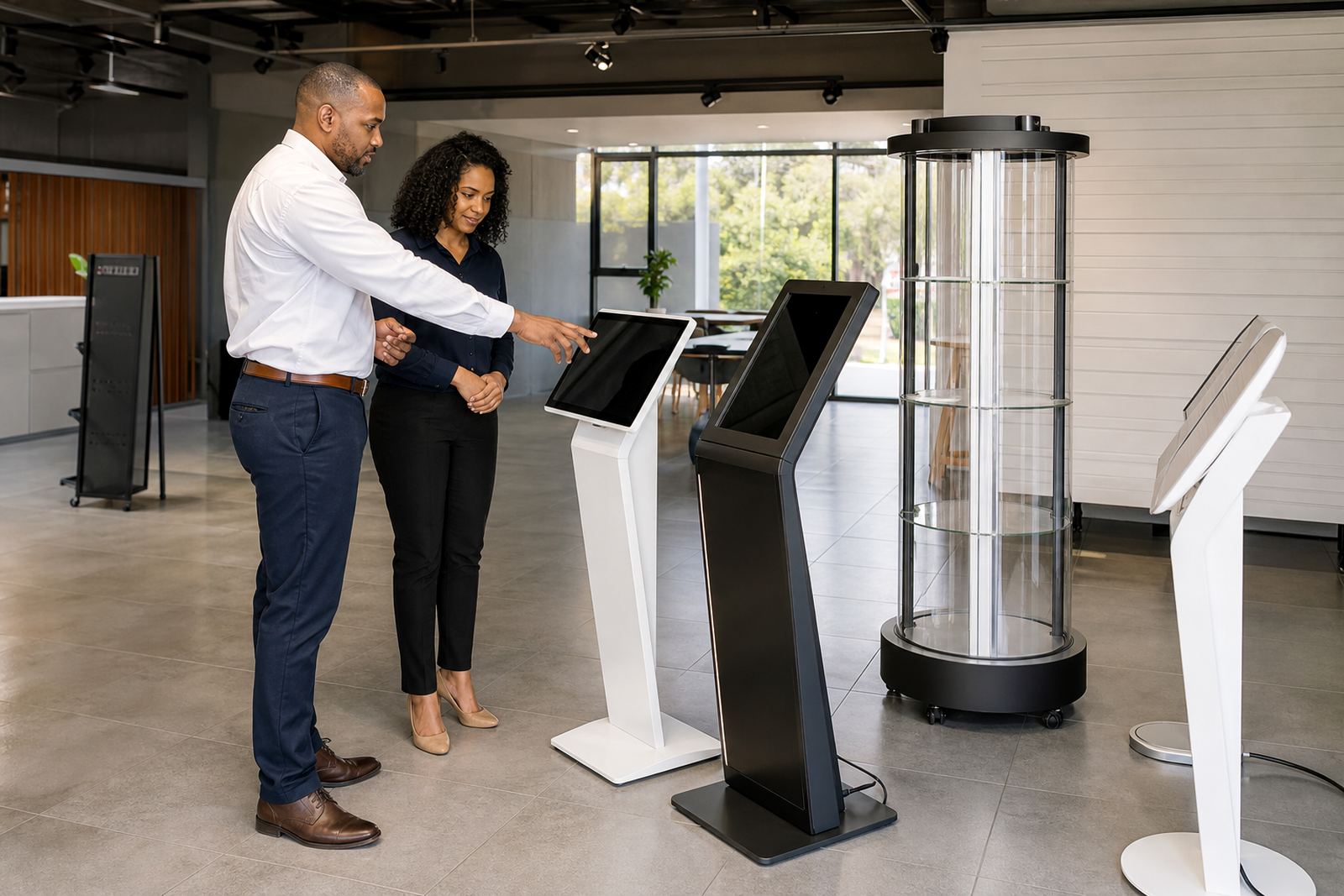
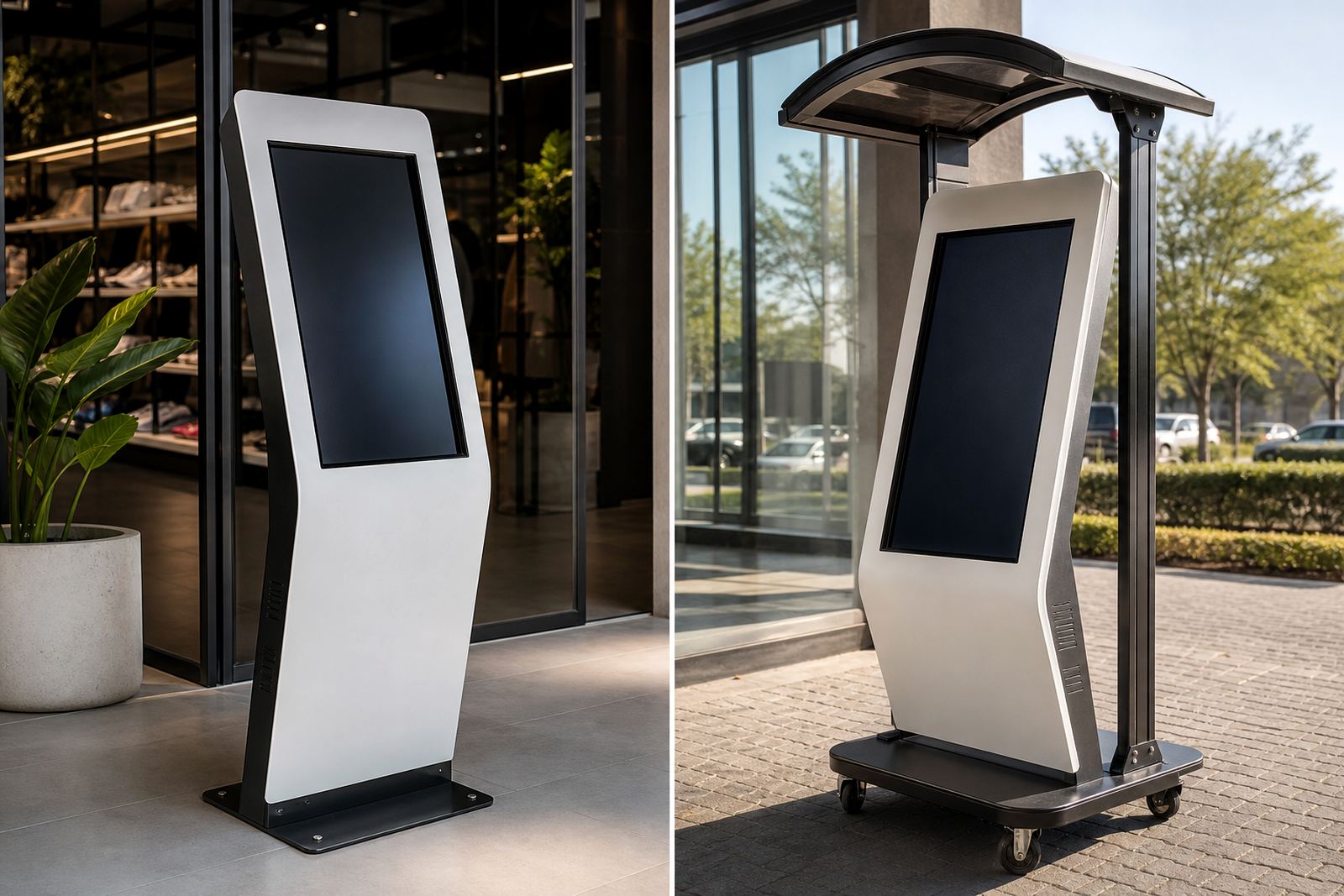
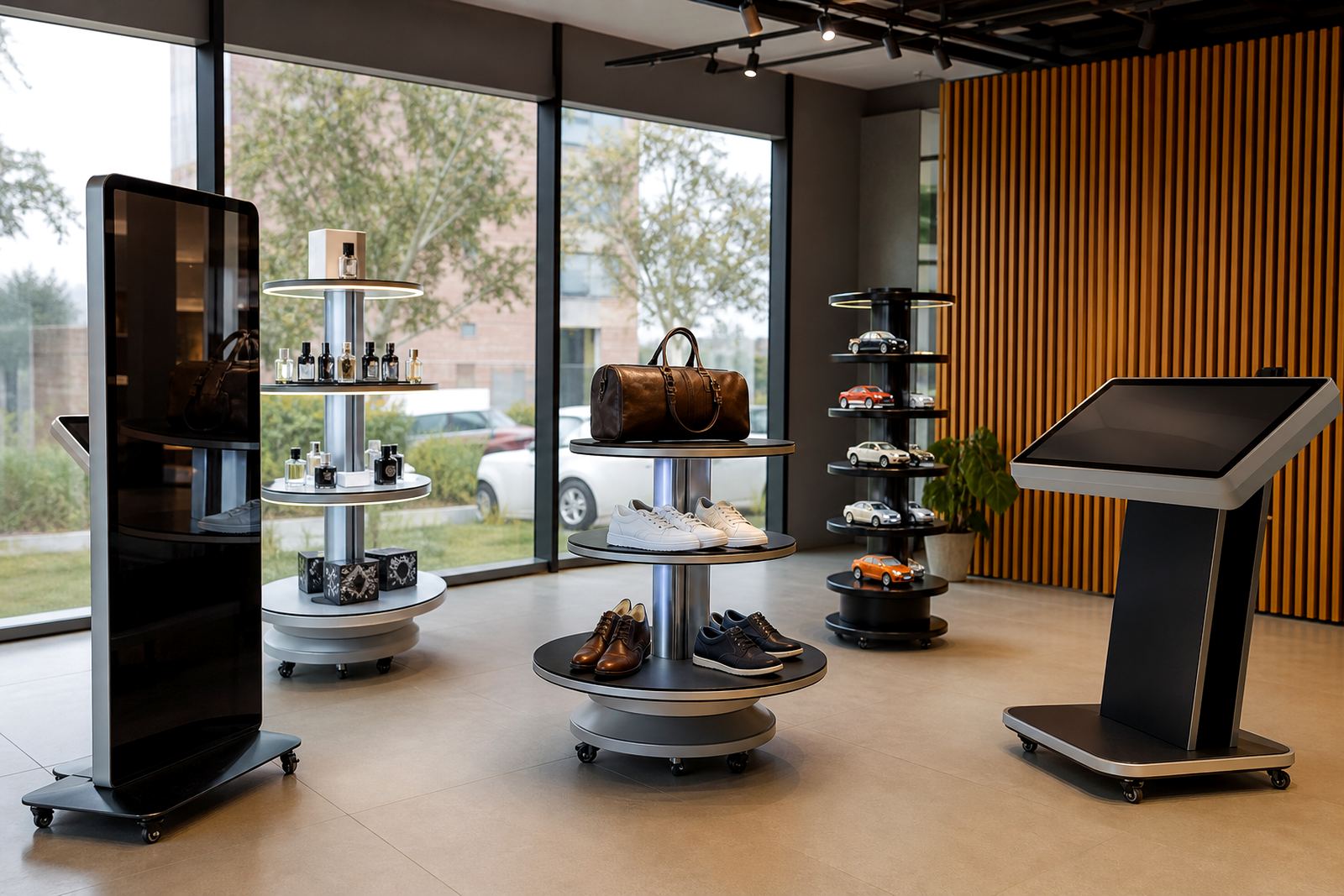
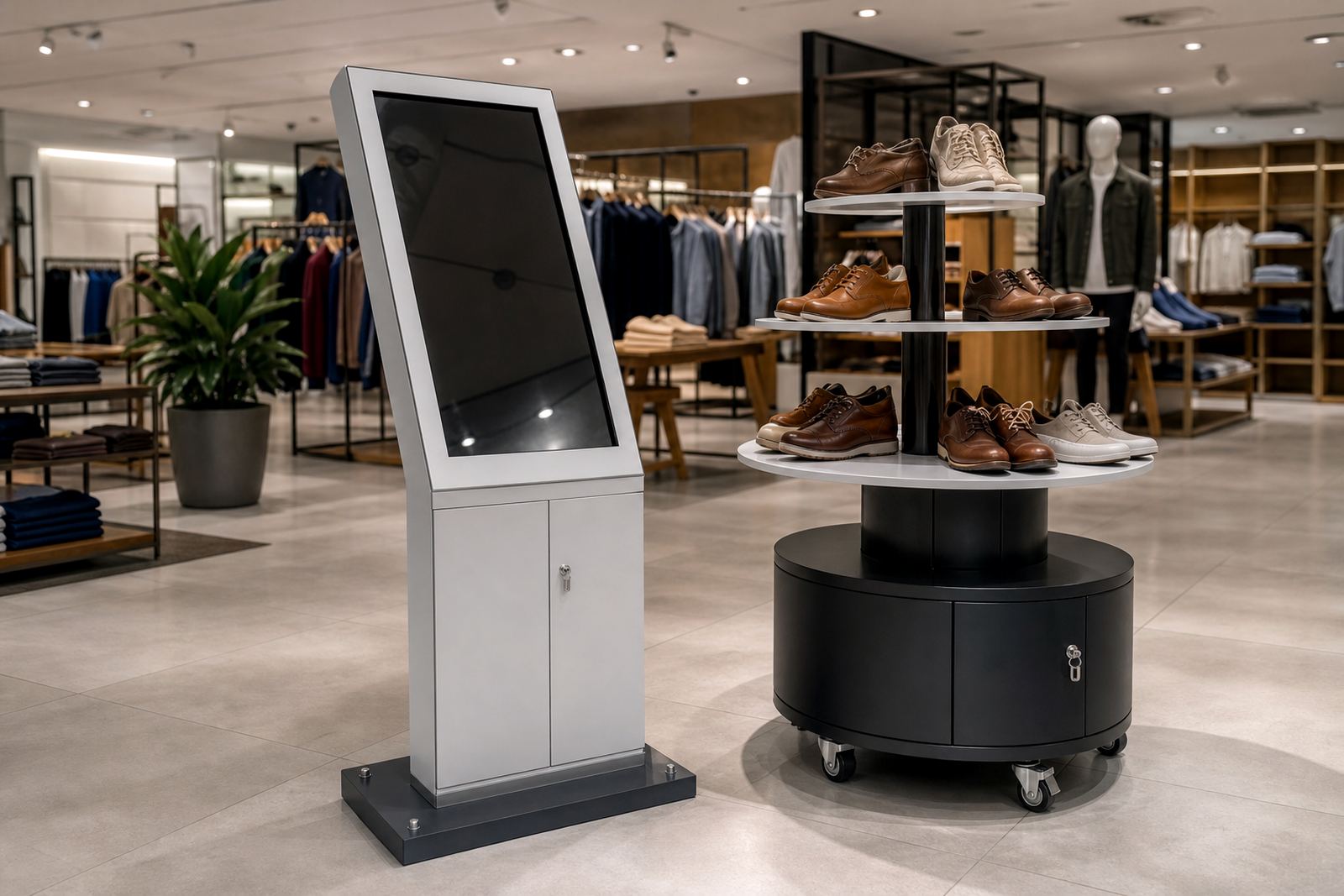
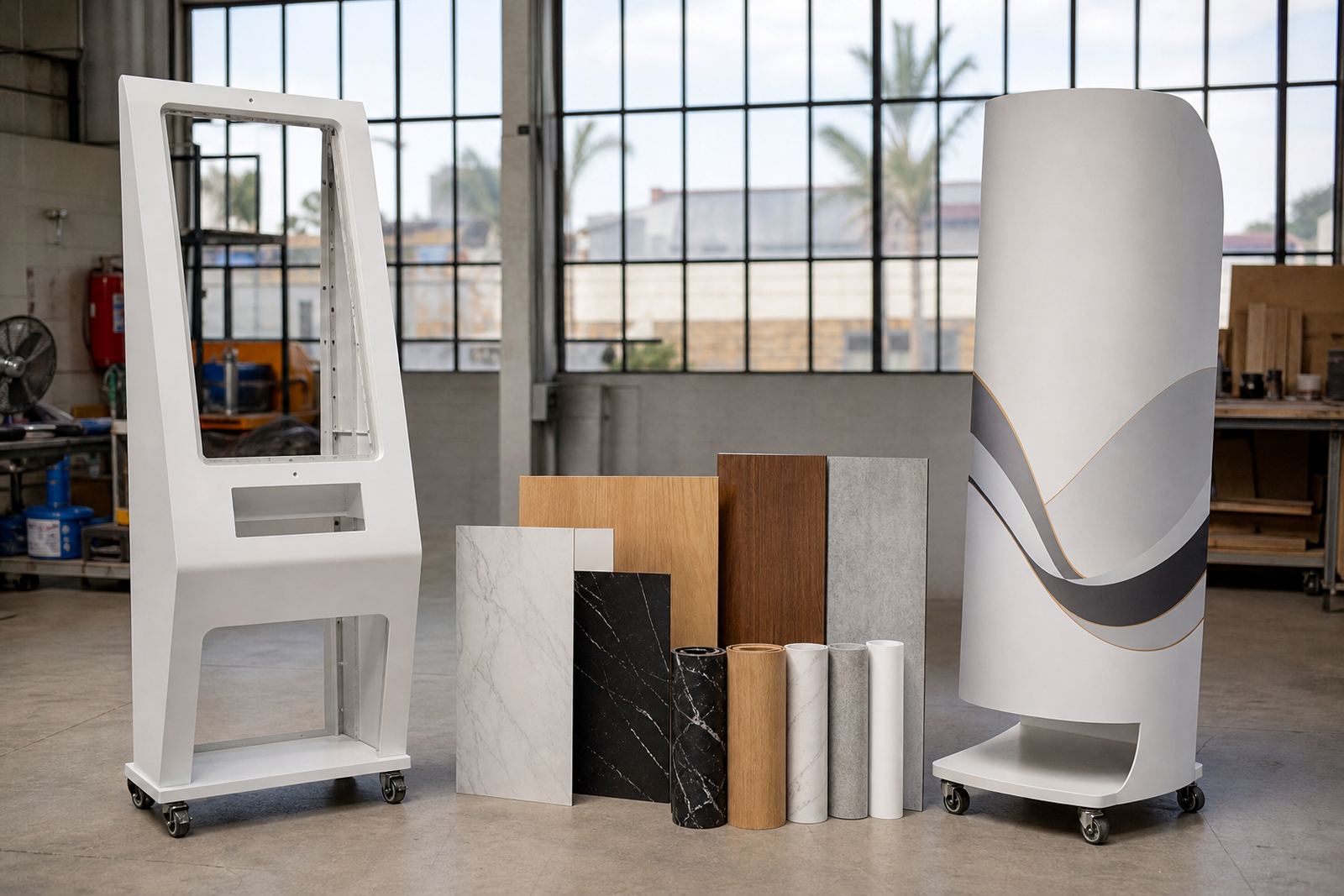
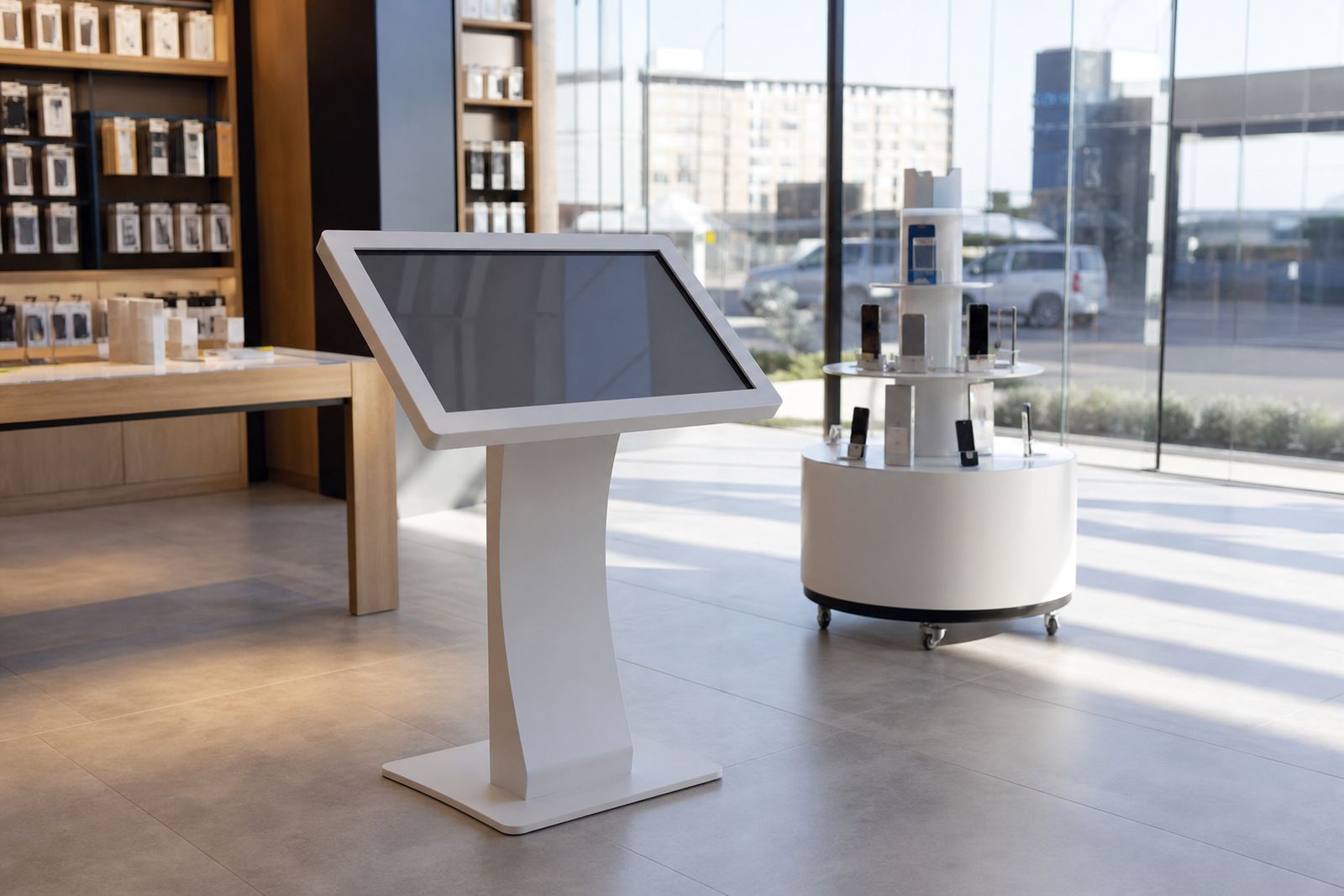
Start with the job the unit must do. A touchscreen kiosk suits product lookups, self-service, promotions and guided buying, while a 360-degree display stand is better when the aim is to let shoppers inspect a product from every angle. In busy stores around Johannesburg, Pretoria or Durban, the right choice often comes down to queue flow, available floor space and how long a customer should spend at the unit.
If you are not sure, look at what must happen at the point of sale or in the aisle. A kiosk needs power, a stable mount and content that loads quickly. A display stand needs smooth rotation, a solid base and enough clearance so staff and shoppers do not knock it during peak trade.
What to Check Before You Place an Order
Before ordering, measure the site properly and check the basics that affect installation and use. A few extra centimetres can matter when a unit sits near a till point, entrance or feature wall. In coastal towns like Cape Town or Durban, also consider humidity and salt in the air, because that can affect fittings and finish over time.
- Available floor space, including turning room for customers and trolleys
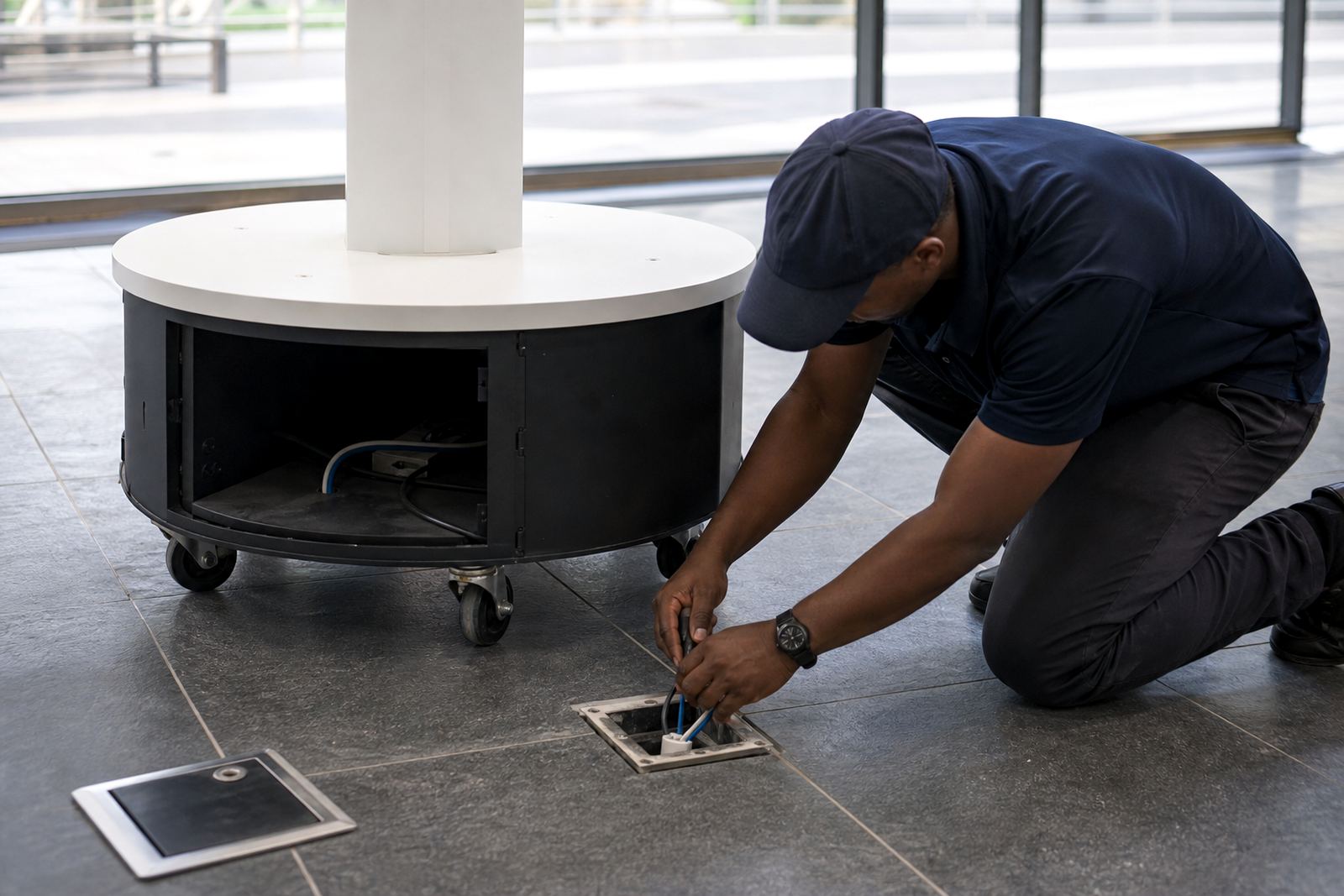
- Power point position, cable route and any need for hidden trunking
- Network access for live content, updates or remote support
- Lighting, glare and sightlines from different parts of the store
- Cleaning access, especially where dust or fingerprints build up quickly
Layout Planning for Retail Floors
Good placement is not only about where the unit fits, it is about how people move. A kiosk near the wrong aisle can cause a bottleneck, while one placed too far back may be ignored. Retailers in Sandton, Centurion and Bloemfontein often ask for simple layouts that keep the unit visible without blocking merchandise or emergency exits.
Keep the customer path short and obvious. If staff need to guide shoppers to the screen or the display stand, mark the zone clearly and leave enough space for more than one person to use it at a time. If the unit is near glass or direct sun, plan for screen visibility and heat build-up, because both can affect daily use.
Software, Content and Network Considerations
A touchscreen kiosk is only useful if the content is current and easy to use. Retail teams should decide who will load updates, how often the material changes, and whether the unit must work on local network, Wi-Fi or offline content. If the store runs during load-shedding, ask how the kiosk behaves when power is interrupted and what recovery steps are needed afterwards.
- Keep screen menus simple and readable from standing height
- Use image files and product information that load quickly on slower connections
- Plan for automatic restart after a power cut
- Confirm who approves content changes before they go live
- Test all links, buttons and media before the store opens for the day
Servicing, Repairs and Parts Planning
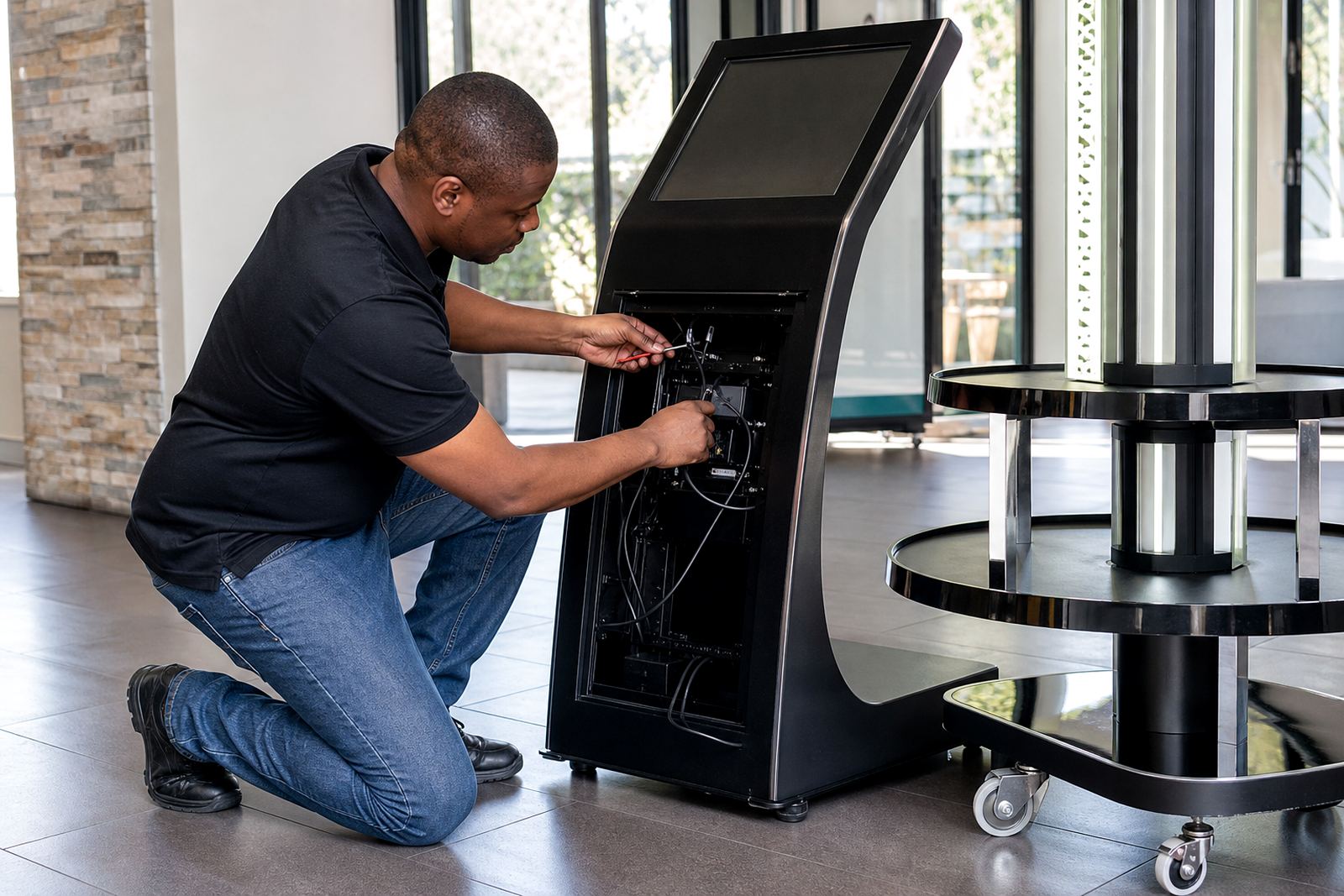
Every retail unit needs a maintenance routine, especially in high traffic stores. Touchscreens pick up wear from constant use, and display stands may need bearing checks, surface cleaning or replacement parts after long trading hours. A simple service plan helps reduce downtime and keeps the unit looking neat.
For stores in Johannesburg or Pretoria, where foot traffic can be heavy, preventative servicing often saves time later. Keep a record of any faults, the date of the last check, and the part numbers used so repairs can be handled quickly when needed. It also helps to train staff on basic daily checks, because a small issue caught early is easier to sort out than a full breakdown.
How to Use These Guides on a Busy Store Rollout
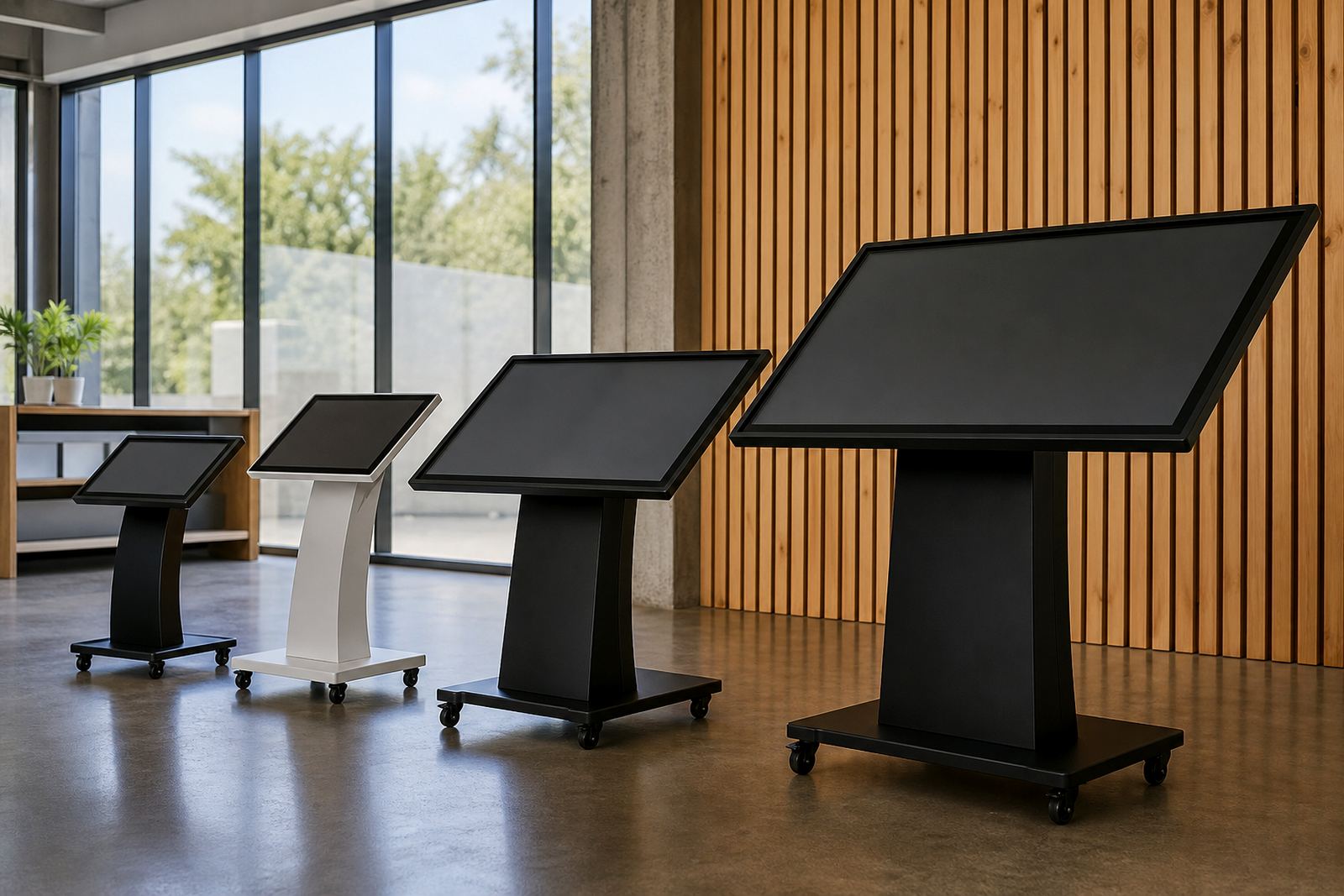
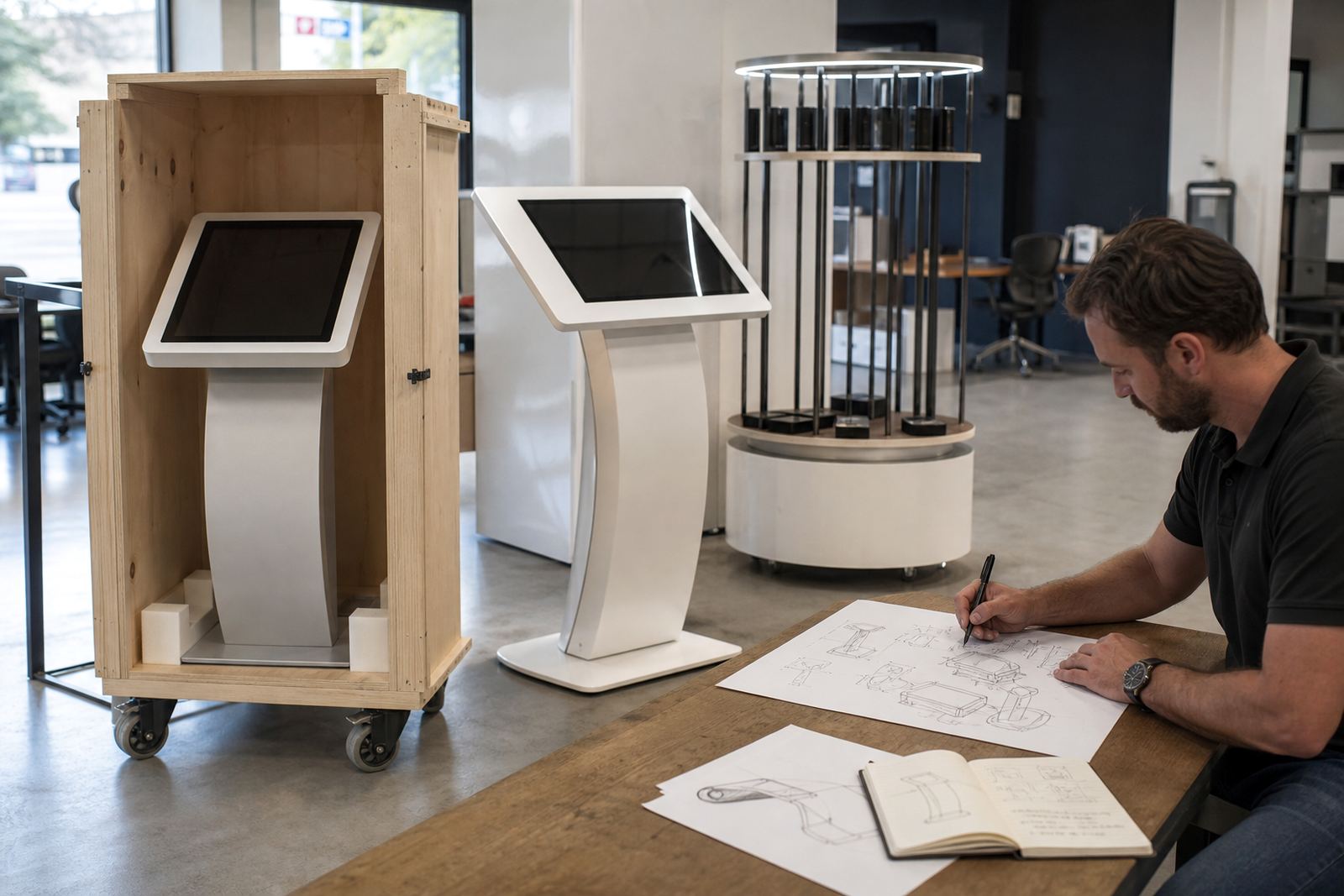
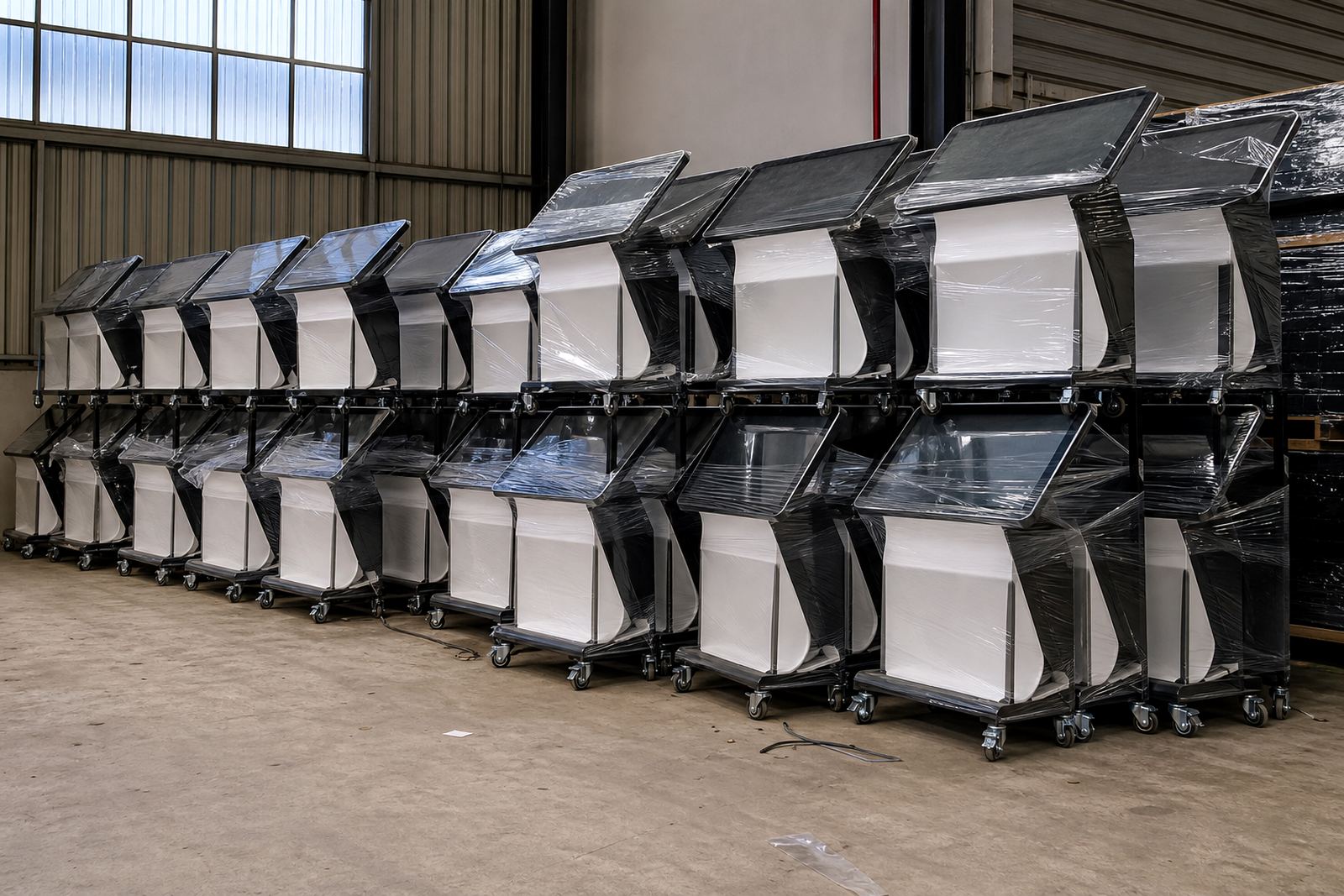
These guides are most useful when you are planning more than one branch or updating a few sites at once. Use them to compare unit types, decide where each one should go, and confirm what support is needed for delivery, installation and staff training. A rollout in Midrand, Cape Town or Durban can move faster when every branch follows the same checklist.
Start with the store brief, then match the guide to the use case, the floor layout and the amount of customer interaction you want. That way the unit is chosen for the job it must do, not only for how it looks on the day of install.