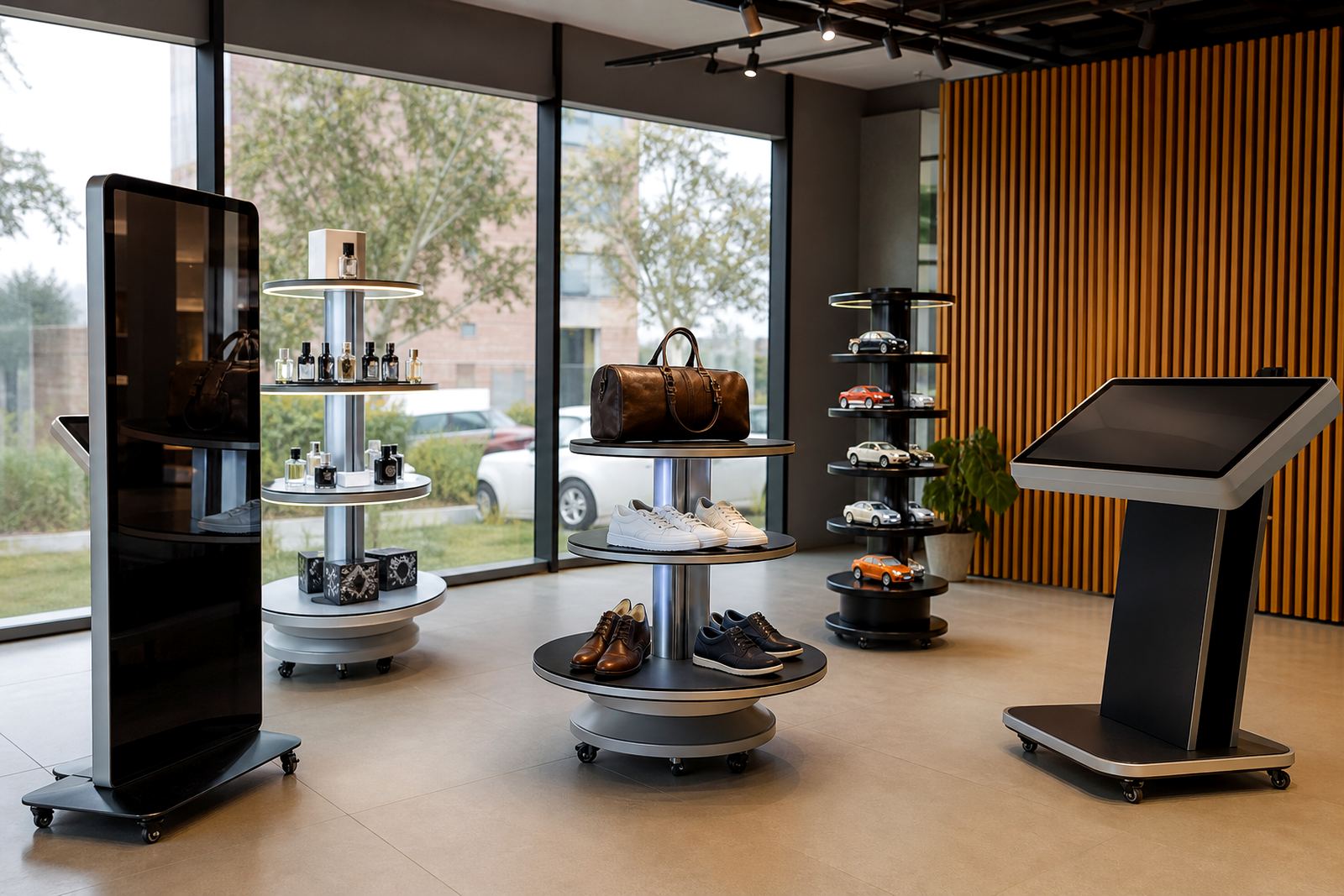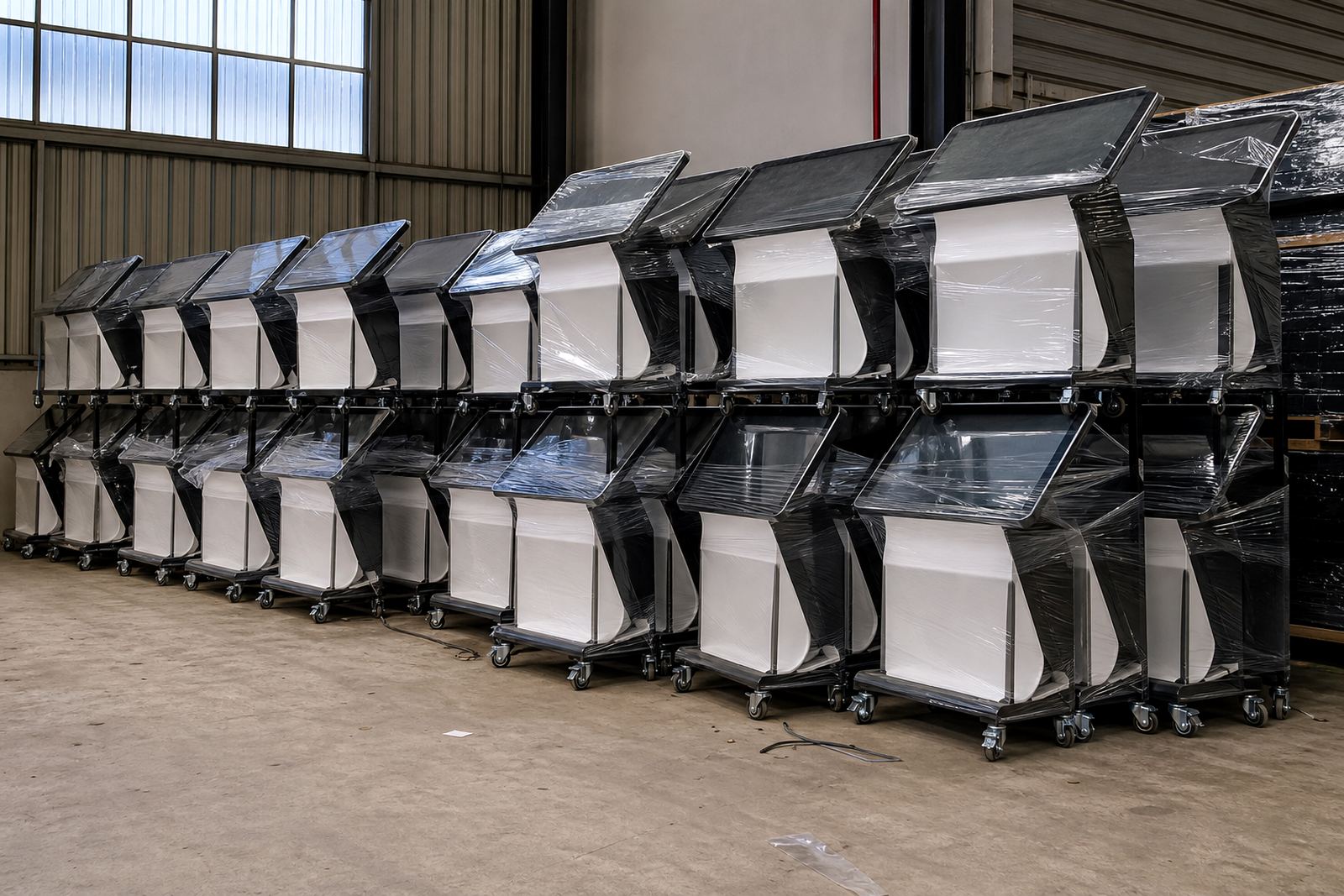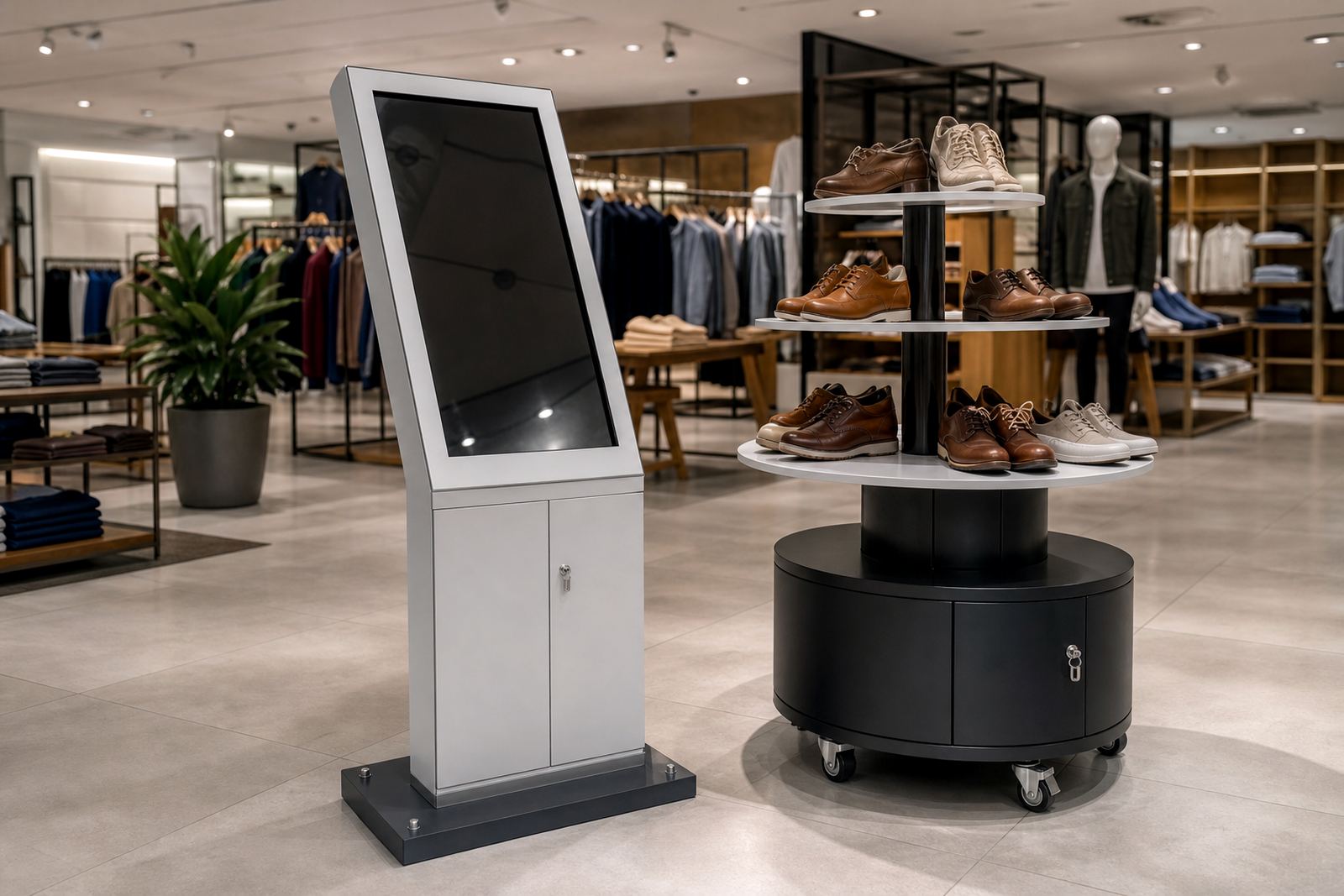
Start With the Risk of the Item on Display
Not every product needs the same level of protection. A low value sample on a demonstration stand can sit in an open display, but high value items, removable accessories and working devices should be treated as controlled stock. In busy stores in Johannesburg, Pretoria and Durban, the main risks are casual handling, quick removal, tampering during peak trading and damage during after-hours cleaning.
Before choosing a security setup, list what is being displayed, how often staff must access it and whether the item is meant for touch interaction. If the product is heavy or has sharp edges, the stand also needs to prevent tipping and unnecessary movement. Where the store runs on generator backup or shifts during load-shedding, make sure the display keeps its position and settings when power returns.
- Identify the item value and replacement cost.
- Decide whether customers may touch, turn or pick it up.
- Check if staff need fast access for swaps, cleaning or pricing changes.
- Confirm if the product has cables, batteries or moving parts that need extra protection.
Choose the Right Enclosure for the Job
An enclosure is your first line of control. For touchscreen kiosks, that usually means a strong housing that protects the screen, internal components and cable runs while still allowing clear viewing and simple use. For 360-degree product display stands, the enclosure or holder should keep the item fixed in position while allowing rotation, viewing from all sides or secure presentation on a turntable style base.
Look for thick metal or reinforced panels, protected corners, tamper resistant fasteners and a finish that can handle regular cleaning. In coastal areas such as Cape Town and Durban, humidity and salt air can affect exposed fittings, so enclosed cable channels and corrosion resistant hardware matter. In inland locations like Midrand or Bloemfontein, dust control is just as important, especially in stores near entrances or loading bays.
- Check for enclosed cable routing.
- Ask whether access panels are lockable and removable only with tools.
- Look for smooth edges and no exposed fixing points where items can be pulled free.
- Confirm the base is wide enough to stop wobble on tiled floors.
Locking Options That Make Sense in Retail
Locks should match the level of risk, not just the look of the stand. A simple cam lock may suit a low risk access panel, while a higher risk cabinet can benefit from multiple lock points or concealed fasteners. If the display is used near the shop floor, keep the lock simple enough for staff to open without slowing trading, but strong enough to deter opportunistic tampering.
For stores with staff changes across shifts, issue a clear control process for keys or access tools. Keep a log of who holds them and when panels are opened. If the product has software, lock the back end as well as the physical housing. That means password control, user permissions and regular checks on settings after updates or power interruptions.
- Use one lock standard across similar displays where possible.
- Keep spare keys or access tools in a controlled location only.
- Test that locks still work after cleaning and minor impact.
- Check that locked panels do not rattle loose during normal customer traffic.
Placement Decisions That Reduce Tampering
Good placement can prevent many security problems before they start. Put high value displays within clear sight of staff, away from blind corners, exit doors and crowded queue lines. A display that sits too close to an open doorway is easier to walk off with, while a stand placed too far from staff support can invite unwanted handling. In shopping centres, also consider overnight security walk paths and cleaning access.
Where possible, anchor the unit to the floor or a fixed base, especially for freestanding product stands. If anchoring is not possible, use a weighted base and position the display against a wall or within a supervised zone. Keep enough space for customers to view the product, but not enough for someone to hide behind the unit or reach the rear panel easily.
- Place displays where staff can see the rear and side panels.
- Avoid exits, blind spots and unattended corners.
- Use fixed or weighted bases for freestanding units.
- Allow cleaning access without moving the display far from its secured position.
Daily Checks That Catch Problems Early
Security works best when it is checked every day. A quick opening and closing routine at start of trade can show if a lock has loosened, a panel has shifted or a cable has been pulled. Add the display to your opening and closing checklist so it becomes part of normal store discipline, not an extra task left for later.
Look for scratches around lock points, signs of forced entry, loose brackets, heat build-up inside enclosed units and cables that have slipped into view. For interactive units, also test the screen response, power status and any network link after each restart. If something feels off, take the display out of service before the fault becomes a loss or a safety issue.
- Check locks, hinges and access panels every morning.
- Look for loose fixings or unusual movement after trading hours.
- Confirm the display powers up properly after load-shedding or outages.
- Record faults and repairs so repeat issues are easier to trace.
Training Staff and Planning for Service Access
Even the best enclosure will fail if staff do not know how to use it properly. Train teams on how to unlock, open, clean and reseal the display without forcing any part of it. Show them which tools are allowed, who may approve access and what to do if a key is missing or a panel is damaged. This matters in larger operations across Johannesburg, Pretoria, Cape Town and Durban where more than one team may handle the same unit.
For maintenance, plan access points that let technicians reach controls, cabling and replacement parts without dismantling the full display. That keeps repairs quicker and reduces downtime. If the display is part of a national rollout, keep a simple service record for each site so support teams can see which enclosure type, lock type and placement arrangement was used.
- Train staff on correct opening and closing steps.
- Set approval rules for any access to internal parts or software.
- Keep a maintenance log for locks, panels and replacement parts.
- Review the setup after any store move, refurbishment or security incident.