Start With the Shopper Path, Not the Empty Corner
Good placement begins by watching how people already move through the store. In many Johannesburg and Pretoria shops, the best spot is not the first open space near the entrance, but a point where customers naturally slow down, such as near promotions, fitting rooms or high-interest product bays. If a kiosk sits in the wrong place, it becomes an obstacle instead of a useful stop.
Measure the route from the door to the main category areas and note where shoppers pause. A kiosk works best where traffic is steady but not rushed, and where people can step aside without blocking others. For 360-degree product display stands, allow enough room for one person to view from all sides without brushing past shelves or trolleys.
- Watch the flow at different times of day, including weekend peaks.
- Mark narrow points, queue lines and turning spaces.
- Keep clear access for prams, wheelchairs and stock trolleys.
Use Sightlines to Make the Kiosk Easy to Spot
Sightline placement matters because shoppers must see the screen or display stand before they can use it. A kiosk tucked behind gondolas or signage loses value fast. Put the unit where it can be seen from the aisle, but not so close to the till point that it causes congestion. In larger stores, mid-aisle positions often work well if the screen faces incoming traffic.
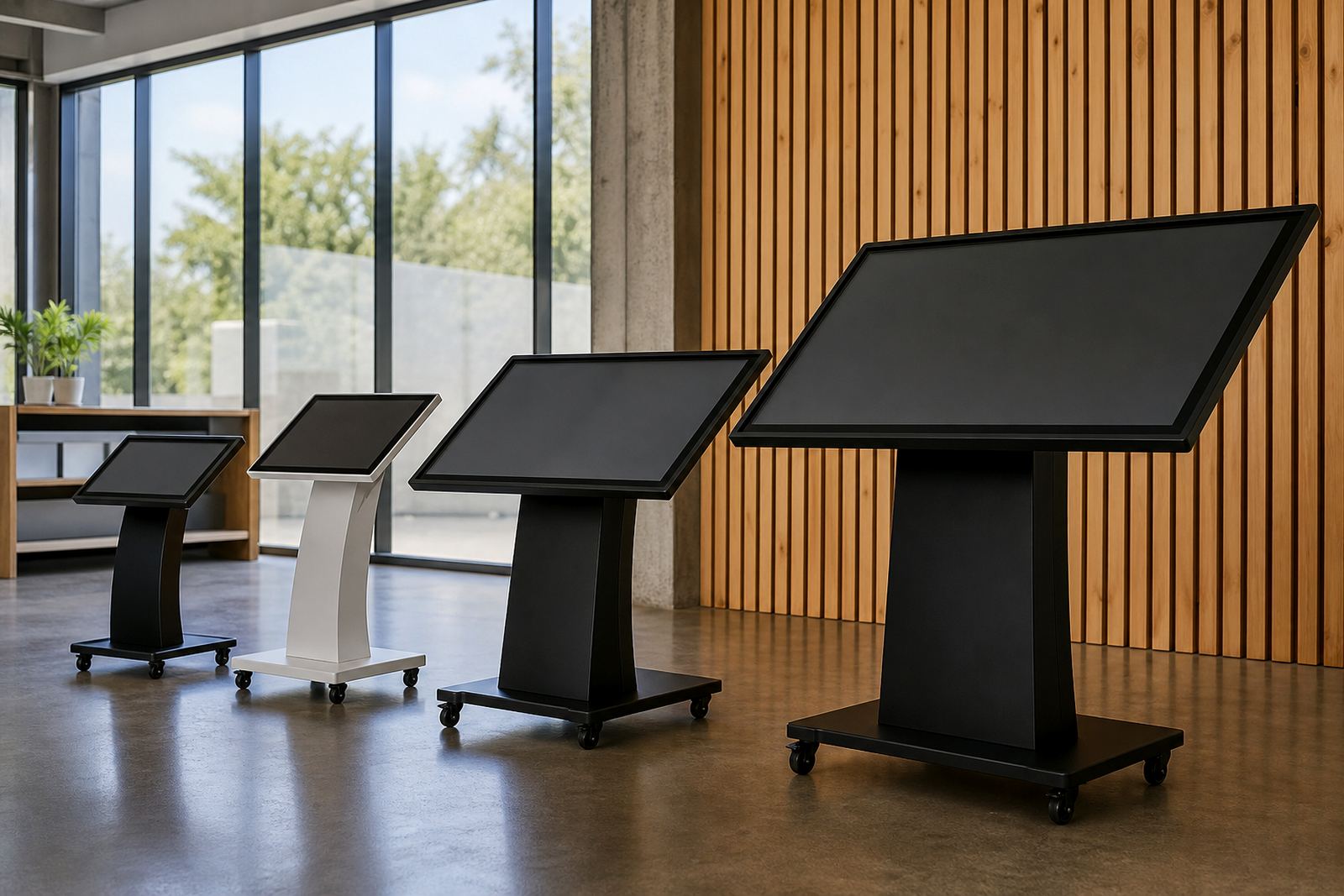
Height also matters. If the screen is too high, smaller shoppers struggle to use it. If it is too low, it can be awkward for standing use and less visible from a distance. Check the viewing angle under your normal store lighting, because glare from windows or downlights can make touchscreens difficult to read, especially in bright Cape Town sites or stores with large glass fronts.
- Face the screen toward approaching traffic, not away from it.
- Avoid direct sunlight and strong reflections.
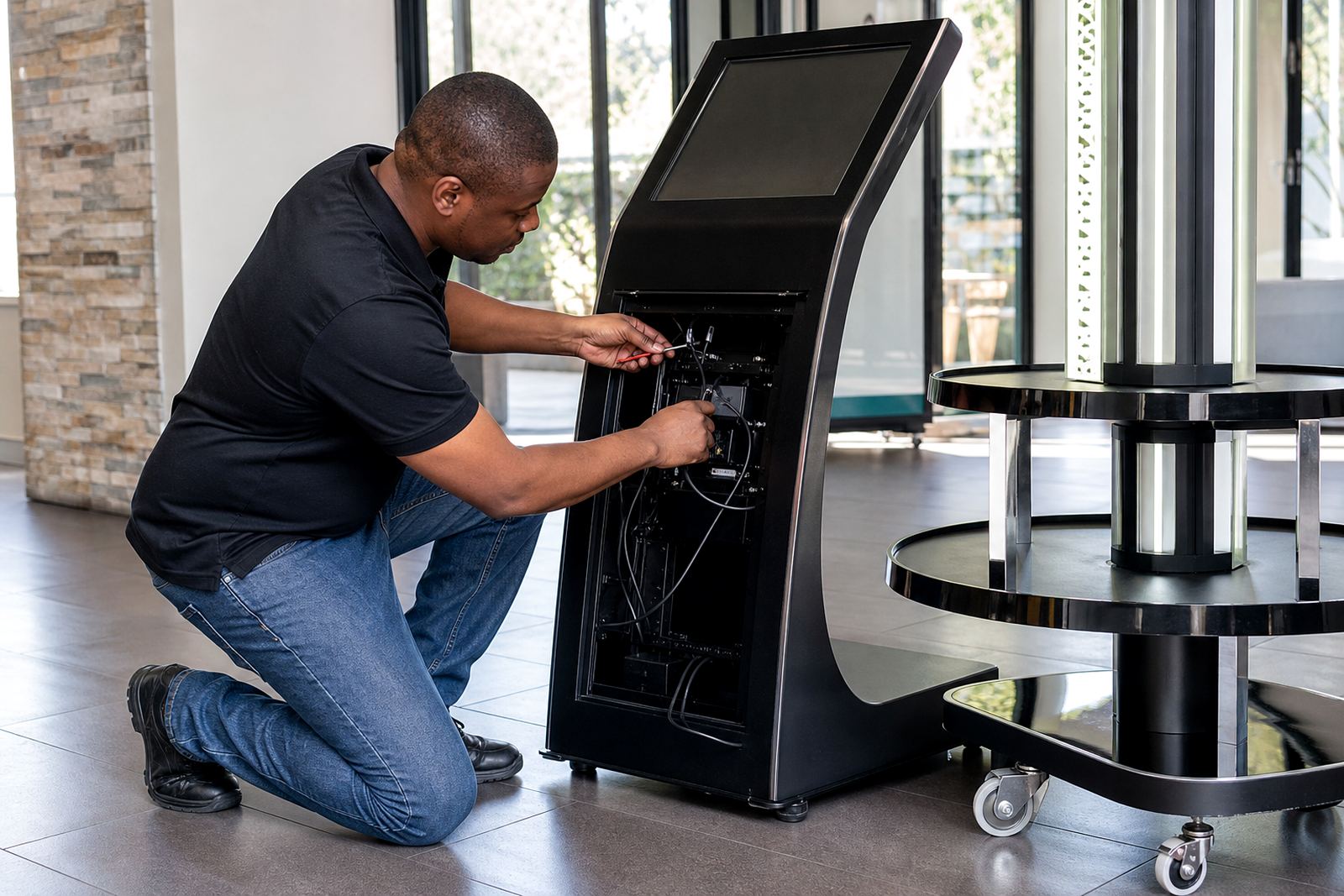
- Leave enough space behind the unit for safe servicing and cable access.
Place the Kiosk Where It Supports a Buying Decision
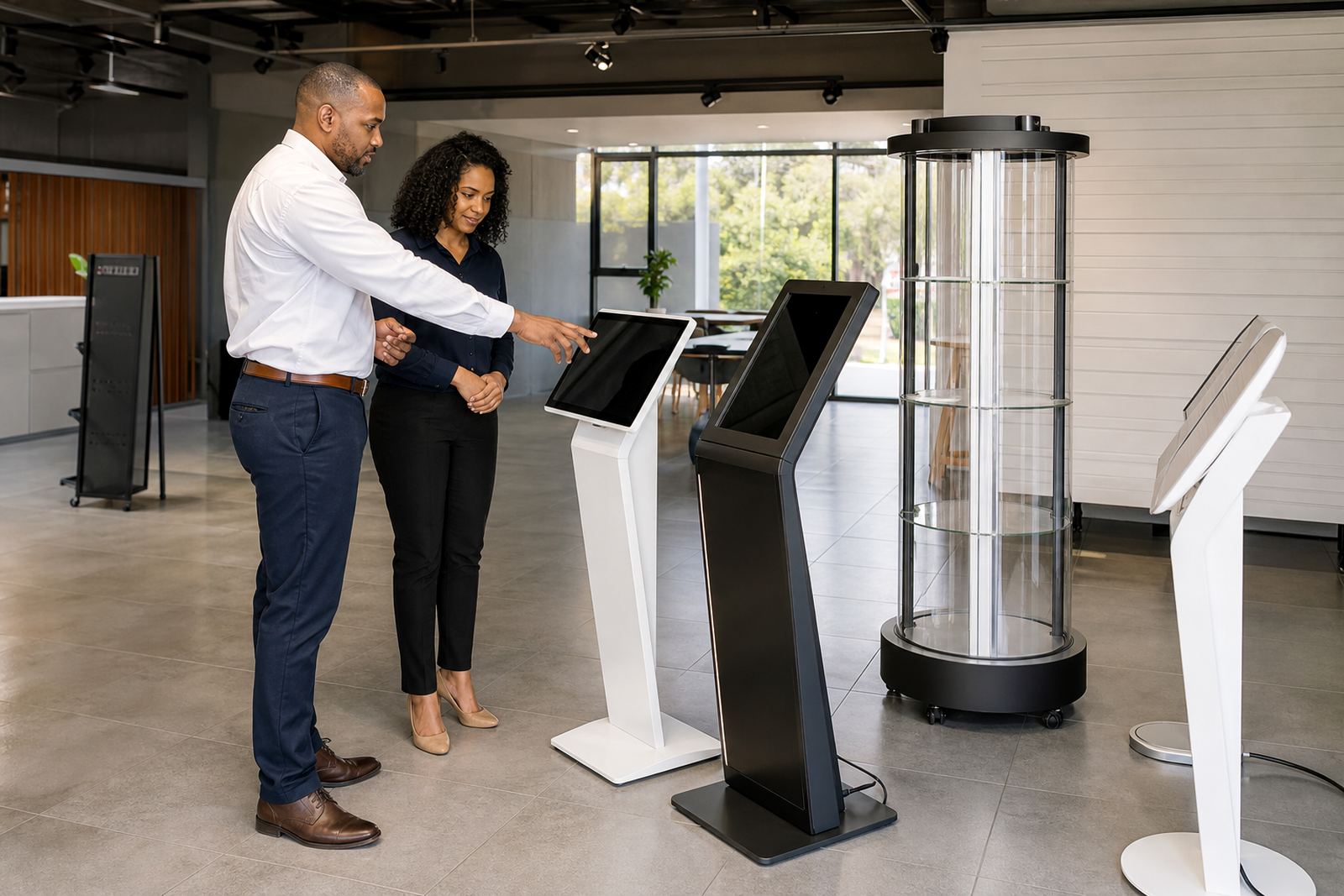
The strongest placement is often near a point of choice. For example, a touch kiosk can help shoppers compare products before they ask staff for help, while a 360-degree display stand can give a close look at finishes, fittings or packaging. This works well in categories where detail matters, such as appliances, homeware, beauty, electronics and premium accessories.
If the goal is to inform, put the unit near the product bay. If the goal is to generate interest, place it near a feature table or promotional end cap. For stores in Durban or coastal centres, keep the unit clear of damp zones and open doors where moisture and salt air can affect equipment over time. A little planning here saves repeat faults later, no point pretending otherwise.
- Match the placement to the stage of the buying journey.
- Keep it close enough to the product for easy comparison.
- Avoid placing it where staff or fixtures hide the screen.
Check Power, Network and Load-Shedding Readiness Before Installation
Even the best location can fail if the services are not planned properly. Before installation, confirm where the power point is, where network access will come from and how the unit will behave during load-shedding. In Midrand, Sandton and other busy retail centres, equipment often needs to run through long trading hours with limited downtime, so reliable connectivity and clean cable routing are essential.
Ask whether the store has back-up power, battery support or a managed shutdown routine. The unit should not be placed where staff need to move stock every time a plug is checked. Keep cables protected, especially on public floors where trolleys and heel traffic can damage loose runs. If the site is in a mall, also check landlord rules for mounting, cable paths and after-hours access.
- Confirm power and data points before the unit arrives.
- Plan for outages and safe restart after load-shedding.
- Follow mall or municipal rules for cable routing and fixing.
Build in Space for Training, Servicing and Daily Cleaning
A kiosk needs room not only for customers but also for staff. If it sits too tight against shelving or a wall, daily cleaning becomes difficult and minor servicing turns into a bigger job. Leave access for screen cleaning, software checks and parts replacement. This is especially important in stores with high footfall, where fingerprints, dust and packaging debris build up quickly.
Staff should be able to explain the kiosk in a few simple steps. If the unit is awkwardly placed, they will avoid using it or move it later, which creates inconsistency. A good position supports both the customer and the team. For busy locations in Bloemfontein or Pretoria, this can make a real difference during peak trading periods when support staff are already stretched.
- Leave access for cleaning and fault checks.
- Keep the unit away from spill zones and unpacking areas.
- Train staff on basic use, restart steps and who to call for support.
Use This Quick Placement Checklist Before Go-Live
Before the kiosk goes live, walk the area as if you were a customer. Stand at the entrance, follow the natural route and check what the shopper sees first. Then test the screen from different angles and make sure people can pause without blocking others. A final walk-through catches small issues that are easy to miss on plan drawings.
Use this checklist to confirm the site is ready:
- The unit is visible from the main aisle.
- Shoppers can stop without creating a bottleneck.
- There is safe access for cables, power and network points.
- The screen is readable under normal store lighting.
- There is enough room for staff support and servicing.
- The position works during peak trade and quieter hours.
When placement is right, the kiosk becomes part of the store journey instead of a separate gadget. That is what helps shoppers engage with the product and move toward a decision.