Start with the viewing distance, not the screen first
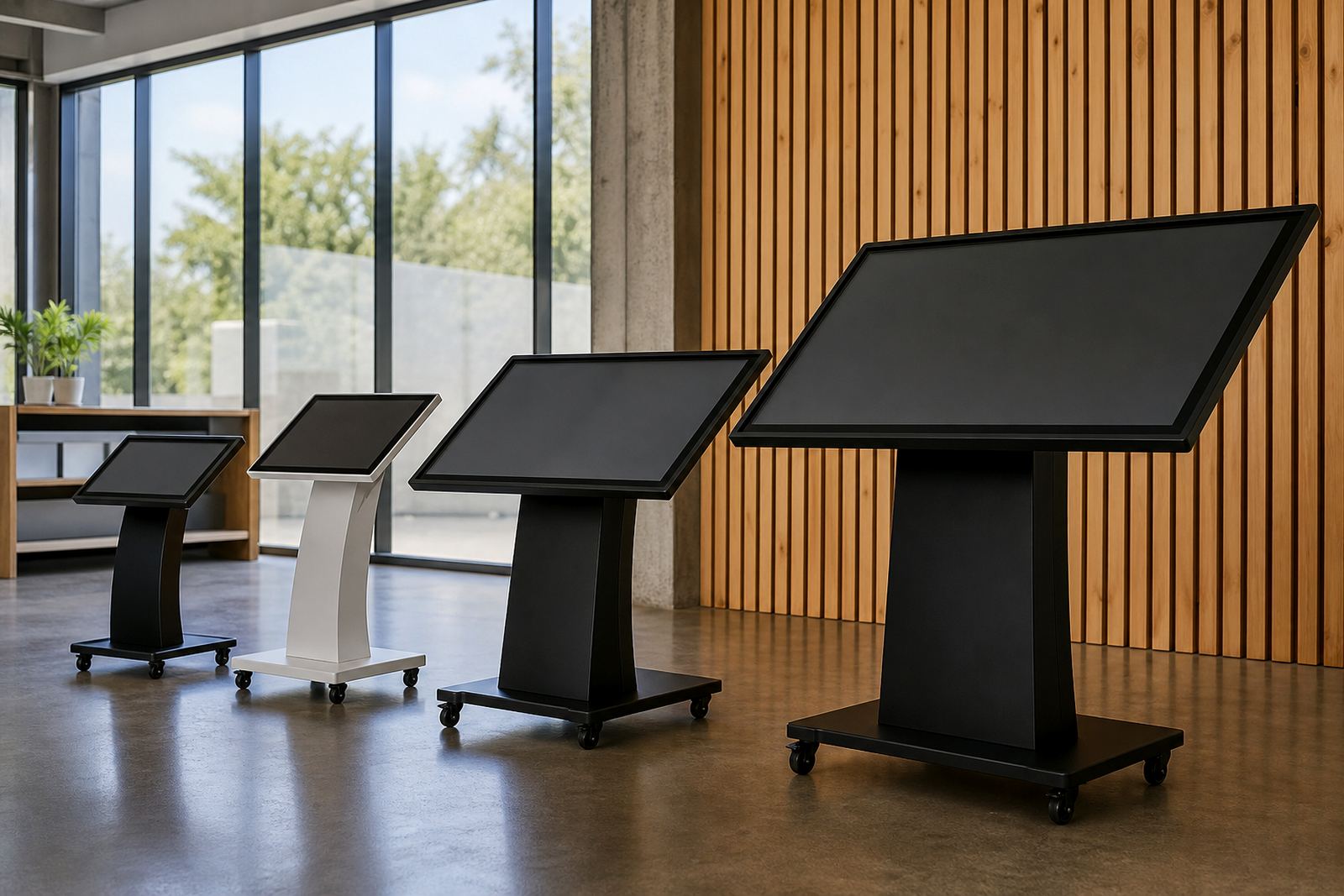
The best screen size depends on how far a shopper will stand from the display. In a compact queue area, a 32 inch or 43 inch screen can work well if the message is short and the content is bold. In a wider aisle or an open promotional zone, 49 inch, 55 inch or larger screens are easier to read from a few metres away.
A simple rule is to measure the usual stopping point, not the full store width. If people will stand within 1 to 1.5 metres, smaller formats are often enough. If they are likely to glance from 2 to 4 metres away, increase the screen size so text and product images remain clear. In busy retail spaces, the shopper often sees the screen for only a few seconds so size matters more than many teams expect.
- Measure the most common viewing distance in metres.
- Check whether customers stop, walk past, or queue in front of the unit.
- Match short messages to smaller screens and detailed content to larger ones.
Choose screen size by content type
Not all content needs the same amount of space. A single promotion, price point or product highlight can sit comfortably on a smaller display. If you plan to show product comparisons, videos, menu-style browsing or multiple touch points, a larger screen gives shoppers room to interact without crowding the layout.
As a practical guide, use the screen size to suit the amount of information on each page. A clean interface with one or two actions can work on a compact screen. If your content includes detailed product specs, categories, multiple images or a brand story, step up to a larger display so the screen feels easy to use, not cramped.
- Use 32 to 43 inch screens for simple prompts and quick product lookups.
- Use 49 to 55 inch screens for browsing, comparison and richer visuals.
- Use larger formats where two people may interact at once or where the content list is long.
Factor in your store layout and available floor space
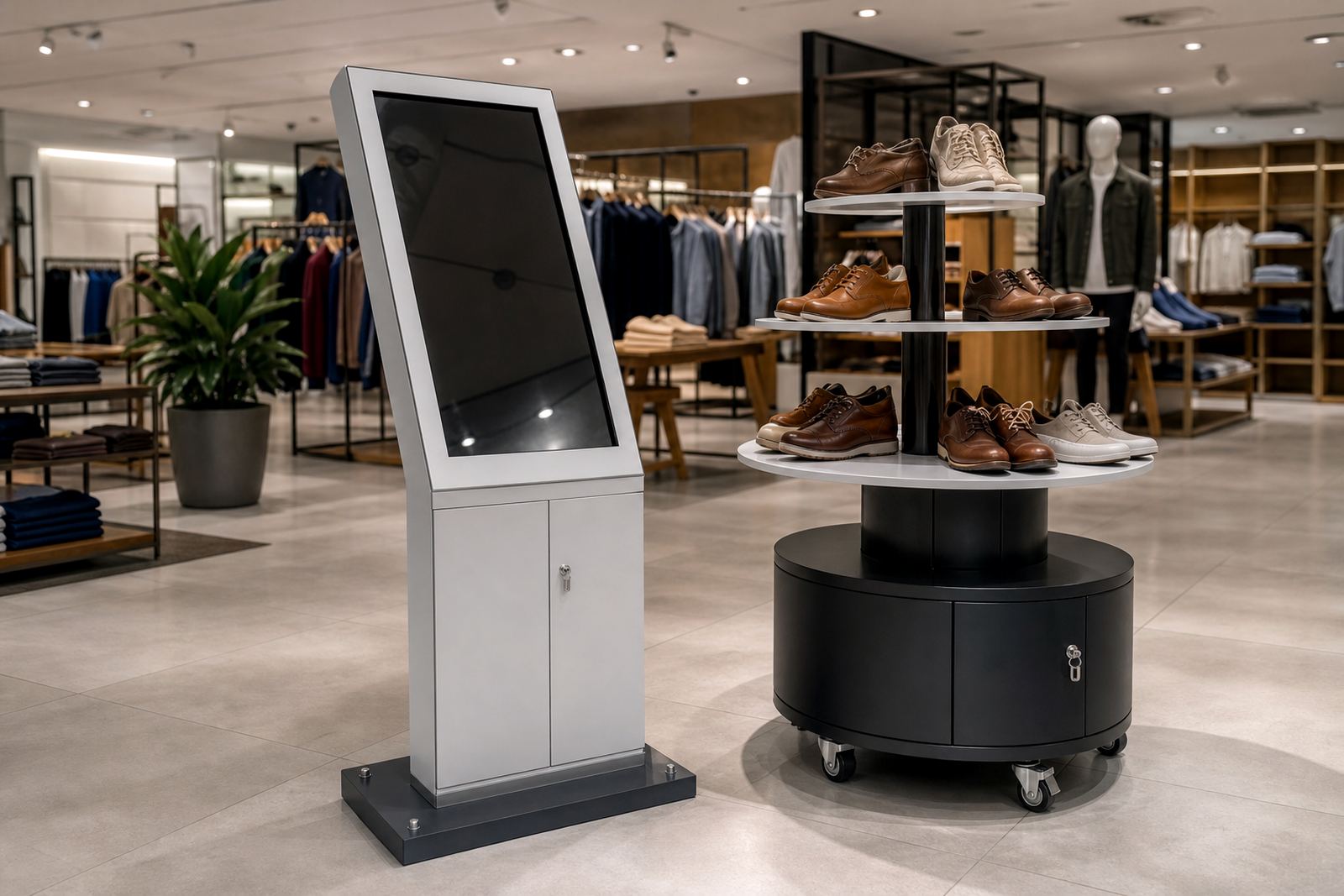
Screen size should fit the unit, the stand and the area around it. A display that is too large for the walkway can slow traffic and create a bottleneck near tills or entrances. In a Midrand showroom, a shopping centre in Sandton, or a branch in Cape Town with tighter circulation space, the footprint matters as much as the screen itself.
Check how much room is needed for people to stand comfortably in front of the kiosk. Leave enough clearance for wheelchairs, trolleys and staff movement. If the kiosk sits against a wall, keep the screen high enough for comfortable viewing but not so high that shorter customers must look up for too long. In open areas, a larger screen can be seen from more directions, but it also needs a stable base and enough space for safe use.
- Measure width, depth and turning space before selecting the screen size.
- Leave clear access for foot traffic and emergency routes.
- Check whether the unit will sit against a wall, in a bay, or in the middle of the floor.
Think about lighting, glare and store conditions
South African retail spaces often deal with bright windows, strong overhead lighting and reflective floors. A screen that seems large on paper can still be hard to read if glare is not managed. In coastal cities like Durban and Cape Town, humidity can also affect electronics, while inland stores may need extra attention during load-shedding and power restoration.
Screen size works together with brightness, angle and placement. A larger display is easier to see under mixed lighting, but only if it is installed at the correct height and angle. For entrances, malls and high light areas, make sure the content remains readable from a distance and at an angle. Smaller screens may be enough in darker areas with controlled lighting, though the layout still needs to be clean.
- Check for direct sunlight, reflections and bright light strips above the unit.
- Confirm the screen remains readable from both standing and side angles.
- Plan for stable power and safe restart after outages or network interruptions.
Use this quick screen size checklist before you order
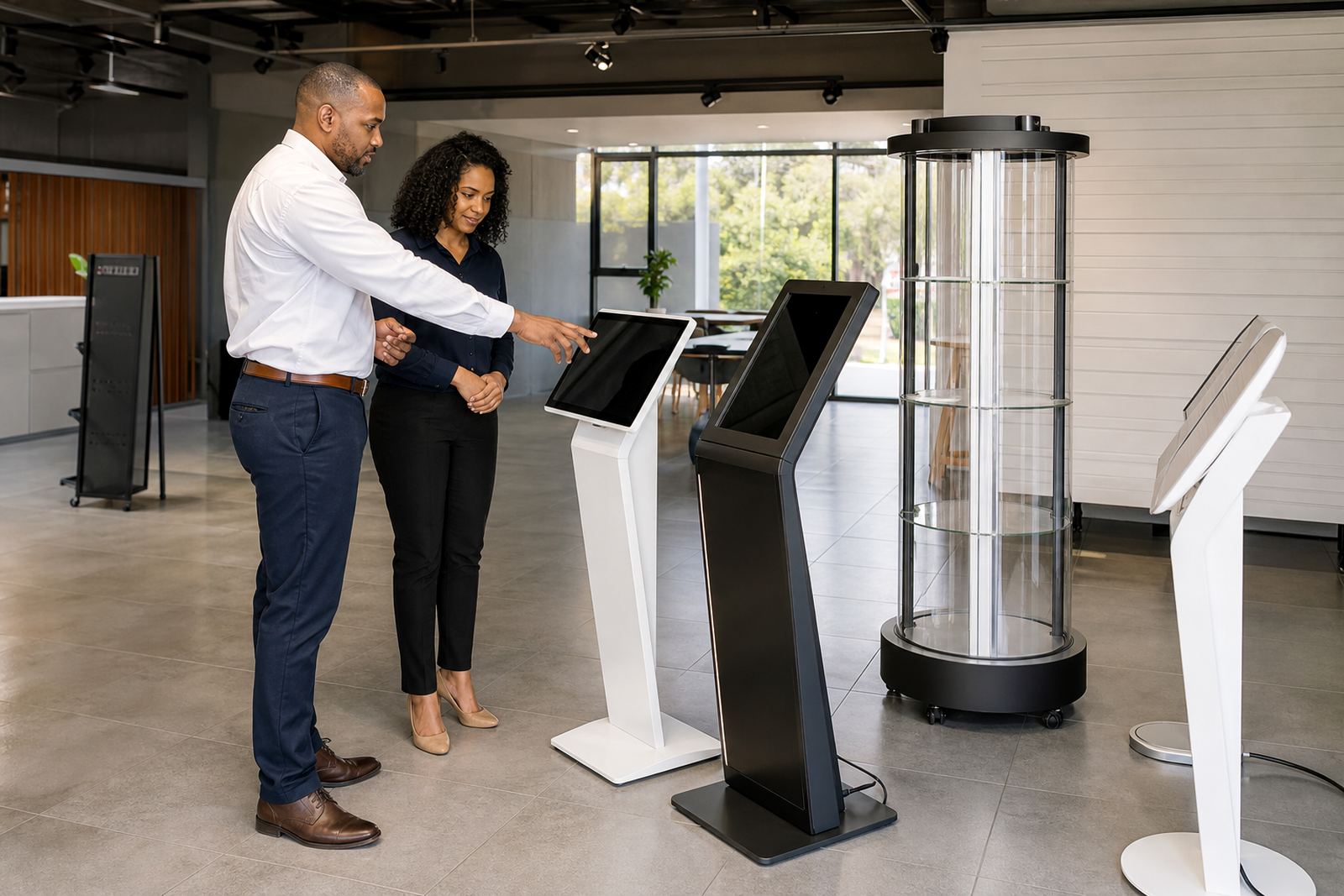
Before settling on a size, work through a simple checklist with your store team or project lead. This helps avoid a unit that is too small for the message, or too large for the area. It also keeps the conversation practical when you compare kiosk options for Johannesburg, Pretoria, Durban, Cape Town or Bloemfontein sites.
Keep the focus on what the shopper will actually do at the screen. If the main task is scanning a few products or confirming a promotion, compact sizing may be enough. If the goal is to educate, compare or encourage longer browsing, a larger display gives you more working space.
- How far away will the nearest shopper stand?
- How much text, imagery or video must fit on one screen?
- Will the kiosk be used by one person at a time or by two?
- Is the area narrow, open, or exposed to strong glare?
- Will the unit need to fit beside shelving, tills or queue barriers?
Match the screen size to installation, support and future use
The right screen size is also the one your team can maintain properly. Larger displays may need more careful handling during delivery, installation and servicing. Smaller units can be easier to position, but may not support future content changes if your retail range grows. It is worth planning for what you may need in six months, not only what fits today.
Ask whether the unit will need network integration, software configuration, content loading or staff training. If your team expects regular promotions, a format that gives room for new campaigns will save time later. If the screen is part of a branded display stand, make sure the visible area supports the message without forcing the graphics to feel cramped. The aim is a screen that suits daily trade and is practical to maintain, even during busy trading periods.
A good screen size guide should make selection easier, not more complicated. Once you know the viewing distance, content type and floor space, the right choice usually becomes clear.