Start with the job you need the kiosk to do
Before you look at screen size or cabinet style, define the one job the unit must do on the shop floor. Is it there to help shoppers compare products, find stock, place an order, learn about a range, or view product angles on a 360-degree stand? A kiosk that answers one clear need usually works better than one trying to do everything.
In busy stores around Johannesburg, Pretoria or Cape Town, a simple customer flow is often best. Keep the first touchpoint easy to understand, with large buttons and short prompts. If your staff need to explain the screen every time, the setup is not doing enough on its own.
Use this quick check:
- What should the shopper do in under one minute?
- Will the kiosk support browsing, sales, or product education?
- Does it need to work for first-time users and repeat customers?
- Should the unit be fixed in place, or moved for promotions?
Measure the floor space and traffic before you choose
Retail space in South Africa is rarely generous. A kiosk that looks good on paper can block a walkway, interfere with trolleys, or sit too close to a queue. Measure the available floor area, the turning space in front of the screen, and the distance from nearby shelving or pay points.
For compact sites in Sandton or Centurion, a smaller footprint may be the smarter choice. For larger showrooms in Durban or Bloemfontein, a more visible unit can handle heavier foot traffic. Think about where people naturally pause. Kiosks placed near entrances, feature bays, or product ends tend to get better use than those tucked into corners.
Also allow for practical site conditions like cleaning access, power points, and cable routes. A unit that is too close to a doorway can be bumped during peak trade, and a stand in direct sun may struggle if the shopfront gets hot in summer. That is true for coastal humidity too, where materials and fittings need extra care.
- Measure width, depth and clearance in front of the unit
- Check if there is a nearby power source
- Allow space for two customers to stand and read comfortably
- Keep the unit clear of emergency exits and narrow aisles
Choose the right format for the customer journey
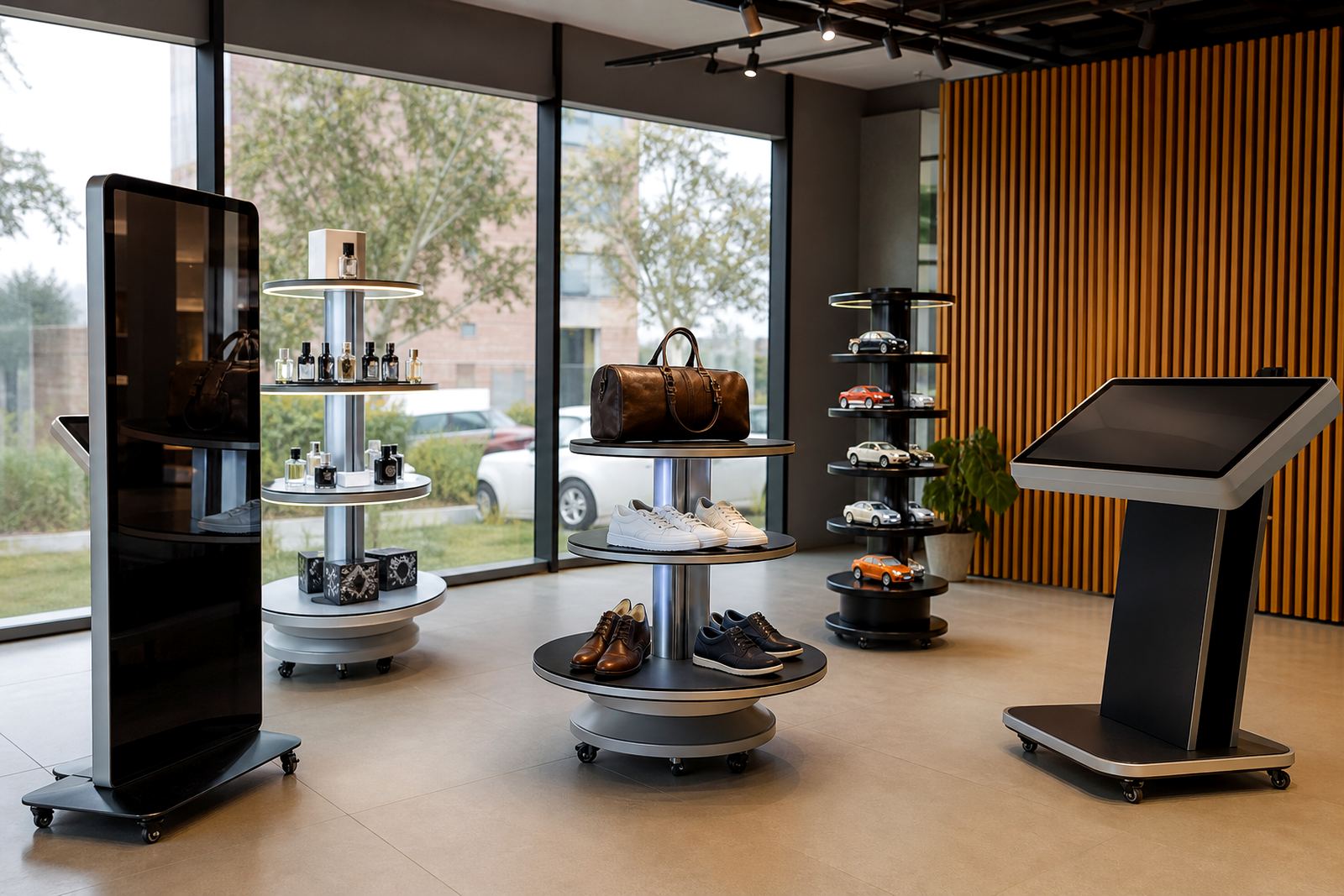
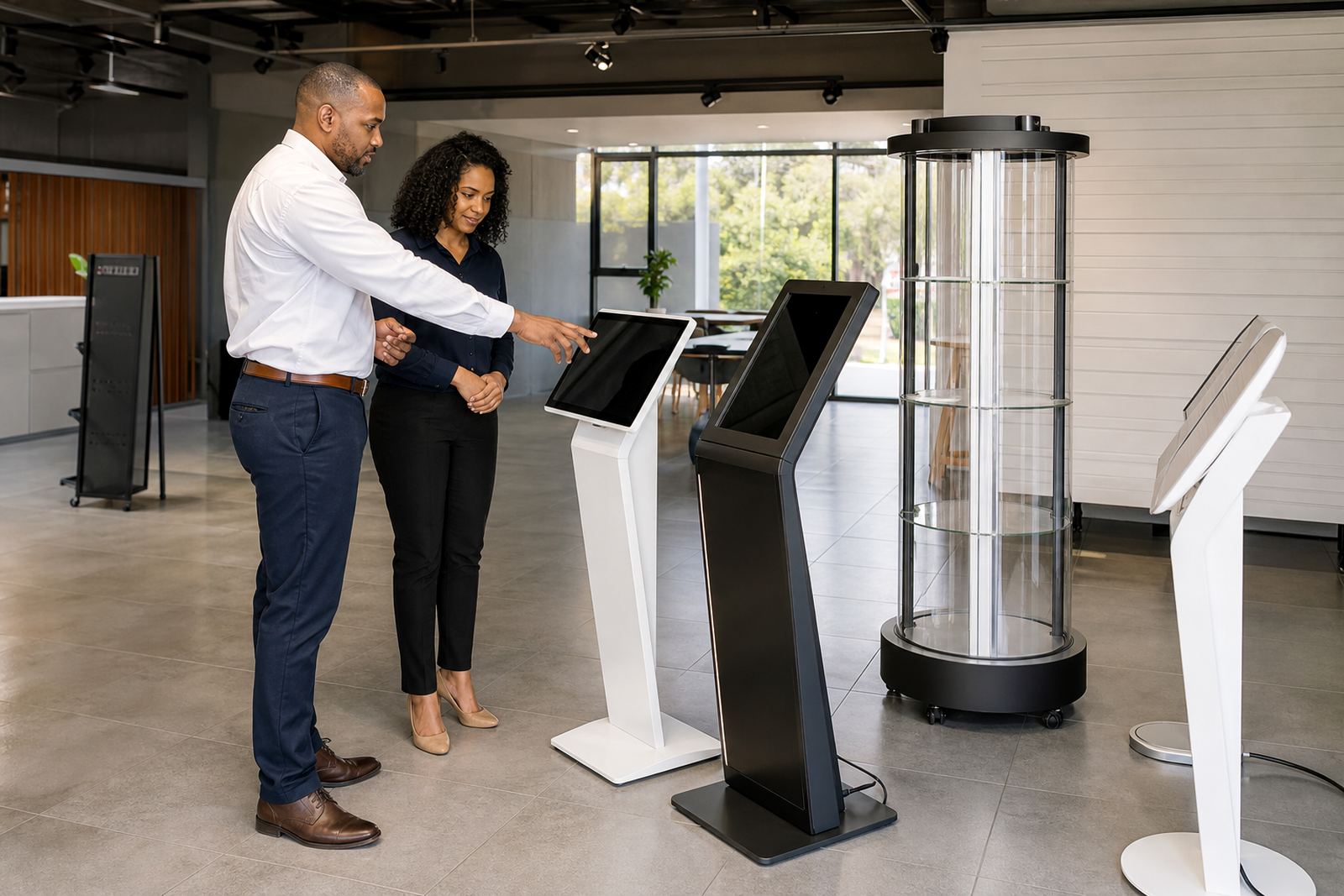
Different kiosk formats suit different retail moments. A touchscreen kiosk is ideal when the customer needs guidance, product information or self-service. A 360-degree product display stand works better when the product must be seen from every angle, especially for items with detail, finish or moving parts.
In some stores, the best result comes from using both. A screen can explain features, prices and stock options, while the display stand lets shoppers inspect the product visually. That approach works well in electronics, homeware, accessories and premium gifting where touch and sight both influence the sale.
Ask whether the shopper needs to browse, compare or physically inspect the item. If the answer is compare, a touchscreen kiosk may be best. If the answer is inspect, a 360-degree stand can make the display far more useful. If the shopper needs both, combine the two in a single retail zone for better flow.
Match the technology to how your store actually runs
The right kiosk must fit the way your store handles stock, promotions and support. If your team updates prices often, you need a setup that can handle content changes without slowing down the till area. If your stores trade across multiple branches, the software setup should support consistent product information from one site to the next.
Think about load-shedding too. In many areas, power interruptions are part of the day, so the kiosk should be planned with reliable power backup, safe shutdowns and sensible equipment placement. In shopping centres with tighter municipal rules, cabling and installation also need to be neat and compliant. That avoids hassles during inspections or tenant checks.
Key questions to ask:
- Will the kiosk need network access for live updates?
- Do you need local content loading or central control?
- Can the unit recover quickly after a power cut?
- Will staff need simple training to keep it running day to day?
Branding and content should support the sale, not crowd it
Good retail displays do not overwhelm shoppers with too much text or too many messages. Keep branding clear, simple and tied to the product range. The kiosk should look like part of the store, not a separate item dropped in for effect. Use your colours, a clean layout and direct wording that helps the customer decide faster.
Content also needs to suit the customer who is standing in front of the screen. Short product benefits, clear pricing where allowed, and easy navigation are better than long explanations. For product display stands, the angle of the item, lighting and surrounding space matter just as much as the message on screen. If customers are trying to inspect a finish or detail, too much visual clutter gets in the way.
For stores in busy retail nodes such as Johannesburg or Cape Town, keep the message brief and legible from a standing position. If the display is being used in a smaller branch, the content can be a bit more detailed, but it still needs to be quick to scan.
Use this final checklist before you commit
Once you know the goal, the space and the customer flow, do one final walk-through before choosing the kiosk type. This is where many store teams catch avoidable problems. Test the route from entrance to kiosk, check how staff will clean around it, and confirm where spare parts or support access may be needed later.
It also helps to think beyond the first install. If you plan to open more branches, the same kiosk format should work across different sites with only small changes to content or branding. That makes rollout easier and keeps the customer experience consistent from Midrand to Durban.
Final checklist:
- Does the kiosk suit the size and traffic of the store?
- Is the main job clear to shoppers in a few seconds?
- Will the unit work during power interruptions and busy trading hours?
- Can staff maintain it without slowing down the floor?
- Does the design fit your brand and product range?
If you can answer yes to most of these, you are close to the right choice. If not, narrow the brief and choose the format that solves the biggest store problem first.