Start with one store, then copy what works
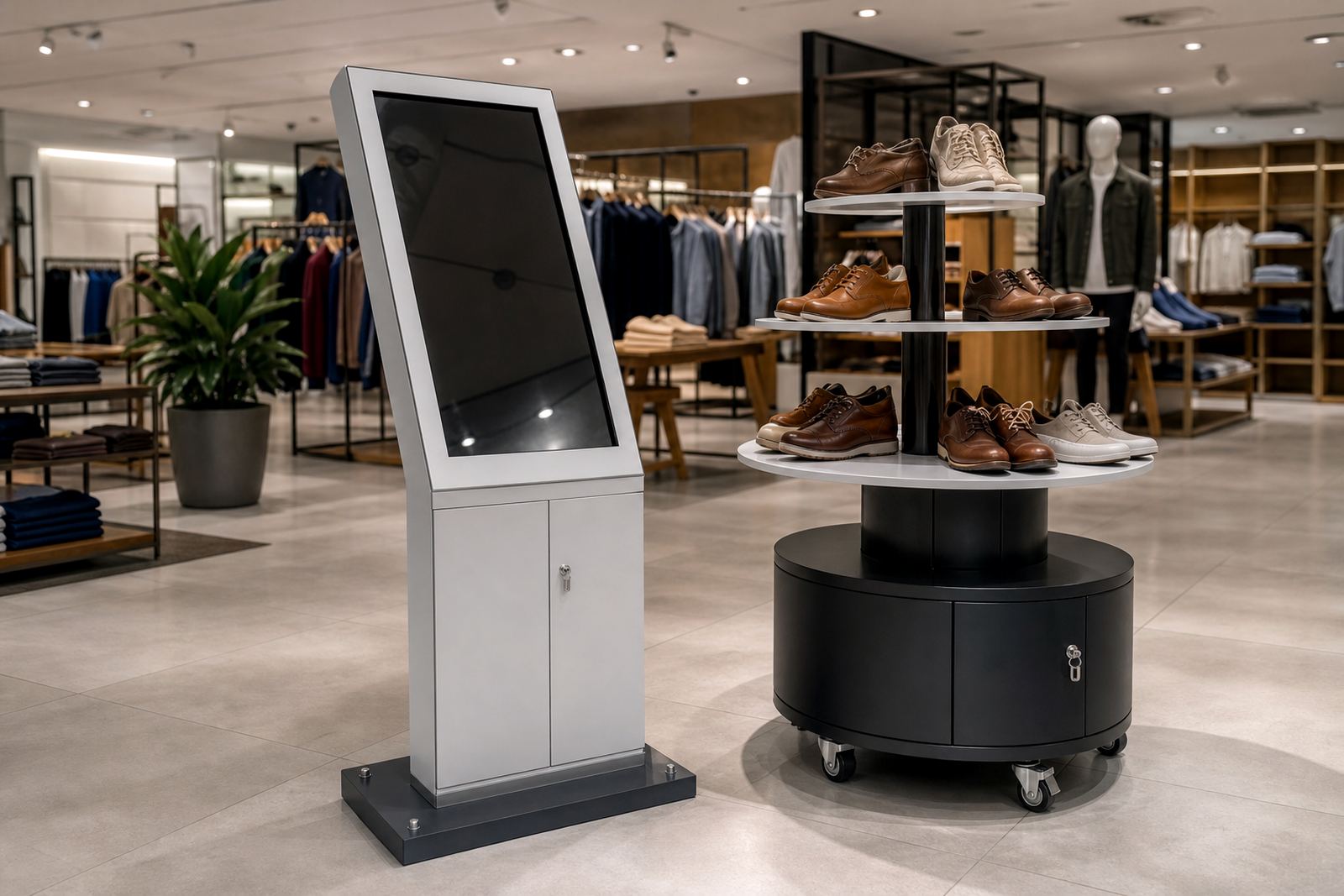
For a chain rollout, the safest starting point is a single pilot store. Choose a branch with steady foot traffic, a reliable power supply and enough floor space to test how the kiosk or display stand affects the customer flow. A good pilot store will show you what needs to change before you order for all branches, which saves time and Rand later.
At this stage, define the exact purpose of the unit. Is it helping shoppers browse ranges, compare options, collect product information or guide them to a specific aisle? The answer will shape screen height, stand footprint, content structure and whether the unit needs network access. Get this wrong at the start and the same mistake gets repeated in every branch.
- Confirm the main use case for each store type.
- Identify which branches need full interactive kiosks and which only need product display stands.
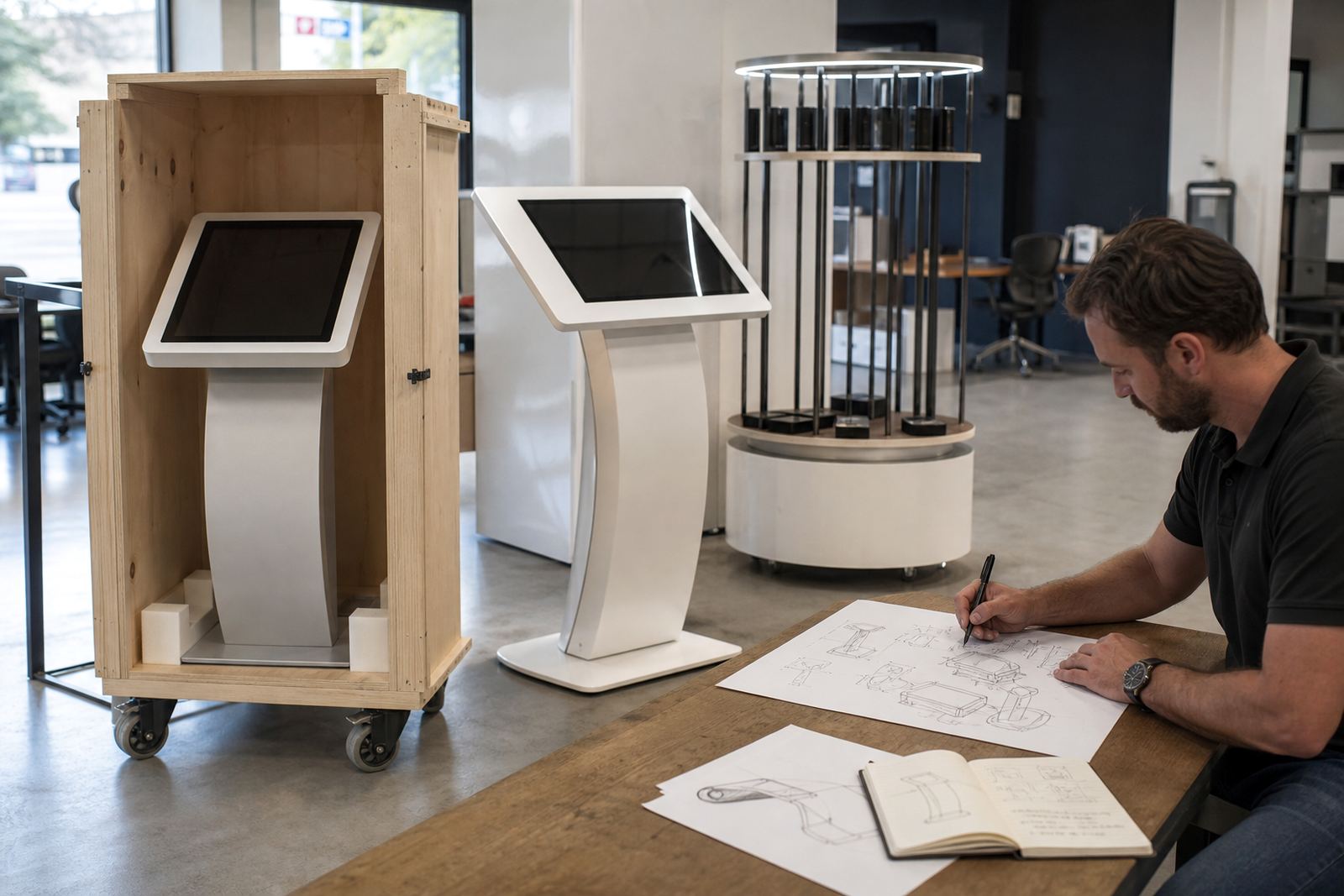
- Set one standard for branding, content layout and user flow.
- Record the pilot store measurements, power points and floor surface.
Check each branch before rollout orders are placed
No two stores are exactly the same, even within the same chain. A branch in Sandton may have different floor loading, ceiling height or security rules from a store in Durban or Bloemfontein. That is why site assessments matter. They show whether the unit can be installed as planned, whether extra cable management is needed and whether the network signal is strong enough for live content updates.
In coastal areas, humidity can affect equipment over time, so ventilation and correct enclosure choices matter. In centres that experience load-shedding, you also need to plan for safe shutdowns and whether the store should run on backup power. If a mall has strict trading hour rules or access limits for delivery teams, get those details in writing before installation day. A short site visit can prevent a full day of lost labour.
- Measure floor space, doorway clearance and ceiling height.
- Check power availability and plug point location.
- Test Wi-Fi or data connection strength at the exact installation spot.
- Confirm mall rules, after-hours access and delivery windows.
- Note any slopes, carpet joins or uneven tiles that could affect the base.
Standardise the content before hardware goes out
The hardware is only part of the job. For a multi-store rollout to work, the screens and displays must show the same messages, product ranges and promotional details in every branch, unless a store needs a local variation. Content loading should happen before installation where possible, so each unit arrives ready to use. This reduces commissioning time and helps the team avoid last-minute edits on site.
Make one content pack for the rollout and then create approved versions for branches that need local pricing, regional products or language adjustments. Keep the menu structure simple. Shoppers should not need to tap through too many screens to find what they want. Staff also need enough training to reset the unit, check the display and report faults without calling for support every day, which becomes a drain.
- Use one master content template for all stores.
- Prepare local variants only where branch-specific information is needed.
- Check spelling, pricing, product names and image sizes before loading.
- Set a content sign-off process so changes are approved once, not repeatedly.
Plan the installation sequence branch by branch
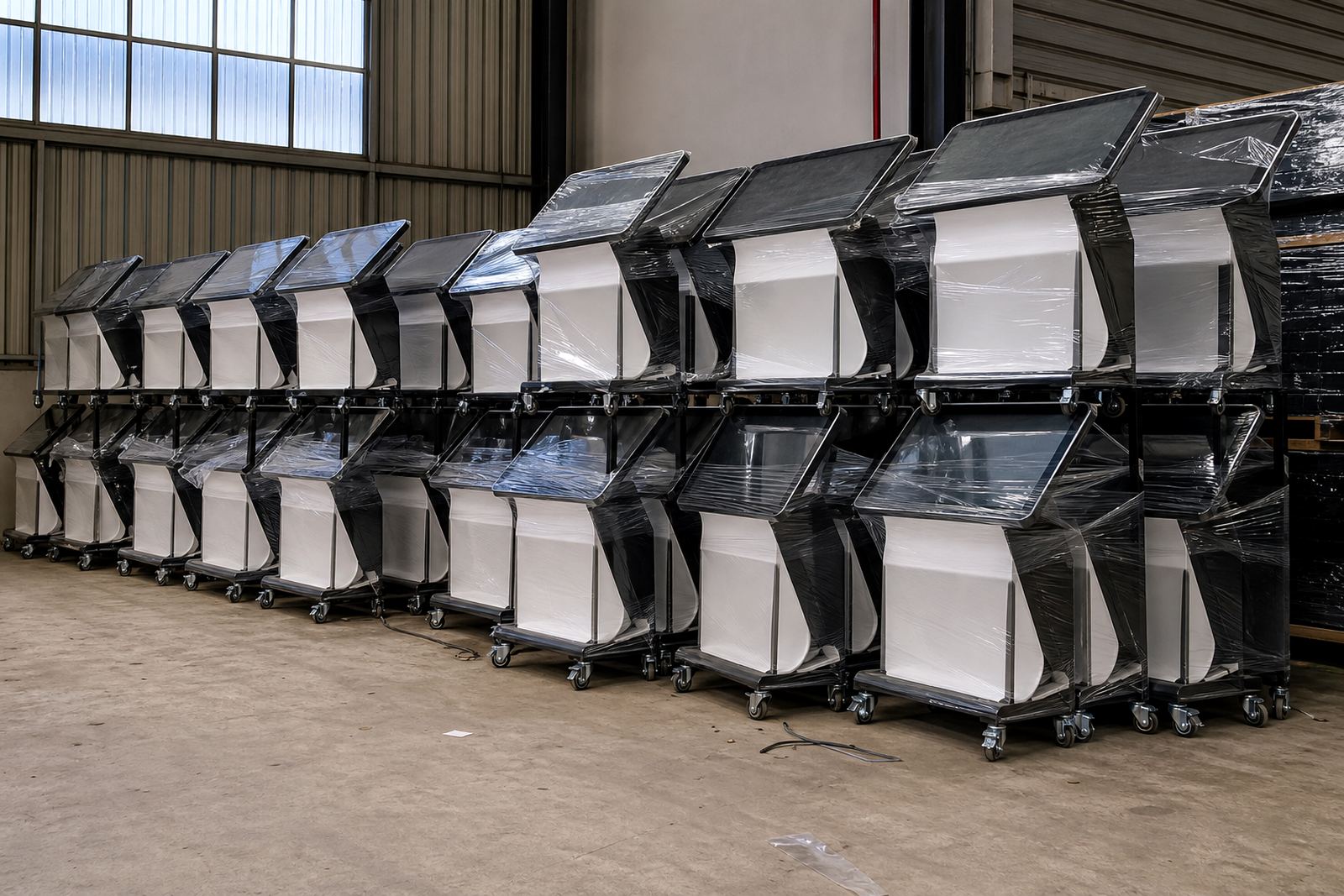
Rolling out to Johannesburg, Pretoria, Cape Town, Durban and Bloemfontein at the same time needs a clear installation sequence. Work from the stores with the tightest deadlines or the most complex access first, then move through the easier sites. This helps you manage transport, staff availability and any special equipment needed for a lift, drill or data connection. It also keeps the pressure off your teams, instead of pushing everything into one week.
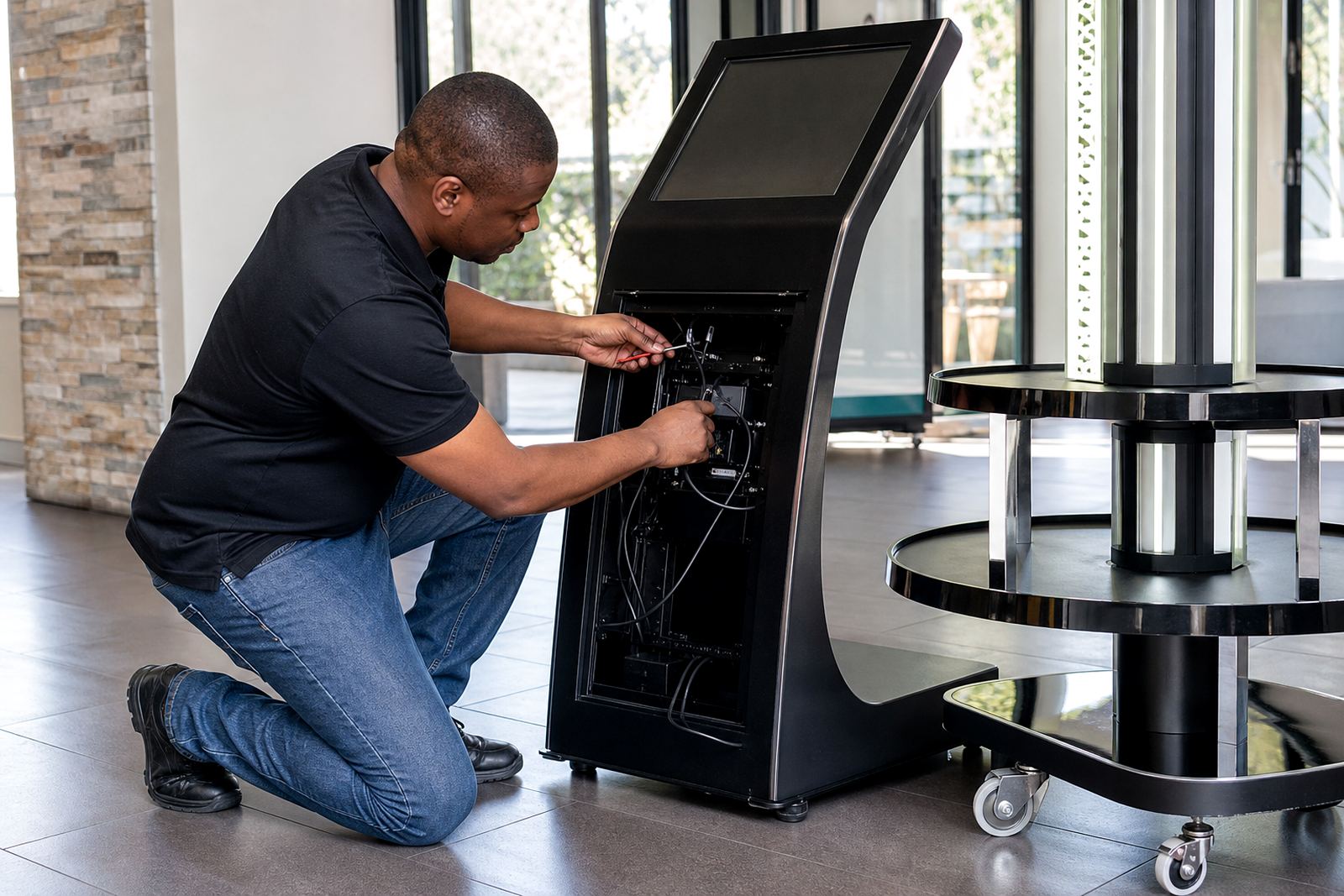
Installation day should follow the same process every time. The unit must be positioned, levelled, secured and tested before the team leaves. If the kiosk is networked, make sure it connects to the right system and that the screen is showing the approved content. If the unit is part of a promotional launch, schedule the installation before the campaign starts not on the same morning. That gives you a buffer for small fixes.
- Confirm delivery slots and site contact details per branch.
- Sequence installations by risk, access and opening date.
- Use one commissioning checklist for every store.
- Test screen touch response, content playback and power recovery.
Keep support simple after go-live
Once the rollout is live, the job becomes about keeping all branches consistent. Some stores will need occasional software configuration updates, while others may need parts replacement or fault repairs after heavy use. A support retainer can be useful for chains that want predictable response times and less admin. This is especially helpful when branches are spread across several provinces and store managers want one point of contact instead of chasing different suppliers.
Preventative servicing should be scheduled before wear becomes visible. Clean touch surfaces, check cabling, inspect brackets and make sure the base remains stable. In busy retail spaces, staff and shoppers can nudge units more often than expected. A quick monthly check is usually better than waiting for a failure that interrupts trade. Small issues handled early are cheaper and less disruptive, no one wants a dead screen on a Saturday.
- Set a service interval for every branch.
- Keep spare parts and consumables identified by store type.
- Train managers on basic resets and fault reporting.
- Track recurring issues by location so the same problem is not repeated.
Use one checklist for every store launch
A single checklist keeps your rollout clean across all branches. It gives operations, retail teams and technical staff one shared reference point, which cuts down on missed steps and mixed messages. The checklist should cover pre-installation, delivery, site readiness, configuration, training and handover. If a branch is not ready, the checklist makes that clear before equipment arrives.
For chains with many stores, the best results come from discipline. Keep the same forms, same sign-off process and same visual standard from branch to branch. Whether the store is in Midrand or Cape Town, the customer should see the same quality. That consistency is what makes the rollout feel professional and easier to manage over time.
- Pre-install site assessment completed.
- Power, network and floor space approved.
- Content loaded and signed off.
- Installation, testing and staff training finished.
- Handover notes filed for support use.