Start with the campaign you are actually running
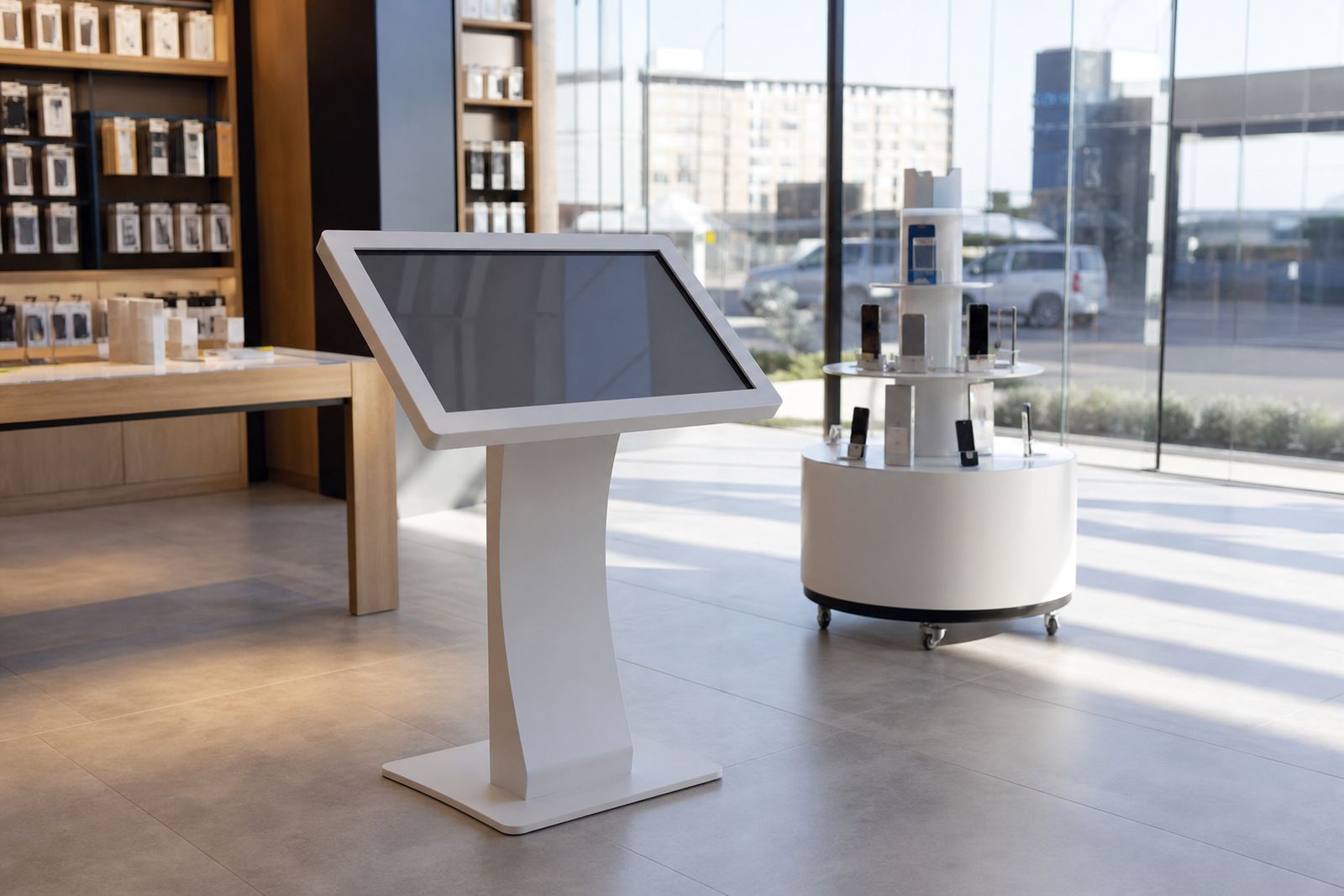
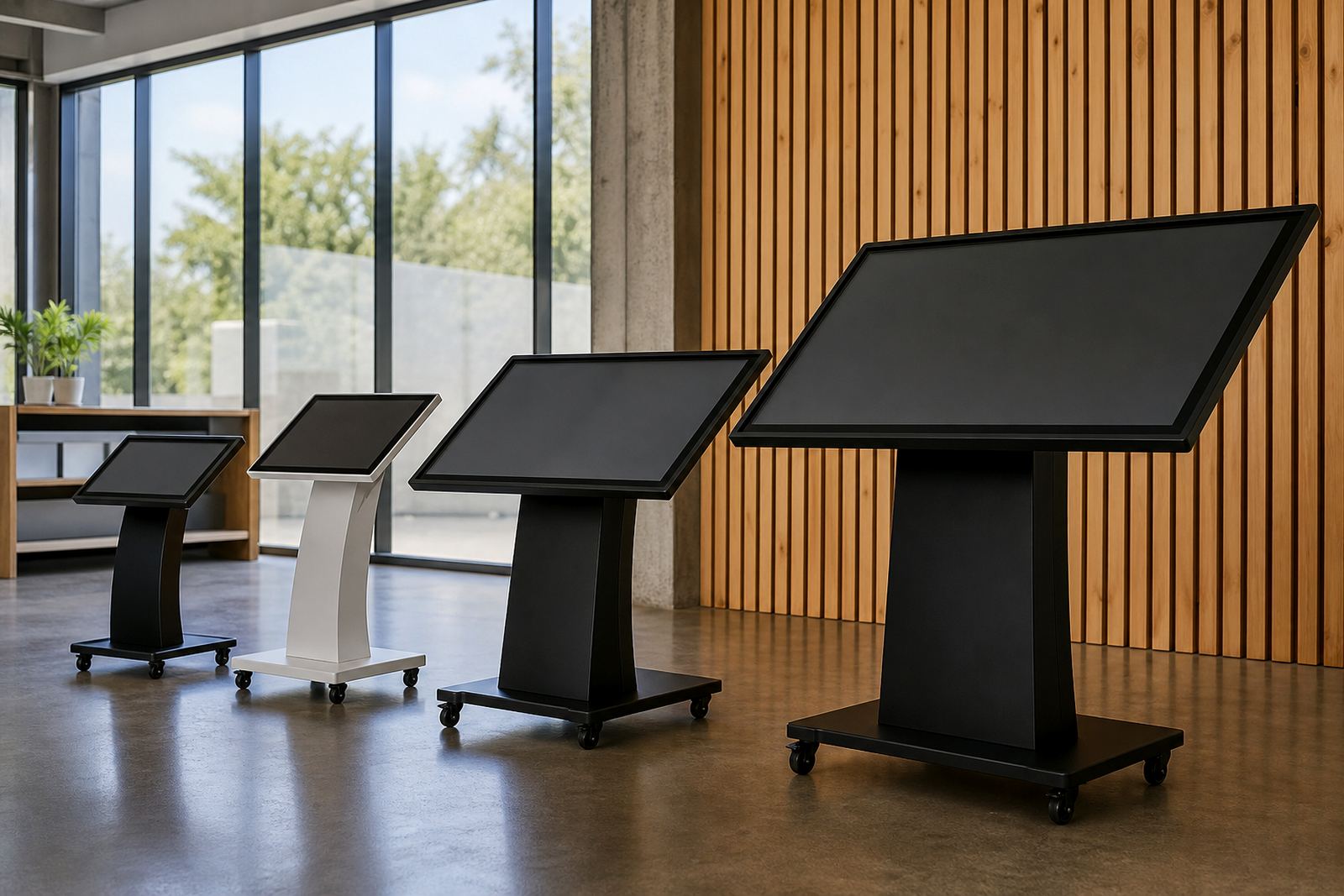
Before you choose hire or buy, define what the unit must do in store. A product launch, mall activation, seasonal promotion or in-aisle ordering point all place different demands on the kiosk or 360-degree display stand. A six week campaign in Sandton is not the same as a year-round information point in Cape Town, where salt air and busy foot traffic can affect wear.
Ask whether the unit will be used for one promotion, repeated campaigns, or daily customer service. If the message changes often, hire can be practical. If the unit will stay on the floor and carry your core brand content, buying usually makes more sense.
- How long will the display be active?
- Will the content change weekly, monthly, or rarely?
- Is the unit for a single store or multiple branches?
- Will shoppers use it for browsing, ordering, or product comparison?
When hire makes better business sense
Hire suits retailers that need flexibility and lower upfront cost. It is a good fit for launches, expos, festive trading, pop-up stores and regional campaigns where the unit may only be needed for a few weeks or months. If your team needs to test a concept before rolling it out wider, hire lets you check response without locking into a long term asset.
It also helps when storage space is tight or when different branches need the same unit at different times. For retailers in Gauteng or along the coast, hire can reduce risk if you want to avoid storing equipment between campaigns or paying for servicing on idle stock. It is often the simpler option when budgets are approved quarter by quarter.
- Short campaign length
- Testing new store concepts
- Limited storage at the branch
- One-off events or activations
- Lower initial spend
When buying gives stronger long-term value
Buy when the kiosk or display stand will be part of your everyday retail setup. If the unit stays in use for months or years, ownership can work out better over time. You also have more control over branding, content updates and where the unit is placed, which matters in stores that want a consistent customer journey across Johannesburg, Pretoria, Durban and Cape Town.
Buying is often the better call where a retailer needs a permanent information point, product selector or guided ordering station. It can also suit businesses that want to align the display with a specific store layout, security requirements or municipal trading conditions. If the kiosk will support ongoing sales, not just a campaign, ownership usually becomes the practical choice.
- Daily or ongoing use
- Stable brand messaging
- Multiple stores needing the same format
- Long service life expected
- Better value over time
Check the true cost before you decide
The cheapest option on paper is not always the cheapest in practice. Look at delivery, installation, software configuration, content loading, maintenance and any support after setup. A hire unit may have a lower entry cost, but a purchase can become more affordable if you need it for several campaigns in a row. Add in the cost of downtime too, because a kiosk that is offline during a weekend promotion can cost more than the unit itself.
Retailers should also check what happens if the site has unstable power, patchy network access or limited floor space. In some stores, a small UPS or local network setup is needed to keep the unit ready during load-shedding. That extra hardware should be included in the comparison from the start, not added later when the order is already signed off.
- Delivery and installation costs
- Content setup and software configuration
- Maintenance or support retainer
- Power backup and network integration
- Storage or collection costs after hire
Use this quick site checklist before you commit
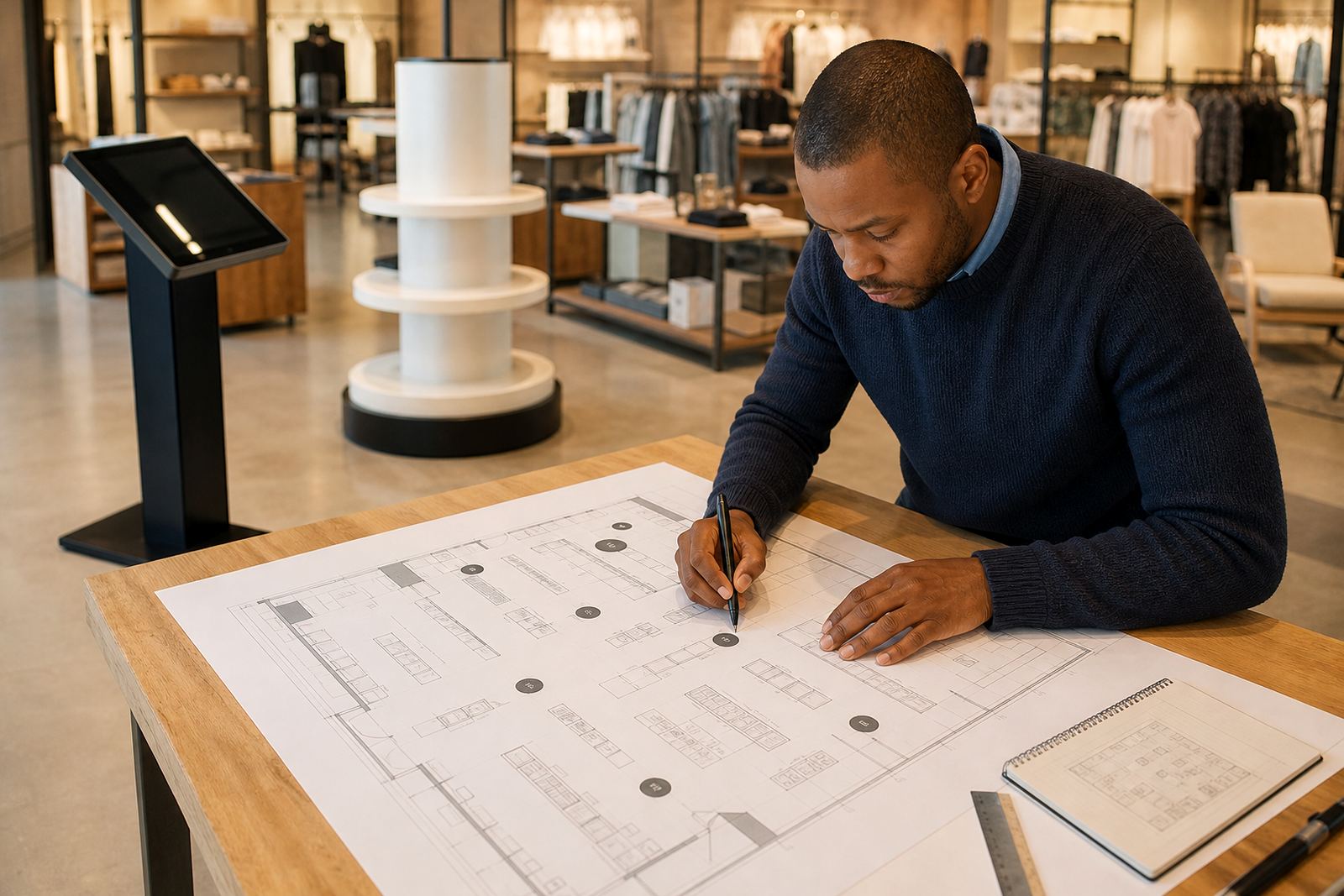
A proper site check prevents headaches once the unit arrives. Measure the floor area, check the power point position, confirm network access, and make sure the stand will not block fire exits or customer flow. In busy centres, mall management may have rules on trading hours, loading bay access and signage placement, so it is worth confirming these early.
For coastal locations, ask about humidity and cleaning routines. For inland stores, dust and temperature changes can affect screens and moving parts. A little planning upfront keeps the unit presentable and working properly, and it saves you from rushed changes on installation day.
- Available floor space and wall clearance
- Power point location and backup needs
- Network access and signal strength
- Security, access control and after-hours storage
- Mall or landlord rules, where relevant
How iTouch 360 supports both options
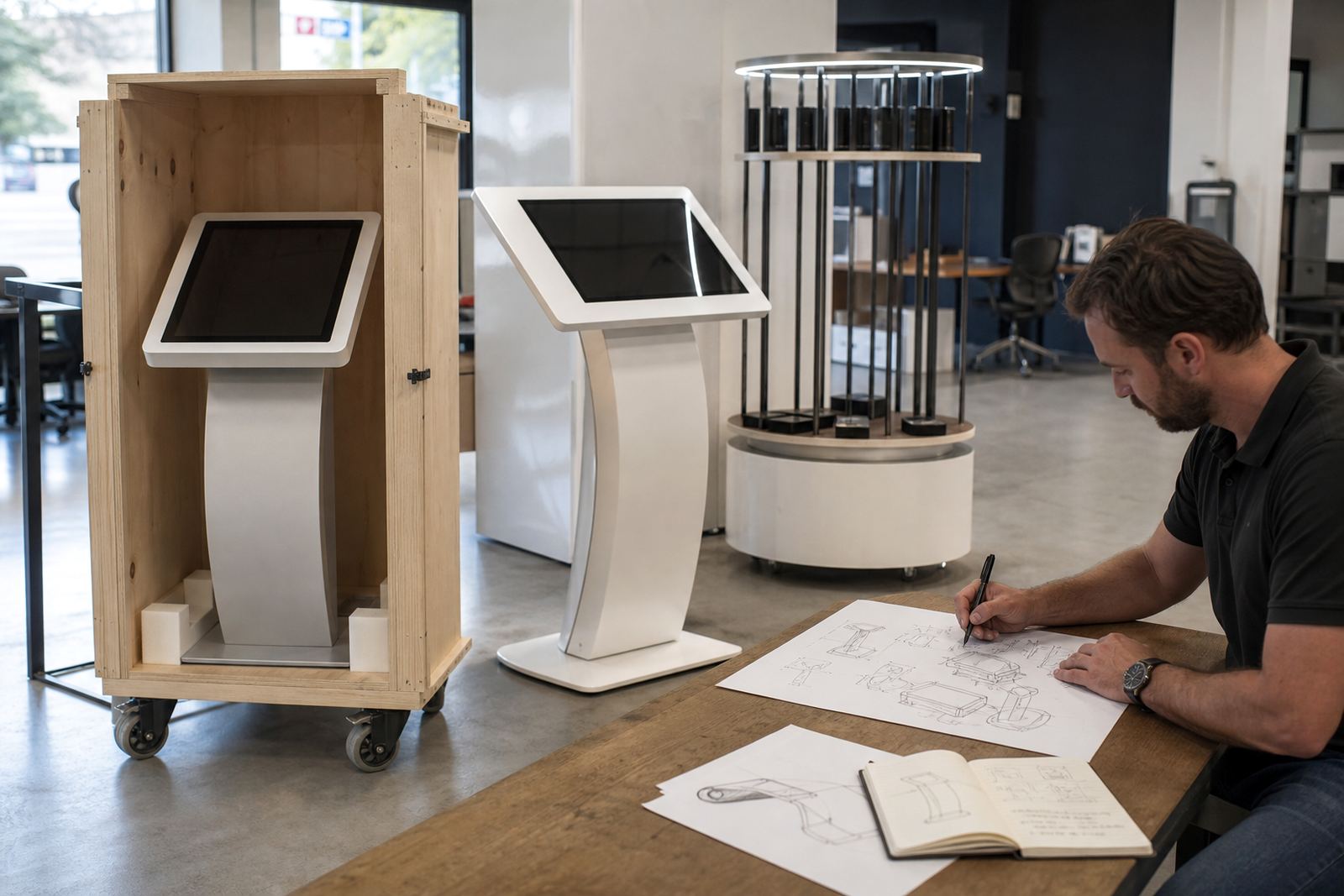
Whether you choose hire or buy, the practical part is getting the unit set up correctly and ready for shoppers. That includes site assessments, solution design, custom branding, content loading, delivery installation, software configuration and network integration. If the unit will move between branches, the team can also help with preventative servicing, fault repairs, parts replacement and staff training so your store team knows how to use it confidently.
For retailers that want ongoing cover, support retainers can be arranged so the unit stays in working order through busy trading periods. Midrand is a useful base for servicing stores in Gauteng, while supply routes into Cape Town, Durban and Bloemfontein help keep campaigns moving on schedule. The right choice is not just hire or buy, it is choosing the setup that matches your store, your timing and your budget.
- Site assessment before commitment
- Custom branding for campaign or permanent use
- Installation and staff handover
- Ongoing support if the unit stays on the floor