Start With the Site, Not the Product
Before choosing an interactive kiosk or 360-degree product stand, look at where shoppers will use it. An air-conditioned mall floor in Sandton is very different from a covered entrance in Durban or a protected forecourt in Pretoria. The right unit depends on foot traffic, sunlight, moisture, dust, and how often staff can monitor it during the day.
For indoor areas, the main focus is user flow, screen size, content clarity and safe cable routing. For covered exterior areas, you need to think about wind-driven rain, humidity, dust, vandalism risk and temperature swings. In Gauteng, dust and load-shedding can affect performance. Near the coast, salty air can cause corrosion if the housing and fixings are not specified properly.
- Check if the unit will sit inside, under a canopy, or fully exposed to weather.
- Measure available floor space and allow room for queues and wheelchairs.
- Confirm power points, network access and backup power options.
- Note glare from windows, skylights or direct sun at different times of day.
Indoor Displays: What Matters Most
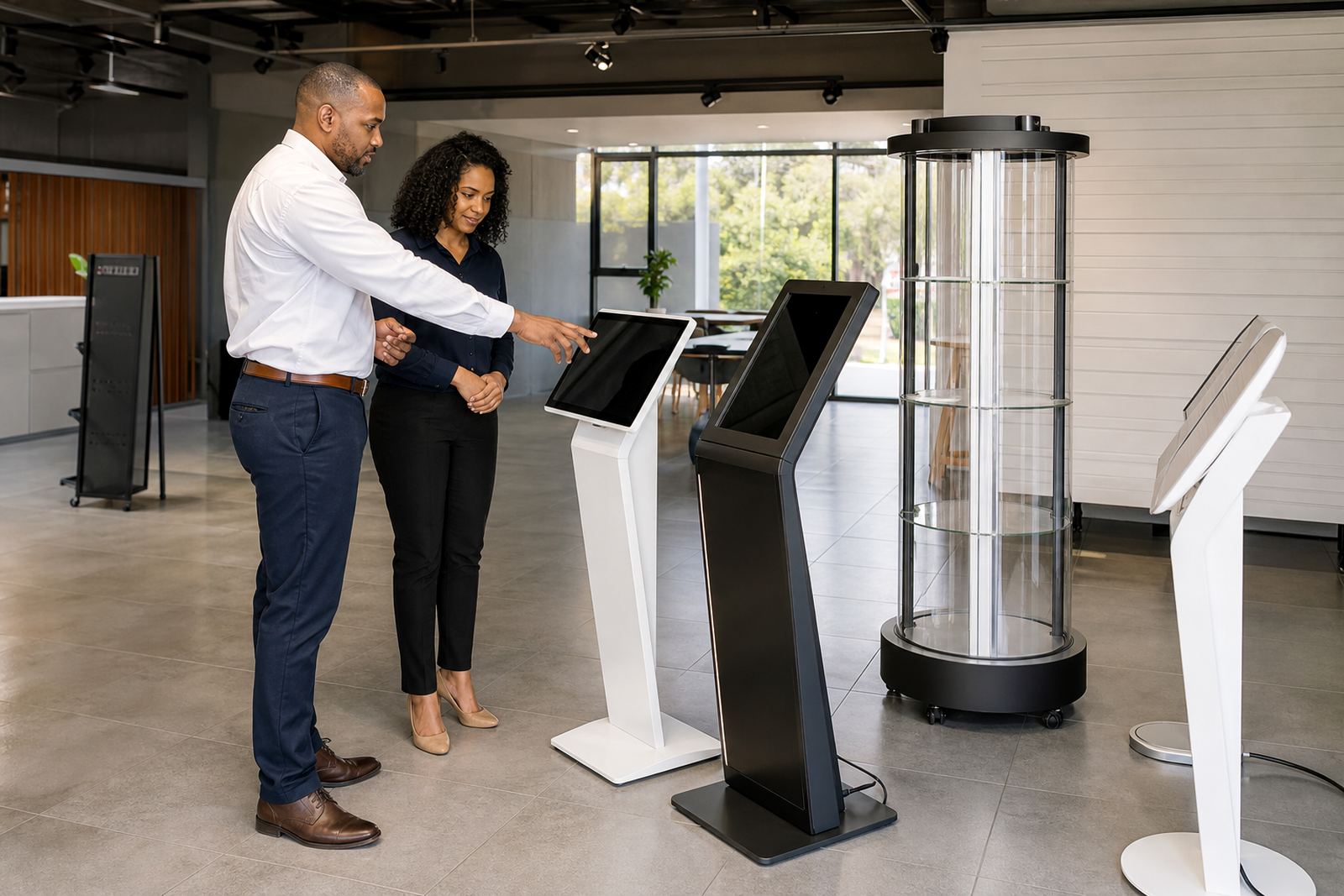
Indoor kiosks are usually chosen for product education, catalogue browsing, promotions and self-service tasks. Because the environment is controlled, you can use slimmer housings, brighter graphics and more delicate touch components than you would outside. The focus should be on fast response, clean visuals and simple navigation so shoppers do not need help every few steps.
A good indoor display should start quickly after power interruptions and recover cleanly when the supply comes back on. In many South African stores, that matters during load-shedding or brief switchovers to generator power. If the kiosk will sit near a till area or at a busy aisle end, choose a screen height and angle that suit adults and younger shoppers alike.
- Use anti-glare glass if the unit faces bright shopfront lighting.
- Choose a sturdy base that resists wobble in high-traffic aisles.
- Plan content for short viewing times, with large buttons and simple menus.
- Allow for easy cleaning with standard non-abrasive cloths and approved cleaner.
Covered Outdoor Units Need Extra Protection
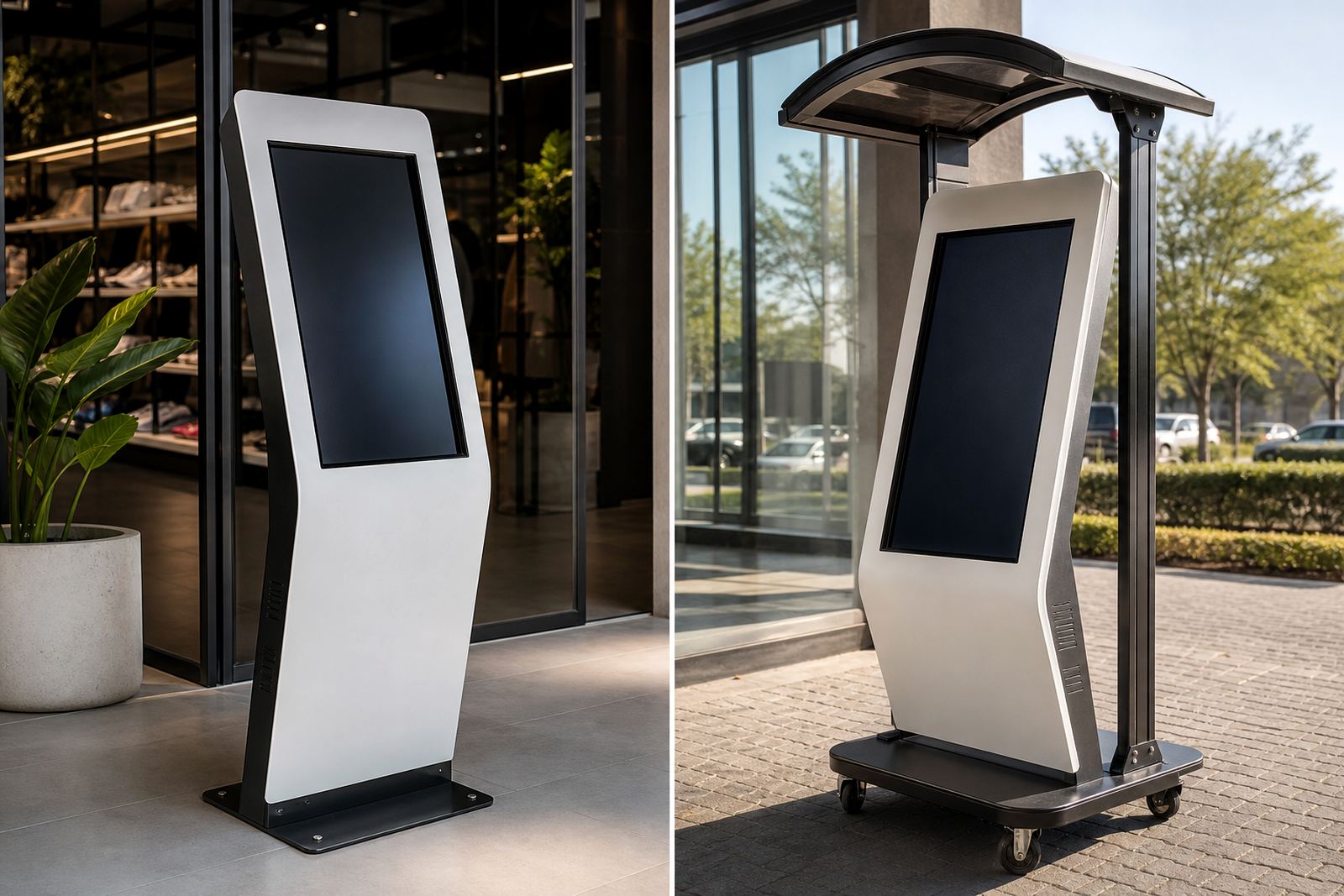
Covered exterior units are for locations such as mall entrances, veranda areas, forecourts and sheltered pickup points. They are not the same as indoor models. Even when a roof is present, a display can still face moisture, dust, wind and temperature shifts. If the unit is near Cape Town or Durban, humidity and coastal air become part of the specification.
For these sites, look for a sealed housing, corrosion-resistant fixings and ventilation that manages heat without letting in debris. The screen should stay readable in changing light, and the touch layer must still work when the ambient temperature is high. It is also wise to consider how staff will reach the unit for servicing, because a tight outdoor corner can make a simple fault take longer to fix.
- Confirm the enclosure rating and ask what it protects against.
- Choose materials that handle sun, rain spray and salty air where relevant.
- Use secure mounting so the unit cannot shift in strong wind.
- Plan for scheduled cleaning because dust and pollen can affect sensors.
Compare the Feature Set Before You Sign Off
Retailers sometimes compare only the screen size, but the operating details matter just as much. A display that looks suitable on paper may not suit the intended use if the content changes often, the product range expands, or the site has poor signal strength. A practical comparison should cover hardware, software and daily maintenance.
Ask how the system handles updates, product images, pricing changes and language options. If the kiosk will link to stock or store systems, check whether it can work on the existing network or needs a separate connection. In some branches, especially where mall infrastructure is limited, that small detail becomes the difference between a clean launch and a delayed one. Keep your team in the loop too, because a unit no one knows how to use quickly becomes a decoration.
- Screen brightness and readability in direct or reflected light.
- Touch response with clean hands, dusty hands or light moisture.
- Housing material, sealing and corrosion resistance.
- Power draw, cable management and backup power compatibility.
- Software access for content changes and reporting.
Choose the Right Installation and Support Plan
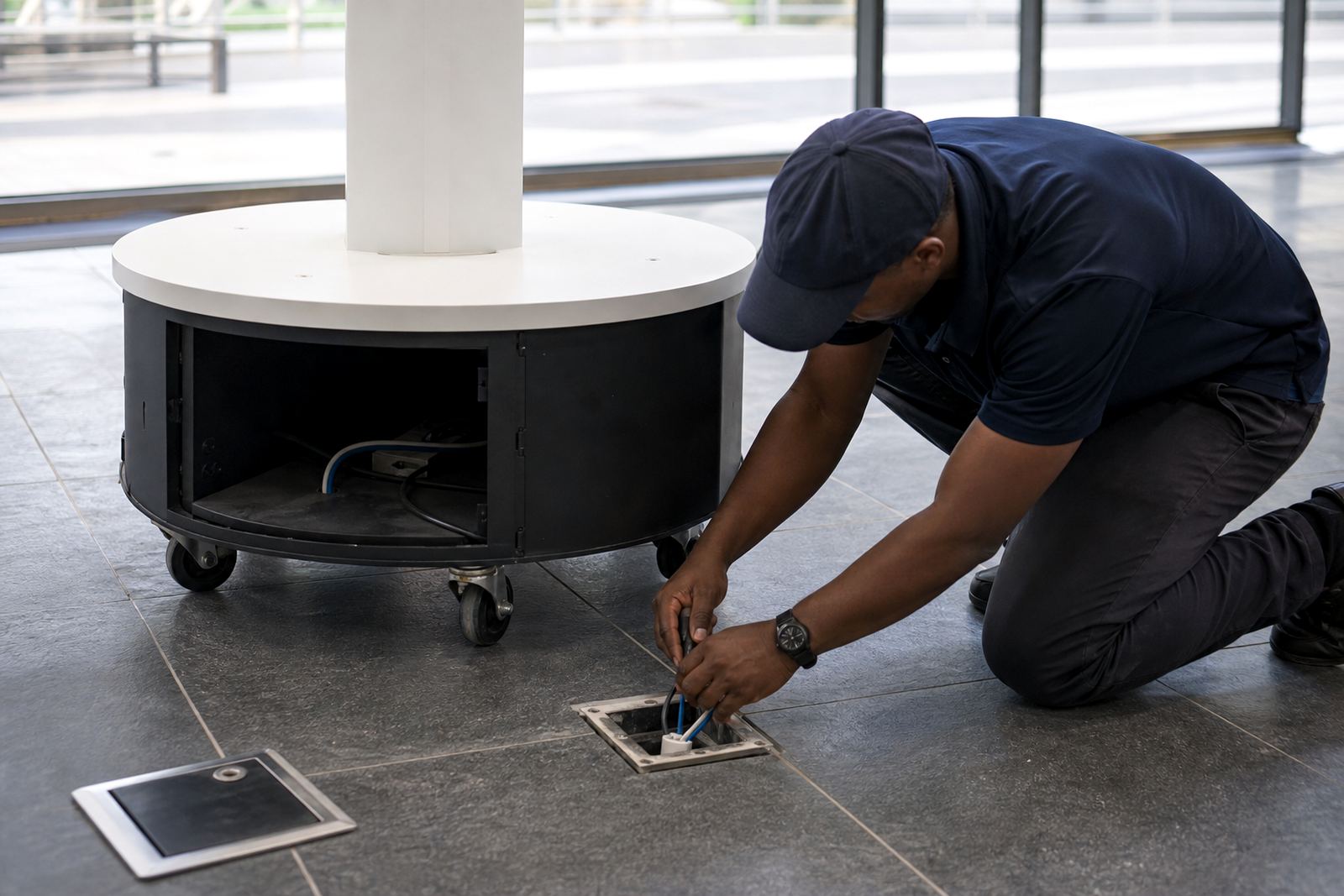
A display is only as good as the installation behind it. Site assessments help identify floor loading, cable routes, fixing points and the best location for visibility. For retail groups with branches in Johannesburg, Pretoria, Cape Town, Durban and Bloemfontein, the same product can require different install details depending on the store layout and local conditions.
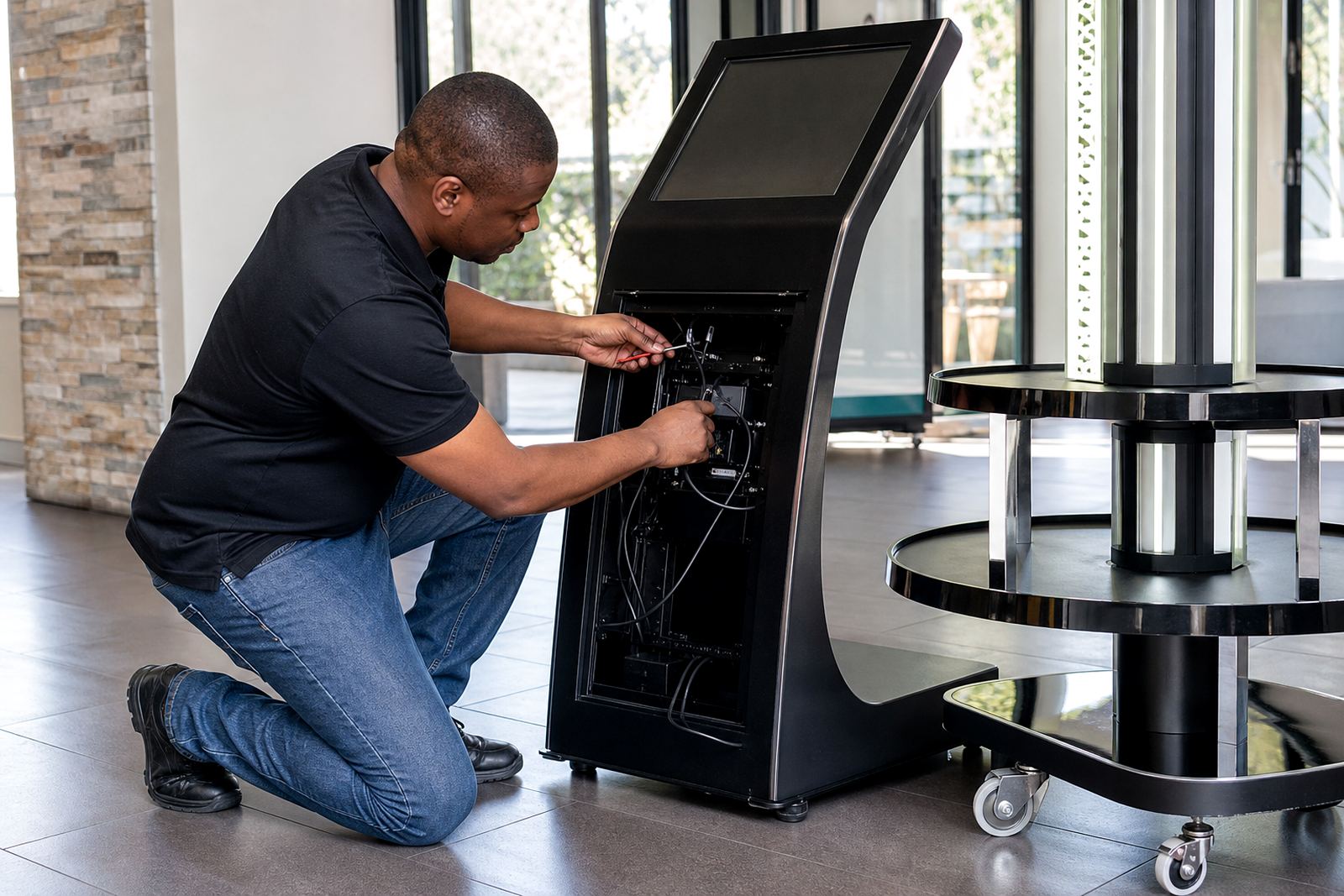
After installation, staff training should cover daily start-up, basic cleaning, what to do after a power cut and who to call if the screen freezes. Preventative servicing is important for both indoor and covered outdoor units, because dust build-up, loose connections and wear on moving parts can shorten the life of the equipment. Parts replacement should be straightforward and well tracked, especially if the unit is being used every day.
- Ask for a site assessment before finalising the order.
- Request delivery installation and software configuration together.
- Confirm who handles network integration and content loading.
- Set a servicing schedule for cleaning, checks and fault repairs.
A Simple Decision Checklist for Retail Teams
If you are still deciding between an indoor unit and a covered outdoor unit, use a short checklist with your store manager, operations lead and technical team. Start with the site, then work through the practical limits. The answer is usually clear once everyone agrees on exposure, traffic and support access.
Ask whether shoppers will use the display for a few seconds or several minutes. Check if the unit must operate through summer heat, winter dampness or repeated power interruptions. Then confirm whether the store has the time and skill to keep the content current. Once those points are settled, the right choice usually becomes obvious and less costly over time.
- Is the area fully indoors, covered, or partly exposed?
- Will sunlight, rain spray, dust or wind affect the unit?
- Can the store support regular cleaning and servicing?
- Does the business need secure branding, live updates or simple product browsing?
- Will the unit be used daily, weekly or only for campaigns?