Daily wipe-downs for busy retail floors
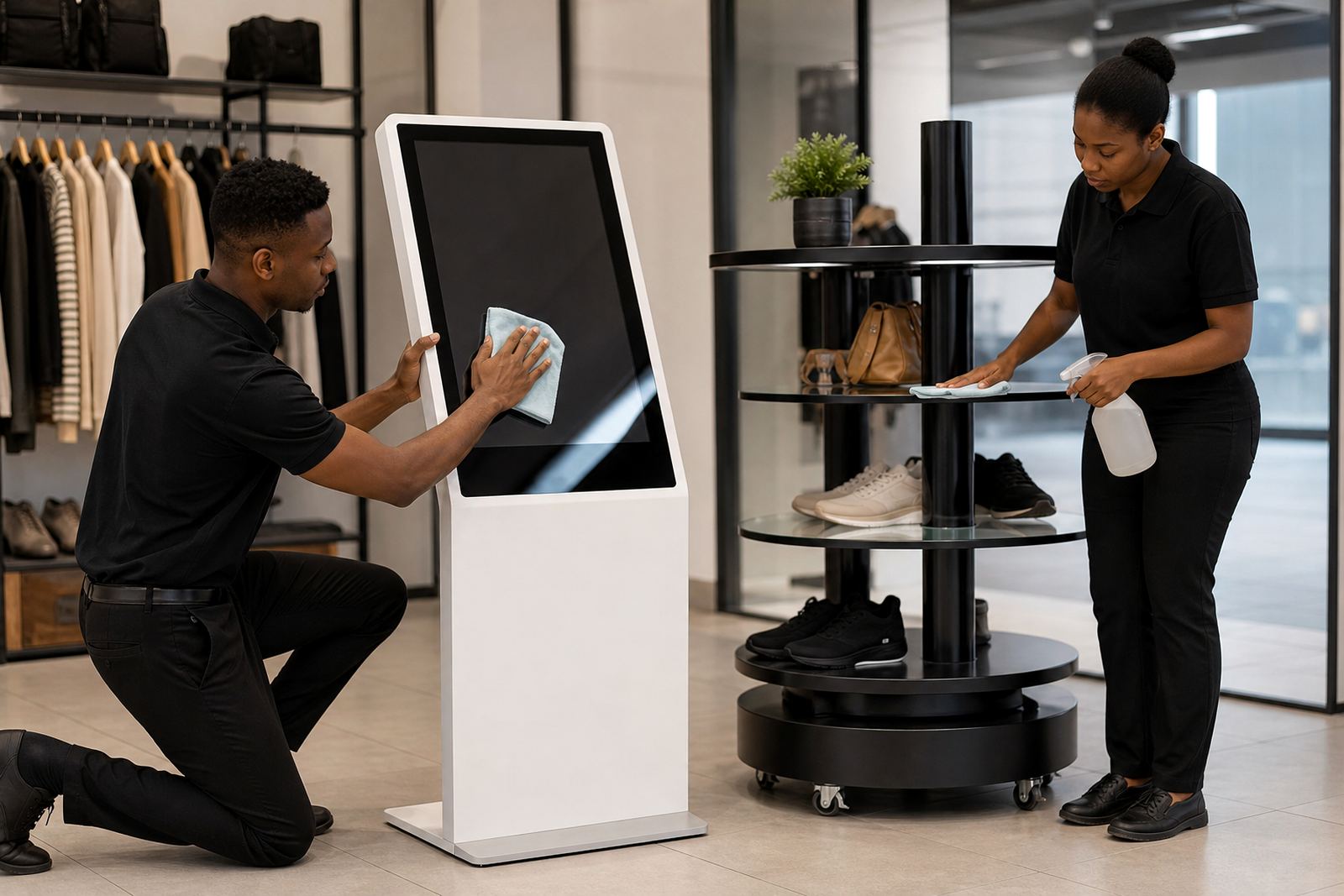
Start with a soft, dry microfibre cloth and remove dust before it builds up on the screen, frame and base. In stores with high foot traffic, a quick clean at opening and again at close helps stop fingerprints, smudges and dust from making the unit look tired.
Use only a lightly damp cloth when needed, never spray liquid directly onto the screen or into ventilation points. Around entrances, food areas or coastal branches where humidity is higher, moisture should be kept to a minimum so connectors and moving parts stay in good condition.
- Switch the unit off before cleaning where possible.
- Use a soft cloth, not paper towel or abrasive pads.
- Wipe the screen, touch frame, casing and stand base.
- Dry all surfaces before switching the unit back on.
What to avoid when cleaning touch screens
Touchscreens need gentle care. Harsh chemicals can cloud the display, damage the touch layer or leave streaks that are hard to remove. Avoid cleaners with ammonia, strong solvents, bleach or grit, even if they seem to cut through dirt quickly.
If you are not sure about a product, test it on a small hidden area first. In most cases, a clean cloth and a small amount of screen-safe cleaning solution is enough for regular upkeep. Never allow water to pool along the bottom edge of the screen or near cable entries.
- No abrasive powders or scouring cloths.
- No direct spray onto glass or bezels.
- No sticky polish on the screen area.
- No rough wiping if sand or dust has settled, first remove loose particles gently.
Keeping the rotating stand smooth and steady
Rotating product display stands need regular visual checks so the turning action stays even. Dust can collect around the rotation point and base, while loose packaging or product labels can catch and cause uneven movement. A short check each week is usually enough for most retail sites.
Make sure the stand is level and that all load items are placed within the recommended weight range. If products are stacked too high or placed off-centre, the stand may wobble or strain the motor. That can lead to noise, wear, or premature faults.
- Check for wobble before the store opens.
- Remove dust from the base and turning point.
- Keep product weight balanced on all sides.
- Listen for scraping, clicking or slow rotation.
Power protection during load-shedding and voltage dips
Retail equipment in South Africa needs protection from power cuts and voltage swings. Sudden outages can interrupt content, corrupt settings or cause a restart issue when the power returns. A proper surge protection setup and a clean shutdown routine reduce the risk of damage.
Where possible, connect the unit through approved power protection and check cables for wear after every outage. If your branch is in an area with frequent load-shedding, it helps to train staff to switch the unit off correctly and wait a short while before powering it up again.
- Use surge protection and stable power points.
- Do not overload one socket with too many devices.
- Check plugs and adapters for heat or discoloration.
- Restart only after the supply is stable.
Cable checks and safe positioning in store
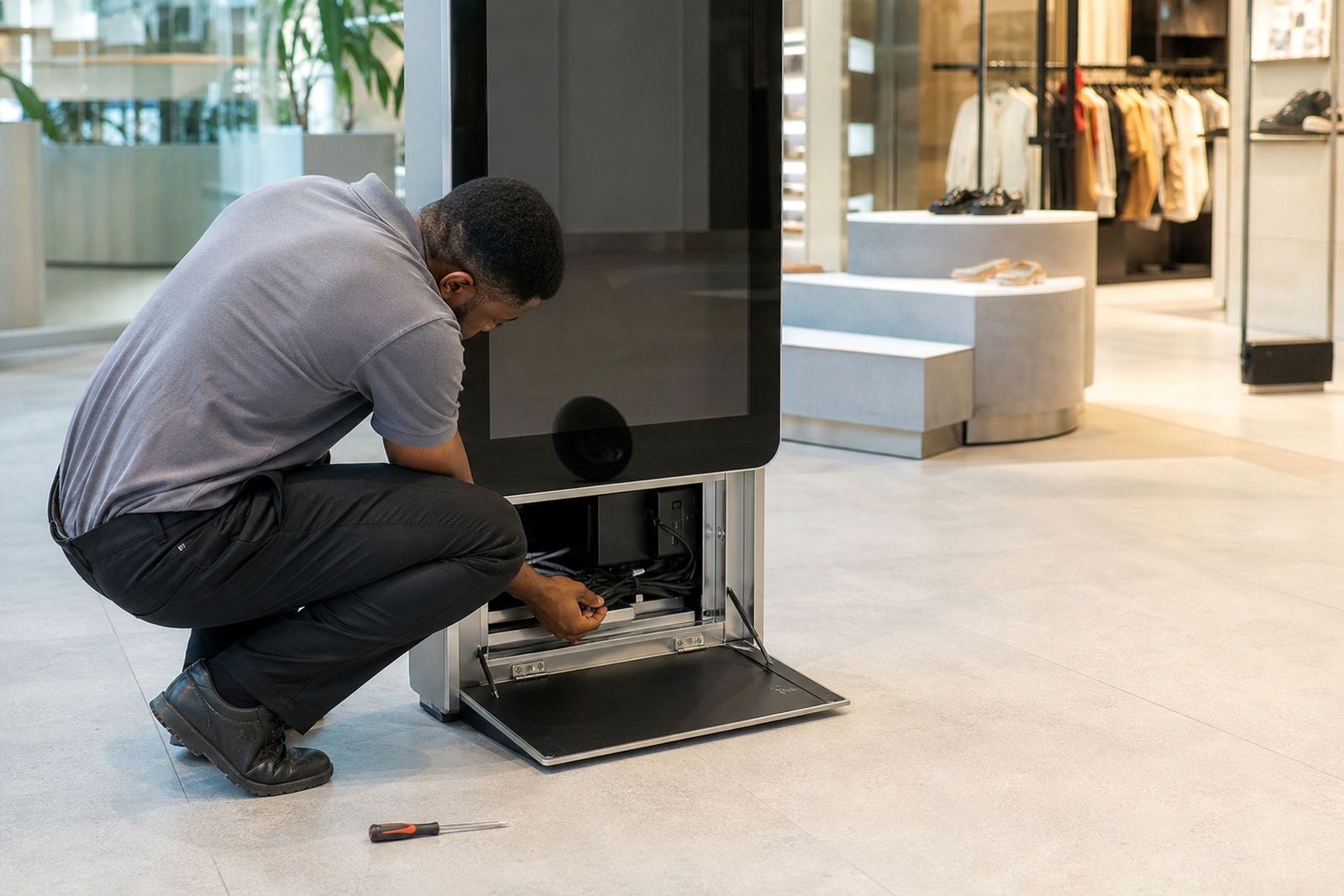
Loose cabling is one of the easiest faults to prevent. Cables should be routed so staff and customers cannot trip over them, and so moving trolleys or stock crates do not catch them. In smaller spaces, it is worth checking the route weekly because repositioning stock can shift cables without anyone noticing.
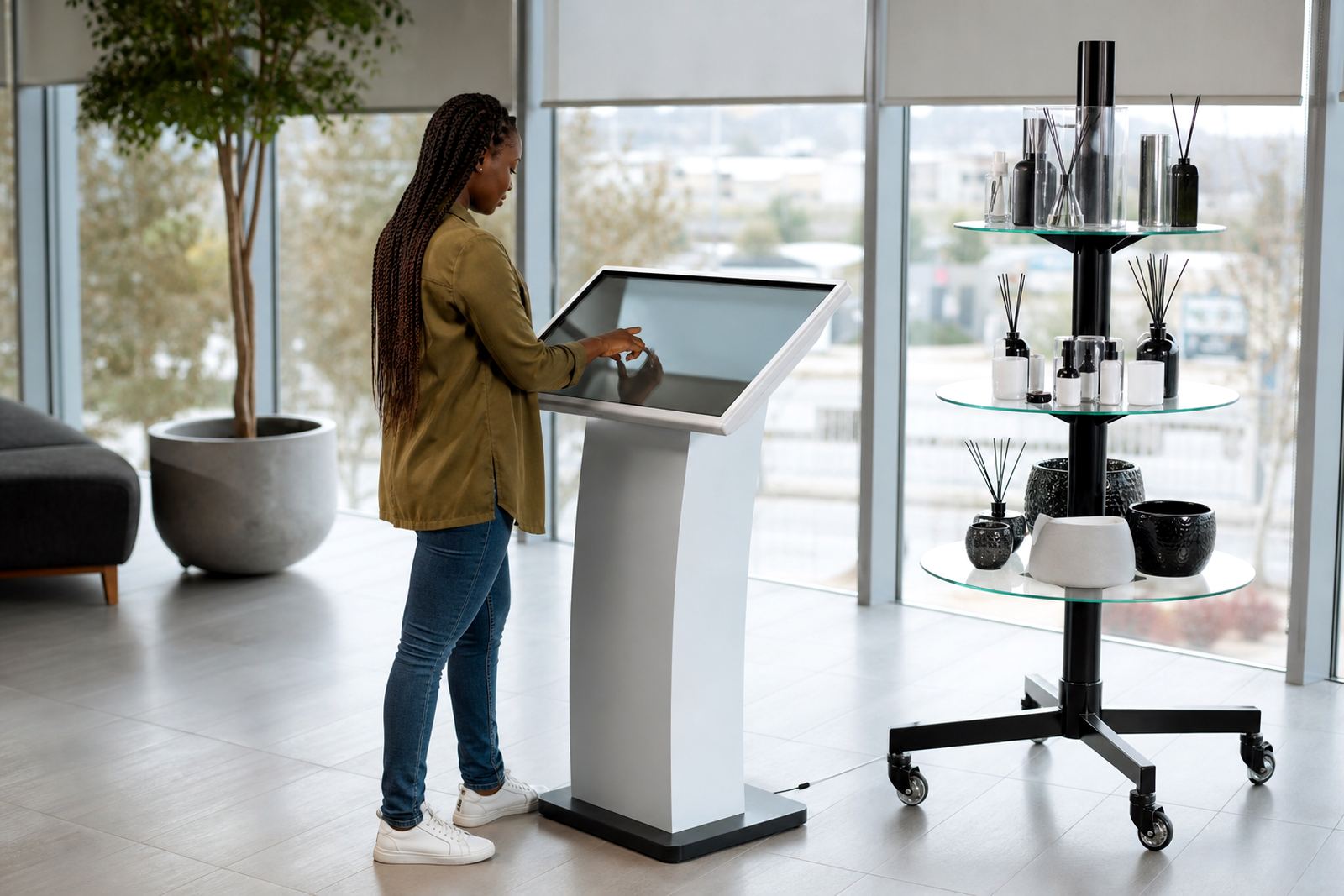
Keep the kiosk or stand in a level spot with enough clearance around vents and moving parts. If the unit is placed too close to a wall, shelf edge or window, heat build-up and accidental knocks become more likely.
Good placement also makes daily cleaning quicker and keeps the unit looking neat, especially in showrooms where presentation matters.
When to call for servicing or repairs
Some issues can be fixed with basic upkeep, but repeated faults need proper attention. If the touch response becomes erratic, the display flickers, the rotating section slows down, or you hear unusual noise from the motor, stop using the unit and arrange a service check.
It is better to catch wear early than wait for a full breakdown during trading hours. Our support team can assist with preventative servicing, fault repairs, parts replacement and staff training for stores in Johannesburg, Pretoria, Midrand, Centurion, Sandton, Cape Town, Durban and Bloemfontein.
- Touch input is delayed or unresponsive.
- The screen shows lines, flicker or dead areas.
- The stand turns unevenly or makes grinding sounds.
- The unit restarts often after power cuts.
Simple habits that extend equipment life
Small daily habits make a real difference. Assign one staff member to do the first clean, another to check power and a third to confirm the unit is showing the right content. That way, problems are spotted early and the kiosk or stand stays presentable throughout the day.
Keep a basic log of cleaning, faults and shutdowns. It does not need to be complicated, just enough to show patterns if the same issue keeps coming back. In retail environments with long trading hours, that record can save time and prevent repeat callouts.
A well cared-for unit looks better, works better and lasts longer. That's the practical goal.