Why tight retail floors need a different approach
In many South African stores, floor space is limited by narrow aisles, pillar placements, security gates, queue lines and stock that has to stay close to the till point. That leaves little room for bulky promotional units. Compact store solutions are built for these conditions. They keep the customer moving, show key product details and still leave enough space for staff to work properly.
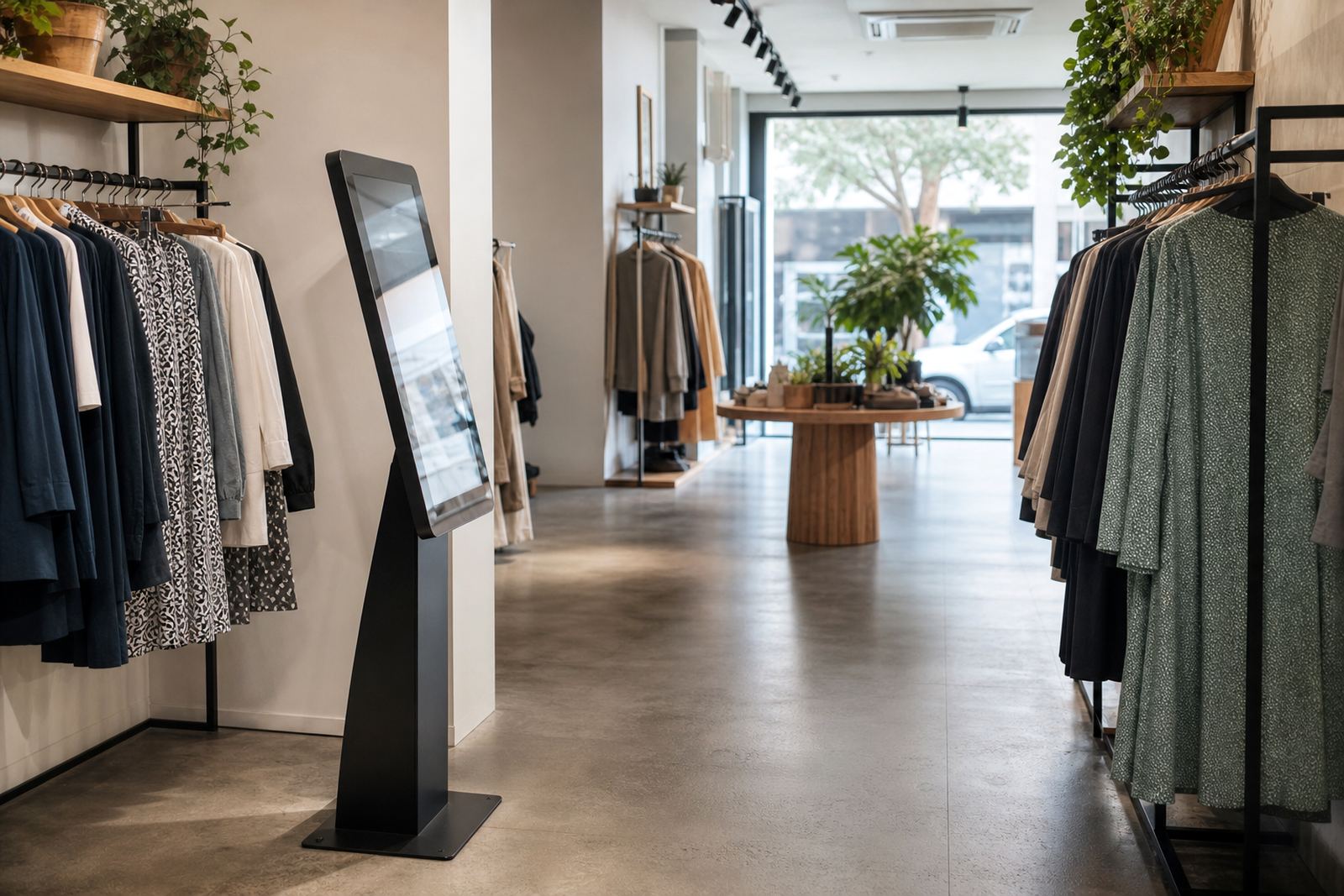
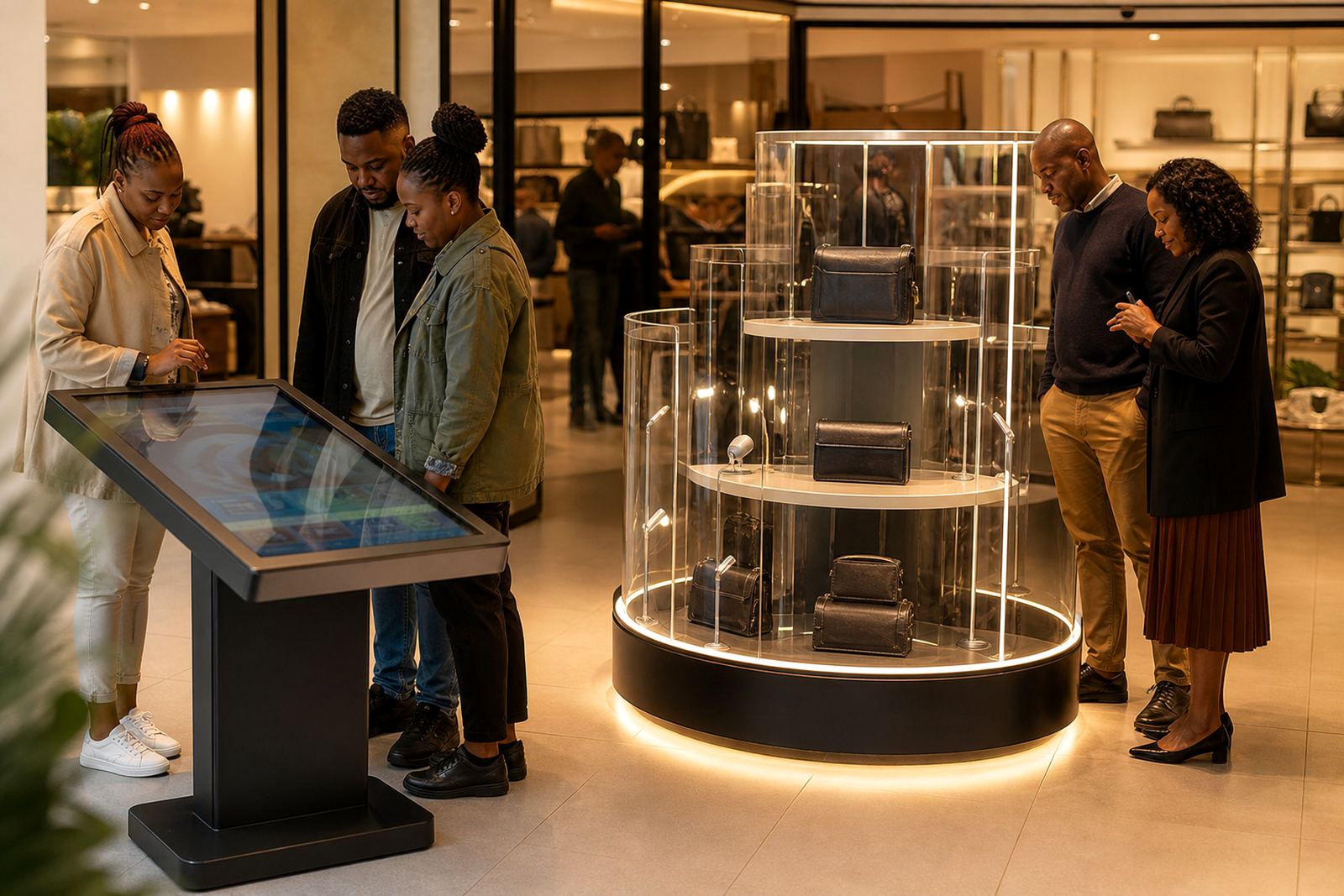
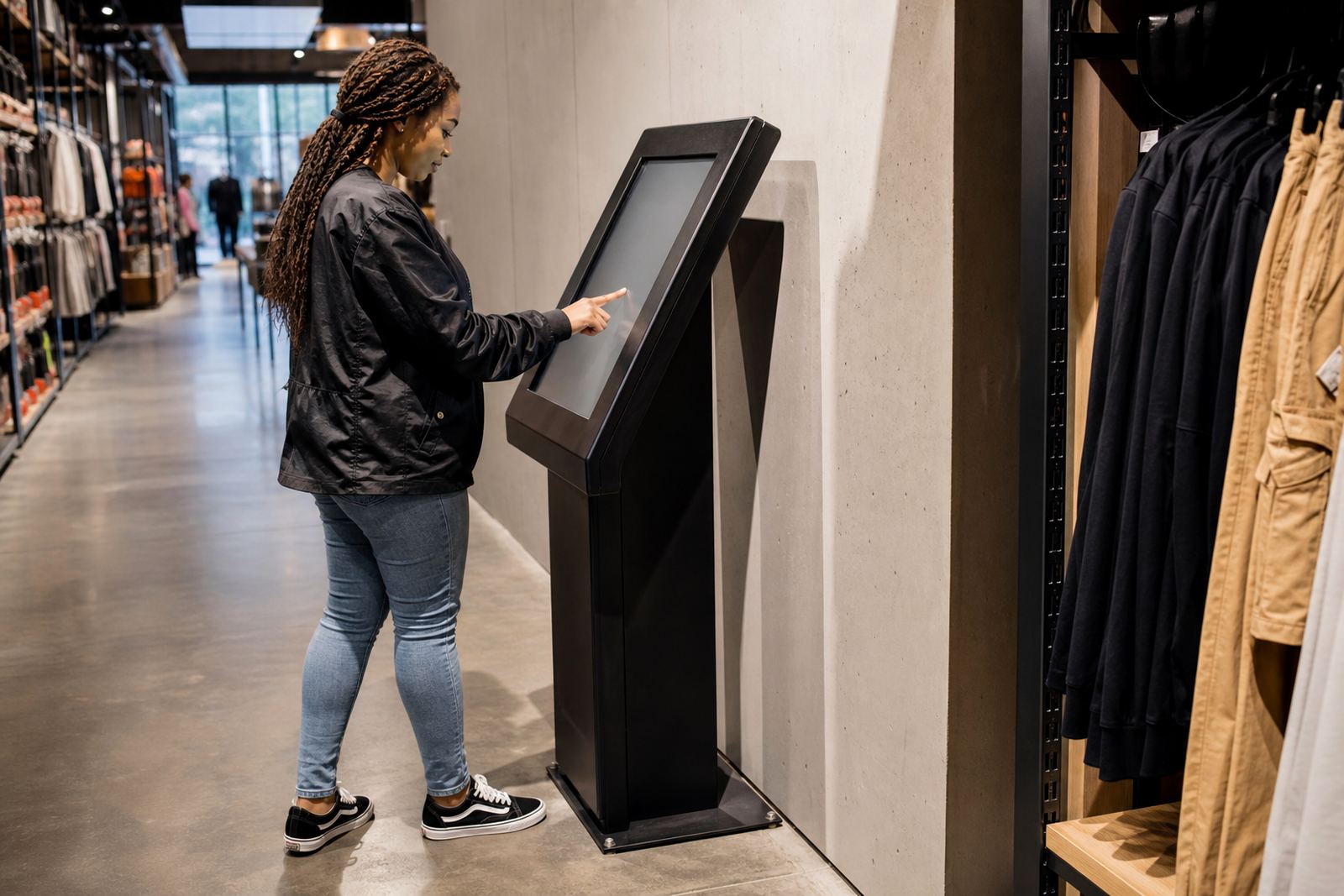
For retailers in Midrand, Johannesburg or Pretoria, the challenge is often the same: you want a strong display near the entrance or seasonal table, but not something that blocks sightlines or causes bottlenecks. A slim interactive kiosk or a 360-degree display stand can sit neatly against a wall, at a feature bay, or beside a counter where it supports the sale instead of getting in the way.
Slim-profile units that fit busy layouts
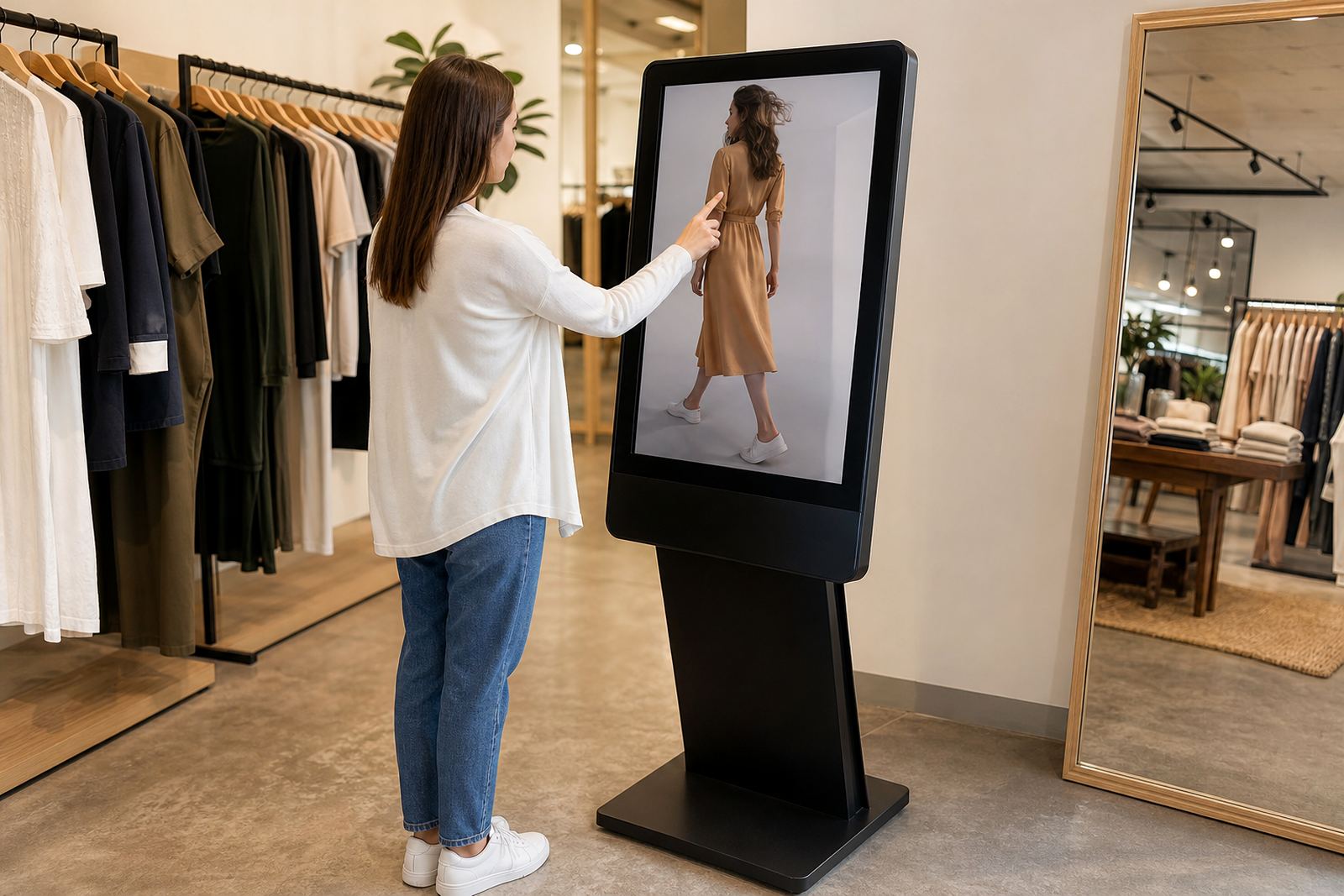
Compact does not mean basic. A well planned kiosk can present pricing, product videos, size guides and promotions on a touchscreen that takes up very little floor area. A rotating product stand can show packaging, finish, labels or accessories from all sides, which is useful where shoppers want to compare quickly before they ask for help.
When planning a tight layout, think about the footprint first, then the traffic flow. A unit that is 600 mm wide may work better than a bigger freestanding display, especially in convenience stores, pharmacies, appliance showrooms or mall kiosks. The screen angle, cable route and access to power also matter. If the unit sits too close to a doorway or emergency exit, it becomes a problem during inspections and staff briefings.
- Choose a base width that leaves at least one clear walking path through the bay.
- Keep the screen at eye level for standing shoppers, usually around 1 400 mm to 1 600 mm from the floor.
- Use enclosed cable management so nothing hangs loose around cleaning staff or customers.
- Allow for quick access to power during load-shedding changes or after-hours shutdowns.
Making the most of one square metre
The best compact units do more than display a product. They can carry price messaging, seasonal offers, loyalty sign-up prompts and even store directions for larger branches. One square metre can hold a useful sales point if the content is planned properly and not overloaded with too much text.
Retailers often get better results when the screen content is short and direct. A shopper standing in front of the unit should see the main message within a few seconds. That might be a 3-step product comparison, a quick category guide or a promo tied to the stock sitting next to the unit. If the display is too cluttered, the customer looks away and the chance is lost.
Compact store solutions work best when the messaging supports the layout. In a narrow cosmetics aisle in Sandton, for example, a slim kiosk can show shade options and usage tips while a small rotating stand presents the actual products under neat lighting. In a hardware outlet in Centurion, the same idea can be used for fittings, cordless tools or sealed accessories where customers need to see shape and packaging before buying. It keeps the presentation tidy and sales focused.
Local conditions that affect compact equipment
South African stores have to deal with heat, dust, power interruptions and sometimes coastal humidity. That means the equipment has to be chosen and installed carefully. In Durban and Cape Town, moisture can affect unprotected parts if the unit is placed too close to open doors or regularly cleaned floors. In inland sites, dust from foot traffic or nearby construction can build up fast around vents and moving parts.
Power and network planning are just as important. During load-shedding, a kiosk without the right backup arrangement goes dark at the wrong moment. Where a store uses live content or product data feeds, network stability matters too. A compact unit should be easy to service, with neat access to sockets, a practical mounting height and enough room for cleaning. Nobody wants to shift stock every time the screen needs attention, it wastes time.
- Use suitable ventilation where the unit runs for long trading hours.
- Specify finishes that are easy to wipe down with normal store cleaning products.
- Keep exposed hardware to a minimum in areas with trolley traffic or high touch points.
- Plan for servicing access so faults can be repaired without shutting down the whole bay.
What to ask before you commit to a layout
Before adding any compact unit, ask how it will work with your shop floor, your stock plan and your staff routine. A display that looks good in a photo can still cause trouble if it blocks a till queue or forces the team to move it during replenishment. Site assessments are useful here because they show what is practical on the ground, not just on paper.
Retailers should also consider who will update the content and how often. If promotions change weekly, the system must be easy to manage. If the store runs several branches across Johannesburg, Pretoria, Cape Town, Durban or Bloemfontein, the same setup should be simple to roll out and support. That saves time and keeps the customer experience consistent across locations.
- Measure the available floor area and confirm the turning space around the unit.
- Check where power, data and mounting points will sit before installation day.
- Decide whether the display needs branding, product data or both.
- Confirm who will train staff and who handles support after rollout.
A practical Midrand example for a national chain
One Midrand retail outlet with a narrow entrance and a busy lunch-time flow needed a way to promote a new product range without narrowing the access path. A slim interactive kiosk was placed beside the feature wall, with a small 360-degree display stand next to it for the physical products. The unit sat neatly out of the main walkway and still caught the eye of shoppers coming through from the parking side.
The store used the screen for product details, pricing and short help prompts, while staff handled the final upsell at the counter. That setup worked because it respected the space available and did not ask the team to rework the whole floor every week. It was a simple fix but it made the aisle feel calmer and the product offer was easier to understand.
For retailers with branches in different towns, this kind of solution is useful because it scales. The same compact layout can be adapted for a convenience store in Bloemfontein, a mall outlet in Pretoria or a high-traffic site in Cape Town without changing the basic footprint. It is a practical way to keep the store looking organised while still giving the customer something worth stopping for.
Support that keeps the display working day after day
Compact store solutions need proper aftercare. Installation is only one part of the job. Ongoing support can include preventative servicing, fault repairs, parts replacement, software configuration, network integration and staff training. When the equipment is used daily, small issues need to be picked up before they become trading problems.
For retailers that want less downtime and clearer product presentation, the value is in keeping the setup dependable. A compact unit should stay tidy, responsive and ready for trade even when the store is busy. That is what makes it worth the floor space. The best display is the one that works hard without making a scene.