Why small stores can benefit from a kiosk
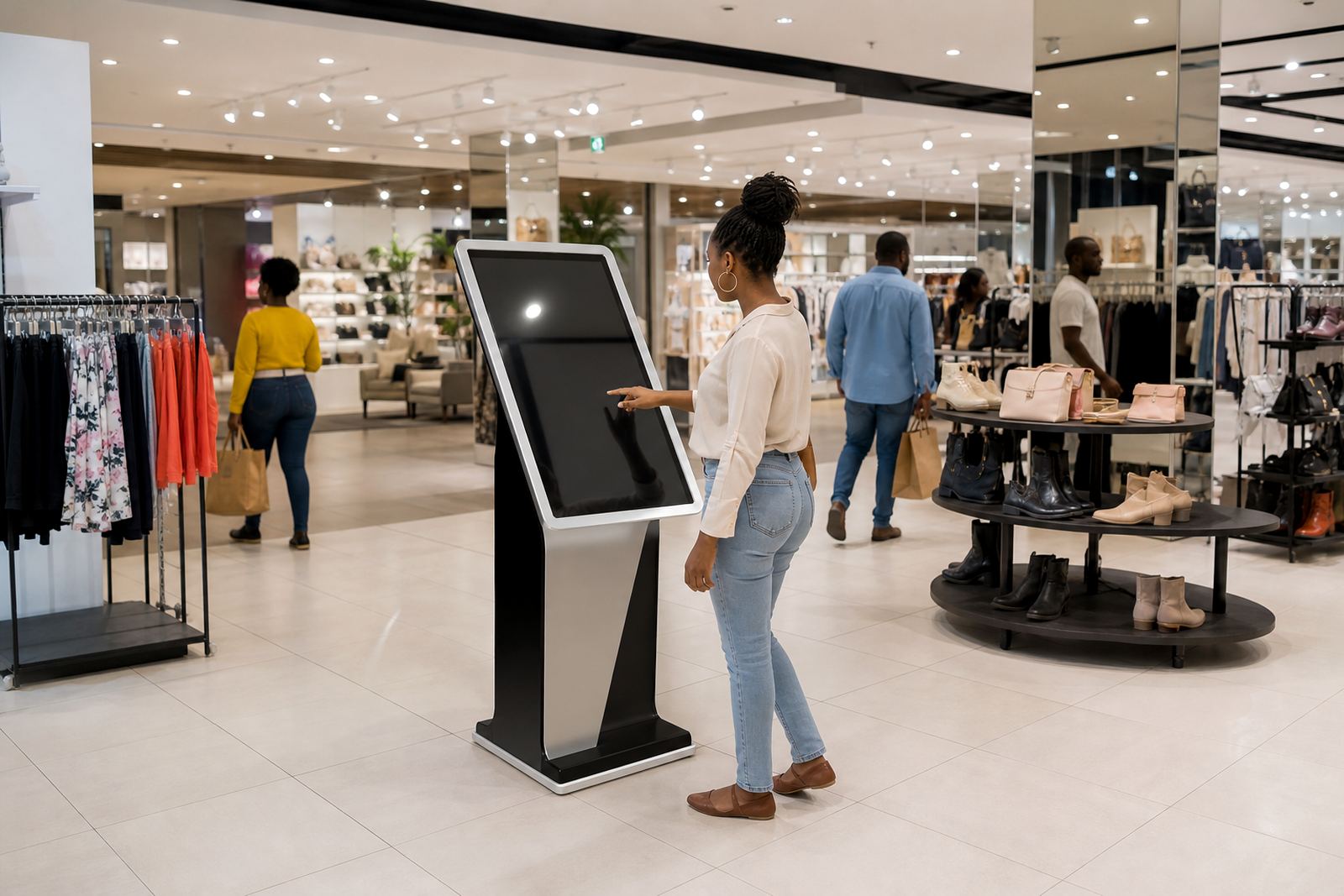
In a small store every square metre has to earn its keep. A well placed interactive kiosk can handle product browsing, order capture, promotions and basic customer questions without needing a full extra counter. That matters in convenience shops, pharmacy front ends, specialty retailers and pop up retail where staff are often juggling tills, stock and customer requests at the same time.
A compact unit can also reduce pressure on staff during busy times. Instead of waiting for a team member to fetch a catalogue or check stock, shoppers can view available ranges, sizes and colours on screen. For stores in Johannesburg, Pretoria or Sandton where foot traffic can spike in short bursts, that extra self service point can keep queues moving and improve the way customers experience the shop.
Choosing the right footprint for a tight retail layout
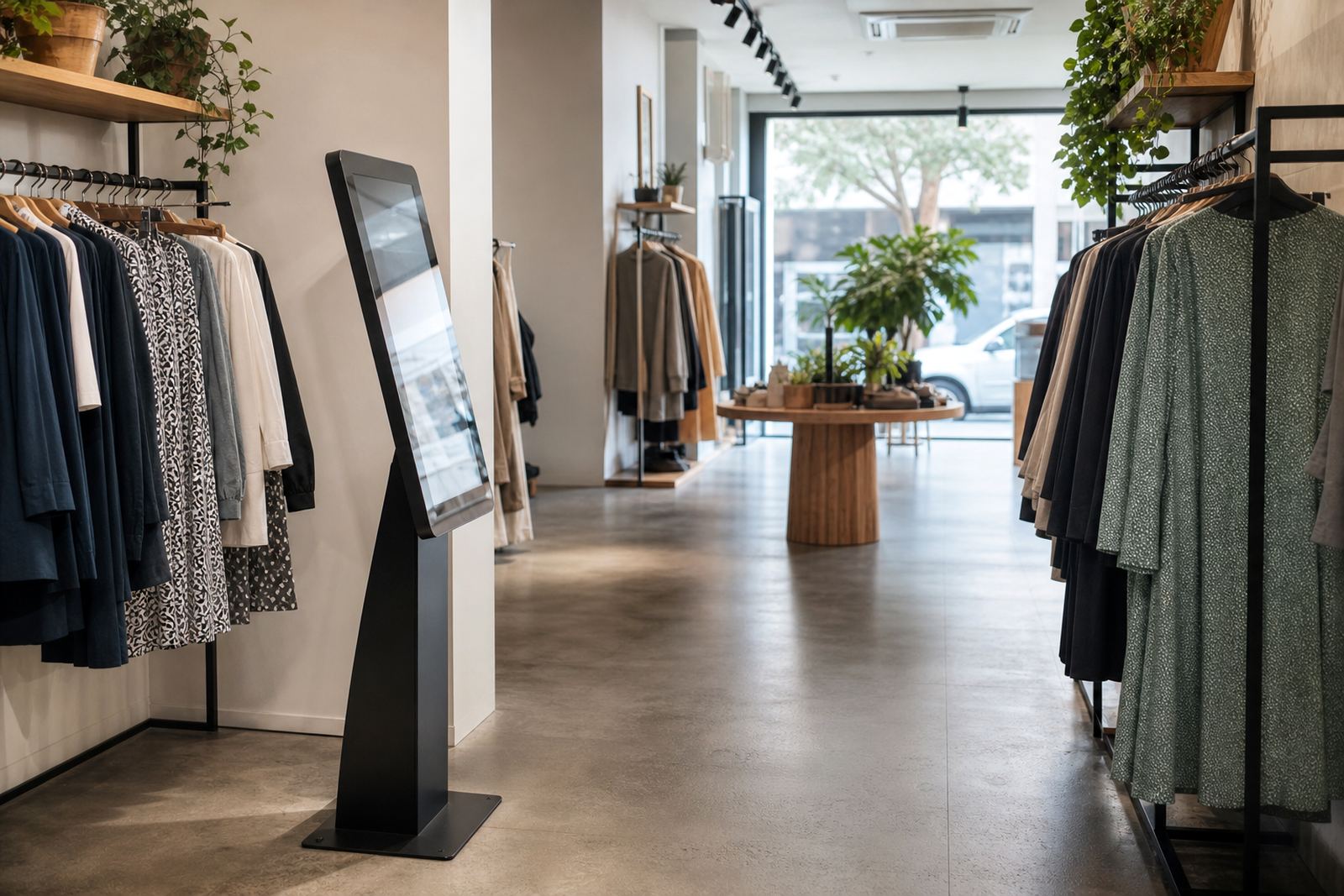
The first rule is simple: do not buy for the screen, buy for the space. A kiosk for a small store should suit the shop floor, the walkway width and the counter position. Wall mounted or slim floor standing units work well where the aisle is narrow, while a compact freestanding model suits a corner near the entrance or till area.
It also helps to think about height, reach and visibility. The screen should be easy to use for adults and older customers, with clear touch response and a display angle that reduces glare from shop lights and front windows. In coastal towns like Cape Town and Durban, where humidity can affect equipment over time, the enclosure and mounting hardware should be suited to the environment and cleaned regularly. A unit that is too large or too heavy becomes a problem fast, especially in stores with limited back room storage.
- Measure the available floor area and allow space for shoppers to stand comfortably.
- Check power points, cable routes and network access before installation.
- Choose a finish that suits the store interior and is easy to wipe down.
- Allow enough room for staff to service the unit without blocking trading space.
What a compact kiosk should actually do in store
Small stores do not need every possible feature. They need functions that save time and support sales. The most useful kiosk setup is usually the one that helps customers answer a question, find a product, or complete the next step without needing a staff member to leave the floor. A clear menu, quick search and simple product display go a long way.
Typical uses include checking available colours, comparing sizes, viewing promotions, learning about product features and submitting a special order. For retailers with limited shelf space, this is valuable because the kiosk can carry information for items not physically on display. In practice that means a store in Bloemfontein or Midrand can show a full range without filling the floor with stock and signage.
- Product lookup with images, sizes and pricing.
- Promotion displays tied to seasonal specials or clearance lines.
- Order request forms for items not currently on the shelf.
- Store information such as trading hours, collection points and return rules.
Planning for power cuts, connectivity and daily wear
In South Africa a kiosk has to cope with real trading conditions, not just showroom conditions. Load shedding means the unit should be planned with backup power or a sensible shutdown process, especially if it is handling live stock or customer data. If your store already uses a battery backup system for the till area, the kiosk can often be integrated into the same setup with the right load planning.
Network stability matters too. A kiosk that relies on online content should be configured properly so it does not freeze when the connection drops. For stores in industrial areas or centres with patchy connectivity, local content caching can be a practical answer. Daily wear is another factor. Finger marks, dust and occasional knocks are normal, so the screen, casing and mounting points should be easy to clean and hard to damage. One missed cable clip or loose bracket can become a maintenance issue quickly.
Using 360-degree display stands beside the kiosk
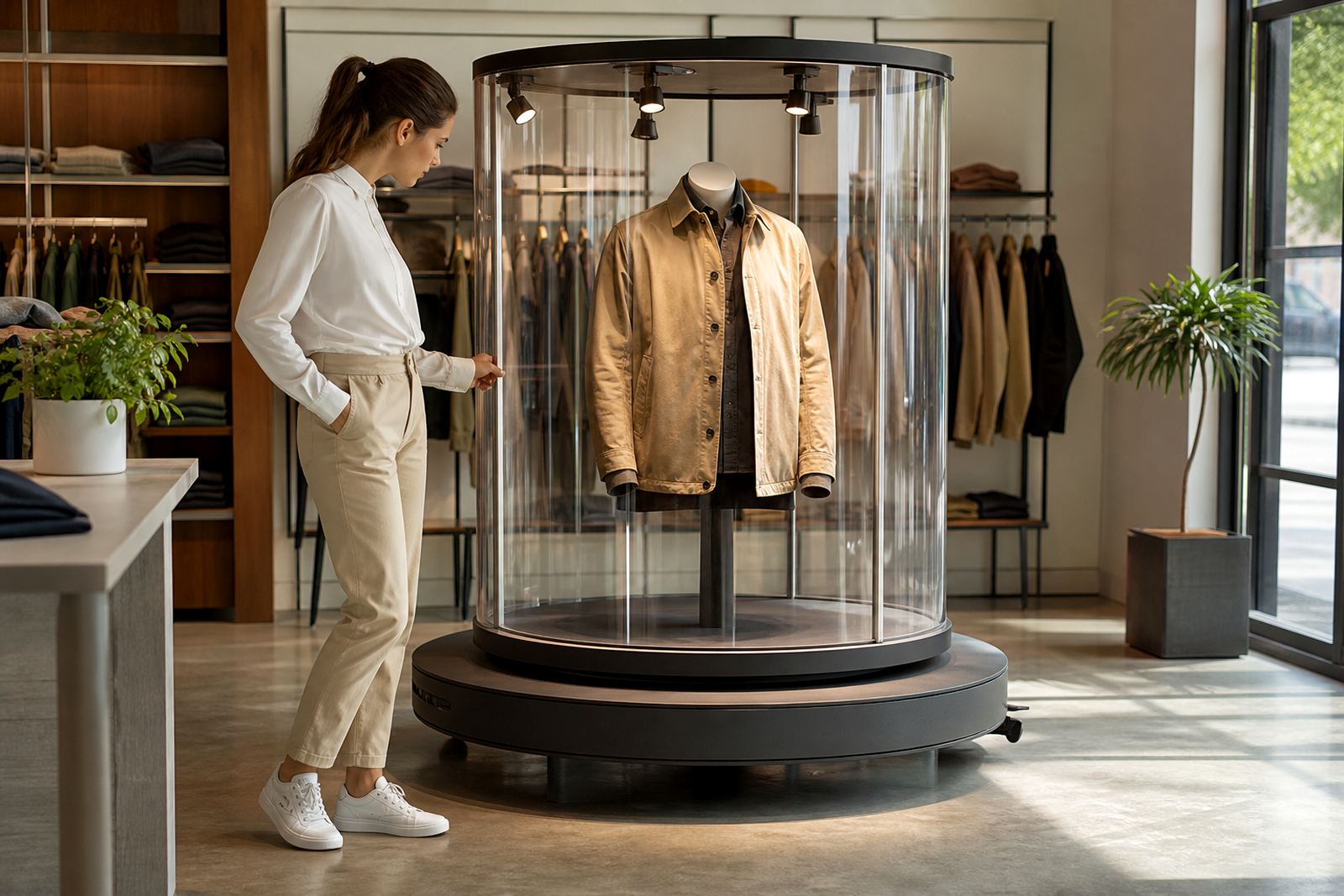
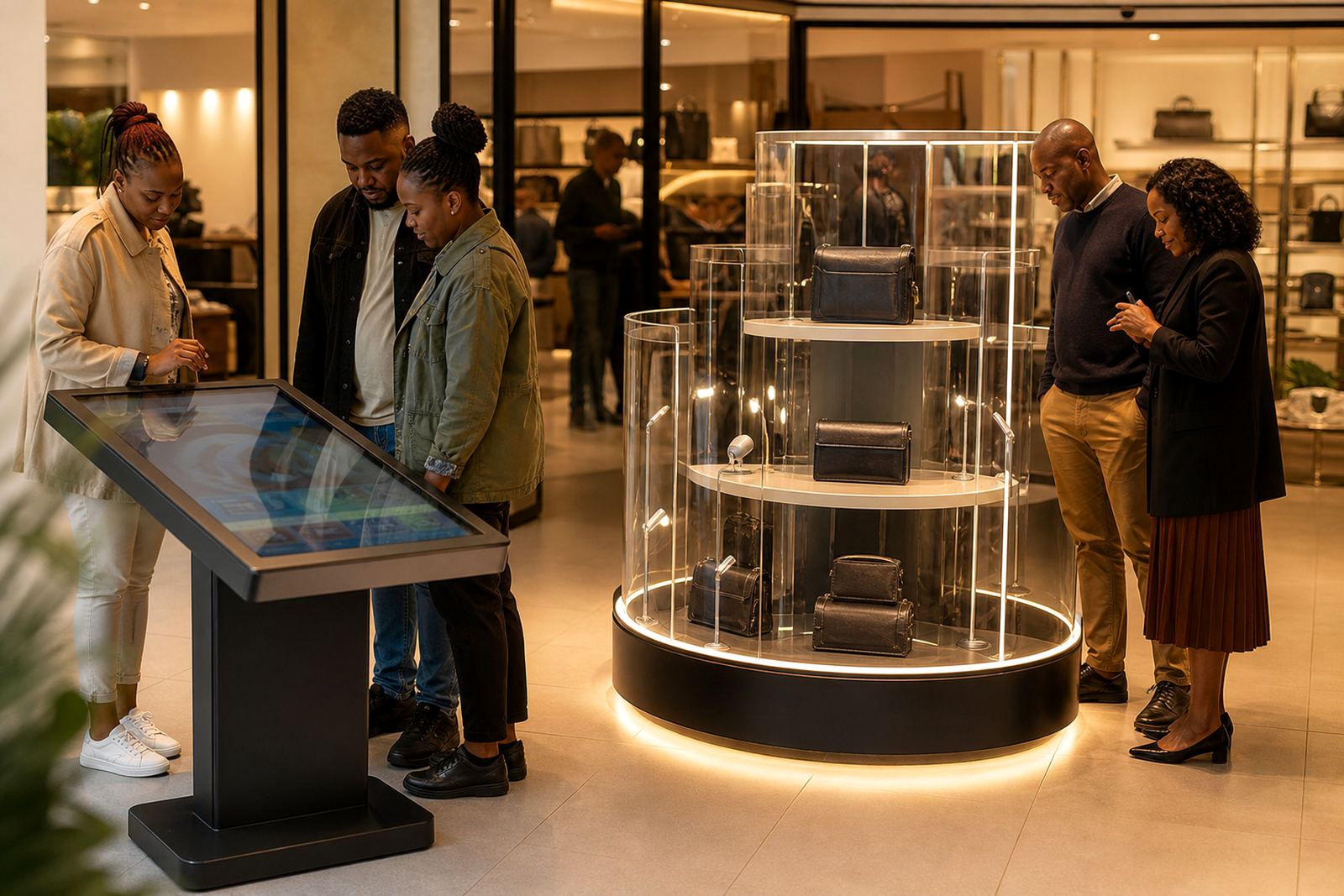
For many small stores, a kiosk works best when it sits alongside a 360-degree product display stand. The kiosk explains the item while the stand lets shoppers examine it physically from every angle. That combination works well for cosmetics, small appliances, accessories, gadgets and gift items where appearance matters almost as much as function.
A 360-degree stand also helps when floor space is limited but product variety is not. Rather than placing multiple boxes across the shelf, a retailer can show one model on the stand and use the kiosk to highlight other sizes or colour choices. This keeps the display neat and gives the store a more organised feel, which is useful in smaller spaces where clutter can make customers leave quicker than you would like.
- Place the stand where shoppers can stop without blocking the till area.
- Use the screen to explain benefits, warranty details and care instructions.
- Keep the physical display matched to the digital content so there is no confusion.
- Rotate featured products regularly to keep the display fresh.
A practical setup for a Midrand store
A useful local example is a compact speciality retailer in Midrand with a narrow front section and only a small back room. The owner needed a way to show more options without crowding the shelves. The solution was a slim interactive kiosk near the entrance, paired with a neat 360-degree display stand close to the counter. Staff used the screen to show product variants, availability and care instructions, while the stand gave shoppers a physical look at the item before purchase.
The result was not a flashy change, just a better way to use the space. Customers spent less time asking for repeated information and more time making choices on their own. Staff could focus on service and checkout, and the store looked more organised during busy periods. That sort of improvement matters in small retail, because it makes the floor work harder without adding another full fixture or reducing movement through the shop.
Getting the installation and support right
The value of a kiosk depends on how well it is planned, installed and supported after handover. A proper site assessment should check power, data points, floor space, sight lines and the way customers move through the store. From there the unit can be configured for the store layout, branded to match the shop and loaded with the right content before delivery. If the kiosk is going into a branch network, software configuration and network integration should be handled carefully so every location stays consistent.
Ongoing support matters just as much. Small stores often run with lean teams, so staff training should be clear and practical, not complicated. Preventative servicing, fault repairs and parts replacement help keep the unit trading through busy periods and municipal power interruptions. For retailers across Johannesburg, Pretoria, Cape Town, Durban and Bloemfontein, a compact kiosk is only worthwhile when it stays working and useful every day.