Why shoppers slow down when displays invite them in
Retail floors in South Africa are busy places. Shoppers move quickly, compare prices on their phones, and often decide within seconds whether a product is worth a closer look. A good display gives them a reason to pause. It answers simple questions, shows the product from different angles, and reduces the effort of asking a staff member for every detail.
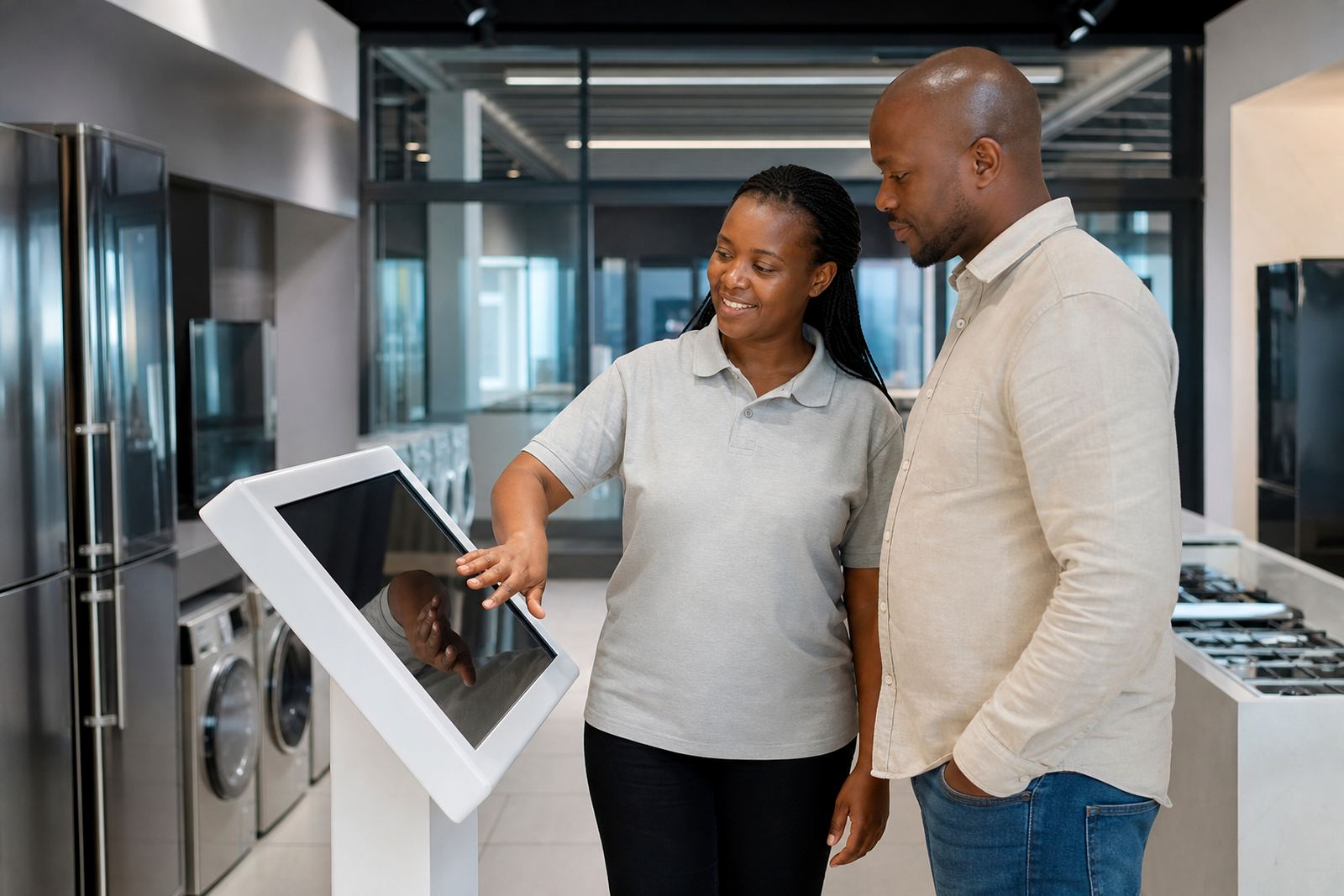
Interactive touchscreen kiosks and 360-degree product display stands work well because they do not rely on a long sales pitch. They let customers browse features, sizes, colours and fitting options at their own pace. In a Midrand showroom or a busy Pretoria mall, that small bit of control can change how long someone stays in front of a product. And if the content is clear, they are more likely to remember what they saw when they leave.
Choose the right display for the product, not just the floor space
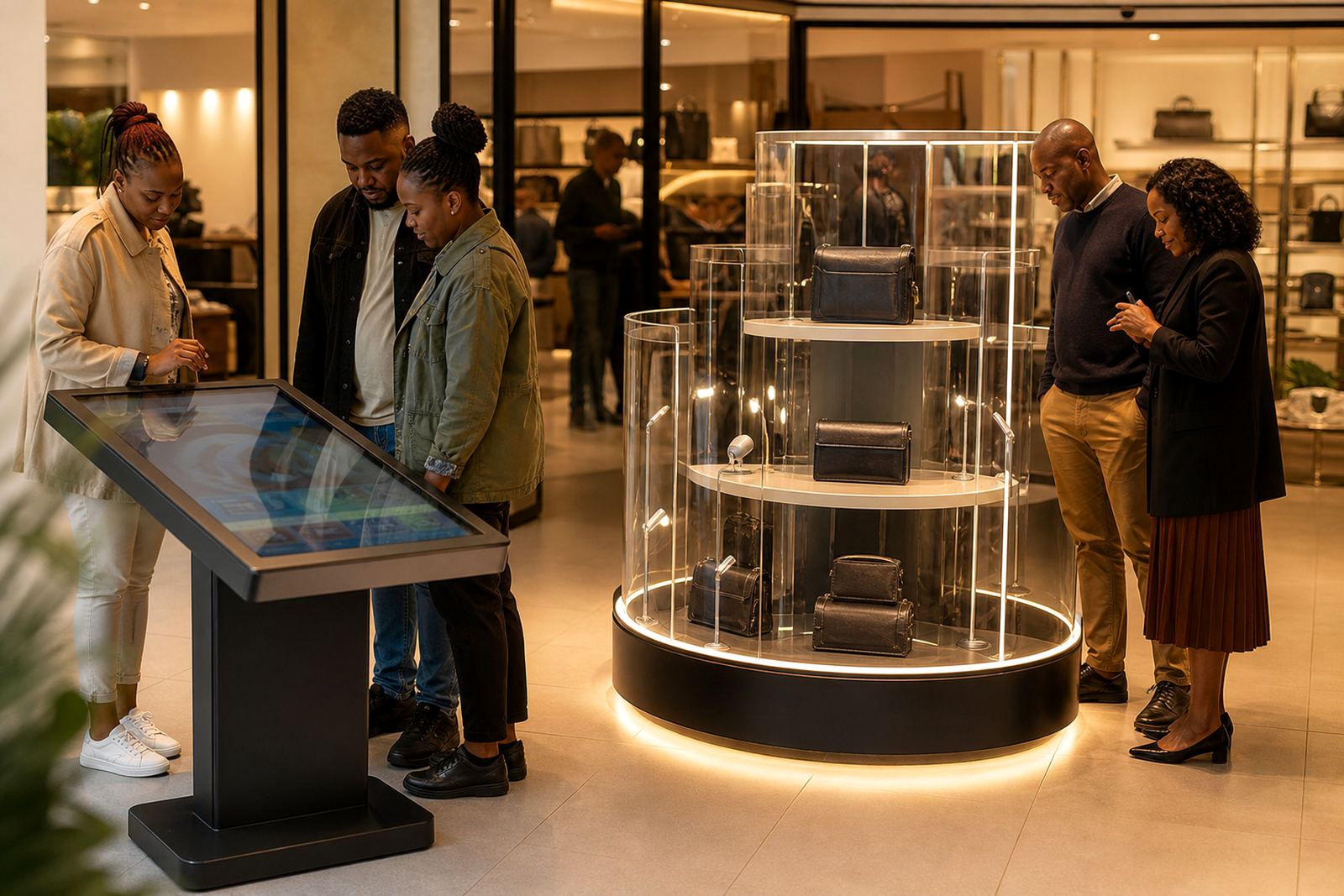
Not every item needs the same treatment. A premium appliance, a cosmetic range, a phone accessory or a technical product each calls for a different display approach. The point is to match the format to the buying decision. If the shopper needs comparison and detail, a touchscreen helps. If the product benefits from rotation and close inspection, a 360-degree stand works better.
Before choosing a setup, it helps to look at traffic flow, power points, lighting, and how staff move around the area. Stores in coastal cities also need to think about humidity and corrosion, especially where equipment sits near open entrances or air conditioning vents. In Gauteng, load-shedding back-up and stable network access can be just as important. The display must fit the space, not fight it.
- Use touchscreens for product specs, videos, fitting guides and promotions.
- Use rotating stands for items that customers need to inspect from every side.
- Keep pathways clear so shoppers do not feel crowded.
- Place displays near the decision point, not hidden in a corner.
What makes a kiosk useful instead of just attractive
A kiosk has to do real work. If the screen is slow, the menus are confusing, or the content is out of date, shoppers lose interest fast. The best setups are simple to use, with clear buttons, strong contrast, and short product paths. A customer should be able to get from the home screen to useful information in a few taps.
For retailers, that means planning the content as carefully as the hardware. Good product pages, pricing structure, store-specific promotions and stock messages all matter. If you run multiple branches across Johannesburg, Cape Town and Durban, the content should still feel local and relevant. It is also worth setting up the system so staff can update campaigns without needing a technical person every time. That saves time and keeps the display current.
- Use large text and simple navigation.
- Load only the content shoppers need at that moment.
- Keep promotions current for each branch or region.
- Test the kiosk at store opening, mid-day and before close.
How 360-degree product stands support better product confidence
When shoppers can turn a product and study it from all sides, they understand it better. That matters for items with finishes, fittings, packaging or features that are hard to show on a shelf. A 360-degree stand can help customers see details that would otherwise be missed, which reduces hesitation at the point of sale.
This is especially useful in categories where appearance and function both influence the decision. A retail customer in Sandton may want presentation and polish. A customer in Bloemfontein may want practical detail and value. The same display tool can serve both, as long as the lighting, speed and placement are set correctly. The goal is not to impress for its own sake. It is to make the product easier to trust.
Practical points that keep displays working through the week
Retail displays should be planned for everyday conditions, not just launch day. Power interruptions, dust, staff turnover and high footfall can all affect performance. A display that needs constant attention becomes a burden. One that is properly installed and maintained keeps doing its job quietly in the background.
That is why many stores prefer a service plan with checks, fault repairs and staff training included. If the network drops, the software should reconnect cleanly. If a component fails, replacement should be straightforward. In stores with long trading hours, small issues can become lost sales by the end of the day, so preventative servicing is worth the effort. A little planning saves the team from last-minute panic and keeps the floor looking tidy.
- Schedule regular checks for cables, mounts and screens.
- Train staff to restart, clean and report issues correctly.
- Keep spare parts and basic support steps on hand.
- Review content every time the promotion changes.
A Midrand example that shows the difference
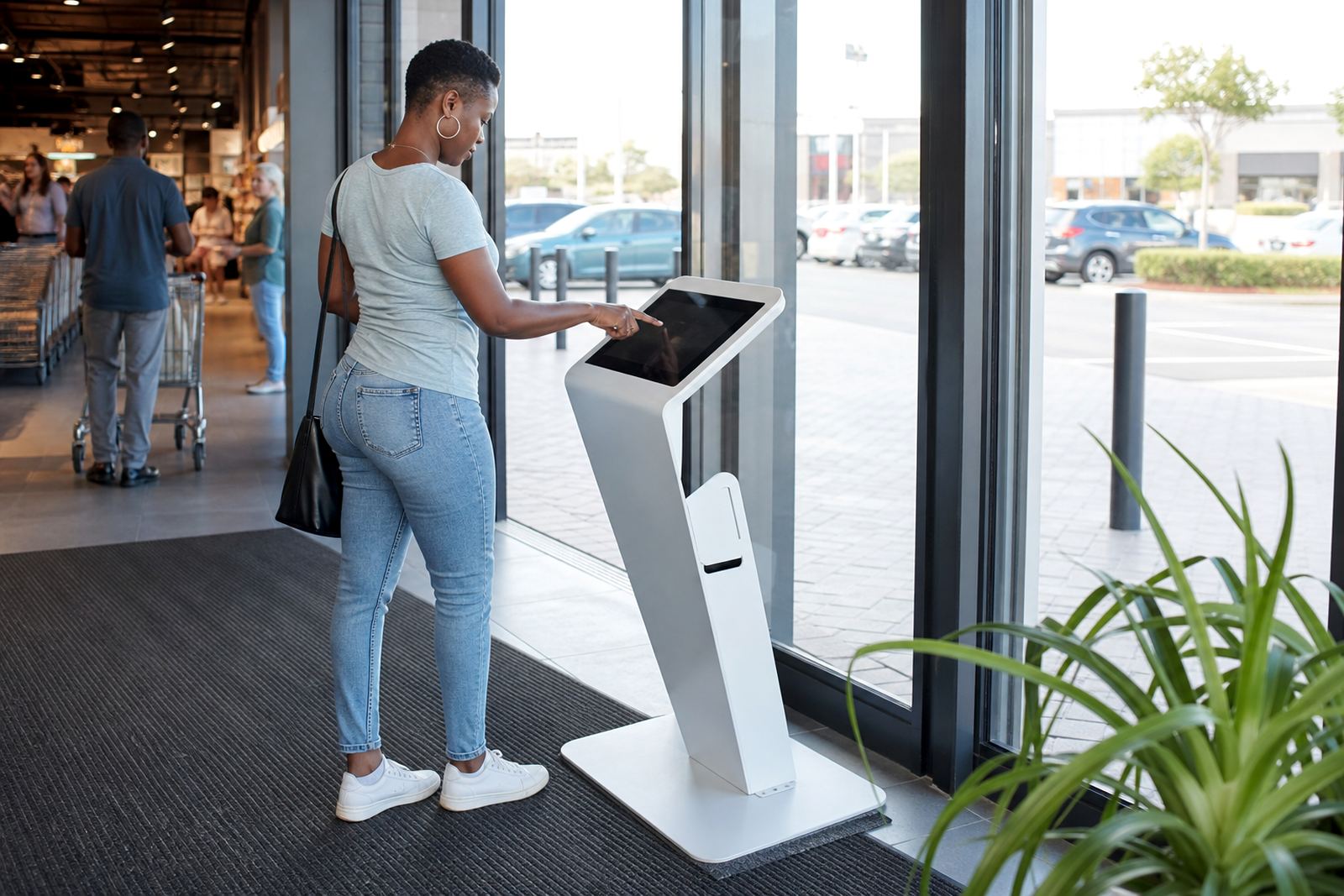
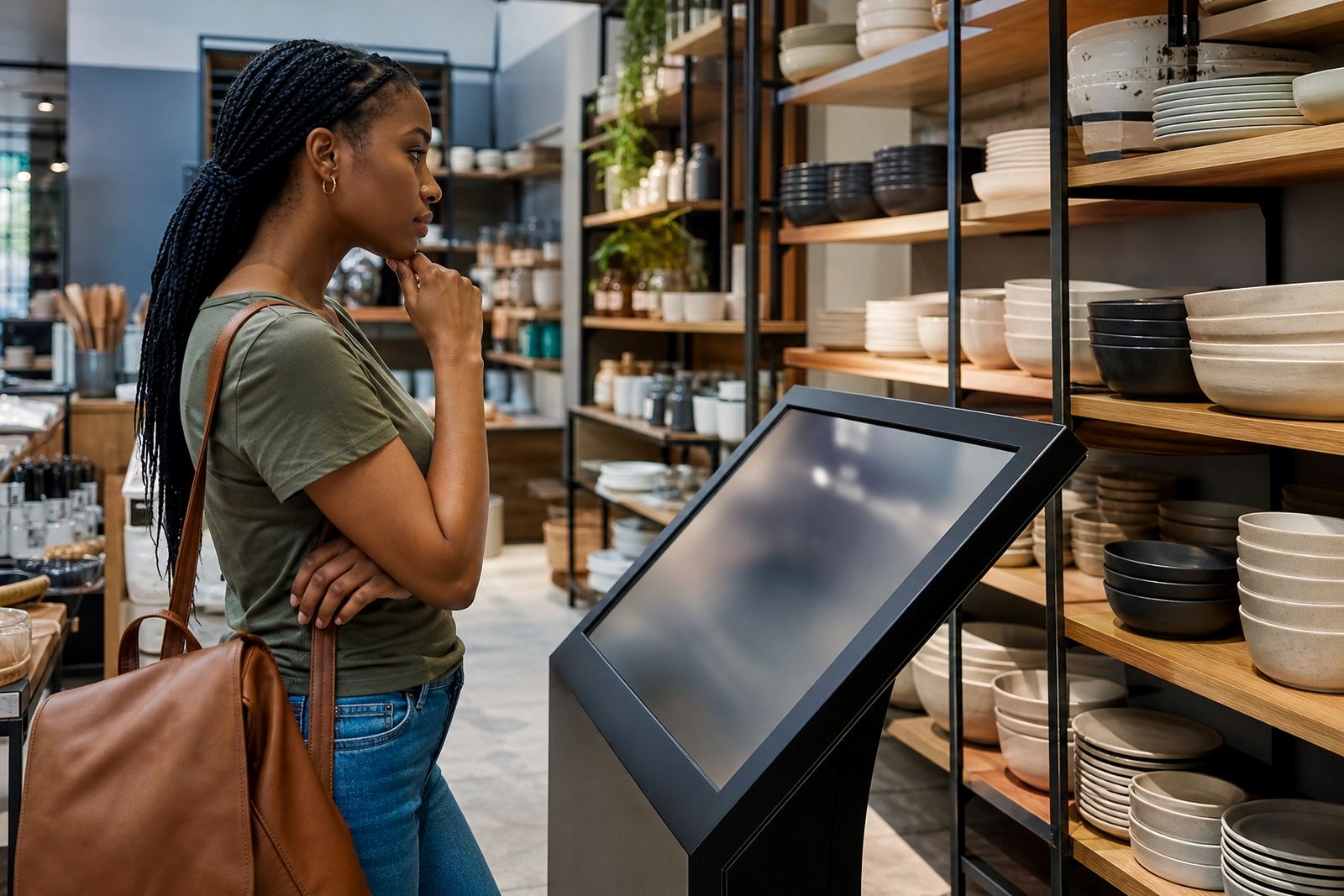
Take a retail store in Midrand that sells seasonal homeware. Before changing the display, the products sat on a standard shelf with a printed price card. Shoppers browsed, but few asked for help and many walked past without stopping. After a touchscreen kiosk was added at the entrance, customers could view the full range, compare colour options, and see short clips of how the items looked in a room setting.
Next to that, a 360-degree stand was used for the main feature product. Staff noticed that shoppers spent longer at the display and more of them asked about availability. The store did not need a louder sales approach, just clearer information and a better way to show the goods. That is the real benefit of thoughtful display design. It supports the sale without getting in the way.
Planning the rollout across stores without making it complicated
If you are rolling out displays across several branches, consistency matters. A customer should recognise the experience whether they visit Johannesburg, Pretoria, Cape Town or Durban. At the same time, each store may need a different installation approach because of floor space, trading hours or building layout. That is where site assessments and solution design make a real difference.
At iTouch 360, the process usually starts with the store layout, the product range and the kind of engagement the retailer wants. From there, the team can handle content loading, software configuration, delivery installation, network integration and training. For retailers that want ongoing help, support retainers and preventative servicing keep things steady. The point is simple: make the display useful, keep it dependable and let the store team focus on serving customers.