Why survey kiosks work better at the point of sale
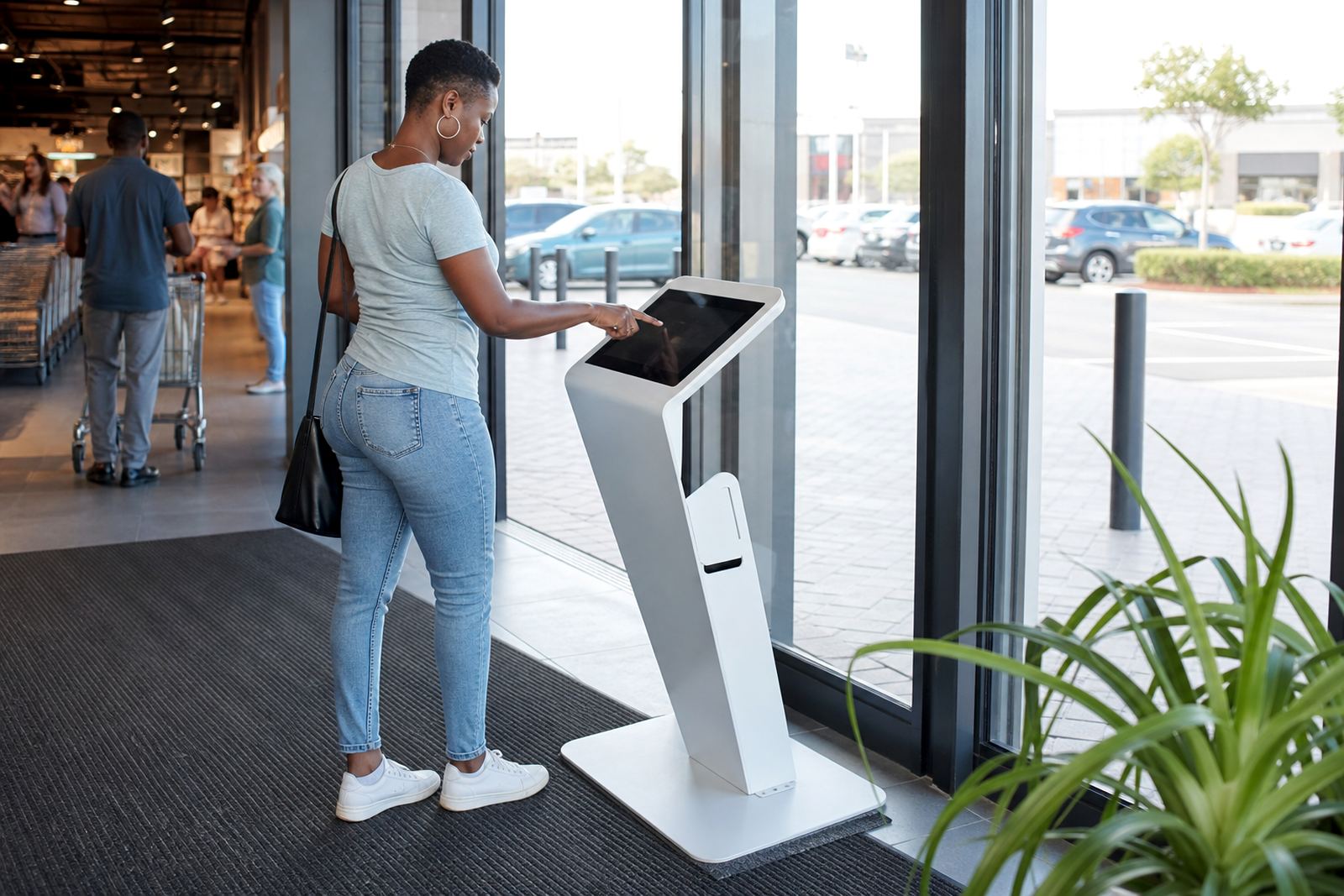
When a shopper has just paid, collected an item, or spoken to staff, the experience is still clear in their mind. A touchscreen kiosk placed near the exit, till area or service counter gives them a simple way to rate the visit, leave a comment, or answer three quick questions before they leave the store.
This is far better than asking people to remember later, or hoping they will fill in a paper card at home. Response rates are usually higher because the action is immediate and the steps are short. In retail, that timing matters. If a customer had to wait too long, the feedback is often lost.
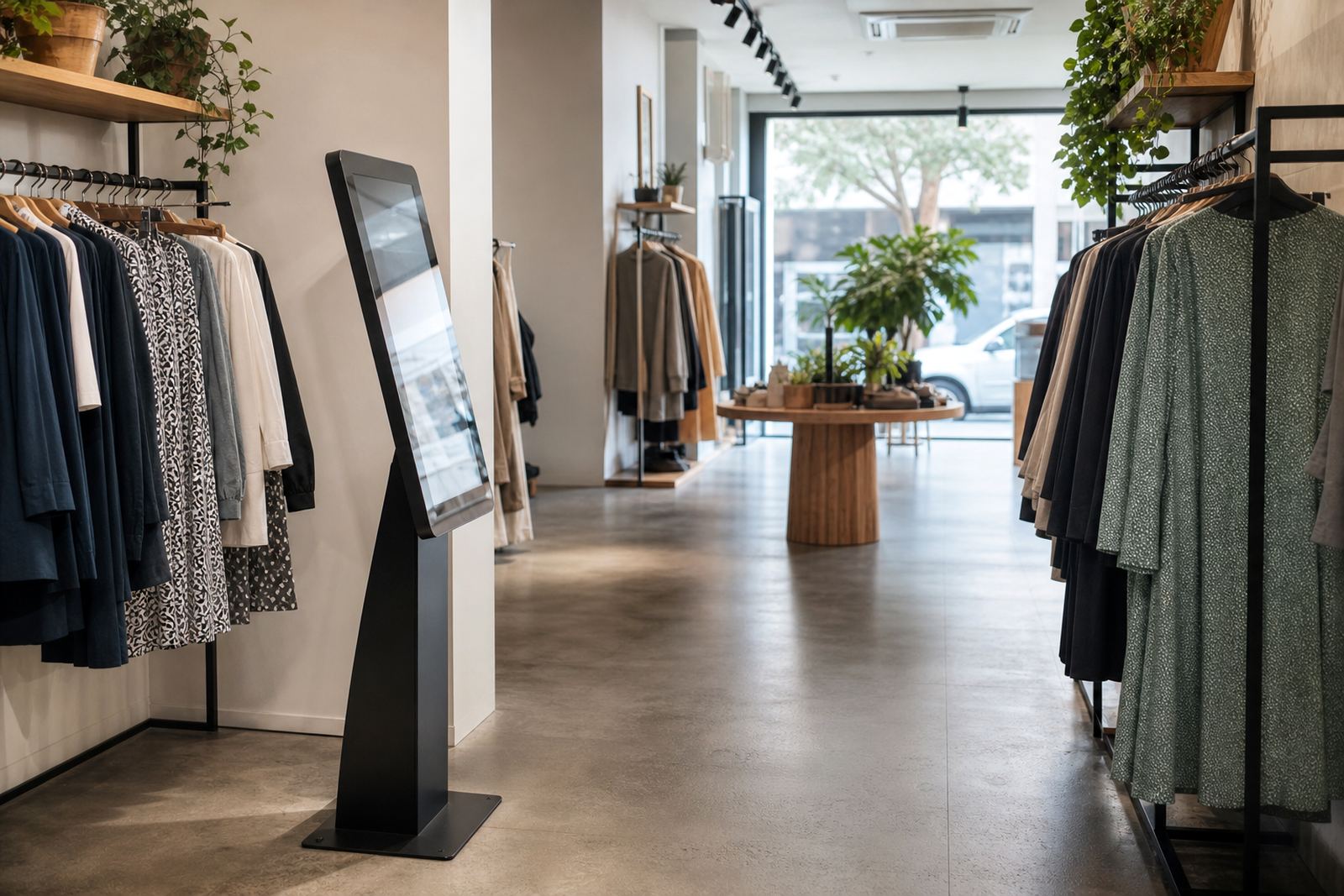
For branches in Johannesburg, Pretoria, Durban or Cape Town, the same idea works in different store formats, whether it is a mall kiosk, a showroom floor or a large destination store. The content can be adjusted to ask about product range, staff helpfulness, queue time, stock availability or payment ease.
What to ask if you want useful answers
The best survey kiosks keep questions short and clear. If you ask too much, people walk away. If you ask the right questions, you get feedback that can be used by store managers and head office.
Practical questions for retail surveys include:
- How satisfied were you with your visit today?
- Did staff explain the product clearly?
- Was the item easy to find in store?
- Did you get help quickly?
- Would you recommend this store to someone else?
Multiple choice buttons work well because they are quick to tap. A text field can be added at the end for customers who want to explain a problem in their own words. For shorter surveys, use 3 to 5 questions only. That keeps the line moving and avoids frustration at the till.
It also helps to ask one question that links directly to operations, such as whether signage was clear or whether a promotion was easy to understand. That gives a cleaner read on what should be fixed first.
Where to place a kiosk so people actually use it
Placement makes a big difference. A survey kiosk should be visible but not in the way of customer flow. If it sits in a dead corner, no one uses it. If it blocks the exit, staff will hear about that very quickly.
Good locations include the waiting area near service counters, next to the receipt point, or just before the exit where customers naturally pause. In larger stores, a second unit can be added near product pickup or customer service. In high-footfall sites, it helps to position the screen at a comfortable height with clear instructions and a simple call to action.
For South African retailers, practical matters count too. The kiosk should be secure enough for public use, protected from dust, and fitted for local power conditions. In some stores, it is wise to include battery backup or protection for load-shedding so the survey flow does not stop mid afternoon. In coastal areas like Durban and Cape Town, moisture and salty air can also affect equipment over time, so placement and servicing both matter.
- Keep the screen near a natural pause point
- Make the instructions visible from 2 to 3 metres away
- Allow enough space for queue movement
- Check glare from shop lights and windows
- Plan for cleaning and daily wiping
How feedback kiosks support store managers
A survey kiosk is not only for collecting opinions, it is a management tool. When responses are digital, they can be grouped by branch, time of day, product type or issue category. That makes it easier to see patterns instead of relying on memory or a few loud complaints.
If the same issue keeps appearing at a Sandton location, and another branch in Bloemfontein has a different concern, the data can show that quickly. Managers can then act on the real problem rather than guessing. It may be staff training, stock visibility, queue delays, or a payment process that needs attention.
One useful approach is to review the results every week and compare them with sales, returns and foot traffic. That gives a better picture of what is happening on the floor. When the numbers are low, a store can respond before a small issue turns into a bigger one.
Retail teams also need to know how to read the feedback properly. If one customer leaves a negative comment, it should not be overreacted to. But if ten people say the same thing, that is a sign. The advantage of a kiosk is that the same format is used every time, so the results are easier to trust.
What South African stores should consider before rollout
Before adding survey kiosks across multiple branches, retailers should look at how the system will fit into daily store operations. The unit needs power, data connectivity and a clear content plan. It also needs to be easy for staff to monitor without slowing down service.
There are also local compliance and practical issues. If the kiosk collects customer details, the store must handle that information carefully and keep the wording clear. Staff should know exactly what is collected and why. If the kiosk is used in a mall or shared retail space, the site rules may also affect where it can be placed and how it can be fixed down.
- Confirm the screen size and interface suit the store layout
- Decide if anonymous feedback is enough or if contact details are needed
- Check power points and network access before installation
- Set a cleaning routine for fingerprints and dust
- Train staff to encourage participation without pressure
Midrand retailers often want one model that can be duplicated across branches with only minor changes. That makes support simpler and keeps the customer experience consistent from Pretoria to Durban.
A local example from a busy retail floor
Consider a retailer with a showroom in Gauteng and supply points in other cities. Customers come in to compare products, ask questions and leave with different expectations depending on who served them. A survey kiosk near the exit gives every visitor the same chance to comment, whether they bought that day or not.
After a few weeks, the retailer may see that buyers in Johannesburg mention long waiting times in the afternoon, while customers in Cape Town ask for clearer product labels. In Durban, the main issue might be staff availability during peak periods. That kind of feedback is useful because it is specific and local, not vague.
From there, the business can update staffing patterns, adjust signage, or improve product information on the screen. In other words, the kiosk becomes part of a practical loop: ask, measure, fix, repeat. It is a simple idea, but in a busy retail environment it can save time and reduce guesswork.
For retailers who want dependable equipment, clear setup and ongoing support, iTouch 360 works with survey kiosks, content loading, software configuration, installation, training and servicing from Midrand across South Africa. That includes Johannesburg, Pretoria, Cape Town, Durban and Bloemfontein, with support shaped around real store conditions and everyday use.