Why shoppers pause before they buy
Most retail decisions are made in a hurry, but the customer still wants reassurance. They want to compare sizes, see colours, check features and understand what makes one item better for their needs. If that information is not easy to find, they move on or ask staff who may already be busy serving someone else.
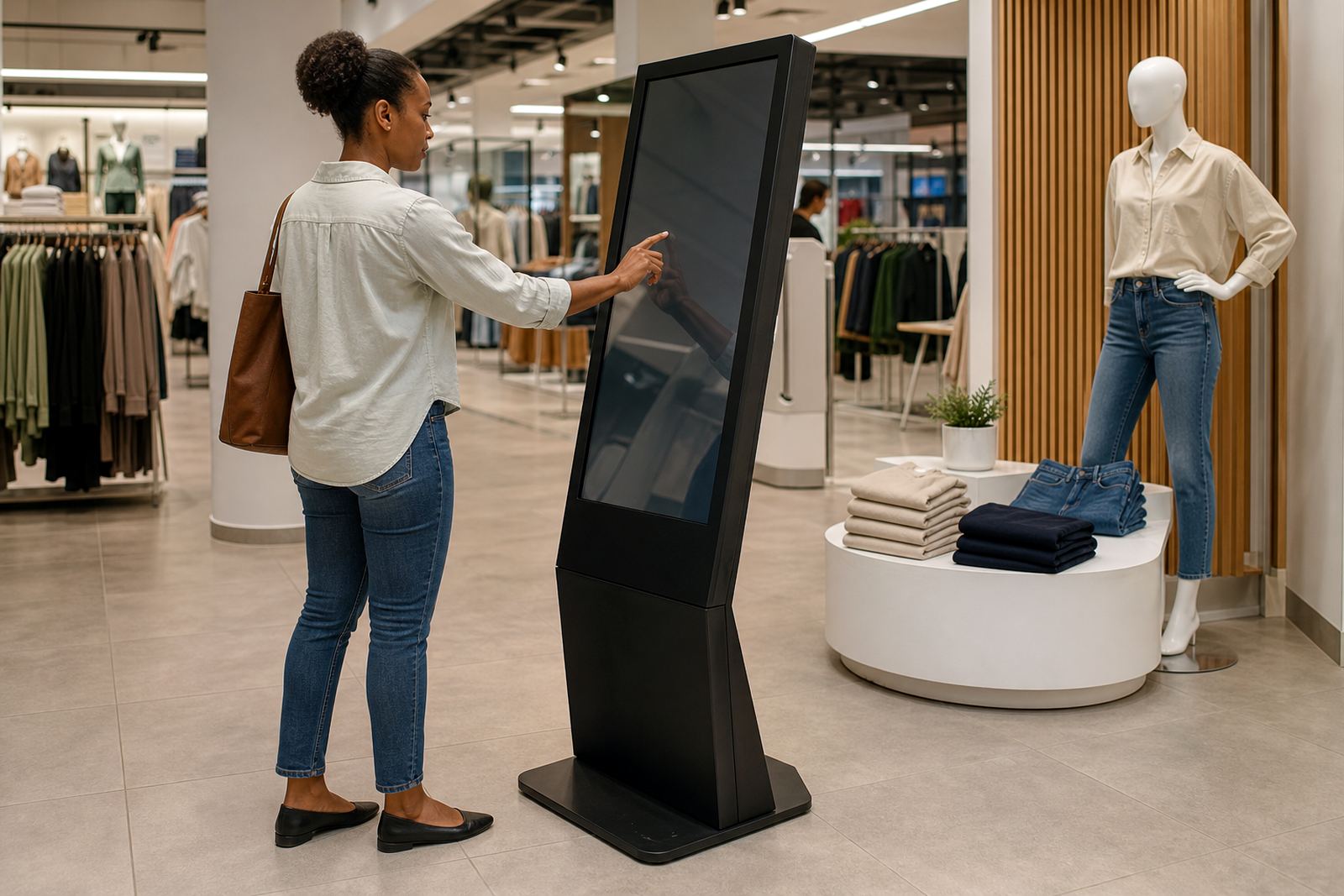
Interactive touchscreen kiosks solve that problem by putting product information right where the shopper is standing. In a busy store in Sandton or a regional outlet in Bloemfontein, that matters. Instead of waiting for assistance, people can explore products at their own pace and get answers in under a minute.
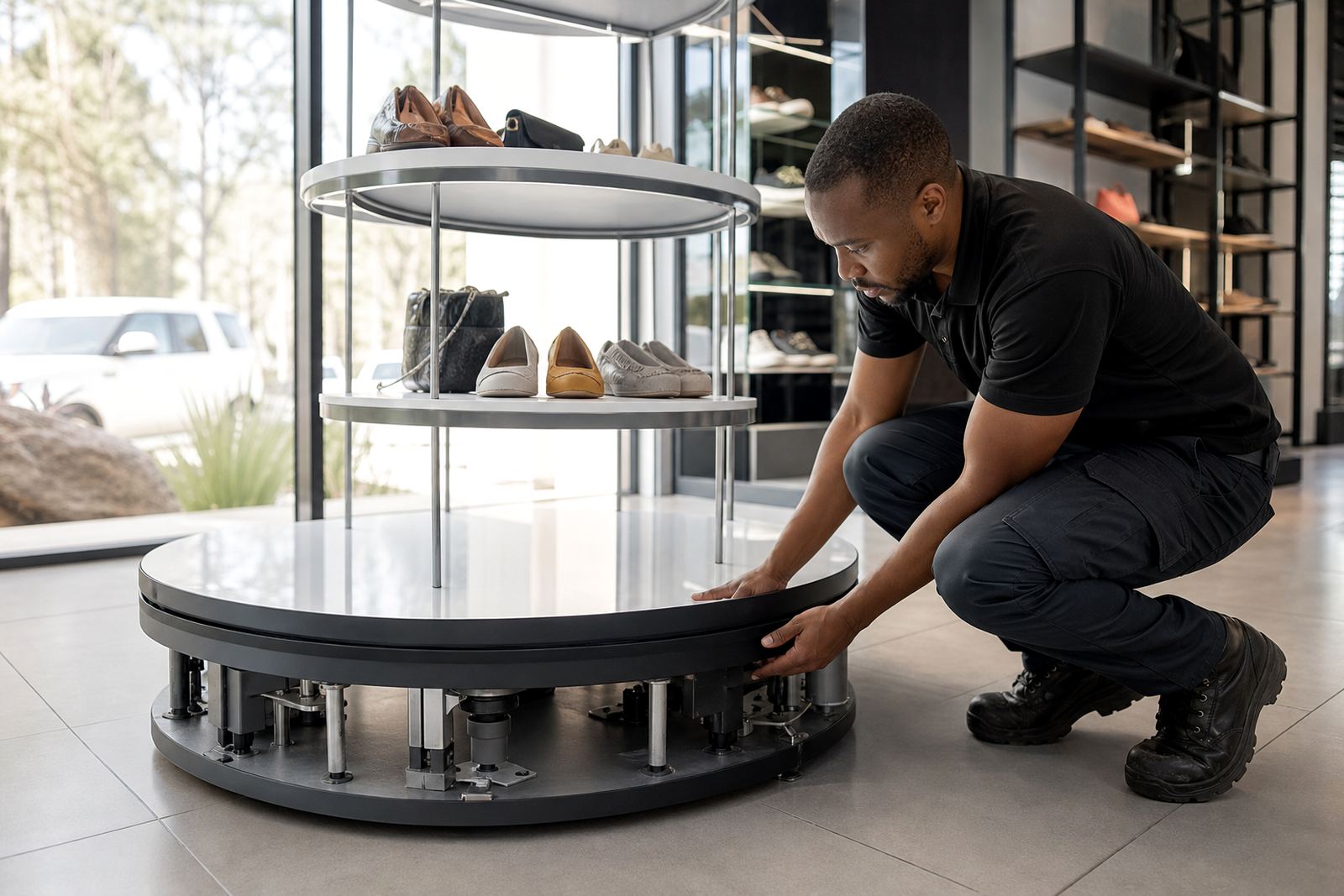
A 360-degree display stand works in a different but complementary way. It lets customers inspect a product from every angle, which is especially useful for items with details at the back, underneath or on the side. For retailers, that extra visibility can be the difference between a looker and a buyer.
What interactive kiosks do best on the shop floor
A good kiosk does not try to replace your sales team. It supports them. In practice, it can show product videos, pricing, care instructions, dimensions, compatible accessories and current promotions. For categories where the shopper needs technical detail, this information is practical and useful, not flashy.
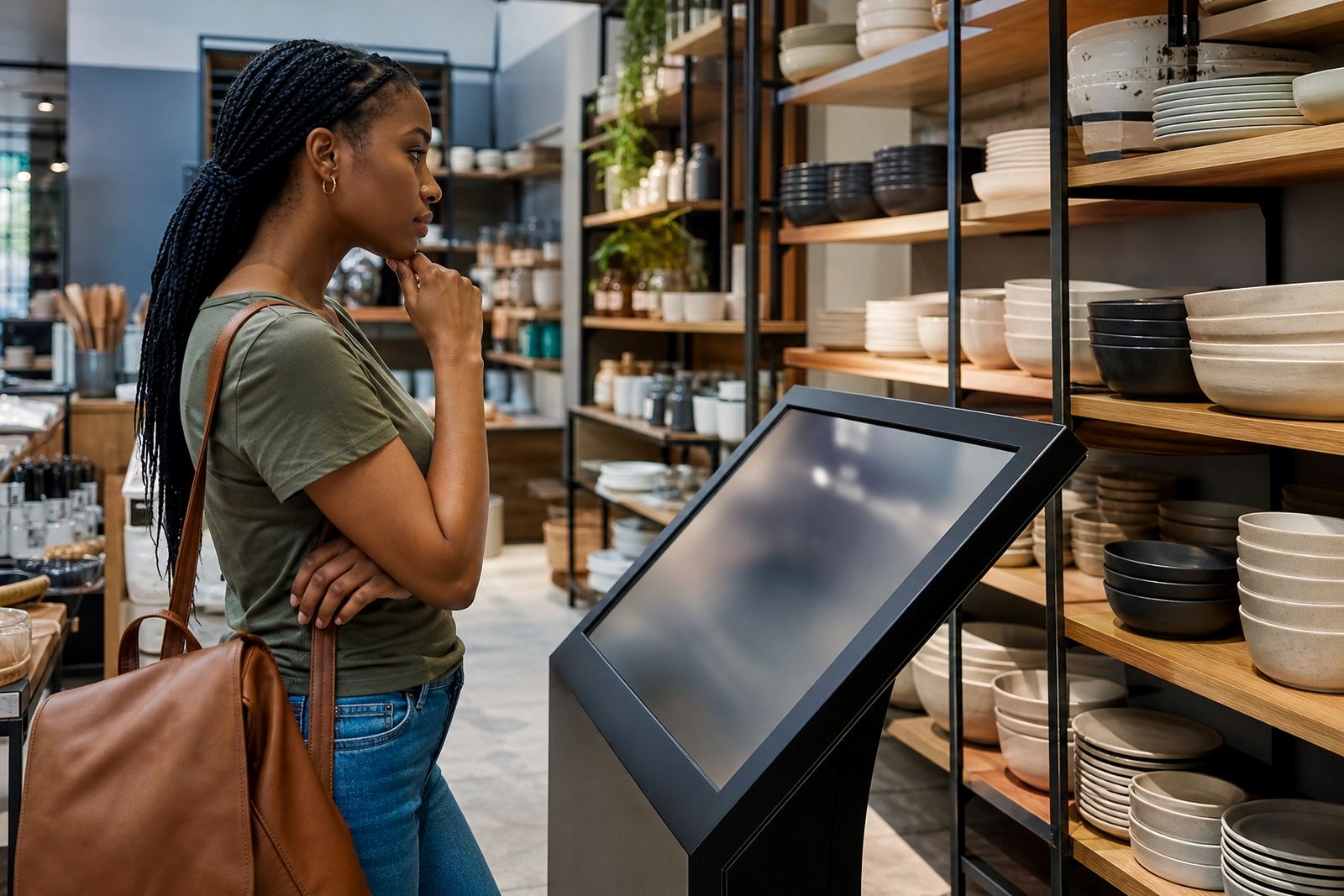
In retail spaces with high foot traffic, the kiosk also creates a stopping point. That pause gives the customer a moment to think. It is often during that pause that a purchase becomes more likely. If the screen is simple to use and the content is well set out, people can move through the information without help.
For stores in areas with load-shedding or unstable connectivity, the setup matters just as much as the content. Power backup, offline content options and proper network integration all help keep the kiosk working when the store is under pressure. A screen that goes blank during a peak trading time is not helping anyone.
How a 360-degree stand supports the buying decision
Some products need to be seen, turned and checked before the customer feels sure. A 360-degree product display stand gives that kind of access in a tidy, controlled way. It is useful for packaged goods, electronics, homeware, cosmetics and other items where appearance, finish or labelling matters.
This matters even more in stores that want to keep stock looking neat while still allowing proper inspection. A shopper can review the product without opening sealed packaging or disturbing the shelf display. That helps keep the floor looking presentable and reduces unnecessary handling.
For retailers in coastal cities like Cape Town and Durban, the materials and finish of the stand should also suit humidity and daily cleaning. A display that rusts or marks quickly becomes a maintenance problem. Practical construction is part of the value, not an afterthought.
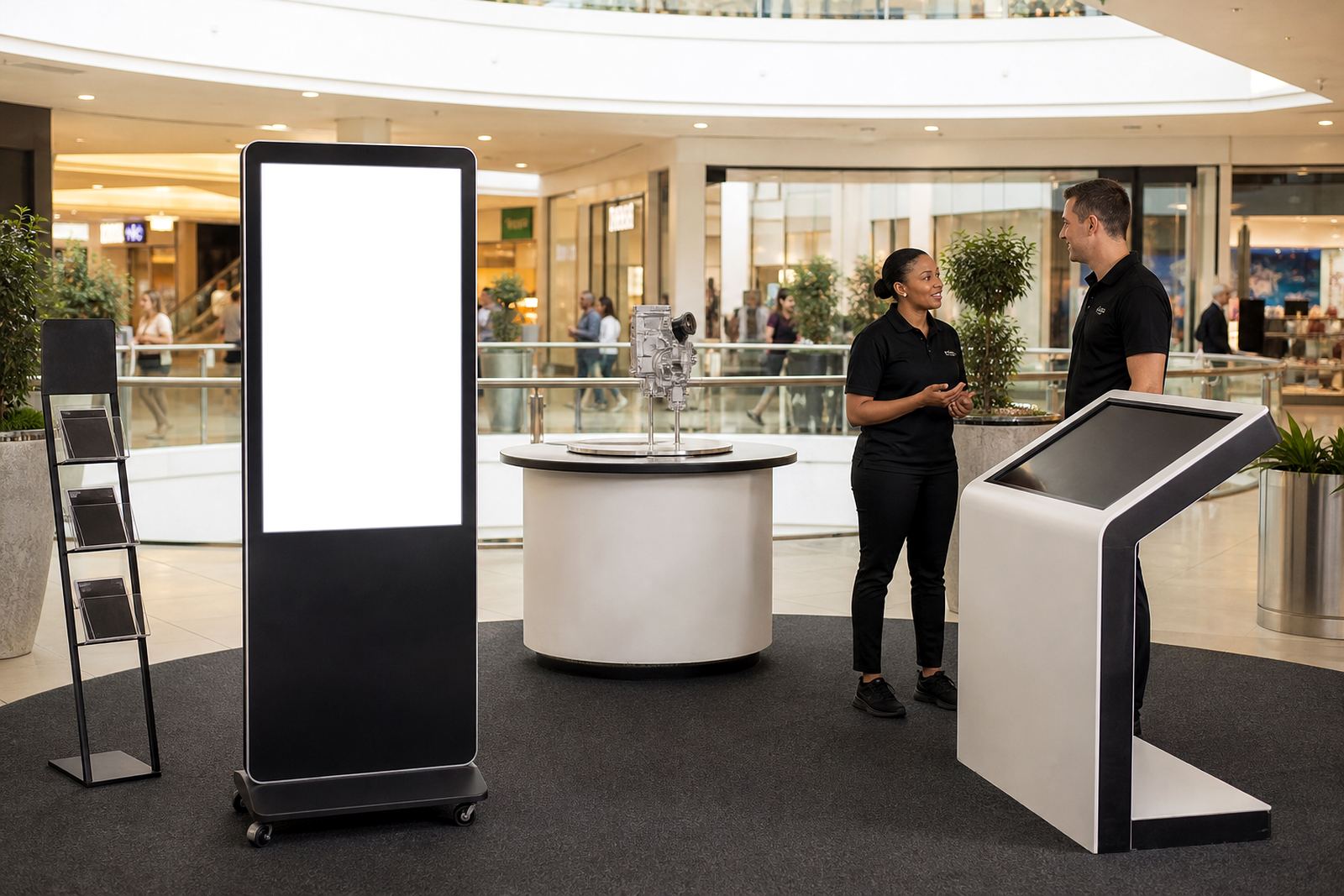
When paired with a kiosk beside it, the customer can inspect the product and then check the details on screen. That combination is simple, but effective.
Getting the content right for South African retailers
The best hardware will still underperform if the content is vague. Retailers need clear product names, simple language and useful comparisons. A shopper in Pretoria should not have to decode marketing language to understand a product. They need facts, pricing, stock notes and a sensible call to action.
It also helps to think about the store itself. A kiosk in a shopping centre in Johannesburg may need brighter screen settings and quicker navigation than one in a quieter showroom in Midrand. Content should match the pace of the location and the type of customer walking through the door.
Local examples work well. A home appliance retailer might show energy use, dimensions and cleaning instructions. A technology store might show connectivity options, warranty terms and accessory compatibility. A cosmetics store might use shade comparison and skin type guidance. The point is to answer the question the shopper is already asking, not the one the marketer wishes they asked.
That is where custom branding and content loading become practical services, not extras. If the information is arranged properly from the start, staff do not have to patch things up later.
From enquiry to installation, without disrupting trading
Retail teams often worry that new in-store tools will cause disruption. Fair concern. Floors still need to trade, staff still need to serve customers and there is rarely a quiet day to spare. That is why site assessments and proper planning matter before anything is installed.
A sensible process starts with measuring the space, checking power and network points, and understanding how customers move through the store. From there, the solution can be designed around the way the shop works, not the other way round. Delivery installation should happen with care, and software configuration should be tested before the store relies on it.
After that, staff training makes the difference between a screen that looks impressive and a tool that is actually used. If the team knows how to update content, direct customers and report faults, the system becomes part of daily retail practice. Preventative servicing and support retainers then keep it in working order over time.
A Midrand example with national reach
Picture a retailer in Midrand with branches and supply points serving Johannesburg, Pretoria, Cape Town, Durban and Bloemfontein. A customer walks in looking at a product they are not fully sure about. The staff member is helping another shopper. Instead of waiting, the customer uses the kiosk to compare options, check dimensions and see a short product explainer. Next to it, the display stand allows the item to be viewed from all sides.
That small change can shift the whole interaction. The shopper is no longer just browsing. They are gathering enough information to make a proper choice. In retail, that shift is valuable because it respects the customer’s time and supports the sale without pressure.
For businesses that trade in busy centres or regional stores, this kind of setup can be rolled out with consistent support from a Midrand base. The work is practical: assessments, design, branding, configuration, installation, servicing and repairs. It is about helping stores present products clearly and keeping the customer moving toward a decision.
When the experience is simple, the sale becomes simpler too. That is often all it takes, really.