Why short-term kiosk hire suits busy activations
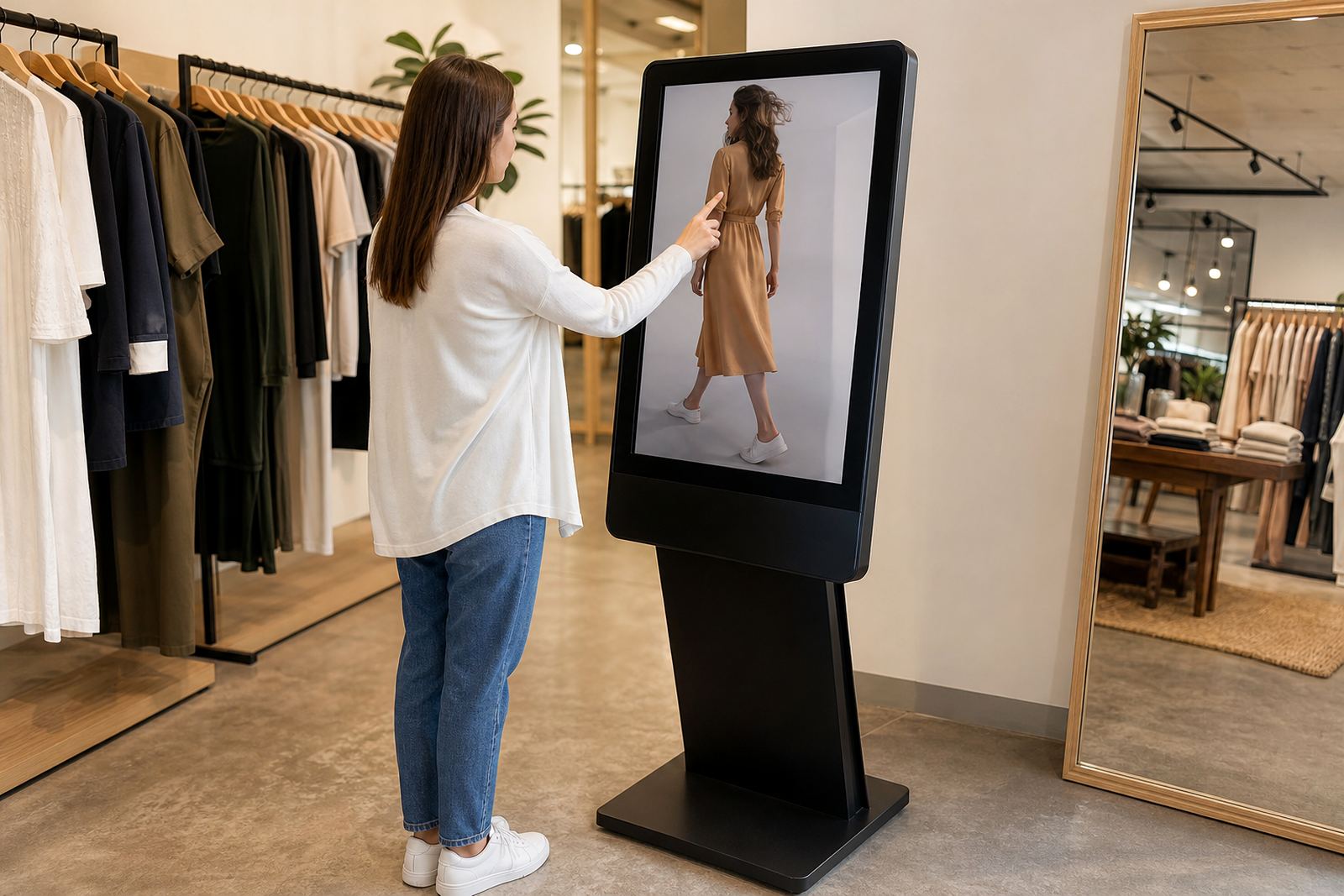
When a retailer is running a product launch or mall activation, the goal is simple: get people to stop, interact and remember the brand. A hired touchscreen kiosk gives the team a clean point of engagement without the capital outlay of buying equipment for a one-off campaign. That matters when budgets are tight and the event window is only a few days or weeks.
Short-term hire also reduces the pressure on store staff. The kiosk can carry product information, videos, registration forms or competition entry steps, while the promoter focuses on assisting shoppers. In centres with high foot traffic such as Sandton, Menlyn or Gateway, a well placed unit can handle repeated use throughout the day with minimal downtime if it has been configured properly.
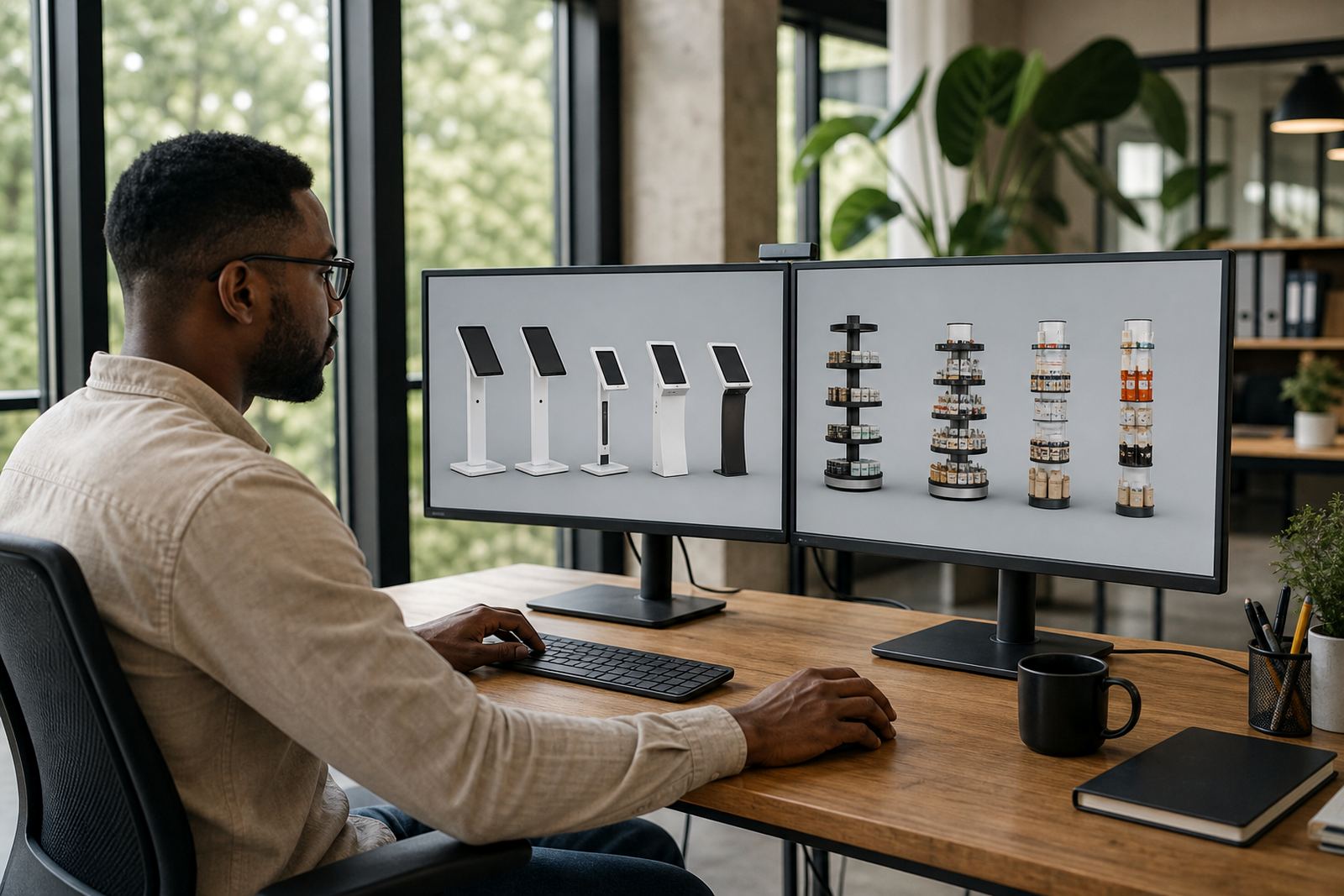
For brands that are testing a new range or seasonal promotion, hire makes it easier to trial different formats. You can compare a single screen, dual screen or branded display approach and see what actually gets attention. That kind of feedback is useful before committing to a longer campaign or a permanent install.
What the kiosk must handle on site
Event equipment in South Africa has to cope with conditions that change from one venue to the next. A kiosk used inside a Johannesburg mall will face a different setup from one used at an expo hall in Cape Town or a roadshow stop in Durban where humidity can be high. Add load shedding, venue access rules and load in times, and the spec needs to be practical rather than decorative.
Before confirming hire, check the basics below:
- Screen size and viewing height for standing shoppers
- Touch response that works reliably with repeated use
- Stable base for public areas with heavy foot traffic
- Power needs and backup arrangements for outages
- Branding space for wraps, decals or header panels
- Network options for live content, forms or data capture
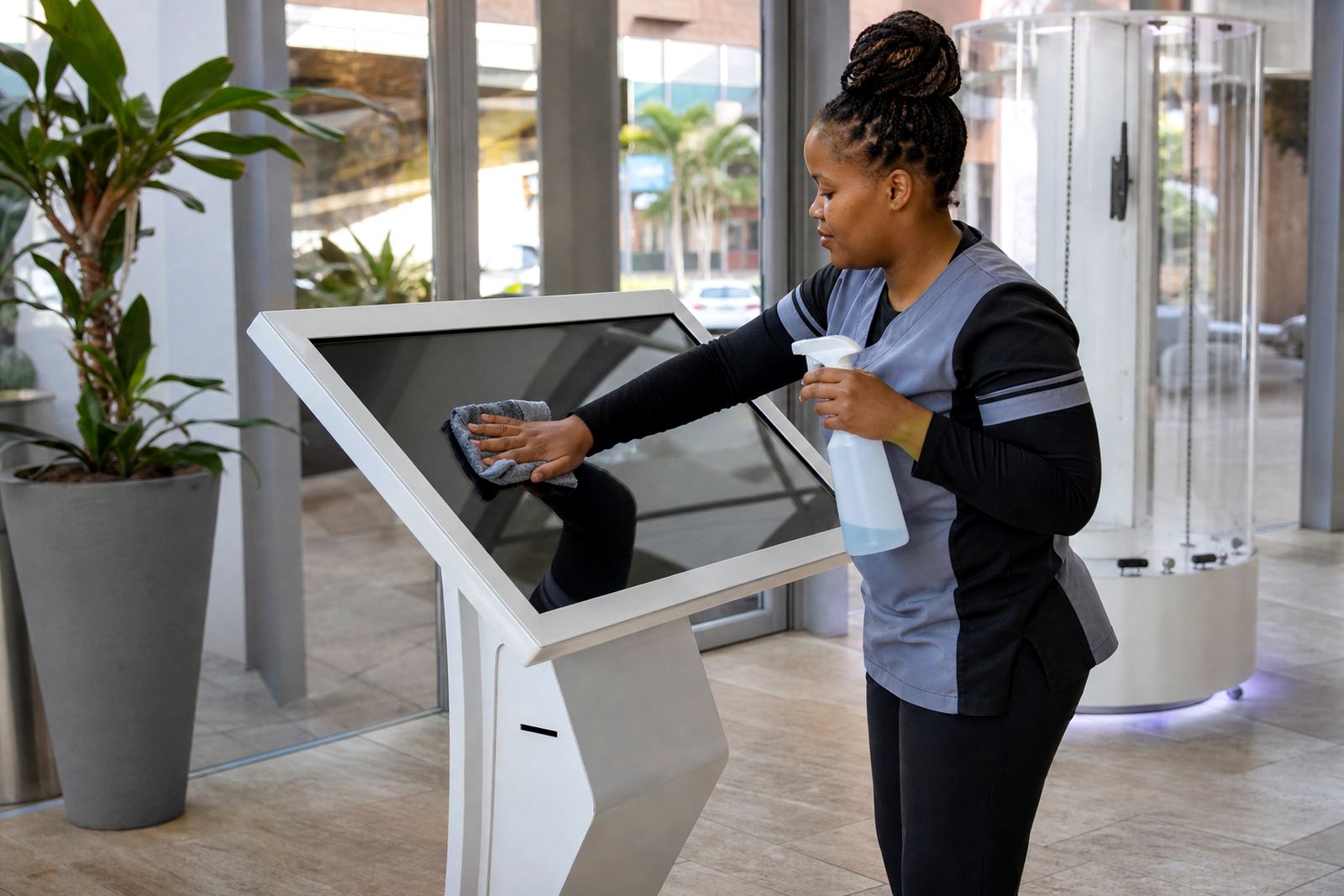
- Easy cleaning for food courts, malls and outdoor-facing spaces
A good hire package should also include a clear handover on what the unit can and cannot do. If the activation needs offline content because the venue Wi-Fi is patchy, that needs to be planned before installation. Small gaps in preparation can lead to delays on the first day, and once the crowd arrives there is little time to fix avoidable issues.
How to plan a launch or roadshow without last-minute problems
The most common mistakes are not technical, they are logistical. Teams often leave site checks too late or assume the kiosk will work in every venue exactly the same way. In practice, mall corridors, exhibition stands and pop-up spaces all have different space limits, power points and security rules. A site assessment helps confirm placement, cable routing and whether there is enough room for people to stand and use the screen without blocking traffic.
It helps to build the hire around the event flow. For example, a launch in Midrand might need registration in the morning, product viewing after lunch and a competition mechanic for the final rush. A roadshow through Pretoria and Centurion may need the same content but with faster setup and packing between stops. The more clearly the kiosk task is defined, the easier it is to match the unit to the campaign.
- Confirm the campaign dates and collection windows early
- Share artwork, videos and form fields before installation day
- Check if the venue requires a certificate of compliance or approval
- Allow time for testing on site, not only in the office
- Keep a printed backup of key messages in case of network issues
For one Cape Town retail launch, a brand might want the unit at the entrance for the first two days and then move it closer to the display table for the weekend trade peak. Planning that movement in advance avoids disruptions and keeps the kiosk where shoppers are most likely to use it.
What makes a 360-degree product stand useful at retail events
Some products need more than a screen. Watches, eyewear, small appliances, premium packaged goods and accessories often sell better when shoppers can see them from every side. That is where a 360-degree display stand works well. It gives the retailer a controlled way to show detail, shape and finish without placing the item in an open tray where it can be touched too much or damaged.
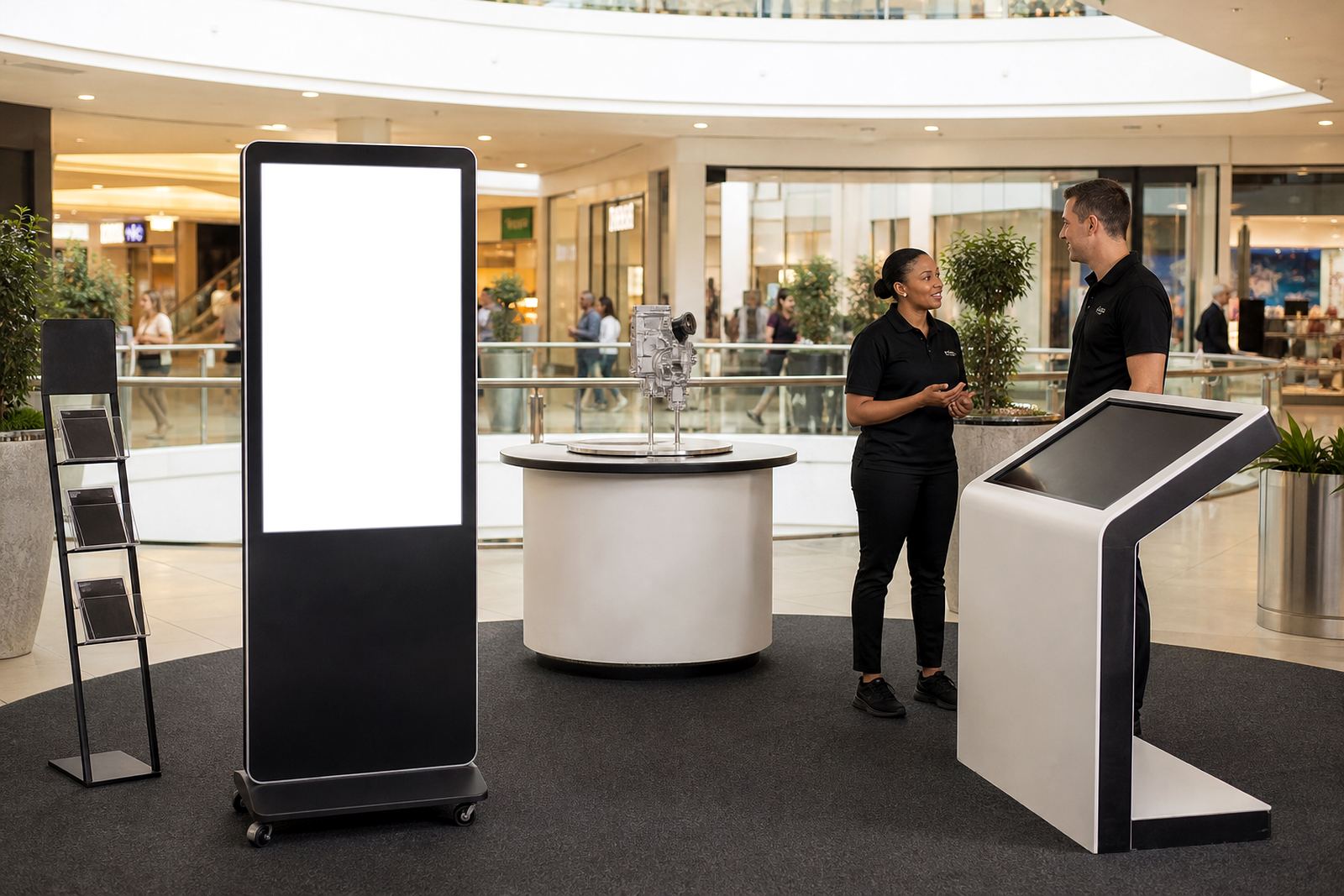
For event use, the stand should be solid, easy to position and simple to keep clean. In a busy mall activation, the display can sit next to a touchscreen kiosk so one unit carries the information and the other carries the physical product. Together they create a stronger product story than either one on its own.
These stands are also useful when stock is limited. If the real product is not meant for constant handling, a rotating or elevated display lets shoppers inspect the item visually while staff manage questions and sales. That is practical for premium retail, where presentation matters but so does control over the merchandise.
Support services that keep the hire working through the event
Hiring the equipment is only part of the job. For retail activations, the setup, content loading and support behind the scenes make the difference between a smooth day and a stressful one. iTouch 360 provides site assessments, solution design, branding, delivery installation, software configuration and staff training so the team on the floor is not left guessing.
Where events run over several days, preventative servicing and fault repairs become important. A loose cable, a frozen screen or a damaged part can quickly interrupt the campaign. Having local support from the Midrand base helps reduce that risk, especially when activations are running in Johannesburg, Pretoria or surrounding areas where same-day movement is often needed.
- Delivery and installation for event windows of any length
- Content loading before launch day
- Network integration for connected campaigns
- Support retainers for repeat activations
- Parts replacement when a unit needs attention
- Staff training so promoters can assist basic use
For retailers managing more than one site, the same hire format can be replicated across branches with the same content and setup notes. That consistency is useful when the campaign needs to look the same in Durban, Bloemfontein and Cape Town, even if the foot traffic and store layout are different.
A practical example from a Gauteng retail launch
Picture a new product launch at a shopping centre in Sandton. The retailer wants shoppers to sign up for a competition, watch a short product demo and see the item displayed neatly nearby. A touchscreen kiosk at the front of the activation handles the sign-up form and demo content, while the 360-degree stand keeps the product visible and tidy. The promoter can focus on answering questions, not repeating the same details all day.
Because the launch runs across a weekend, the team plans for heavier traffic on Saturday and Sunday. The unit is installed before trading starts, tested on site and set to run offline content if the venue connection becomes patchy. If the centre has load shedding or a temporary power interruption, the campaign does not stop completely because the content has already been loaded and checked.
That is the value of hiring for the event, not just the hardware. The retailer gets a professional setup, the customer gets a clear point of interaction and the campaign stays manageable for the staff on the floor. For short-term retail work, that is often the difference between a display that is noticed and one that is simply passed by.