Start with the shopper’s decision, not the screen
Before you load a single image or menu item, think about what the shopper needs to decide in the first 30 seconds. In a retail setting that might be checking sizes, comparing colours, finding stock locations, or learning why one product costs more than another. The kiosk should answer those questions in a straight line, without making people tap through too many pages.
At our Midrand base we see this often in stores serving busy centres like Sandton, Centurion and Pretoria. A customer stands at the stand, glances at the screen, and wants a quick result. If the content is written like a catalogue, they lose interest. If it is written like a store assistant would speak, they stay with it. Keep the language simple, the choices short, and the flow obvious.
- Lead with the most asked questions first
- Use short labels that match how customers speak
- Keep the number of taps to a minimum
- Put the main call to action on every key screen
Build a content map before loading anything
A content map is the backbone of a useful kiosk. It shows what appears on the first screen, what follows after that, and where each branch leads. Without this, the device can end up full of pages that do not link well together. That creates delays, and in a store with a queue, delays cost sales.
For South African retail, a strong content map should also allow for branch differences. A Cape Town store may want one product range, while a Durban store needs another due to local demand and stock levels. If your team in Johannesburg updates the content, they need a structure that allows quick changes without breaking the whole flow. Lerato Khumalo and the operations team would usually plan this around store opening hours, product cycles and launch dates, so the content stays current.
- Group products by use, not only by category
- Separate promotional content from information content
- Plan for seasonal changes, public holidays and payday peaks
- Allow for branch specific pricing or stock messages where needed
Write for quick reading in a noisy retail floor
Customers do not read long paragraphs on a touchscreen while carrying bags or waiting for service. They scan. That means your copy needs to be short, direct and easy to read from a standing position. Use large buttons, clear headings and one message per screen where possible.
Keep product descriptions practical. Instead of saying a display is innovative or premium, say what it does and why it matters. For example, tell the shopper that the item is water resistant, suitable for daily use, or easy to clean. In coastal areas like Durban and Cape Town, content should also mention maintenance points that matter in humidity, salt air and dust. A simple note about wipe down care or indoor placement can prevent avoidable complaints later.
Do not overload the screen with every feature at once. If the kiosk is near a high traffic till point, the message should be even tighter. Staff training also helps here because the team should know what the content says, not only how the screen works.
Use media that supports the message, not distracts from it
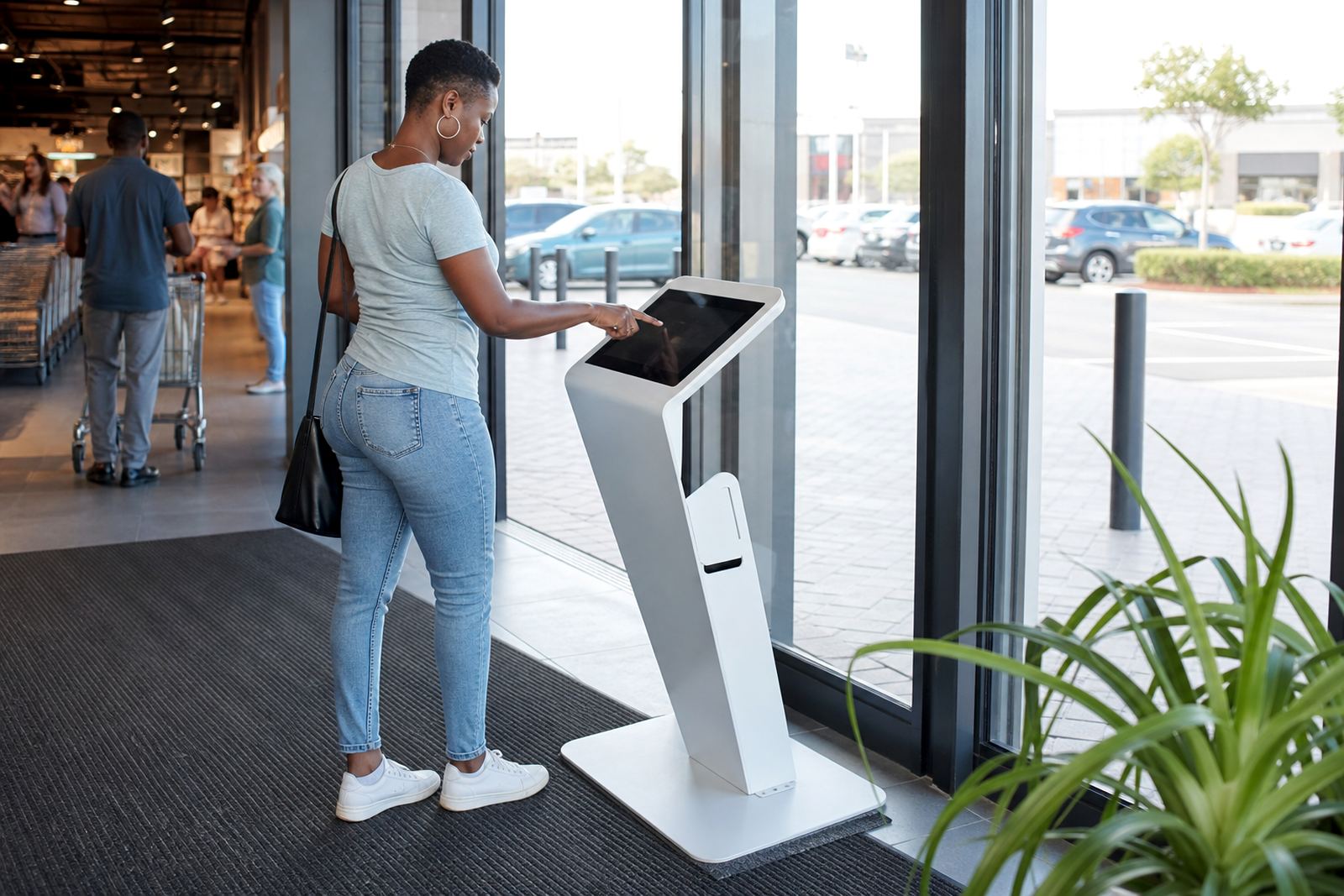
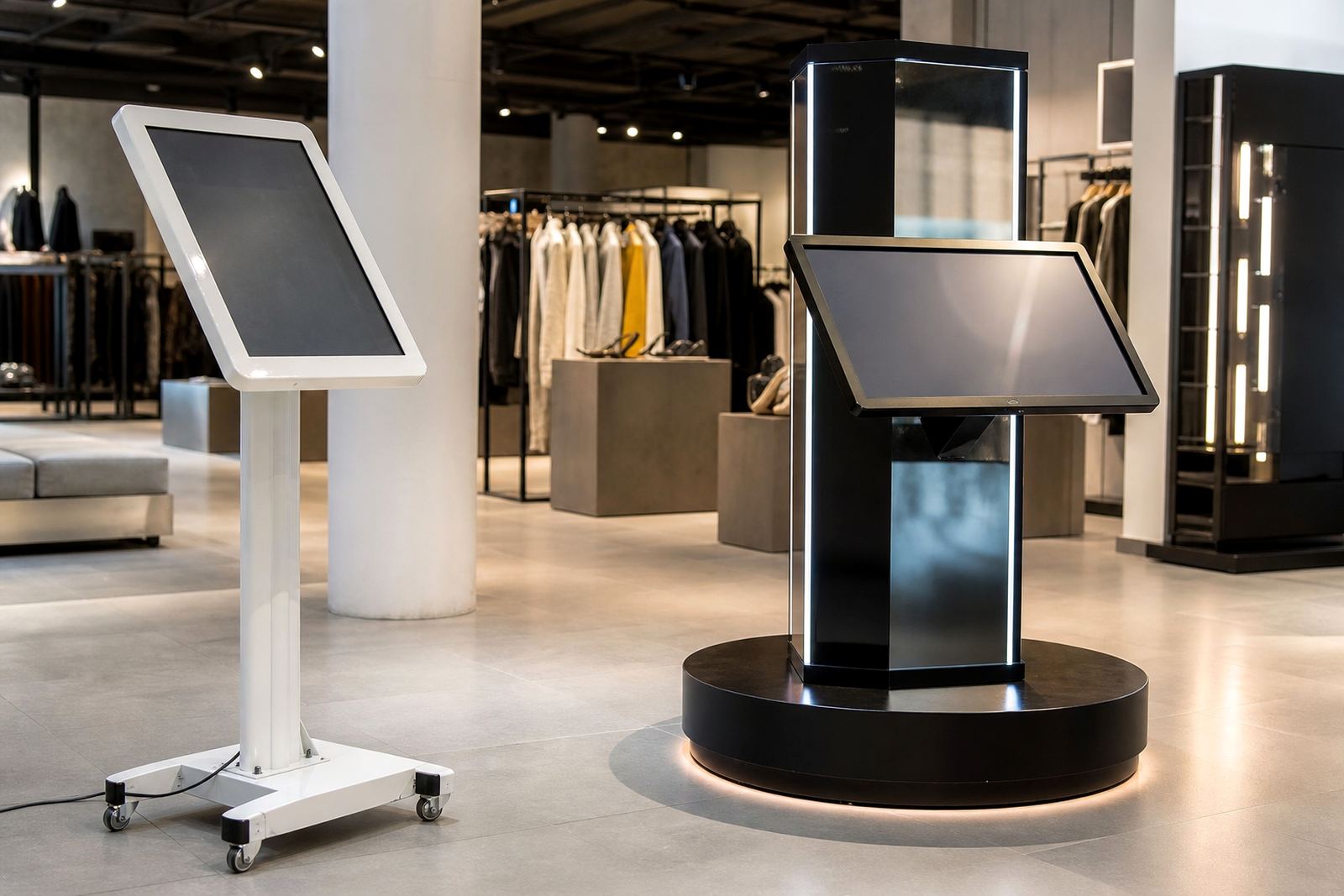
Pictures and motion can help, but only when they support the decision the customer is trying to make. A rotating image of a product display stand should show the actual footprint, angle and interaction point. A touchscreen kiosk for retail should show the interface in use, not just a polished close up of the housing.
Content teams often focus on visual polish and forget practical detail. Shoppers want to know whether the unit fits in a narrow aisle, whether it can be used by standing customers, and whether the screen remains readable under store lighting. If the store is near an entrance with strong natural light, that detail matters. The same applies to power backup. During load-shedding, content should still load quickly when the unit comes back on, and any offline message should be clear and calm.
- Use images that show scale and placement
- Keep video clips short and purposeful
- Include readable captions for key information
- Make sure file sizes suit the kiosk connection and storage
Plan for updates, promotions and store changes
Retail content should never be treated as one long print run. Prices change, stock moves and campaigns end. If the kiosk content is not updated regularly, customers stop trusting it. That is why software configuration and content loading need to sit alongside the hardware plan from the start.
A practical update schedule works better than ad hoc changes. Weekly checks may be enough for some stores, while fast moving categories need more frequent review. In places like Johannesburg and Pretoria, where competition is tight and promotions move quickly, the content has to keep pace. Megan Naidoo usually coordinates rollouts so that each branch gets the right version, while Zanele Mokoena handles the support side when a store needs help after a change.
- Set a review date for every campaign before launch
- Keep a master file for approved copy and images
- Assign one person to sign off changes
- Test every update on the live kiosk before a rollout
Match the content to the physical stand and the store rules
Content planning cannot happen in isolation from the actual stand. A 360 degree product display stand needs content that explains what the shopper should inspect first, how to rotate or view the item, and where the key product points are. If the screen and the display sit together, the message should guide the hand and the eye in the same direction.
Store rules matter too. Some centres have restrictions on floor space, signage height or audio levels. Municipal and landlord requirements can also influence where the unit is placed and how it is powered. Thabo Molefe and the installation team would usually check access routes, plug points and safe clearances before a unit goes in. If the content assumes the kiosk can be moved later and it cannot, you waste time and money.
For stores in Bloemfontein, Cape Town or Durban, a local site assessment helps confirm the right message length, screen visibility and placement. Content planning should always fit the real conditions of the branch, not just the ideal one.