Why Shoppers Walk Away When They Cannot Find the Right Item
In a busy store, customers often come in with a problem, not a product name. They may need a spare part, a replacement accessory, a specific size, or something that fits a budget. If they cannot find clear direction quickly, they ask a few questions, walk the aisles, and sometimes leave without buying.
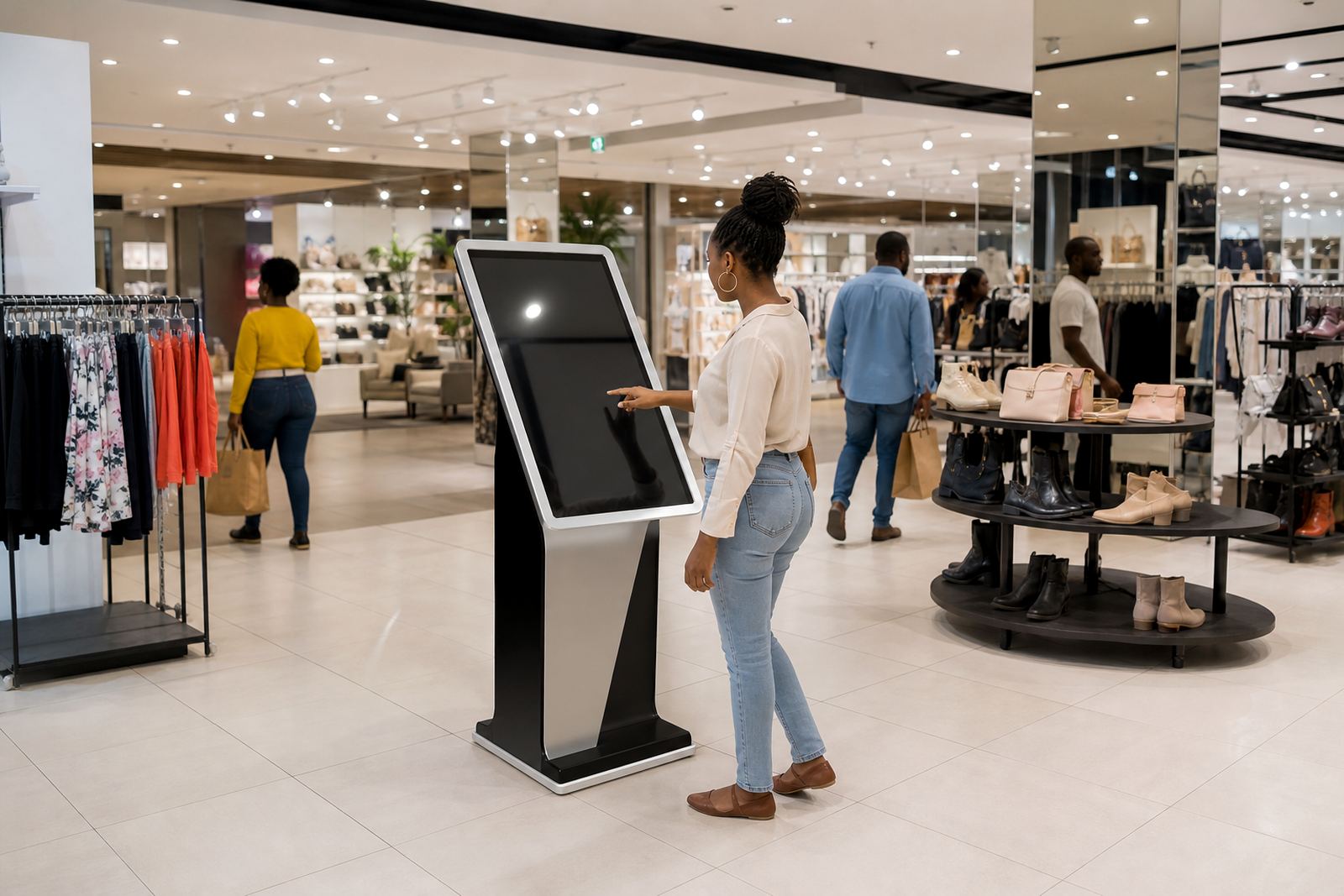
That is where product discovery makes a real difference. A touchscreen kiosk can narrow choices in seconds, show compatible alternatives and direct shoppers to the right department or bay. It removes pressure from floor staff, who may be helping several people at once, especially on month-end weekends or during holiday rush periods.
For retailers in Gauteng, the challenge is often speed. Customers in Johannesburg or Pretoria expect quick answers, while larger stores in Cape Town or Durban may need to handle mixed foot traffic from families, trade buyers and walk-in shoppers. A well set up kiosk gives everyone the same clear starting point.
How a Product Finder Kiosk Guides the Sale
A good kiosk does more than display a catalogue. It helps the shopper make a decision with simple prompts such as use case, brand preference, size, colour, price range or availability. That means less guesswork and fewer wrong picks coming back to the counter.
- Search by product type, feature or intended use
- Show alternatives when an item is out of stock
- Display store maps, aisle references and shelf locations
- Highlight bundles, add-ons and compatible accessories
- Capture enquiry details when staff are busy
In practical terms, the kiosk becomes a helper on the shop floor. It can also reduce the load on sales staff during lunch breaks, after power returns from load-shedding, or when the till area is under pressure. That kind of support matters in stores where every minute counts and customers expect quick service.
What Retailers Need to Get Right Before They Install One
Some retailers think the hardware alone will fix the problem, but product discovery only works when the content is clear and current. If the search terms are vague, or if the catalogue has old items still listed, the customer loses confidence quickly.
Start with the basics. Decide what the kiosk must answer, then build the content around real shopper questions. Keep the language simple, because not every customer knows your internal product names. If you sell tools, home goods or electronics, use everyday terms first and then add the technical details underneath.
- Use short product names that customers recognise
- Keep stock data and pricing updated regularly
- Make sure the screen is readable in bright shopfront light
- Choose a position with enough space for two people to stand comfortably
- Allow for dust, humidity and regular cleaning in coastal areas
Midrand stores often have a mix of office park foot traffic and destination shoppers, so the kiosk needs to be easy to use at first glance. At iTouch 360, the setup usually includes site assessments, solution design, content loading and software configuration so the unit works for the actual store flow, not just a showroom demo.
A Local Example from a Busy Gauteng Retail Floor
Imagine a hardware store in Midrand serving contractors from Sandton, homeowners from Centurion and trade customers passing through from Pretoria. A customer comes in looking for a fitting, but only knows the appliance it belongs to. Without help, that conversation can take several minutes and still end with uncertainty.
With a product finder kiosk near the entrance, the customer selects the appliance type, then the size and fitting style. The screen shows the correct options, where to find them in-store, and a few alternative parts if the first choice is unavailable. The staff member on the floor can focus on closing the sale instead of searching shelves one by one.
That same model works well in Cape Town, Durban and Bloemfontein too, where stores may serve different neighbourhoods and shopping habits in the same day. A kiosk gives a common process, which helps keep the store organised and the customer experience steadier.
Features That Make Discovery Easier for Customers
The best product discovery tools are not complicated. They are clear, fast and easy to read, even for someone who has never used one before. The touch response should be quick, the buttons large enough, and the navigation simple enough for an older shopper or a first-time user.
- Large icons and easy-to-read menus
- Multilingual support where needed for the store area
- Search filters for stock status, size and price
- Branded colours and messaging that match the store
- Locked-down menus so only approved content is shown
Retailers should also think about what happens after the screen shows a result. Does the kiosk print directions, send a result to a staff device, or show a code for quicker pickup? Small details like this can save time and reduce frustration. It also helps during power interruptions, when stores need fast restart procedures and systems that come back properly after an outage.
Why Support and Servicing Matter After Installation
Interactive equipment sits on the shop floor every day, so it needs regular care. Dust build-up, accidental knocks, software changes and network issues can all affect performance. If a kiosk freezes or shows outdated stock, the store loses trust very quickly.
That is why ongoing support matters just as much as the initial setup. Retailers need a team that can handle preventative servicing, fault repairs, parts replacement, network integration and staff training. In busy branches, a support retainer can be the difference between a brief hiccup and a day of lost enquiries.
From the Midrand base, iTouch 360 supports retailers across Johannesburg, Pretoria, Sandton, Centurion, Cape Town, Durban and Bloemfontein through service, installation and follow-up support. The goal is to keep the kiosk useful on the floor, not sitting idle in a corner because of a small fault that was left too long.
A Practical Next Step for Retailers Who Want Better Discovery
If your shoppers keep asking where to find things, or if staff spend too much time directing people to the right shelf, product discovery needs attention. A touchscreen kiosk can help customers find the right item faster, compare alternatives and move toward purchase with less confusion.
For retailers who want a simple, practical starting point, the first step is a site assessment. That allows the team to look at foot traffic, floor layout, content needs and support requirements before recommending the right unit and setup. It also helps avoid wasted money on equipment that does not fit the store's daily reality. A clear plan now usually saves time later, and the improvement is often visible within days.
In the right position, with the right content, a product finder kiosk becomes part of the sales team. It helps customers help themselves, and that is often what turns interest into a sale.