Why fashion retail needs touchscreens at the fitting room end
In fashion, the sale often starts before a garment is tried on. Shoppers want to see how a range looks in other colours, what sizes are available, and whether the same style comes in a longer hem or different cut. A touchscreen kiosk gives them that information without waiting for a busy floor assistant to leave the rail and check stock room by stock room.
At a well run store, the screen should do more than show a picture. It should help customers browse lookbooks, compare outfits, and search for items that are not on the display floor. That matters in South African retail where one branch may carry a tighter selection, while another store in the group has broader stock. It also helps during peak periods in Sandton, Menlyn, or the V and A area, when staff are already handling queues, returns, and size requests.
Good touchscreens also reduce pressure on staff. Instead of answering the same question ten times about colourways or available sizes, the team can guide the customer to the right screen, then focus on closing the sale. In our climate, the hardware must also cope with dust, warm indoor conditions, and the odd power interruption, so placement and backup planning matter too.
Using lookbooks to turn browsing into guided buying
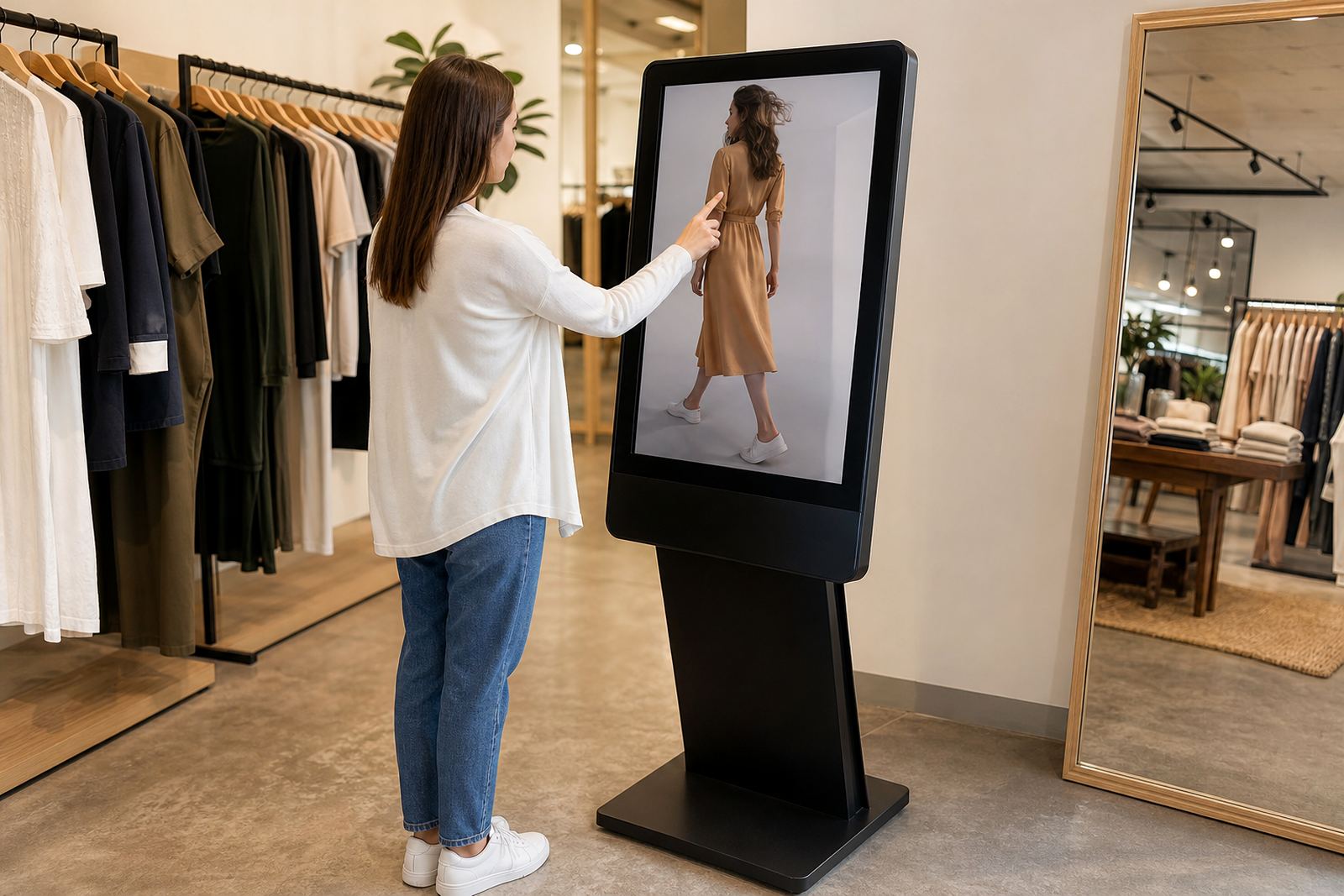
Fashion shoppers often do not arrive with one item in mind. They come looking for inspiration, and a digital lookbook can give them a clear route through the collection. A touchscreen can show seasonal ranges, complete outfits, accessories, and styling ideas in a format that feels quick and simple to use. This is useful in stores that want to move customers from casual browsing to a more considered basket.
The strongest lookbook setups are practical, not flashy. Keep the layout clean, use large touch targets, and group items by occasion or category. For example, a customer browsing women’s workwear can move from jackets to trousers to shoes without having to ask for separate racks. If your store carries multiple labels or private range pieces, the screen can also explain fabric, fit, and care instructions in plain language.
- Show full outfits instead of isolated items so customers see the complete look.
- Add quick filters for size, colour, season, and price band.
- Include care notes for items that need special washing or handling.
- Keep image loading fast so the screen remains useful even when the store is busy.
A store in Cape Town’s city bowl, for example, may want a lookbook that changes with the tourist season and cooler weather ranges, while a Durban branch may lean more on lighter fabrics and holiday stock. The screen should reflect that local buying pattern, not just a generic catalogue.
Styling support that helps customers decide faster
Many shoppers do not need a full fashion consultation, they just need a bit of direction. A touchscreen can support staff by showing recommended pairings, matching sizes, or alternative fits when an item is out of stock. That makes the in-store conversation smoother and helps customers feel that the store understands what they are after.
For example, if a customer likes a printed blouse, the screen can suggest a skirt, a jacket, and a scarf that work with it. If a size is unavailable, the staff member can show the same item in a different colour or a similar cut. This is especially useful in stores that serve a wide age range, because the style advice can be adapted to different tastes without the customer having to wait while someone searches through the stock room.
In practice, the most useful screens are the ones that support human service instead of replacing it. Staff should still guide the sale, but the screen gives them a quick visual tool. That can be the difference between a shopper leaving to think about it, or leaving with the full outfit. A simple interface is better than a cluttered one, and clear content helps the whole team use it properly.
Extended range browsing for stores with limited floor stock
Not every store can put every colour and size on the floor. Floor space is costly, and some locations are best served by curated displays. Touchscreens solve that problem by extending the visible range without needing more rails, more mannequins, or more storage space. Customers can browse the full offering, then ask staff to retrieve the item they want.
This is useful where regional stock differs. A Pretoria store may have different quantities from a Johannesburg branch, and a buyer in Bloemfontein may be looking for a line that is held in another city. With a properly configured system, staff can search the broader range, see what is available, and guide the customer to an item that can be delivered or transferred if needed.
- Show live or frequently updated stock information by branch.
- Include item codes and size options so staff can act quickly.
- Allow customers to browse styles that are not physically on the floor.
- Support transfers or follow up orders where the branch does not hold the item.
For fashion groups that manage several stores, this creates a more even customer experience. A shopper should not feel limited by the exact branch they walked into. They should feel that the store has the range, even if some of it is stored off the floor or in another location.
What a fashion touchscreen must handle on the shop floor
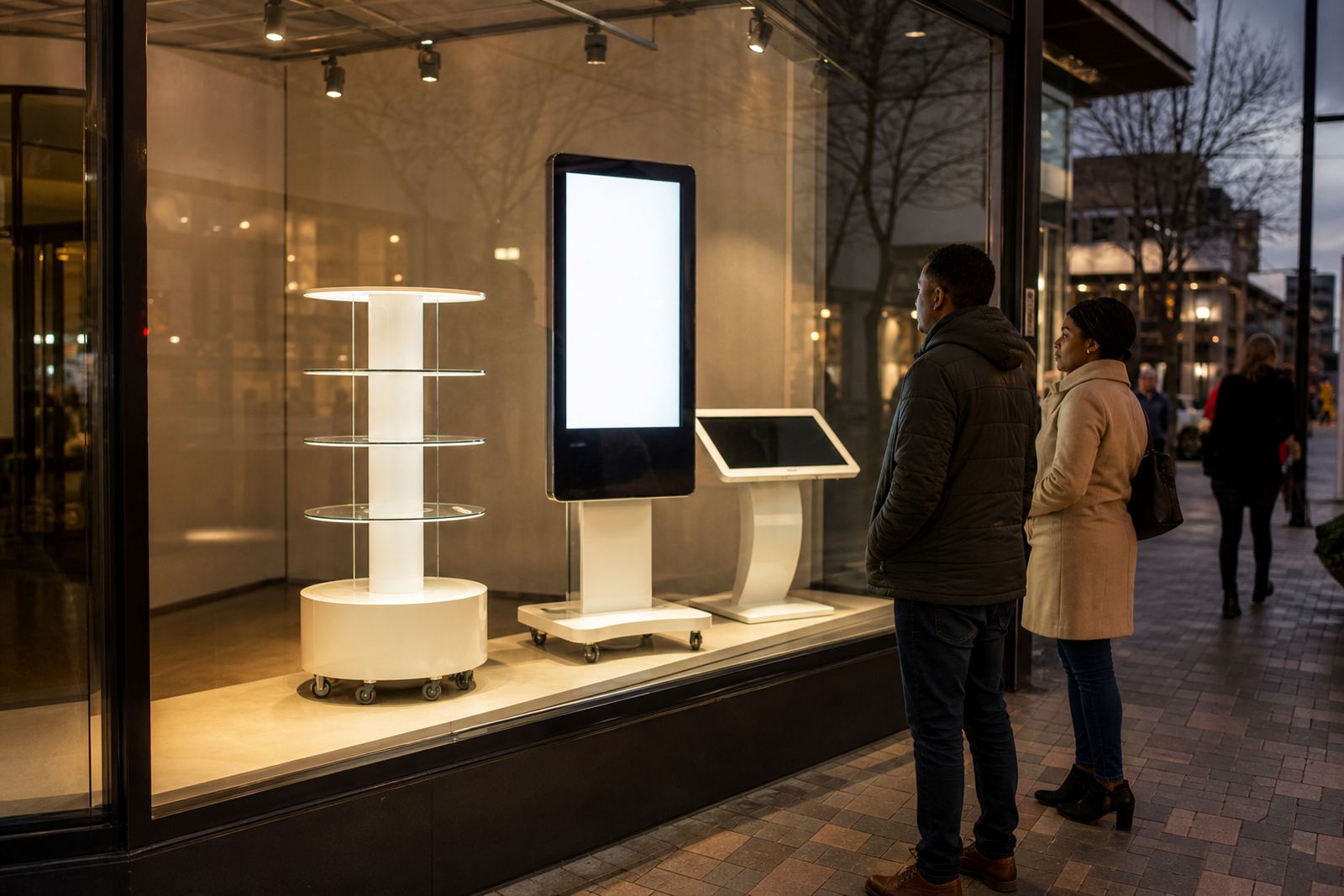
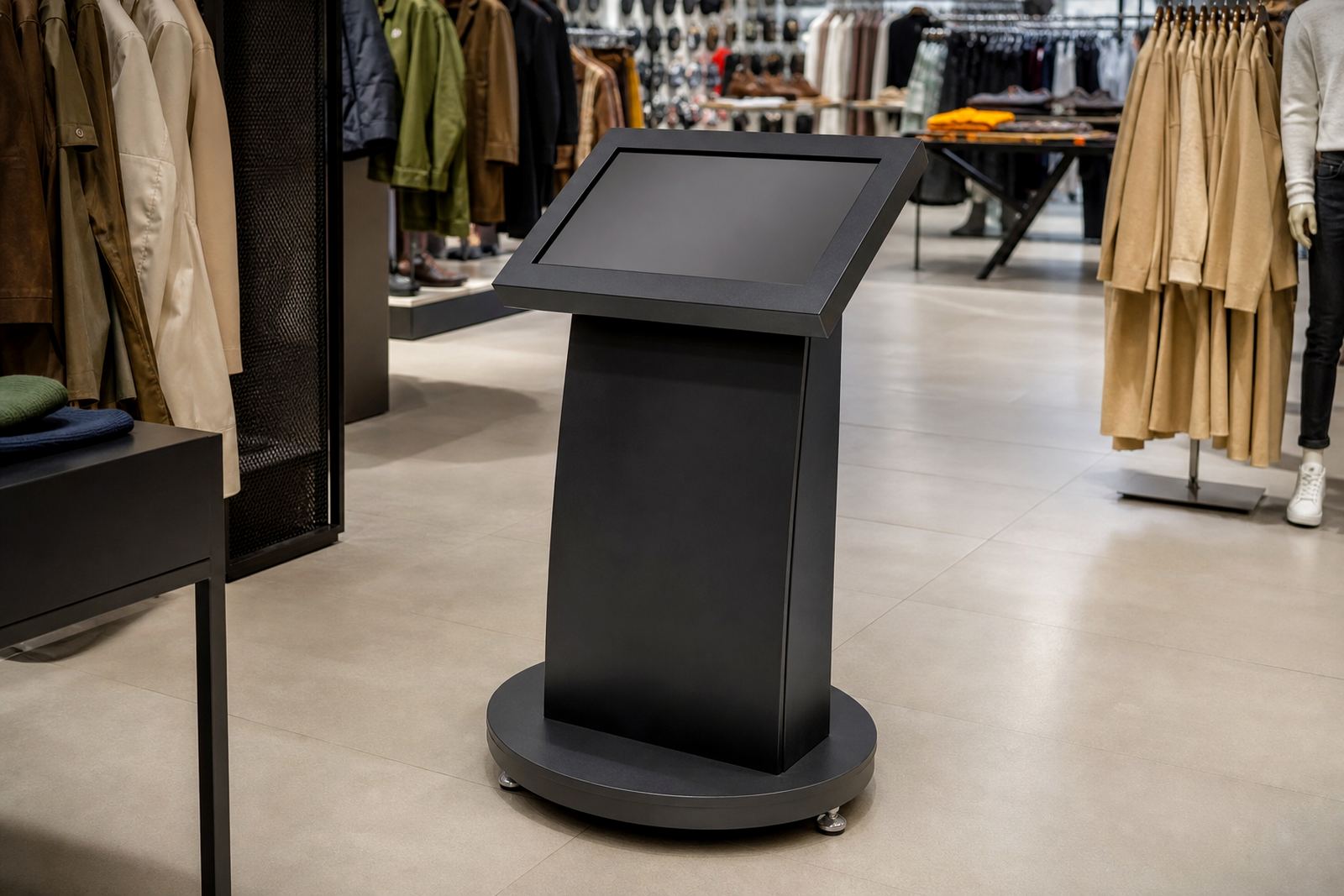
Retail hardware in fashion stores has to deal with constant use. Hands are on the screen all day, sometimes with shopping bags, coffee, or makeup on them. The unit also needs to fit the layout, whether it is mounted in a mall entrance, near fitting rooms, or beside a promotional display. In humid coastal areas, and in stores near open doors, finish quality and enclosure choice matter more than people realise.
It also needs to survive load shedding and short disruptions without becoming a nuisance. The content should restart properly, and the team should know how to check the system if the store powers back on in the middle of trading. Cable routing, network setup, and safe positioning all make a difference. A screen that is awkward to reach or difficult to keep clean will get used less often, no matter how good the content is.
Practical store teams usually look for the same basics: easy cleaning, quick response time, clear viewing angles, and enough screen size to be useful from a standing position. If the kiosk is used for self browse functions, it should also be simple enough for a first time customer to use without help, that part is often overlooked.
Rolling out touchscreens across multiple South African branches
When fashion retailers expand across Johannesburg, Pretoria, Cape Town, Durban, and Bloemfontein, they need a rollout plan that is consistent but flexible. One store may need a single entrance unit for lookbooks, while another may need several points of use near the fitting rooms and till area. The content, installation timing, and support plan should be matched to the store size and trading pattern.
That is where a full service approach matters. Site assessments help identify where customers naturally pause. Solution design shapes the screen content and the hardware position. Custom branding keeps the store identity consistent, while content loading, software configuration, and network integration make sure the system actually works on opening day. After that, preventative servicing, fault repairs, and parts replacement keep the unit useful over time.
For retailers that want long term support, staff training is just as important as the hardware itself. A well trained floor team can update basic content, assist customers, and report faults early. In Midrand and across Gauteng, that practical support can save a lot of time when trading hours are tight and each lost minute affects the till.
Fashion customers expect speed, clarity, and a sense that the store knows what it is selling. Touchscreens help deliver that, provided they are planned properly and supported with content that makes sense on the shop floor.