Why a window screen works before a customer even opens the door
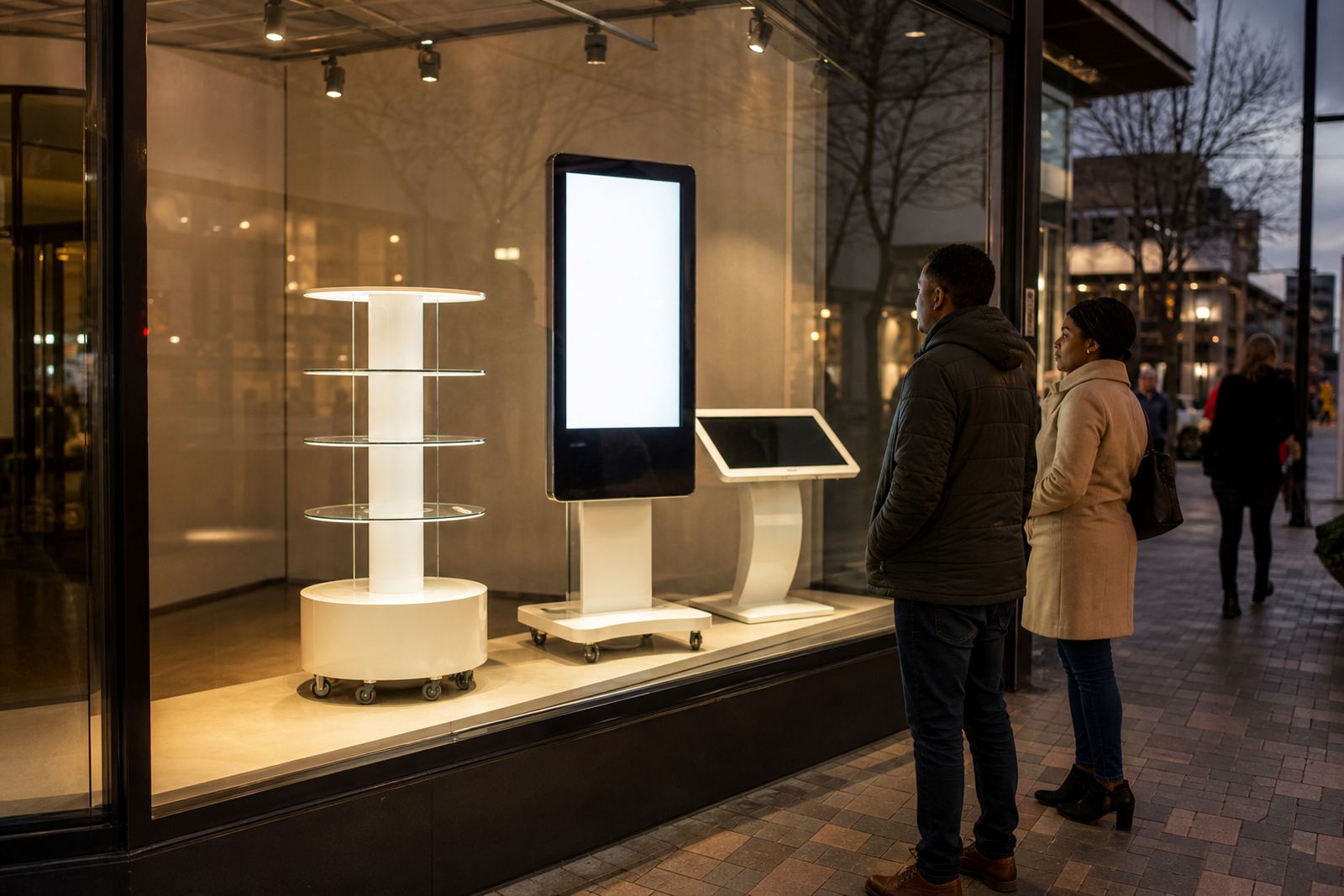
A good window display has one job: get noticed fast. A digital screen does that with motion, colour and changing content that a printed poster cannot match. For retailers on busy roads in Midrand, Sandton, Pretoria East or along a mall walkway, the first few seconds matter. If the message is clear from 5 to 10 metres away, you have already improved the chance of foot traffic.
Interactive window displays are especially useful where shoppers browse from the pavement or parking area. Instead of hoping someone reads a static sign, you can show product categories, price points, promotions and service options in a way that keeps moving with the customer. In a country where people often compare prices quickly and move between stores, that extra attention can make a real difference.
There is also a practical side. A display that updates digitally can be changed for weekends, month-end specials, school holidays or rainy days without printing new material each time. That saves time and keeps the shop front current, which matters when a store is trying to look active and well managed, not stale.
What shoppers should see in the first 3 seconds
Window content needs to be built for people walking past, not for someone standing still and reading at leisure. The main rule is to keep the message simple and the type large enough to read from across the street. If the screen is too busy, it becomes just more glare in the glass.
For retail use, the most effective content usually includes the following:
- One clear offer or call to action at a time
- Large product images with short captions
- Store hours, trading days or holiday notices
- Promotions linked to a season or event
- Wayfinding details such as entrance, queue points or service counters
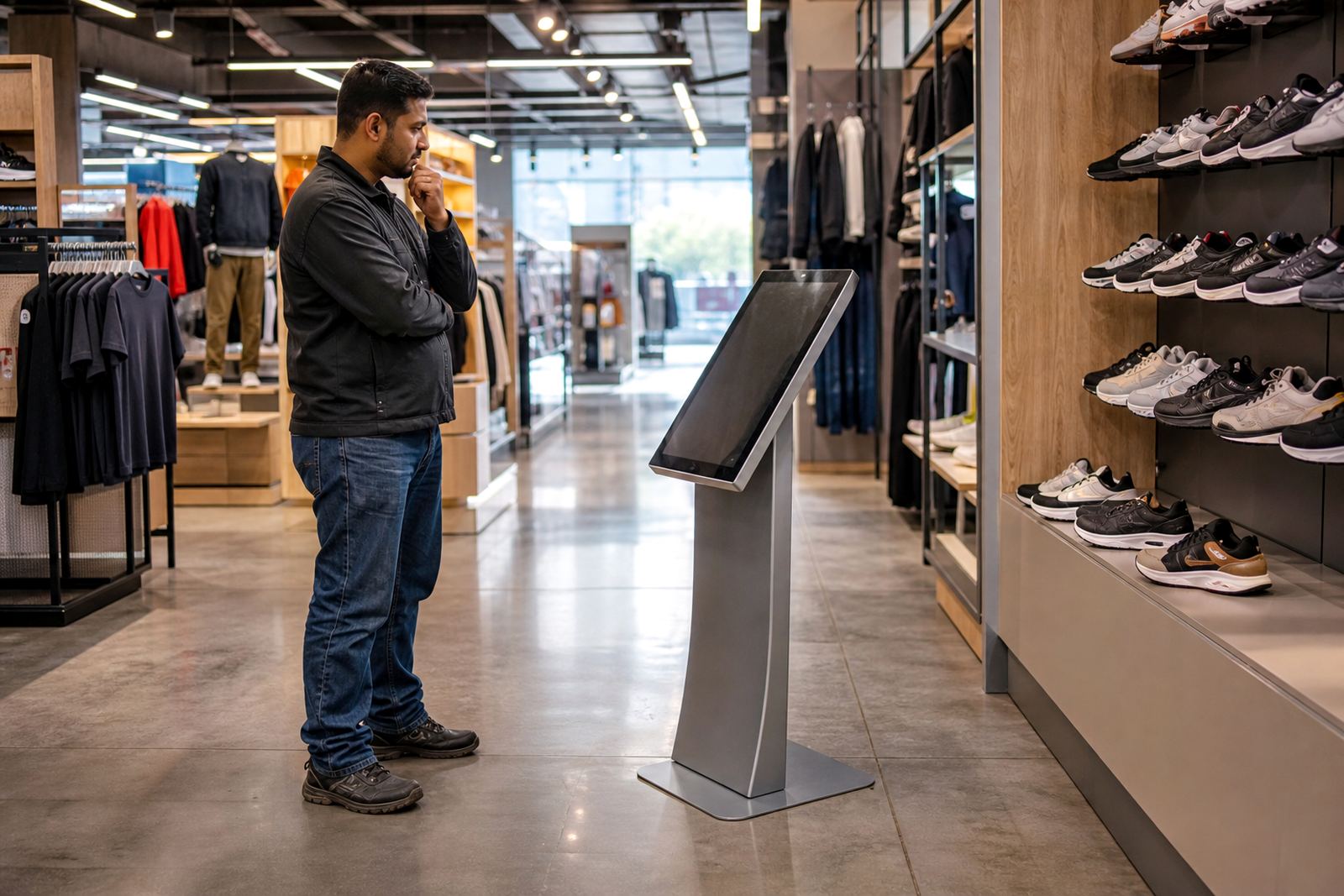
If the display is touch enabled, keep the interaction light and obvious. A shopper should know within a second or two whether they can tap for more detail, compare items or view a short video. Too many menu levels will lose attention fast, especially during peak traffic.
Retailers also need to think about the viewing angle from outside. A screen mounted too far back or too high can disappear behind reflections. Good placement, anti-glare treatment and sensible brightness are just as important as the content itself.
Choosing the right hardware for South African conditions
South African shopfronts bring a few practical challenges that need to be planned for. Coastal humidity in Durban or Cape Town can affect electronics if the enclosure is not suited to the environment. Intense sun can wash out weak screens, and load-shedding means the system must restart cleanly when power returns.
That is why the cabinet, screen brightness, cooling and power setup all matter. A display intended for a street-facing window should be built for long operating hours and stable performance. If the shop is in a mall with heavy foot traffic, the unit should also be easy to clean and resistant to fingerprints, dust and repeated use.
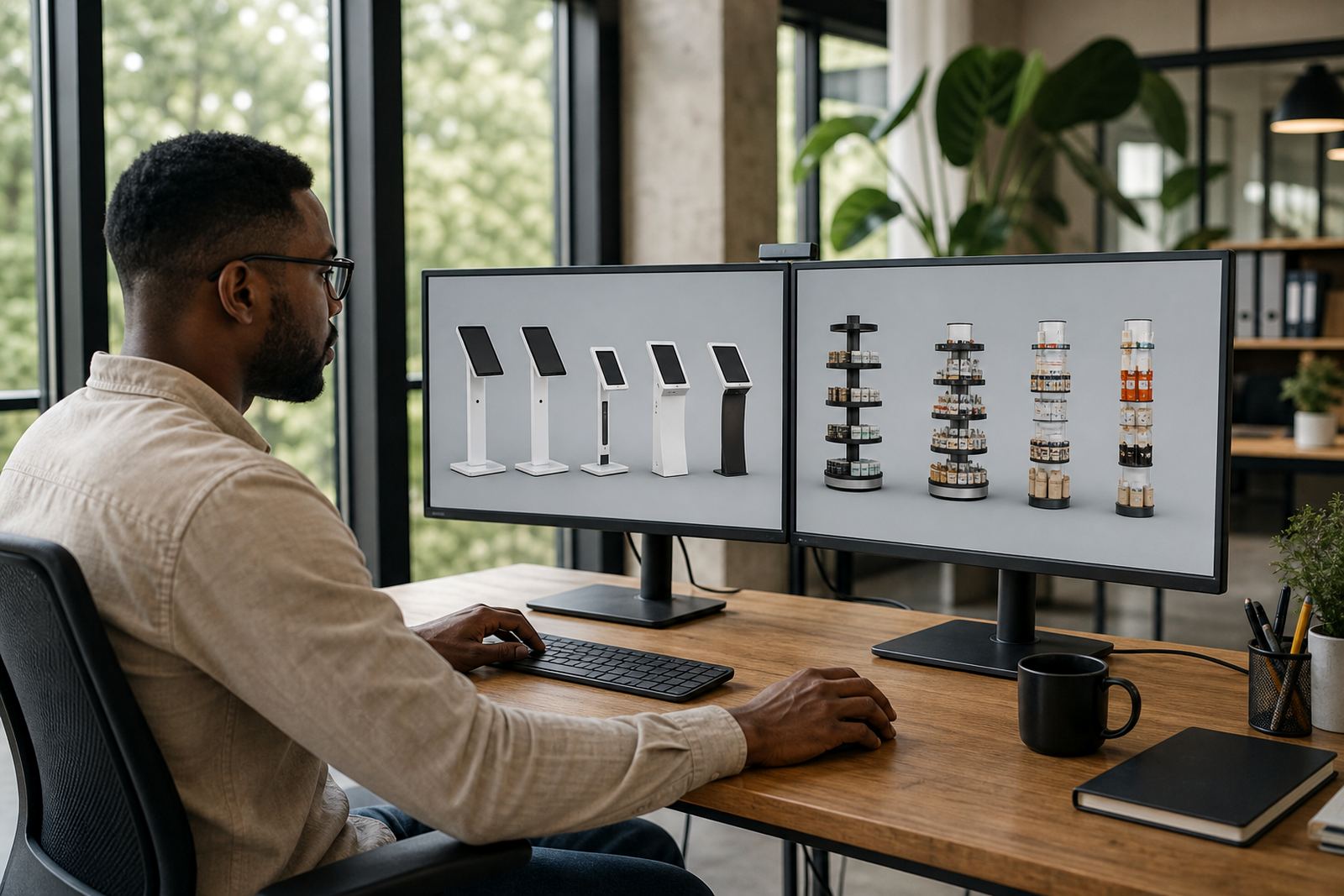
Useful questions to ask before choosing a unit include:
- Will the screen face direct sun for part of the day?
- Is there enough ventilation inside the enclosure?
- Will the content run on a fixed playlist or through live updates?
- Does the site need backup power for trading hours?
- Can the system be serviced without pulling the whole unit apart?
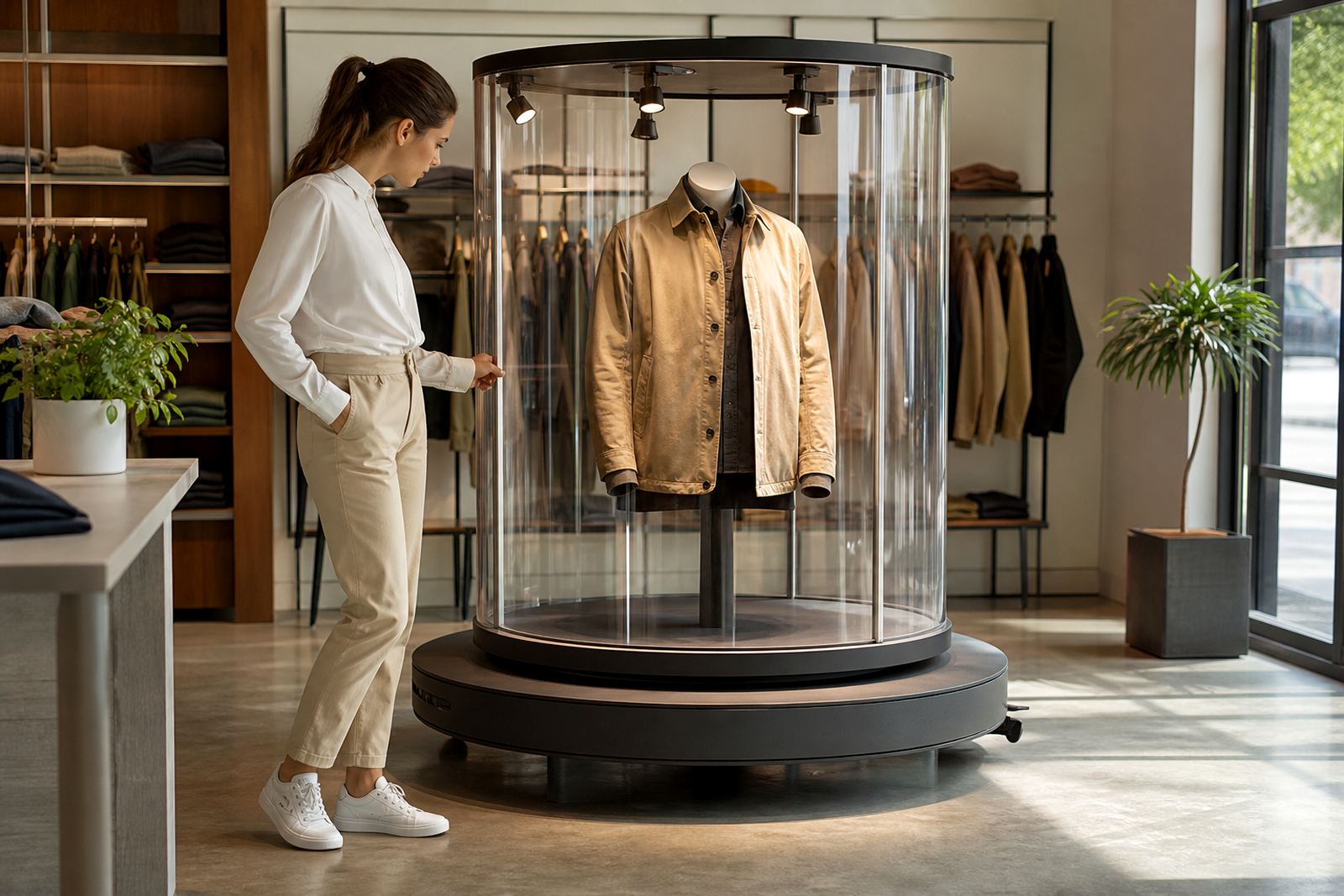
For some retailers, a 360-degree product display stand works alongside the window screen. The stand can highlight hero products in the entrance area while the touchscreen handles the message outside or just inside the glass. That gives the customer a better journey from pavement to purchase.
Content that turns passers-by into visitors
The best window display content is practical, not fussy. It should answer a customer question quickly. What is on offer? Why should I stop? What can I do next? If the answer is clear, the display earns its place.
Many retailers make the mistake of showing too much information at once. A rotating mix of ten promotions, a long supplier story and tiny text will not help. Instead, use short bursts of content with a strong visual focus. A clothing store may show new season arrivals. A tech retailer may show comparison charts. A homeware store may show a room scene with pricing callouts.
Good window content also needs regular updates. A screen showing the same five images for months becomes invisible. Fresh content tied to pay cycles, holidays and local events will hold attention longer, and it tells customers the store is active and paying attention to detail.
When designed properly, the display can support practical retail tasks too. It can point shoppers to customer service, explain a promotion, or show a queue number process. In busy branches this reduces confusion and helps staff spend less time repeating the same instructions.
A Midrand example: from pavement interest to store visits
In Midrand, where retail sites often serve office workers, commuters and families in the same day, a window display needs to work hard. Imagine a shop facing a busy arterial road with customers moving past at different speeds. A printed poster may be noticed once or twice, but a changing screen can show breakfast deals early in the day, lunch offers at midday and after-work specials later on.
That same store can use a touch enabled display to let shoppers browse key categories before entering. For example, a customer standing outside can check stock themes, seasonal promotions or delivery options without needing to ask a staff member first. That creates a smoother first contact and can reduce pressure on the sales floor during peak times.
For retailers supplying branches across Johannesburg, Pretoria, Cape Town, Durban and Bloemfontein, the local context matters. A display that works in a sheltered mall entrance may need a different brightness setting and enclosure for a shopfront with full sun or coastal moisture. The best results come from matching the hardware and the message to the site, not forcing one setup everywhere.
What support should be in place after installation
A window display is only useful if it keeps running and the content stays current. Retail teams need a clear support plan for software settings, content loading, network integration and routine servicing. If the unit develops a fault, response time matters because a dark screen in the window looks like missed trade.
Support should cover more than repairs. Preventative servicing helps catch worn parts, loose connections or power issues before they interrupt trading. Staff training is also important so store teams know how to update basic content, check playback and report problems early rather than waiting for a full breakdown.
Useful support items include:
- Site assessments before installation
- Delivery and installation by trained staff
- Software configuration for store use
- Network integration where live content is needed
- Fault repairs and parts replacement when required
- Support retainers for ongoing retail sites
For a business like iTouch 360, based in Midrand and serving retail customers across South Africa, the focus is straightforward: make the front window earn its space. When the display is planned properly, it can guide people from passing by to stepping inside, which is the point after all.