Start With the Shopper Path, Not the Wall Space
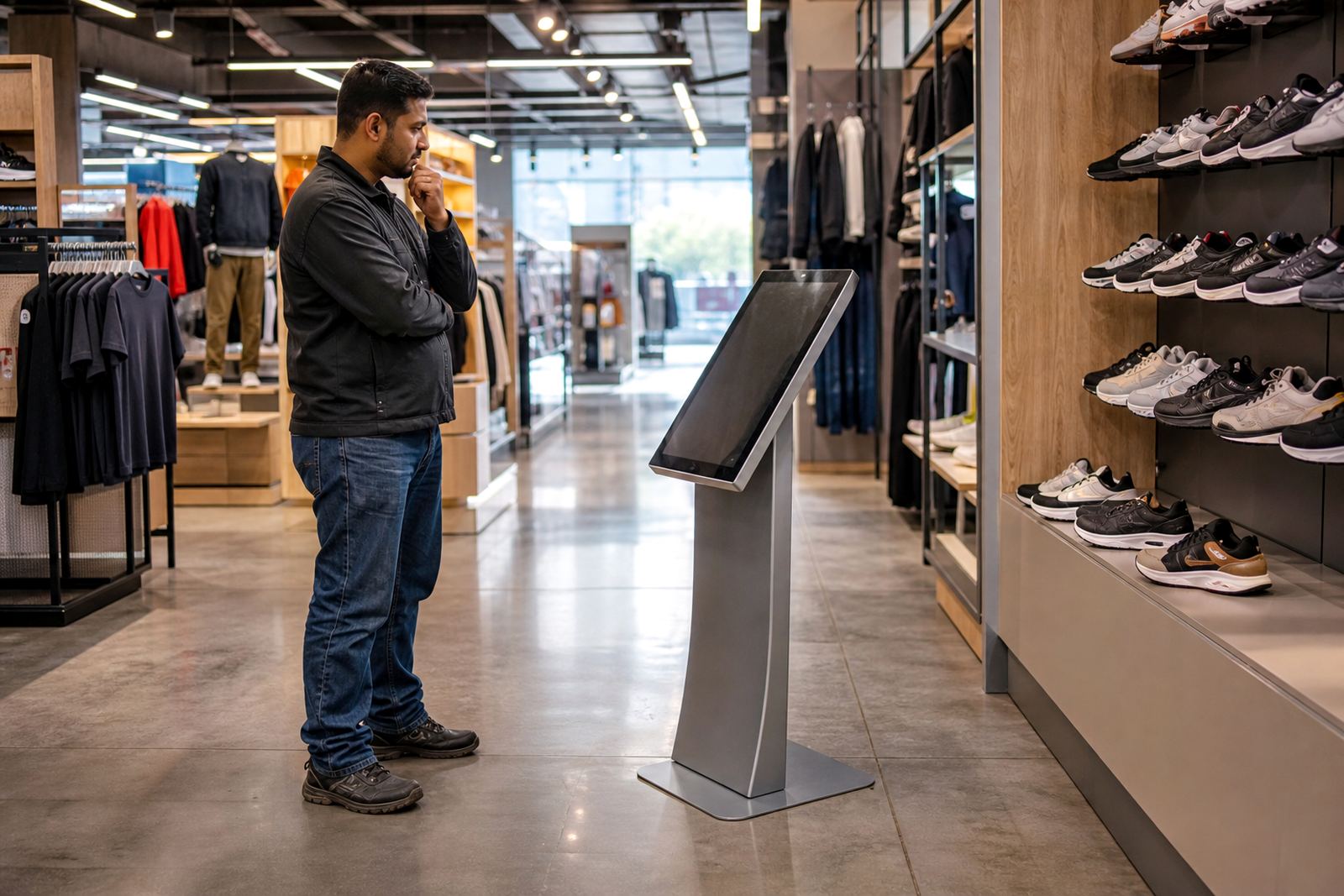
The best placement is usually where people already slow down. Think about entrances, aisle ends, queue points and areas near fitting rooms or promoted stock. A touchscreen kiosk tucked behind a pillar may look neat, but if shoppers do not pass it naturally, it will not earn attention.
Walk the floor at different times of day and watch how people move. In many Gauteng stores, the busiest line is not the front door but the route from the entrance to specials, service counters and tills. That is where a display can work hardest. If the unit is meant to inform, place it where people can stop for 20 to 40 seconds without blocking others.
- Use natural pause points such as lift lobbies, queue areas and product demo zones.
- Avoid narrow passages where one person stopping will cause congestion.
- Keep a clear sightline from the main entrance where possible.
Match Screen Height and Viewing Distance to the Space
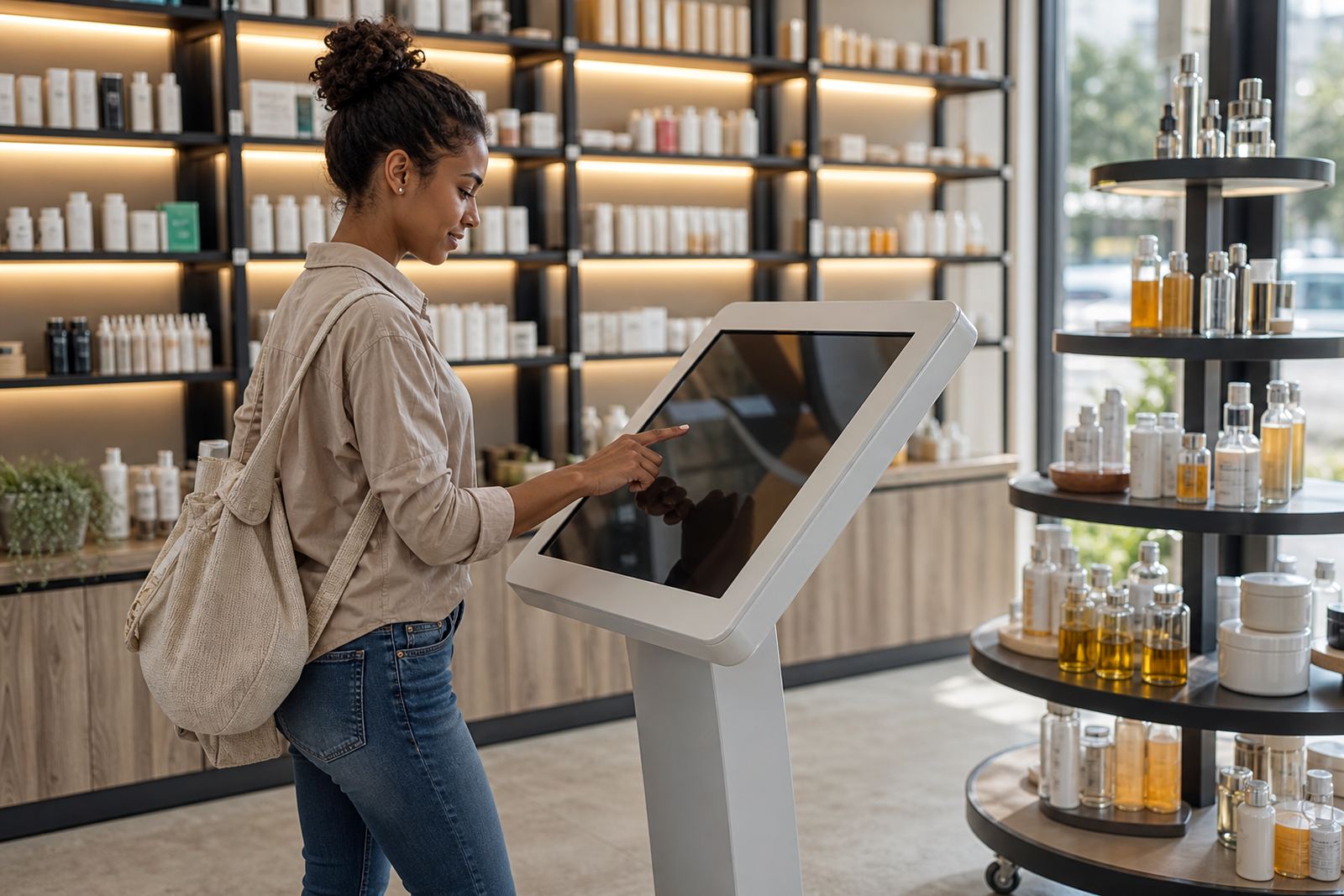
People should not have to stretch, crouch or squint to use the display. For most retail environments, the centre of the touchscreen should sit at a comfortable standing height so adults and older children can reach it easily. If the screen is too high, shoppers hesitate. Too low and it feels awkward, especially in busy stores.
Viewing distance matters too. A compact kiosk near a checkout queue can work well for quick product lookups, while a larger feature stand needs more open space so shoppers can step back and read clearly. Lighting also matters. Strong reflections from shop windows or downlights can make a screen harder to use, especially in bright coastal cities with lots of daylight. It helps to test the unit at the same time the store is busiest, not only during a quiet site visit.
- Allow enough standing room for one user plus one person beside them.
- Check glare from glass, polished floors and overhead fittings.
- Leave space for wheelchair access and easier turning radius.
Use Display Placement to Support Product Discovery
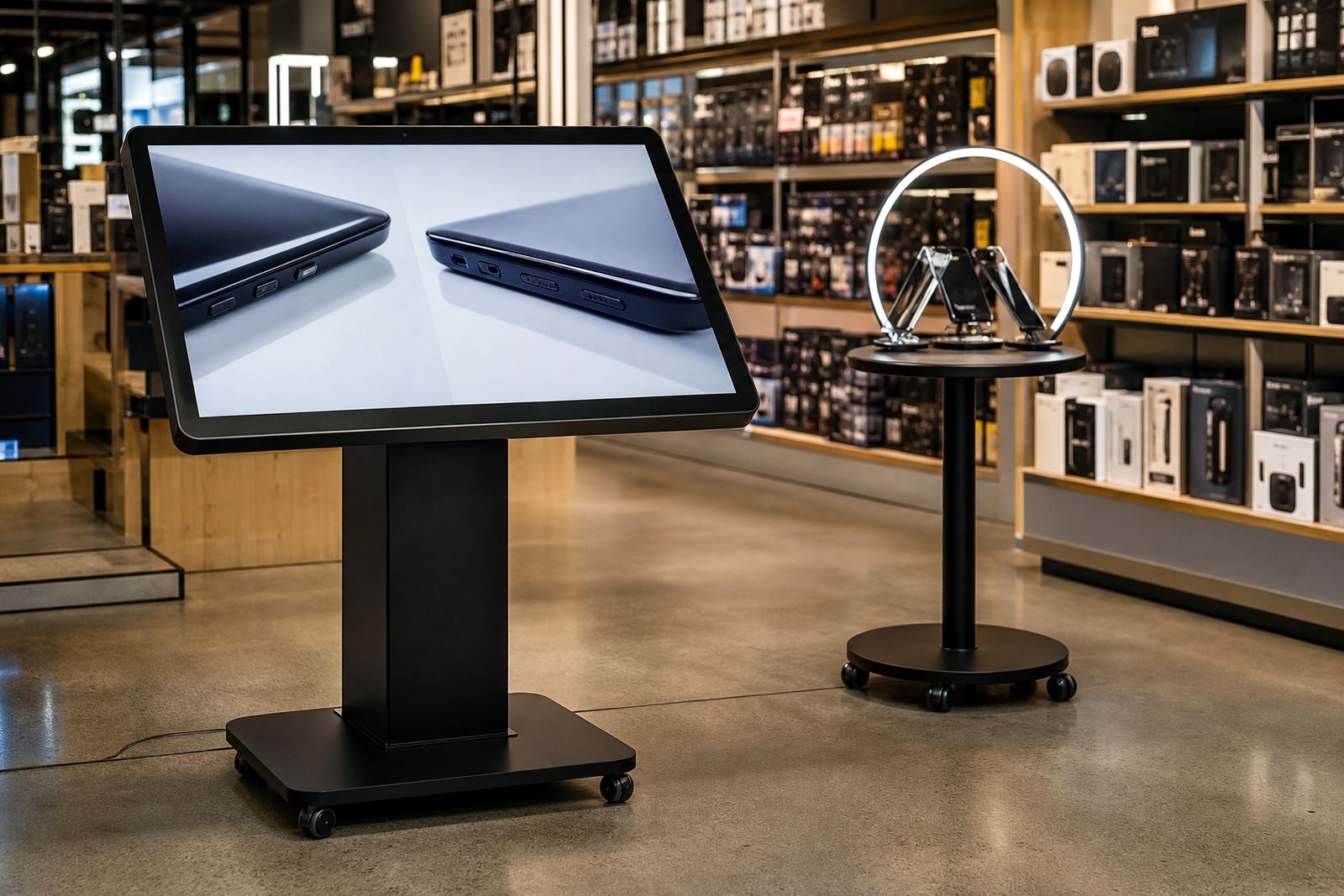
A display should do more than look busy. It should help the shopper understand the products around it. If the kiosk is placed beside a range of accessories, the content can show use cases, size options, comparisons or colour choices. That kind of placement encourages people to move from browsing to handling the item.
This works well in categories where the customer wants reassurance before buying, such as electronics, homeware, beauty or premium gifts. The stand can answer basic questions before a staff member is needed. That saves time for the team and makes the floor feel more organised. In stores with a lot of stock turnover, a nearby screen also helps when prices or product lines change often. The display can carry the message while the shelf label gets updated.
- Place the screen close to the product it supports, not across the floor.
- Show simple comparisons, features and care instructions.
- Keep the path from screen to shelf short and obvious.
Think About Power, Cabling and Daily Maintenance
A good position is not only about visibility, it is also about practical access. Interactive units need power, and in South Africa that means planning for load-shedding and store downtime. A display placed near an existing power point and network route is easier to keep running, and less exposed to loose cables or last minute extensions. If the site uses backup power, check that the selected spot remains reachable during outages and switchovers.
Maintenance should be simple. Staff must be able to wipe the screen, reload content, and inspect the unit without moving stock every time. In busy branches, especially in humid coastal areas, it helps to choose a position away from direct rain spray, open doors and heavy condensation. Dusty floors and high traffic also call for easy cleaning access. A unit that is hard to service quickly becomes a problem, even if the placement looked good on day one.
- Keep cables protected and out of walkways.
- Choose a spot with enough room for servicing from the rear or side.
- Plan for power interruptions and safe restart procedures.
Position 360 Product Stands Where People Can Circle Freely
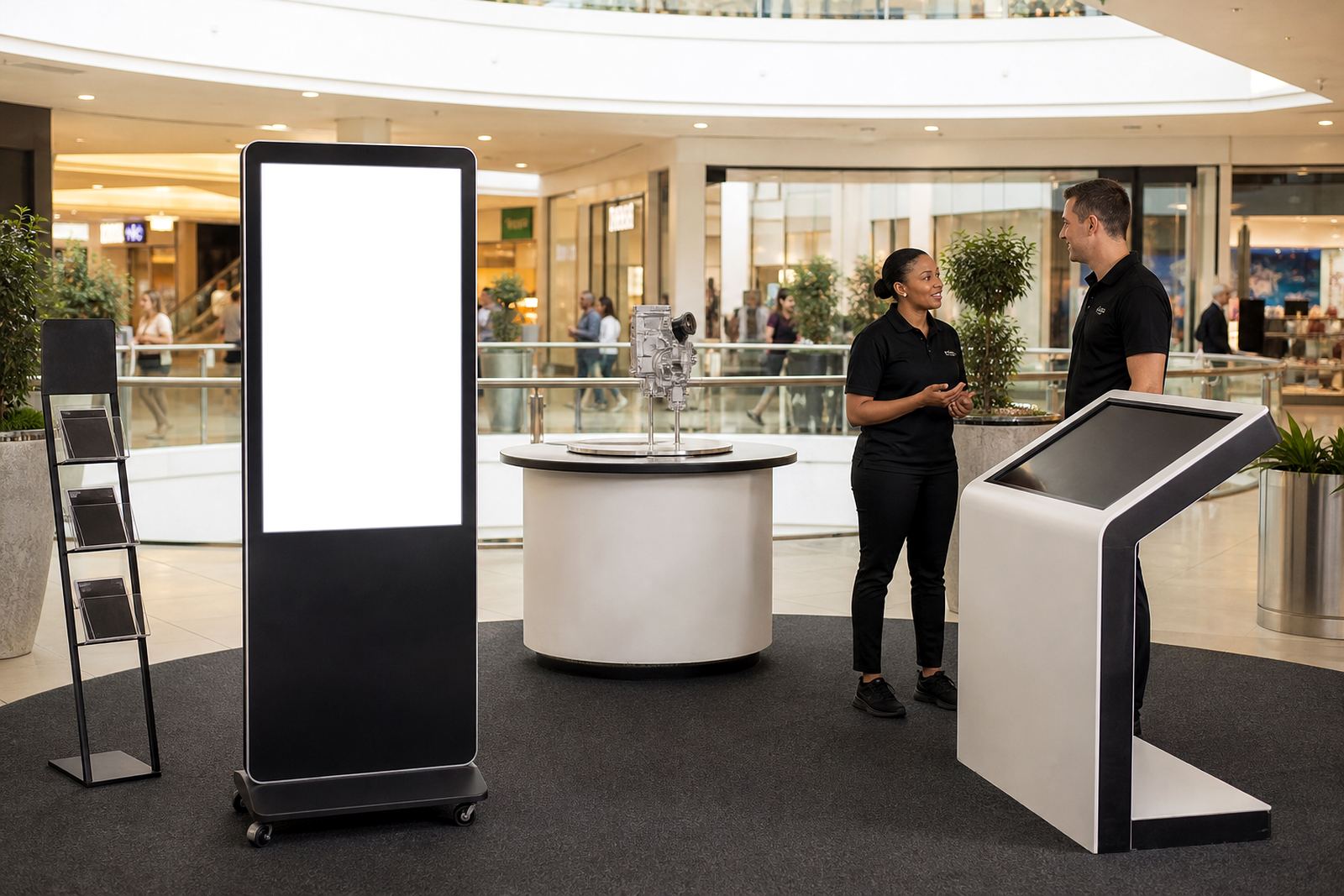
360-degree product display stands need a different approach from flat screens. Shoppers should be able to move around them, view the item from more than one angle and still keep flow moving through the store. That makes open floor areas, central feature spaces and wide aisle ends better than corners or tight bays.
If the stand carries premium stock, place it where the product can be seen from several directions. This is useful in larger stores in Johannesburg, Pretoria and Cape Town where foot traffic comes from more than one side. The item becomes part of the floor plan rather than something hidden against a wall. Just be careful not to place it where trolleys, baskets or cleaning equipment will clip the base. A display that gets bumped all day will lose its value very quickly.
- Give the stand enough clearance for natural movement all around it.
- Keep it visible from more than one aisle or approach point.
- Protect it from trolley routes and stock replenishment paths.
Test the Position Before You Commit to the Final Spot
The smartest way to choose placement is to test it on the floor. Move the display into two or three likely positions and watch what happens. Which spot gets the most pauses? Which one causes less clutter? Which one makes staff and customers feel comfortable? A short test can save a costly mistake later.
For a Midrand store serving shoppers from Sandton, Centurion and beyond, the right spot may be different from a branch in Durban or Bloemfontein. Local traffic patterns, store size and product mix all shape the best result. One location may favour quick interaction near the entrance, while another works better close to the till point. The goal is not only visibility. It is useful attention, repeated often enough to turn into dwell time and then action. That is the part many retailers miss, and it is where the display starts paying its way.
- Trial the unit during peak and quiet trading periods.
- Ask staff where customers stop naturally and where they avoid standing.
- Adjust after observing traffic, not only after reading a floor plan.