Why screen hygiene matters on the shop floor
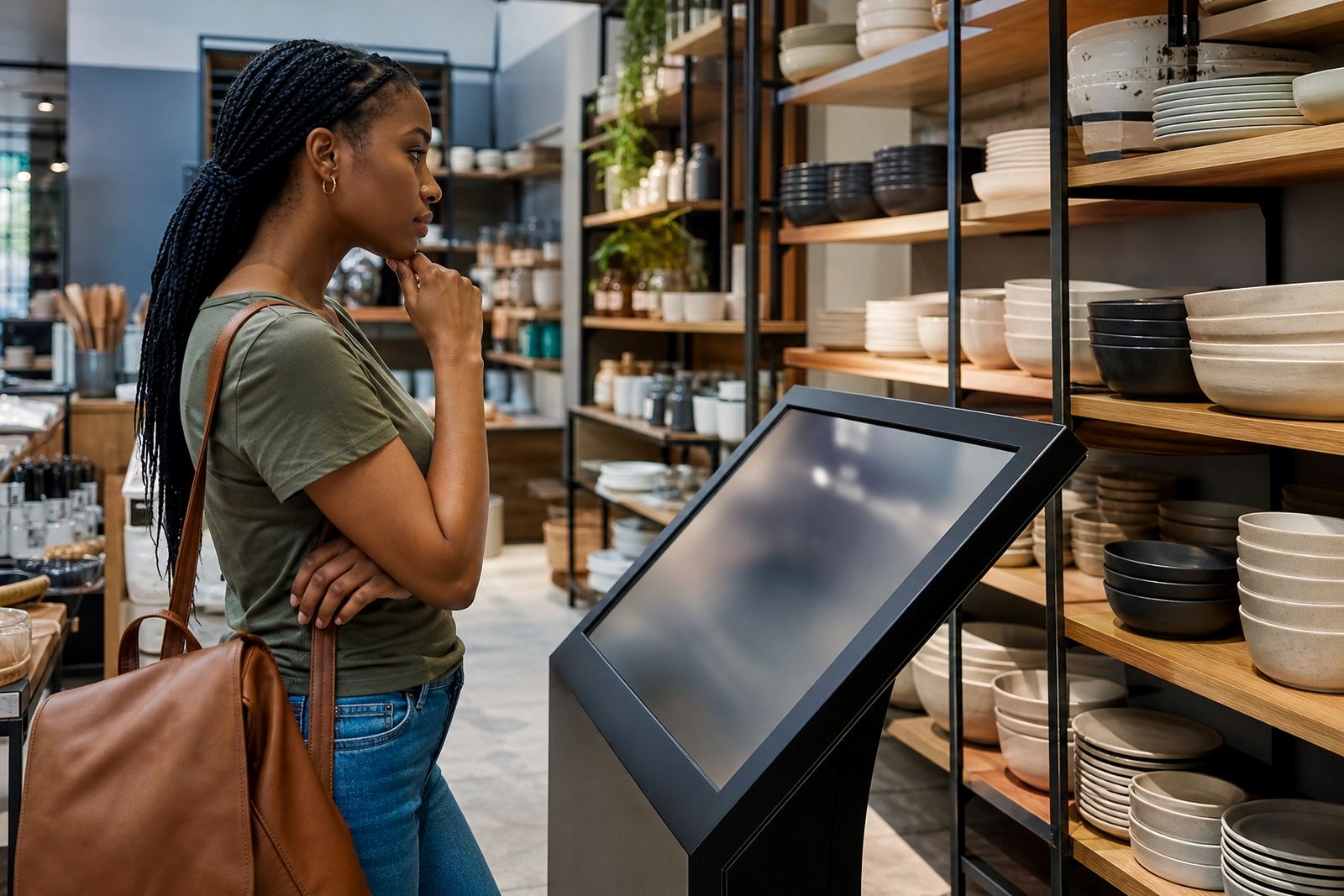
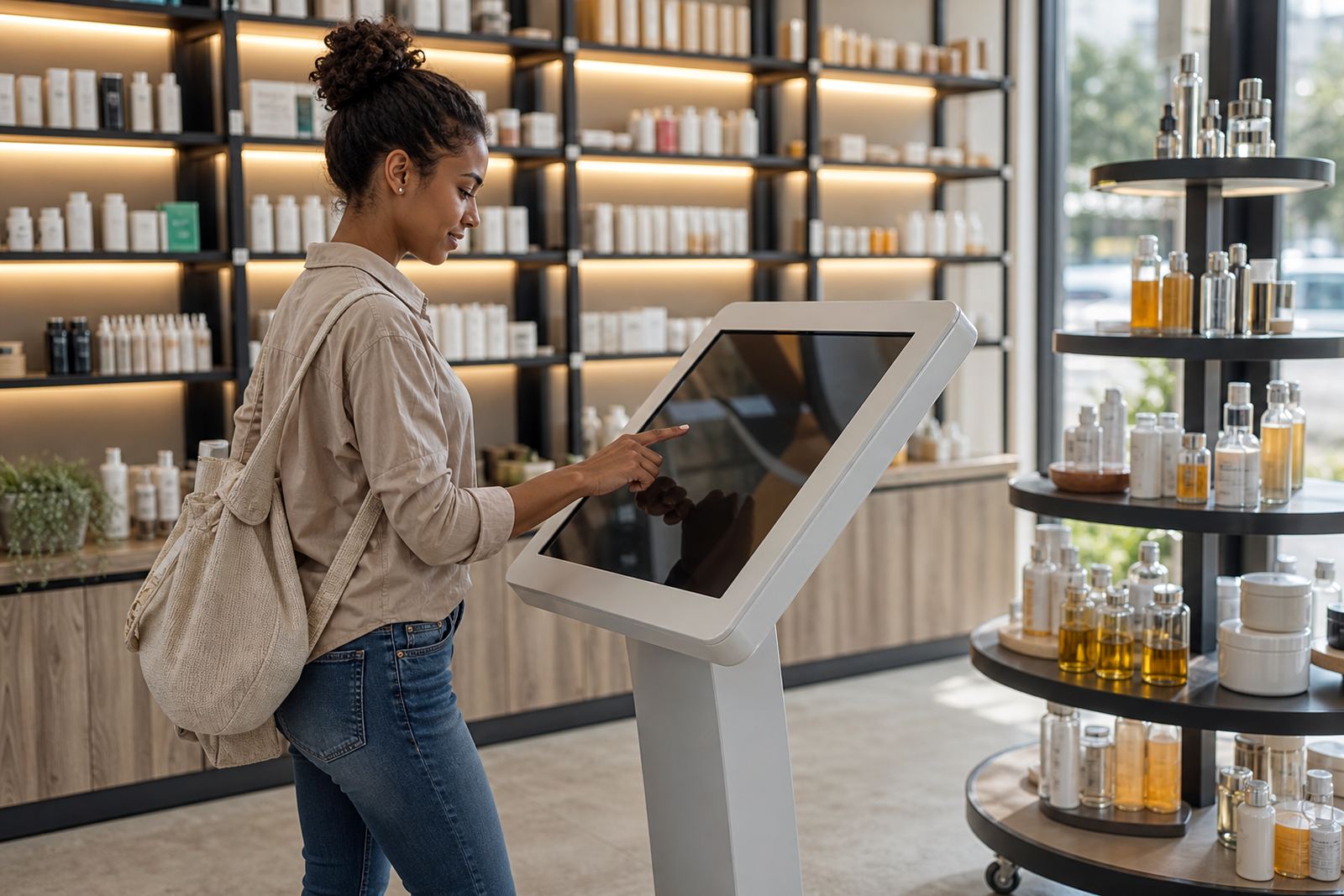
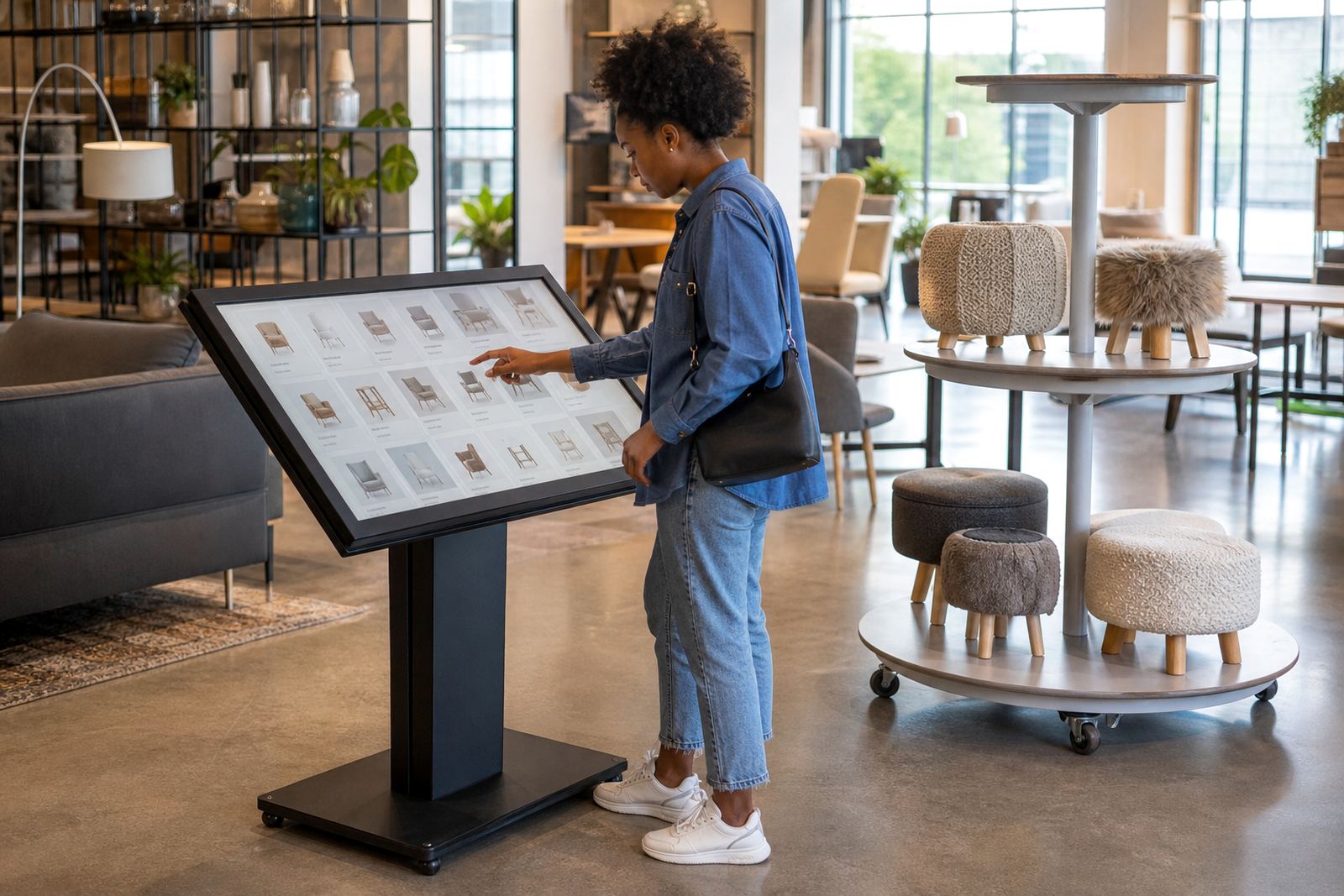
In a retail space, a touchscreen is touched all day by many hands. That means fingerprints, dust, hand cream, cleaning residue and the odd spill can build up fast, especially in stores with open doors, air conditioning and foot traffic from morning to closing time.
A dirty screen is more than a cosmetic issue. Smudges can make product images harder to read, sensors can feel less responsive, and customers may hesitate to interact with a kiosk if it looks neglected. In high-use areas such as entrances, till points and demo zones, regular cleaning helps keep the unit looking professional and working properly.
For stores in Gauteng, coastal humidity in Durban, or dusty conditions around busy loading bays, hygiene is not a once-a-week task. It should be part of the same routine as opening checks and end-of-day close down.
Use the right cloth and the right cleaner
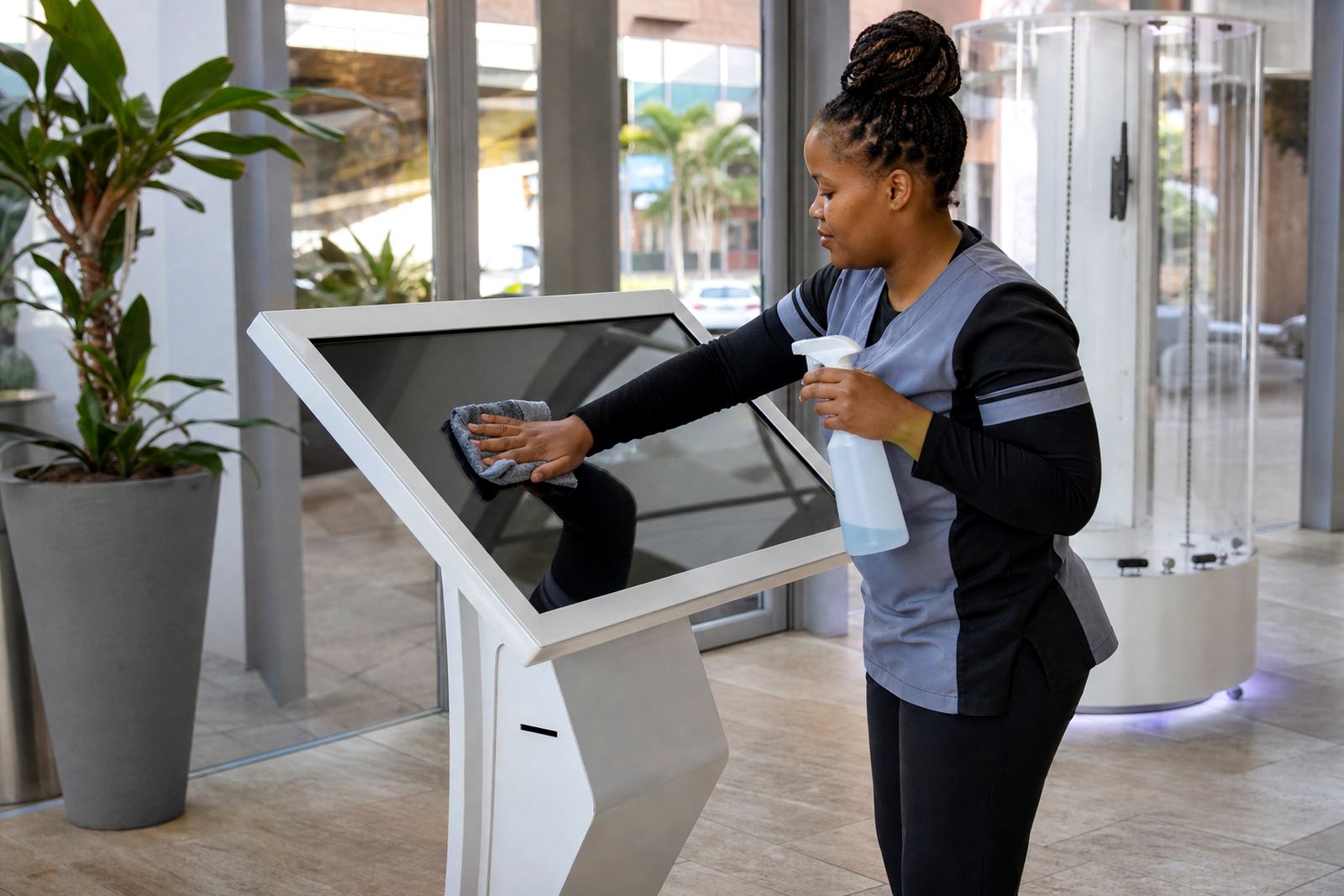
The safest approach is usually the simplest. Use a soft microfibre cloth and a screen-safe cleaning solution that leaves no greasy film. Apply the cleaner to the cloth, not directly onto the screen, so liquid does not run into the edges or ports.
Never use rough paper towels, abrasive pads, household bleach, ammonia-heavy sprays or strong solvents. These can scratch the surface, weaken protective coatings, or leave streaks that attract even more dirt. If the kiosk has a glass front, the same rule applies: gentle pressure, light moisture, and a clean dry finish.
- Wipe in one direction with light pressure
- Buff the surface dry with a second clean cloth
- Check corners and edges where dust collects
- Clean the frame and base too, not only the active screen area
Set a cleaning rhythm that suits trading hours
Good hygiene is about timing. A kiosk in a mall in Sandton may need several light wipes during the day, while a showroom unit in Midrand might only need a full clean at opening, mid-day and after closing. High-touch screens near promotions or queue points often need more attention than displays in quieter aisles.
A practical routine could look like this: quick wipe at opening, spot clean after peak lunch traffic, and a proper close-of-day clean when the unit is no longer in use. If your staff use the screens for product lookups, keep a cloth nearby and make it part of the handover between shifts. Consistency matters more than fancy products.
- Opening: remove dust and fingerprints
- Mid-shift: clean visible marks and smears
- Closing: inspect for residue, spills and damage
Keep hands, spills and weather in mind
Most screen wear comes from ordinary use. Customers often touch the display with lotions, sanitiser or damp hands after coming in from rain. In coastal areas, moisture in the air can also leave the screen feeling tacky if it is not wiped properly. In dry months or dusty sites, fine particles can settle on the edges and collect in vents.
Place a simple hand hygiene station nearby if the kiosk gets heavy use, especially in cosmetics, electronics or food-adjacent retail. That helps reduce grime and keeps the experience more pleasant for shoppers. If a drink is spilled, switch off the unit if needed and clean it promptly, rather than letting liquid sit near the bezel or cabling. Better to catch it early than deal with a fault later.
Where children use the screen, or where customers browse with damp umbrellas in wet weather, a slightly more frequent wipe can prevent sticky marks from setting in. Small habits save time and reduce callouts.
Protect the screen from damage during everyday use
Hygiene and protection go together. A clean screen can still be damaged by sharp objects, rings, keys or heavy-handed cleaning. Train staff to guide customers politely if they start tapping with jewellery, pens or fingernails. A steady touch is enough on most interactive kiosks, and pressing harder does not improve response.
Also check the surrounding area. If the kiosk is placed close to a payment counter or product shelf, nearby stock can bump the frame. Keep the base clear so mops, trolleys and cleaning carts do not scrape the stand. In busy stores, a small protection routine makes a real difference over time.
- Do not lean stock boxes against the stand
- Avoid spraying cleaner near vents and connectors
- Keep the floor around the unit dry and free of grit
- Use signage or staff guidance where customer traffic is heavy
A simple local example from a busy retail floor
In a Midrand retail environment, one store found that its interactive kiosk near the entrance was collecting fingerprints faster than expected during peak weekends. The solution was not complicated. Staff added a quick wipe at opening, a second clean after lunch, and a final check before closing. They also moved the nearest promotional bin a little further away so shoppers could access the screen more easily.
The result was a cleaner presentation and fewer complaints about sluggish touch response. Customers spent less time waiting for someone to clean the display and more time using it. That is often what good hygiene does, it supports the sale without drawing attention to itself.
If your stores are spread across Johannesburg, Pretoria, Cape Town, Durban or Bloemfontein, a shared cleaning checklist helps keep standards the same across sites. Different towns have different conditions, but the basics stay the same: clean cloth, gentle product, regular checks and staff who know what to look for.