Why a digital catalogue suits the way South African stores sell
Retail floors in Johannesburg, Pretoria and Cape Town all face the same pressure: limited space, fast-moving stock and customers who want answers now. A digital catalogue gives shoppers a way to browse the full range, compare options and see details without waiting for a staff member to fetch every sample. That matters in busy stores where one product bay might need to cover ten colours, several sizes and a few price points.
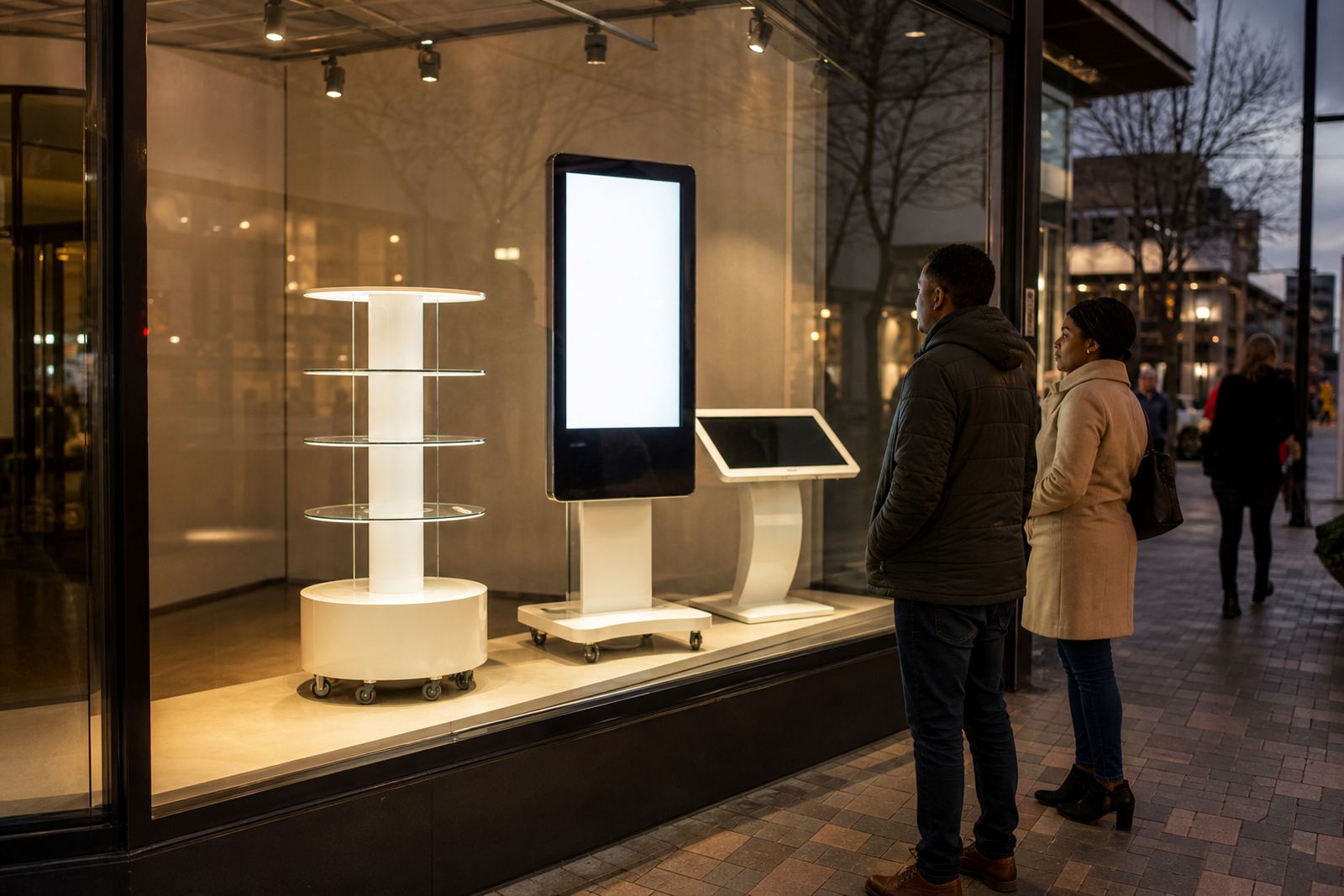
Instead of stacking more boxes or filling every shelf with sample units, the store can keep fewer physical items on display and let the touchscreen show the rest. This works well for categories such as electronics, fittings, homeware, furniture accessories and point-of-sale items where the range is wider than the floor can carry. It also helps with municipal trading restrictions in some centres where cluttered walkways and excess display stock can become a problem.
For chains with branches in Midrand, Sandton, Durban and Bloemfontein, a digital catalogue also makes it easier to keep the same product story across all sites. One update can be loaded across multiple units, so a new range or price change does not depend on printed boards being replaced in every branch.
What shoppers actually do at the screen
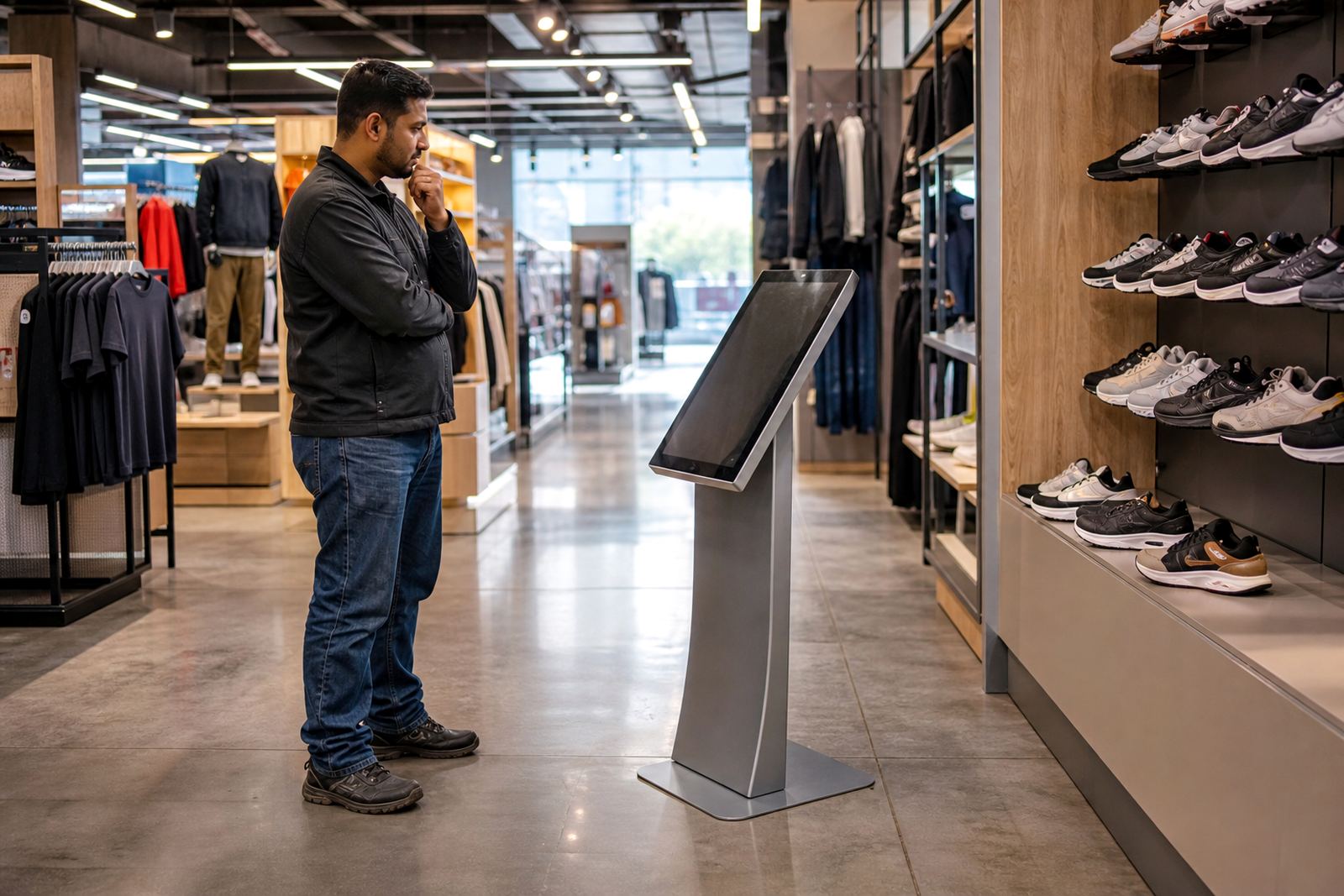
A good catalogue should not feel like a computer terminal. It should guide shoppers through simple choices with clear images, short descriptions and easy navigation. In a store, people usually use it to compare colours, check dimensions, look at finish options and confirm whether a product is in stock or available to order. The faster they find what they need, the more likely they are to stay engaged.
- Browse the full product range without taking up shelf space
- Compare items by size, colour, material or price
- View extra images, specifications and care instructions
- Check whether a product can be ordered for delivery or collection
- Reduce pressure on floor staff during peak trading hours
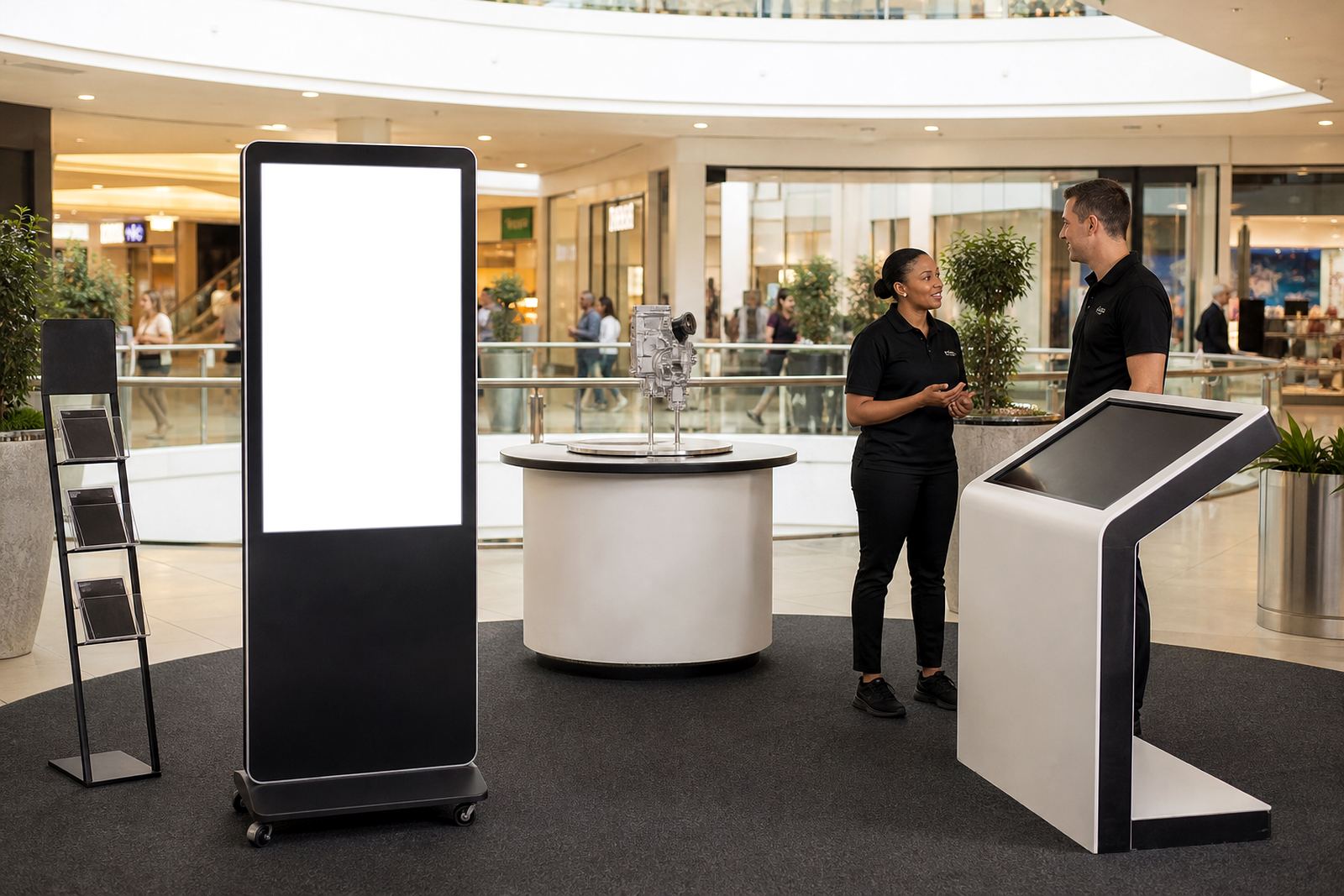
Shoppers also appreciate a catalogue when the physical item is too large, too expensive or too fragile to put out in full. In those cases, the screen carries the selling work while the display stand takes up only a small footprint. That is helpful in compact retail units, showroom-style spaces and mall kiosks where every square metre counts.
The parts that make the system work day to day
The display itself is only one part of the job. The content must be accurate, the network stable and the software easy enough for staff to use under pressure. In our climate, that means thinking about load-shedding, dusty delivery areas and coastal humidity in places like Durban. A unit must be installed properly, protected from power issues and set up so staff can restart it quickly if needed.
Digital catalogues work best when the product information is prepared carefully. If the descriptions are too long or the images are poor, shoppers lose interest. If the pricing is not updated, staff end up answering the same questions twice. A practical setup includes loading the right content, setting clear menu paths and making sure the unit connects properly to the store network where required.
- Screen size suited to the viewing distance in the store
- Durable mounting for customer traffic and daily cleaning
- Back-up power planning for outages and brief interruptions
- Simple software structure so updates are not a hassle
- Local support for fault repairs and parts replacement
How retailers use catalogues to save space and still sell more
The biggest benefit is not just convenience, it is the ability to widen the offer without widening the floor plan. A store can present a much larger range than it could physically stock. That means fewer duplicate samples, less damage from handling and less money tied up in full display stock. For certain product lines, the screen can show the whole collection while only the top sellers sit on the floor.
This also helps with merchandising. Staff can keep the physical display cleaner and more focused, while the digital catalogue carries the depth. Customers do not need to guess what else is available, and the retailer does not need to find extra shelf space every time a new range arrives. It is a sensible fit for branches that need to serve walk-in trade as well as planned purchases from repeat buyers.
In practice, a retailer in Midrand might use one touchscreen near the entrance for browsing, then another at a specialist counter for comparison and ordering. The same approach can work in Pretoria or Cape Town where stores often need to balance foot traffic with strong product presentation. It gives the customer a proper view of the range without crowding the shop floor.
A local example from a busy retail environment
Consider a retailer in Sandton that sells home and lifestyle goods with frequent range changes. The branch cannot display every variant in full, and the team does not want a crowded showroom that feels hard to move through. A digital catalogue lets the customer explore more options at the screen, then narrow the choice before asking for a sample or placing an order.
That same setup can be used across branches in Johannesburg, Centurion and Pretoria with consistent product information. When a new item arrives, the content can be loaded once and rolled out to the other units. This reduces confusion between stores and helps staff give the same answer, which is important when customers call in after visiting another branch. It also saves time on reprinting and reduces mistakes caused by outdated signage.
For a business serving multiple towns, this kind of consistency is practical. It helps with stock presentation during busy weekends, holiday trade and month-end rushes when staff are already stretched. It is a simple way to keep the range visible and current, even when the physical stock is limited.
What to plan before installation
Before fitting any touchscreen catalogue, the store should know where people will stand, how the content will be updated and who will look after the unit. Placement matters. If the screen is too close to a doorway or queue, people will bump into it. If it is too far from the product bay, shoppers may not connect the screen to the items nearby.
It also helps to plan for service access. A kiosk or display stand should be easy to reach for maintenance, cleaning and network checks. In a retail setting, downtime is costly, so preventive servicing is worth doing. Training staff is just as important, because a well-set-up unit still needs someone on site who can load content, restart the system and spot faults early.
- Confirm where the catalogue will be used and who will operate it
- Check power points, network access and cable routes before delivery
- Decide which products need images, pricing and comparison data
- Plan for cleaning, servicing and quick fault reporting
- Make sure staff know how to help customers use the screen
Why retailers keep coming back to the format
Digital catalogues work because they solve a real trading problem. They help stores show more without stocking more, and they keep product information current without relying on printed material that goes out of date. For retailers in South Africa, that means better use of floor space, fewer printing costs and a cleaner customer experience.
At iTouch 360, the focus is on practical retail use, from site assessments and solution design to installation, software configuration and ongoing support. Based in Midrand and working across the country, the team handles the technical side so the store can stay focused on selling. When the catalogue is easy to use and properly maintained, it becomes part of the sales process rather than an extra gimmick.
For many branches, that is the point. The screen is not there to replace staff, it is there to help shoppers make quicker, better decisions while keeping the floor uncluttered and the range visible.