Why Visual Merchandising Now Needs Active Display Tools
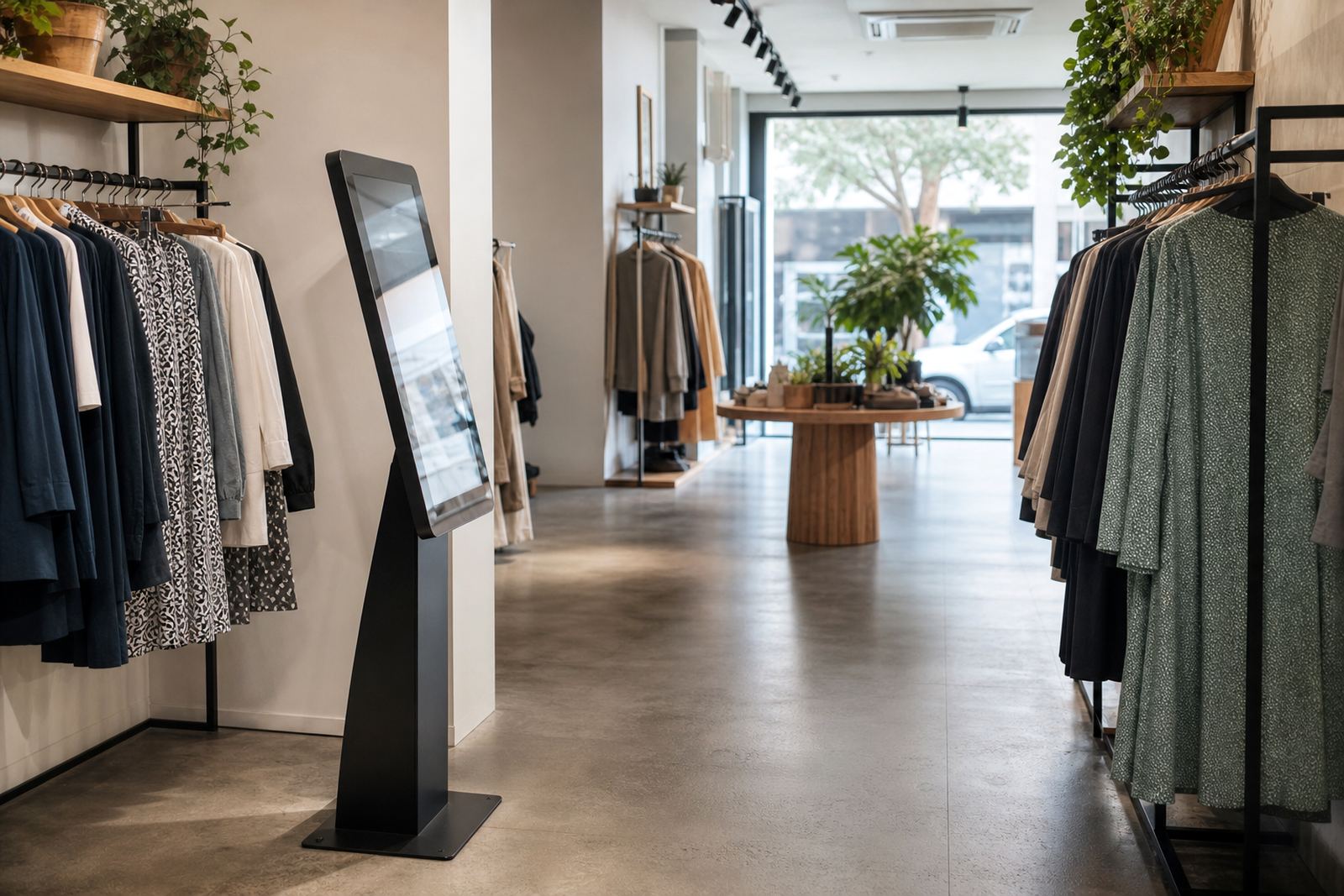
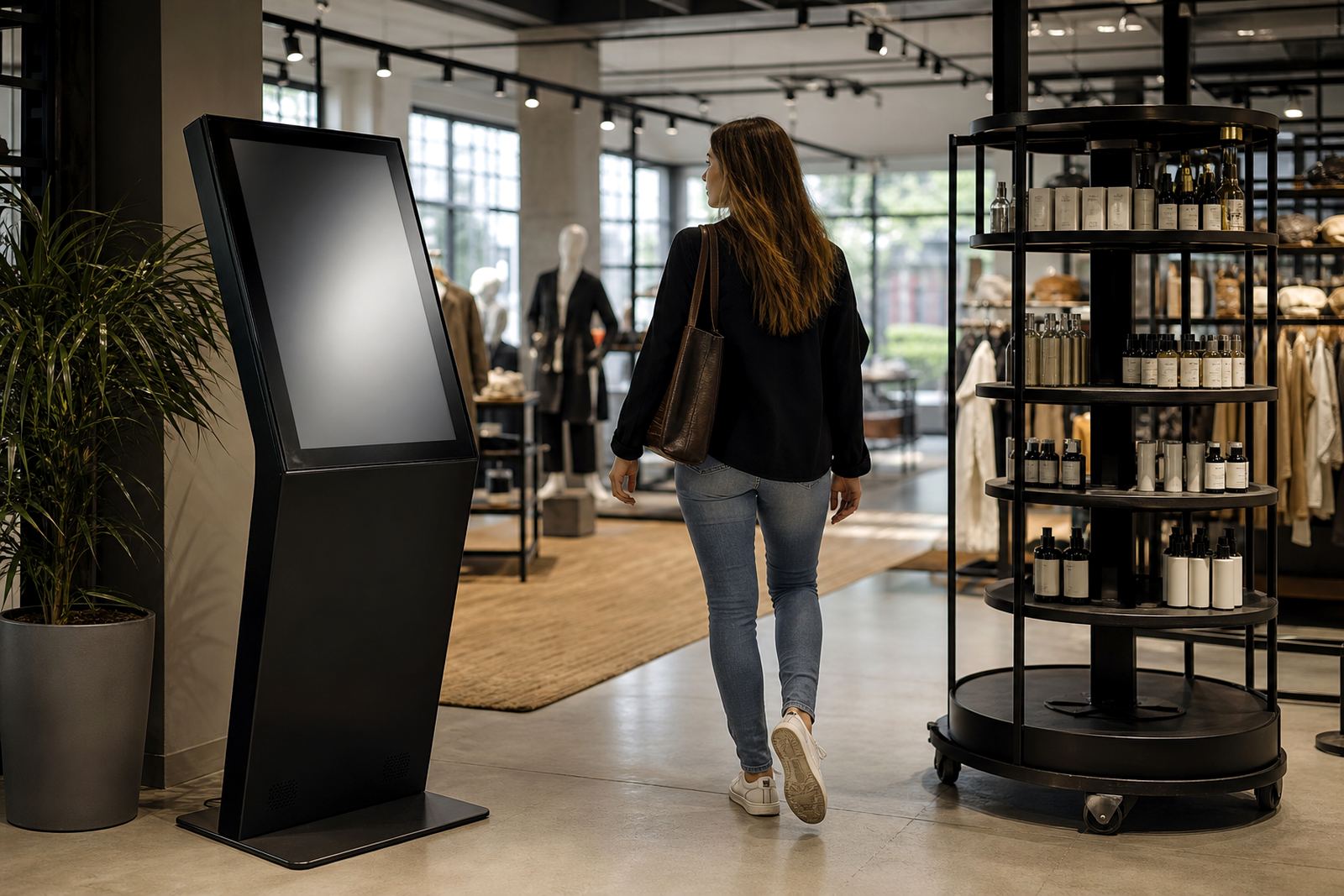
Traditional visual merchandising still matters, but shoppers now expect more than a static poster and a printed price card. In a busy retail setting, especially where staff are managing queues, stock checks and floor resets, a touchscreen kiosk can carry product details, short demos, size guides and campaign messages without needing constant staff involvement.
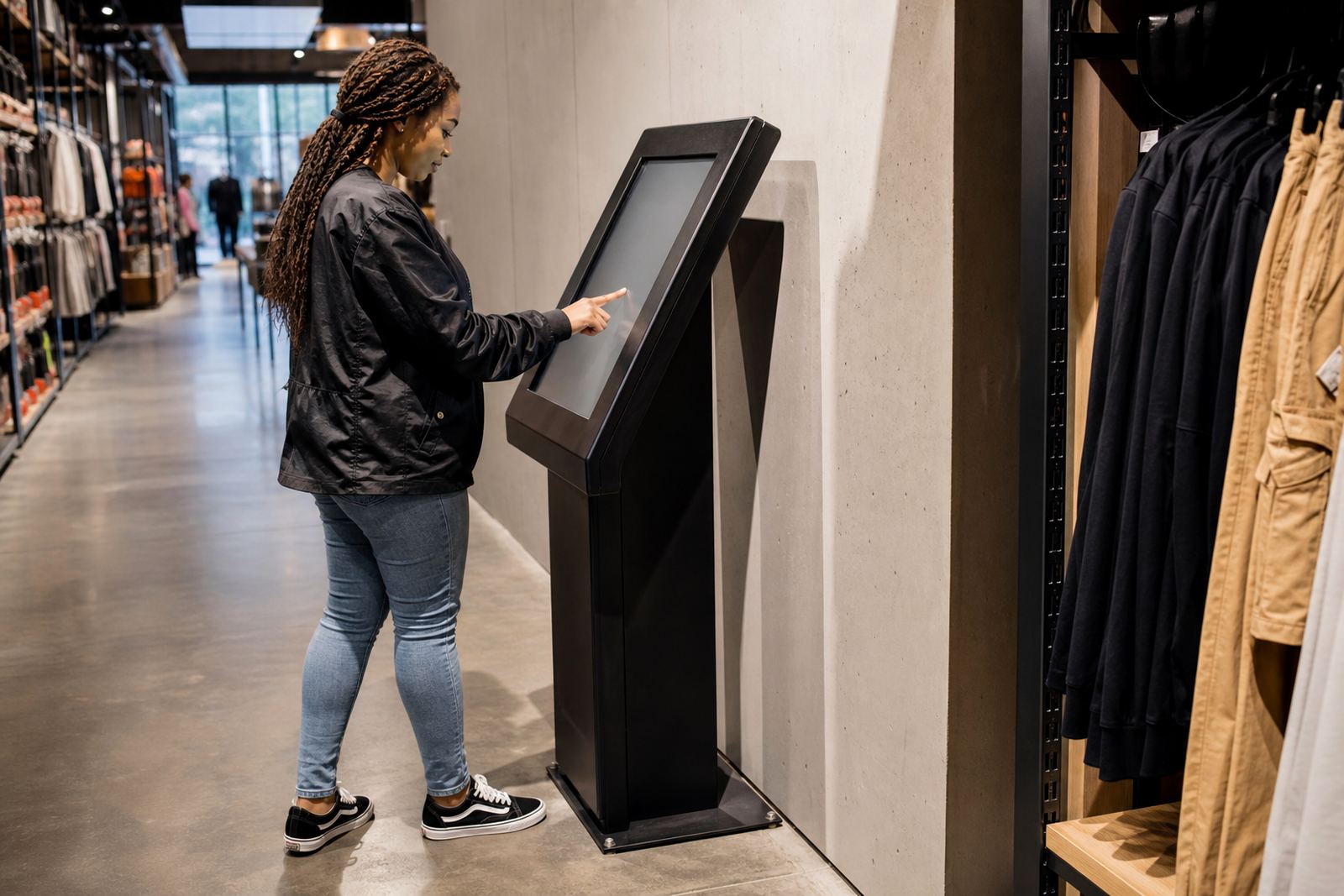
The real value is not flash, it is clarity. A customer standing in a Johannesburg mall or a Cape Town showroom can use a display to check features, available colours, fitment details or promotional bundles in a few taps. That short interaction often means better engagement and fewer questions for floor staff.
For retailers, this also makes campaigns easier to control. If a promotion changes, the content can be updated centrally instead of printing new material for every branch. In stores where load-shedding still affects trading hours, having the right content ready and the system properly configured makes a visible difference.
What 360-Degree Product Displays Do On The Shop Floor
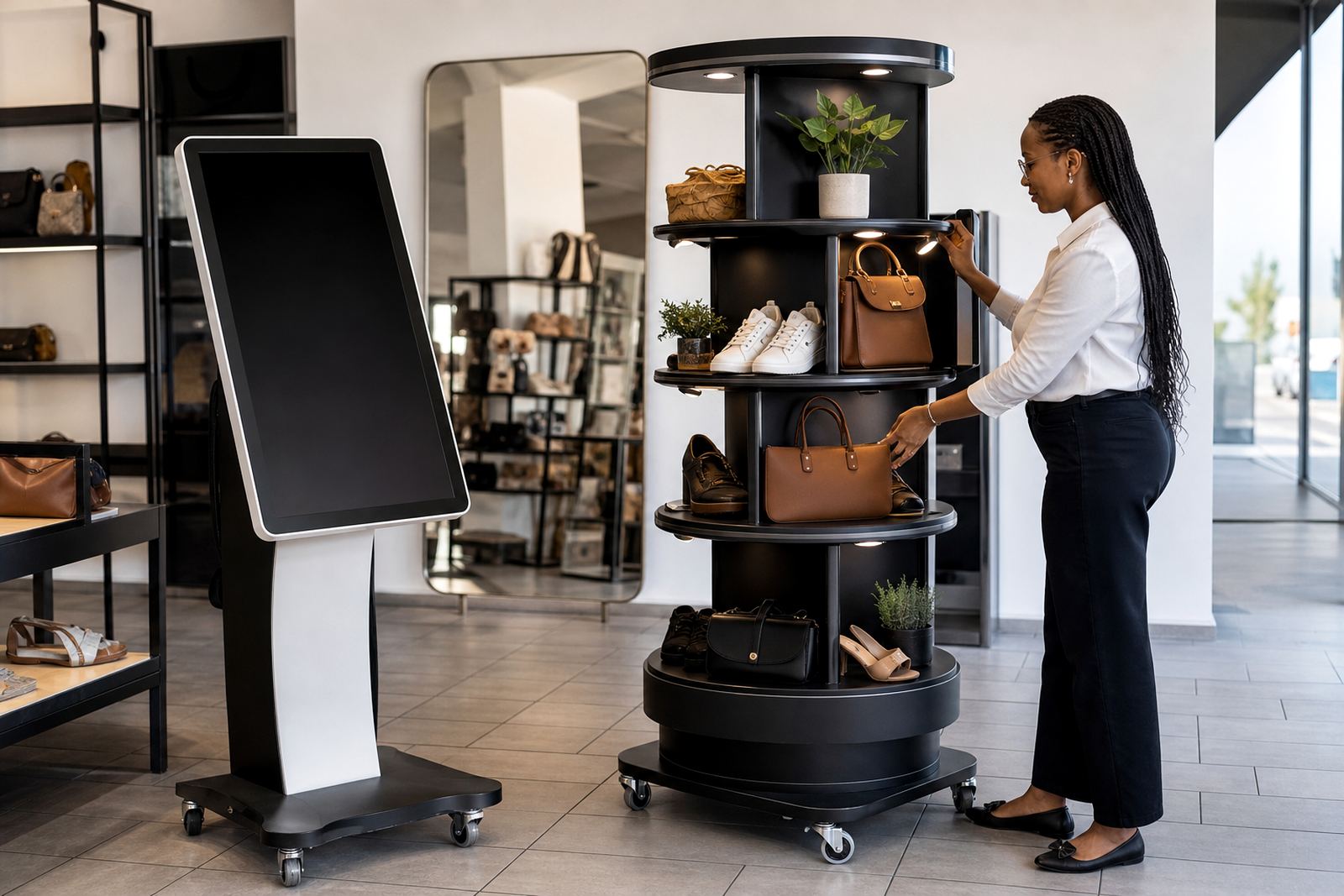
A 360-degree product display stand gives customers a full view of an item without handling it too much. That is useful for products that sell better when shoppers can inspect fine details, rotate a sample or see packaging from every side. It works well for items such as cosmetics, electronics, small appliances and premium accessories.
It also helps retailers present stock in a cleaner, more controlled way. Instead of overcrowding a table with too many sample units, a single rotating presentation point can show off the product properly. In stores with limited floor space, that can make the whole area feel more organised and easier to shop.
For outdoor-facing entrances and stores near the coast, the build quality matters. Humidity, dust and regular cleaning all affect equipment over time, so the stand needs to be practical, stable and easy to maintain. A product display should support the sale, not become another item that needs constant attention.
- Show one hero product clearly rather than crowding the display
- Use motion to draw the eye without blocking access
- Keep the surrounding signage simple and easy to read
- Allow staff to reset the display quickly during peak trading
Using Touchscreen Kiosks To Support Campaigns And Promotions
Touchscreen kiosks are most useful when they are built around a specific retail job. That might be helping shoppers compare ranges, showing a campaign video, explaining a technical product or guiding customers to a service counter. The best results come when the content is simple, local and matched to the store layout.
For example, a retailer in Pretoria running a back-to-school promotion could use a kiosk to show pack options, bundle prices and store maps for related products. In Durban, the same format could support seasonal campaigns with clearer product filtering and quick links to accessories. It is a practical way to give shoppers information without waiting for assistance.
At store level, consistency matters. If the interface is confusing or too slow, people walk away. If it is clear, responsive and easy to use, it becomes part of the merchandising rather than a separate gadget. That is why software configuration and content loading should be treated as part of the store presentation, not an afterthought.
- Use large buttons and short text lines
- Keep the first screen focused on the main campaign
- Load only the product information needed for that branch
- Test the flow during trading hours before rolling out widely
Local Store Conditions That Affect Installation And Performance
South African retail sites come with their own set of practical issues. Power interruptions, variable network quality and different store access rules all affect how interactive equipment performs. A good installation plan needs to take all of that into account before the first unit is mounted or connected.
In Midrand, Sandton and Johannesburg, time windows for delivery and installation are often tight because malls and landlords manage access carefully. In Cape Town and Durban, environmental conditions can also influence placement, especially near entrances where sunlight and humidity are stronger. That means screen angle, ventilation and cable protection need proper attention.
Municipal and landlord rules can also influence where equipment is placed, how it is secured and how it is powered. A display that is easy to service and positioned correctly will save time later. Small details such as clean cable routing and safe mounting are not cosmetic, they reduce downtime and help the store stay presentable.
How Retail Teams Get More Value From The Technology
The hardware gets attention, but the real value comes from how the store team uses it. Staff training should cover basic operation, simple troubleshooting and when to call for technical support. If a team knows how to restart a kiosk, reload a campaign or check the network connection, many small issues are sorted before they affect trading.
Preventative servicing is also worth planning. Screens, touch panels and moving display parts need regular checks, especially in busy stores where customers interact with them all day. A service plan helps keep the equipment reliable and reduces the chances of a broken display sitting unused for weeks.
Retailers should also think about content rotation. A kiosk or display that never changes loses impact quickly. Campaigns, product launches and seasonal messages should be updated often enough to stay relevant, but not so often that staff cannot keep up. A good support retainer can make this easier by keeping the technical side steady.
- Train store staff on daily use and basic checks
- Schedule servicing around quieter trading periods
- Review campaign content before each new promotion
- Keep spare parts and replacement plans in place for high-use sites
A Midrand Example For Multi-Branch Retail Rollout
A retailer based in Gauteng with branches in Johannesburg, Pretoria, Cape Town, Durban and Bloemfontein may not need every store fitted the same way. A flagship showroom in Midrand can handle a larger interactive setup, while smaller supply locations may only need a compact kiosk or a single 360-degree product stand near the main selling area.
That is where site assessments and solution design matter. One location may need network integration for live content updates, while another may need a simpler offline setup because of signal issues or store layout limits. Delivery installation, software configuration and fault repairs all need to be planned around the way each branch actually trades.
When the rollout is done properly, the customer experience feels consistent across the country, but still practical for each branch. That balance is what makes visual merchandising tech useful in the real world. It supports the sales process without getting in the way of it, and it gives shoppers a better way to engage with products before they decide.
Choosing A Setup That Fits The Retail Job
There is no single display format that suits every retailer. The right choice depends on floor space, product type, traffic flow and how much information the customer needs before buying. A good supplier should be able to match the equipment to the store rather than forcing the store to fit the equipment.
For some campaigns, a touchscreen kiosk is the better choice because it can carry rich information and product filtering. For others, a 360-degree display stand is enough because the product itself needs to be seen from all sides. In many stores, the strongest result comes from using both together.
What matters most is keeping the experience easy to use, easy to maintain and suitable for South African trading conditions. That means considering power stability, cleaning routines, installation access and after-sales support from the start. When those basics are in place, visual merchandising tech becomes a proper working tool, not just a nice addition.