Why Friction Costs Retailers More Than They Think
A customer journey becomes messy when shoppers have to ask three different people for the same answer, wait for someone to unlock a cabinet, or walk across the store to compare options. In retail, those small delays add up. A parent with two children, a contractor buying in bulk, or a weekend browser all want the same thing: clear information without the runaround.
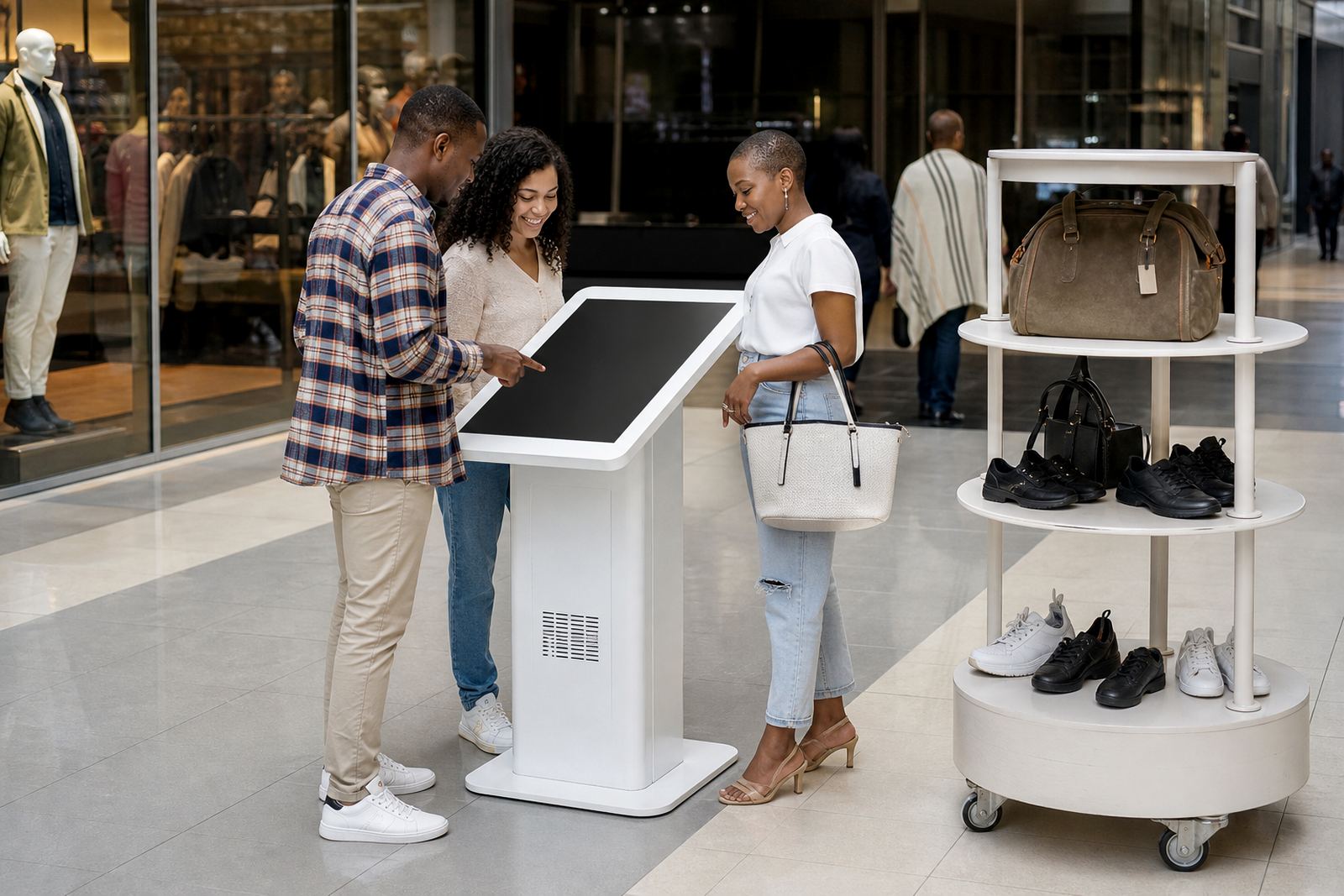
Interactive touchscreen kiosks and 360-degree product display stands help by putting key details where people already are. Instead of relying only on staff availability, shoppers can browse ranges, check features, compare sizes and view product angles on their own. That reduces pressure on your team and keeps the floor moving even during busy Saturday traffic.
For stores in Johannesburg, Pretoria and Cape Town, where foot traffic can spike at certain hours, this kind of self-service support is practical. It is not about replacing staff. It is about helping them focus on the conversations that really need a human touch.
Where Touchscreen Kiosks Make the Biggest Difference
Not every part of the store needs a screen, but some areas benefit straight away. Product aisles, promo zones, service counters and entry points are all strong candidates. A well placed kiosk can answer common questions before a shopper has to ask them.
In a retail setting, the best use cases often include:
- Product comparison for ranges with many sizes, colours or fittings
- Promotional browsing for new arrivals, specials or seasonal stock
- Store navigation for larger premises with multiple departments
- Technical information for products that need specs, compatibility or installation notes
- Queue relief at service points where staff are already handling payments and queries
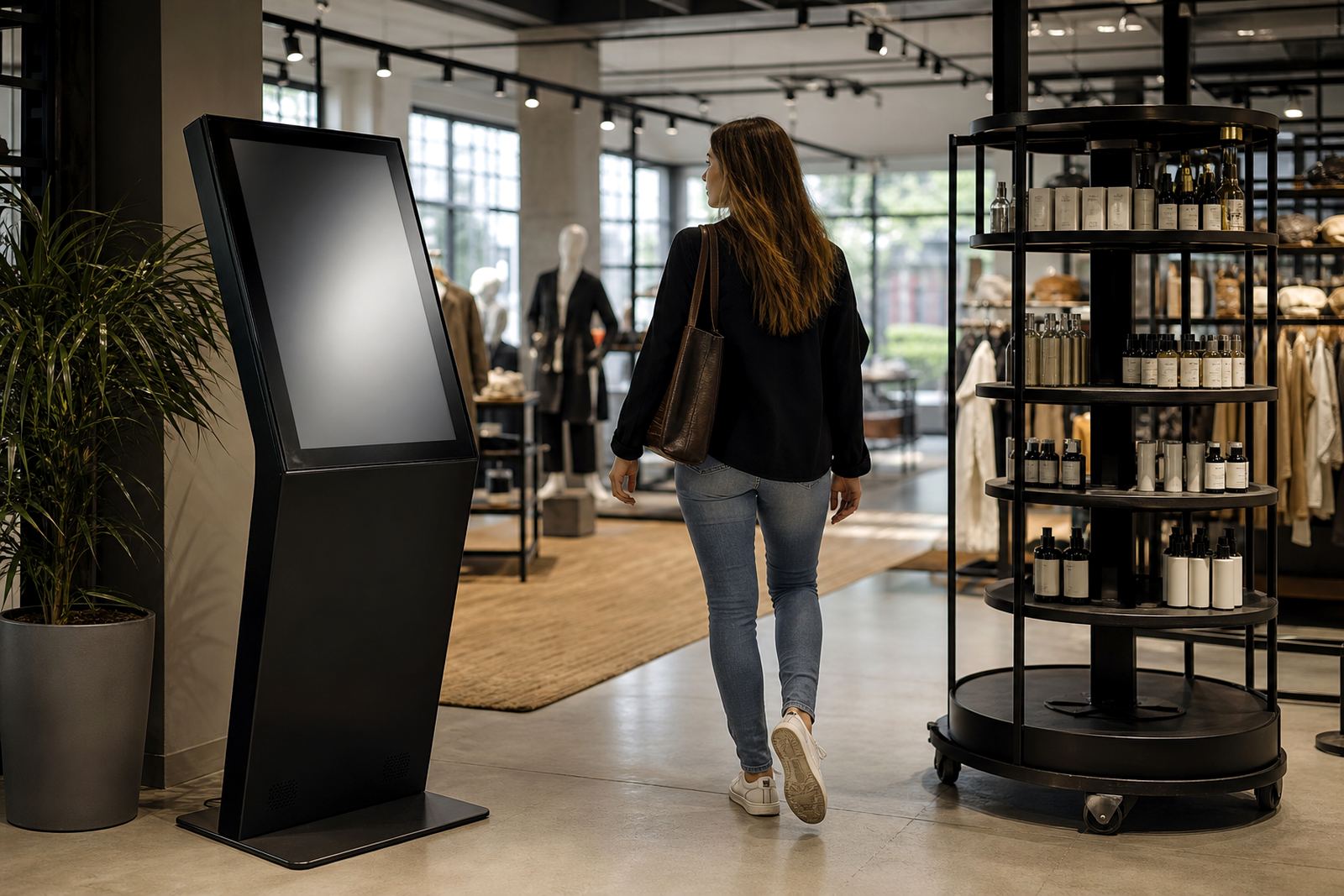
Good placement matters as much as the content. A screen hidden behind a pillar or too close to glare from the front windows will not do much. At iTouch 360, site assessments are used to work out where shoppers pause naturally and where a kiosk will actually earn its keep.
How 360 Display Stands Improve Product Understanding
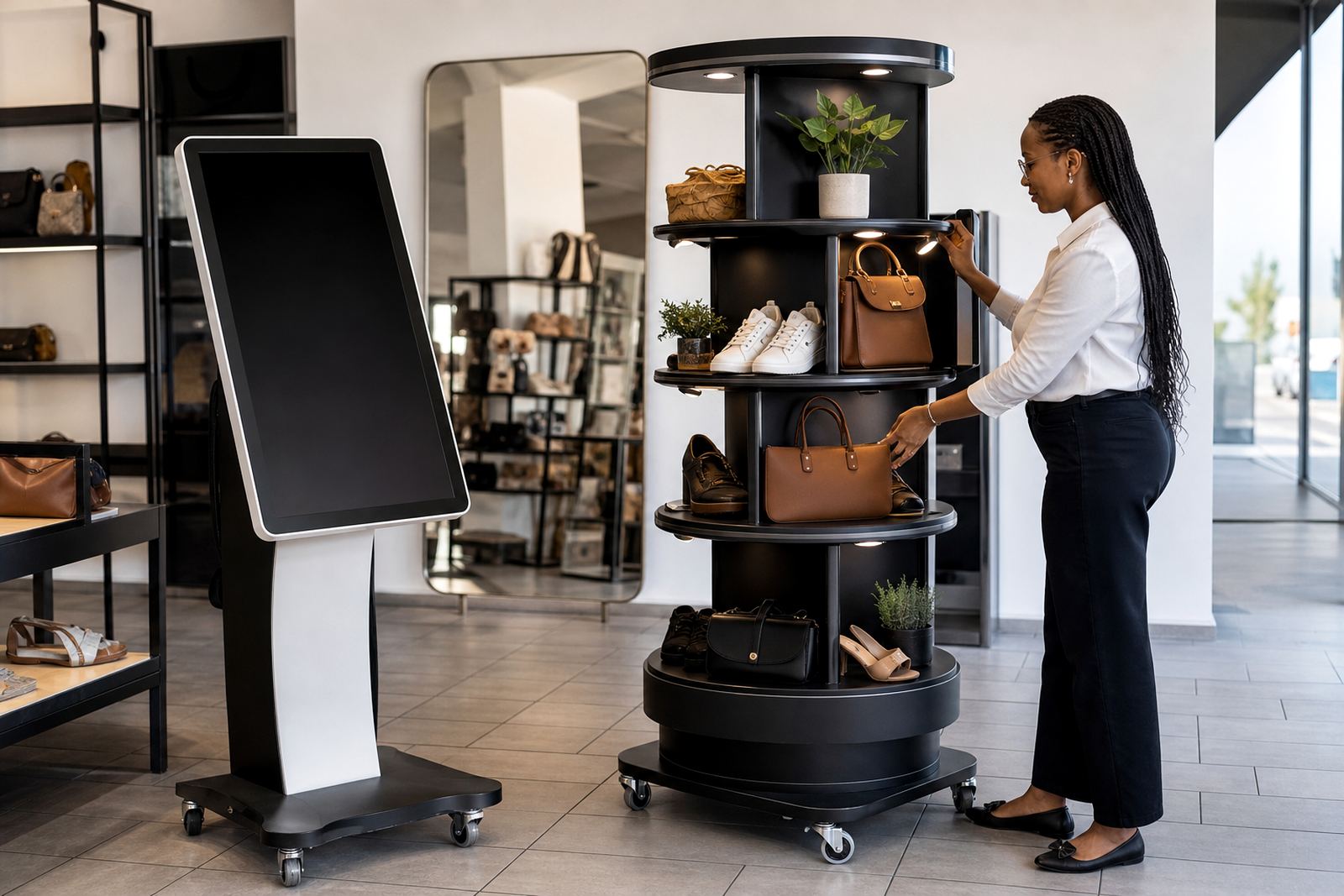
Some products sell better when shoppers can inspect them from every side. A 360-degree display stand helps with that by giving a full view without needing staff to keep lifting, rotating or unpacking stock. It works especially well for items where detail matters, such as small appliances, homeware, décor pieces, cosmetics, gift items and premium packaged goods.
There is also a practical safety angle. Fewer people handling loose stock can mean less damage, fewer missing parts and less time spent repacking. In stores with coastal humidity, such as Durban or Cape Town, a controlled display can also help reduce the wear that comes from constant handling by different customers.
Used properly, a 360 stand does more than show a product. It creates a calm, easy interaction. The shopper sees the item clearly, the team keeps the floor tidy, and the overall presentation feels more intentional.
Practical Steps That Keep the Journey Clean
The best customer journeys are not complicated. They are clear, fast and consistent. That usually starts with content planning, simple screen flows and regular maintenance. If a kiosk takes too many taps to reach a basic answer, people will stop using it.
Retail teams should think about the information customers ask for most often. Then that content should be loaded in a way that makes sense on the floor, not only in a back office file. In many stores, clear product categories and short explanations work better than long blocks of text.
- Keep menus short and easy to understand
- Use large touch targets for busy environments
- Load content that matches current stock and promotions
- Make sure the screen is bright enough for entrance light
- Check power, network and software settings regularly
Load-shedding planning also matters. If a kiosk is relied on for customer information, it should have a backup power plan and a sensible restart procedure. A screen that fails every time the lights go off can damage trust fast.
A Local Example from Midrand to the Coast
Consider a retailer with a showroom in Midrand and supply points serving Johannesburg, Pretoria and Durban. Foot traffic is mixed: trade buyers in the morning, family shoppers later in the day and staff handling deliveries in between. Without a clear information point, people keep asking the same questions about product ranges, stock and fitting options.
A touchscreen kiosk near the entrance can handle the first layer of questions. A 360 display near the featured products can help shoppers inspect finishes and details before they ask for assistance. That means staff can spend more time closing sales and less time repeating the same basic information.
For a store that ships across South Africa, this also helps create consistency. Whether the shopper walks into the Cape Town branch or the Bloemfontein supply point, they meet the same structure, the same product story and the same standard of service. That kind of consistency builds confidence.
Support That Keeps the Experience Working Day to Day
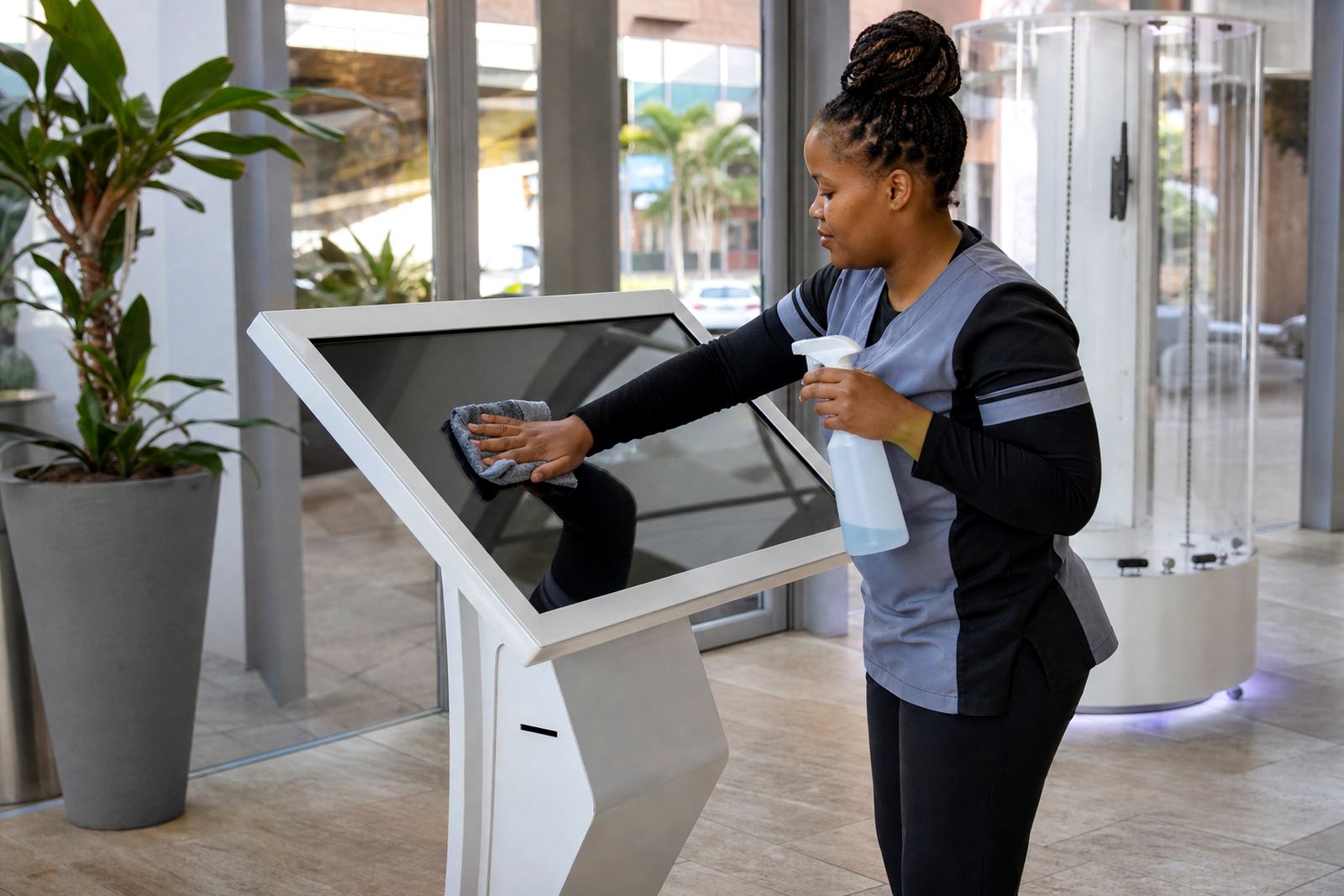
Retail technology only helps if it stays reliable. Screens, stands, software and network connections need regular attention, especially in high-traffic stores. Dust, fingerprints, power interruptions and accidental knocks are part of daily life on the shop floor, so support has to be practical not theoretical.
iTouch 360 handles the full setup chain from site assessments and solution design to delivery installation, software configuration, network integration and staff training. Preventative servicing, fault repairs and parts replacement are also part of keeping the system useful over time. For stores that want ongoing help, support retainers give a steady point of contact when something needs attention.
With a base in Midrand Gauteng and support across Johannesburg, Pretoria, Sandton, Centurion, Cape Town, Durban and Bloemfontein, the aim is simple: keep the customer journey clean, keep the floor moving and keep the experience easy to use for both shoppers and staff.