Why physical interaction still matters in a digital age
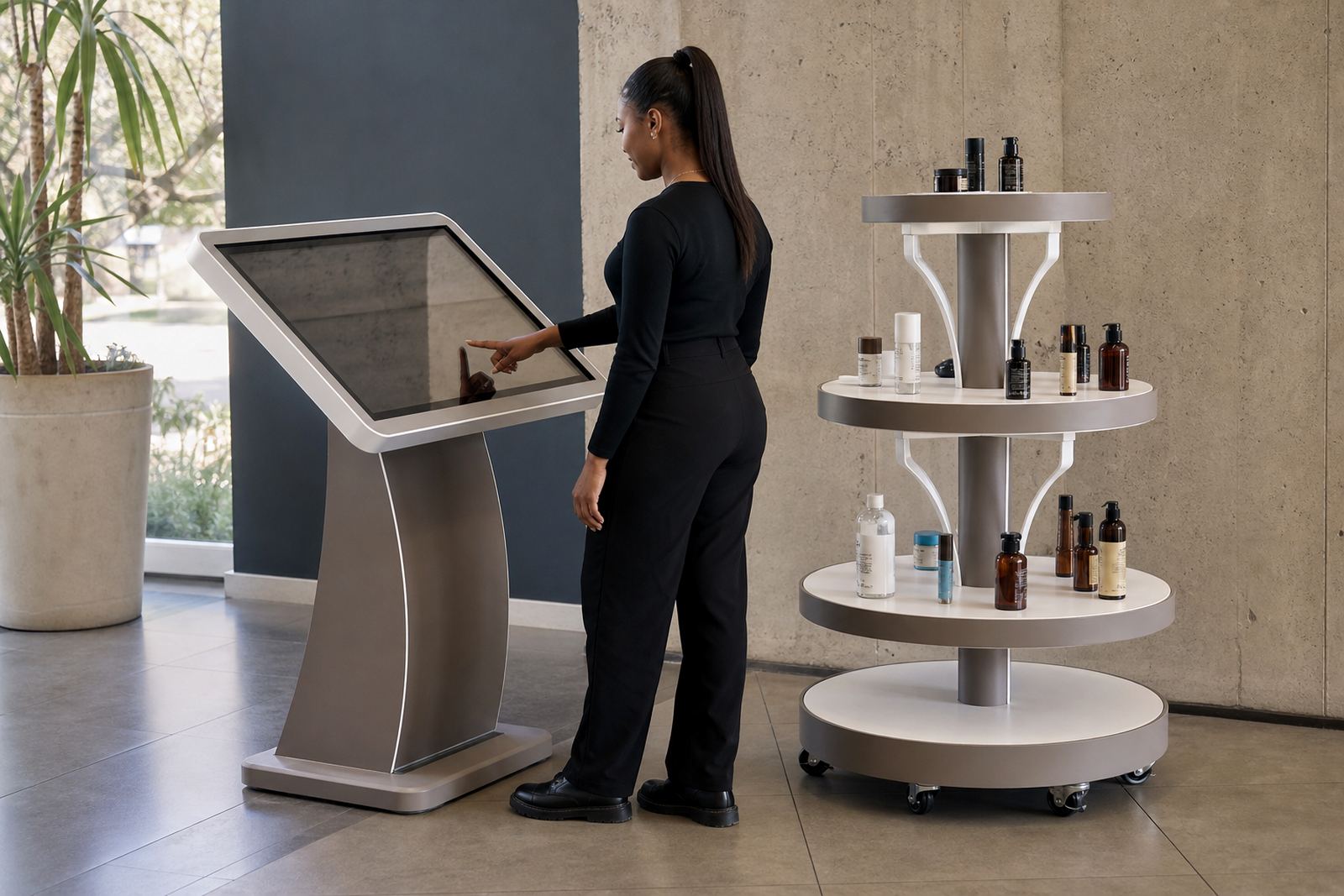
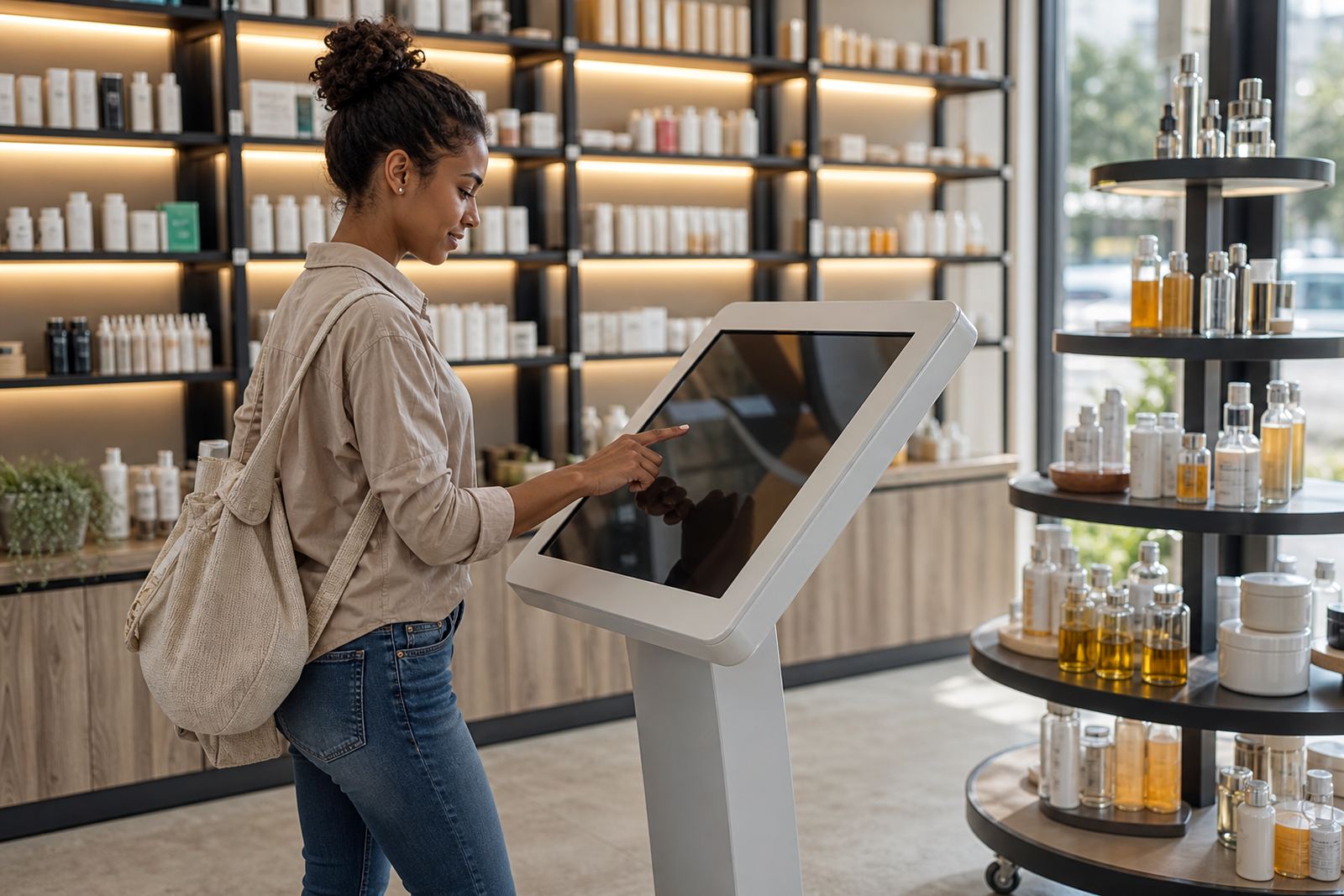
Retail has changed a great deal, but the basic truth stays the same: people trust what they can inspect. A screen that lets shoppers explore features, view sizes, compare finishes and check details gives them a clearer picture than a sign board ever will. That matters in stores where customers arrive with limited time and plenty of options.
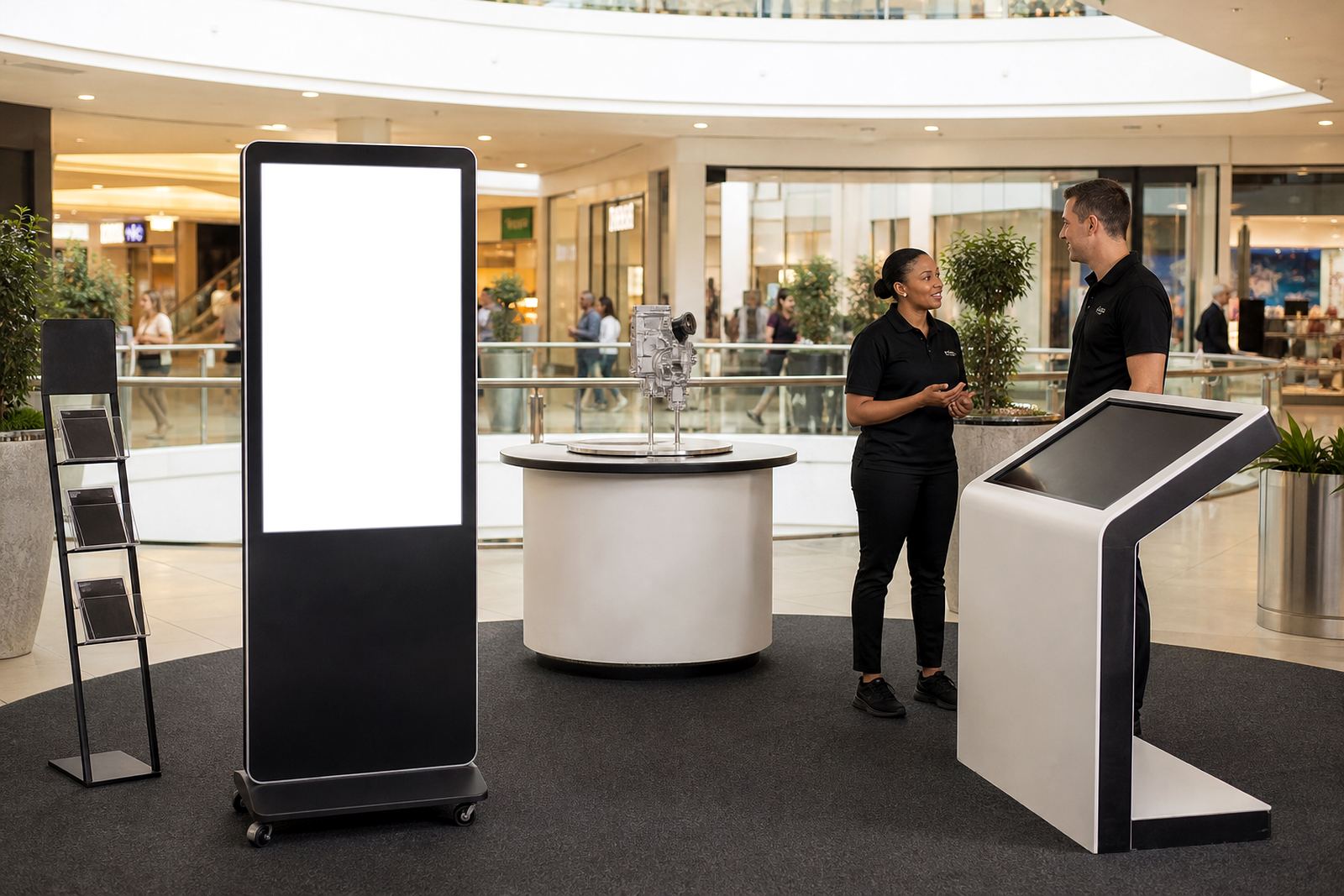
Interactive touchscreen kiosks and 360-degree product display stands work because they reduce uncertainty. A shopper can see the full product, ask fewer repeated questions and move from interest to decision with less friction. For retail teams, that often means shorter queues at peak times and less pressure on floor staff during weekends and month-end trade.
In South Africa, where stores in Johannesburg, Pretoria, Cape Town, Durban and Bloemfontein each serve different buying habits, this kind of product presentation helps keep the message consistent. The same item can be explained clearly whether the shopper is in a busy mall in Sandton or a regional store with leaner staffing.
How touch builds confidence before the sale
Shoppers want proof before they spend. A well set up kiosk can answer the questions they may not want to ask out loud, especially on premium items, technical products or goods with several variants. If the customer can see the options side by side and understand what changes from model to model, they are far more likely to choose with confidence.
The same applies to 360-degree display stands. When a product is shown from every angle, the customer does not have to imagine hidden details. That is valuable for items with finishes, fittings, packaging differences or moving parts. It is also useful when a product must be compared under store lighting, which can reveal texture, gloss and colour more accurately than a flat shelf label.
- Clear product information reduces hesitation
- Hands-on exploration helps shoppers compare options quickly
- Better understanding can lower the need for repeated staff explanations
- Confidence at the shelf often leads to a faster purchase decision
What retailers should place on screen and on the stand
The best in-store touch points do not overload the shopper. They guide the person towards a decision with useful details only. That means simple navigation, sharp images, short product explanations and content that answers the questions staff hear most often. If the interface is cluttered, people move away. If it is clear, they stay longer and engage more deeply.
For 360-degree stands, the product itself should be arranged so that every angle reveals something useful. Branding should support the item, not fight with it. Good lighting, tidy cabling and clean placement matter because the display needs to look credible in a working retail space, not just in a quiet test area.
- Price ranges and product comparisons
- Key features and available sizes
- Simple how-to or usage guidance
- Promotions, bundles or add-on options
- Branding that matches the store environment
iTouch 360 works with retailers from Midrand and across Gauteng through to coastal and inland branches, helping shape content, layout and function around the shop floor rather than forcing the shop floor to adapt to the equipment.
A practical example from a Midrand retail floor
Consider a Midrand store that sells lifestyle and home products to a steady mix of office workers, families and weekend shoppers. Staff know the products well, but at busy times the same questions come up again and again. Which model is this? What does it include? Is there a different size? Can I see it from the back?
By placing a touchscreen kiosk near the display zone and using a 360-degree stand for the main item, the store gives customers a self-service way to explore before they ask for help. The team spends less time repeating basic product facts and more time closing informed sales. The customer feels looked after, not rushed.
That is useful in cities where shoppers often visit stores after work or on Saturdays, when load-shedding schedules, traffic and limited time can shape the whole visit. If the experience is clear and quick, the shopper is more likely to stay, compare and buy.
Keeping the system reliable in South African conditions
Touch solutions need to perform in real stores, not just in ideal conditions. In South Africa that means dealing with power interruptions, dust, coastal humidity in places like Durban and Cape Town, and the general wear that comes from high foot traffic. The equipment needs correct placement, safe cabling and sensible software settings so it keeps working when the store is busy.
Retailers should also think about the everyday practical side. If a kiosk is hard to update, content goes stale. If the network connection is poor, product information may not load properly. If the screen is placed where glare from windows makes it difficult to read, customers will ignore it. Good planning prevents these problems before they become store-floor complaints.
- Protect against power dips and outages with proper configuration
- Choose materials and finishes suited to local weather and foot traffic
- Allow enough space for cleaning and safe movement around the unit
- Plan for regular servicing so faults do not interrupt trade
How retailers turn engagement into sales
Touch does not sell by itself. It sells when the experience helps the customer reach a decision with less effort. That is why the content, placement, branding and support all need to work together. A shopper who can explore a product, understand the differences and trust what they are seeing is much easier to convert than one who is left guessing.
For retailers with branches in Johannesburg, Pretoria, Sandton, Centurion, Cape Town, Durban or Bloemfontein, the same approach can be tailored to each site. Some stores need stronger self-service support, while others need a more premium presentation near the entrance or in a specialist aisle. The point is to give each customer a clear path from interest to purchase.
That is where practical support matters too. Site assessments, solution design, content loading, delivery installation, software configuration, network integration, preventative servicing and staff training all shape whether the system actually helps the store. When the setup is right, touch becomes part of the sales process, not just a display feature.