Why product launches fail when the information is hard to find
Many launches look good for the first hour and then lose momentum because shoppers cannot get to the details fast enough. If a customer has to wait for a staff member to explain sizes, features, prices or stock options, the moment can pass. In busy stores across Johannesburg or Cape Town, that delay matters, especially on Saturdays when foot traffic is high and staff are already balancing tills, floor service and stock checks.
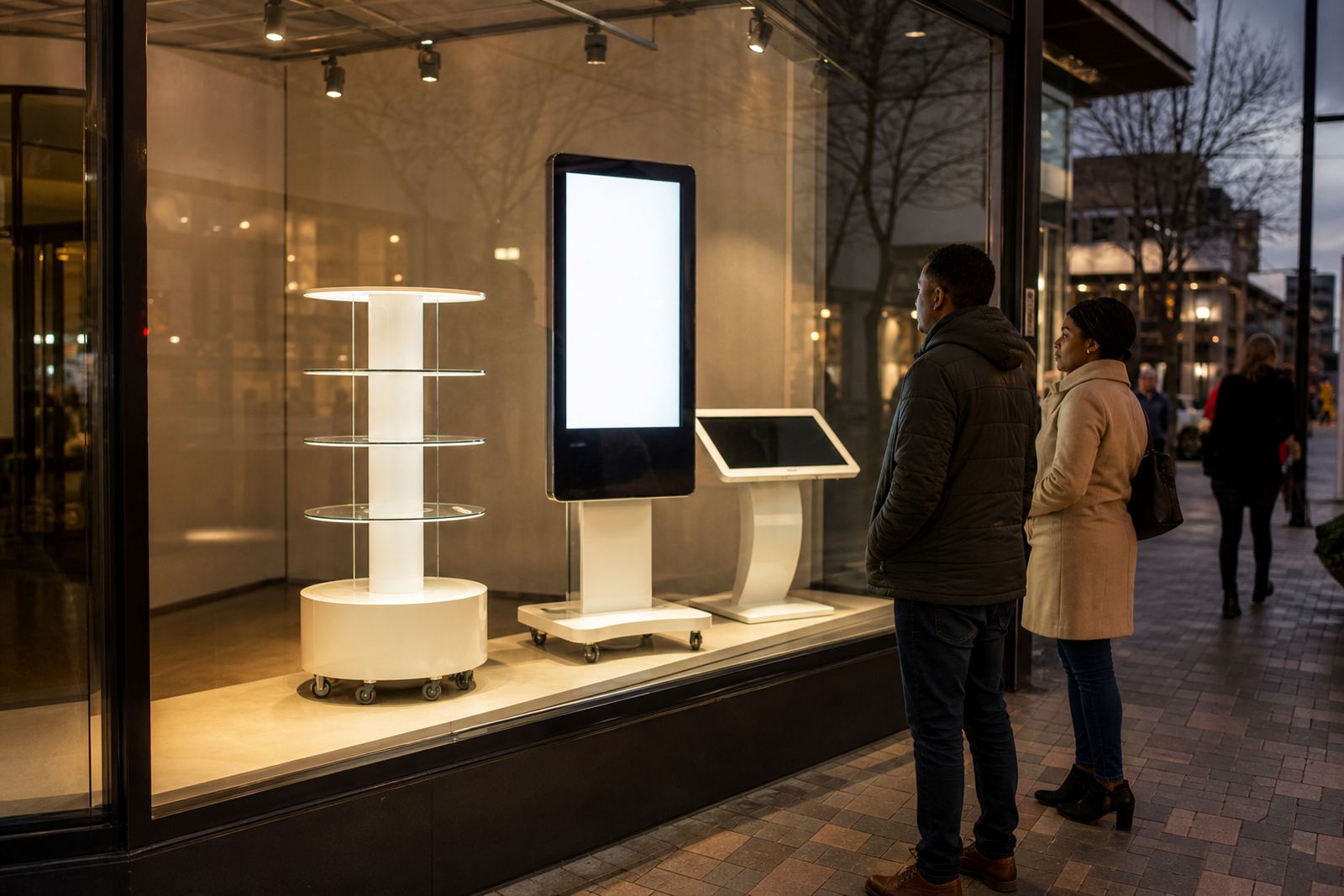
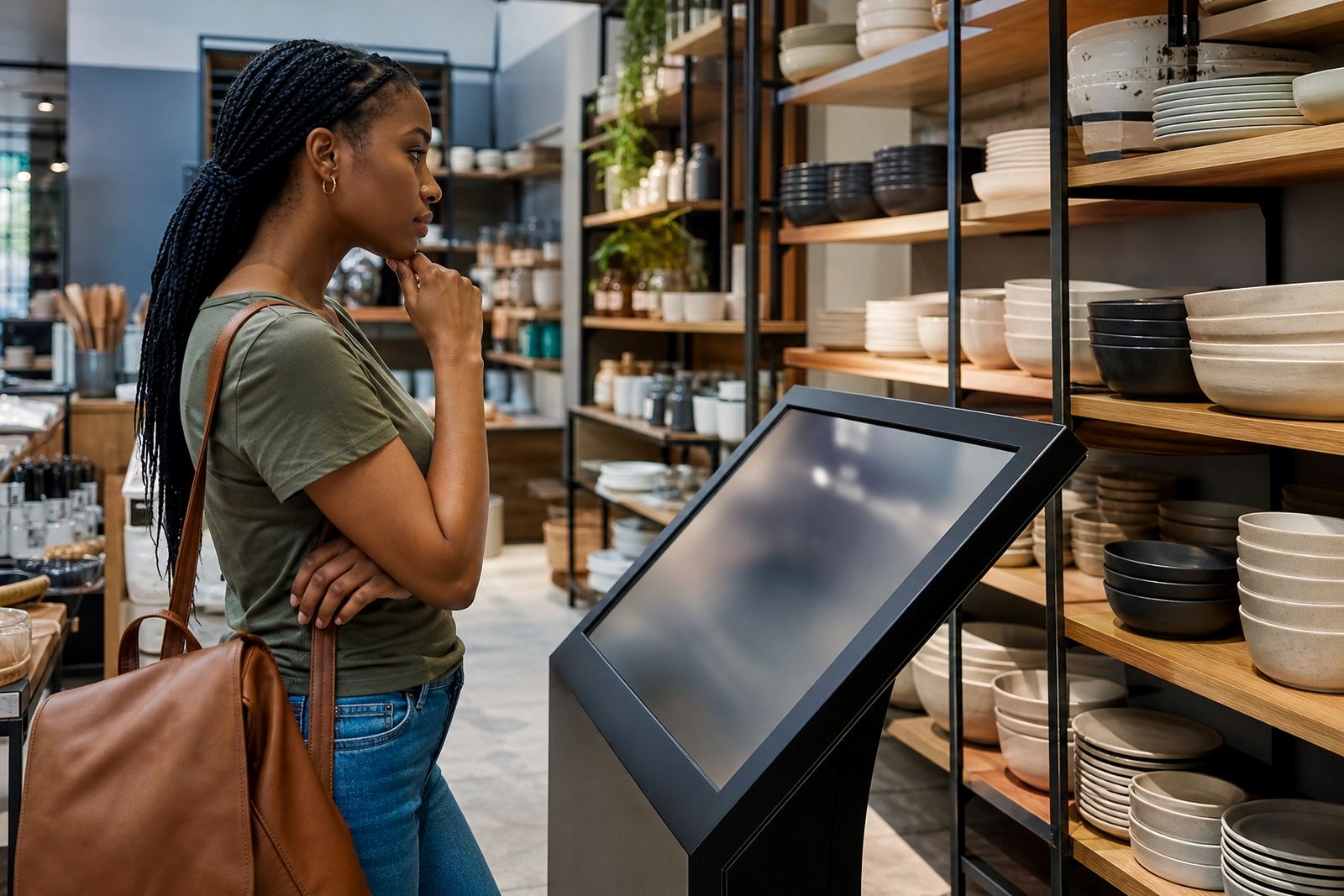
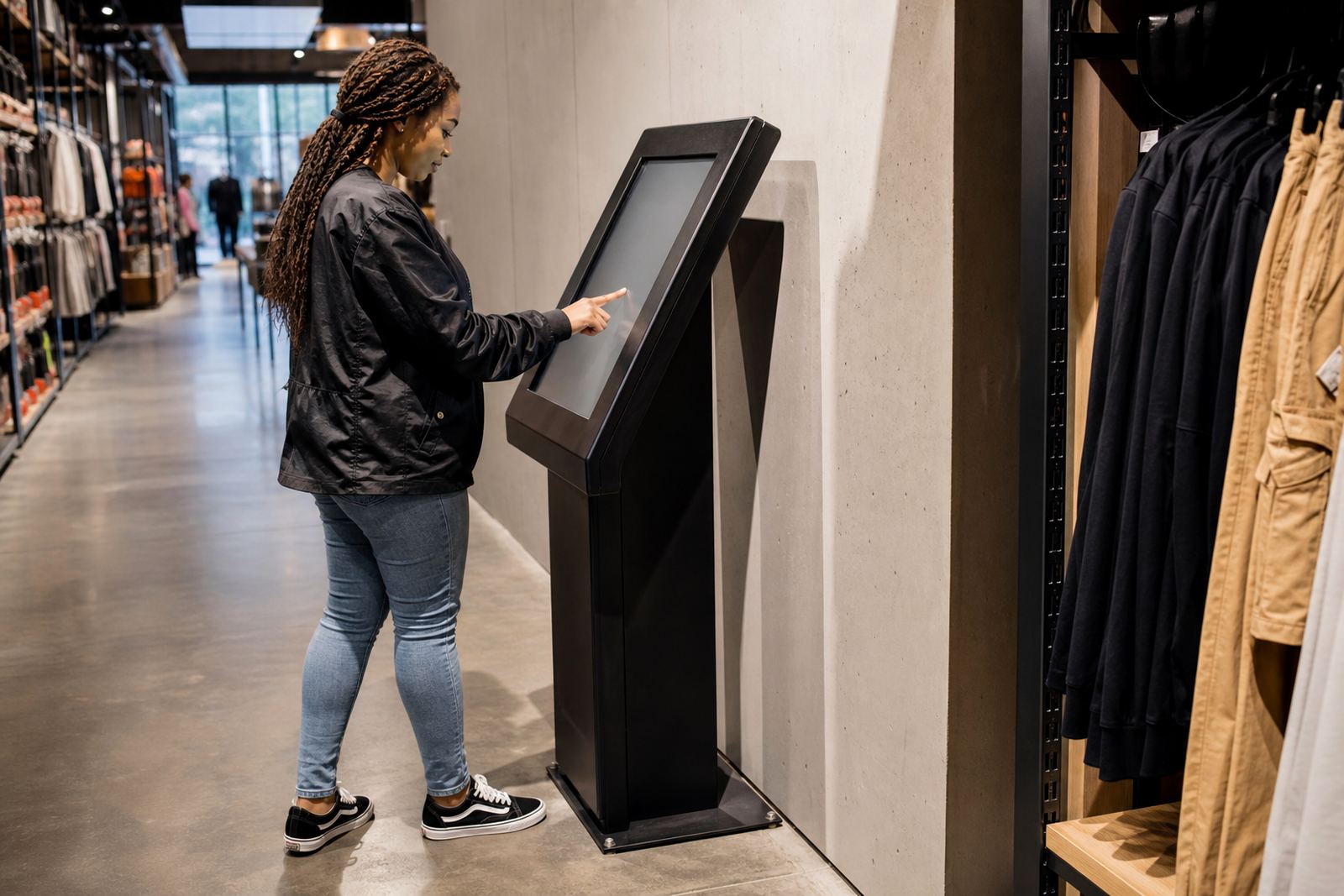
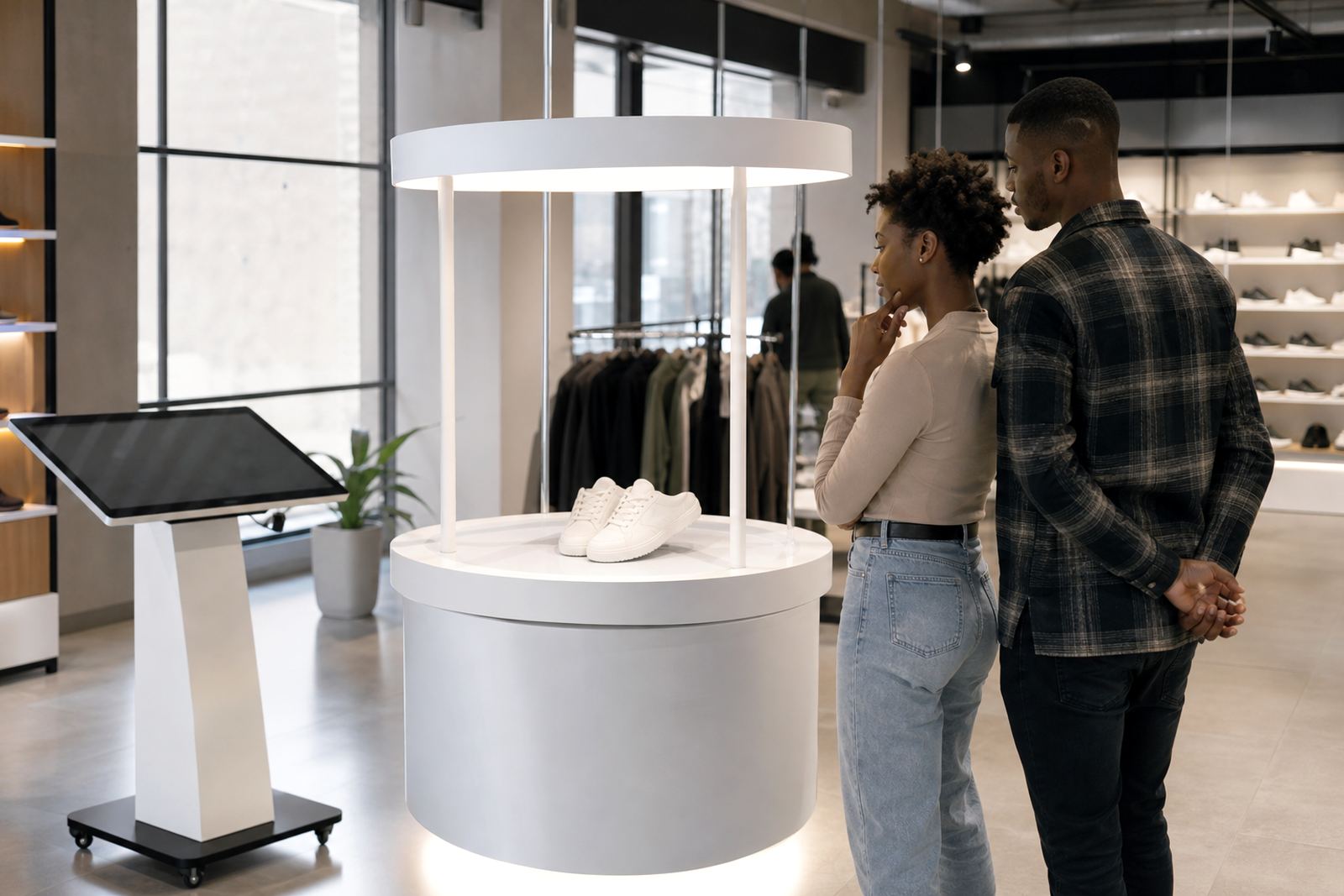
Interactive touchscreen kiosks solve that problem by putting the product story right where the shopper is standing. They can show how a product works, compare options, list compatible accessories and answer common questions without anyone needing to leave the display. That makes the launch easier to understand and far more consistent from one branch to the next.
For retailers, the aim is not just to impress people. It is to help them decide with confidence and keep the launch message clear even when the store is short staffed or dealing with load-shedding interruptions.
Build the launch around one clear customer question
Before you think about graphics or hardware, decide what the shopper must know in the first 30 seconds. A launch that tries to say everything usually says nothing. Is the product meant to save time, improve convenience, solve a household problem or offer better value? That answer should shape the screen content, the printed signage and the way your team speaks about the item.
At iTouch 360, our approach starts with the retail setting. A premium cosmetics launch in Sandton needs a different presentation from a school supplies rollout in Pretoria or a homeware promotion in Durban. The display should reflect the buying habits of the area, the available floor space and the type of customer walking through the door.
- Lead with one benefit, not five.
- Show the product in use, not only in a still image.
- Keep the on-screen steps short and easy to follow.
- Use plain language that store staff can repeat.
- Make pricing and pack size easy to find.
Use touchscreens to shorten the explanation, not lengthen it
A good launch display should help shoppers understand the product faster than a printed brochure would. That means simple navigation, clear headings and a few useful choices rather than a long menu. If the kiosk has to work in a fast-moving retail aisle, the content should be readable in bright shop lighting and usable by someone carrying bags, a child or both.
The best content blocks for a launch are often the most practical ones. A short feature overview, a short how-it-works clip, a comparison chart and a quick answer section can do more than a long sales pitch. In Gauteng stores with limited floor space, a vertical kiosk can handle this neatly without blocking the aisle. In coastal stores, the hardware finish and screen protection should be chosen with humidity and salt air in mind so the unit keeps performing well.
- Use large buttons and simple labels.
- Keep one screen for the core message.
- Add a second screen for comparisons or extras.
- Make sure the content loads quickly after power interruptions.
- Leave room for staff to stand beside the unit and speak with shoppers.
Make the display do real selling work during the launch week
The strongest launch displays are not passive posters. They guide customers through decisions and collect useful interest at the same time. If your product needs demonstration, a touchscreen can show step by step use, care instructions, assembly notes or feature comparisons. If the product has several variants, the screen can help shoppers identify the right one before they ask for help at the counter.
Retailers also use these displays to reduce pressure on sales teams. When the product information is already on screen, staff can focus on closing the sale, handling objections and moving the queue along. That is particularly helpful in larger stores in Midrand, Pretoria or Bloemfontein where one launch can attract different customer types at once, from trade buyers to end users.
For launches that run over several weeks, content can be updated without changing the whole display. A pricing change, seasonal offer or stock message can be loaded quickly, which keeps the launch current and avoids confusion on the floor.
Plan for power cuts, network issues and busy trading hours
South African retail launches need practical planning. If the store is affected by load-shedding, the display should be ready for that reality. A good setup considers backup power, safe shutdown steps and what the customer sees if the network drops out. The launch must still look tidy and function properly even when the shop is under pressure.
It also helps to think about installation timing. For example, a new product rollout in a busy Johannesburg mall may need after-hours delivery and installation so trading is not interrupted. In Cape Town or Durban, moisture and heat can affect placement, so the team should check ventilation, floor loading and visibility from the main walkway. A product launch works better when the hardware is positioned to support both traffic flow and store safety.
- Test the display before launch day, not on the morning of the event.
- Confirm what happens during a power cut.
- Check that the network connection is stable in the exact store location.
- Train staff on the basic content flow and who to call for support.
- Keep cables, mounts and surrounding signage neat and secure.
A local launch example from the Gauteng retail floor
Consider a home appliance launch in a Midrand showroom that also serves buyers from Sandton, Centurion and Johannesburg. The retailer wants shoppers to compare the new range quickly without crowding the display. A touchscreen kiosk can present the main features, show dimensions in millimetres, explain energy use and let the shopper compare two or three models side by side. That saves time for the customer and keeps staff available for more detailed questions.
During the first two weeks, the content can be updated to reflect the most asked questions. If customers keep asking about delivery lead times, the screen can add that answer. If they want to know which model suits a smaller flat, the display can highlight the compact option. This is where an interactive launch earns its keep, because it responds to real store behaviour instead of relying on a fixed poster.
That same approach works in other provinces too. A launch in Durban may focus on climate-friendly materials and easy maintenance, while a store in Bloemfontein may want straightforward comparisons and clear pricing. The format stays the same, but the message speaks to the shopper in front of the screen.
What to sort out before the product arrives in store
Launches go smoother when the practical work is done early. Site checks, content loading, mounting, testing and staff training should all happen before the product lands on the floor. If the team waits until launch day to sort out these steps, the store can lose sales in the first few hours when attention is highest.
Retailers should also make sure the display fits the wider store plan. The unit must sit in a spot where it can be seen, but not block queues or exits. It should be easy to reach for cleaning and servicing, and it must comply with the store’s own safety rules and any municipal requirements for electrical work and public areas. In short, the display has to work like part of the store, not like something bolted on at the last minute.
At iTouch 360, we support retailers from our Midrand base with supply, installation and aftercare across South Africa. Whether the launch is in Johannesburg, Pretoria, Cape Town, Durban or Bloemfontein, the goal is the same: make the new product simple to understand and easy to buy.