What Kiosk Usage Tells You About Shopper Intent
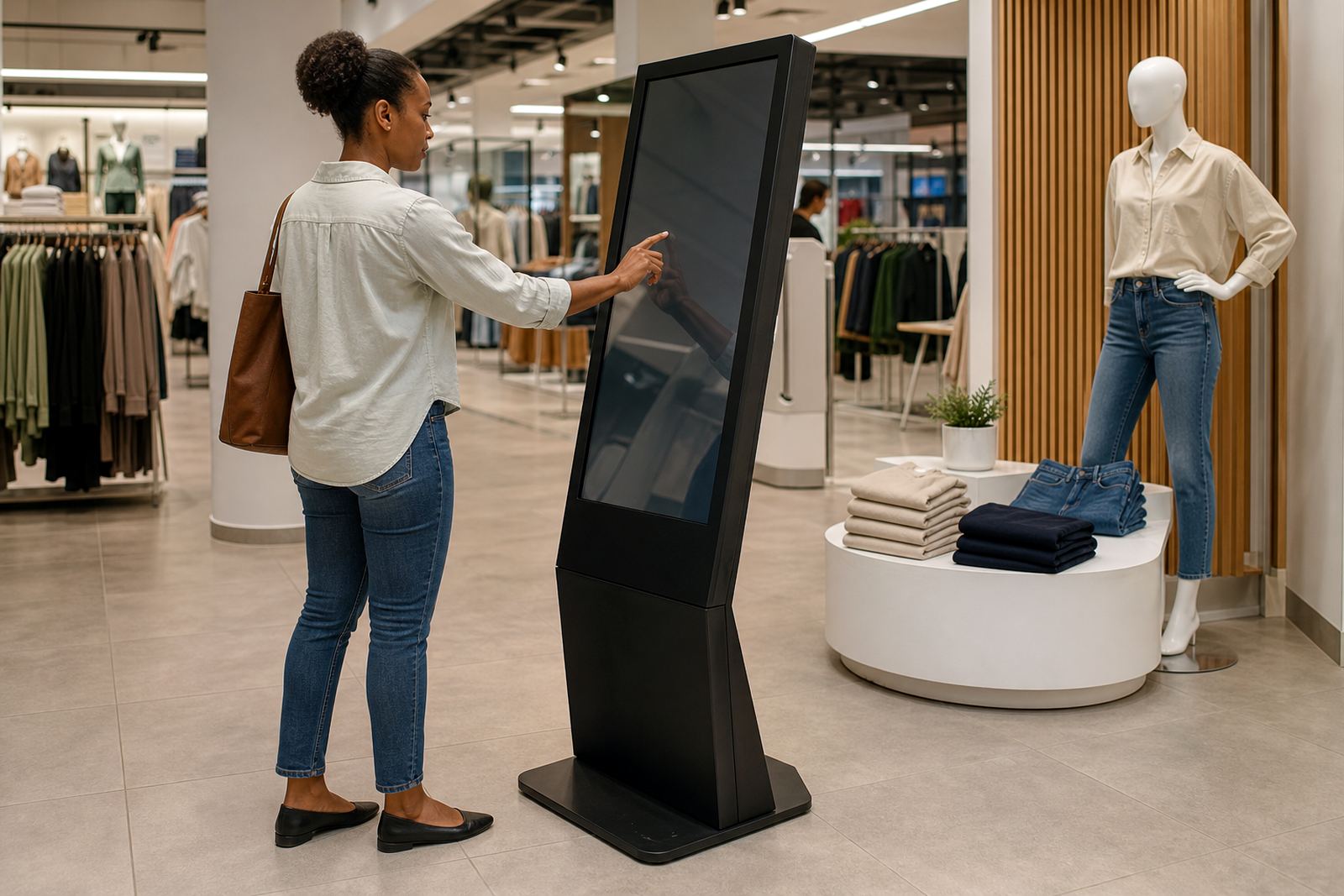
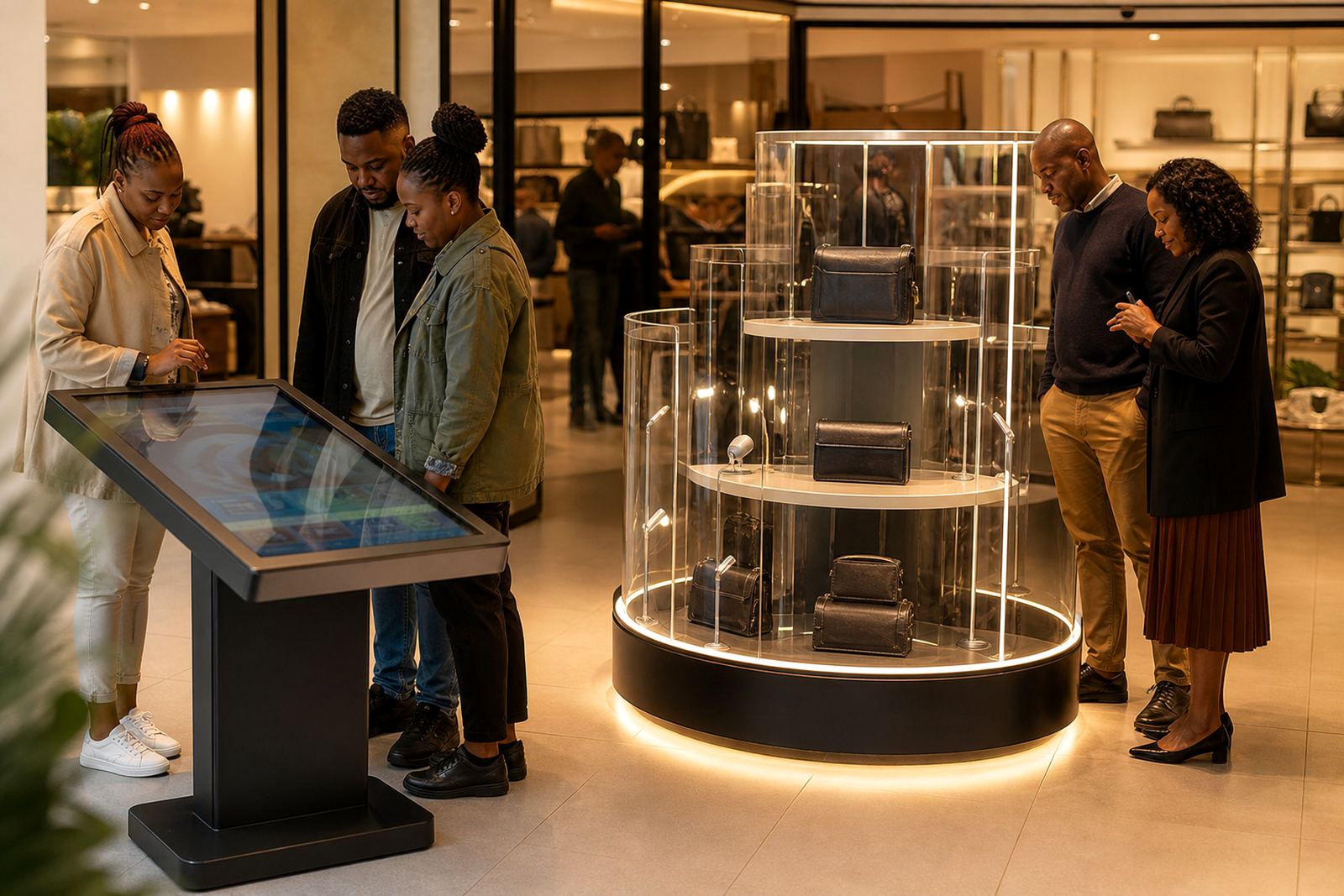
When a shopper uses a touchscreen kiosk, they are usually past the browsing stage and looking for a detail that helps them decide. That might be a price check, a size comparison, stock availability, care instructions or a quick summary of features. If the same items keep getting tapped, those products are clearly pulling attention on the floor.
Over time, those patterns help retailers see which ranges create the most interest and which questions come up again and again. In a store in Sandton, for example, a kiosk near small appliances may show repeated searches for energy use and warranty terms. That is a sign to improve shelf labels and train staff to answer the same questions faster, not just to keep the screen updated.
Common Queries Point To Gaps In Store Information
The best data is often not the most complicated. Repeated queries tell you where your shoppers are getting stuck. If people keep asking about dimensions, compatibility or product differences, the in-store signage is probably not clear enough. The kiosk becomes a live feedback tool for the sales floor.
- Product size, weight or fitting details
- Stock levels by colour, variant or pack size
- Promotions, bundle pricing and payment options
- Care, cleaning or installation instructions
- Availability for click and collect or delivery
These queries are practical, and they can show you where staff are spending time on the same answers. That matters in busy trading hours, especially in centres where customers want quick facts before making a decision.
Using Trends To Improve Merchandising And Stock Planning
Usage patterns can guide much more than customer service. If a certain product family gets frequent screen searches but is often out of stock, that is a stock planning issue. If a range gets plenty of views but few sales, the product page, the display or the pricing may need attention. This is where kiosks become a proper operational tool rather than just an information point.
Retailers in Johannesburg, Pretoria and Cape Town can use this information to line up stock with local demand. Coastal humidity may affect packaging and display materials, while busy high-traffic stores need tougher hardware and better cable management. In some locations, load shedding also means you need clear power backup planning and software that recovers properly after interruptions.
With the right setup, managers can compare search trends by branch, by time of day or by product category. That helps when deciding what to promote on end caps, what to move closer to the entrance, and what to keep in back stock. It also helps with seasonal lines, which can move quickly in one city and slower in another.
What To Track Without Overcomplicating The System
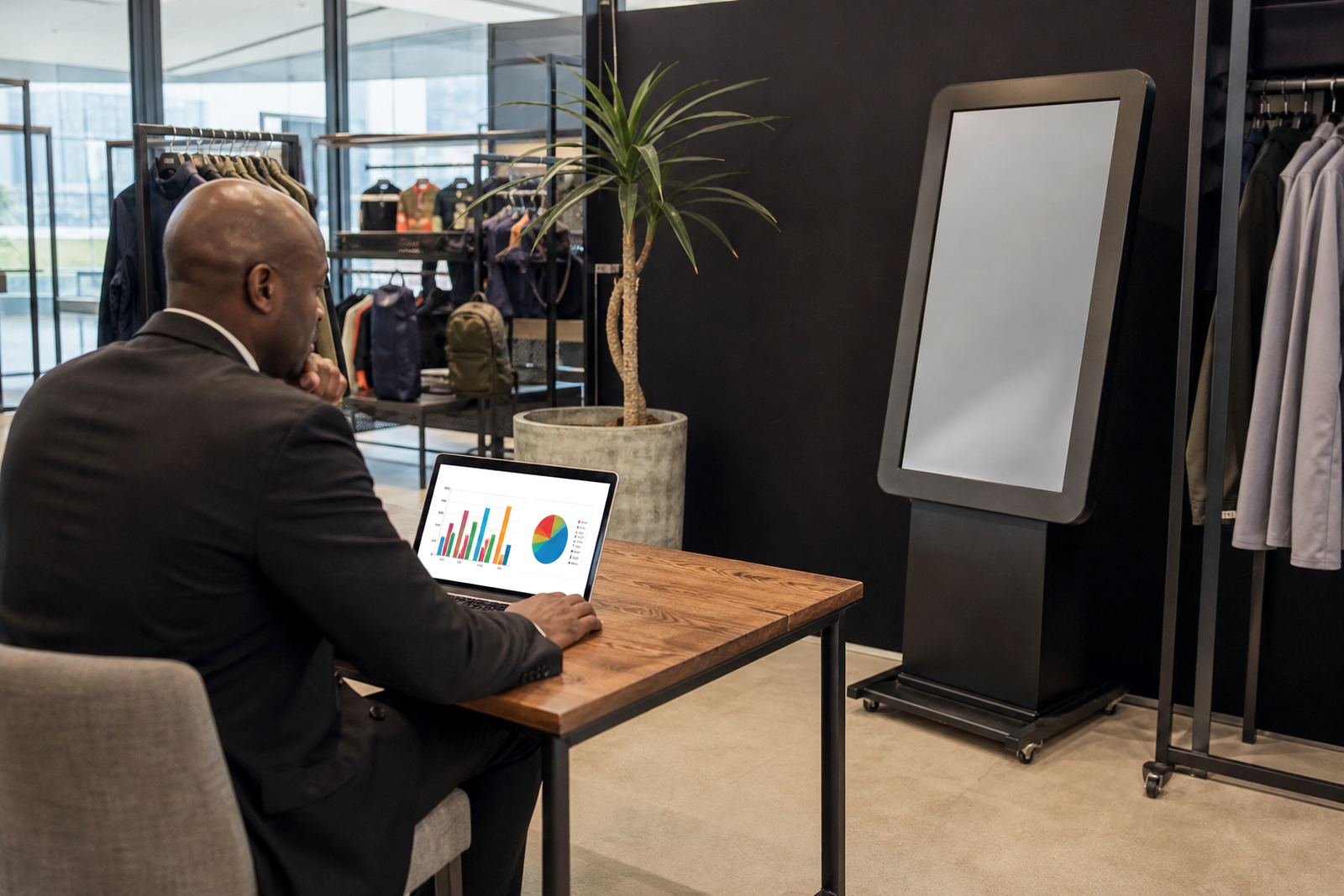
You do not need a massive reporting system to get useful information. Start with a few simple measures that help the retail team make decisions. Keep the focus on patterns that change action on the floor and in the stockroom.
- Most searched products and categories
- Top repeated questions by branch
- Peak usage times during the day
- Average time spent on product pages
- Searches that end with a staff call or assisted sale
Once you know these basics, you can refine the content. For instance, if a screen at a Pretoria branch gets many searches for delivery timing, that branch may need clearer service messaging. If Bloemfontein shoppers keep asking about payment options, the kiosk content should bring that forward immediately.
Turning Data Into Better In-Store Decisions
Good retail data only helps if the team uses it. Share the findings with store managers, floor staff and merchandising teams so they can act on the same information. Small changes can make a big difference: clearer size charts, better product grouping, more direct wording or a simpler category menu. A few changes can reduce confusion very quickly.
At iTouch 360, the value is not only in the screen itself but in the way the kiosk fits into the store workflow. That can include solution design, content loading, software configuration, network integration and staff training. It also includes preventative servicing so the unit keeps working in busy trading conditions, and fault repairs if a screen or system stops responding.
When stores use this data properly, they stop relying on guesswork. They can see what customers are asking for, where the journey slows down, and which products deserve more attention on the floor.
A Midrand Example For Multi-Branch Retailers
A retailer with branches in Midrand, Johannesburg and Durban may notice that the same kiosk content performs differently in each location. In Midrand, shoppers may use the screen for product comparison. In Durban, the focus may be on stock confirmation and delivery options. That is useful because it shows how local buying habits shift from store to store.
For a chain with several branches, this kind of pattern can support better rollout decisions. A kiosk can be set up one way in a showroom and another way in a high-volume shopfront. If the data shows repeated use after school hours or on Saturday mornings, the content can be timed to suit that traffic. It is simple, practical and far more reliable than making changes from head office without checking what customers are actually doing.
South African retail is local by nature. A store in Centurion may need different product prompts from one in Cape Town, and a support team has to keep that in mind when handling updates, repairs and training. That is why usage data matters. It gives the store a proper picture of what people need, instead of relying on assumptions.