Start With the Problem, Not the Screen Price
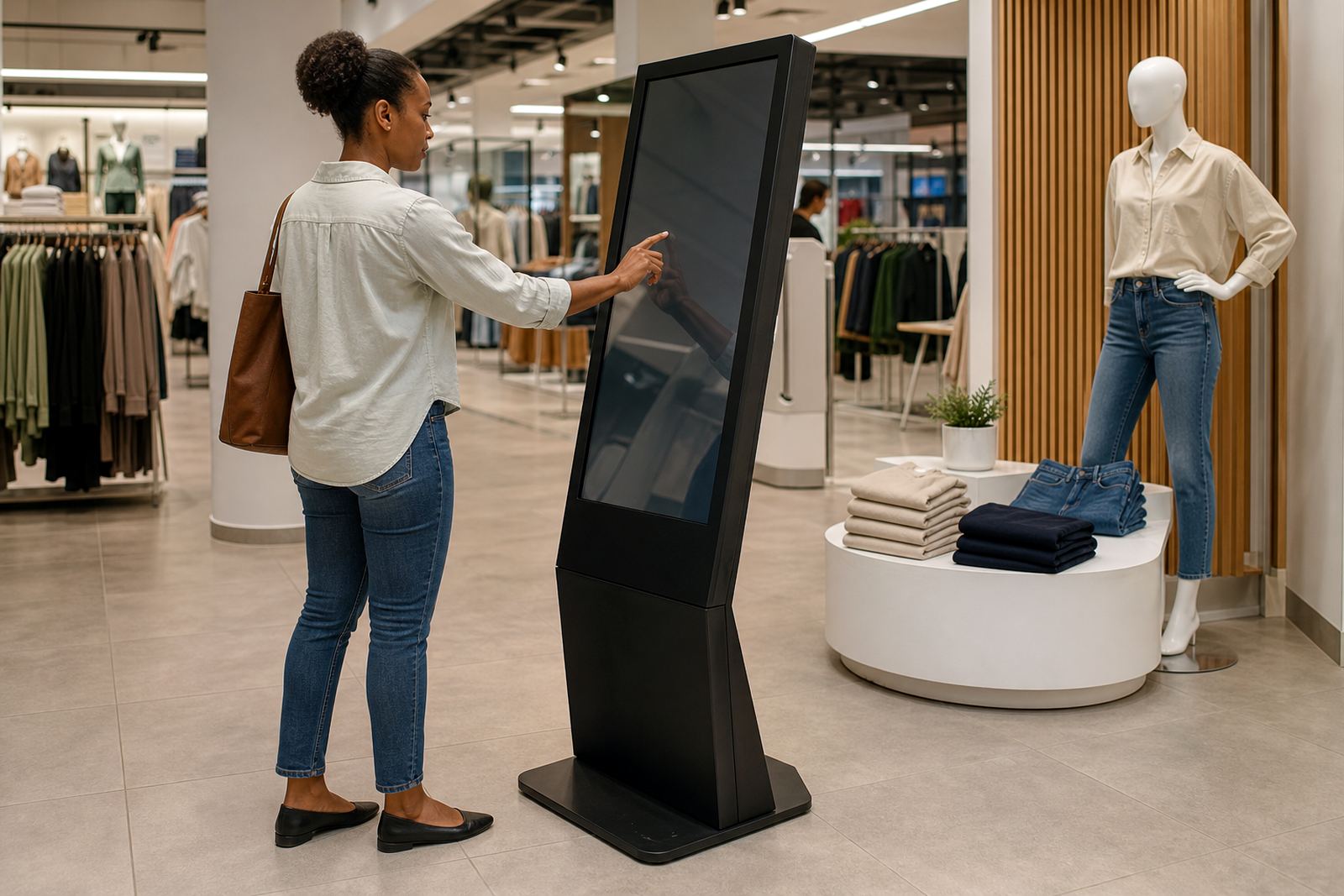
Before you compare touchscreen kiosks or 360-degree display stands, write down the retail problem you are trying to solve. Is it slower product discovery, poor promotion visibility, staff spending too much time on repeat questions, or a lack of consistent in-store messaging? If the goal is clear, the budget becomes easier to shape.
A common mistake is to focus only on the unit cost of the hardware. The real spend includes how the unit will be used, where it will sit in the store, how often content will change, and who will maintain it. A kiosk that supports seasonal promotions in Sandton is budgeted differently from a display stand used in a high-volume store in Durban, where humidity and foot traffic can affect wear.
Budget the Full Project, Not Just the Equipment
A proper retail tech budget should cover more than the device itself. Ask for a line-by-line view so you can compare like for like across suppliers and branches. If you are rolling out to Johannesburg, Pretoria and Cape Town, transport, installation and on-site testing can change the total quite a bit.
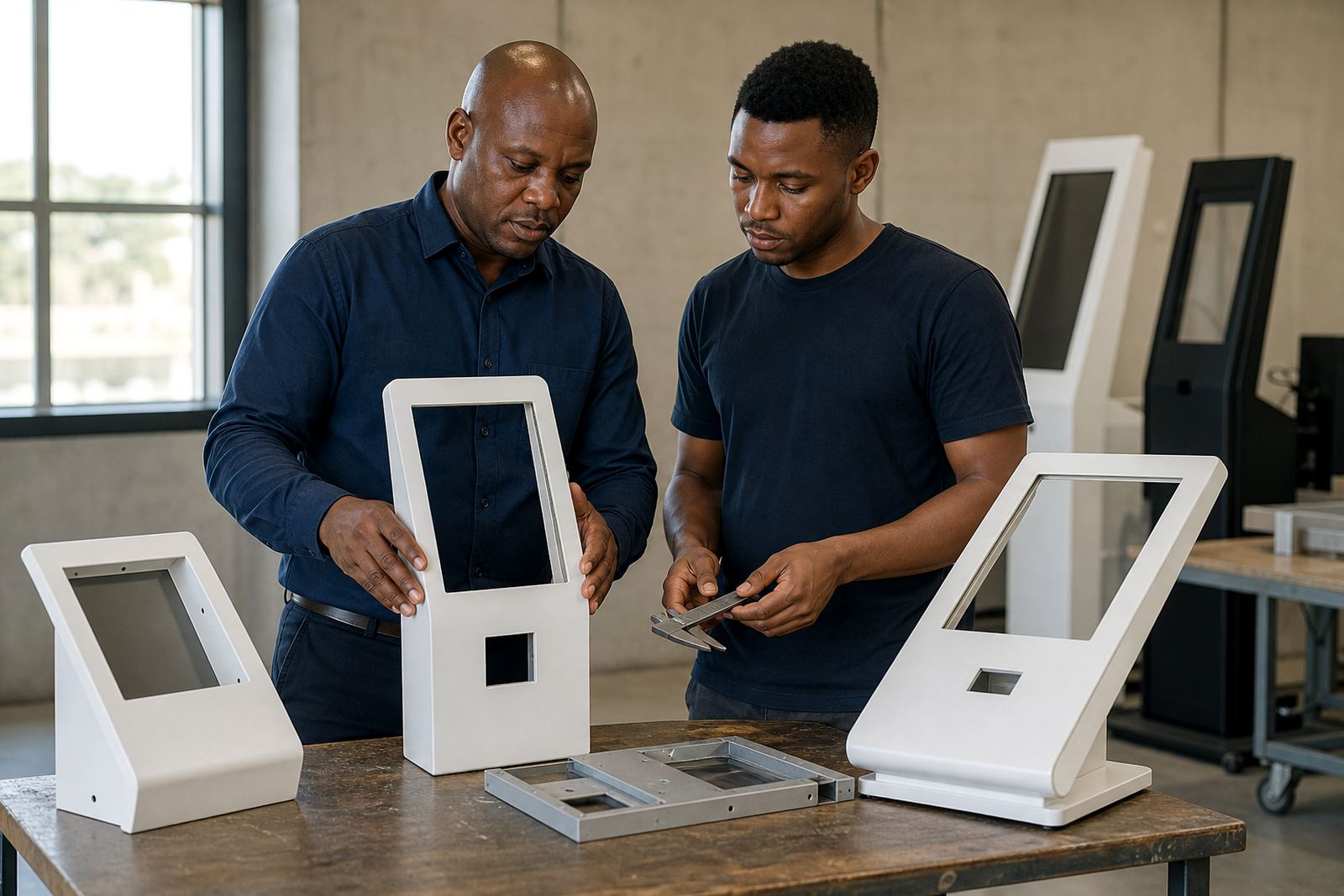
- Hardware and mounting or stand structure
- Site assessment and solution design
- Custom branding and content loading
- Software configuration and network integration
- Delivery installation and final testing
- Staff training and handover
- Preventative servicing, fault repairs and parts replacement
That list also helps finance teams approve the spend because it shows the project from start to finish, rather than as a single purchase order.
Plan for Content Costs Early
Retail tech can look unfinished if the screen content is weak or the product information is out of date. Budget for the work needed to keep images, product specs and promotional messages current. This is especially important for stores that run monthly specials or change ranges often.
Content loading is not just a once-off task. It may involve preparing product information, testing touch points, checking image quality and making sure everything still works after updates. If your kiosk is used for product comparison or guided selling, the content has to be short, clear and easy to move through. That takes time and it should be costed in from the start.
For example, a Midrand retailer launching a new seasonal range might budget one amount for the hardware and then set aside a separate monthly amount for updating offers, replacing expired graphics and adjusting product information. That makes the spend more predictable and helps avoid rushed changes at month-end.
Make Power and Network Allowances Realistic
South African stores have to plan around load-shedding, older electrical points and patchy network coverage in some centres. A kiosk or display stand that depends on constant power and a stable connection needs the right setup, not just a plug point nearby.
When budgeting, check whether you need battery backup, surge protection, network cabling or wireless integration. In some stores, the cost of getting the point-of-sale area or demo bay ready is higher than expected because the existing layout was never designed for interactive units. In older buildings, you may also need approval from the landlord or centre management before drilling, fixing or running cables.
Good planning avoids later call-outs and keeps the unit usable during busy trading hours, even when the power cuts out for a short period.
Choose a Support Model That Matches Store Traffic
Support costs are easy to ignore until a unit is offline on a Saturday afternoon. Retailers should decide up front how much internal support they can handle and what must be covered by a service plan. A store with high footfall and frequent promotions will need more regular attention than a small showroom with limited use.
- Basic support for occasional queries and remote checks
- Preventative servicing for wear, alignment and cleaning
- Fault repair visits for hardware issues
- Parts replacement when components fail or age
- Support retainers for stores that need faster response times
It also helps to assign one staff member in store who knows how the unit works and who to call if something changes. That small step saves time and cuts avoidable downtime.
Use a Rollout Budget That Can Be Measured Branch by Branch
If you are rolling out across several towns, split the budget into site-based phases. Johannesburg, Pretoria, Cape Town, Durban and Bloemfontein all come with different logistics, different store layouts and sometimes different local compliance needs. A phased rollout makes it easier to compare performance and adjust the next site before spending again.
For example, a retailer might install one interactive kiosk in Midrand first, then review how customers use it over two trading cycles. If the product search function is underused but the promotion screen gets attention, the content can be adjusted before the next branch goes live. That way the budget follows actual use instead of guesses.
Phased budgeting also helps with cash flow. You can spread the cost of hardware, installation and training across quarters, which is often easier for retailers managing seasonal sales and stock purchases at the same time.
Review the Return in Practical Terms, Not Just Sales Uplift
Retail tech should be measured against real store outcomes. Sales growth is important, but it is not the only benefit. Better product visibility, fewer repeated questions, smoother customer flow and more consistent brand messaging all have value too. These gains are easier to defend when they are tied to a budget.
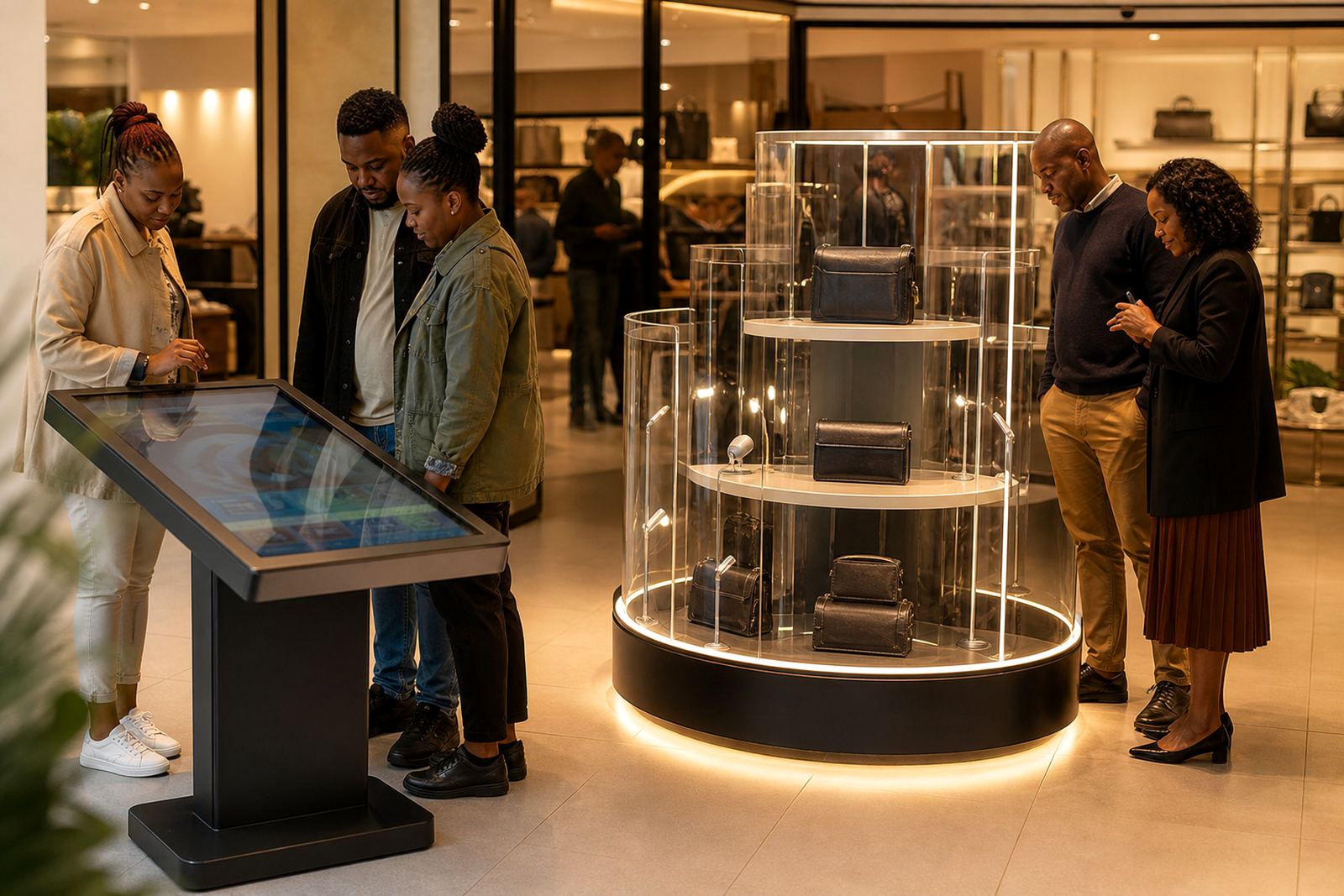
Ask simple questions after rollout: Did the kiosk reduce waiting time? Did the 360-degree stand help shoppers compare products better? Are staff spending less time on basic explanations? If the answer is yes, the project is doing more than just looking modern. It is supporting the store operation in a practical way.
That is where budgeting becomes part of retail planning, not just a once-off spend. When the hardware, content and support are all costed properly, the store can use the technology with confidence and avoid nasty surprises later on.