Why mobile accessories need tighter merchandising
Accessory shoppers usually make quick decisions. They want to compare a phone case, check the fit of a screen protector, or see what a charger looks like before they pay. In a store with limited floor space, that means the display has to do more than hold stock. It must guide the customer, keep items secure, and make the counter easier to work around during busy periods.
In Midrand, Johannesburg and Sandton especially, accessory stores often sit inside malls or near tech repair counters where foot traffic is constant. A small kiosk with clear product categories can reduce staff pressure and keep queue movement orderly. It also helps when load-shedding hits, because a well planned display should still work as a practical sales point even if some interactive features are paused.
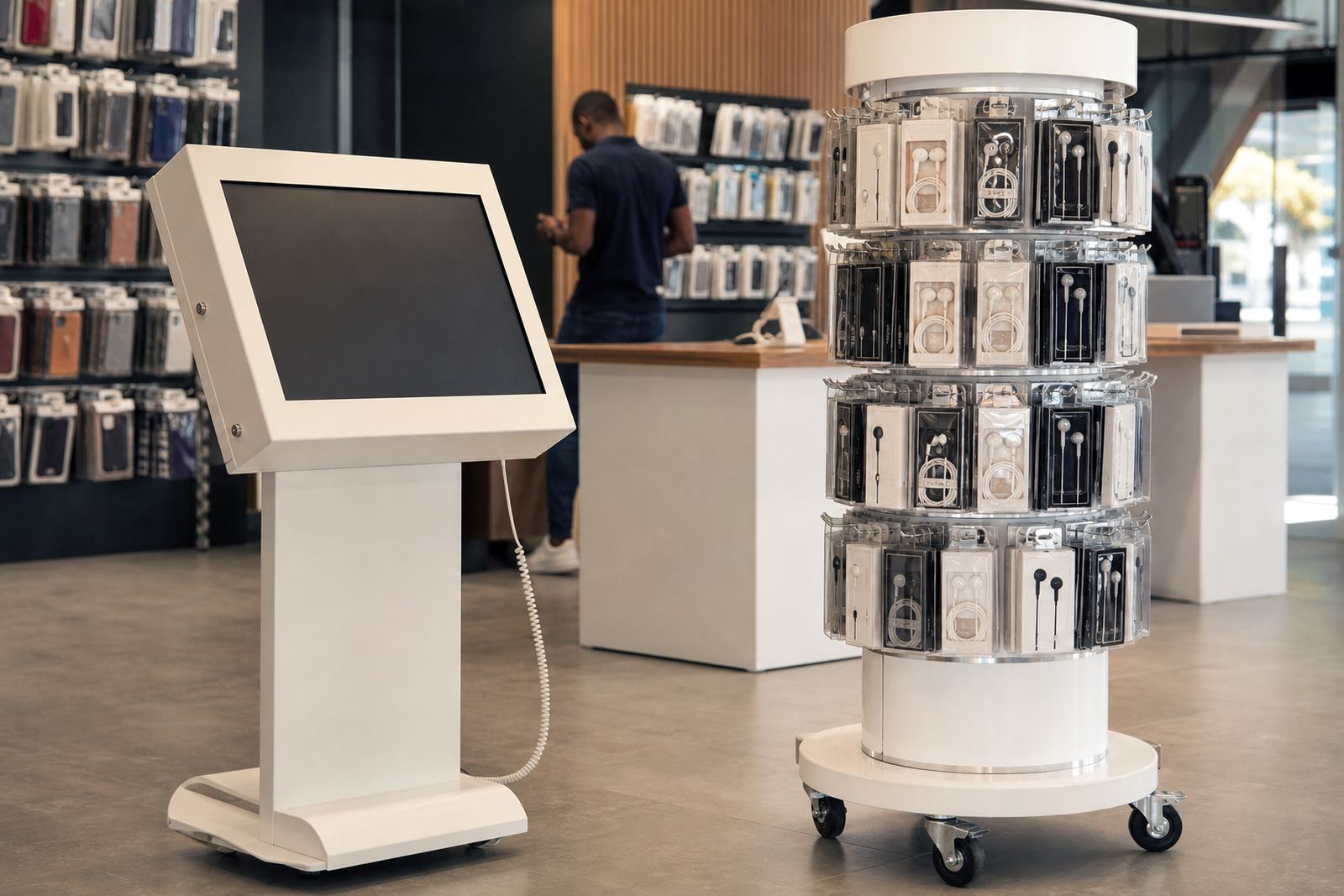
For mobile accessories, the right setup usually combines secure shelving, sample pieces, product information and a screen or rotating stand for quick comparison. That is often more effective than a packed wall of boxes, which can look busy and makes upselling harder.
Typical kiosk and display equipment for this use case
Most mobile accessory retailers do best with a compact mix of hardware that is easy to service and simple for staff to use. The aim is not to fill the shop with screens. It is to create one clear buying point that supports fast sales and clean stock control.
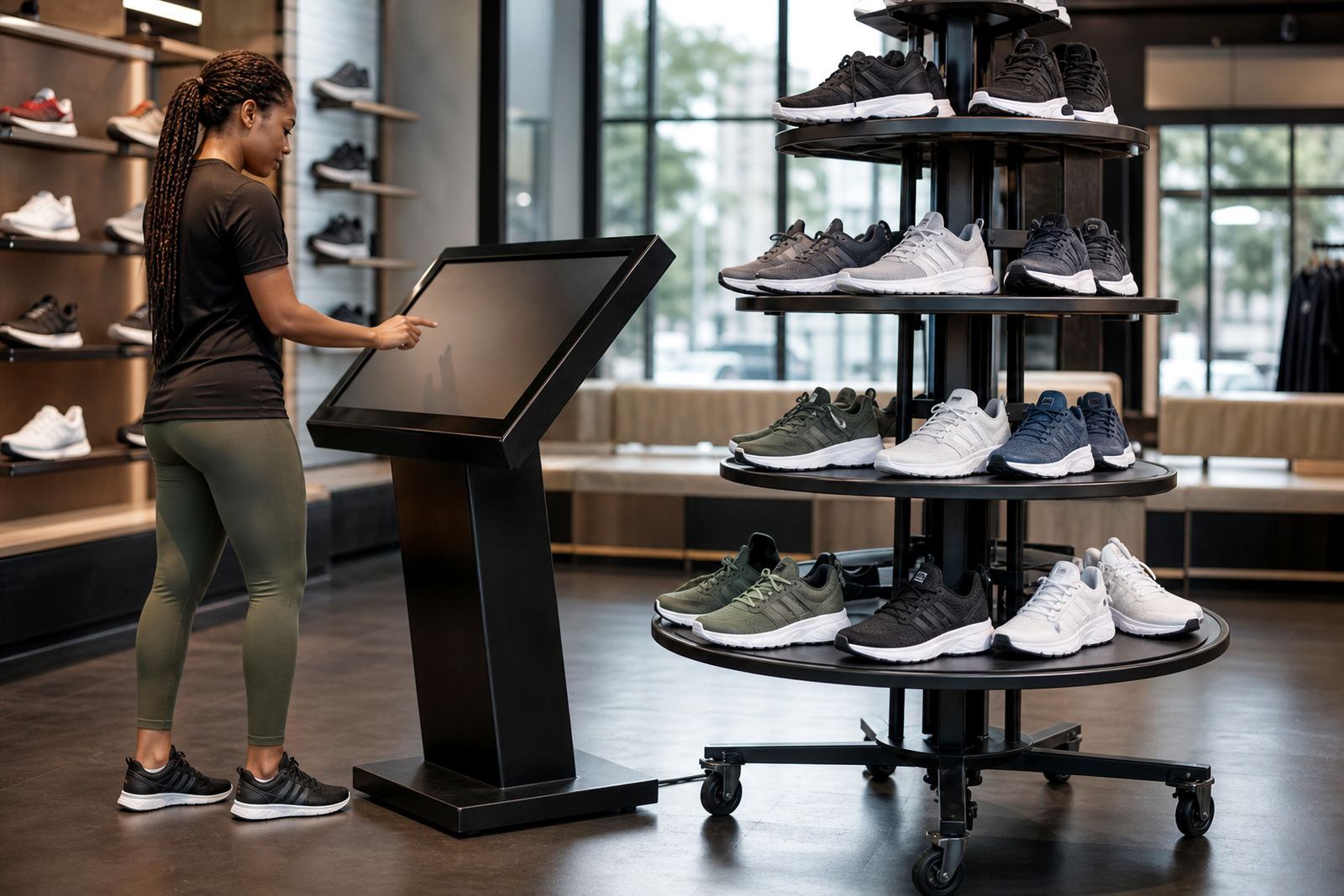
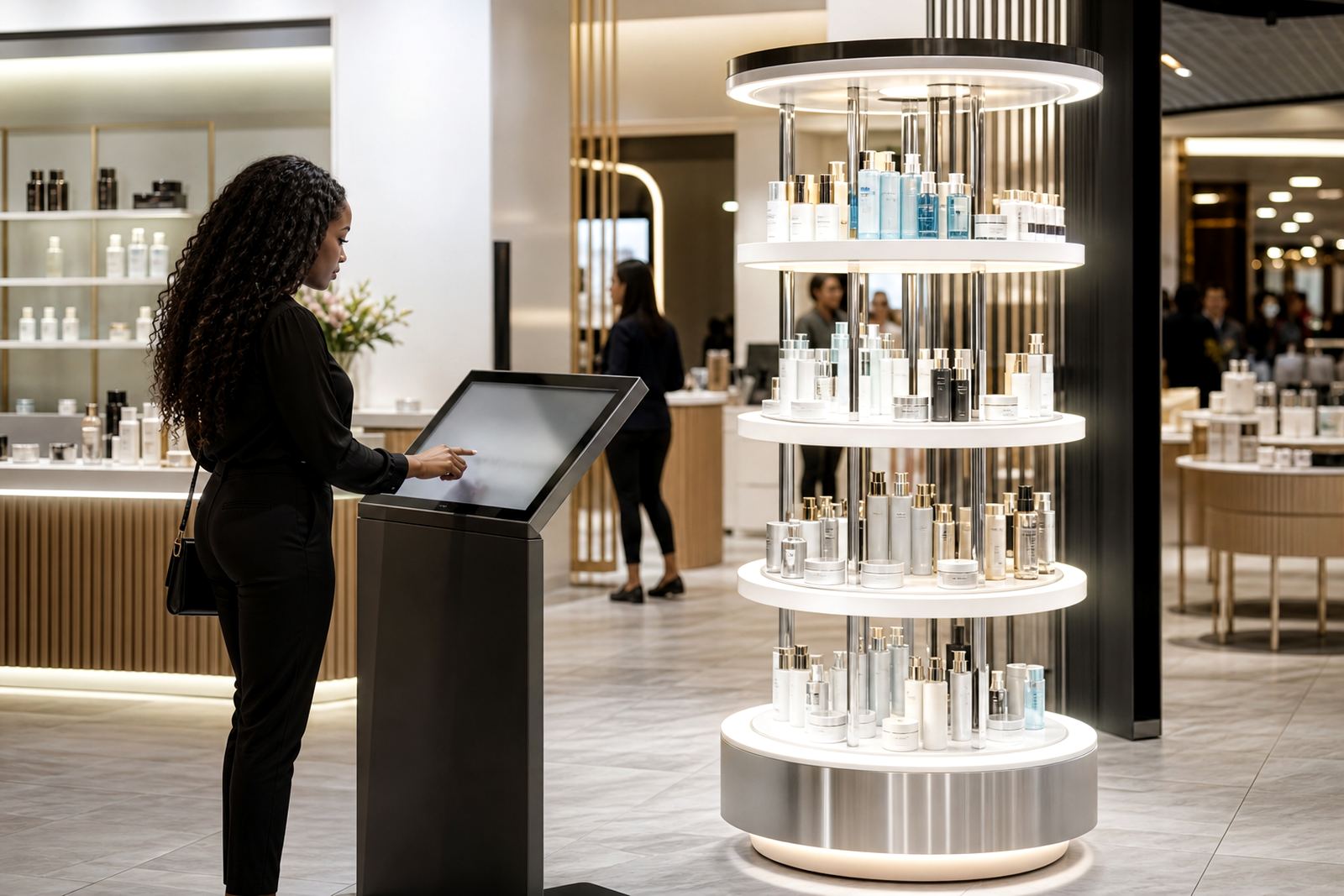
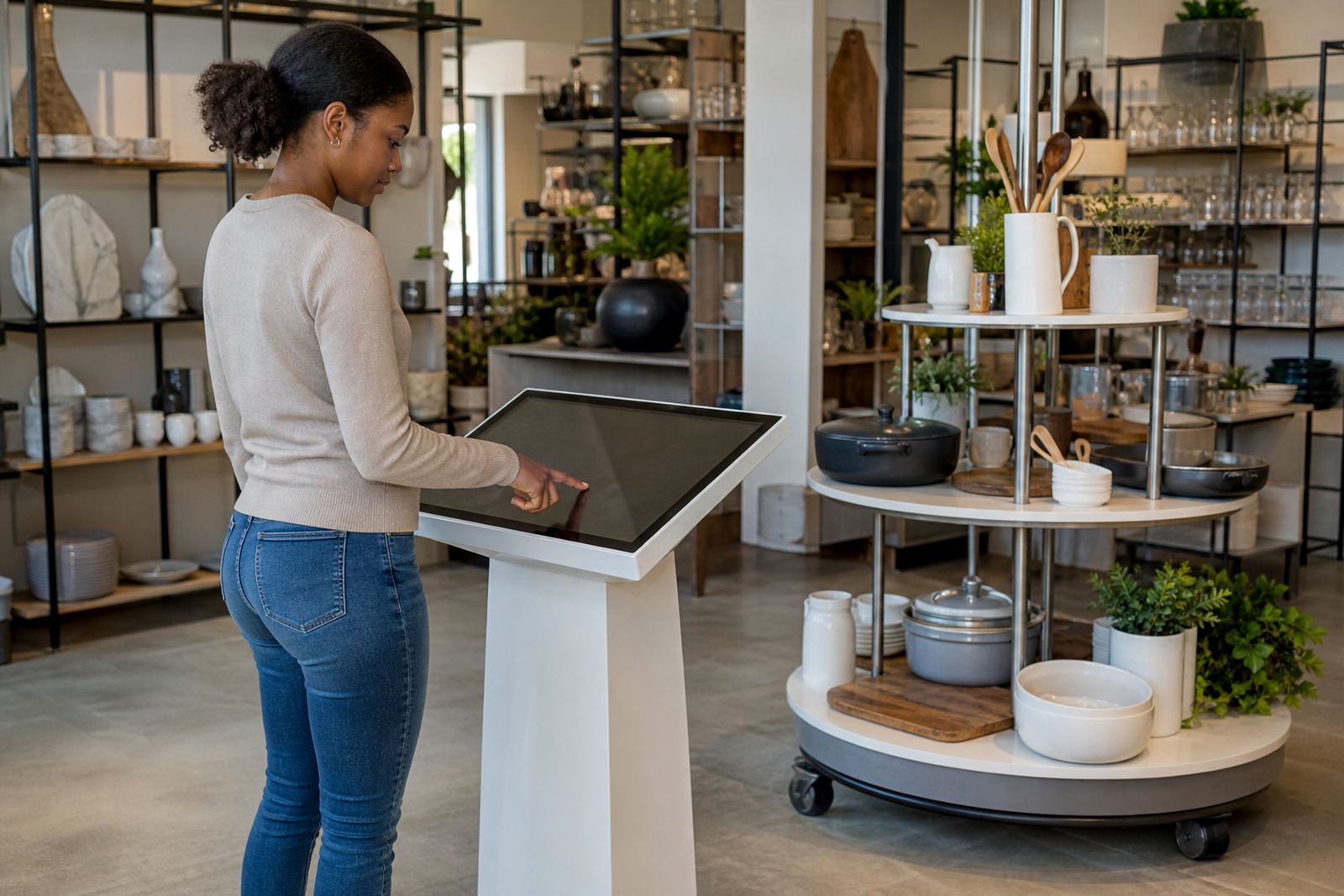
- Interactive touchscreen kiosk for product ranges, bundles, pricing and promotion details
- Lockable display cabinet for premium cases, smart watches, earbuds and power banks
- 360-degree product stand for featured items so customers can view the item from every angle
- Charging sample points for cables, adapters and wearable accessories
- Printed or digital spec panels with fitment notes, warranty details and compatibility
- Anti-theft mounting and cable management for open retail environments
In coastal centres such as Durban and Cape Town, finishes should be chosen with humidity in mind. In Gauteng, dust and busy mall traffic are usually the bigger issue, so easy-clean surfaces and enclosed cable runs are worth the extra spend. If the unit sits near the entrance, think about sunlight too because screen glare can make a kiosk hard to use around midday.
Layout planning for small retail footprints
A mobile accessories store normally works best when the first two metres from the entrance are kept open. That gives customers room to stop, look and decide without blocking the path to the till. If the kiosk sits too deep in the store, people often miss it. If it sits too close to the door, it can slow movement and feel cramped.
We usually recommend a layout that divides the space into three simple zones: discovery, decision and payment. Discovery is where customers browse cases, earphones and chargers. Decision is where the kiosk or display stand answers questions. Payment should stay clear, with enough surface space for staff to pack small items and check compatibility with the customer's device.
For stores in Pretoria, Bloemfontein and Centurion, where some units are inside larger retail centres and some are street-facing, planning must also account for security shutters, after-hours access and municipal signage rules. If the store has a narrow frontage, a corner kiosk with a vertical screen can work better than a wide counter display.
- Keep the screen at standing eye level for quick browsing
- Leave space for two customers to compare items without crowding
- Allow for stock refill access from the rear or side
- Place high-value items where staff can see them clearly
Common mistakes retailers make with accessory displays
A lot of accessory counters fail because they try to show too much at once. Shoppers then see a cluttered wall of product and leave without making a decision. Another common problem is choosing a display that looks good in photos but does not support daily sales. If staff cannot restock it quickly, the unit becomes untidy by lunchtime.
Some retailers also skip proper content loading. That means a touchscreen may be installed but not updated with current products, prices or bundle offers. In a market where charger compatibility and device fit change all the time, stale content can cause confusion and more returns. Poor cable management is another issue, especially where customers can pull, twist or bump the unit during busy trading hours.
Our team often sees display plans that do not allow for repairs, cleaning or part replacement. In retail, these things matter. A cracked panel or faulty cable can knock a small store off balance quickly, particularly if the branch is trading through weekends, month-end rushes and public holiday foot traffic.
- Too many products in one area with no clear categories
- Displays without security for premium accessories
- Screen content that is not updated after promotions change
- Layouts that block staff movement behind the counter
- No plan for preventative servicing or fault repairs
Budget ranges for mobile accessories kiosks
Budgets vary depending on whether you need a single compact display, a custom kiosk with branding, or a full interactive point with software and integration. For a smaller accessory counter, many retailers start with a practical setup that covers the essentials without overcommitting to floor space or power use.
As a working guide, a basic branded display solution may start from around R25 000 to R45 000. A mid-range interactive kiosk with secure shelving, branding and content loading often sits between R55 000 and R95 000. More detailed installations with custom finishes, network integration, staff training and support retainers can move from R100 000 upwards depending on the site and the number of units.
Delivery installation, software configuration and parts replacement planning should be included from the start, not added later after the first fault or stock change. For stores in shopping centres or high traffic urban areas, it is also worth budgeting for preventative servicing so the unit keeps working through busy trading periods and local power interruptions.
What retailers can expect from iTouch 360
We work with retailers across Johannesburg, Pretoria, Midrand, Cape Town, Durban and Bloemfontein, from single stores to multi-branch rollouts. The process usually starts with a site assessment, then solution design, custom branding and content loading before delivery installation. If the store needs it, we also handle software configuration, network integration and staff training.
For mobile accessory stores, the main goal is simple. Make the products easy to understand, keep the premium items secure, and let the team trade with less clutter around the counter. Whether the branch is in Sandton, Centurion or a smaller regional mall, a well planned kiosk can help the store sell more without taking up unnecessary space.
Clients reach us through the enquiry form on our contact page, and we then discuss the store size, product range, site conditions and support needs. That keeps the planning practical and avoids paying for features the store will not use. It also helps us match the layout to the pace of the branch, which matters a lot in accessory retail.