How homeware shoppers use in-store screens
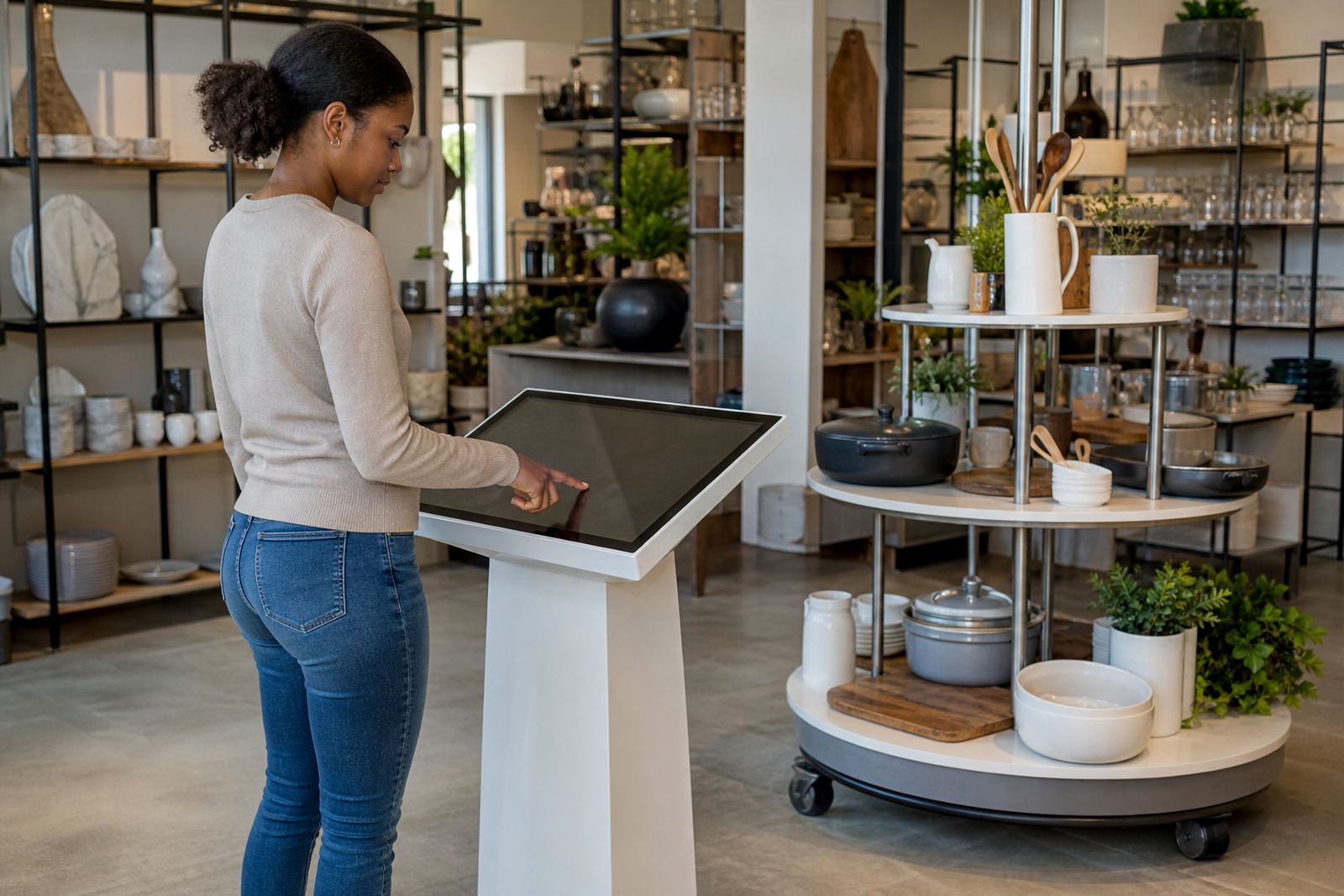
In homeware stores, customers usually arrive with a room in mind, but they still need help narrowing down colours, textures, measurements and combinations. A touchscreen kiosk gives them a simple way to browse collections, view lifestyle images, check product details and compare finishes without waiting for a sales assistant at every step. It works well for bedding, small furniture, storage pieces, decor, bathware and kitchen items.
For stores in Johannesburg, Pretoria, Cape Town, Durban and Bloemfontein, the biggest benefit is consistency. Every shopper sees the same product information, even when the floor is busy on weekends or over month-end. It also helps when stock moves quickly, because you can keep high-interest ranges visible without cramming every item onto the shop floor.
In stores with more than one department, the screen can guide customers by room type, price band or style, which makes the shopping journey easier and reduces repeat questions.
Typical equipment set for a homeware showroom
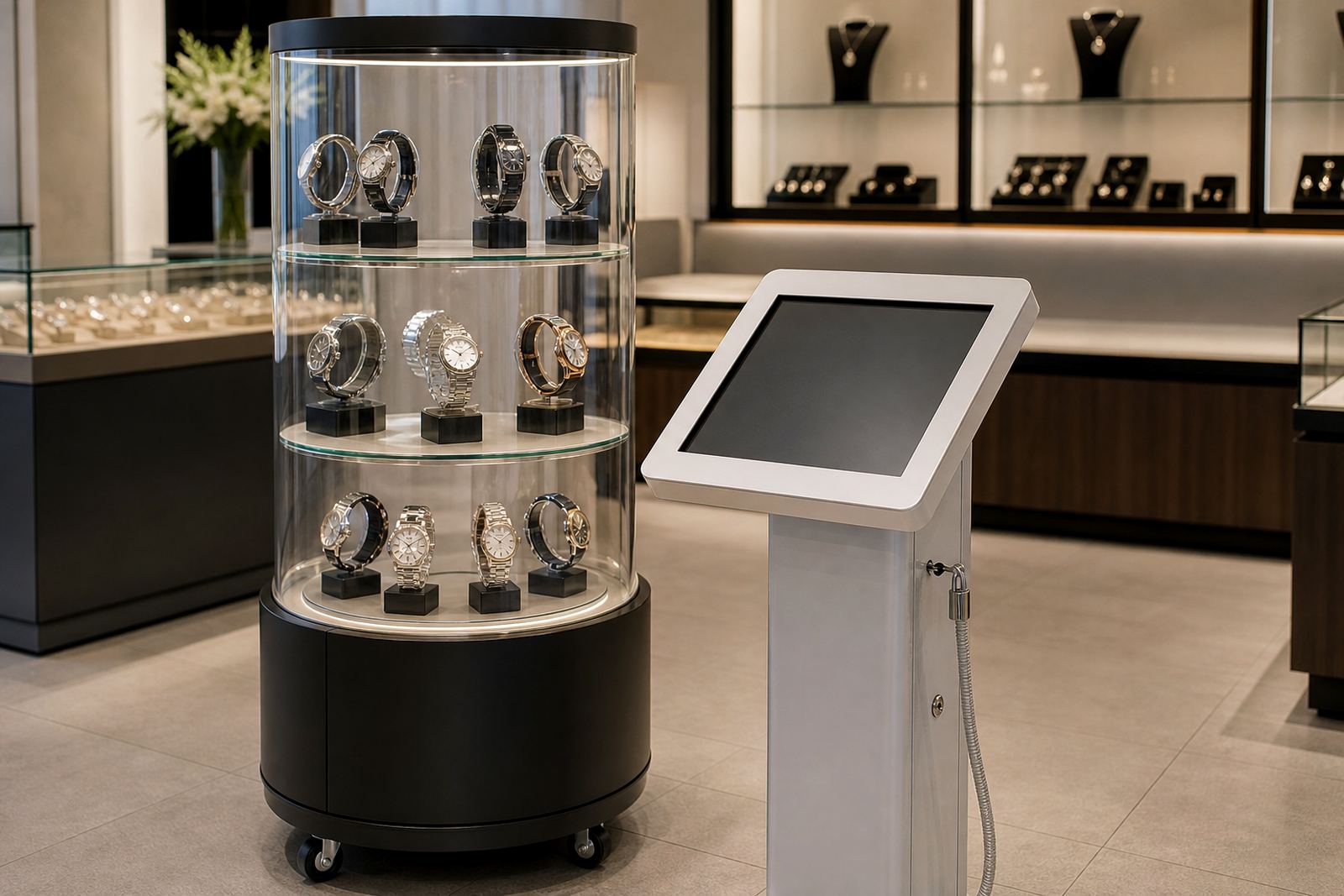
A homeware store setup usually includes one or more interactive kiosks near the entrance, at the end of an aisle, or beside a featured display. Where customers need to compare items closely, a 360-degree product stand lets them rotate a product and inspect details from all sides. That is useful for lamps, vases, storage accessories, occasional furniture and boxed items where the finish matters.
The usual setup can include:
- Freestanding touchscreen kiosks for browsing and product search
- Wall-mounted or counter-based screens for compact floor plans
- 360-degree display stands for feature products and premium lines
- Content loading for product ranges, room sets and promotional items
- Network integration where live updates are needed across branches
For coastal stores in Durban or Cape Town, we often plan for dust, humidity and regular cleaning. In Gauteng malls, the focus is often on heavy foot traffic and reliable uptime during load-shedding. The equipment has to suit the environment, not just look neat on opening day.
Planning the layout so the screen earns its place
Screen placement matters just as much as the screen itself. In a homeware store, the best position is usually where shoppers pause naturally, such as near a hero display, a new season range or the end of a main walkway. If the screen is tucked too far back, people ignore it. If it blocks flow, staff end up fighting for space during busy trading hours.
Good planning also means thinking about sightlines, power points and the path from the entrance to the till point. The screen should not compete with the strongest merchandise table. It should support it. A simple layout often works best: one main kiosk in the front half of the store and a second screen closer to a category area, like dining, bedding or bathroom accessories.
We also check glare from shop lighting, cable routes and where staff can assist shoppers without crowding them. In smaller stores around Centurion or Sandton, a compact unit can do the job. In larger flagship stores, a pair of screens plus a 360 stand gives more room to segment ranges.
What content homeware stores should load first
Content should make it easier for a shopper to imagine the item in their own home. That means room scenes, clear product names, key sizes, care instructions and finish options. If a customer is choosing a curtain set or a storage cabinet, they need quick answers. They do not want to scroll through long pages to find the basics.
A practical first batch of content usually includes:
- Top-selling ranges and new arrivals
- Room-by-room browsing such as lounge, bedroom, bathroom and kitchen
- Size charts, materials and finish options
- Promotions and limited-time offers
- Care notes for humid coastal areas or homes with children and pets
Staff training is important here. If the team knows how to help a shopper search, compare and save time, the screen becomes part of the sales process rather than a novelty. We also recommend regular content updates, especially when seasonal homeware ranges change before Easter, winter or year-end trading.
Common mistakes that reduce sales value
One common mistake is loading too much information at once. A screen packed with tiny text and too many categories can confuse customers instead of helping them. Another is placing the kiosk where it catches reflections from a window or bright downlights, making it hard to read. The same issue shows up when the unit is positioned in a narrow passage where people cannot stop comfortably.
Another problem is treating the screen as a one-time purchase and leaving it untouched. If the content is out of date, shoppers stop trusting it. If products are no longer available but still shown as featured, staff spend more time explaining than selling. In busy stores, a screen that is not maintained can become a headache very quickly.
We also see stores skip network planning, which causes slow updates or gaps across multiple branches. For a retailer with outlets in Pretoria, Cape Town and Durban, that becomes a real admin issue. Good setup from the start saves a lot of back-and-forth later on.
Budget ranges for homeware retail projects
Budget depends on screen size, housing, software needs, installation complexity and whether the unit is freestanding or wall-mounted. For a single basic kiosk in a homeware store, many projects start from about R45 000 to R85 000. If you need custom branding, stronger commercial hardware, or a 360-degree display system, the price often sits between R90 000 and R180 000 per unit or setup.
For multi-branch retailers, content loading, network integration and support retainers can add to the first phase, but they also keep the system easier to manage. Smaller stores may only need one well-placed screen. Larger showroom floors in Midrand or Johannesburg may need two to four points of interaction for proper coverage.
Delivery installation, preventative servicing and fault repairs should also be built into the plan. A screen that works well on day one but fails after a few months is poor value. For stores with long trading hours, it is worth budgeting for parts replacement and staff training as part of the full rollout.