Why department stores need more than printed signage
In a department store, shoppers move between fashion, homeware, cosmetics, tech and seasonal ranges in one visit. That creates a simple problem: if people cannot find what they want quickly, they leave a floor or a department before they spend. Interactive kiosks help staff guide traffic, show aisle locations, surface promotions, and point shoppers to the right category without waiting in a queue.
For stores in busy centres and regional malls, the best setups do two jobs at once. They help customers find products, and they support campaigns that change weekly or even daily. That matters during school holidays, month-end rushes, Black Friday periods and December trading when foot traffic rises and store teams are already stretched. A well placed kiosk can reduce pressure on floor staff and give a cleaner route to special offers, loyalty sign-up pages or gift ideas.
Typical equipment used on a department store floor
A department store fitout often combines several pieces of equipment rather than one screen on its own. The exact mix depends on floor size, customer flow and whether the store needs self-service wayfinding, product browsing or promotional content near entrances and category bays.
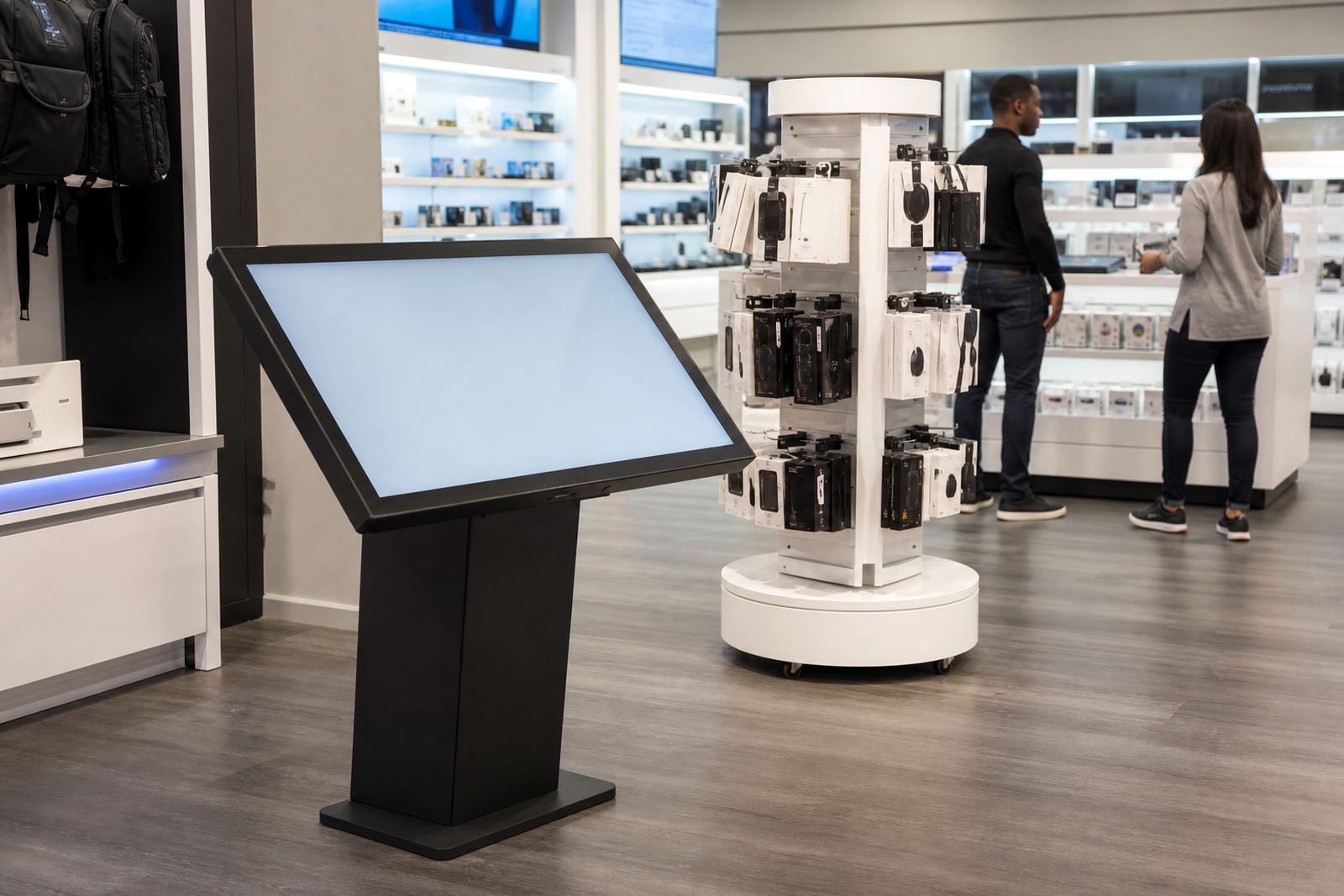
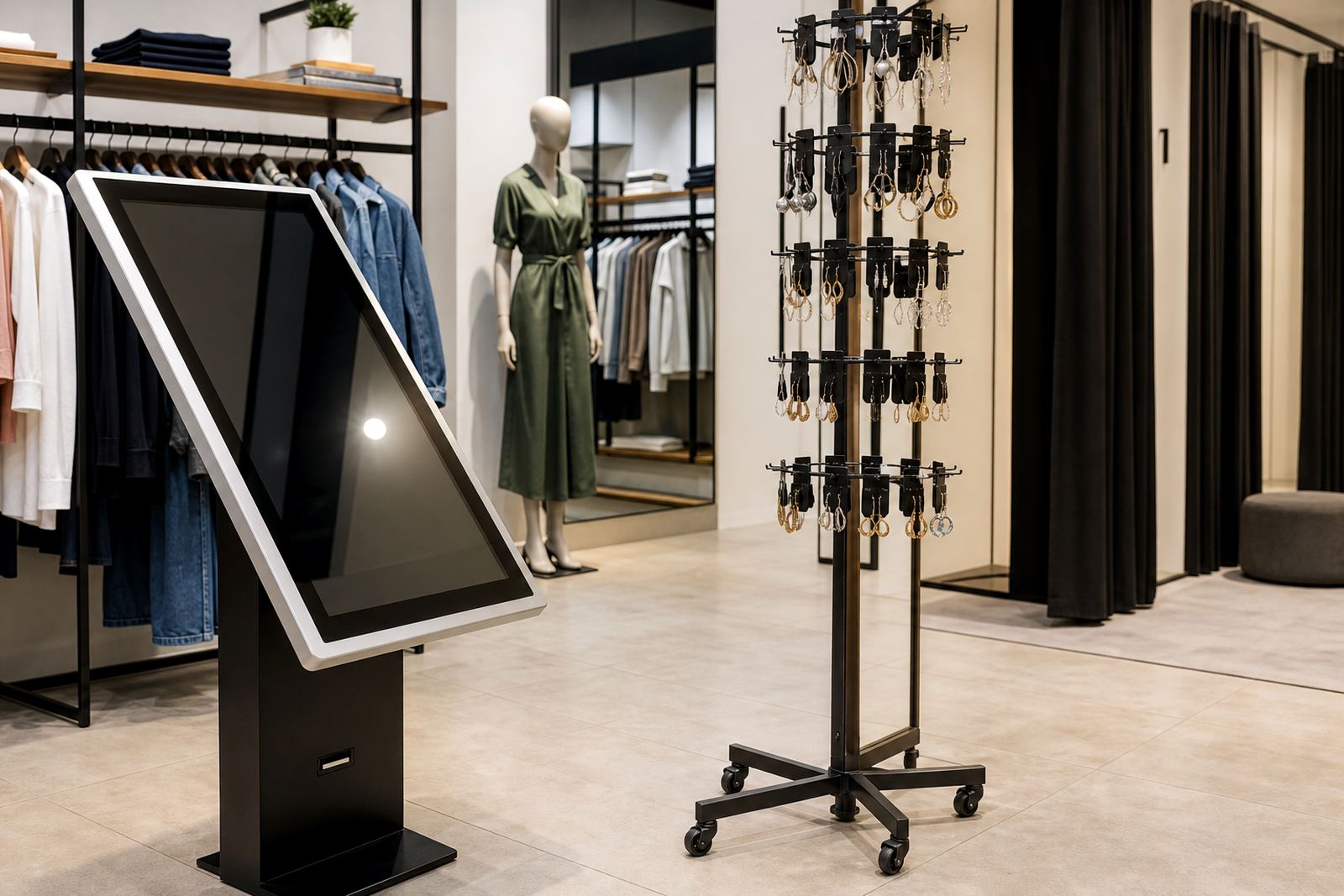
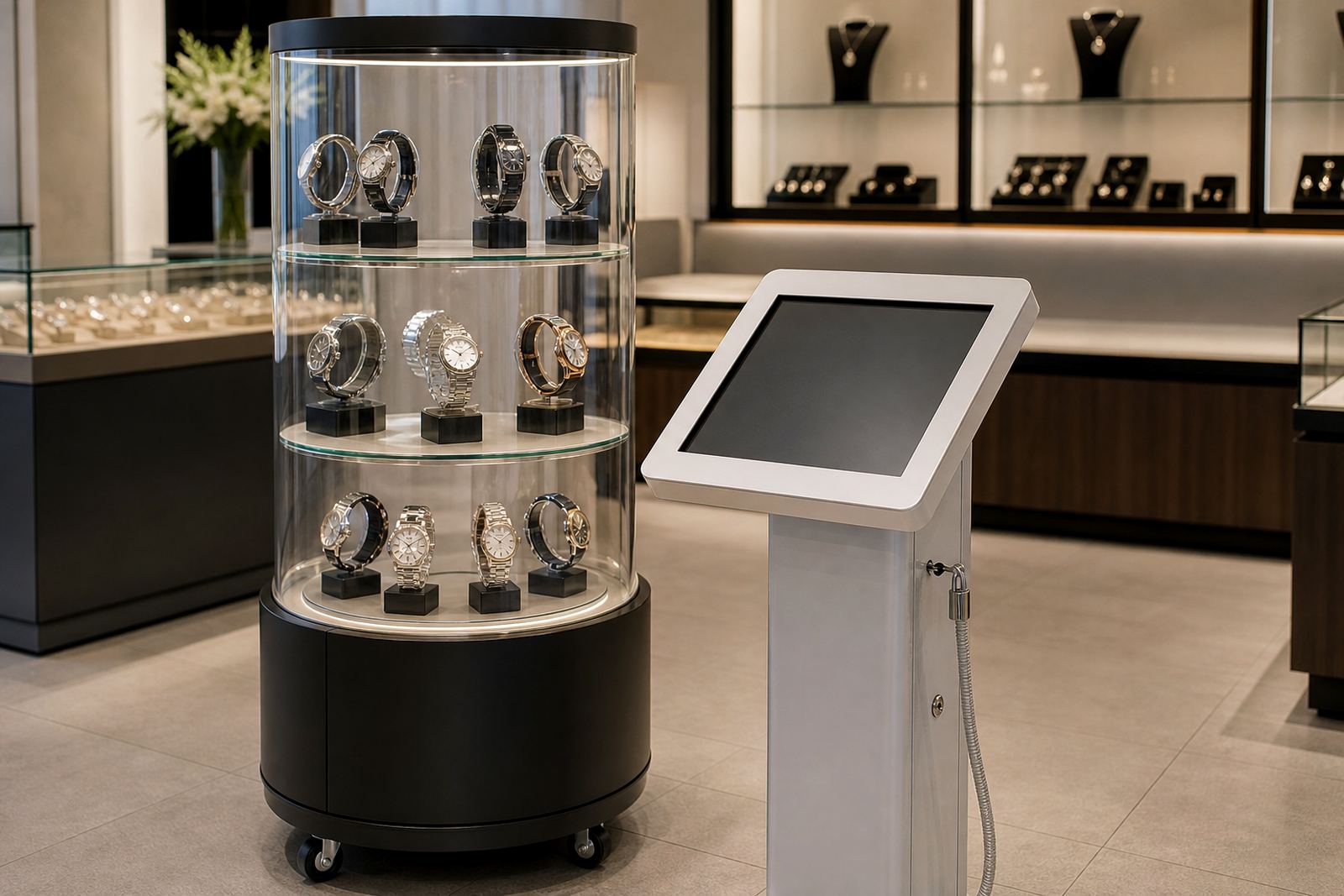
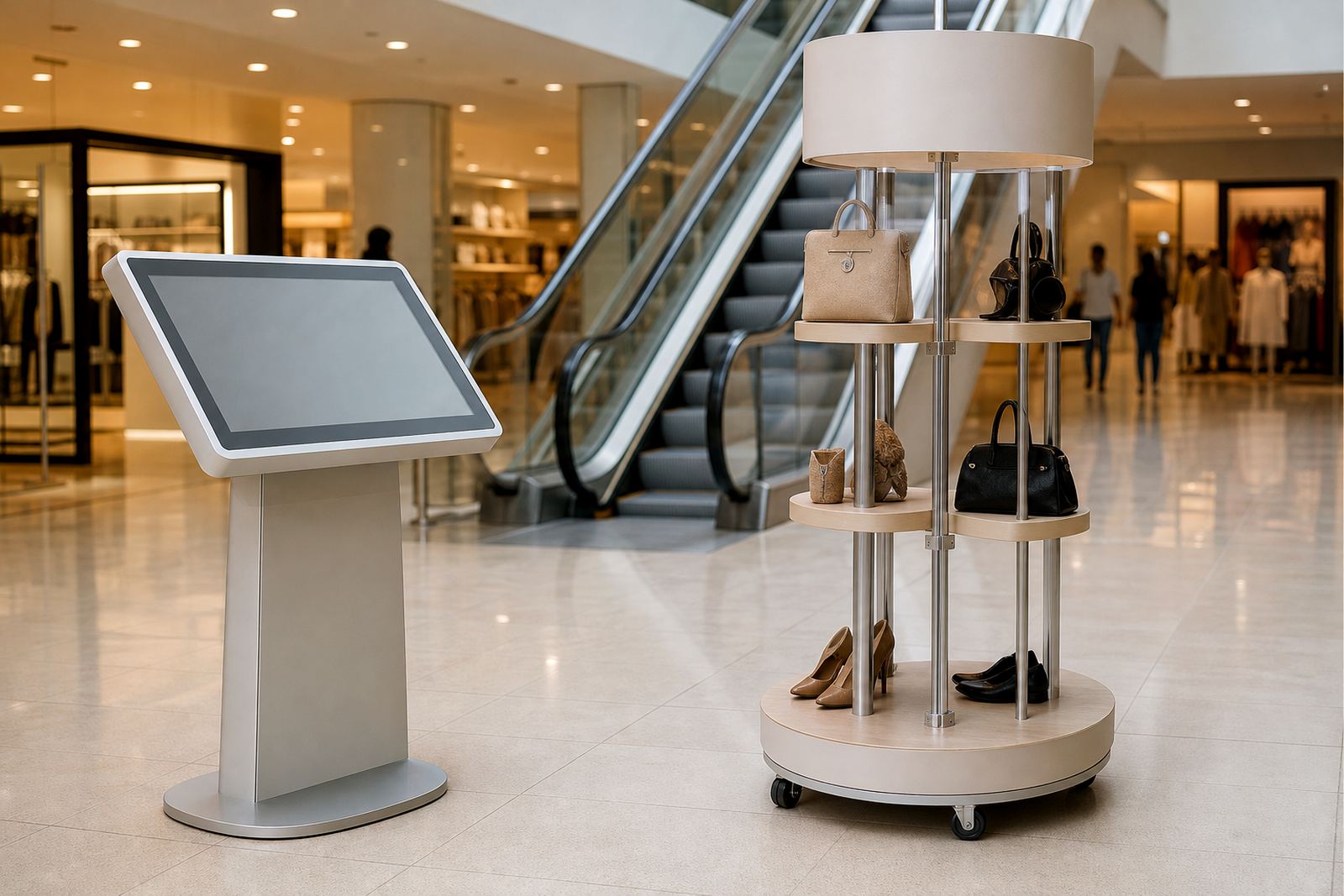
- Interactive touchscreen kiosks for store maps, product search, promotions and store services
- 360-degree product display stands for featured items, launch ranges and high-margin stock
- Wall mounted screens for category campaigns, price changes and seasonal messaging
- Counter units for customer service counters, returns areas or click-and-collect points
- Networked content players for central updates across more than one branch
- Optional barcode or QR code functions for faster product lookups and campaign links
In larger stores, we often recommend one main wayfinding unit near the primary entrance and smaller units near escalators, lifts or department junctions. A product display stand works best where people pause naturally, such as adjacent to cosmetics, gifting or premium homeware. In some stores a compact unit near the till area helps with impulse buying and last-minute gifts.
Layout planning for larger stores and multi-entrance sites
Department stores usually have more than one customer path, so placement needs to follow the way people actually move. The entrance kiosk should be visible from the front door and easy to reach without blocking trolley flow. If there are separate entrances for mall access, street access and parking deck access, each access point may need its own direction signage or kiosk prompt.
We look at sightlines, glare from glazing, proximity to power, and whether the unit is exposed to heat from shopfronts or cold air from entrance doors. In coastal cities like Durban and Cape Town, humidity and salt air need attention during equipment selection and maintenance planning. In Gauteng, dust and load-shedding resilience matter more, especially where stores run long hours and cannot afford a dark kiosk during peak trade. A proper layout also considers foot traffic around lifts, escalators and customer service counters so the kiosk does not create bottlenecks.
- Keep the screen face out of direct sunlight where possible
- Allow clear standing space for two or three people at once
- Place key wayfinding points at decision areas, not only at entrances
- Provide safe cable routes and secure mounting for public areas
- Use content that matches the store map and current promotions, not old specials
Common mistakes that reduce kiosk value
The biggest mistake is treating a kiosk like a static sign. If the content is not updated, customers stop trusting it and staff end up giving directions anyway. Another common issue is putting the unit in a low traffic corner where nobody naturally pauses. A good kiosk should sit where shoppers already make a decision about where to go next.
Stores also run into trouble when they load too much information onto one screen. Long menus, tiny text and crowded graphics make the system harder to use. Keep each task simple: find a department, search a product, view a promotion, or get help. In some branches, teams forget that staff training is part of the installation. If floor staff do not know how to reset a screen, update content or log a fault, the unit stays offline longer than it should.
- Do not place kiosks where trolleys, baskets or queues block access
- Do not rely on one unit for an entire large store
- Do not ignore cable protection and network stability
- Do not leave promotional content unchanged for months
- Do not skip staff training after installation and commissioning
Budget ranges for department store projects in Rand
Budgets vary according to screen size, enclosure type, software configuration, branding and whether the store needs one location or a multi-branch rollout. For a single department store location, a basic interactive kiosk package can start in the range of R45 000 to R85 000 per unit for simpler wayfinding and product search use. More specified retail units with stronger housings, custom branding and integrated content management can move into the R90 000 to R180 000 range per unit.
For 360-degree product display stands, the price depends on size, rotation mechanism, finish and whether the stand is built for light promotional products or heavier merchandising. A practical display stand project may sit between R18 000 and R65 000 per unit, while larger branded display solutions can cost more. Installation, network integration, delivery and content loading should be budgeted separately so the numbers stay clear from the start. If a store is working across Johannesburg, Pretoria, Cape Town, Durban and Bloemfontein, rollout planning can reduce transport and repeat site visits.
Support retainers and preventative servicing are worth considering for busy stores that trade seven days a week. A small annual support plan can prevent expensive downtime, and it is often cheaper than waiting for a fault to become a trading problem.
How iTouch 360 supports retail rollouts
iTouch 360 works from Midrand, Gauteng and supplies department store solutions across South Africa. The team handles site assessments, solution design, custom branding, content loading, delivery installation, software configuration and network integration. For stores with multiple branches, that makes it easier to keep the same look and function from one location to the next.
The team includes Sibusiso Mthembu as MD, with Lerato Khumalo on operations, Johan van Wyk on technical direction, Anele Dlamini on retail solutions, Megan Naidoo on project coordination, Thabo Molefe on installation supervision and Zanele Mokoena on client support. That mix helps with practical retail work, from first measurements through to fault repairs and parts replacement. Clients reach the team through the enquiry form on the contact page, which keeps requests neat and trackable for busy store managers.
Whether a department store needs a single wayfinding point or a broader rollout with support across more than one branch, the aim is the same: help shoppers move with confidence and make campaigns easier to notice without adding pressure on store staff.