Street-Facing Messaging That Works Through Glass
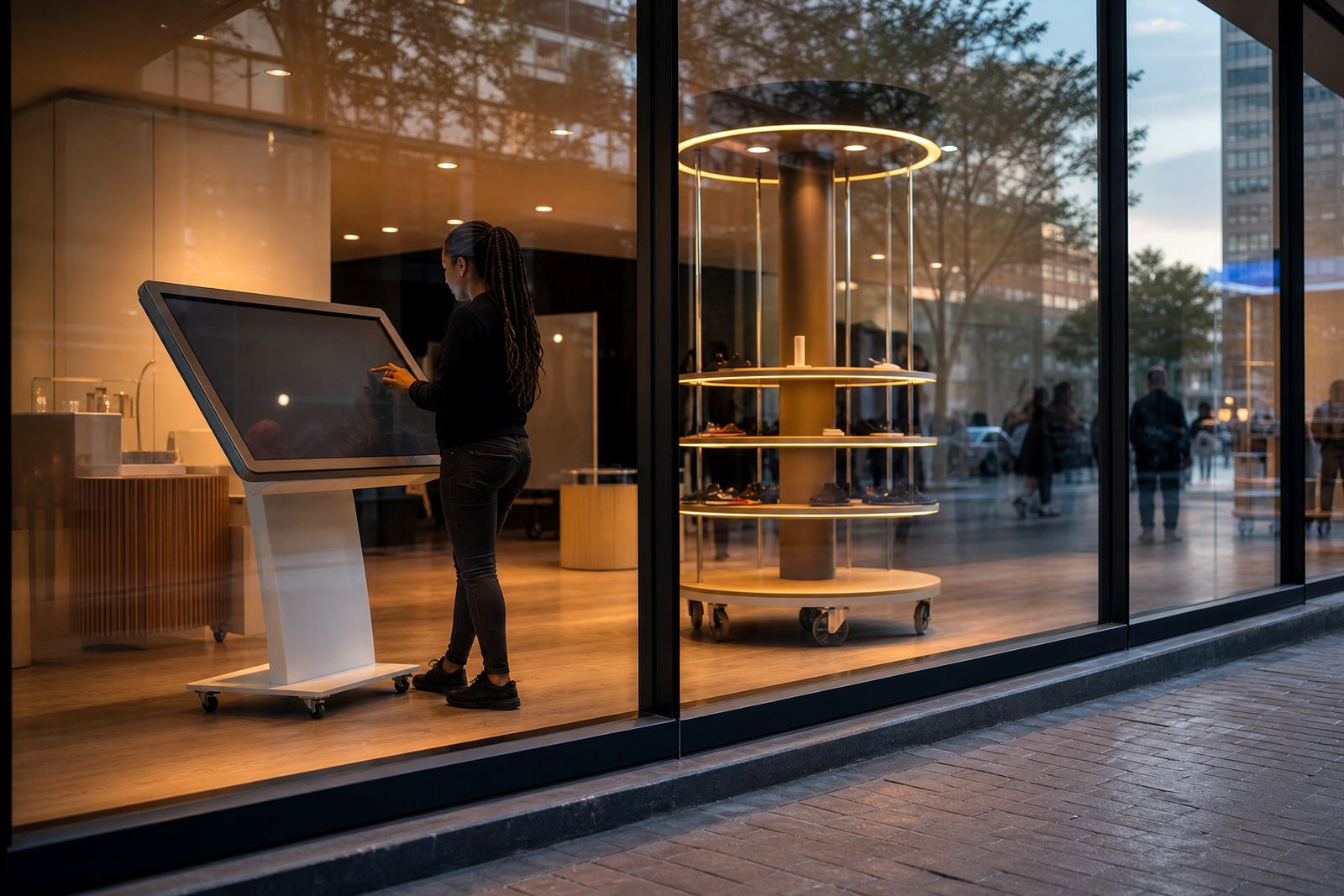
A window facing display is a high-brightness digital screen set up to be viewed from outside the shop or from deep inside a retail floor through the front glass. It is used for promotions, trading hour notices, welcome messages, product videos and live offers that need strong visibility during the day.
In retail spaces across Johannesburg, Pretoria, Durban and Cape Town, the main challenge is glare from sunlight and reflections from the shopfront. These units are built for that job with brighter panels, narrow bezels and mounting options that keep the screen aligned for clear viewing. For stores in coastal areas, we also look at corrosion resistance and ventilation because salt air and heat can shorten equipment life if the setup is not planned properly.
It is a practical fit for fashion, electronics, pharmacies, forecourts, furniture showrooms and mall entries. A good window display does not just look neat, it needs to hold attention for a few seconds and carry a message that makes sense at speed.
Sizes, Viewing Distances And Configuration Options
Window facing displays are usually specified by the size of the glass area, the distance from the pavement and how much light comes in during the day. Smaller units work well for narrow windows and side entrances, while larger format screens suit wide front windows and centre court visibility. Common sizes range from 43 inch to 98 inch, with portrait and landscape orientation available depending on the message layout.
Useful configuration choices include:
- 43 inch to 55 inch for compact windows, kiosks and doorway promotions
- 65 inch to 75 inch for standard retail frontages and mall-facing windows
- 86 inch to 98 inch for larger glass facades and high traffic sites
- Portrait layout for price ladders, product ranges and campaign posters
- Landscape layout for video loops, service messages and lifestyle visuals
Brightness is a key spec. For bright street-facing glass, 2 500 to 4 000 nits is often needed so the content still reads well in full daylight. If the screen sits behind tinted glass or in a shaded arcade, a lower brightness may still be suitable but the viewing angle and reflections should be checked during a site assessment.
Where This Display Suits Retail And Public-Facing Sites
This product suits stores that rely on walk-in traffic and need a strong first impression before a customer even enters the door. It works well for new promotions, seasonal windows, service menus, membership offers and product ranges that change often.
Typical use cases include:
- Shopping centres and mall frontages
- Street-facing retail stores in busy urban areas
- Forecourt shops and quick-service counters
- Showrooms that need after-hours visibility
- Temporary promotional spaces and launch events
For stores in Midrand, Sandton and Centurion, the display often needs to support both daytime foot traffic and evening visibility. In Cape Town and Durban, humidity and coastal conditions should be considered during planning. In smaller towns such as Bloemfontein, the window position and power routing matter just as much as the screen spec because the installation must be clean and easy to maintain.
Installation, Power And Network Requirements
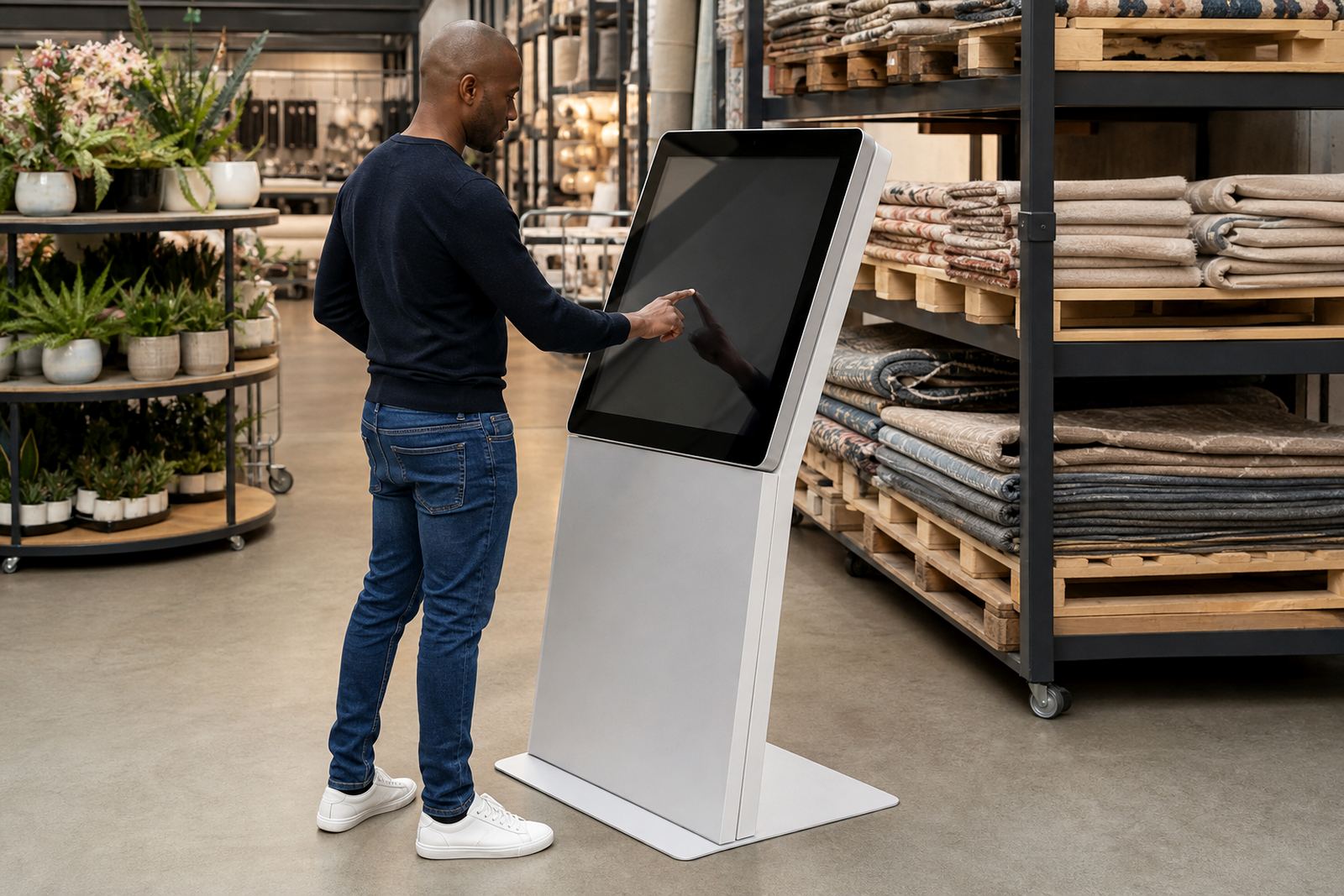
Window facing displays are normally mounted on a wall bracket, floor stand or custom frame, depending on the shopfront build. The exact method depends on glass type, wall structure, available cable routes and whether the screen must face outwards or inwards through the glass. A site assessment helps confirm viewing height, sunlight direction, power points and space for a media player or network equipment.
Most units use standard mains power and should be connected through a protected circuit. For sites affected by load-shedding, retailers often ask for backup power integration so the screen can stay on during short outages. If the display is content-managed over a network, stable internet or local network access is needed for scheduling and updates. We also look at cable cover, safe access for servicing and municipal requirements where shopfront alterations or signage permissions may apply.
In practical terms, the install should allow for quick maintenance without taking the whole frontage out of service. That means proper cable management, accessible ports and enough airflow around the unit so heat does not build up during long trading hours.
Care, Cleaning And Preventative Servicing
A retail window screen needs regular care because dust, fingerprints and heat can affect both appearance and performance. Cleaning should be done with the power off using a soft microfibre cloth and suitable screen-safe cleaner. Harsh chemicals, abrasive pads and excess moisture should be avoided.
Preventative servicing helps keep the display reliable, especially in stores that run daily promotions or extended trading hours. A servicing plan can include:
- Checking ventilation and dust build-up
- Inspecting brackets, fixings and cable strain points
- Testing brightness, playback and scheduling
- Confirming network connection and software settings
- Replacing worn parts before they fail
If the screen is in a sunny spot or near an entrance that carries heat and fine dust, it should be inspected more often. Coastal sites may also need more frequent checks on connectors and fixings because salt air can lead to early wear if left unattended.
What To Confirm Before You Place An Order
Before ordering, it helps to confirm the exact window size, viewing direction and content style. A screen that is too small for the glass area will be missed. One that is too bright for a shaded space can waste power, while one that is too dim in full sun will not be effective. The goal is to match the unit to the site, not just the product name.
Please check the following:
- Glass width, height and mounting depth
- Indoor or outward-facing viewing position
- Daylight levels and glare during peak hours
- Power point location and backup power needs
- Network access for updates and content loading
- Branding colours, logo files and campaign messages
- Whether you need staff training for daily operation
For retailers with multiple branches, it is useful to standardise screen sizes and content formats across Johannesburg, Pretoria, Cape Town, Durban and Bloemfontein. That makes rollouts easier and keeps the store presentation consistent, even when each branch has a different frontage or foot traffic pattern. A clear brief at the start saves time later and reduces back-and-forth during installation.
Key facts
| Display sizes | 43 inch, 55 inch, 65 inch, 75 inch, 86 inch, 98 inch |
|---|---|
| Brightness | 2 500 to 4 000 nits depending on site lighting |
| Orientation | Portrait or landscape |
| Power | Standard mains power with backup power integration option |
| Connectivity | Network or local content playback configuration |
| Use environment | Indoor shopfront windows and glass-facing retail areas |