What the Product Finder Kiosk does in-store
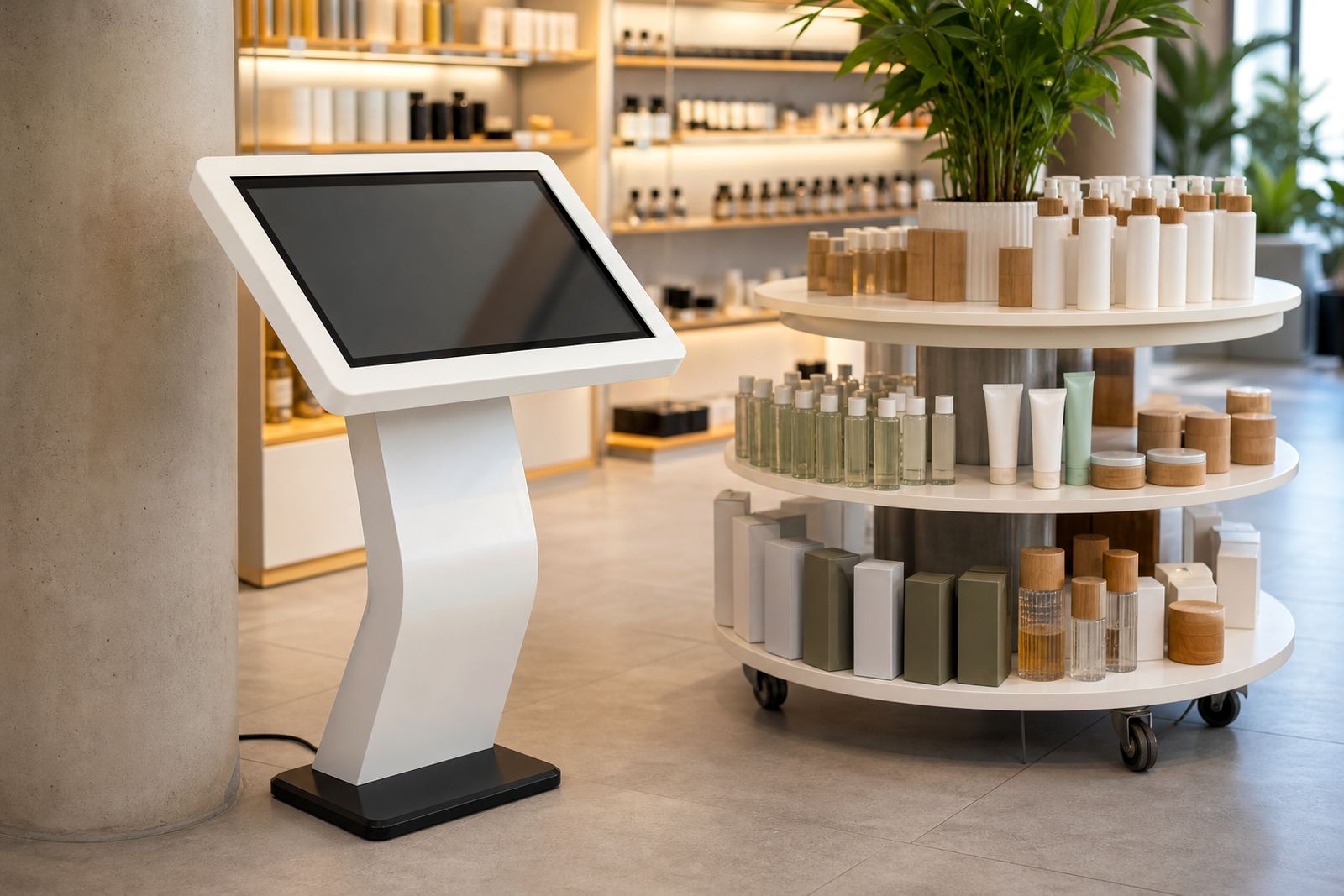
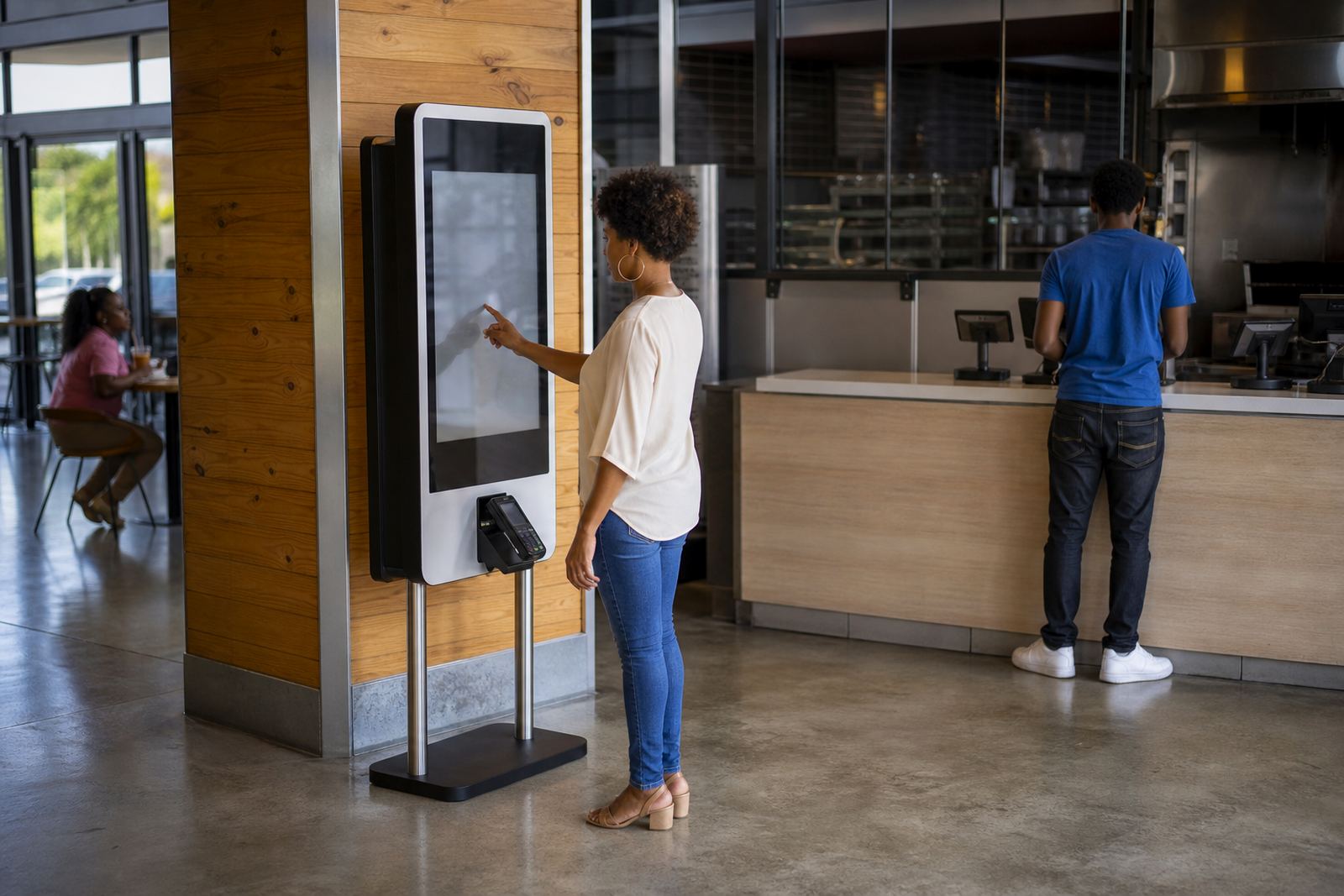
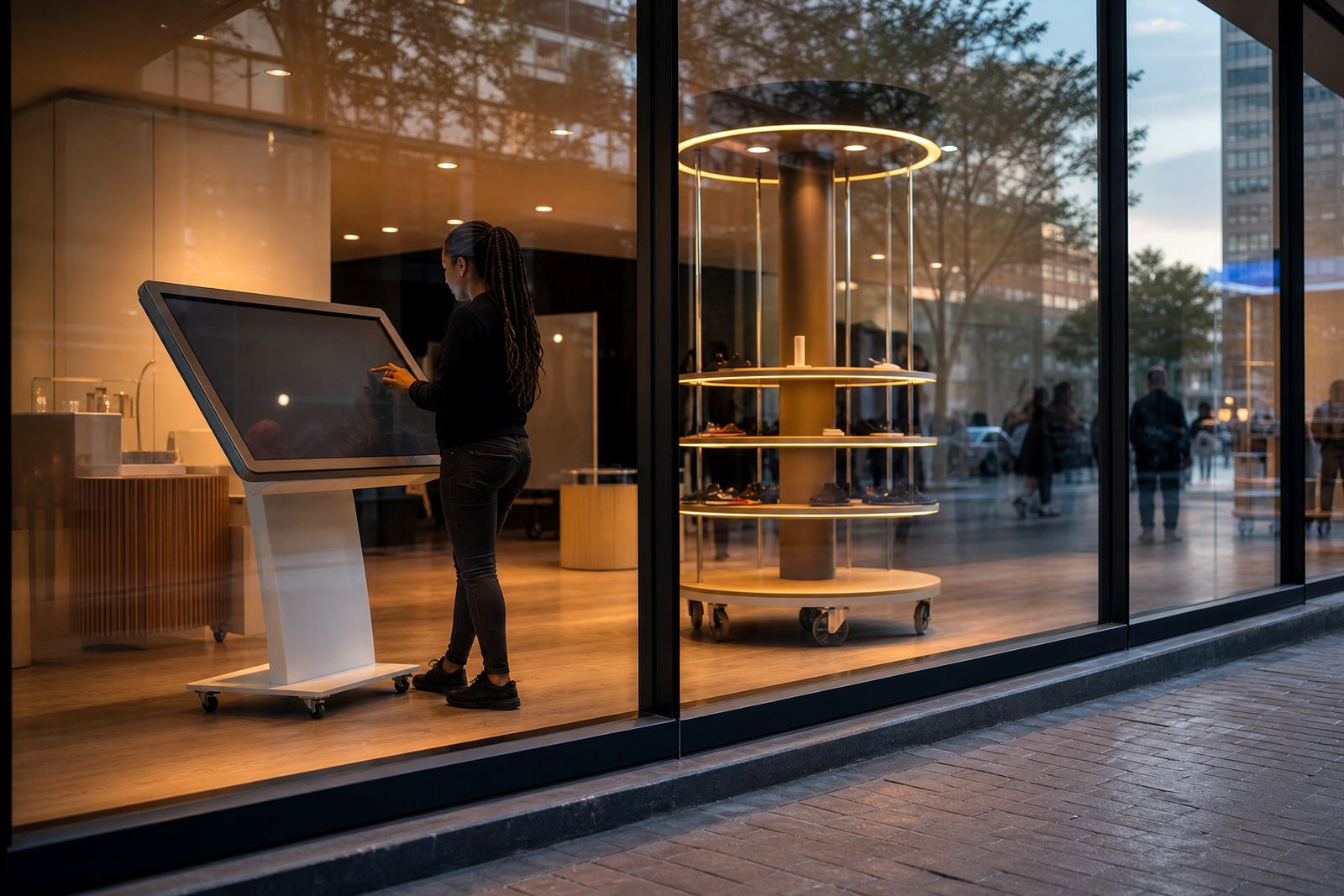
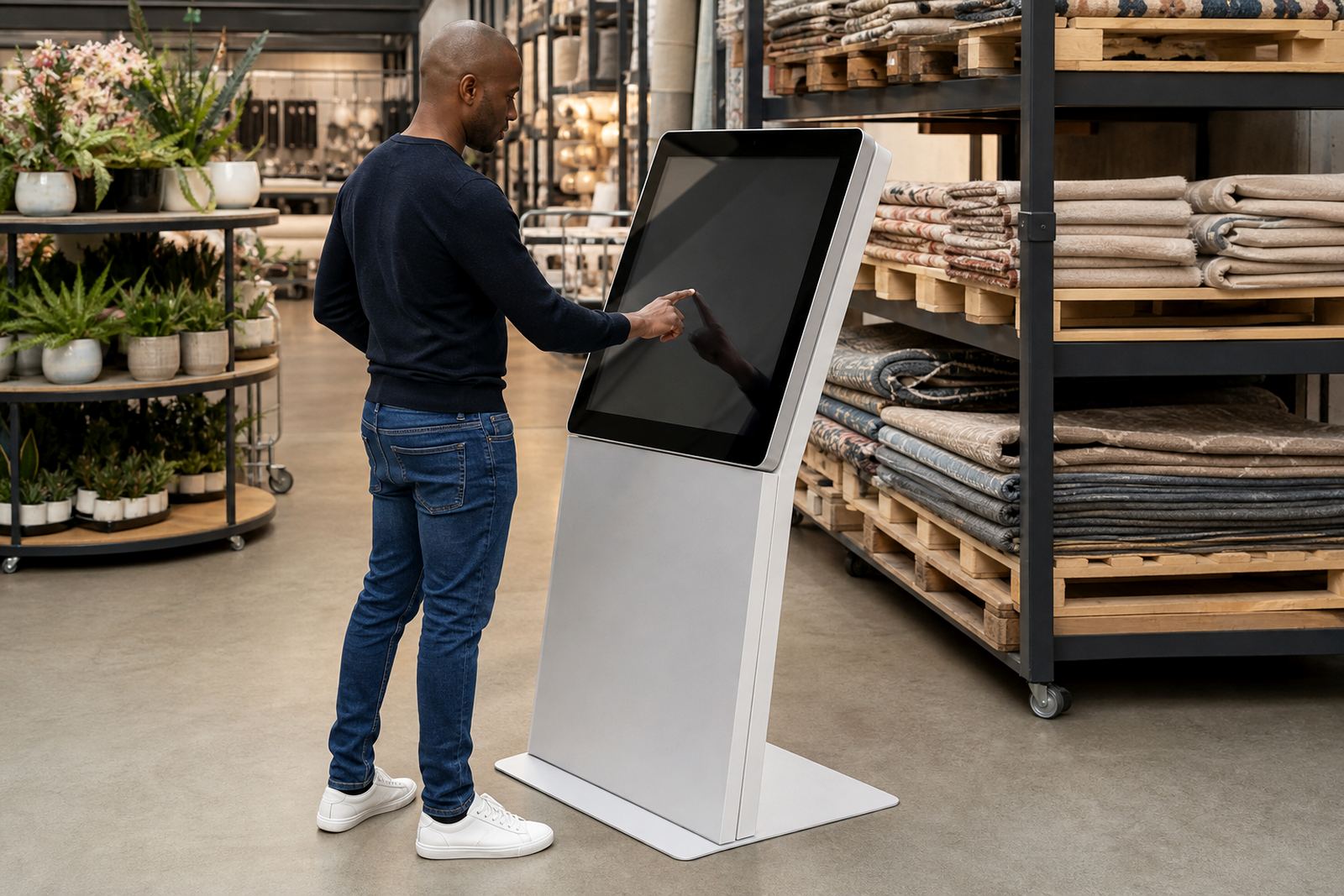
A Product Finder Kiosk is a touchscreen information point that helps customers search for stock by product name, range, size, colour or department. Instead of asking staff for directions every time, shoppers can check where an item is kept, see available variations and move straight to the correct aisle or display bay. In larger stores this saves time during peak periods, and it also helps smaller branches keep the floor running smoothly when teams are busy.
The unit is built for retail use, with a clear screen, simple search prompts and a sturdy enclosure that can handle daily foot traffic. It can be used as a stand alone floor unit or placed in a fixed position near entrances, product zones or customer service areas. For retailers that need a practical in-store wayfinding tool, it gives customers quicker answers and reduces repeated staff interruptions.
- Search by product, category, size or colour
- Show aisle numbers, bay references and store maps
- Suitable for self-service use by shoppers of all ages
- Can link to product details, promotions and stock notes
Sizes, screen formats and layout options
Product Finder Kiosks are usually supplied with commercial touchscreen displays in 32 inch, 43 inch, 49 inch or 55 inch formats, depending on the available floor space and the amount of information you want to show. A compact screen works well in narrower walkways or near the till area, while larger format units are easier to see from a distance in big format retail stores. The housing can be finished in neutral colours or matched to your branding so it fits the store layout.
Most retailers choose a vertical format for search and store navigation, as it is easier for shoppers to scroll through categories and product images. If the kiosk will be used in a high traffic area, we recommend a weighted base or floor fixing for stability. For stores in coastal cities like Durban or Cape Town, the enclosure and fittings should be selected with humidity in mind so the unit stays tidy and presentable.
- Screen sizes: 32 inch to 55 inch
- Orientation: portrait or landscape
- Mounting: floor standing, wall mounted or fixed plinth
- Finish: powder-coated steel, laminated panels or branded vinyl wrap
Where this kiosk works best
This product is well suited to supermarkets, hardware stores, pharmacies, electronics retailers, homeware shops and garden centres. It is also useful in larger mixed retail spaces where customers may not know the exact aisle or department. In Johannesburg, Pretoria and Midrand retail parks, the kiosk often works best near the main entrance or customer services so people can find products before they ask for help.
Retailers use these units to reduce confusion around sizes and colours, especially where stock is split across multiple shelves or storage bays. It is also useful during promotions, seasonal changes and store resets, when staff need a simple way to direct shoppers. If your floor plan changes often, the content can be updated to match new aisle positions and product groupings, which keeps the unit useful instead of becoming outdated.
- Main entrances and welcome points
- Customer service counters
- Department ends and aisle junctions
- Large stores with many product variations
Installation, power and network requirements
Installation is straightforward, but the unit should be positioned where it is easy to reach and not in the way of trolleys or queued customers. Most kiosks need a standard 220V power supply and a nearby plug point. If the kiosk connects to live product information, store maps or remote content updates, a stable network connection is needed as well. In areas affected by load shedding, many stores add a small backup solution so the screen does not shut down during trading hours.
During site assessments we check floor space, cable routes, mounting points and the best viewing height for your customers. For stores in shopping centres, the installation must also fit landlord rules around signage, access and after-hours work. We can assist with delivery installation, software configuration and network integration so the unit is ready for daily use with minimal disruption.
- Power: standard 220V supply
- Network: ethernet or secure Wi-Fi where suitable
- Space allowance: allow clear access around the screen
- Optional backup: battery support for short outages
Care, servicing and day to day use
These kiosks need regular cleaning, basic software checks and occasional hardware inspection to stay reliable. The screen should be wiped with a soft cloth and suitable cleaner, not harsh chemicals that can mark the glass or housing. In stores with dust, coastal air or heavy foot traffic, a preventative servicing schedule helps catch loose fittings, worn cables and touchscreen calibration issues before they interrupt trading. Small faults are easier to handle early, rather than after the unit stops responding.
We also recommend staff training so your team knows how to restart the unit, check the connection and report faults correctly. If the kiosk is used for stock lookup or product finding, the content should be reviewed whenever aisle locations change. That way the information stays accurate and the customer gets the right direction on the first try, which matters in busy stores where time counts.
- Daily screen wipe and visual check
- Monthly inspection of cables and mounts
- Software updates as required
- Spare parts support for touch panels, fans and power units
What to confirm before placing an order
Before ordering a Product Finder Kiosk, check how many products or departments it must cover, whether shoppers need search by size or colour, and where the unit will stand in the store. You should also decide if the kiosk needs live stock links, a store map, promotional content or a simple fixed directory. The more clearly you define the use, the easier it is to match the screen size and software setup to your store.
It also helps to confirm the physical site details early: floor space, power access, Wi-Fi strength, traffic flow and any security concerns. If the unit will be in a public-facing zone, ask about protection against bumps and tampering. For chain stores across South Africa, it is worth keeping the same format in every branch so customers recognise it straight away from Johannesburg to Bloemfontein.
- Product categories and number of listings
- Need for live stock, maps or static directories
- Available power and network points
- Branding, language and content update needs
Key facts
| Touchscreen size | 32 inch, 43 inch, 49 inch or 55 inch options |
|---|---|
| Power supply | 220V standard retail power |
| Connectivity | Ethernet or Wi-Fi, depending on site |
| Mounting | Floor standing, wall mounted or fixed plinth |
| Typical use | Product search, aisle finding, size and colour lookup |
| Service support | Site assessments, setup, training and preventative servicing |