What the Self Service Order Kiosk does on the shop floor
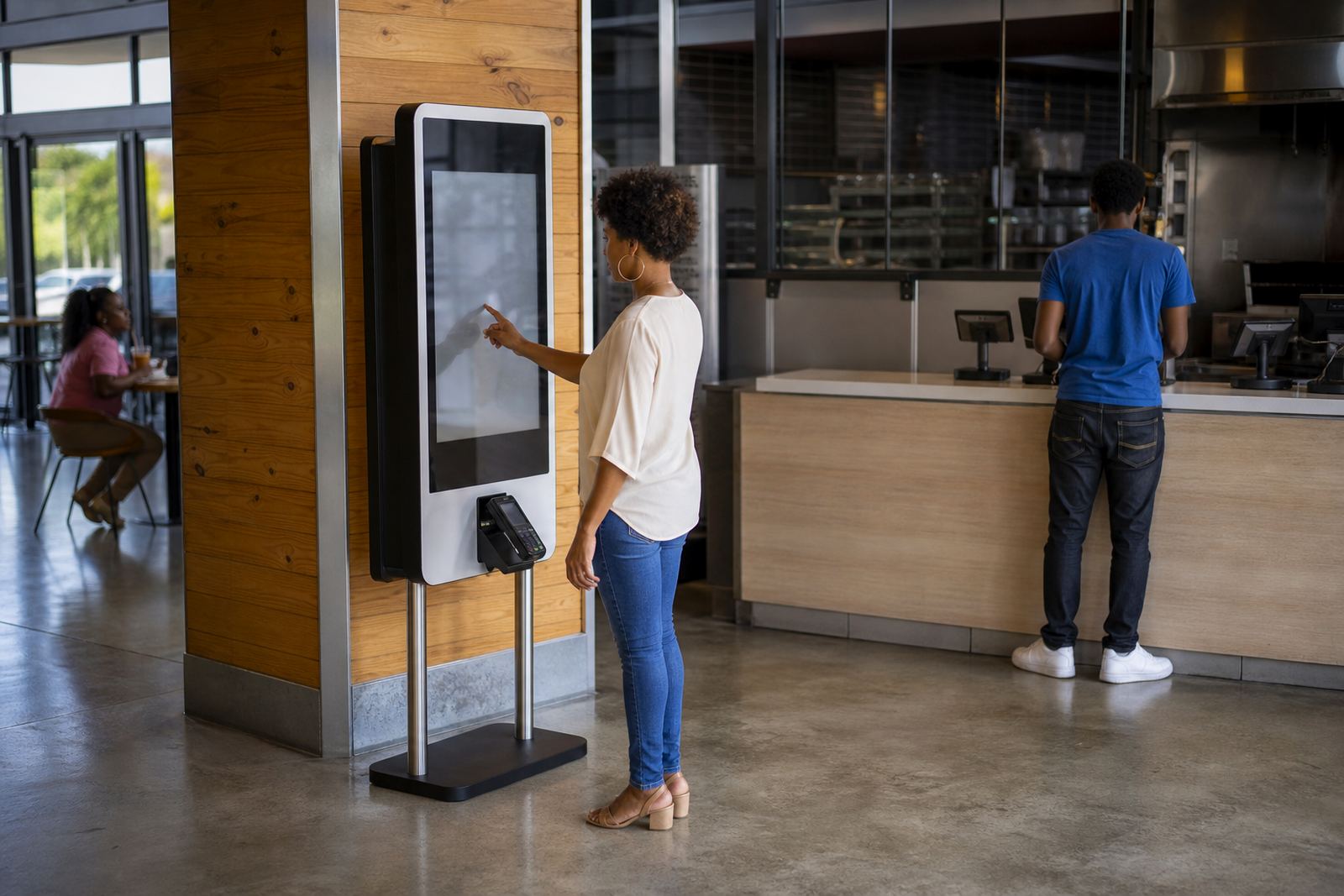
The Self Service Order Kiosk is a touchscreen ordering station that lets shoppers browse products, make selections and confirm their order with clear step by step prompts. It reduces pressure on staffed counters and helps retailers handle busy periods, lunch rushes and weekend peaks with fewer delays.
For stores that sell prepared food, beverages, parts, tickets or standardised retail items, the kiosk keeps the process neat and predictable. It can show product images, item descriptions, add ons, sizes and custom requests so customers understand what they are choosing before payment or checkout.
Retailers often use this format to improve queue control, increase basket size through suggested extras and keep service consistent across branches. It also gives staff more time to focus on packing, stock checks and customer support rather than repeating the same order questions all day.
Sizes and layout options for different retail spaces
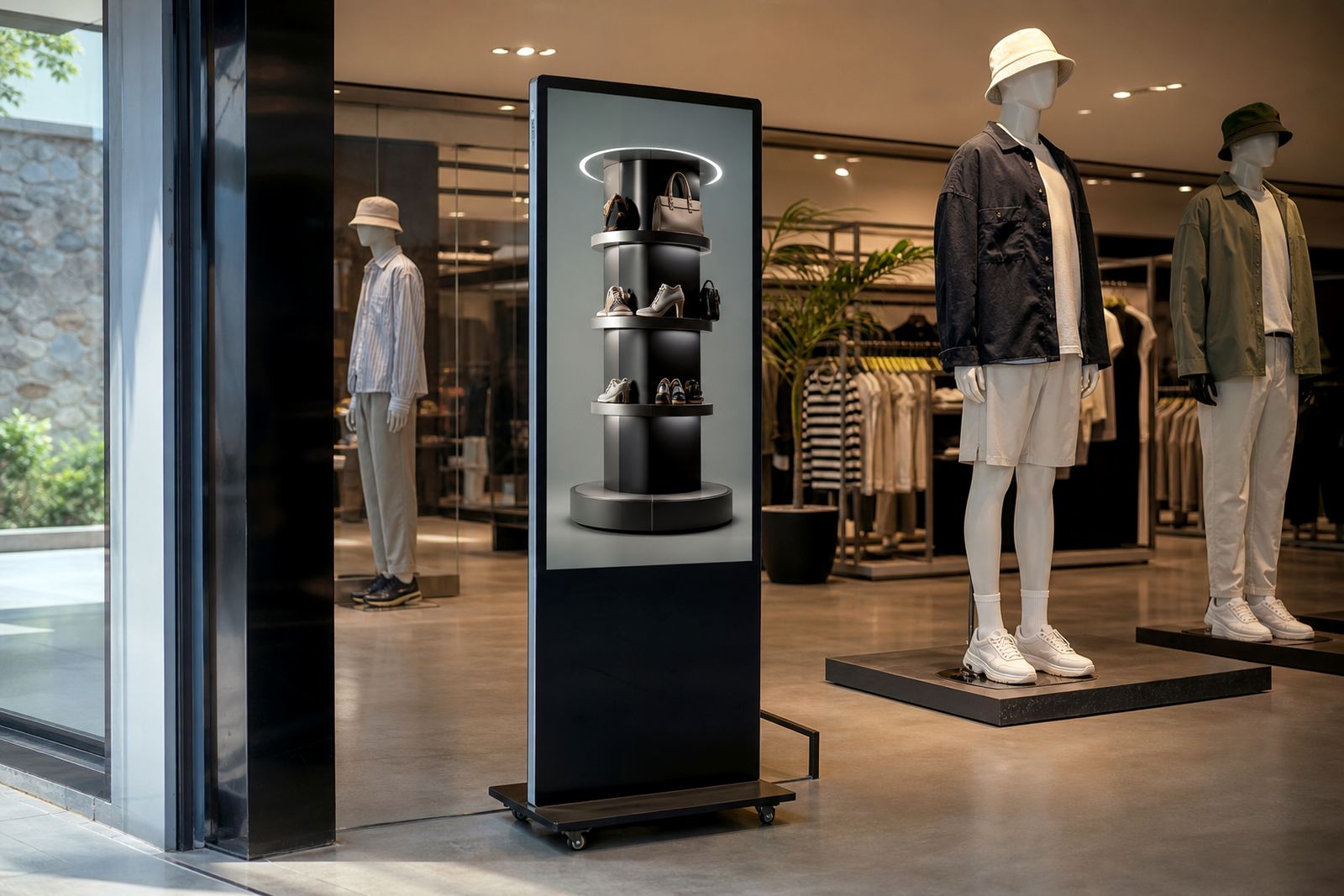
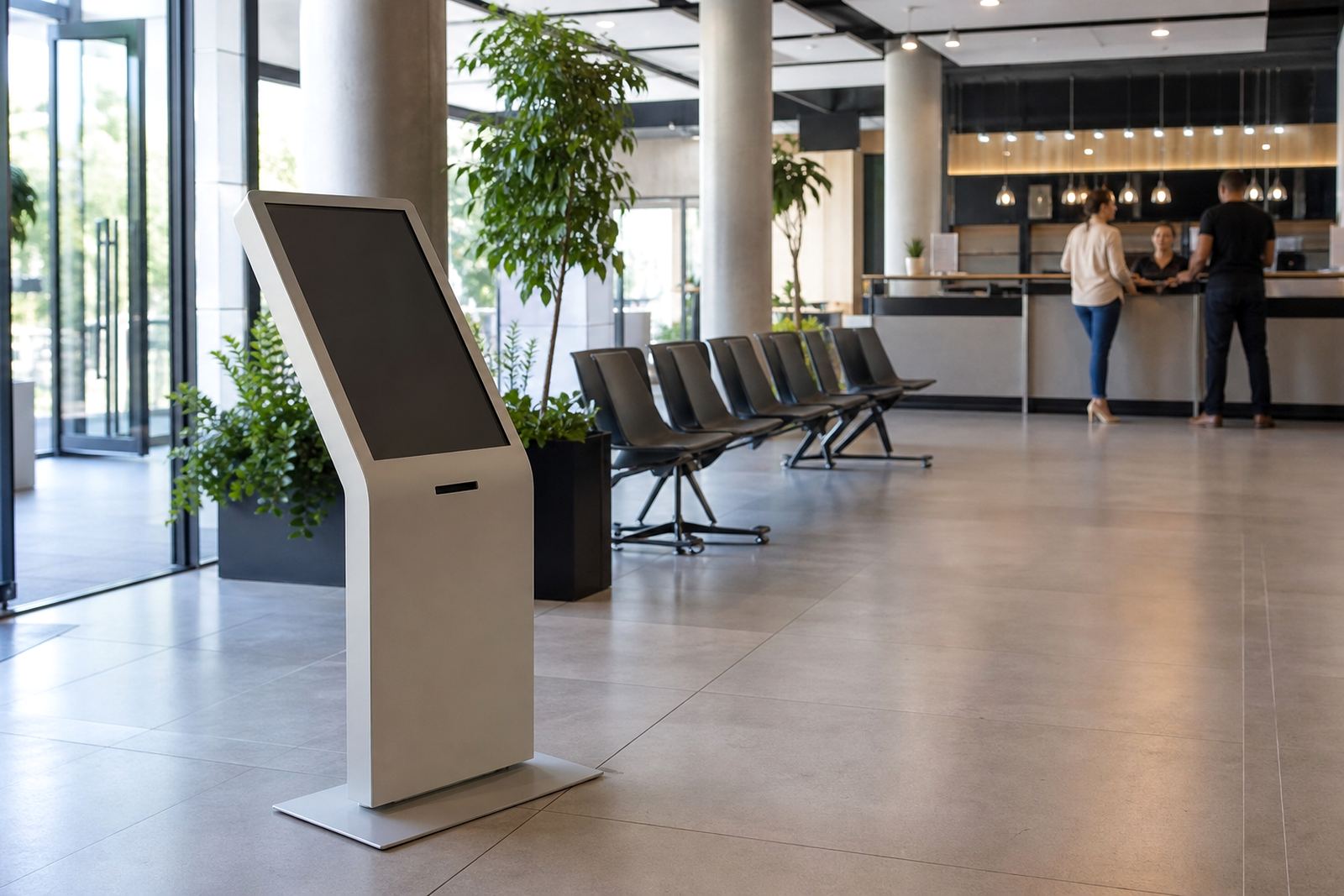
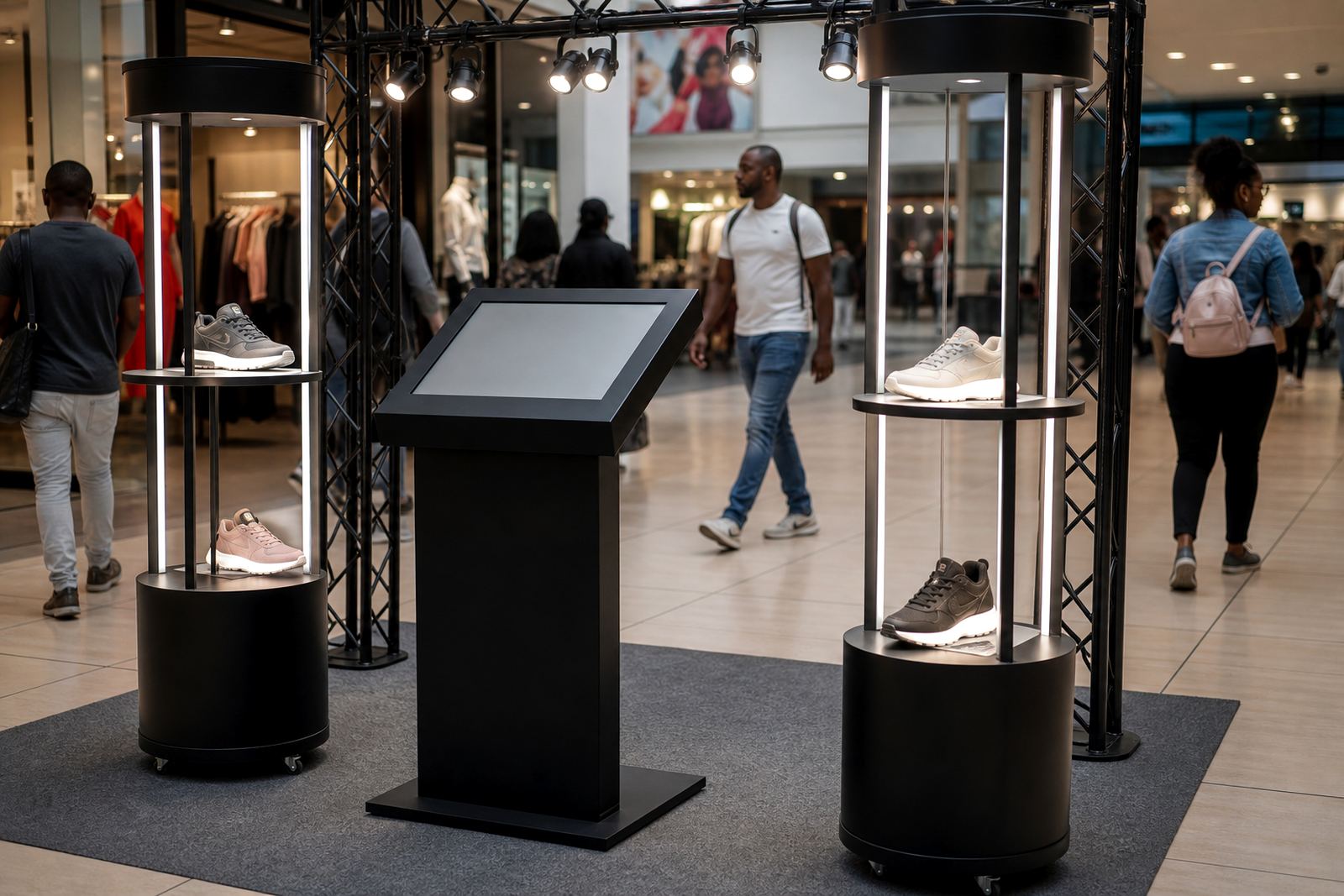
We supply touchscreen kiosk setups in practical formats that suit small counters, wall mounted points and freestanding floor units. The right size depends on the number of products to display, the available floor space and how far away customers will stand when using it.
Common screen sizes include 22 inch, 27 inch and 32 inch touch displays. Taller freestanding units are useful where the kiosk must be visible from across the store, while compact counter models work well near tills or waiting areas. For larger branches, multiple kiosks can be placed in a line so the queue moves faster and customers do not crowd one point.
- Screen sizes: 22 inch, 27 inch, 32 inch
- Mounting: floor stand, counter stand, wall mount
- Use cases: single ordering point or multi unit layout
- Finish options: branded panels, neutral retail finish or colour matched panels
We also help with custom branding so the kiosk sits neatly with the rest of the shop fitout. A clean layout matters, especially in stores with tight aisles or strict mall rules on floor placement.
Where the kiosk works best in South African retail
This product suits retailers that need quick choices and repeatable ordering. It works well in takeaway counters, convenience shops, forecourt stores, pharmacies, specialty retail, airport retail, campus outlets and busy service points where customers prefer to help themselves.
In high footfall branches across Johannesburg and Pretoria, the kiosk helps shorten queues during peak trading times. In coastal areas like Cape Town and Durban, we can factor in humidity and salt air when choosing casings, fasteners and cable routing so the unit holds up better over time. In centres with load shedding or power interruptions, the kiosk can be planned with clean shutdown steps and backup supply options where needed.
- Best for stores with repeat orders and standard menus
- Useful where customers want to compare options before paying
- Suitable for retail areas with limited counter space
- Works well in mall stores, forecourts and standalone outlets
The kiosk is not only about speed. It can also improve the buying experience by making product choices easier to follow, especially where staff are handling many shoppers at once.
Installation, power and network requirements
Installation starts with a site assessment so we can check floor space, traffic flow, wall strength if a mounted unit is needed, and cable routes to the nearest power and network point. That visit also helps confirm whether the kiosk should stand on its own, attach to a wall, or sit beside an existing counter.
Most units need a standard 230 V mains supply and a stable network connection for live content, order sync or reporting. If the store uses network segregation for tills and back office systems, the kiosk can be set up to follow the same network rules. In some locations, a data cable is preferred over Wi-Fi for better consistency.
Where the site has load-shedding, we can plan around the shop’s existing backup system and advise on safe shutdown steps. That avoids data loss and reduces the risk of restart problems after an outage. For outdoor-adjacent entrances or dusty service areas, cable entry points and enclosures need proper sealing, not a quick fix.
Our installation team handles delivery, placement, software configuration, content loading and user testing. We also train staff on how to restart the kiosk, update items and check basic fault messages so the branch is not stuck waiting for outside help over a small issue.
Care, cleaning and servicing over time
A touchscreen kiosk needs regular cleaning and simple checks to stay presentable and responsive. The screen should be wiped with a soft, non abrasive cloth and a suitable cleaning solution, not a harsh spray that can seep into the edges. In food areas, cleaners need to avoid excess moisture around ports, vents and touch surfaces.
Daily care usually includes checking that the screen wakes properly, the network is connected and the unit is stable on its base. Weekly checks should cover cables, brackets, card reader fitment if fitted, and whether the on screen content still matches current pricing and specials. Small issues are easier to fix early, before they become a bigger stoppage.
- Keep vents clear of dust and packaging debris
- Do not use strong solvent cleaners on the touch surface
- Check cables after floor cleaning or remerchandising
- Schedule preventative servicing for busy sites
We offer preventative servicing, fault repairs and parts replacement for branches that want fewer surprises. For retailers with several outlets, a support retainer can help keep each kiosk on the same standard and reduce down time.
What to check before you place an order
Before ordering a Self Service Order Kiosk, it helps to decide exactly how customers will use it. A menu led ordering flow needs different content and screening than a simple product selector. The clearer the brief, the better the result for staff and shoppers.
Ask yourself how many products must appear on screen, whether the kiosk will take custom requests, and whether the unit must connect to existing systems. It is also important to confirm the available footprint, the power point location and whether the unit must fit a mall or municipal compliance requirement. In some retail environments, fire exits and aisle widths limit what can be installed where.
- Number of items or categories to display
- Required screen size and mounting style
- Need for network integration or offline use
- Branding, colour and signage requirements
- Cleaning schedule and servicing expectations
- Power point position and cable route
If the store expects heavier use, ask for a stronger base, improved cable protection and a screen size that remains easy to read from a standing position. That small detail can make a big difference at the till point, especially when the store is busy and staff are moving quickly.
Key facts
| Product type | Self service touchscreen ordering station |
|---|---|
| Typical screen sizes | 22 inch, 27 inch, 32 inch |
| Mounting options | Freestanding, counter mounted or wall mounted |
| Power requirement | 230 V AC standard mains supply |
| Connectivity | Ethernet or Wi-Fi, depending on site needs |
| Typical applications | Retail ordering, upselling, queue reduction and product selection |