What a Promotional Display Kiosk does in store
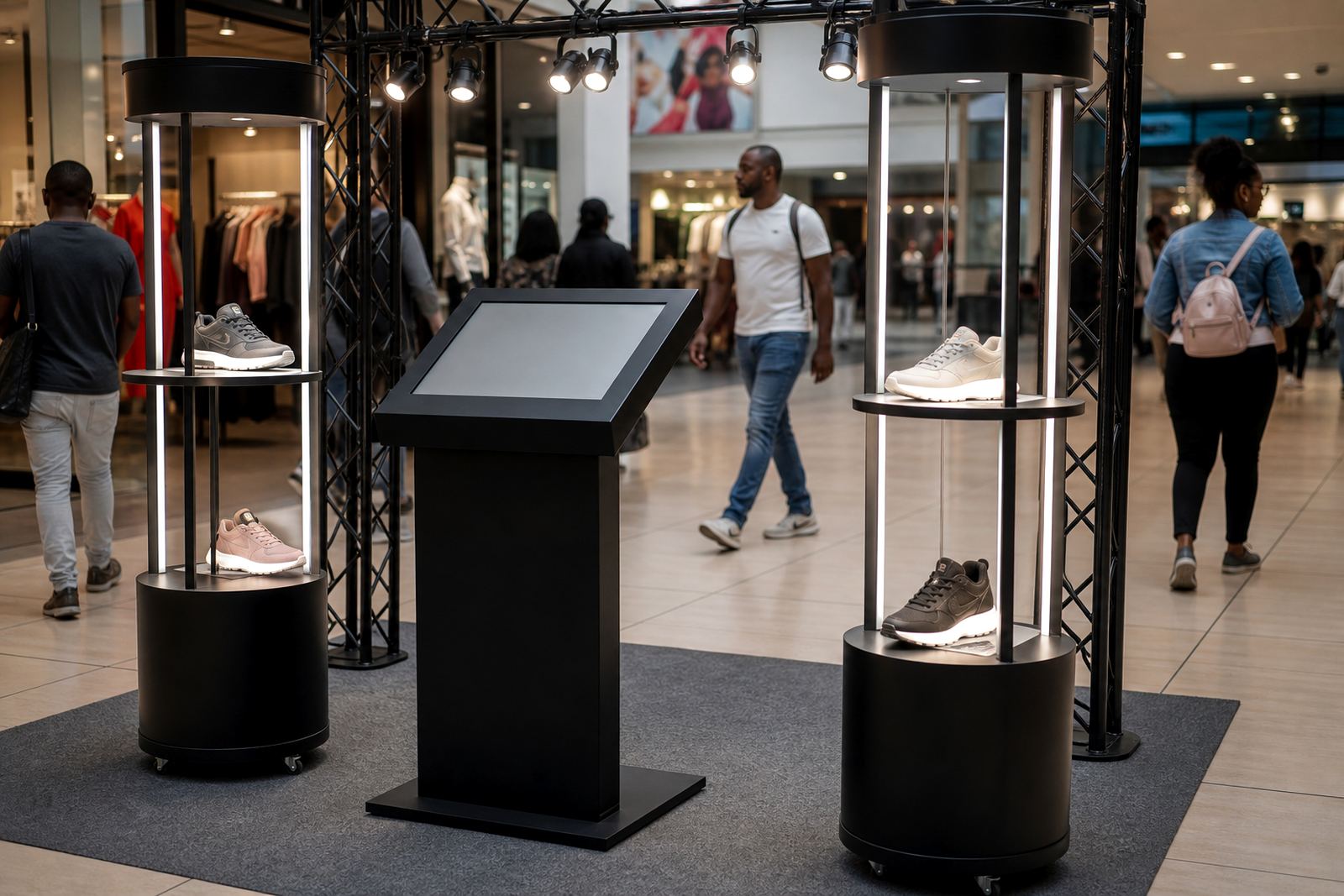
A Promotional Display Kiosk is a freestanding digital unit used to present promotions, product information and short interactive content at the point of sale or near featured ranges. It can run touch based menus, short videos, price prompts and product comparisons, so staff spend less time repeating the same details and shoppers get answers fast.
For malls, forecourts, appliance stores and high traffic retail floors, the unit works well when you need a clean way to support a launch or seasonal push. It is especially useful where floor space is limited and the display must stand on its own without much fuss.
- Suitable for short term campaigns or permanent retail use
- Can be updated remotely or by USB, depending on the setup
- Works with static graphics, video and touchscreen content
- Can include branding, pricing prompts and QR code links
Sizes, screen options and display formats
Most retailers choose screen sizes between 32 inch and 55 inch, depending on aisle width and viewing distance. Smaller units suit counters and tighter spaces, while larger formats are better for entrances, seasonal islands and open floor areas. Portrait orientation is common for product storytelling, while landscape suits video and wider promotional layouts.
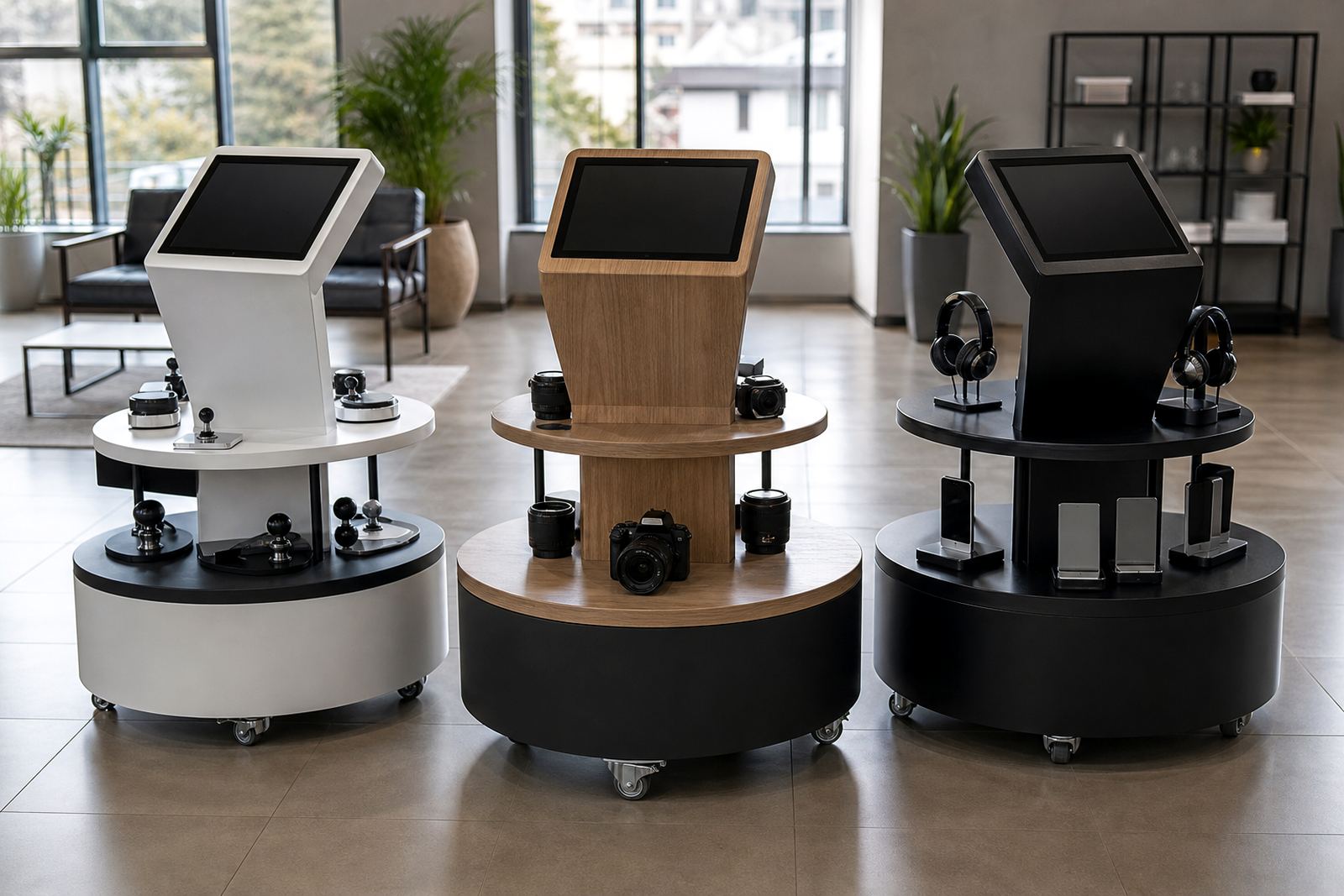
Cabinet finishes can be matched to your store colour palette, and the front panel can be branded for a campaign or kept neutral for long term use. In Midrand and Sandton stores where presentation matters, many buyers prefer a slim footprint so the kiosk does not block foot traffic.
- Screen sizes: 32 inch, 43 inch, 49 inch and 55 inch
- Orientation: portrait or landscape
- Mounting: floor standing, counter mounted or wheeled base
- Options: touch or non touch display, speaker set, lockable access panel
Where this kiosk suits best
This product suits retail environments that rely on repeat traffic, planned promotions and clear product education. It is a strong fit for electronics, cosmetics, pharmacy, hardware, clothing, homeware and quick service food stores. It also works well for launch tables and seasonal areas where shoppers need a quick reason to stop and look.
Across Johannesburg, Pretoria, Cape Town, Durban and Bloemfontein, we often see the best results in stores with changing specials, trade promo periods or supplier funded campaigns. A kiosk can be used for weekend deals, festive ranges, back to school offers or new line introductions.
- Retail entrances and aisle ends
- Promotional islands and launch areas
- Checkout zones and customer service points
- Showrooms and product demo spaces
Installation, power and site needs
Installation starts with a site assessment to check floor space, visibility, cabling and the safest route for power and network connection. Most units need a standard 220V supply and a nearby plug point, with cable management kept tidy and out of the walk way. If the kiosk uses live content, a stable data connection is recommended for updates and reporting.
In South African retail spaces, load shedding and unstable power can affect uptime, so some clients add backup power or a protected circuit. If the unit is placed near entrances or in coastal areas such as Durban and Cape Town, the housing should also be chosen with humidity and cleaning conditions in mind.
- Standard power: 220V AC
- Typical footprint: from about 500 mm wide x 450 mm deep upward
- Recommended clearance: allow space for airflow and safe access
- Optional backup: UPS or inverter support for short outages
Care, servicing and ongoing support
These kiosks need routine care to stay presentable and reliable. Screens should be cleaned with a soft microfibre cloth and a suitable electronics cleaner, not household spray. Air vents, brackets and access panels should be checked during servicing so dust does not build up and affect performance.
We also recommend preventative servicing for stores that run long trading hours or change content often. That can include software checks, screen calibration, content loading support and fault repairs if a component starts to fail. A little attention each quarter can save a bigger breakdown later, especially in busy stores.
- Wipe screen and cabinet surfaces regularly
- Check cables, locks and access panels monthly
- Update content for price changes and new campaigns
- Book periodic servicing for stores with heavy foot traffic
What to check before you order
Before placing an order, confirm the screen size, content format, branding needs and where the kiosk will stand in the store. You should also check whether the unit needs touch functionality, whether it must move between sites, and if the content will be changed by head office or store staff. If the kiosk is for a launch, make sure the artwork and product copy are final before content loading starts.
It helps to know the budget, lead time and install location early, because these affect the final spec and delivery plan. Our team can help with solution design, branding, installation and staff training so the handover is straight forward.
- Confirm size, orientation and touch or non touch use
- Check power point position and network access
- Decide who will update content after launch
- Ask about delivery, installation and servicing coverage
Key facts
| Product type | Promotional digital kiosk for retail campaigns and product launches |
|---|---|
| Screen sizes | 32 inch, 43 inch, 49 inch, 55 inch |
| Orientation | Portrait or landscape |
| Power requirement | 220V AC standard supply |
| Connectivity | USB, local network or online update options |
| Finish options | Branded wrap, powder coated cabinet or neutral retail finish |