What a Digital Catalogue Kiosk Does in Store
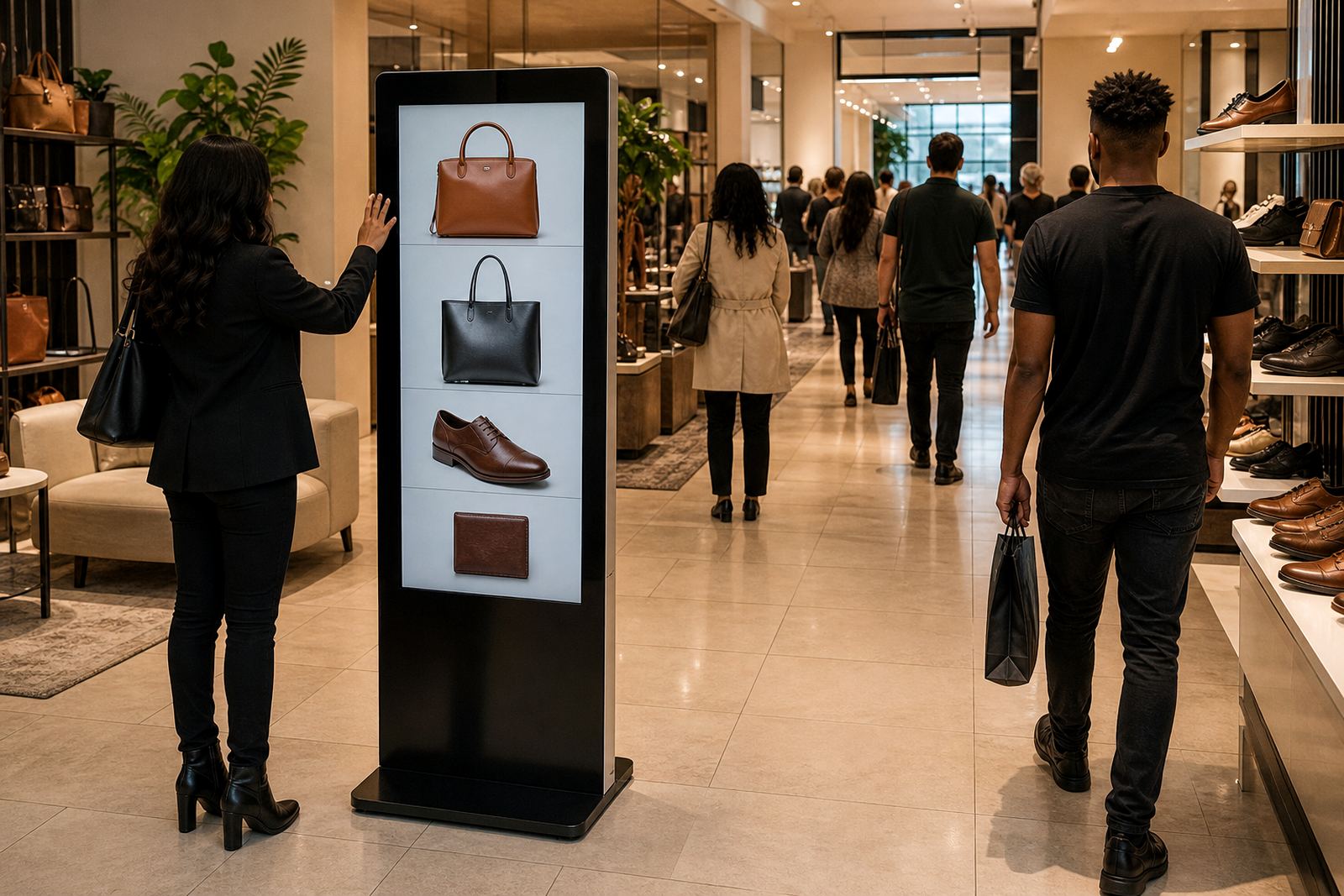
A digital catalogue kiosk is a browseable touchscreen station that gives customers access to your extended product range, specifications, images and product codes. It is useful where the physical shelf cannot hold every line, or where a shopper needs to compare options before asking for assistance.
In a retail setting, the kiosk works as a self-service product finder. A customer can search by category, scroll through variants, check stock call-ups, view promo details and send a selection to a staff member for follow-up. That reduces waiting time and helps staff spend less time repeating the same product information.
For branches in Johannesburg, Pretoria, Cape Town, Durban and Bloemfontein, this is especially practical when the store carries seasonal items, large SKU counts, or catalogue-based stock that arrives from a central warehouse. It also helps in stores where floor space is tight and you need a clean way to present more choice without adding more shelving.
Screen Sizes, Mounting Options and Hardware Choices
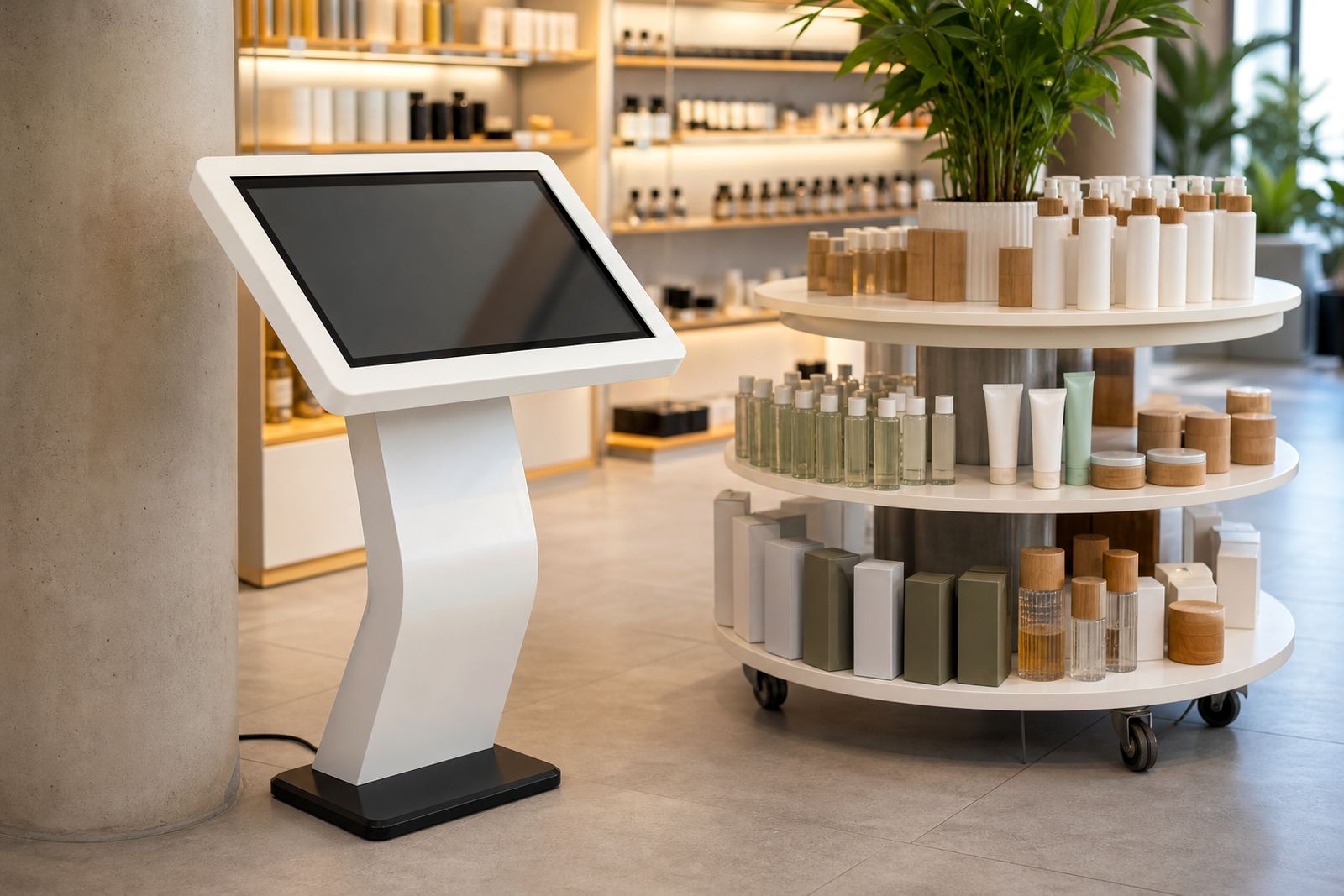
Digital catalogue kiosks are usually supplied as upright floor-standing units, wall-mounted displays, or counter-height stations depending on the site layout. Screen size is chosen around the traffic flow and viewing distance. In smaller showrooms, a 32 inch or 43 inch screen is often enough. For busier retail areas, 55 inch or 65 inch units work better because product tiles and search results are easier to read.
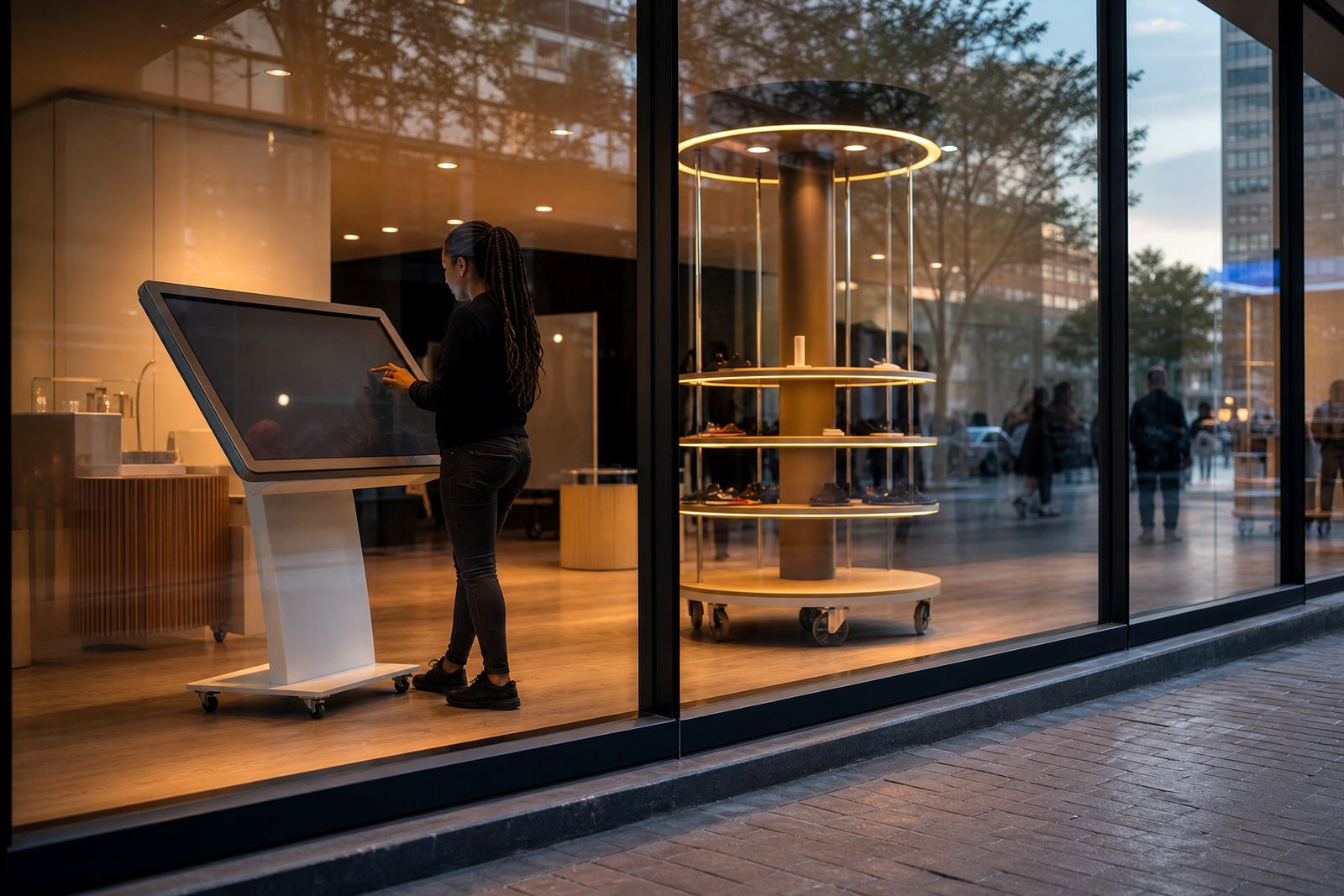
The cabinet and mounting format can be matched to your brand finish, with powder-coated steel, powder-coated aluminium or a branded wrap on the outer panels. Touch input is typically projected capacitive for smooth multi-touch use and better durability in stores with heavy foot traffic. If the unit will sit near a mall entrance or a beachfront site in Durban, the finish should be selected with humidity and regular cleaning in mind.
- Screen sizes available: 32 inch, 43 inch, 55 inch and 65 inch
- Orientation: portrait or landscape depending on the catalogue layout
- Mounting: floor-standing, wall-mounted or counter-height
- Touch type: multi-touch glass with durable retail-grade front panel
- Cabinet options: standard finish or custom branded panels
Where It Suits Best in South African Retail
This product suits retailers with broad ranges and limited display space. It is commonly used in appliance showrooms, building supply outlets, furniture stores, decor shops, sports retailers and specialist product ranges where customers need to see more than what can be physically stocked on the floor.
It also works well in stores that run promotional campaigns or have several variations of the same item. A shopper can browse colour, size, finish or pack quantity without hunting for labels on the shelf. That can be helpful during peak periods, when staff are busy and the store is handling queues after work hours or on weekends.
For centres and roadside stores where load-shedding is a daily reality, the kiosk can be paired with a UPS or local backup power arrangement so the catalogue stays available during short interruptions. In larger branches, the kiosk can also sit beside a printed QR code for customers who want to continue browsing on their phones after leaving the store.
- Best for large catalogues with many variants
- Useful where shelving space is limited
- Suited to stores with promo-heavy ranges
- Practical for customer self-service and assisted sales
Installation, Power and Network Requirements
Installation starts with a site assessment so the unit can be positioned where it gets steady foot traffic without blocking aisles or emergency routes. The floor should be level and able to support the kiosk footprint, especially for heavier floor-standing models. If the unit is wall-mounted, the wall structure must be checked for load-bearing capacity and fixing points before drilling starts.
The kiosk normally needs a standard 230V mains supply and a nearby power point. For networked catalogue content, an ethernet connection is preferred, although secure Wi-Fi can be used where cabling is difficult. If the store has unstable power, a UPS can be added for short outages and safe shutdowns. Where the content is pulled from a central system, we can configure the network settings so the unit stays connected without staff having to manage it daily.
Delivery installation can be arranged across Gauteng and to major centres nationwide. In shopping malls, municipal or landlord rules may apply to access times, drilling, work permits and after-hours installation, so it helps to plan those details early. The aim is to get the kiosk in place with minimal disruption to trading, not to keep the floor closed longer than needed.
Content Loading, Branding and Daily Use
The kiosk is only useful if the catalogue is easy to browse. That means the product structure must be clear, with logical categories, search filters and simple product pages. We can load content, configure menus and set up product imagery, pricing fields, item descriptions and call-to-action buttons so staff can update ranges without having to rebuild the whole interface.
Custom branding can include colour matching, category icons, logo placement and a start screen that fits the store format. In some branches the kiosk acts as a sales assistant, in others it works more like a range browser for customers who need a little time before speaking to staff. Either way, the layout should be simple enough for first-time users and clear enough for older shoppers who may not be used to touchscreens.
- Product browsing by category, brand, size or finish
- Search function for quick item lookup
- Optional pricing, stock codes and spec sheets
- Brand colours, logo placement and start screen setup
- Staff-friendly interface for quick updates
Care, Servicing and Fault Prevention
Retail kiosks need regular care so they keep working through long trading hours. The glass should be cleaned with the right cloth and a non-abrasive cleaner, and vents should be kept free of dust. In coastal conditions, especially where salt air and humidity are higher, the cabinet and internal components should be checked more often to reduce corrosion and overheating.
Preventative servicing can include screen checks, cable checks, touch calibration, software updates and inspection of power supplies. If the kiosk is used all day in a high-traffic site, a scheduled service plan is worth having because small faults are easier to fix before they interrupt trading. Staff training also helps, since many issues come from accidental power-off, rough cleaning or content being left outdated for too long.
When parts wear out, we can handle fault repairs and parts replacement. Common items include touch panels, media players, power supplies and brackets. Keeping spares on hand is useful for stores in distant areas like Bloemfontein or smaller Gauteng nodes where waiting for a single part can slow the whole display.
What to Check Before You Order
Before ordering a digital catalogue kiosk, it helps to confirm the exact use case. A unit for product lookup is not always the same as one used for price checking, queue management or assisted sales. The screen size, cabinet style, software flow and mounting position should all match how your customers actually move through the store.
Ask yourself these practical questions before signing off:
- How many products or categories must the kiosk hold?
- Will the content be updated weekly, monthly or on demand?
- Is the unit going into a mall, a street-facing branch or a warehouse-style store?
- Do you need portrait or landscape viewing?
- Will the kiosk need UPS backup during load-shedding?
- Does the store need staff training and ongoing support retainers?
Getting those answers early avoids rework later. It also means the kiosk can be set up to suit the store instead of forcing the store to work around the hardware.
Key facts
| Screen sizes | 32 inch, 43 inch, 55 inch, 65 inch |
|---|---|
| Touch technology | Projected capacitive multi-touch |
| Mounting options | Floor-standing, wall-mounted or counter-height |
| Power requirement | 230V AC mains supply, UPS optional |
| Connectivity | Ethernet or secure Wi-Fi |
| Typical use | Browseable catalogue for extended retail ranges |