What a Portrait Touch Screen Does In Store
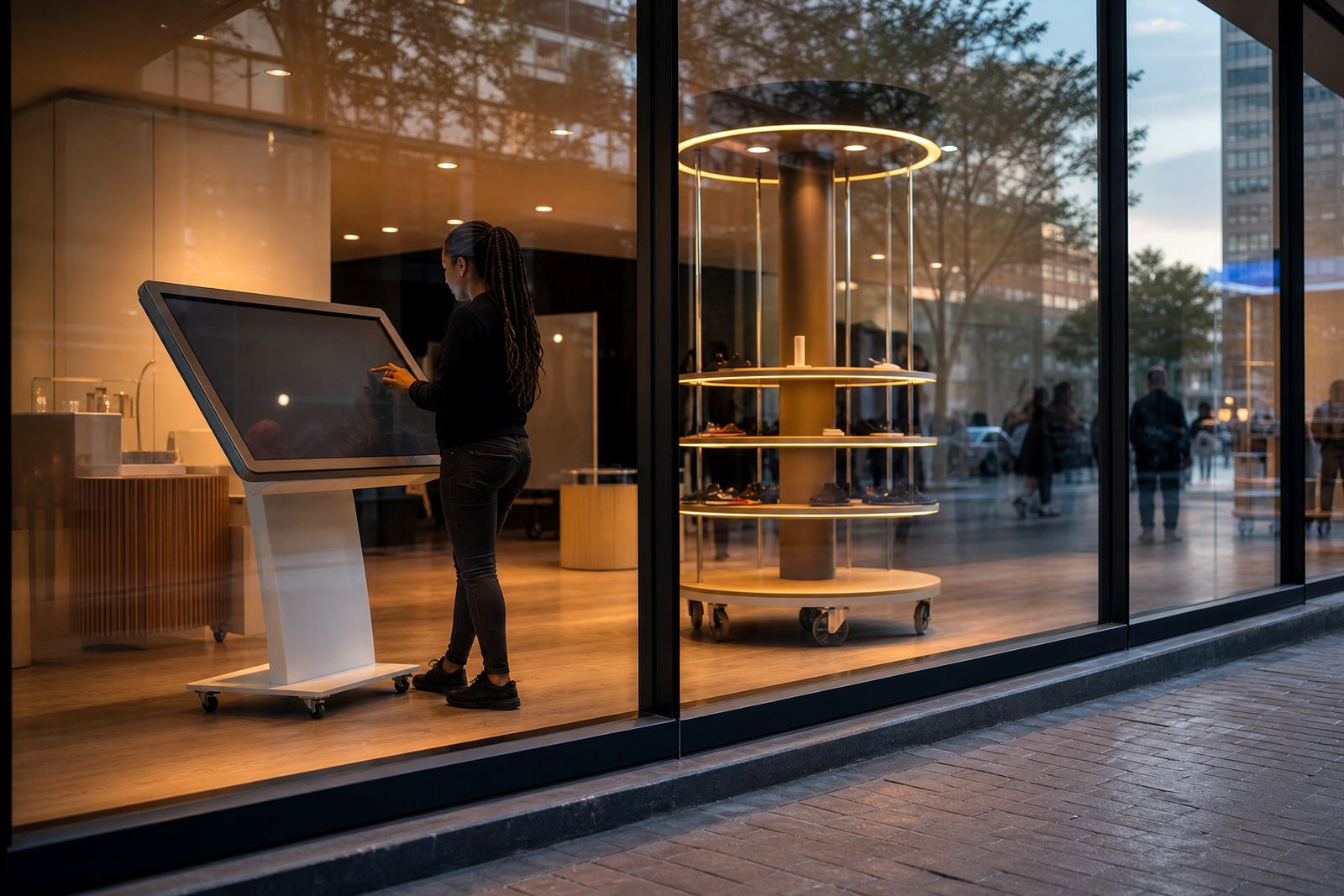
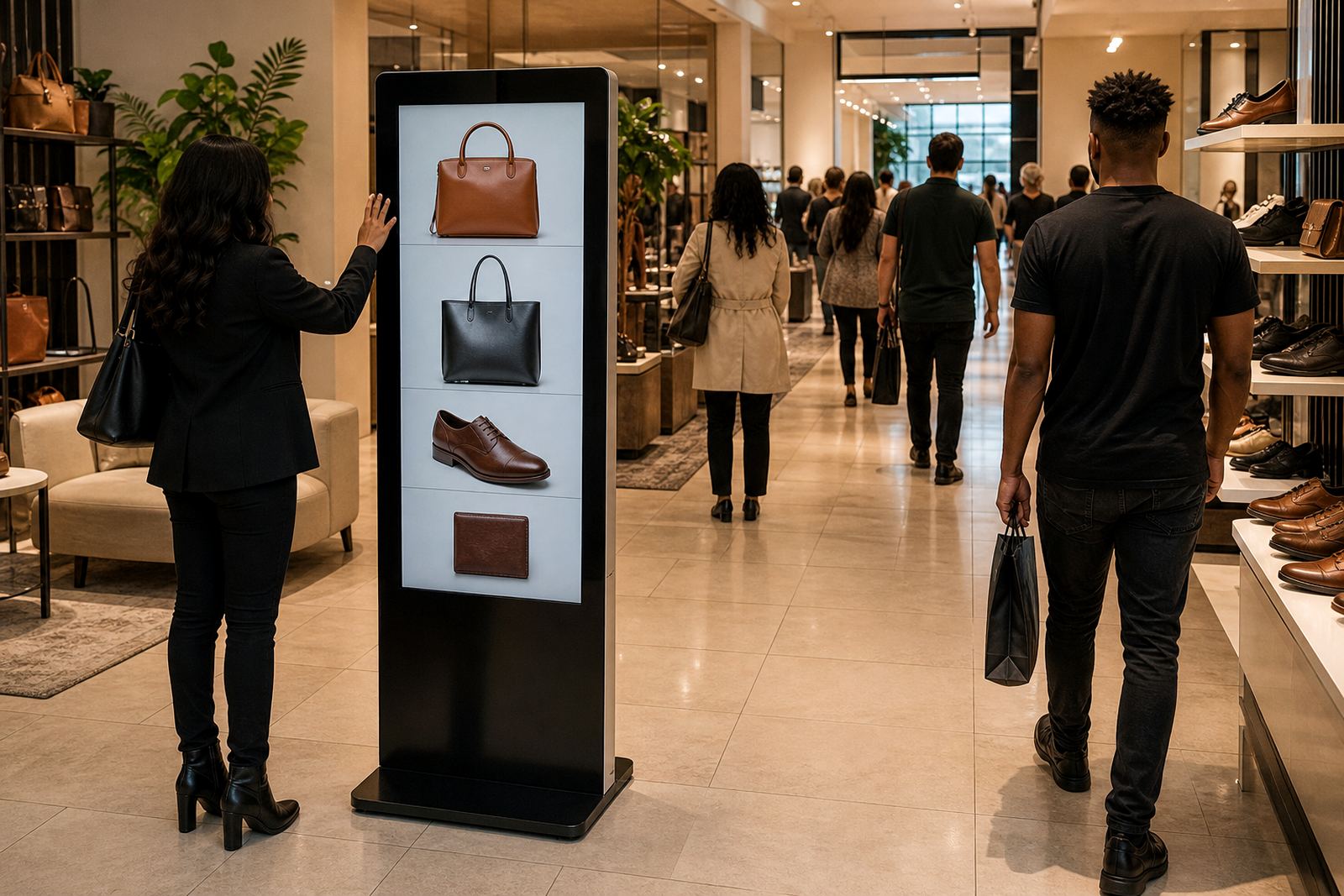
A portrait touch screen is a vertical interactive display used to present information in a clean, easy-to-follow format. The upright orientation suits menus, store directories, product ranges, special offers and guided customer journeys, especially in busy retail spaces where floor area is tight and every square metre counts.
In practice, it gives shoppers a simple way to tap through content without needing assistance from staff. That can reduce queues at service points and keep campaigns working even during load-shedding when supported by the right backup power. It also makes a strong fit for mall walkways, showroom entrances and service counters where customers need quick direction, not a long explanation.
Sizes, Screen Options And Display Formats
Portrait touch screens are usually specified by panel size, touch technology and mounting style. Common screen sizes include 32 inch, 43 inch, 49 inch and 55 inch units, with larger formats available for high-traffic areas or wider viewing distances. The right choice depends on how close people stand, how much text you need on screen and whether the unit is being used for self-service, directory use or promotional content.
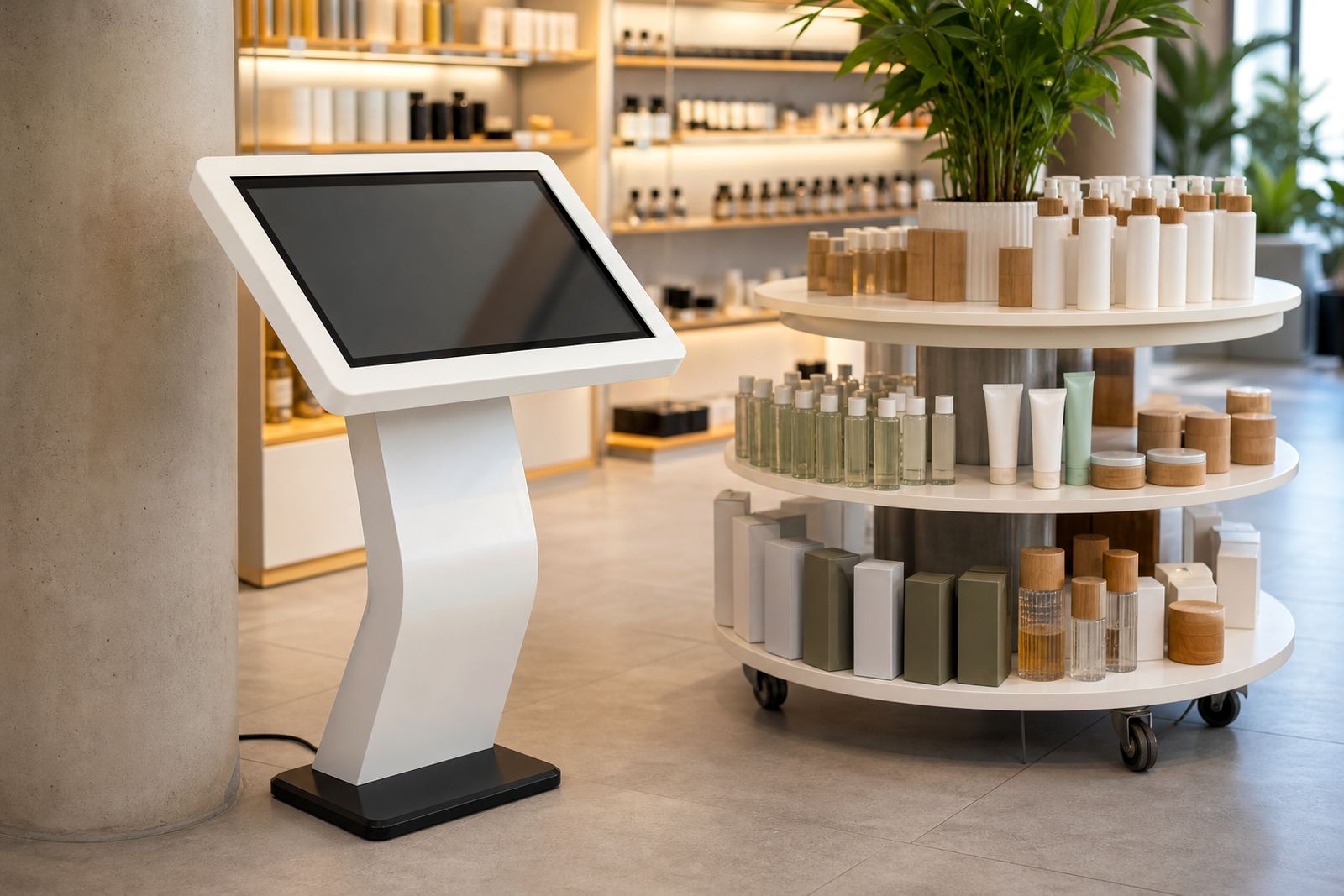
Most retail installations use capacitive multi-touch for fast response and smooth scrolling. The screen can be supplied as a freestanding kiosk, wall-mounted unit or integrated into a custom frame, depending on the layout and security needs. A matte finish is often preferred in bright malls or shopfronts because it cuts glare from windows and overhead lighting.
- Single or multi-touch operation for one or more users
- Landscape content can be adapted into a tall, vertical layout
- Steel or powder-coated frame options for retail use
- Internal media player or network-connected content delivery
Where Portrait Screens Work Best
This format is well suited to retail entrances, product launches, pharmacies, clothing stores, electronics shops, banks, reception areas and municipal or corporate information points. It is also useful in malls across Johannesburg, Pretoria, Cape Town, Durban and Bloemfontein where shoppers expect quick answers and clear direction. In Midrand and surrounding business parks, the portrait format is often used in showrooms and branded foyers where space is limited but visibility matters.
Because the screen is tall and narrow, it works well for content that has a clear top-to-bottom flow. That includes store maps, appointment check-in, loyalty sign-ups, campaign videos, product selectors and wayfinding. If the space gets high foot traffic, the vertical shape keeps the viewing area tidy and helps content stay readable from a distance.
- Retail directories and tenant listings
- Campaigns and seasonal promotions
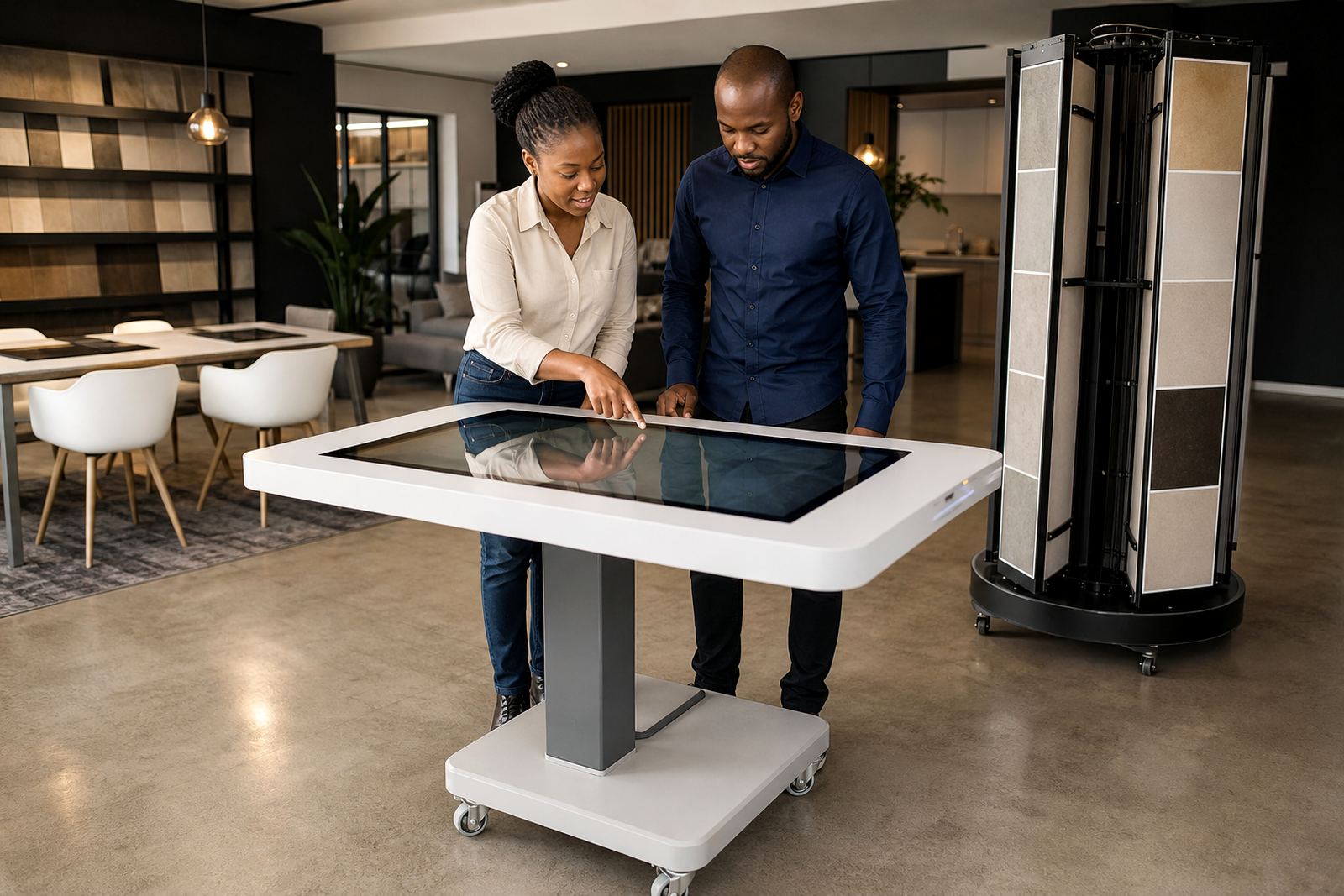
- Interactive catalogues and product browse stations
- Queue management and check-in points
- Brand storytelling in entrances and display zones
Installation, Power And Site Readiness
Installation starts with a site assessment to confirm floor space, wall strength, cable routes and customer flow. For freestanding units, the base must be level and secure, especially in public areas where the screen may be touched all day. Wall-mounted units need proper fixing into masonry or suitable structural support, not just light partitioning. In coastal areas like Durban, corrosion-resistant finishes are worth considering because humidity can shorten the life of exposed metal if the wrong materials are used.
Most portrait touch screens run on standard mains power and do not need gas or special utility connections. A dedicated plug point is normally enough, although some sites need network cabling, a small UPS or surge protection so the unit can ride through brief outages and voltage spikes. If the screen is being used in a mall or multi-tenant building, the setup may also need approval for cable routes, fixing points and after-hours installation. We handle delivery installation, software configuration and network integration where required.
Keeping The Unit Clean, Safe And Reliable
Daily care is straightforward, but it needs to be done properly. Use a soft microfibre cloth and a screen-safe cleaner, never harsh chemicals or abrasive paper that can scratch the glass. Finger marks build up quickly on touch units, so a regular wipe-down keeps the display readable and professional. If the unit is placed near an entrance, make sure dust and grit are removed from vents and bezels as well.
Preventative servicing helps avoid downtime and protects the touch sensors, power supply and internal components. That is especially important in busy retail spaces where the screen is switched on for long trading hours. We also recommend periodic checks on cable strain, mounting points and software health, so faults can be caught early before they affect the customer experience. In some sites, a support retainer is useful for faster response and planned maintenance.
- Clean the screen with a soft cloth and approved cleaner only
- Check power and network cables for wear or loose fittings
- Test touch response after software updates
- Inspect vents and fixings during routine servicing
- Keep the display away from direct water spray and heavy dust
What To Confirm Before You Order
Before ordering, it helps to confirm the screen size, the type of content you want to run, the mounting method and whether the unit will be used indoors only. You should also check if the site has enough power points, a stable network connection and space for staff to reach the unit for cleaning and servicing. If the screen is going into a public area, security and access control need to be considered as well.
It is also worth deciding whether you need custom branding, content loading or staff training as part of the handover. Retail teams often need a quick run-through on how to start the unit, update content and handle basic faults. If the screen will be used across several branches, standardising the layout and configuration makes support easier and keeps the customer experience consistent from Midrand to Cape Town. Small detail can make a big difference when the unit is live.
Key facts
| Product type | Vertical interactive touch screen display |
|---|---|
| Common sizes | 32 inch, 43 inch, 49 inch, 55 inch |
| Touch technology | Capacitive multi-touch |
| Power requirement | Standard mains power, with optional UPS and surge protection |
| Installation options | Freestanding, wall-mounted or custom framed |
| Typical use | Directories, campaigns, wayfinding and product storytelling |