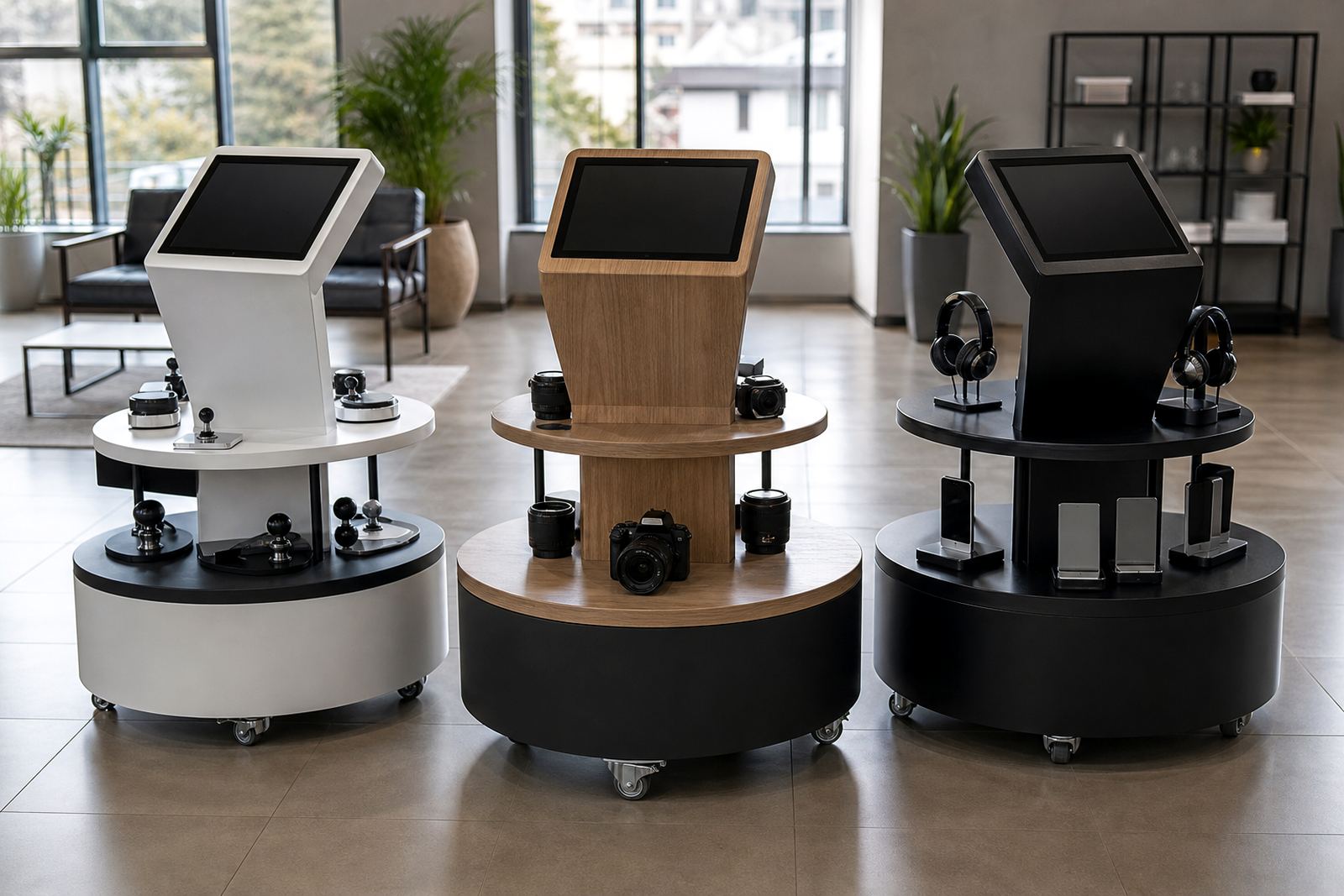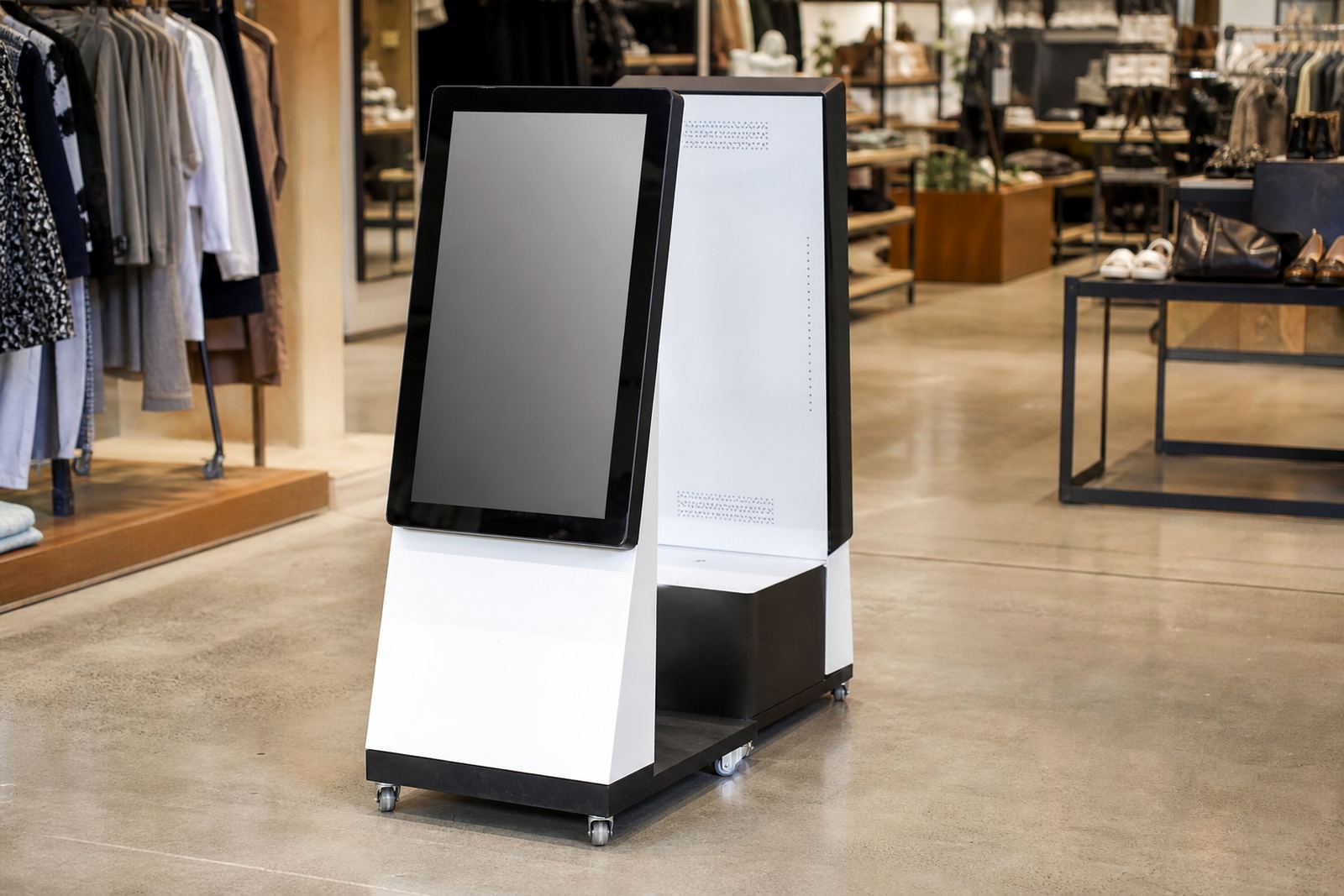
What a touch table display is in a retail setting
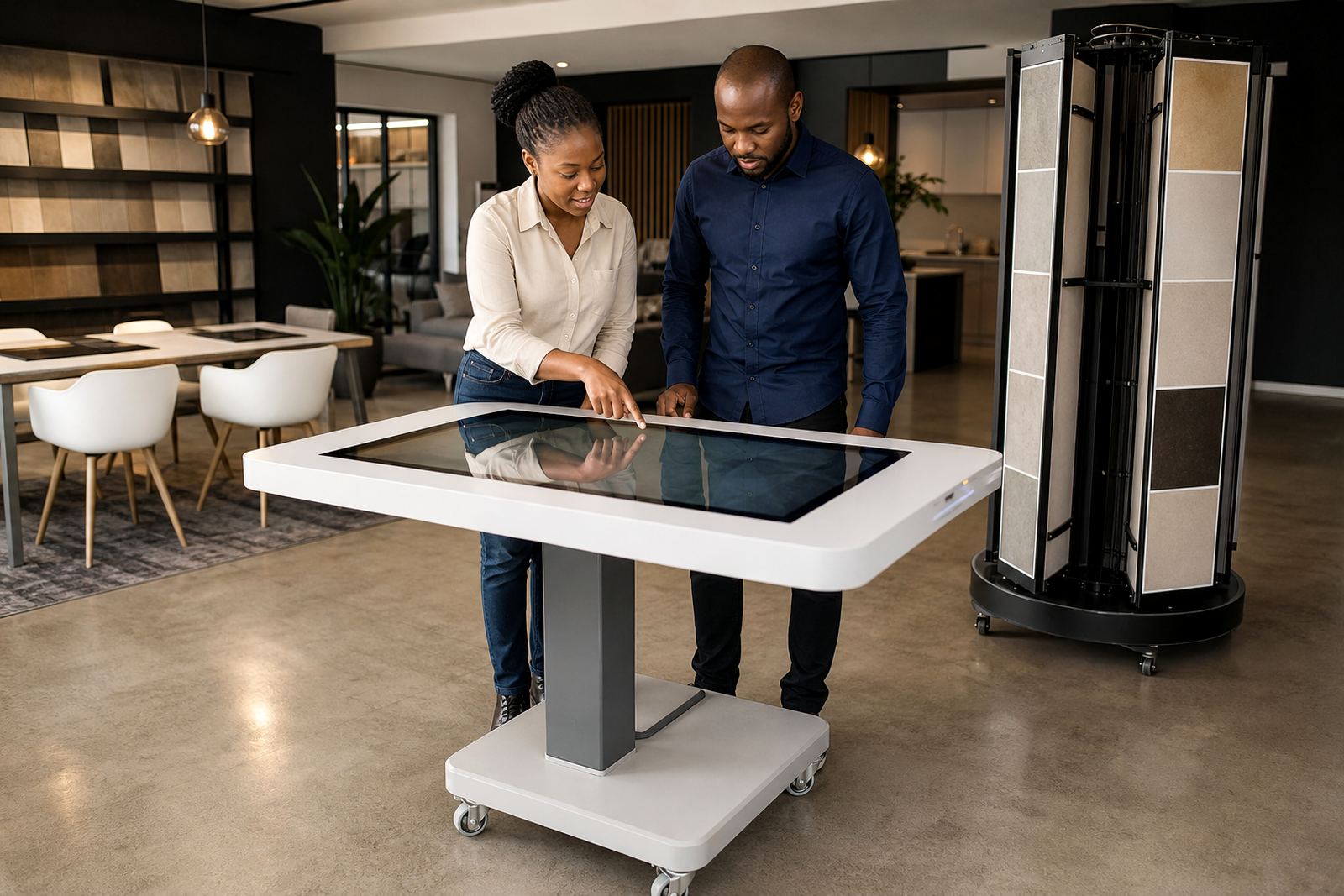
A touch table display is a horizontal interactive screen built into a table style housing, so customers can browse catalogues, view product information, watch short clips and compare items together. It is commonly used in furniture, flooring, kitchens, electronics, appliances and premium retail areas where a standing kiosk would feel too narrow or too formal.
The surface is designed for multiple users at once, which makes it practical for sales conversations, guided demos and waiting areas. It can be used by one shopper or by a small group, and the layout can be set up for product finder menus, look books, promotions or self service ordering. In busy stores, it helps staff answer questions faster and keeps product details visible without needing lots of printed material.
Sizes, screen options and build choices
Touch table displays are usually supplied in commercial sizes from 43 inch to 75 inch, depending on the amount of content you want to show and how many people must use it at once. Smaller models work well in tighter showrooms, while wider units give more room for split screens, category browsing and side by side comparisons. For stores in mall spaces or compact showrooms, a 55 inch unit is often a practical middle ground.
Options can include 10 point or 20 point touch, tempered glass tops, steel or powder coated frames, lockable access panels and screen brightness suited to indoor retail lighting. The content can be set for portrait or landscape use, though the table format is usually landscape. If you need branding, the outer panels can be finished in store colours or wrapped with graphics so the unit sits neatly within your fitout.
- Screen sizes commonly supplied: 43 inch, 55 inch, 65 inch and 75 inch
- Touch input: capacitive multi touch for 2 to 20 users depending on model
- Viewing: full HD or 4K, depending on content and budget
- Finish: mild steel frame with powder coat or branded wrap panels
Where it works best on the sales floor
A touch table display suits places where customers need time to browse and compare before speaking to a consultant. It is useful in kitchens and bathroom showrooms, tile and flooring centres, homeware stores, motor accessory showrooms, electronics retail, interior design studios and mall activations. If your team wants to present product ranges without crowding the counter, this format gives customers space to lean in and explore naturally.
It also works well for launches and seasonal campaigns because the screen can be updated quickly. In Johannesburg, Pretoria, Cape Town, Durban and Bloemfontein stores, it is often used in the front half of the shop where foot traffic is steady but the team still needs order around the display area. For stores near coastal areas, the housing and fittings should be selected with corrosion resistance in mind so moisture does not cause early wear.
- Suitable for retail stores, showrooms and trade counters
- Useful for group browsing and assisted selling
- Works well for promotions, catalogues and comparison tools
- Can be placed near entrances, feature walls or waiting areas
Installation, power and network requirements
Installation starts with a site assessment so the table can be positioned where traffic flow, security and viewing angles all line up. The unit needs a level floor, enough space for customers to stand or sit around it and access for staff to open the service panel. Some stores prefer a fixed floor mount while others want a movable base with locking castors for changes in layout. The weight is higher than a normal counter so floor strength and access routes should be checked before delivery.
Power is normally standard 220V mains supply and no gas connection is needed. A single dedicated plug point is often enough, but depending on the screen size and any connected equipment, a small UPS may be recommended for load shedding protection and clean shutdowns. If the unit uses live content or cloud updates, network integration can be arranged through ethernet or secure Wi-Fi. We also check cable routes, surge protection and ventilation because a closed-in unit can trap heat quicker than people expect, especially in summer.
Content loading, setup and staff training
Once the hardware is in place, the display is configured and the content loaded so the table is ready for daily use. That can include product ranges, image galleries, videos, pricing sheets, enquiry forms and guided navigation for staff assisted selling. The interface should be kept simple enough for a new team member to use after a short handover, with clear buttons and a logical menu structure.
Staff training covers basic use, how to restart the unit after a power interruption, how to clean the touch surface correctly and what to do if the content freezes or a network connection drops. A well set up table is easy to keep running, but it does need a bit of care from the team each day. When the content changes often, we can also set up scheduled updates so promotions stay current without repeated manual work.
- Content types: product catalogues, videos, comparison charts and enquiry forms
- Controls: local login, scheduled updates and admin access as required
- Training: basic use, cleaning, reboot steps and fault reporting
- Support options: remote help, servicing visits and fault repairs
Care, servicing and what to confirm before ordering
For day to day care, the screen should be wiped with a soft microfibre cloth and a suitable non abrasive cleaner. Avoid strong solvents, rough cloths and excess liquid near ports or seams. If the unit is in a store with dust from foot traffic or open doors, a regular wipe down keeps the sensors responsive and the glass clear. In coastal humidity, it is worth checking fittings and vents more often, because moisture can creep into exposed areas if the unit is neglected.
Preventative servicing should cover software checks, cable inspection, fan cleaning, touch calibration and general body wear. If a fault develops, parts replacement and repair can usually be planned around trading hours so the store is not disrupted. Before ordering, confirm the exact screen size, preferred finish, content format, power point position, network access and whether you need a fixed or movable base. Also check who will load content, who will approve changes and whether the unit must fit through tight delivery points. A small site detail can save a lot of delay later.
- Confirm screen size, base type and finish before manufacture
- Check power point location and any UPS requirement
- Confirm whether Wi-Fi or ethernet will be used
- Plan for cleaning, servicing and access to the service panel
Key facts
| Product type | Horizontal interactive touch table for retail and showroom use |
|---|---|
| Screen sizes | 43 inch, 55 inch, 65 inch or 75 inch depending on space and content |
| Touch technology | Multi touch capacitive panel, usually 10 point or 20 point |
| Power requirement | 220V mains power, no gas connection required |
| Construction | Commercial grade display, tempered glass top, steel frame and service access panel |
| Connectivity | Ethernet or secure Wi-Fi, with optional UPS for load shedding protection |