What a Dual Screen Kiosk Does In Store
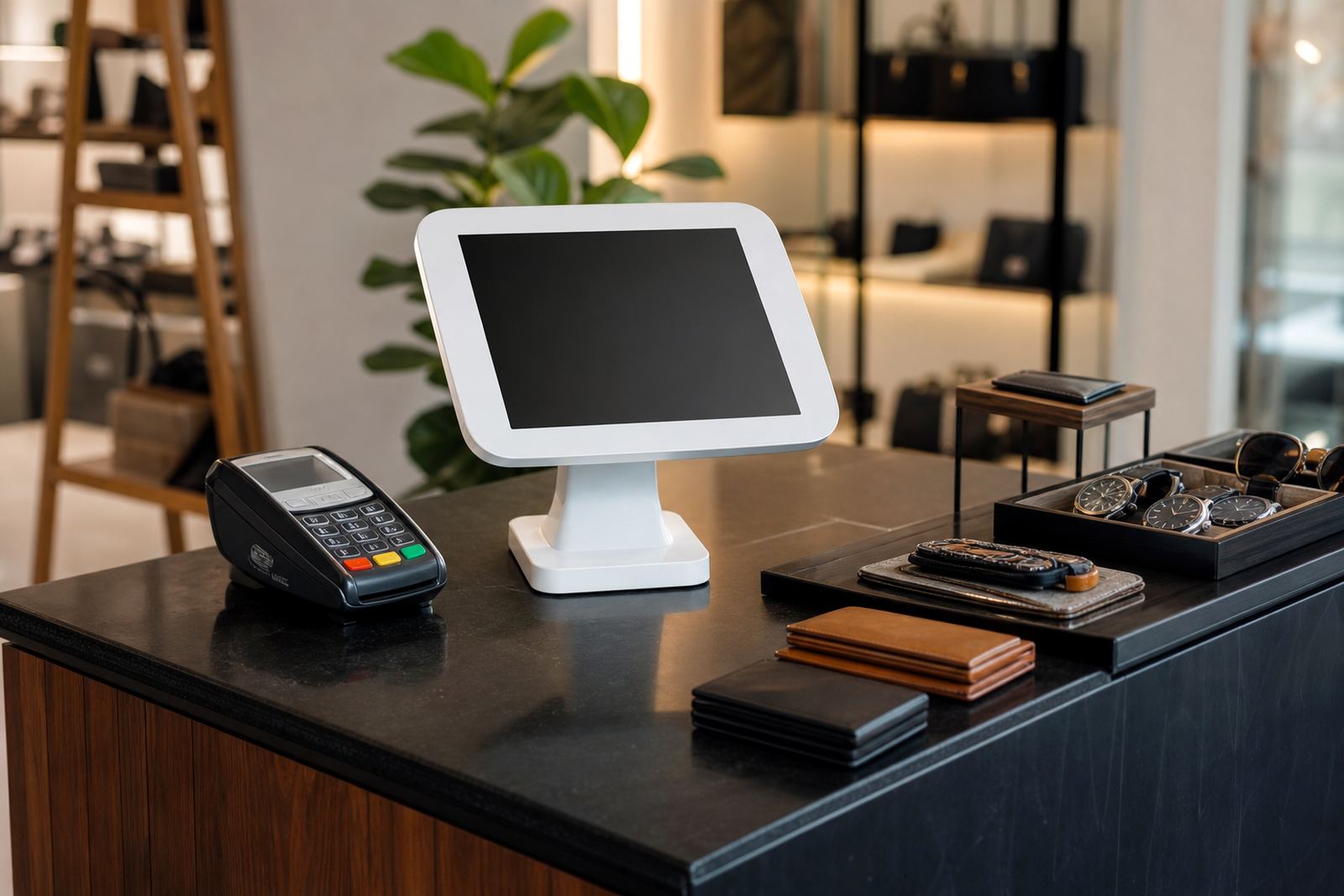
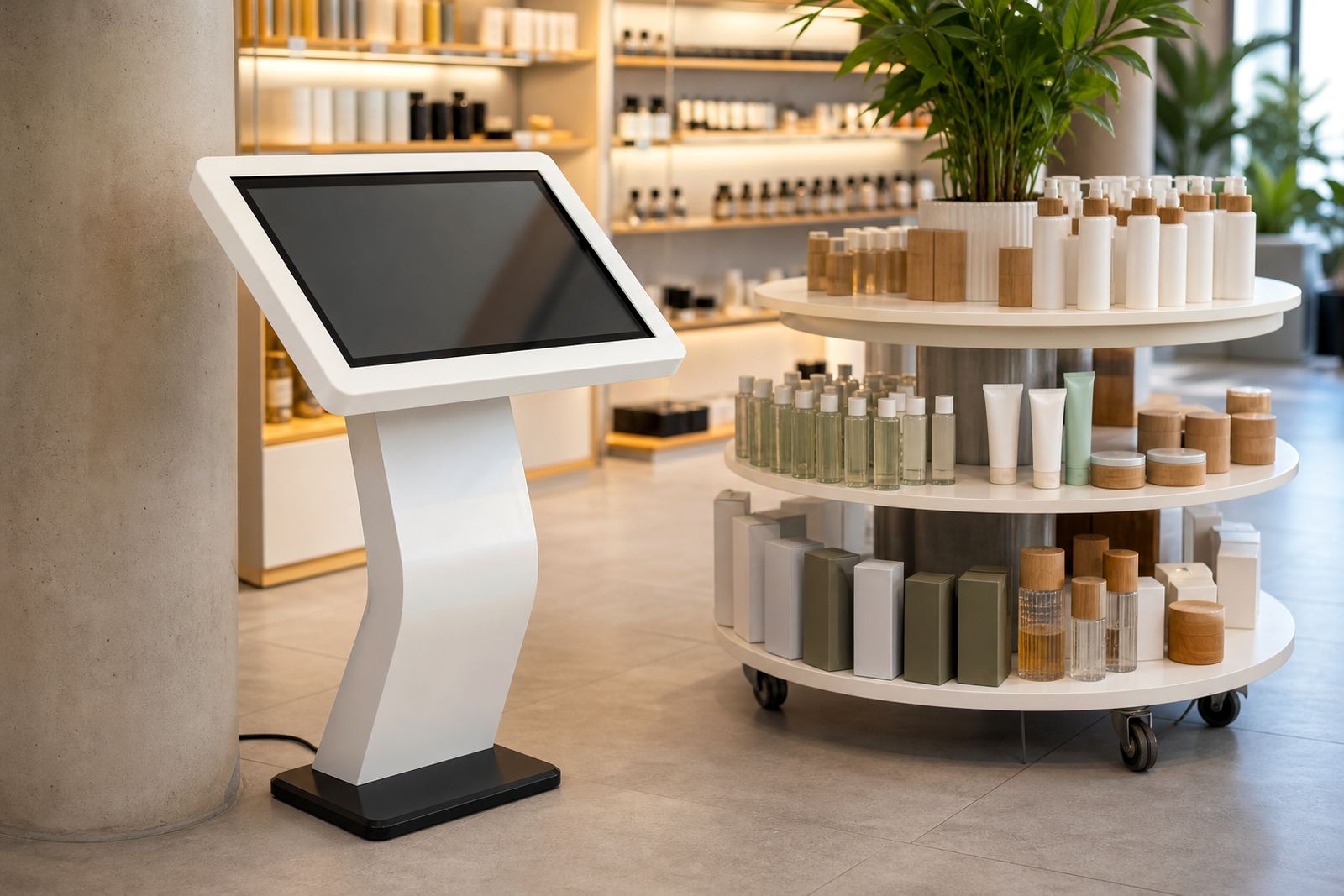
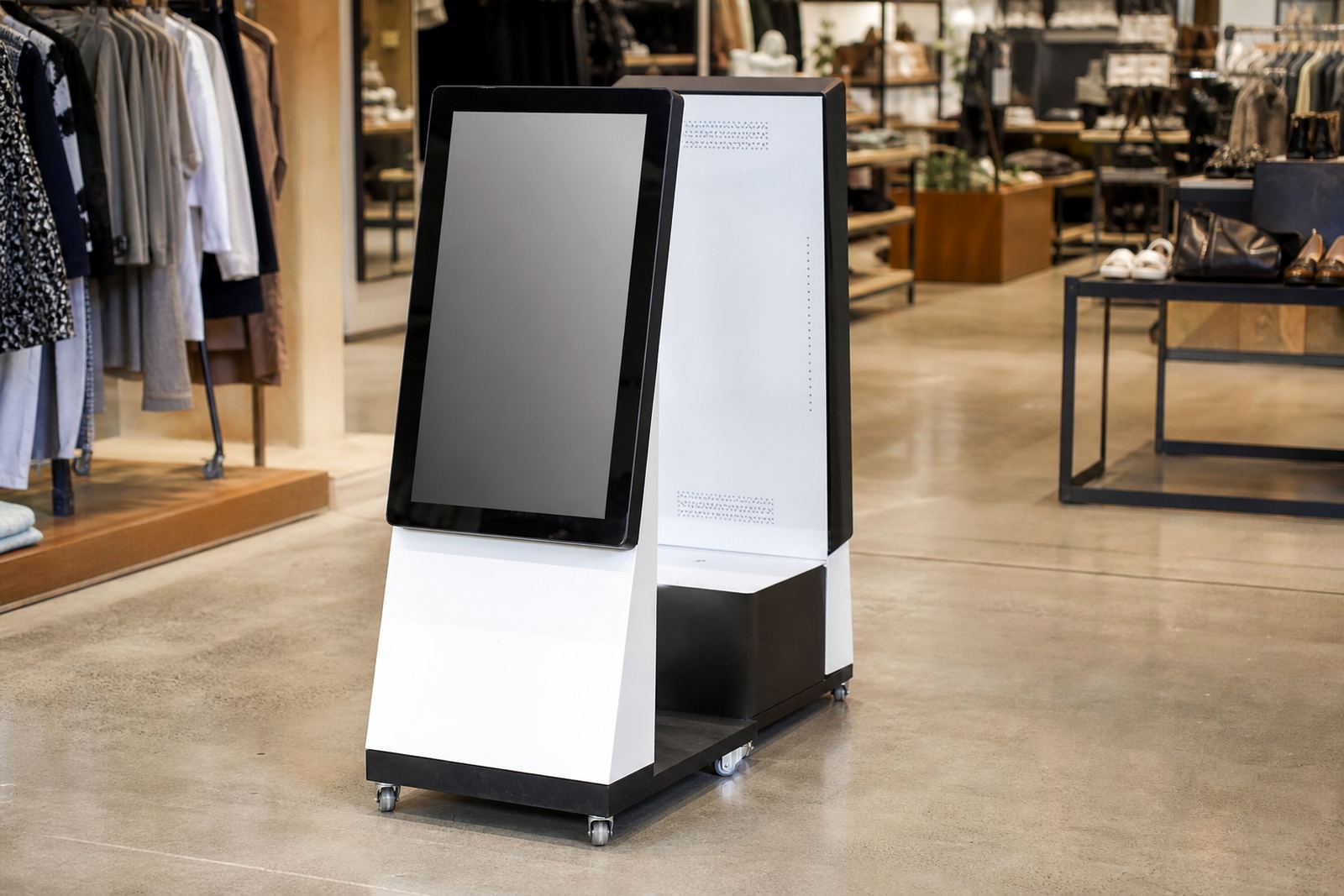
A dual screen kiosk combines an interactive touch display for the customer with a second screen facing a different direction for promotional content, instructions or queue management. In a retail setting, that means one unit can help a shopper find information, compare options or place an order while the other side keeps your messaging visible to passing traffic.
The format works well in stores that need clear communication at the point of decision. It can sit near entrances, end caps, service points or product bays, and it is especially useful where staff are handling multiple customers at once. Because both screens work at the same time, the unit is suited to stores that want more engagement from the same floor space, without adding clutter.
- Customer facing touch screen for self service or guided browsing
- Rear or secondary display for promotions, videos or notices
- Free standing format for retail floors, malls and showrooms
- Can be branded to match your store layout and campaign colours
Sizes, Screen Options And Cabinet Finishes
Dual screen kiosks are usually specified by screen size, cabinet height and the amount of custom branding needed. Common touch screen sizes range from 22 inches to 55 inches, with the second screen matched for viewing angle and content length. For compact store layouts, a smaller footprint keeps access clear. In larger sites, a taller kiosk with wider screen surfaces gives better visibility from a distance.
The cabinet can be finished in powder coated steel, laminated panels or branded wrap panels, depending on how much wear the unit will take. In humid coastal areas such as Durban or Cape Town, a sealed finish and proper ventilation help with longer term reliability. For inland stores around Johannesburg or Pretoria, the focus is often on durability and easy cleaning. The hardware is selected to suit the location, and yes the finish should still look tidy after regular footfall.
- Screen sizes commonly specified from 22 to 55 inches
- Portrait or landscape layout depending on the content type
- Freestanding cabinet or wall adjacent stand
- Optional lockable access panels for service and maintenance
Where This Kiosk Suits Retail Operations
This type of kiosk is a strong fit for retailers that need product information and promotion in one place. It suits electronics stores, hardware showrooms, supermarkets, pharmacies, apparel stores and lifestyle retailers. It is also useful in shopping centres where customers need quick directions, product lookups or service sign up before they reach the till.
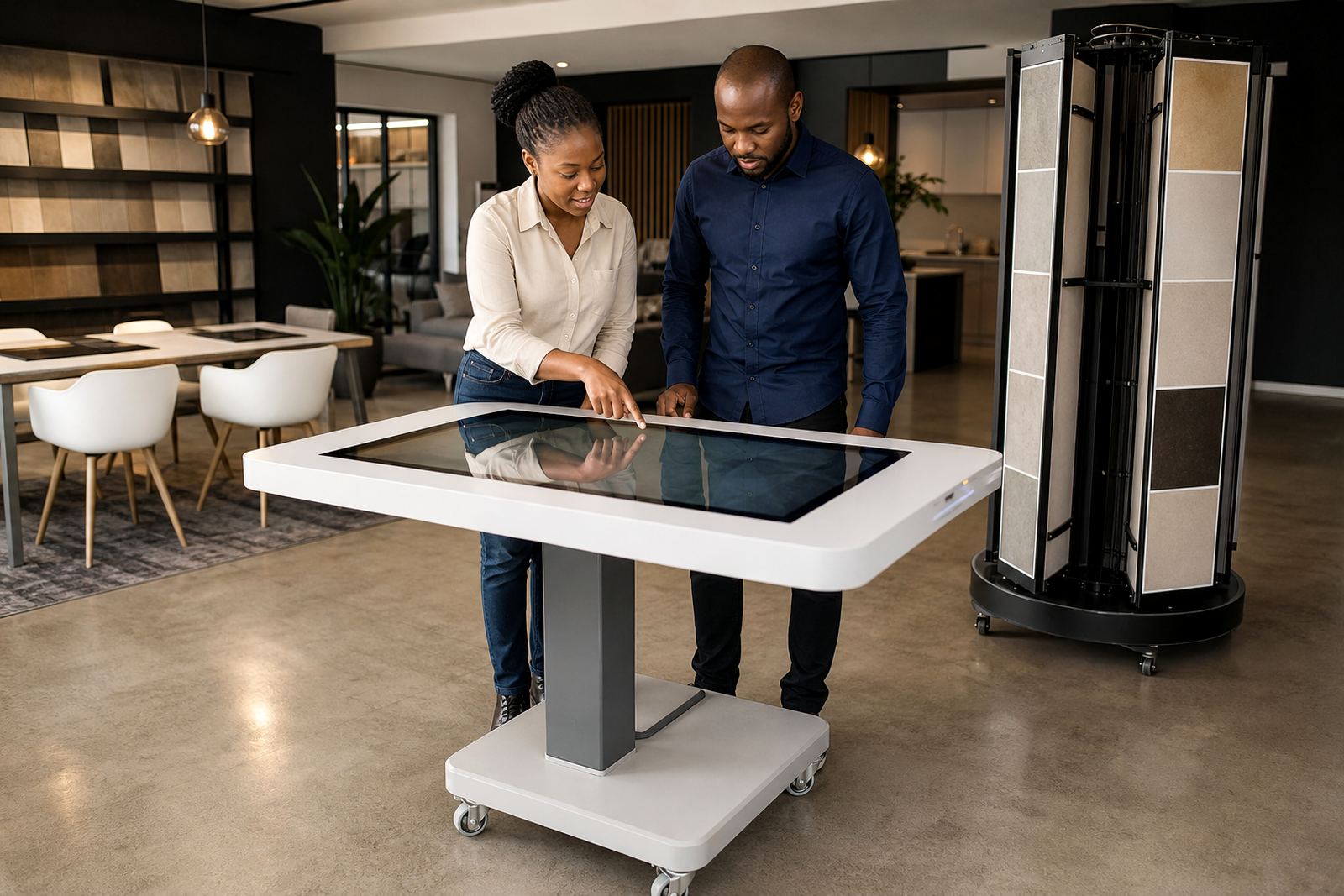
For branches in Johannesburg, Pretoria, Cape Town, Durban and Bloemfontein, the same unit can be set up differently depending on floor traffic and the local customer base. In a fast moving store, the touch side can be used for ordering or scanning product ranges. In a showroom, it can display specs, product comparisons and care notes. The rear screen can carry special offers, store policies or supplier messages without interrupting the shopper.
- Retail entrances and high traffic aisles
- Promotions near seasonal displays or featured stock
- Showrooms where product detail needs to be available on demand
- Service counters, click and collect points and information bays
Installation, Power And Network Requirements
Installation starts with a site assessment so the kiosk can be placed where customers will actually use it and staff can service it safely. The floor should be level, the route to the unit should allow for delivery, and the placement must not block fire exits or create a trip hazard. If the kiosk is mounted or anchored, the fixing method needs to match the floor type and the site rules. Municipal and mall management requirements may also apply, especially for visible public areas.
Most dual screen kiosks need a standard 230V power supply and a stable network connection if the software is linked to live content, stock data or remote updates. Where load shedding is a factor, a UPS or backup power arrangement is often recommended so the display does not keep rebooting during trading hours. Some sites prefer hard wired network integration, while others use secure wireless setup. Cable paths should be protected and neat, so staff and customers do not catch a foot or hand on loose leads.
- Standard 230V mains power required
- Network connection for live content, remote support or software updates
- UPS recommended where power interruptions are common
- Floor fixing or weighted base depending on location and safety rules
Care, Servicing And Ongoing Support
Retail equipment has to cope with fingerprints, dust and constant use, so routine care matters. The screen should be cleaned with the correct non abrasive cloth and approved cleaner, not household sprays that can damage the surface. Air vents and cable points should be checked regularly, and any software content should be reviewed so outdated promotions do not stay up for weeks. In coastal stores, extra attention to humidity and corrosion is worth it.
Preventative servicing helps avoid downtime and protects the customer experience. This can include software checks, cable inspections, touch calibration, parts replacement and fault repairs if something stops responding. For higher traffic sites, a support retainer gives you quicker response when the unit needs attention. A simple monthly check saves far more time than waiting for a screen to fail in the middle of a weekend rush.
- Regular cleaning of touch surfaces and cabinet panels
- Software updates and content loading as required
- Touch calibration and hardware checks
- Spare parts and repair support for worn components
What To Confirm Before You Order
Before ordering, it helps to confirm exactly how the kiosk will be used. The screen size, content format and cabinet finish should match the site. You should also check whether the kiosk will be used for product search, lead capture, promotions or self service. That affects the software, placement and the level of training needed for staff. It is also worth deciding whether the unit needs to be branded on both sides or only one.
For a proper fit, check the available floor space, ceiling height if the unit is tall, and the access route for delivery and installation. Ask who will load the content, who will manage updates and whether the kiosk needs to link to your network or existing systems. If the unit is going into a mall, confirm the approved operating hours, noise limits and any signage rules. Getting those details right up front keeps the install clean and avoids back and forth later, which nobody needs.
- Exact screen size and orientation
- Intended use, such as promotions, ordering or information
- Available floor space and access route for installation
- Power, network and backup power needs
Key facts
| Product type | Dual screen retail kiosk with customer touch side and promotional display side |
|---|---|
| Common screen sizes | 22 inch to 55 inch, depending on layout and content |
| Power requirement | 230V mains power, with UPS recommended for load shedding areas |
| Connectivity | Ethernet or secure wireless, depending on site setup |
| Finish options | Powder coated steel, laminated panels or branded wrap finish |
| Support options | Site assessments, installation, content loading, training, servicing and repairs |