What the Kids Interactive Kiosk does in store
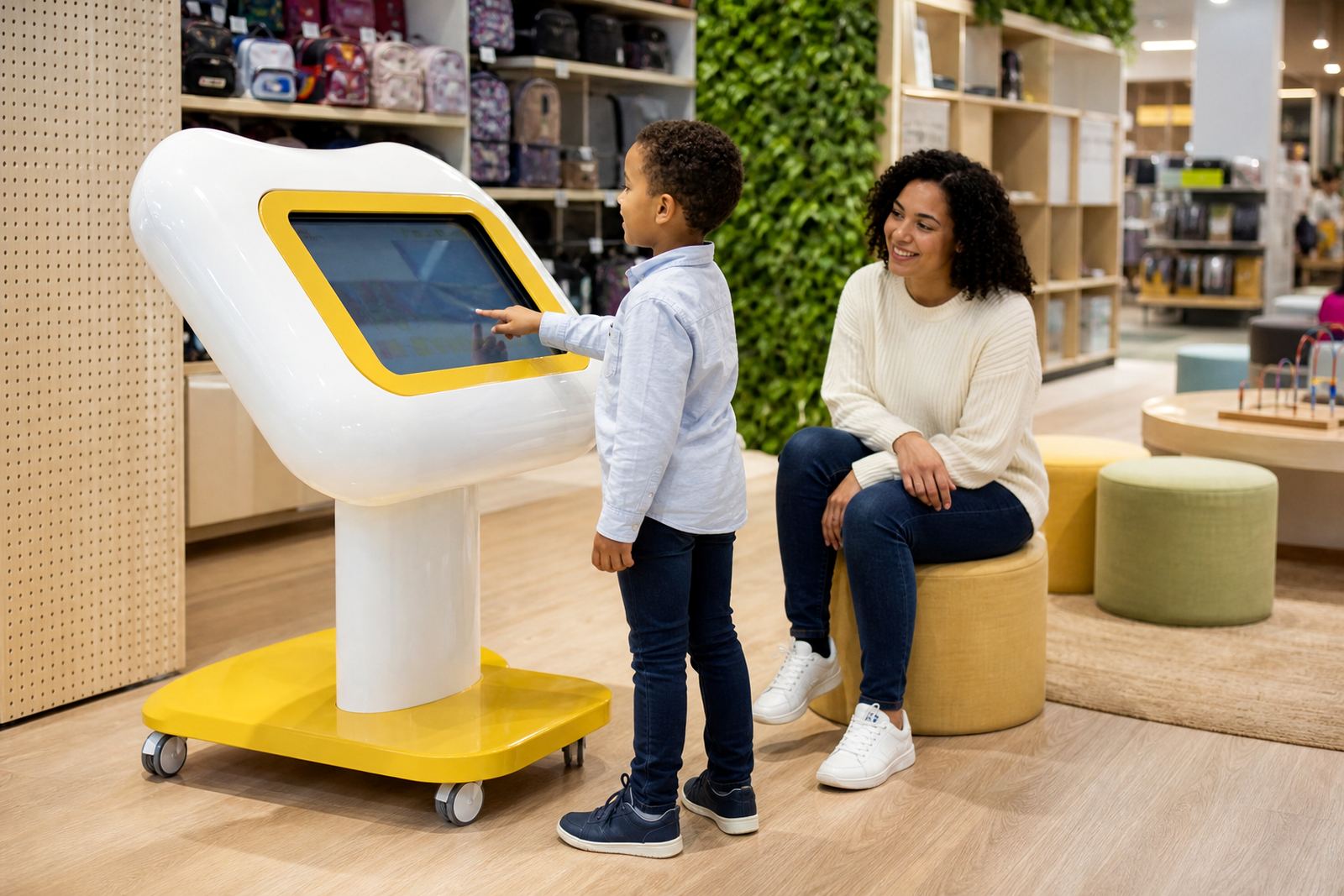
This kiosk gives younger shoppers a guided touchscreen experience that is easy to understand and hard wearing enough for daily retail use. It can run product stories, games, simple quizzes, colour selectors and short promotions that keep children occupied while helping a retailer present a brand in a friendly way.
For family retail, the value is practical. Parents stay in the store longer, staff are interrupted less, and the kiosk can support product discovery without needing printed activity sheets or staff to repeat the same explanation all day. It is also a useful add on for seasonal campaigns, school holiday traffic and weekends when footfall is higher.
The interface is usually configured with large touch targets, clear icons and limited navigation paths so younger users do not get lost in the content. For safety and ease of use, the enclosure is rounded, stable and fitted for indoor retail floors. It is designed for active handling, although we still recommend supervised use in stores with very young children.
Sizes, screen options and mounting choices
Most retail installs start with a 32 inch, 43 inch or 55 inch screen, depending on the floor space and how many children are likely to use it at once. A smaller unit works well near tills, promotional bays and compact family areas, while larger formats suit flagship stores, toy sections and high traffic shopping centres.
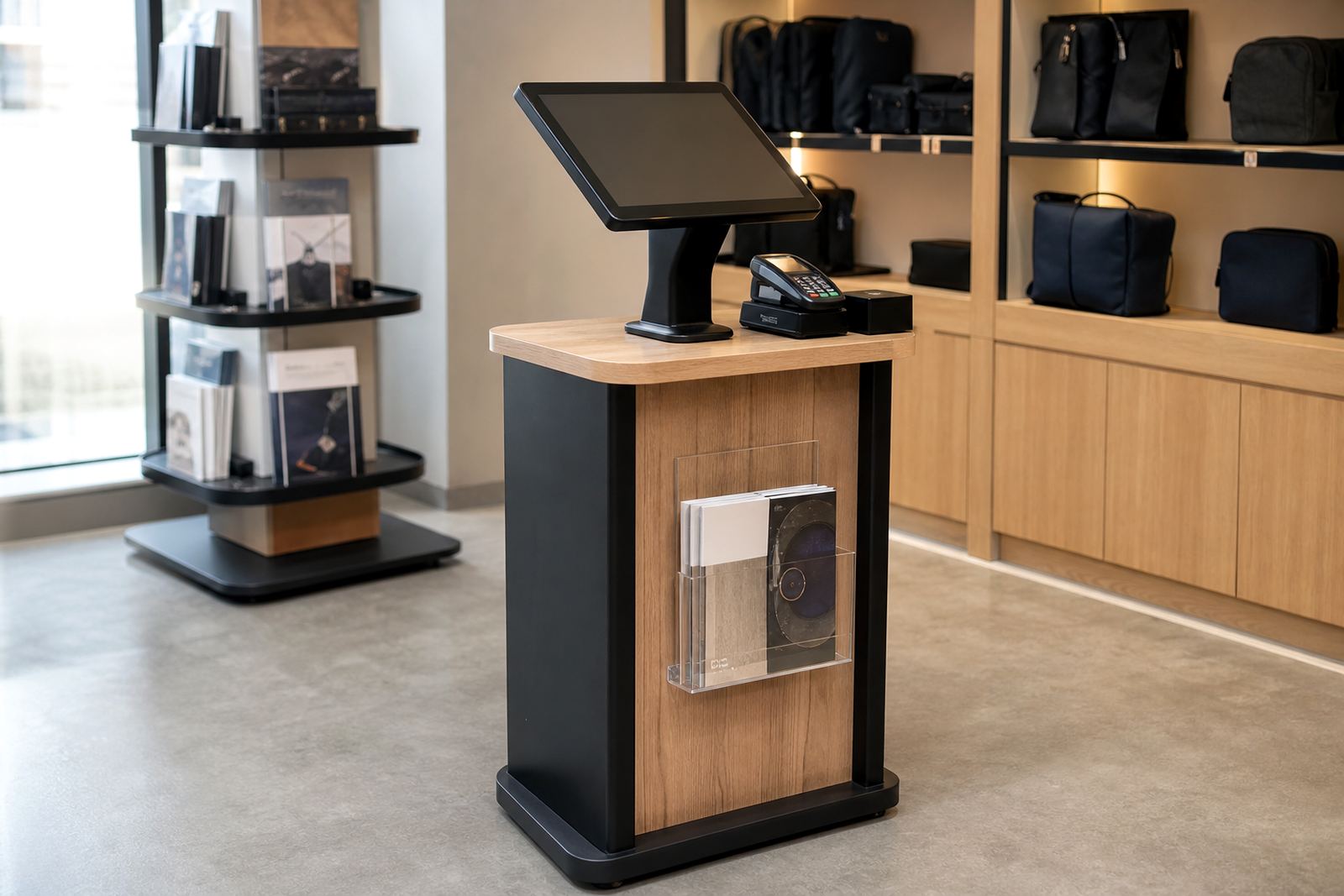
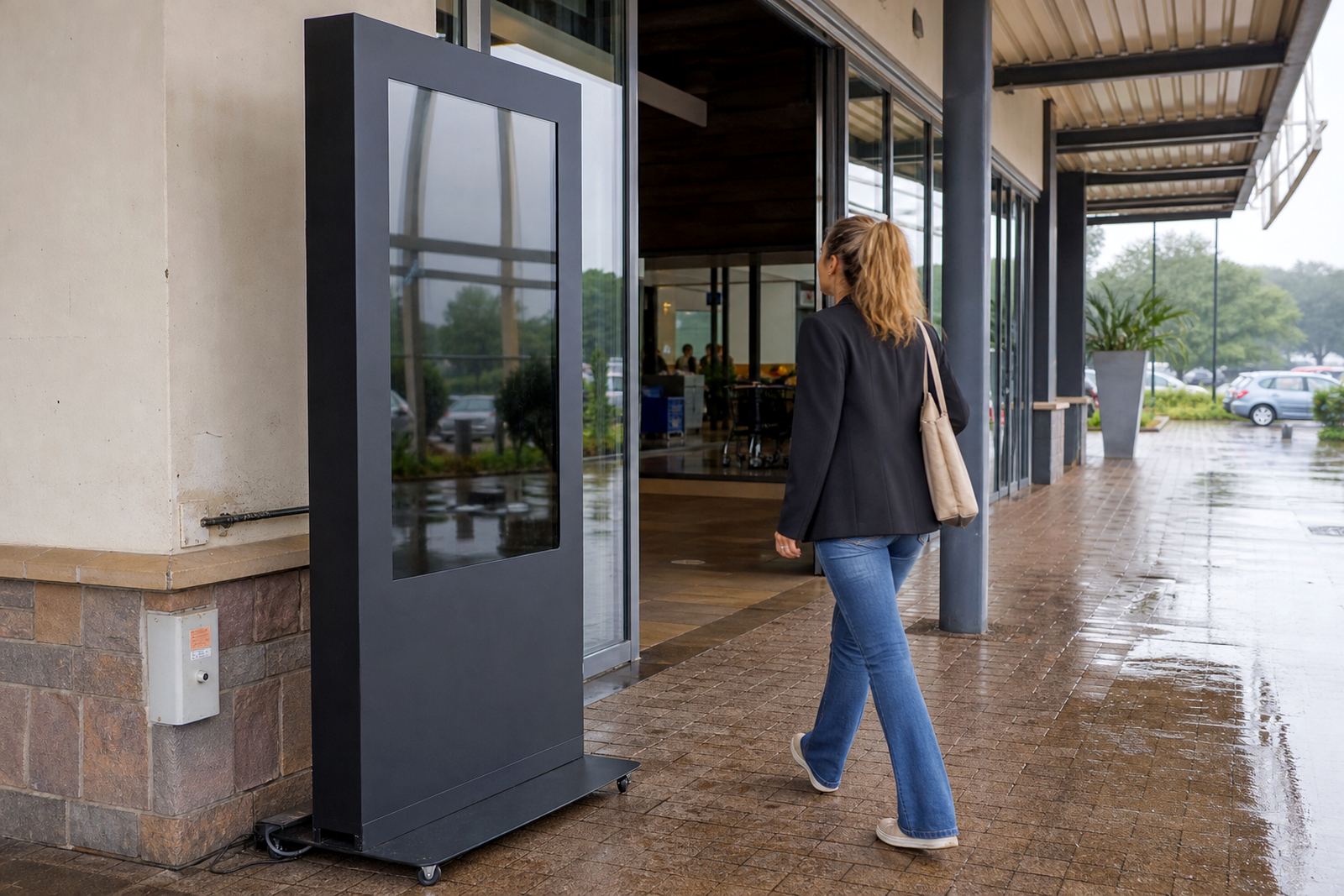
Mounting can be floor standing, wall mounted or integrated into a branded plinth. If the kiosk needs to stand in an open area, we normally specify a weighted base and tamper resistant fixings. If the unit sits against a wall, we check the wall type first because lightweight partition walls are not ideal for heavy displays, especially where there is constant handling.
- Screen sizes commonly used: 32 inch, 43 inch, 55 inch
- Orientation options: portrait or landscape
- Touch type: capacitive multi touch for quick response
- Housing: powder coated steel or coated aluminium with smooth edges
- Optional extras: branded side panels, privacy shrouds, speaker volume control and camera covers
The hardware can be configured for single screen activity or paired with a second display for parent messaging. In some sites we also add an idle screen that cycles through store messages when the kiosk is not in use. That keeps the unit working for the retailer even during quieter periods.
Where the kiosk suits best
This product is a good fit for clothing stores with children’s ranges, toy retailers, family lifestyle stores, shopping mall activations, bookstores and entertainment spaces. It also works in mixed retail where adults want to browse while children need a safe point of attention. For stores in Johannesburg, Pretoria, Cape Town, Durban and Bloemfontein, the kiosk can be adjusted to suit local floor plans and customer flow.
It is best placed where staff can see it, but not where it blocks aisles or emergency routes. In many malls the unit is positioned just inside the store entrance, alongside a feature display or near a seating area. That keeps it visible without causing congestion, which matters when the store is busy on weekends or during school holidays.
For coastal sites, especially Durban and Cape Town, we pay attention to moisture and air movement around the enclosure. Even indoor retail spaces can pick up humidity and salt air near entrances, so cable management, surface finish and cleaning routines need to be planned properly. In Gauteng stores, the bigger concern is dust, load shedding and reliable restart settings after a power cut.
Installation, power and network requirements
Installation starts with a site check to confirm space, power points and the safest route for cabling. Most units use standard 220V mains power and need a nearby socket that can handle the display, media player and any accessory hardware. If the store already has backup power, we confirm that the kiosk is included on the protected circuit so it stays available during load shedding.
Network access can be wired or wireless depending on the store layout. Wired connections are preferred where content updates are frequent or where the shopping centre has busy WiFi. For stand alone campaigns, content can also be loaded locally and synced later, which helps in sites with patchy signal. The first rule is simple: if the kiosk cannot stay online, it should still open into a clear offline mode with no broken screens.
- Power supply: 220V mains, protected circuit recommended
- Connectivity: Ethernet, WiFi or offline content mode
- Space allowance: allow clear front access and service access at the rear
- Flooring: level surface preferred, especially for mobile units
- Safety: cable cover or concealed cable run required in public areas
Where stores have municipal or mall compliance rules, we make sure the installation does not interfere with walkways, fire exits or cleaning access. For high traffic retail, that includes checking whether the unit needs to be fixed down, whether a permit is required and how it will be moved for after hours maintenance.
Care, servicing and keeping it reliable
Because children touch screens with excitement, the kiosk needs regular cleaning and routine checks. A soft microfibre cloth and suitable screen cleaner are usually enough for daily care. Harsh chemicals, abrasive cloths and excess moisture should be avoided, especially around vents and cable points. If the enclosure has printed graphics, we also check that the cleaning method does not lift edges or dull the finish.
Preventative servicing keeps the unit reliable over time. That includes checking touch response, software updates, internal dust, fan operation and the condition of the power supply. For busy stores, we recommend a service plan so small faults are picked up before they turn into down time. A loose cable or worn touch panel can cause frustration for staff and customers alike, and it is much easier to fix early than after a weekend rush.
If the unit is in a family area, it is worth checking the same points every month: screen brightness, volume limits, stability, sign labels and whether the content still matches the current promotion. A kiosk can look fine from the outside but still need a minor adjustment inside, so a regular lookover saves time later on.
What to confirm before you order
Before placing an order, it helps to confirm exactly how the kiosk will be used and who will manage the content. That way the unit is specified correctly the first time, and there is no mismatch between the screen size, the software setup and the space in store. A quick site assessment can save a lot of back and forth later.
- Intended age group and expected foot traffic
- Whether the kiosk will be fixed, wall mounted or free standing
- Screen size and preferred orientation
- Type of content to load, such as games, product guides or promotions
- Power point location and backup power availability
- Whether staff need training to update or restart the unit
- Branding requirements, including colours, logos and side panel text
It also helps to confirm delivery access. Some stores have narrow loading bays, tight lifts or specific installation windows, so we plan around centre rules and trading hours. If the kiosk is going to move between stores or events, we need to know that up front so the frame and base can be specified for transport. A bit of planning upfront, avoids avoidable delays later.
For retailers across South Africa, the Kids Interactive Kiosk is a practical way to add a child-friendly touch point without complicating the sales floor. It brings together safe hardware, simple interaction and store-ready presentation in one unit that can be tailored for the space at hand.
Key facts
| Screen sizes | 32 inch, 43 inch or 55 inch |
|---|---|
| Touch technology | Capacitive multi touch |
| Power requirement | 220V mains supply |
| Installation styles | Floor standing, wall mounted or plinth mounted |
| Typical use | Family retail, promotions, product education and play based engagement |
| Support options | Site assessments, installation, content loading, servicing and fault repairs |