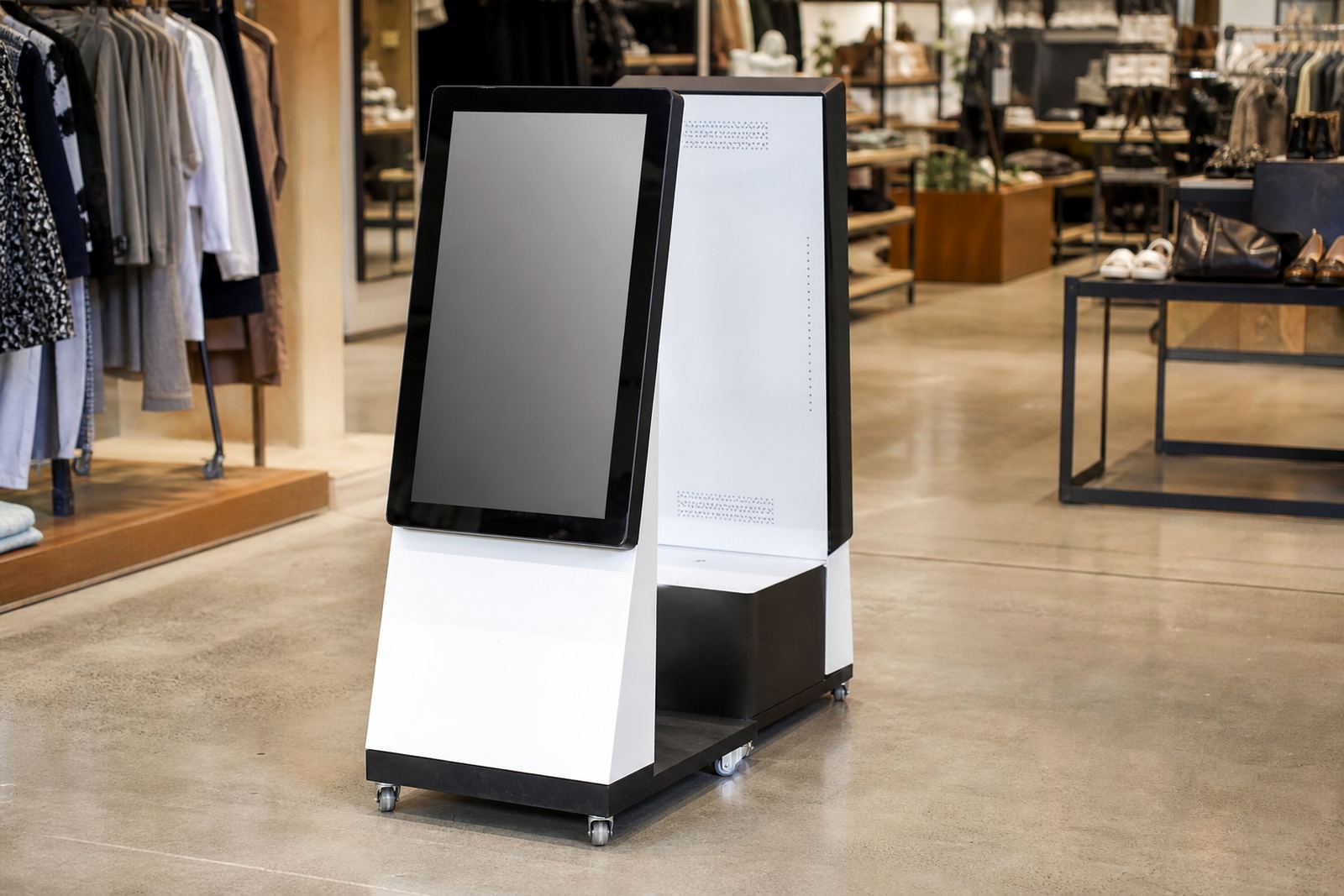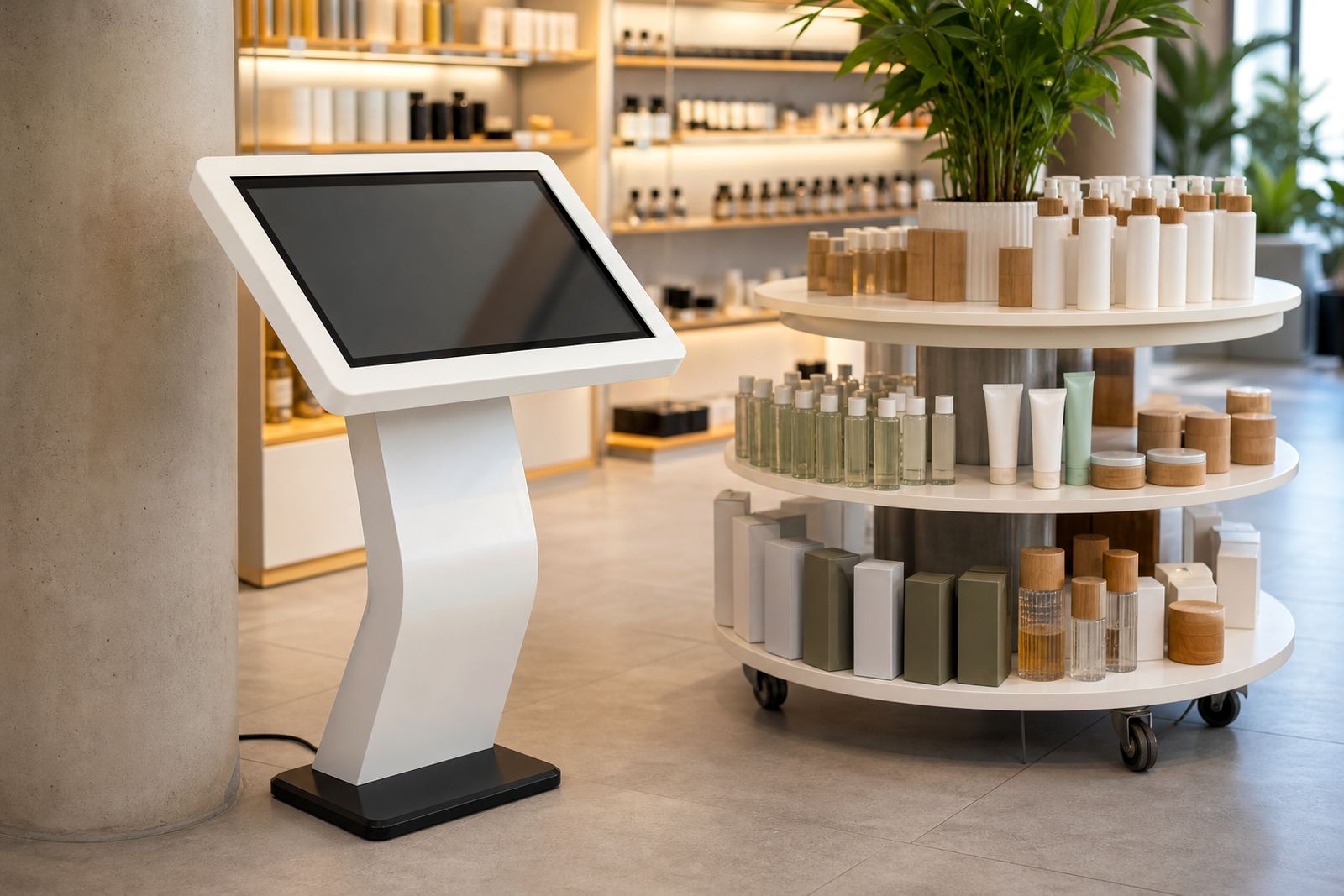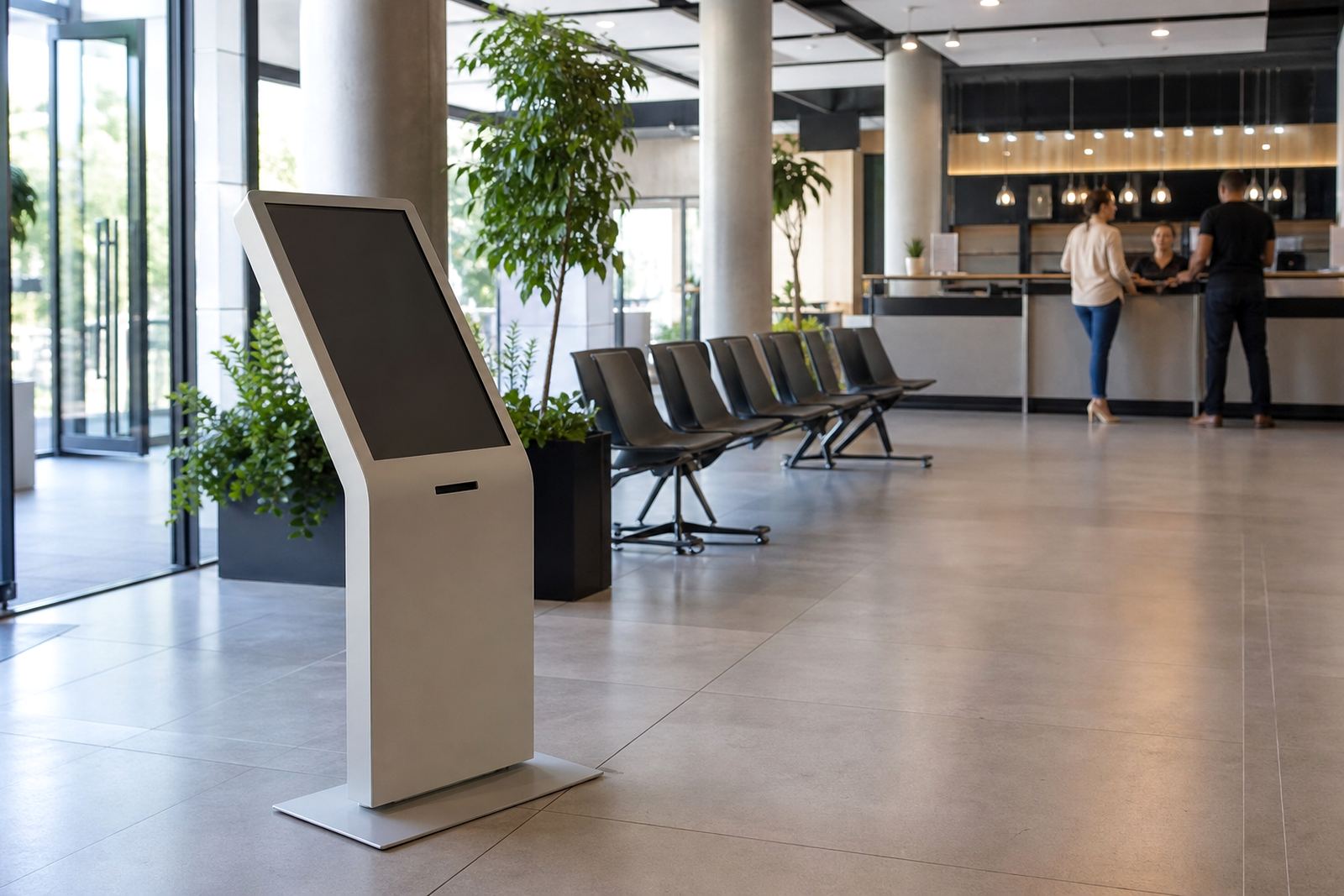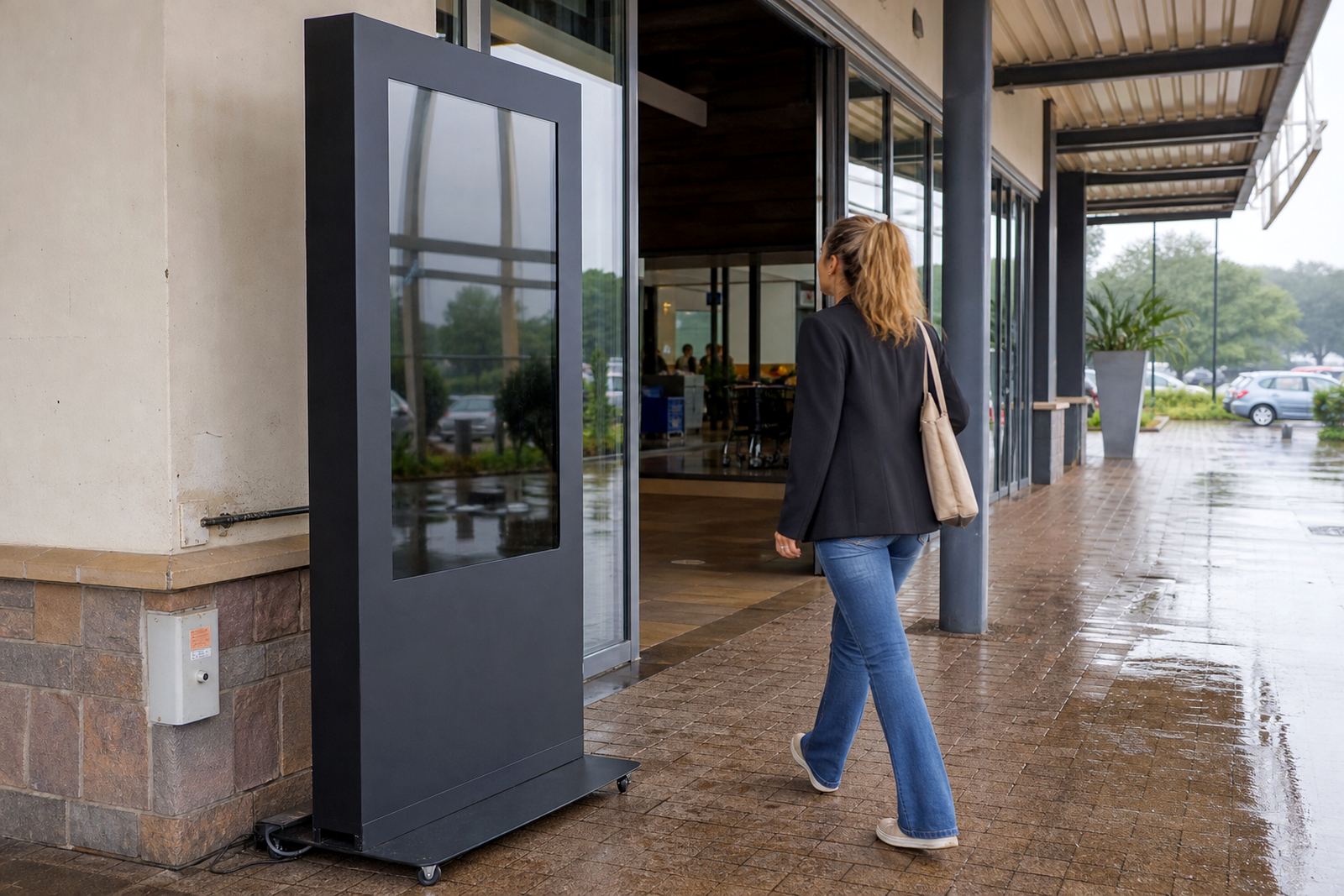
A Kiosk Built for Outdoor Retail Use
An outdoor rated kiosk is a freestanding touchscreen unit made for exterior retail settings where there is wind, dust, direct sun and the odd splash from rain or cleaning. It is suited to mall entrances, forecourts, drive-through pickup points and covered walkways where shoppers need quick access to product information, promotions, store maps or service options. The enclosure is weather-protected, with sealed access panels and screened ventilation so the unit can run in a tougher environment than an indoor display.
For South African retail sites, the bigger concern is usually a mix of heat, dust and load-shedding rather than constant heavy rain. That means the kiosk must be specified with proper cooling, correct cable entry and a screen that remains readable in bright light. We also look at where staff will stand, how the kiosk will be used after hours and whether it needs a lockable rear section for service access. On busy sites, a good layout saves a lot of downtime and frustration.
Sizes, Screen Options and Build Choices
We supply outdoor rated kiosks in a range of screen sizes to suit different retail tasks, from compact wayfinding units to larger product display points. Common options include 21.5 inch, 32 inch, 43 inch and 55 inch touchscreen formats. The right size depends on viewing distance, available floor space and how much content you want to show at once. A smaller unit works well for simple lookups, while a larger screen is better when you need menus, product comparison or image heavy content.
Typical build choices include a powder coated steel body, reinforced base plate, anti glare glass and internal cooling fans or temperature control modules. For harsher coastal sites, we recommend extra corrosion protection and careful sealing around joints and fixings. Some clients also want a custom branded front panel, however the core requirement is still reliable daily use, not just a good first impression. That is where sound structure matters more than fancy finishes.
- Freestanding or wall-adjacent placement
- Single screen or dual-purpose content layout
- Indoor style interface with outdoor protected housing
- Optional lockable service doors and internal component bays
- Custom branding, colour matching and vinyl graphics
Where It Sits Best on Site
This kiosk suits entrances, pickup zones, customer service points and forecourts where shoppers need quick guidance before they step into the store. It is also useful in covered exterior areas such as under awnings, petrol station forecourts and mall perimeter walkways. In places like Sandton, Centurion and Umhlanga, the unit can support premium product browsing and queue management, while in Bloemfontein or inland parts of Gauteng it often helps with sun exposure and dust control.
Retailers usually use it for store directories, click and collect instructions, product browsing, loyalty sign ups or promotional campaigns tied to a specific season. It can also be paired with a 360 degree product display stand nearby, so a customer can browse information on screen and then inspect the physical item. That combination works well in fashion, electronics, beauty and homeware retail where presentation matters and stock needs to be handled carefully. The kiosk should always be placed where people naturally pause, not where they must stop in a walkway and feel blocked.
- Entrance foyers and sheltered exterior thresholds
- Drive-up and curbside collection points
- Retail forecourts and service lanes
- Promotional areas near high foot traffic zones
- Customer support points outside the main trading floor
Power, Connectivity and Installation Requirements
Most outdoor kiosks need a standard mains power feed and a stable network connection, either through fixed data cabling or approved wireless connectivity. We plan the installation around the site conditions, including cable runs, trenching where needed, and the location of isolators or protected power points. If the site has load-shedding backups, the kiosk can be specified to work with UPS support or an appropriate power protection setup, so it comes back on cleanly after an outage.
There is no gas requirement for this product. In some locations, especially coastal malls and exposed retail forecourts, we also check for direct sun, water runoff and security access before final placement. Installation usually includes levelling, anchoring, software setup and testing of the touch response under real site lighting. If the kiosk is going outdoors, we always confirm the local rules for mounted structures, access routes and any landlord or municipal approvals that may be needed. A rushed install often causes the same problems later, so we prefer to get the base work right the first time.
Care, Servicing and Long Term Reliability
Outdoor equipment needs regular attention, even when it is built for the job. A simple maintenance routine helps prevent dust build-up, overheating and wear on seals, fans and cable points. We recommend regular checks on the screen surface, airflow paths, mounting bolts and lockable panels. If the kiosk sits in a busy retail area, it should be cleaned with non abrasive products and inspected for tampering or impact marks. Coastal humidity can be hard on exposed metalwork, so a service schedule matters more there than many sites realise.
Our servicing options include preventative servicing, fault repairs, parts replacement, software updates and support retainers for retailers that want predictable uptime. If a screen fails or a fan starts making noise, it is better to sort it quickly before a larger fault develops. We also train site staff on the basic daily checks, which keeps the unit presentable and reduces small callouts. For chains with branches in Johannesburg, Pretoria, Cape Town, Durban and Bloemfontein, a standard service routine across all sites usually keeps things much more manageable.
- Wipe screen and housing with approved cleaning products
- Check seals, vents and cable entry points monthly
- Test touch response and content loading after outages
- Keep vents clear of dust, packaging and display material
- Log any damage early so parts can be ordered before failure
What To Check Before You Order
Before placing an order, confirm the exact site location, whether the kiosk will stand in full weather or partial cover, and how much floor space is available. You should also decide on the screen size, branding style, content requirement and whether the unit needs a lockable compartment for internal hardware. If your store uses multiple branches, it helps to standardise the user journey so staff and customers see the same layout across locations. That makes training simpler and reduces mistakes.
It is also worth checking the network plan, power point position and any security concerns around after-hours access. If the kiosk will be used near public walkways, think about crowd flow and wheelchair access. For some sites, the base height and viewing angle matter more than the screen size itself. Our team can carry out site assessments, solution design and installation planning from Midrand for retailers across South Africa. We keep the setup practical, so the kiosk works in the real world not just on paper.
- Site type and exposure to sun, rain and dust
- Preferred screen size and content purpose
- Power and network access points
- Branding, colour and finish requirements
- Security, servicing access and maintenance plan
Key facts
| Screen sizes | 21.5 inch, 32 inch, 43 inch or 55 inch touchscreen options |
|---|---|
| Use location | Outdoor entrances, covered forecourts and sheltered retail areas |
| Housing | Weather-protected steel enclosure with lockable service access |
| Display protection | Anti glare front glass with sealed edges |
| Power needs | Standard mains power with optional UPS support for outages |
| Connectivity | Network cable or approved wireless connection, depending on site |