What a landscape touch screen does on the shop floor
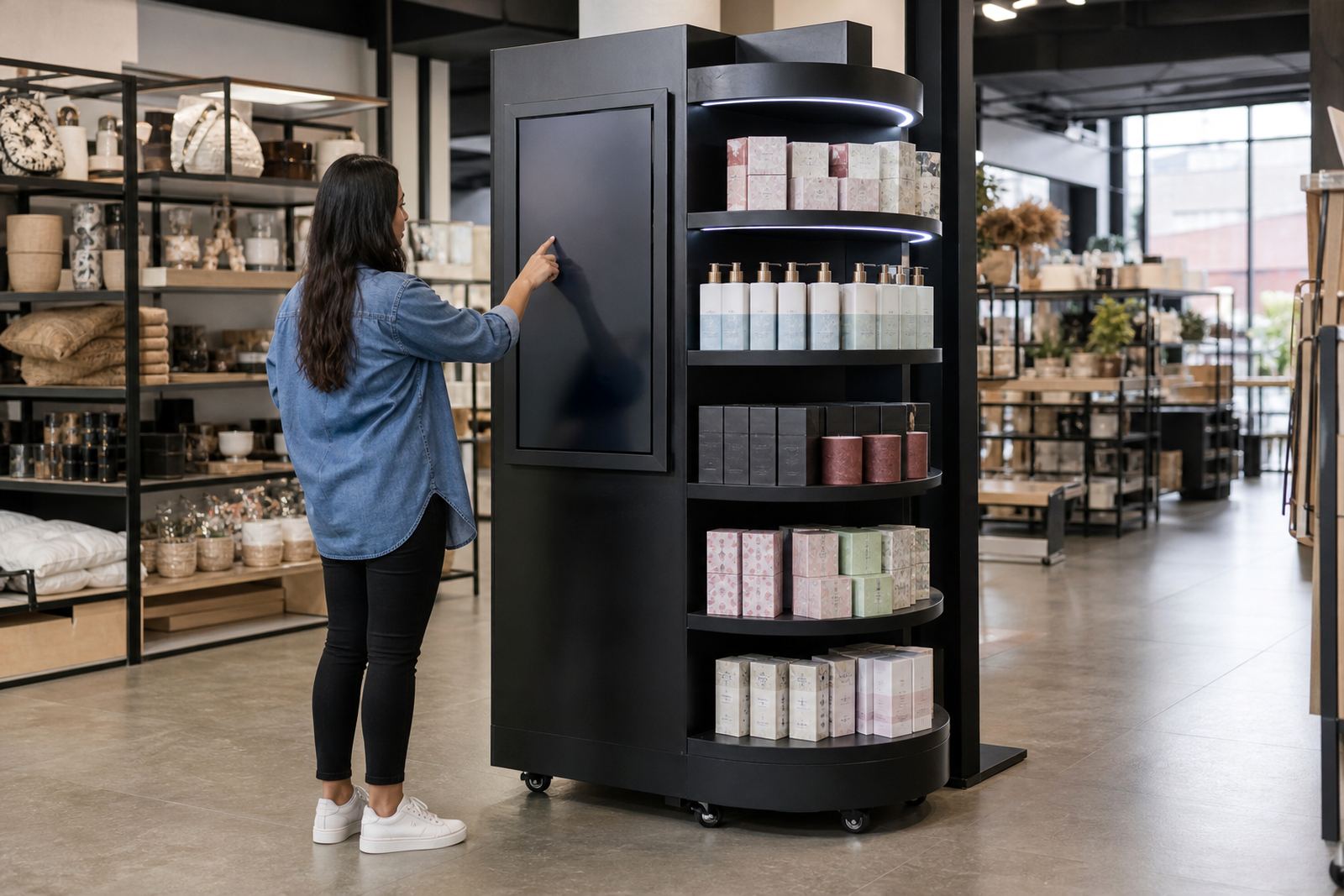
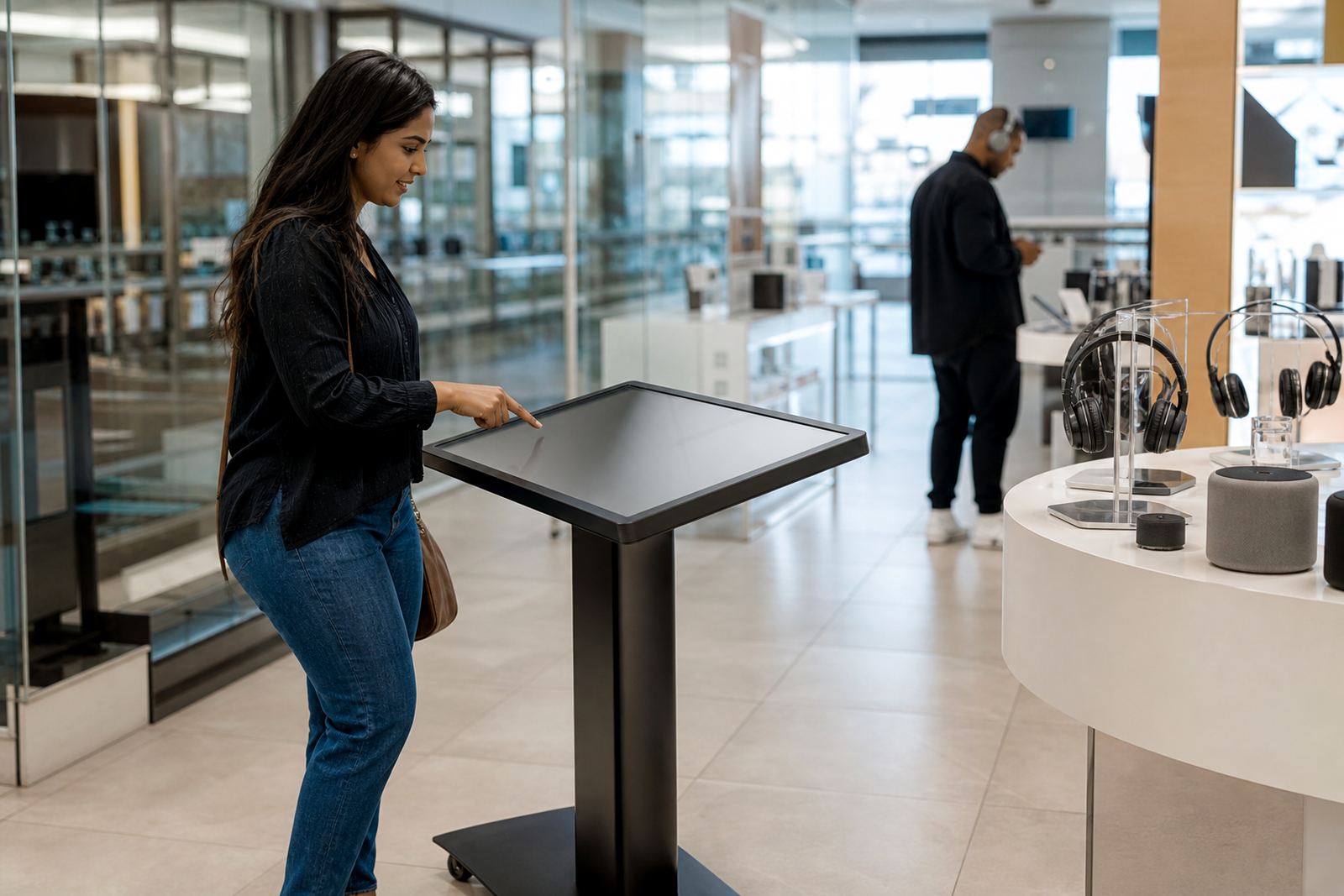
A landscape touch screen is a wide interactive display built for browsing product ranges, checking features and moving through visual content with a simple touch. The horizontal format works well when you need more room for product tiles, spec tables, video clips and comparison views, rather than stacking everything in a narrow column.
In retail, this format is often used where customers need to make quick decisions. It helps in clothing, appliances, building materials, electronics, furniture and lifestyle stores, especially when there are many variants to explain. Staff can use it for assisted selling too, which saves time when the store is busy and the queue is building up.
- Wide format for menus, images and side by side product comparisons
- Responsive touch input for direct customer use
- Suitable for self service browsing or guided sales support
- Works well with product videos, stock lookups and digital catalogues
Sizes, screen options and viewing angles
These units are usually specified in 43 inch, 55 inch, 65 inch and 75 inch formats, depending on the viewing distance and the amount of detail you want on screen. Smaller models suit counters, display islands and tighter retail spaces, while larger units are better for showroom entrances or high traffic product zones where people stand back a little.
Screen choice matters. A full HD panel is suitable for simple catalogue use, while 4K gives sharper text, cleaner images and better results when showing close up product photography. For brighter retail areas, choose a high brightness panel so the screen stays readable under strong ceiling lights and daylight from the front windows.
- Typical sizes: 43 inch, 55 inch, 65 inch, 75 inch
- Resolution options: full HD or 4K UHD
- Capacitive touch for smooth multi touch interaction
- Wide viewing angles for group browsing and staff assisted demos
Where it suits best in South African retail
This type of display suits stores that need to show more information without crowding the floor with printed material. In Johannesburg and Pretoria it is often used in busy malls and trade showrooms. In Cape Town and Durban, retailers also need to think about coastal humidity, so the unit should be installed in a dry indoor position with proper airflow and routine cleaning. In Bloemfontein and other inland locations, dust control and stable power are important.
It works well for product comparison points, new launch zones, order counters and assisted sales areas. If your store has load-shedding concerns, the display can be paired with a suitable backup power setup so it does not shut down mid demo, which is a real issue in many branches. For stores with several product ranges, the wide screen format makes it easier to explain differences without overwhelming the customer.
- Retail entrances and feature walls
- Showrooms with multiple product ranges
- Self service browsing bays and order points
- Promotional zones, launches and seasonal campaigns
Installation, power and network requirements
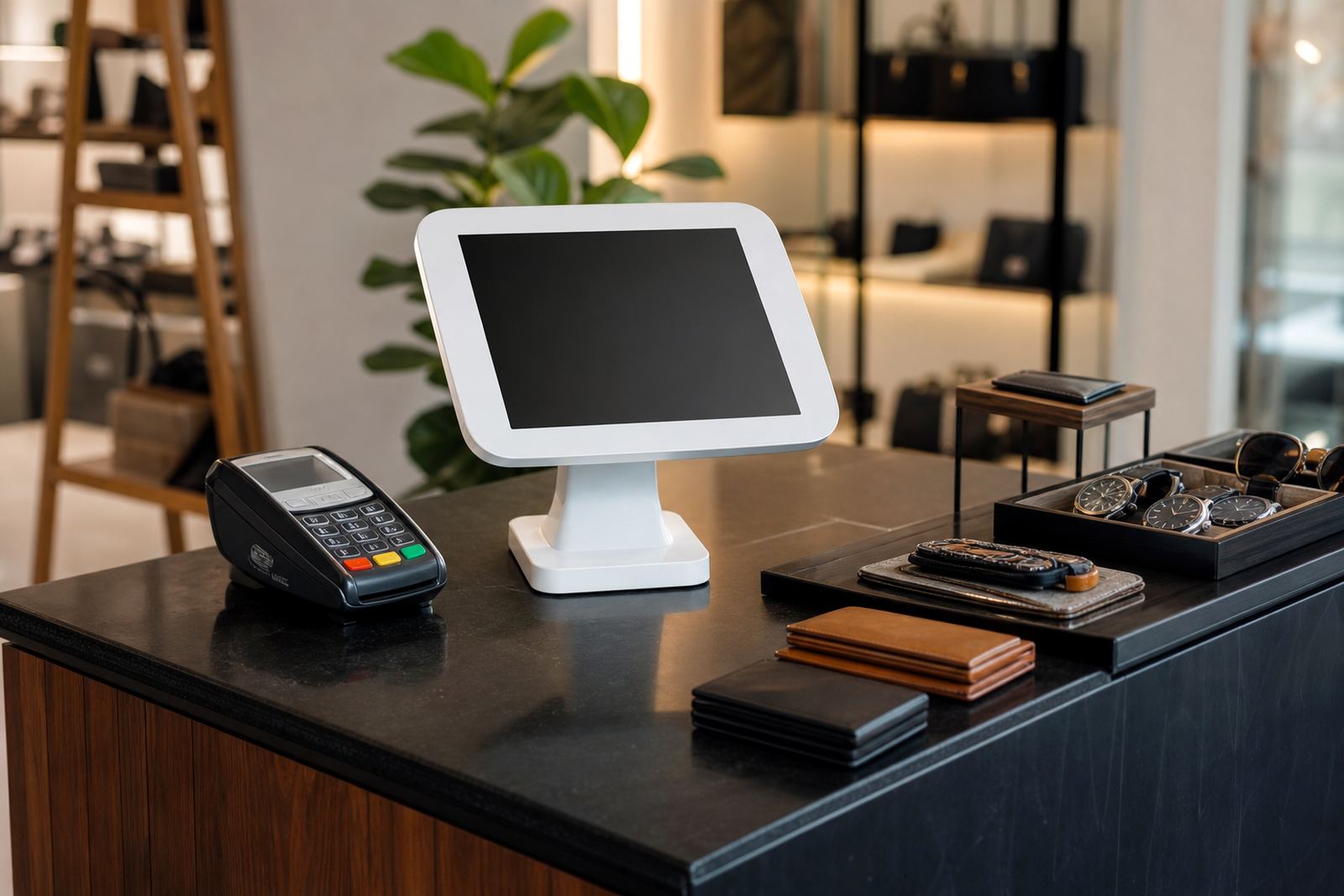
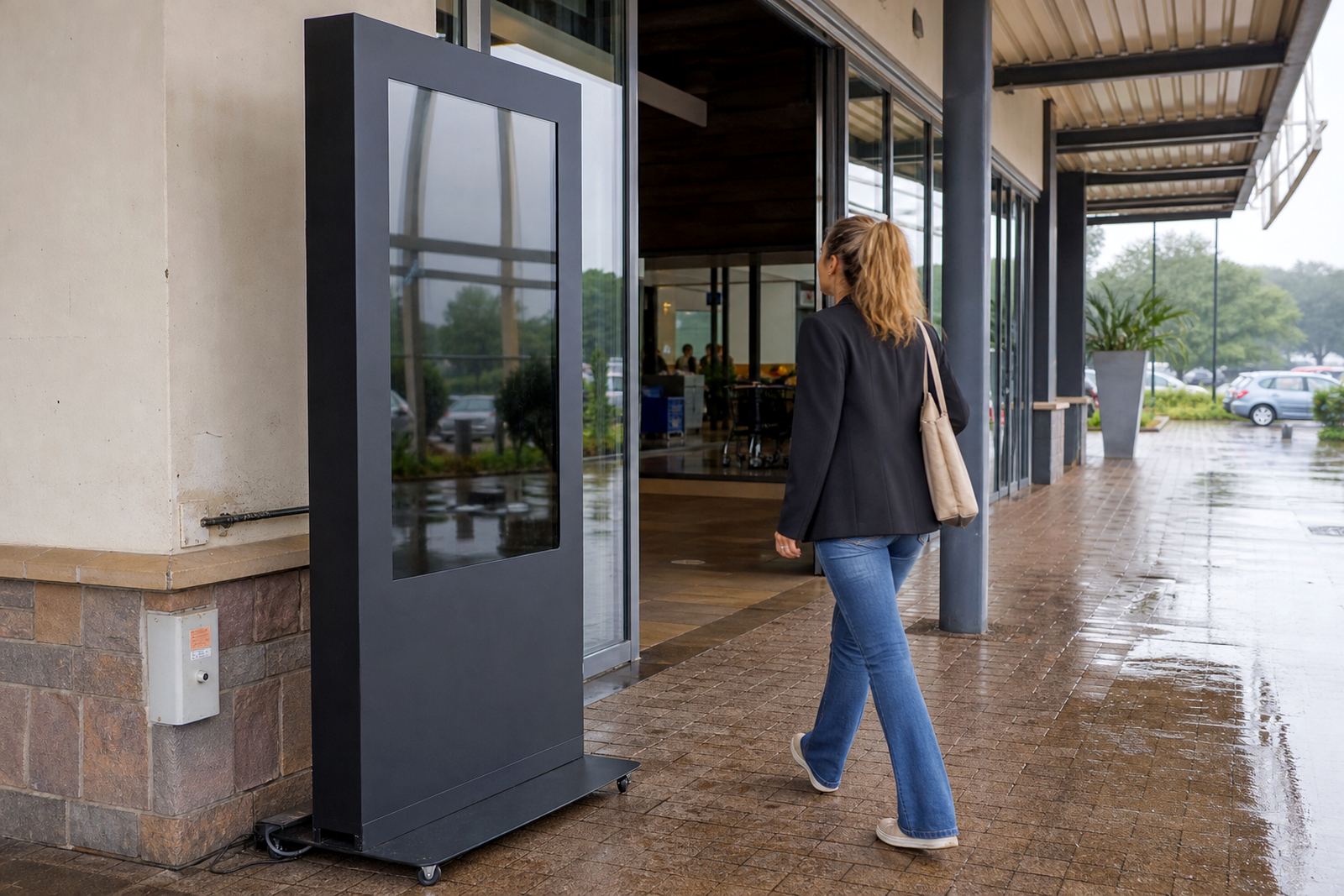
Installation is usually straightforward, but the site still needs to be checked properly. The unit may be wall mounted, fixed to a pedestal or built into a custom retail fixture, depending on the layout and access requirements. For public areas, mounting height and cable routing should be planned so the screen is easy to use and safe around foot traffic.
Most landscape touch screens run on standard 220 to 240 volt mains power and need a stable socket, a clean earth and enough ventilation around the enclosure. If the content is managed through a local network or cloud system, you will also need data connectivity and a clear plan for where the router or network point sits. No gas connection is required. It is worth checking whether the store has enough space for service access at the back or side, because a tight fit can make fault repairs slower later on.
- Power supply: 220 to 240 volt AC, standard mains
- Network: Ethernet or Wi-Fi depending on the setup
- Mounting: wall mount, pedestal or custom fixture
- Needs: ventilation, cable management and safe customer access
Care, cleaning and preventative servicing
Retail screens take fingerprints, dust and general handling, so care needs to be simple and consistent. Use a soft microfibre cloth and a suitable screen cleaner, never harsh solvents or rough pads that can mark the surface. In stores near the coast, a little extra attention helps because moisture and salt in the air can affect fittings and connections over time.
Preventative servicing helps keep the unit reliable, especially when it is used every day by staff and shoppers. Regular checks should cover touch response, content playback, cable condition, ventilation and enclosure fixings. If the screen is used for promotions, it is also worth checking that the right files have loaded and that any prices or product details are current, because incorrect content can confuse customers and slow down sales.
- Daily wipe down of the touch surface
- Scheduled checks on power, content and touch response
- Inspection of cables, brackets and ventilation openings
- Support for fault repairs and parts replacement when needed
What to check before you place an order
Before ordering, measure the space carefully and decide how customers will stand or move around the unit. The right size depends on the viewing distance, the amount of detail in your catalogue and whether the screen is for self service or staff assisted use. It also helps to confirm whether you need a single screen, multiple units for different departments, or a kiosk that can be branded to suit your store.
Also check the content plan. A wide screen works best when the layout is designed for horizontal use, not just stretched from a portrait design. If the screen must connect to stock systems, point of sale support tools or a local network, that should be agreed before delivery. For busy branches in Midrand, Sandton, Centurion and other high footfall areas, it is worth planning training for the team too, so the unit is used properly from day one and not left sitting in a corner.
- Available floor space and viewing distance
- Preferred size, brightness and resolution
- Content format and product information depth
- Power point location, network access and mounting method
Key facts
| Screen sizes | 43 inch, 55 inch, 65 inch, 75 inch |
|---|---|
| Orientation | Landscape |
| Resolution | Full HD or 4K UHD |
| Touch technology | Capacitive multi touch |
| Power input | 220 to 240 volt AC |
| Typical use | Retail catalogues, comparisons, product browsing and assisted sales |