What the Endcap Interactive Unit Does at Shelf Edge
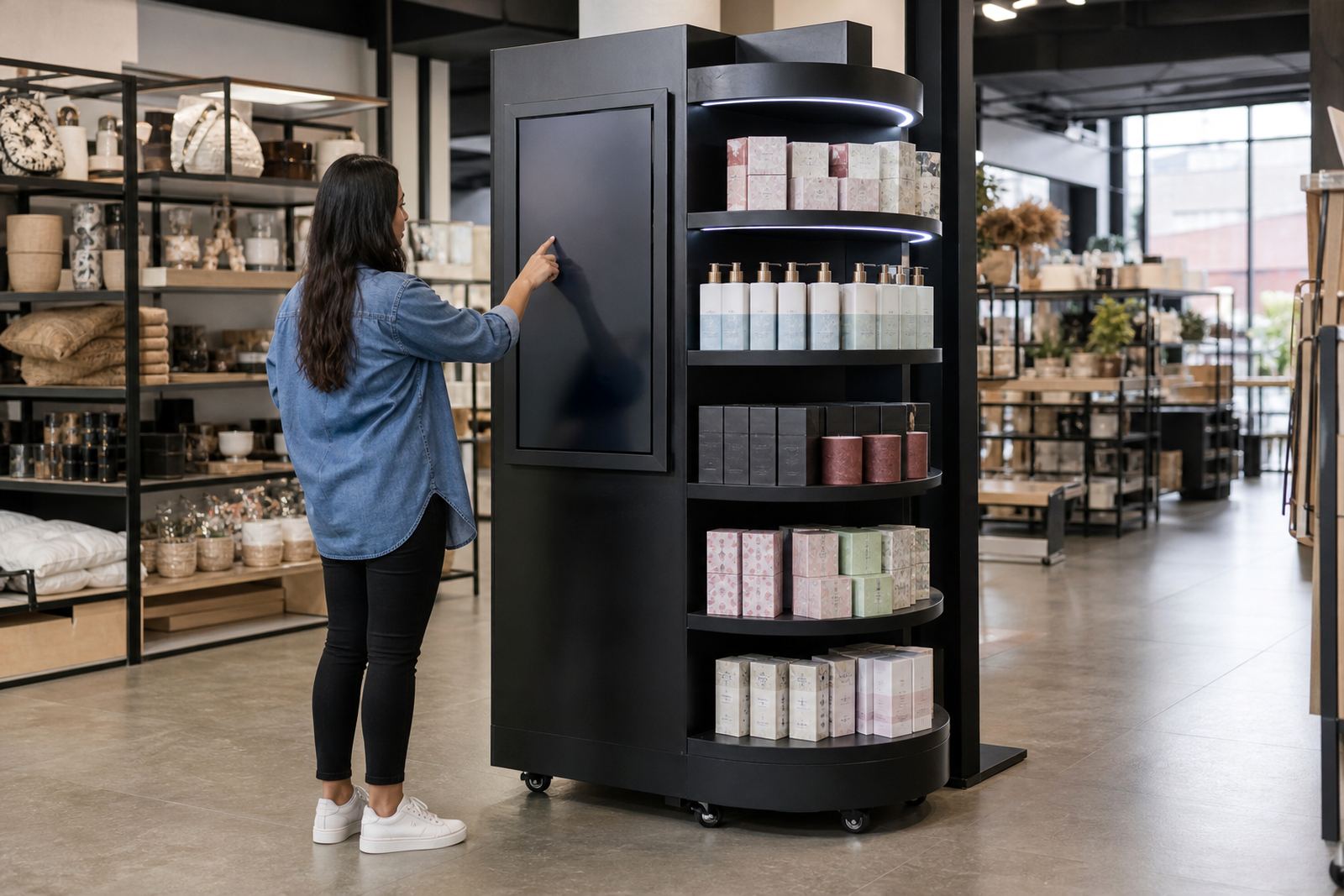
This unit is built for endcap positions at the end of an aisle, where foot traffic is high and shoppers are already comparing products. The touchscreen lets you show product details, range comparisons, how-to clips, promotion messages and QR prompts without depending on a staff member standing by every minute.
It is especially useful in busy stores in Johannesburg, Pretoria, Cape Town, Durban and Bloemfontein where endcap space has to work harder. A well planned unit can hold attention for 15 to 45 seconds, which is often enough to move a shopper from browsing to buying.
Because it combines display and interaction in one point, the endcap works well for seasonal promotions, launches and category education. It also helps when you need a clean product story in a store with limited floor space or changing promotions every few weeks.
Sizes, Screen Options and Display Formats
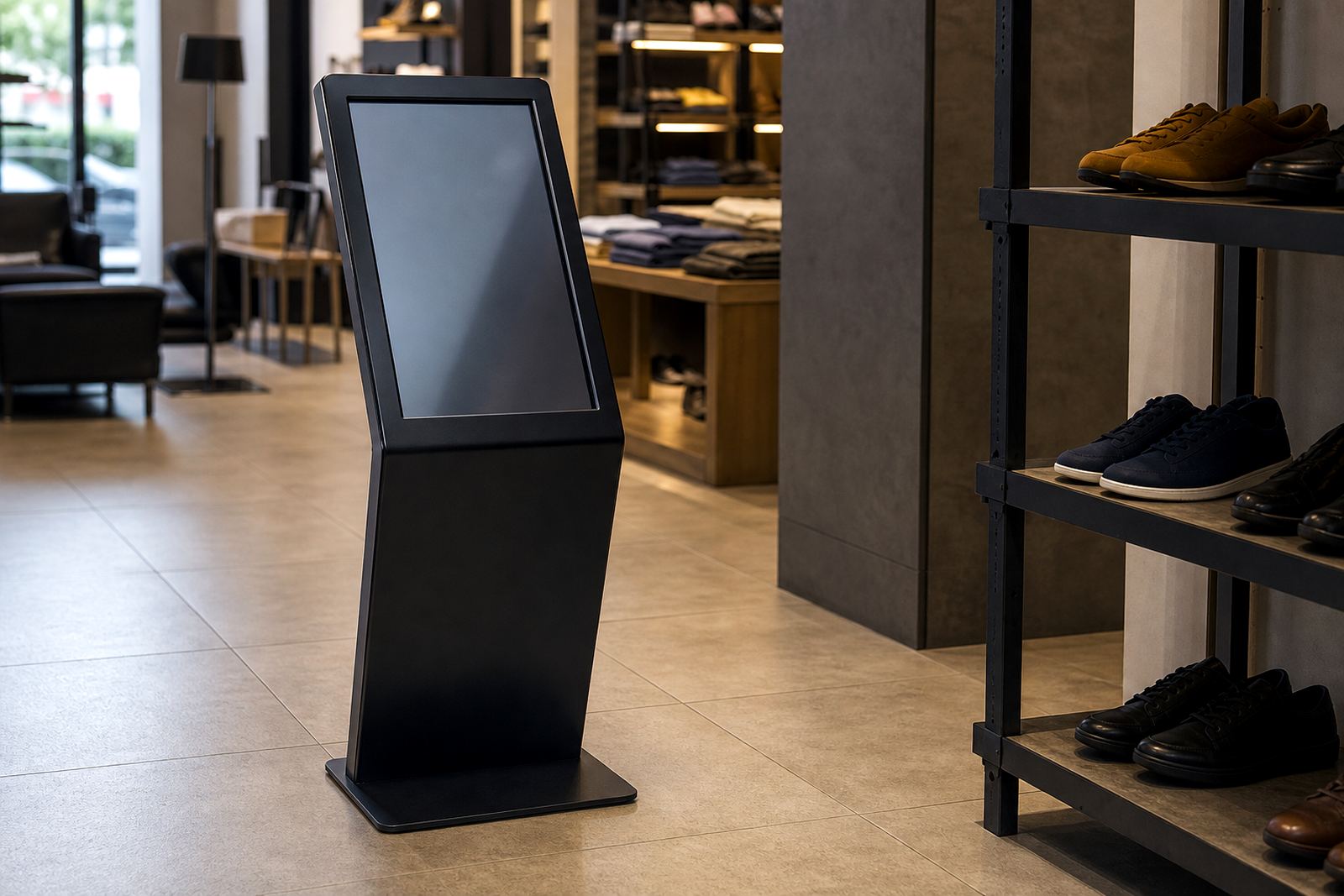
The standard format is designed around a single portrait or landscape touchscreen mounted above or beside the product fixture, with the overall endcap footprint matched to retail aisle widths. Common screen sizes are 22 inch, 32 inch, 43 inch and 55 inch, depending on viewing distance and how much content you need to show.
Units can be supplied as a floor standing endcap, a fixed retail fixture with integrated display, or a modular unit that fits into existing shelving. If your store has a narrow aisle or a heavy promotional bay, the frame can be adjusted to suit the available space, which helps avoid crowding and keeps the display accessible.
- Screen size options: 22 inch, 32 inch, 43 inch, 55 inch
- Orientation: portrait or landscape
- Mounting: freestanding, fixed to shelving, or modular insert
- Finish options: powder coated steel, laminated panels, printed fascia
- Access: rear or side access for servicing and content updates
The display can also be paired with brochure holders, sample hooks, product trays or locked storage below the interactive section. That makes it easier to keep everything neat and stop stock from being handled too roughly.
Where It Suits Best in Store
An interactive endcap works best where a customer is deciding between similar products or needs a bit more explanation before they choose. That includes health and beauty, small appliances, electronics accessories, stationery, home care, toys and seasonal goods. It also suits stores that run promotion cycles in malls, standalone retail shops and hardware outlets.
For stores on the coast, it is worth planning for humidity and salt air. In Durban, Cape Town and other coastal areas, we often recommend sealed fittings and corrosion resistant finishes so the unit keeps its look over time. In Gauteng, dust and load-shedding planning matter more, so the unit should be placed where power backup and ventilation can be managed properly.
- Best for aisle promotions and new product launches
- Useful for comparison shopping and feature education
- Suitable for stores with self-service foot traffic
- Works well near tills, promo bays and category endcaps
- Can be used in mall stores or larger format retail
If your product range changes often, the unit can be programmed for quick content swaps so the same hardware stays useful across several campaigns.
Installation, Power and Network Planning
Installation starts with a site assessment to check floor space, wall fixing points if needed, aisle clearance and access to power. Most endcap units need a standard 220V supply, with the exact load depending on screen size, media player and any lighting or control hardware. Where the store is affected by load shedding, backup power should be planned in advance so the screen does not go dark during peak trading hours.
If the unit needs live content or remote updates, network integration can be set up through the store’s local connection or a secure wireless option. In some stores, offline playback is enough, especially if the content only changes weekly. The right choice depends on how often you want to update the product stories and who will manage them.
Our installation team handles delivery, assembly, software configuration and testing, then checks that the unit is stable and safe for public use. If the store has municipal or mall rules about cabling, signage height or fire exits, those details are considered before work starts, so there are no surprises on site.
Care, Servicing and Parts Support
Retail units take daily knocks, so routine care matters. The screen should be cleaned with a soft microfibre cloth and a suitable screen cleaner, never harsh chemicals or abrasive paper. The cabinet should be wiped down regularly, and any vents or access panels must stay clear so heat does not build up inside the unit.
Preventative servicing is worth doing before a busy season or campaign change. That usually includes checking touch response, cable security, software health, brightness settings, locks and any moving parts. In high traffic stores, small faults can become bigger disruptions if they are left too long.
If a part fails, replacement should be straightforward. Common service items include touch sensors, power supplies, media players, locks, fans and display mounts. With proper servicing, the unit should keep performing well for years, even in stores that run long trading hours and frequent promotion changes.
- Daily: screen wipe and visual check
- Monthly: inspect cables, vents and fixings
- Quarterly: test software, brightness and touch accuracy
- As needed: repair faults and replace worn parts
What to Check Before You Order
Before ordering an Endcap Interactive Unit, it helps to confirm the exact space available, the type of products to be displayed and how much content you want the unit to carry. A small screen with short messages works differently from a larger unit that needs detailed product education and multiple videos. If the store is changing promotions often, make sure the content workflow is practical for your team.
You should also confirm whether the unit must be freestanding or attached to existing shelving, whether product samples will be handled by customers, and whether locking storage is needed underneath. If you are operating in a busy mall or a store with strict safety rules, height, cable routing and placement should be checked against site requirements before manufacture starts.
- Available footprint and aisle clearance
- Screen size and orientation
- Power point location and backup power needs
- Network access for content updates
- Branding artwork, logo files and promotion messages
- Storage, locking and sample handling requirements
Once these details are confirmed, the unit can be specified properly and delivered ready for installation. That saves time on site and keeps the final result tidy, practical and easy to use.
Key facts
| Product type | Interactive retail endcap display with touchscreen interface |
|---|---|
| Typical screen sizes | 22 inch, 32 inch, 43 inch, 55 inch |
| Power requirement | 220V AC standard retail supply, backup power recommended for load shedding |
| Connectivity | Offline media playback or network connected content updates |
| Finish | Powder coated steel, laminated panels, printed branding surfaces |
| Service options | Site assessment, installation, software setup, training, repairs and parts replacement |